Seedance 2.0 from ByteDance is one of the most powerful video generation models available right now, producing cinematic clips with built-in synchronized audio from a single text prompt. But that's not the only reason creators are paying attention. Because of how it handles visual quality, scene composition, and subject realism, it has become a go-to starting point for generating NSFW content at a level that most image-only models haven't matched. This article walks you through exactly how to use it, what to pair it with, and which models on PicassoIA will get you the most realistic, unrestricted results.
What Seedance 2.0 Actually Does
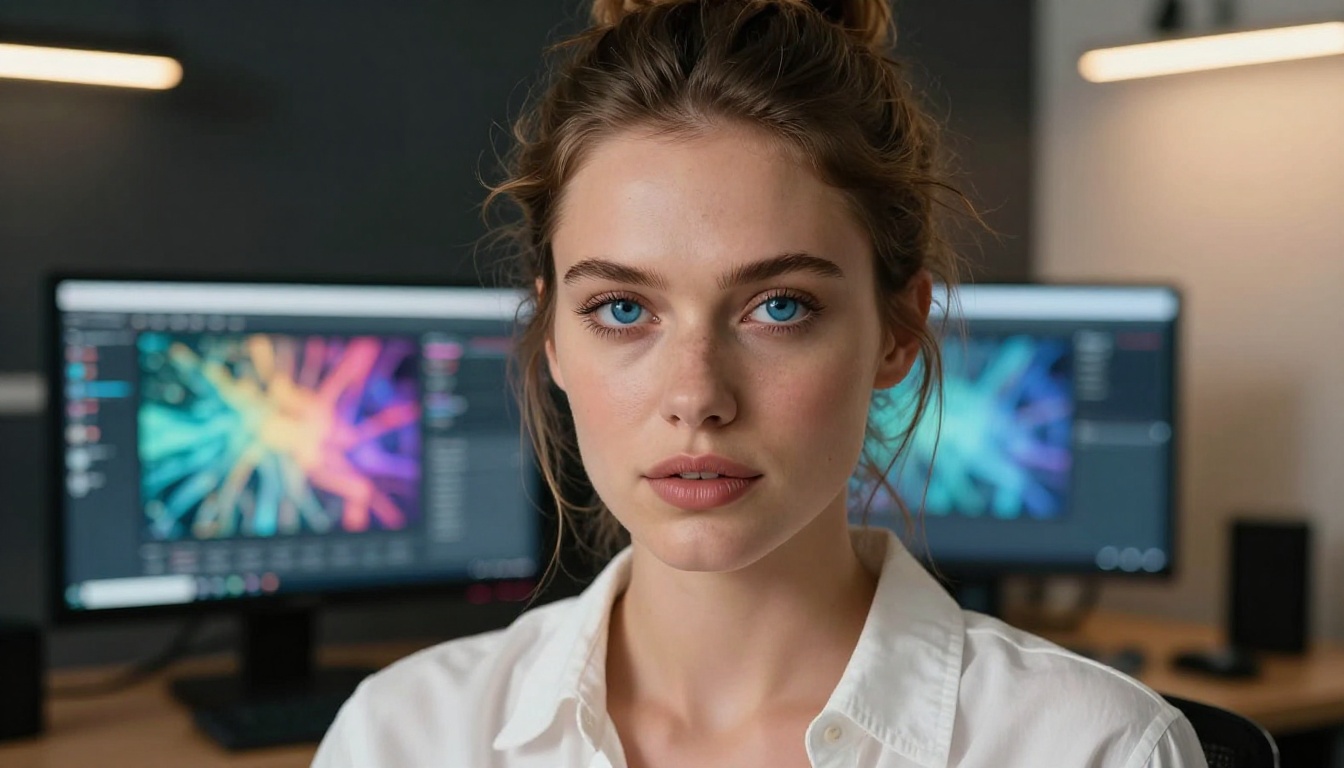
Seedance 2.0 is a text-to-video model developed by ByteDance, the same company behind TikTok. It generates short video clips from natural language prompts, with output including synchronized ambient audio. On PicassoIA, you can access it directly without API keys or technical setup.
The model has earned a reputation for photorealistic output, particularly in scenes involving people. Its rendering of skin, fabric, hair, and lighting closely mirrors what you'd expect from professional photography. That makes it unusually effective for NSFW content: the realism isn't just about visual quality, it's the way subjects inhabit their environments naturally and convincingly.
Cinematic Output from Text Alone
Most video models require a reference image to generate something usable. Seedance 2.0 doesn't. You give it a text description and it builds the full scene: the subject, the setting, the lighting, the camera angle, the motion, and the audio atmosphere. The result feels like a short cinematic clip, not an animation or a slideshow.
Each clip runs 5 seconds at 24 frames per second. You can use the standard Seedance 2.0 version or the faster Seedance 2.0 Fast variant if you're iterating quickly across many prompts and need results faster.
Why NSFW Creation Works Here
Most AI platforms apply aggressive safety filters that block anything remotely suggestive. Seedance 2.0 on PicassoIA operates without those restrictions, which is why it has become popular among creators who produce adult content. The quality of the output combined with the absence of hard filters means you can generate content that would be rejected outright on competing platforms.
That said, if your goal is still images rather than video clips, you'll get better results by pairing Seedance 2.0 with dedicated image models. More on that below.
Best Models for NSFW Images on PicassoIA
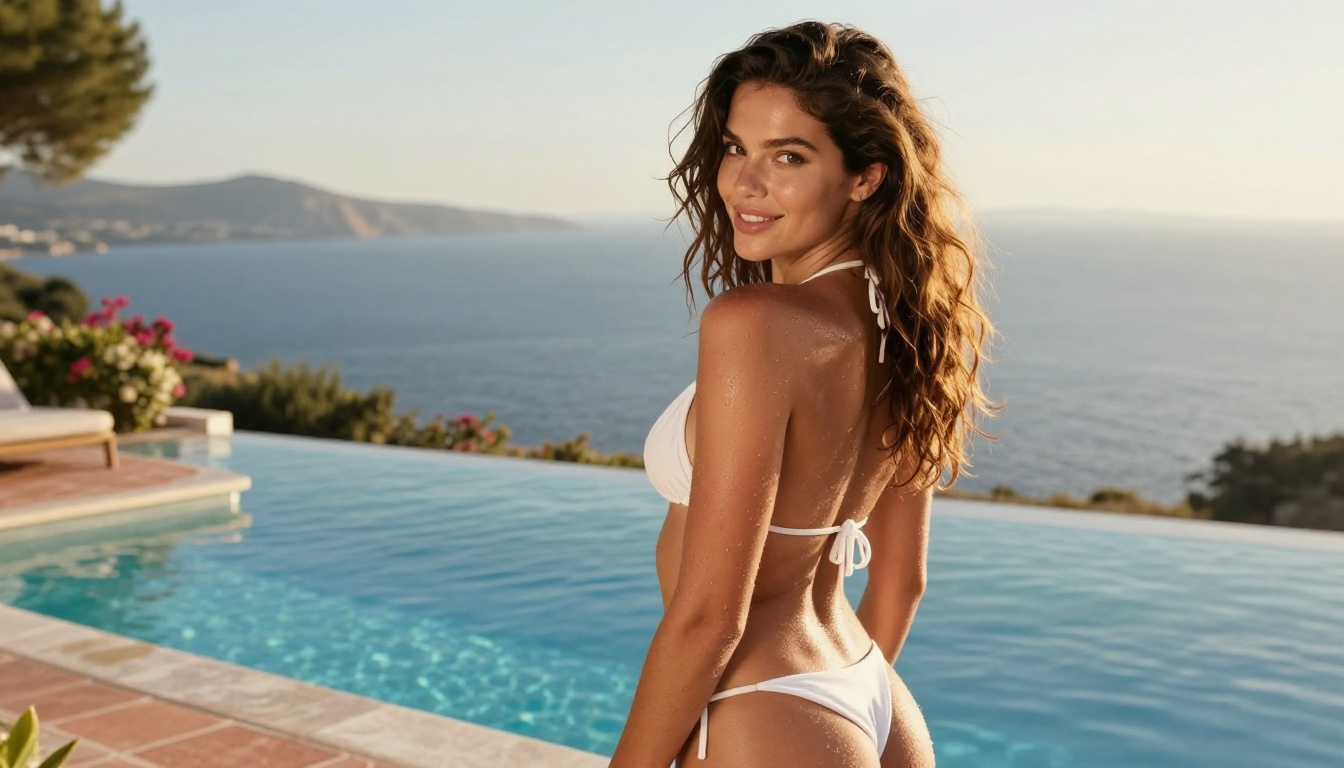
PicassoIA hosts a curated set of models that accept NSFW content without restrictions. These are the ones worth knowing.
Seedream 4.5 Leads the Pack
Seedream 4.5 is the top recommendation for NSFW image generation. Also from ByteDance, it accepts adult content, generates in under 3 seconds, and produces results that compete with professional photography. Its image editing capabilities let you take an existing image and modify specific elements, adjust lighting, or change clothing without rebuilding the scene from scratch.
💡 Critical note: Seedream 5 Lite, the newer model in the same family, does not support NSFW content. Stick with Seedream 4.5 for adult content creation.
The model handles a wide range of scenarios well: boudoir photography, bikini content, artistic nudity, and glamour shots all produce realistic results. It renders skin texture, fabric drape, and environmental lighting at a level that makes outputs look like edited photographs rather than AI generations.
PicassoIA Image Editor Pro for Unlimited Output
If you need volume, PicassoIA Image Editor Pro is the smart choice. It's an img2img model that works from a reference image and modifies it based on your text prompt. Its biggest advantage is pricing: Elite and Infinite subscribers get unlimited generations with no per-image cost.
To put that in perspective, generating 1,000 images with models like Nano Banana 2 would cost around $100. With PicassoIA Image Editor Pro, those same 1,000 images cost nothing extra. It also generates in under 1 second and accepts NSFW content. There's a free trial of 3 generations with no credit card required.
The Full NSFW Lineup
Here's the complete list of models on PicassoIA that support adult content, in order of recommendation:
| # | Model | Speed | Type | Standout Feature |
|---|
| 1 | Seedream 4.5 | Under 3s | Text-to-Image + Edit | Ultra-realistic, no content filters |
| 2 | Image Editor Pro | Under 1s | Image-to-Image | Unlimited generations on Elite/Infinite |
| 3 | Qwen Image 2 | Fast | Text-to-Image + Edit | Open source, detailed realism |
| 4 | Grok Imagine Image | Fast | Image-to-Image | Converts any image to bikini format |
| 5 | Recraft V4 | Fast | Text-to-Image | Very realistic photographic results |
| 6 | P-Image | Under 1s | Text-to-Image | Fastest NSFW image generation |
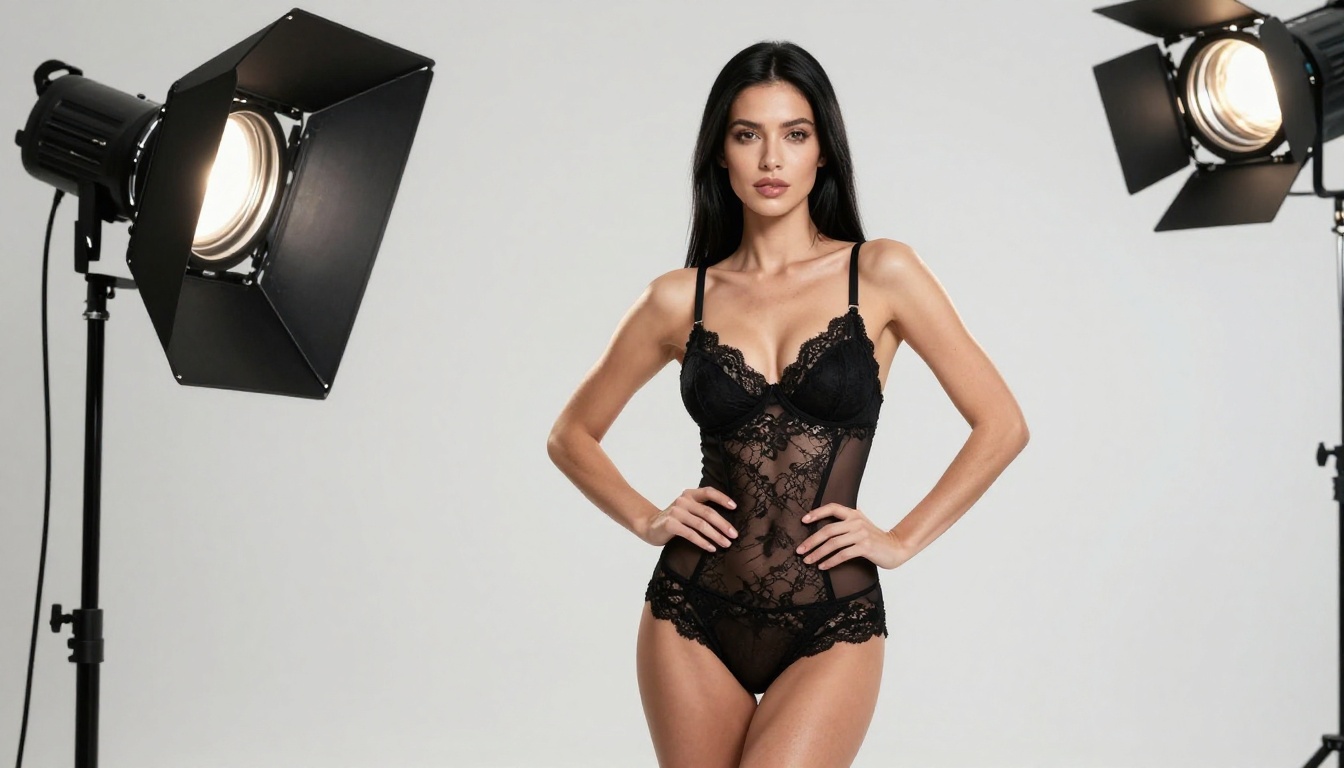
How to Use Seedance 2.0 on PicassoIA
Using Seedance 2.0 on PicassoIA requires no complex setup. Here's the exact workflow.
Step 1: Open the Model
Go to Seedance 2.0 on PicassoIA. You'll see a prompt input box and a set of parameters below it. No configuration needed before you start.
Step 2: Write Your Prompt
Prompts for Seedance 2.0 work best when they describe a scene in detail rather than just the subject. Don't write "woman in lingerie." Write something like:
"A beautiful woman with long auburn hair, sitting on the edge of a silk-covered bed in a dimly lit hotel room. She wears a black lace bralette and looks toward the window. Soft golden light from the hallway. Camera slowly pulls back. Ambient hotel atmosphere."
The more cinematic your language, the better the output. Think of yourself as writing a scene direction, not a product description. Describe the light source, the camera motion, and the atmosphere alongside the subject.
Step 3: Set Resolution
For best results, select 720p in the resolution options. The default is 480p, which works fine for quick iterations, but 720p gives you the detail level needed for extracting usable still images from the video output.
Step 4: Extract Frames as Still Images
This is the workflow that makes Seedance 2.0 particularly relevant for image creation. Once you have your video, you can:
- Download the clip to your device
- Use any video player to pause at the exact frame you want
- Screenshot or export that frame as a still image
The 24fps output means you have 120 individual frames in a 5-second clip, each one a fully rendered photorealistic image. This gives you far more variety than generating 120 separate text-to-image prompts, and the subject, lighting, and scene remain consistent across every single frame.
Writing Prompts That Actually Work

The quality difference between a mediocre NSFW generation and a stunning one almost always comes down to the prompt. Here's what separates them.
The Formula
Good NSFW prompts for both Seedance 2.0 and Seedream 4.5 follow this structure:
Subject + appearance details + clothing or lack thereof + environment + lighting specifics + camera angle and lens + mood and atmosphere + motion description (for video only)
For image models like Seedream 4.5, skip the motion description and add quality modifiers at the end: photorealistic, 8K, Kodak Portra 400, RAW, hyperdetailed, natural skin texture.
Common Prompt Mistakes
- Too short: "Woman in lingerie" produces a generic, flat result with no environmental context
- Conflicting styles: Mixing "photorealistic" with "artistic" or "painterly" confuses the model's rendering mode
- No lighting: Forgetting to specify lighting direction means the model guesses, often badly
- No environment: A subject floating in an undefined space always looks wrong and artificial
- Using forbidden modifiers: Terms like "anime," "cartoon," or "3D render" override your realism request entirely
💡 Tip: Describe the light source first, not the subject. "Warm afternoon light from a west-facing window" sets the entire scene for everything that follows.
Prompt Templates You Can Copy
Here are three working templates ready to use:
Boudoir:
[Subject with specific appearance] on a [fabric type] [furniture] in a [room style]. Wearing [clothing description]. [Lighting direction] from [light source]. [Camera angle], [lens mm] f/[aperture]. Kodak Portra 400, photorealistic, 8K RAW
Outdoor / Pool:
[Subject with specific appearance] at [location], wearing [minimal clothing]. [Time of day] light from [direction]. [Skin detail note]. [Camera angle and distance]. Film grain, RAW photography, hyperdetailed
Studio:
[Subject with specific appearance] on a [backdrop color] seamless studio backdrop in [clothing]. Professional [light type] from [direction] with [secondary light]. Eye-level 85mm f/1.8. Natural skin texture, photorealistic 8K
Seedream 4.5 vs Seedance 2.0 for NSFW
These two ByteDance models come up in the same conversation often, but they serve different purposes. Here's how they compare directly.
Speed and Output Format
| Factor | Seedream 4.5 | Seedance 2.0 |
|---|
| Output type | Still image | 5-second video clip |
| Generation speed | Under 3 seconds | 30 to 60 seconds |
| Resolution | Up to 4K | 480p or 720p |
| NSFW support | Yes | Yes |
| Built-in audio | No | Yes, synchronized |
| Frames per generation | 1 | Up to 120 |
| Iteration speed | Very fast | Slower |
Which One to Pick
Use Seedream 4.5 when:
- You need a single specific image in under 3 seconds
- You want to iterate rapidly on small prompt changes
- Resolution and fine skin detail are the priority
- You're editing an existing image rather than generating from scratch
Use Seedance 2.0 when:
- You want multiple frames of the same subject in natural motion
- The video clip itself is your deliverable
- You want natural, organic poses rather than static ones
- You're building a content library from a single consistent prompt
3 Workflows That Produce Better Results

Knowing which model to use is one thing. Knowing how to combine them is where you get quality that stands out.
Workflow 1: Direct Text-to-Image with Seedream 4.5
The most straightforward path. Go to Seedream 4.5, write a detailed prompt using the formula above, and generate. With 3-second generation times, you can iterate through 10 to 15 variations in under a minute.
When you find a result you like, save the prompt. Seedream 4.5 also accepts image editing, so you can take your best output and tweak specific details: change the clothing, adjust the lighting, or modify the background without regenerating the entire scene from scratch.
Workflow 2: Image Editing at Unlimited Scale
Start with any base image, either generated by Seedream 4.5 or from another source. Upload it to PicassoIA Image Editor Pro and use a text prompt to modify it exactly as needed.
This workflow is ideal when you have a specific look in mind and want to iterate without changing the underlying composition. Common uses include:
- Changing clothing while keeping the pose and background identical
- Adjusting skin tone, hair color, or body proportions
- Adding or removing elements from the scene
- Shifting the lighting from natural to artificial or vice versa
Because it's unlimited on Elite and Infinite plans, you can run hundreds of variations without counting credits or worrying about costs.
Workflow 3: Frame Extraction from Seedance 2.0
Generate a video with Seedance 2.0 at 720p. Download the clip and use a video player or frame extraction tool to pull individual stills. This gives you up to 120 unique images from a single generation.
What makes this approach powerful is temporal consistency: across all 120 frames, the subject looks the same. Same face, same body, same scene. If you generate 120 separate text-to-image prompts, you get 120 different subjects. Frame extraction gives you a coherent character across every single output.
Once you have your frames, run the most interesting ones through PicassoIA Image Editor Pro to refine details, or use Seedream 4.5 as a base to upscale and sharpen the extracted stills.
Other Models Worth Knowing
Qwen Image 2 and Grok Imagine Image
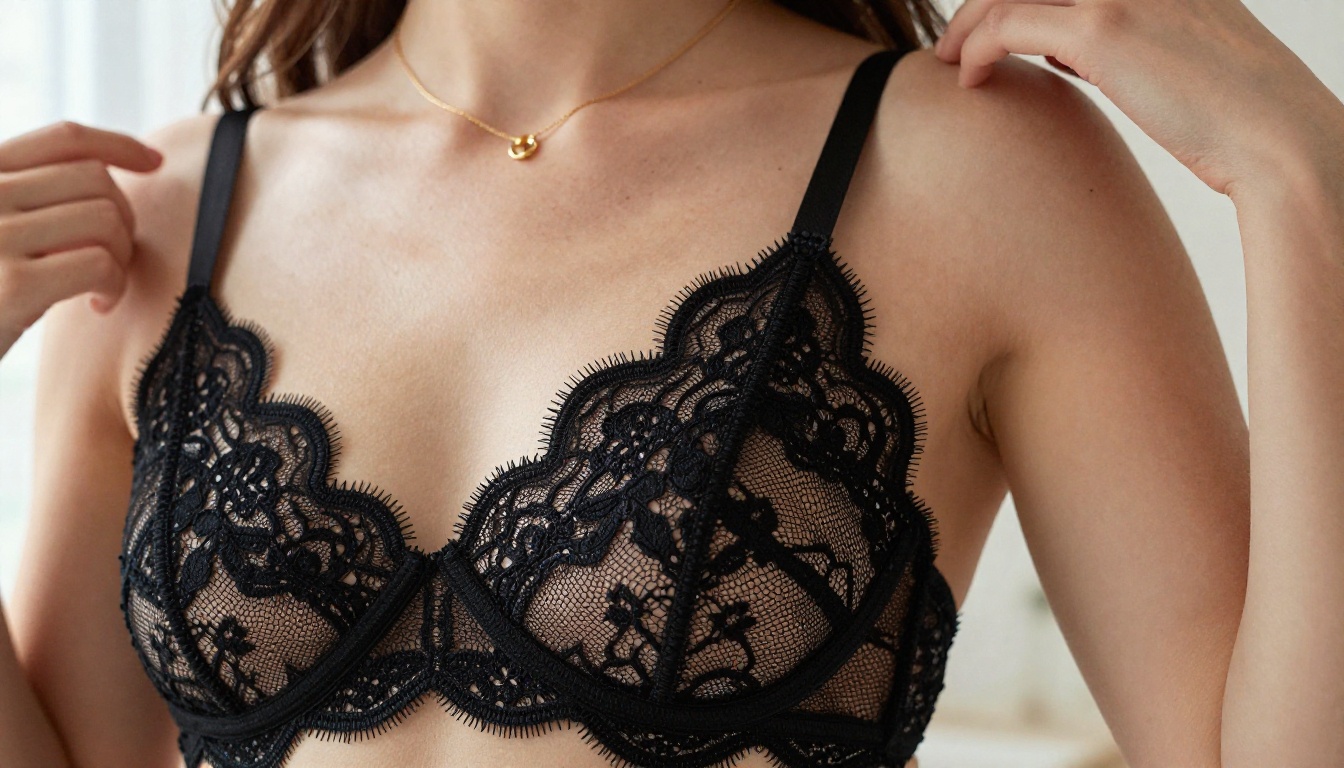
Qwen Image 2 is an open-source model that handles both text-to-image and image editing. Its particular strength is in detail rendering and realism, making it a solid secondary option when Seedream 4.5 produces something too polished or when you need a slightly different aesthetic.
Grok Imagine Image does something specific that none of the other models do as well: it converts any existing image into a bikini version, realistically. Upload a clothed portrait, describe the transformation, and it handles the physics of fabric and skin in a way that looks natural rather than digitally altered.
Recraft V4 and P-Image round out the list. Recraft V4 produces some of the most photorealistic text-to-image outputs on the platform. P-Image generates in under 1 second, making it useful when you need rapid drafts before committing to a higher-quality render with one of the slower models.
NSFW Video Models on PicassoIA
If the video itself is your deliverable, the lineup goes well beyond Seedance 2.0:
- PicassoIA Video: Unlimited text-to-video generation on Elite and Infinite plans, up to 720p and 5 seconds per clip
- P-Video: Text, image, or audio to video at up to 1080p with the safety filter disabled by default and a draft mode for instant previews
- Grok Imagine Video: Clips up to 15 seconds with no watermarks, compatible with both text prompts and image input
- LTX 2.3 Pro: Highest fidelity at up to 4K and 50fps with retake and extend editing for precise control over every segment
Why PicassoIA Works for NSFW Content

Most major AI platforms have moved toward stricter content moderation. The result: even legitimate adult content creators find their prompts blocked, their accounts flagged, or their outputs watermarked and degraded. PicassoIA takes a different position.
No Restrictive Filters
The models on PicassoIA are deployed without the aggressive content filters that block adult content elsewhere. That's not an accident. The platform is built for creators who need unrestricted access to AI generation tools, and that extends to NSFW content specifically.
This applies across image and video models alike. Whether you're using Seedream 4.5 for still images, Seedance 2.0 for cinematic video clips, or P-Image for rapid draft iterations, the models run without blocking prompts that describe adult scenarios.
Subscription Value That Changes the Math
The unlimited generation model on Elite and Infinite plans changes the economics of NSFW content creation significantly. With PicassoIA Image Editor Pro and PicassoIA Video, you're not paying per image or per clip. You pay once for the plan and generate as much as you need.
For someone producing content at scale, the difference between a per-credit model and an unlimited subscription is significant. A content creator who generates 500 images per month would spend $50 or more on credits elsewhere. On an Elite plan, those same 500 images are included at no additional cost.
💡 Free Trial: PicassoIA Image Editor Pro includes 3 free generations with no credit card required. It's the fastest way to test the output quality before committing to a subscription.
See What You Can Create
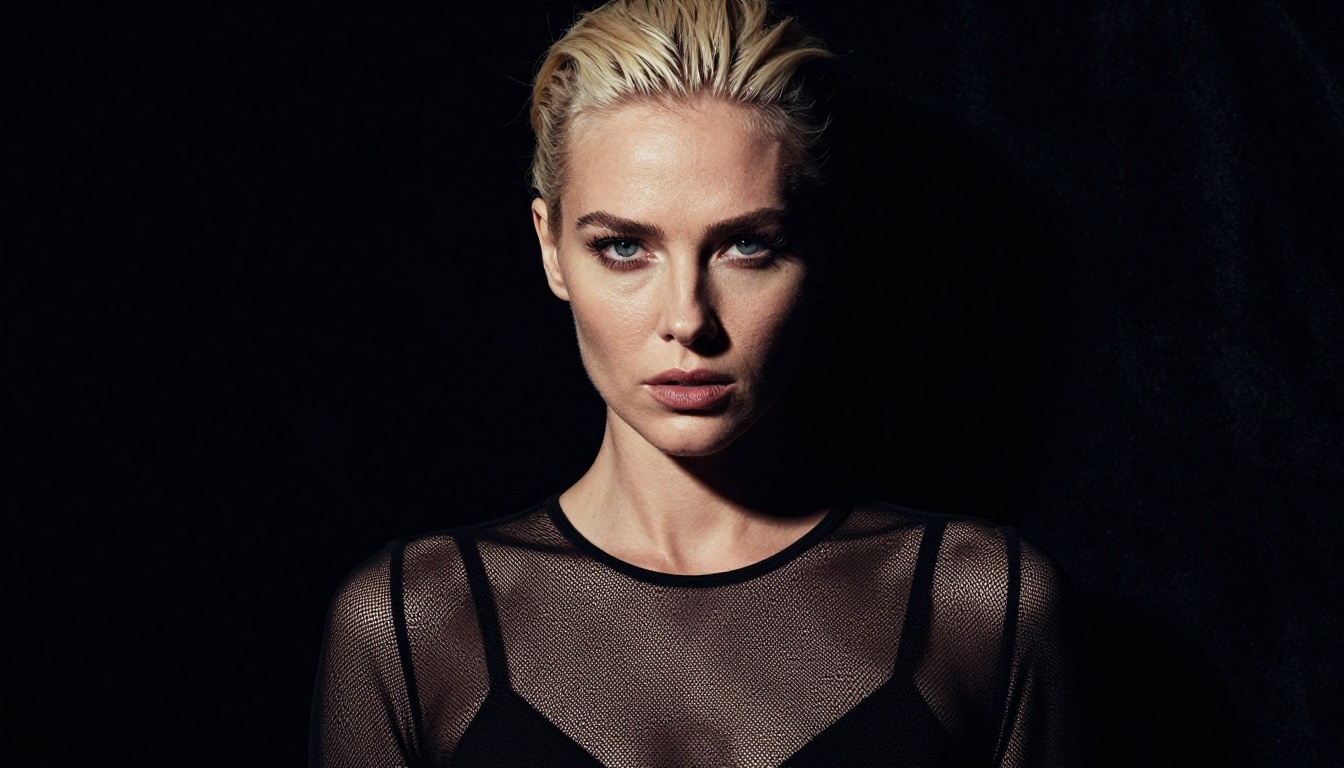
Every tool described in this article is available now at picassoia.com/en/all-models. No complex configuration needed, no API access required. Open the model, write your prompt, and generate.
Start with Seedream 4.5 if you want a still image in under 3 seconds. Use Seedance 2.0 if you want a full video clip from a text prompt alone, then extract the individual frames you want to keep. Drop your best frames into PicassoIA Image Editor Pro to refine and iterate without counting credits.
The gap between what these models can produce and what most people expect from AI generation is significant. The output is photorealistic, unrestricted, and fast. The only variable is the prompt you write and the model you choose.
Browse the full catalog of NSFW-compatible models at picassoia.com/en/all-models and run your first generation today.


