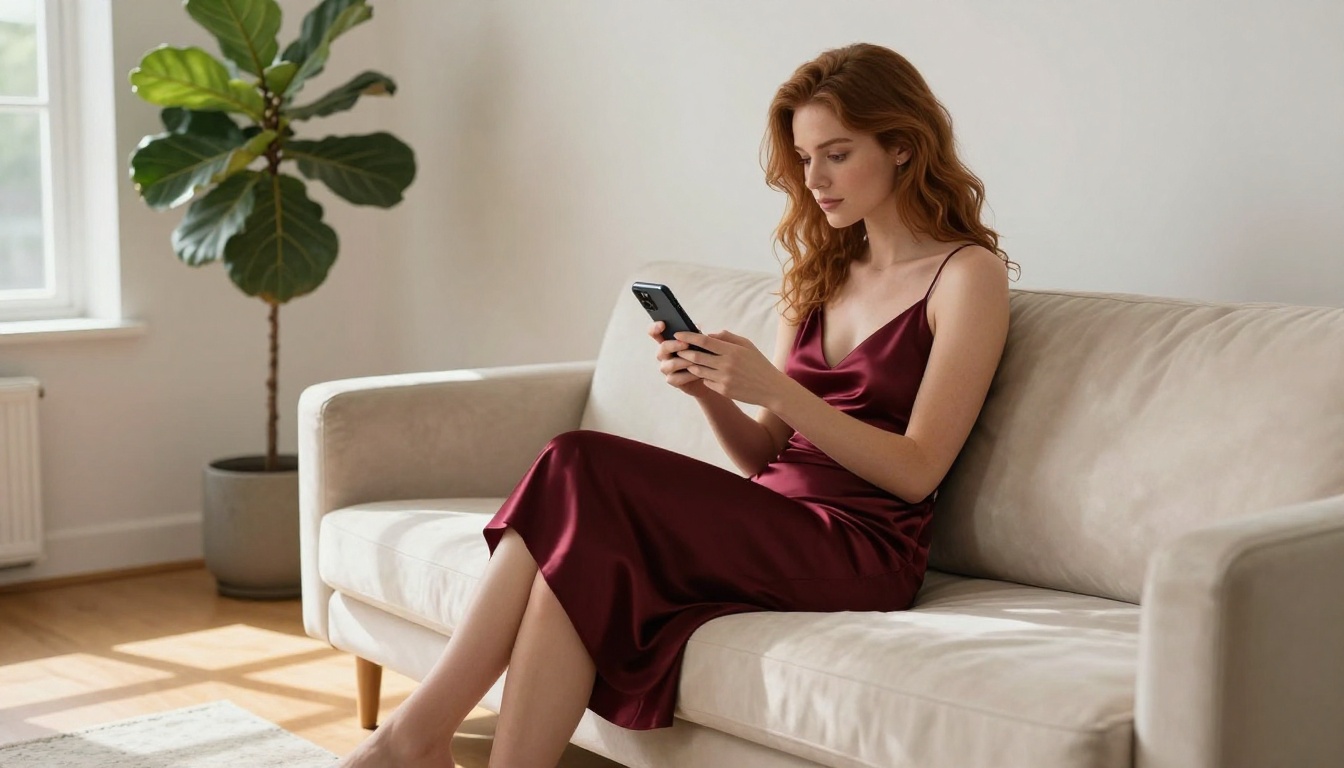
How to Get Uncensored AI Videos in 2027: No Filters, No Limits
Everything you need to know about generating uncensored AI videos in 2027. From NSFW-friendly platforms to models without content restrictions, this breakdown covers tools, settings, and workflows that deliver unrestricted results without getting blocked by content filters.
Most AI video platforms added content filters the moment adult content became popular. OpenAI's Sora blocks it. Google's Veo blocks it. Runway blocks it. If you've tried typing anything remotely suggestive into these tools, you already know the result: a vague error, a rejected request, or a sanitized output that has nothing to do with what you wanted.
This is not the end of the road. In 2027, a clear set of platforms exists that let you generate uncensored AI videos: real NSFW content, no safety filters intercepting your prompts. This article breaks down exactly where to go, which models to use, and how to get consistent results without hitting walls.
Why Most AI Platforms Won't Do It
What Gets Blocked and Why
The major AI labs are publicly traded or funded by institutional investors. That creates pressure to enforce conservative content policies. Most platforms use a two-layer filter: one that checks your text prompt before generation, and one that scans the output image or video frame-by-frame before delivery.
This means rephrasing your prompt won't get you around it. The filter is not reading your words carefully. It's pattern-matching against a blocklist, and anything near adult content, romantic physical contact, or even revealing clothing gets flagged.
The result: creators feel penalized for producing content that is completely legal in their country.
The Platforms That Actually Allow It
PicassoIA is built on a different philosophy. It provides access to models from multiple AI labs, including several with the safety filter explicitly turned off or set to permissive mode. The platform gives creators freedom to produce content that mainstream tools refuse.
Here's what that means practically: you write your prompt, you get the result you described. No surprise refusals, no sanitized alternatives, no account warnings for generating completely legal content.
Best Uncensored AI Video Models in 2027
PicassoIA gives access to a curated set of models specifically known for permissive output. Here's the full breakdown ordered by usefulness for adult and uncensored video creation.
Start with Images: Seedream 4.5
Before generating a video, you need a strong source image. Seedream 4.5 is the top recommendation for this. It accepts NSFW content, delivers ultra-realistic results, and generates in under 3 seconds.
If you want to edit an existing image, use PicassoIA Image Editor Pro. Its biggest advantage is unlimited generations. Elite and Infinite plan subscribers can generate 1,000 images at no extra cost. Compare that to models like Nano Banana 2, where 1,000 images would cost around $100. Results arrive in under a second, and it includes a 3-generation free trial with no credit card required.
💡 Important: Do NOT use Seedream 5 Lite for NSFW content. Despite being a powerful model, it blocks adult content at the generation level. Seedream 4.5 is the correct version for unrestricted output.
Other strong image models for NSFW content on PicassoIA:
Qwen Image 2: Open-source, creates or edits any image in seconds with very detailed realism
Grok Imagine Image: Converts any image to bikini format in a very realistic way
Recraft V4: Very realistic text-to-image output (text-to-image only)
P-Image: NSFW text-to-image generation in under 1 second
The Video Models That Don't Restrict
Once your source image is ready, these are the video models to use:
1. PicassoIA Video
The unlimited-generation option. Generate as many clips as you want at up to 720p, 5 seconds per clip. No per-clip pricing. No content blocks. This is the starting point for any creator who wants to run high volumes without watching credits drain.
2. P-Video
Text, image, or audio input to video at up to 1080p (24 or 48fps), duration adjustable from 1 to 10 seconds across seven aspect ratios. The safety filter is disabled by default. Use draft mode for an instant low-resolution preview before rendering the final clip.
3. Grok Imagine Video
Clips up to 15 seconds from a text prompt, a reference image, or an existing video clip you want to re-edit. Outputs at 720p or 480p with no watermarks. The image-to-video mode auto-matches your source photo's proportions.
4. LTX 2.3 Pro
The highest-fidelity option. Exports up to 4K at 50fps with five operating modes: text-to-video, image-to-video, audio-to-video, retake (replace a short segment without re-rendering the whole clip), and extend (append footage to the start or end). Camera-motion presets include dolly, jib, and focus-shift.
5. Wan 2.2 I2V Fast
Converts static images into dynamic videos with smooth, natural animations. Ideal for bringing portrait images to life with subtle, realistic motion.
Here's the exact workflow from a blank prompt to a finished video clip.
Step 1: Generate Your Source Image
Go to Seedream 4.5 and write a detailed text prompt describing your subject, pose, and setting. Be specific about lighting, clothing, angle, and environment. The more precise the image, the more consistent the video output.
If you already have a base image and want to modify it, use PicassoIA Image Editor Pro for unlimited editing passes at no extra cost.
Prompt structure that produces strong results:
[Subject description] + [Clothing or state] + [Setting and environment] + [Lighting direction] + [Camera angle and lens] + [Mood and atmosphere]
Step 2: Pick a Video Model
For most cases, start with PicassoIA Video because it's unlimited. When you need higher resolution (1080p or 4K), switch to P-Video or LTX 2.3 Pro.
Step 3: Write the Motion Prompt
This is where most people go wrong. A video prompt is not the same as an image prompt. You're describing what moves and how it moves over 5 seconds.
Good motion prompt structure:
[Subject + starting position] → [action or movement over 5 seconds] + [camera movement] + [lighting and atmosphere]
Working example:
Woman standing at shoreline, hair moving gently in the breeze → she slowly turns her head toward the camera over 3 seconds, a subtle smile forming → slow dolly-in, camera closing by 20% → warm golden afternoon light from the right, soft ocean sound
What not to write:
Beautiful woman on the beach 8k photorealistic
The second prompt tells the model nothing about motion. You'll get a nearly static clip with minimal movement. Describe the action chronologically.
Step 4: Set Resolution and Generate
For P-Video: select 1080p from the resolution dropdown. Enable draft mode first to preview the motion, then re-render at full quality once satisfied.
For PicassoIA Video: select 720p for the best balance of quality and generation speed.
For LTX 2.3 Pro: use image-to-video mode, upload your source image, and write a motion prompt. Use the built-in camera-motion presets to add cinematic movement without extra prompting work.
Image-to-Video vs Text-to-Video
Both approaches work for uncensored content, but each is better suited to different scenarios.
When Image-to-Video Wins
Image-to-video is the stronger option when:
You need a specific subject: a particular face, body type, outfit, or setting defined in the source image
You want consistent visual quality across multiple clips: reuse the same source image with different motion prompts
You're building a longer sequence where one clip needs to visually match the next
💡 Cost note: PicassoIA Video is the only model in this list that offers truly unlimited generation. All others charge per clip. If you're producing high volumes, start there and move to P-Video or LTX 2.3 Pro when you need higher resolution.
Prompts That Actually Work
What to Include
The best NSFW video prompts consistently share these characteristics:
Subject described upfront in full: age range, hair, clothing, physical build
Scene grounded in reality: a real place, real lighting conditions, real physical textures
Motion described chronologically: what happens in seconds 1-2, then 3-4, then 5
Camera behavior explicit: "slow push-in", "static wide shot", "subtle pan right at halfway"
Atmosphere named directly: "warm afternoon light", "diffuse studio lighting", "late evening blue hour"
Working prompt example:
A woman in her late 20s wearing a white bikini top stands on a sandy beach, hair loose → over 5 seconds she slowly turns from profile to face the camera, hand rising to brush hair from her face → static medium shot, camera holds position → late afternoon golden hour light from the left, soft ocean breeze suggested by subtle hair movement, warm skin tones
What to Avoid
These patterns consistently produce degraded outputs even on permissive platforms:
Explicitly anatomical language that goes beyond general appearance description
Abstract prompts with no grounding in real physics or environments
Prompts longer than 150 words: video models truncate long context and quality degrades
Multiple subjects in complex interaction: stick to one primary subject for consistent results
One reason many creators specifically choose PicassoIA is that their prompts and generated content aren't used to train public models or fed into content moderation systems that flag accounts. For creators working with adult content, that privacy protection is practical, not optional.
The platform also doesn't require you to justify why you're generating certain content. There's no appeal process, no account suspension for legal creative work, and no silent filtering where your generations quietly become worse without explanation.
Start Generating Now
The content landscape in 2027 is split: most mainstream platforms have become more restrictive, not less. But the alternative ecosystem has gotten significantly better in quality, speed, and accessibility.
PicassoIA is where that alternative ecosystem lives. With Seedream 4.5 for your source images, PicassoIA Video for unlimited clips, and P-Video when you need 1080p, you have everything to produce uncensored AI video content without chasing workarounds on platforms that don't want you there.