Keeping the same character across multiple AI-generated images is one of the most searched and least-solved problems in the AI art space. You spend 20 minutes crafting the perfect prompt, generate a stunning result, then try to recreate the same face in a different scene, and you get someone who barely resembles the original. Different nose, different eyes, different vibe entirely.
This happens because AI image models like Nano Banana generate images stochastically. Every generation is a fresh roll of the dice unless you actively anchor specific variables. But once you know which variables to control, consistent character generation becomes reliable, repeatable, and even scalable.
This article covers every working method for character consistency in Nano Banana AI, from seed locking to LoRA-powered identity preservation.
Why Characters Look Different Every Time
The Randomness Problem
Every time you hit generate, an AI model starts from pure random noise. That noise is shaped by your prompt into something meaningful, but the path it takes from noise to image is different each time. Even with the exact same prompt, the model picks slightly different facial geometry, lighting, skin tone interpretation, and proportional weights.
This is by design. Randomness is what makes AI generative. But for character consistency, it's the primary obstacle.
The variables that drift most between generations:
| Variable | How Much It Drifts |
|---|
| Facial proportions | High |
| Eye shape and color | Medium-High |
| Nose and mouth geometry | High |
| Hair texture and color | Medium |
| Skin tone interpretation | Medium |
| Overall body shape | Medium |
What Nano Banana Is Actually Doing
Nano Banana is a diffusion-based model built for high-quality photorealistic output. It's excellent at following detailed prompts, which is actually good news for consistency. Unlike older models that smoothed over prompt details, Nano Banana tends to honor specific descriptors with higher fidelity.
Nano Banana Pro pushes this further, offering even stronger prompt adherence at higher resolution. Nano Banana 2 adds speed to the equation, making iteration faster when you're testing consistency across multiple scenes.
The fact that the model responds well to detailed descriptions means your consistency strategy starts with how you write your prompt.
The Seed Number Is Your Best Friend

How to Lock a Seed in Nano Banana
The seed is a number that determines where the random noise generation starts. Same seed, same starting point, same general direction of image formation. If everything else stays equal, the same seed will reproduce near-identical results.
On PicassoIA, every model that supports seed locking shows an input field in the parameters panel. Here's the workflow:
- Generate an image you love. Note the seed displayed in the output or settings.
- Copy that seed number exactly.
- Paste it into the seed field for your next generation.
- Keep the core character description in your prompt identical.
- Change only the scene, background, or pose descriptors.
💡 Pro tip: The seed controls base structure, not everything. If you change too much of the prompt at once, the seed can't override the new composition instructions. Change one element at a time.
When Seed Locking Works (And When It Doesn't)
Seed locking works best for:
- Changing backgrounds while keeping the face
- Adjusting lighting conditions for the same shot
- Tweaking expression slightly (smile vs. neutral)
- Applying the same character to minor scene variations
Seed locking breaks when:
- You change the camera angle drastically (front vs. profile)
- The pose or framing changes significantly
- You're using a different model variant
- The prompt length or structure changes substantially
For drastic pose changes, you need additional consistency tools.
Reference Images Change Everything

How to Use a Reference Image in Nano Banana
Reference-based image generation is arguably the strongest consistency tool available in modern AI. When you feed the model an existing image of your character, it uses that as a visual anchor. The output will share the face, proportions, and general visual identity of your reference.
On PicassoIA, models like Flux Kontext Pro and Flux Kontext Max are specifically built for reference-guided generation. Feed them an image of your character, write a new scene description, and they'll maintain the face while compositing the character into the new environment. This is the closest thing to character identity preservation that currently exists in AI generation.
The workflow:
- Generate your ideal base character image using Nano Banana.
- Save that image as your reference.
- Open Flux Kontext Pro on PicassoIA.
- Upload your reference image.
- Write a scene prompt describing the new environment.
- Generate.
What Makes a Good Reference Photo
Not every reference image gives equal results. The model extracts identity cues more reliably from:
- Straight-on or slightly angled face (not full profile)
- Clear, well-lit face without heavy shadows
- Neutral or natural expression (extreme emotions confuse geometry extraction)
- Minimal accessories competing with the face
- High resolution for better feature extraction
💡 A single strong reference beats three mediocre ones. Quality of the reference directly affects consistency quality of the outputs.
Write Better Prompts for the Same Face
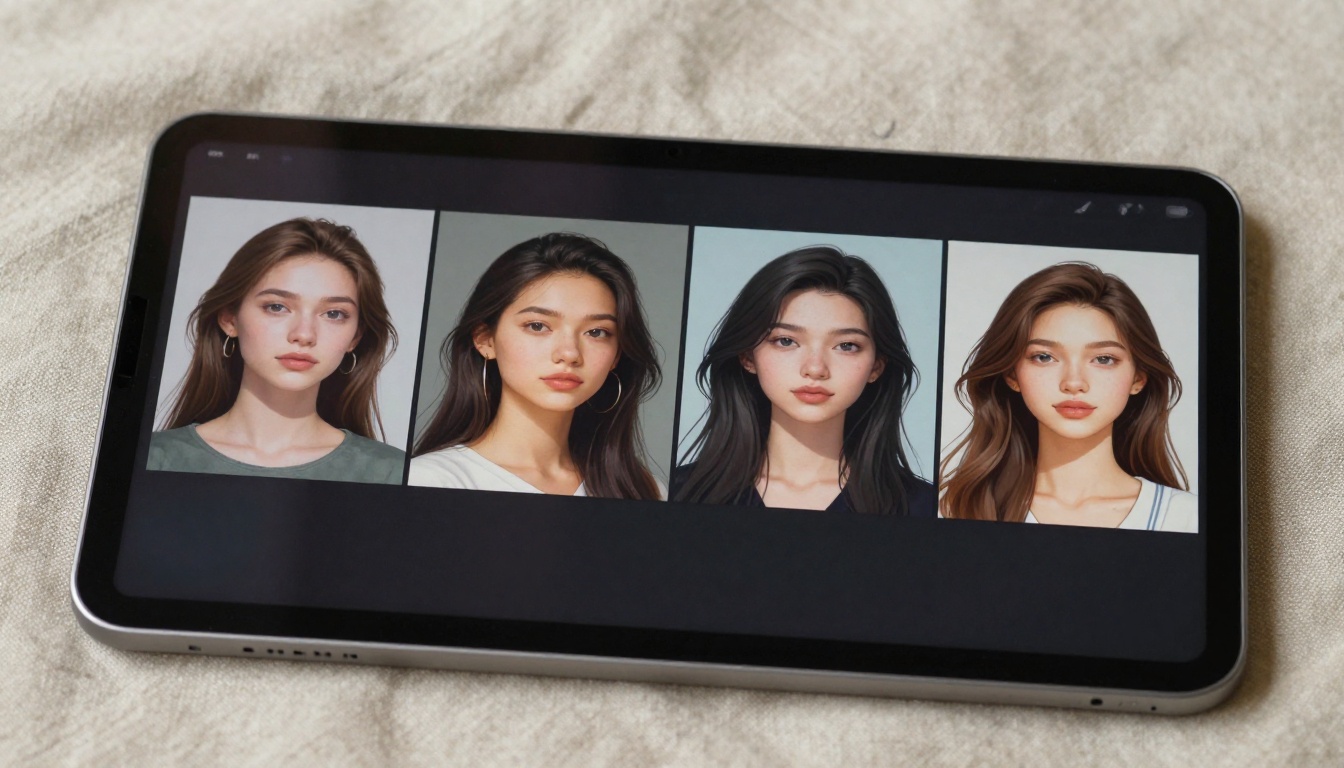
Character Descriptors That Actually Stick
Most people describe their characters vaguely. "Beautiful woman with brown hair" gets you a different woman every time because those descriptors cover thousands of possible faces. You need to overspecify.
Effective character anchoring descriptors include:
- Facial geometry: "sharp angular jawline", "wide-set almond eyes", "slightly upturned nose"
- Coloring: "warm olive skin tone", "dark chestnut hair with natural highlights", "hazel eyes with gold flecks"
- Proportions: "high cheekbones", "full lips with defined cupid's bow", "narrow shoulders"
- Distinctive features: "small beauty mark above right upper lip", "straight heavy brows"
The more specific and unusual the descriptor combination, the fewer images in the model's training data match that description, and the more consistently it converges on the same face.
The "Anchor Phrase" Method
Create a dense character descriptor block (3-5 lines of specific physical description) and save it as a reusable anchor phrase. Paste this exact block at the start of every prompt, and only append the scene or environment description afterward.
Example anchor phrase:
"A woman in her late twenties with a sharp angular jawline, wide-set dark almond eyes with gold flecks, warm olive skin, straight black hair with natural highlights falling to her collarbone, high cheekbones, full lips, small beauty mark above her right upper lip, [SCENE DESCRIPTION]"
This anchor phrase approach, combined with a locked seed, gives you the highest text-only consistency without reference image input.
LoRA Models for Character Consistency
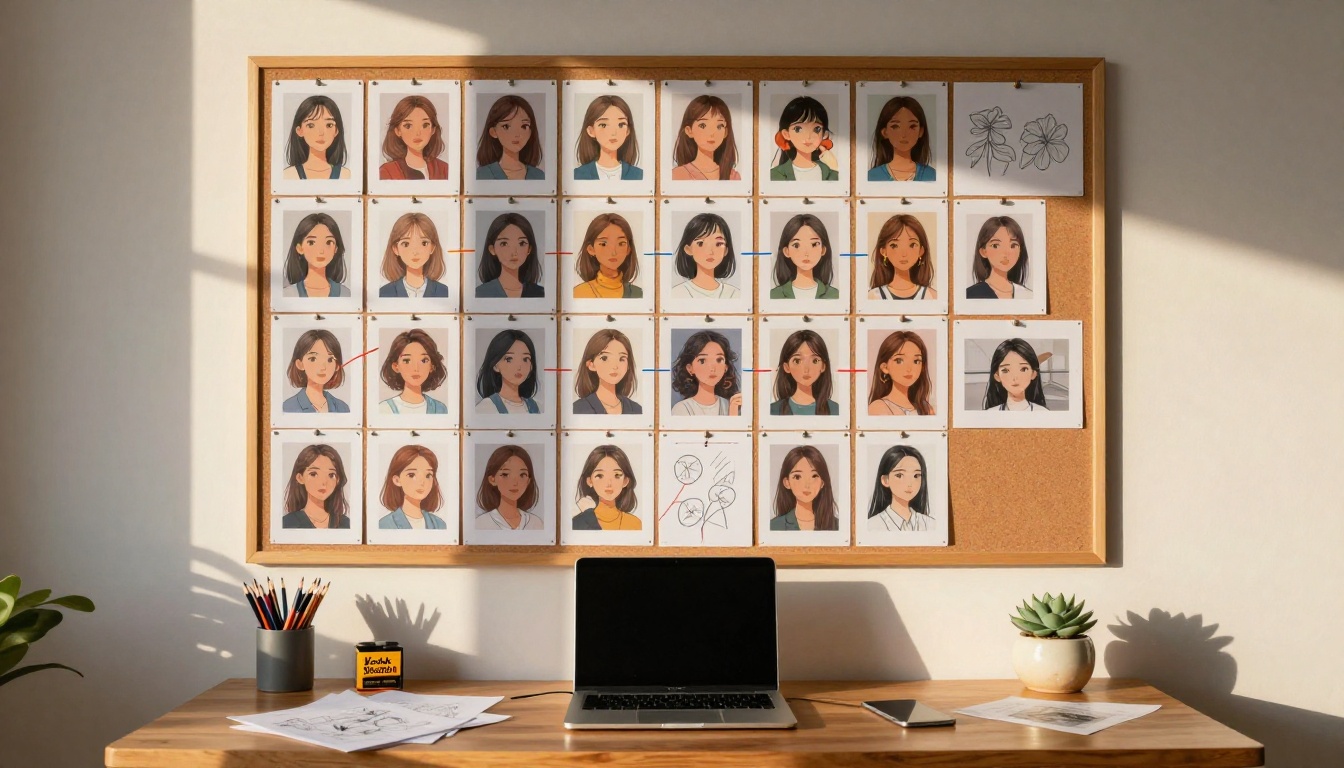
What LoRA Does for Your Character
LoRA (Low-Rank Adaptation) is a method for fine-tuning AI models on specific subjects. A character LoRA is essentially a small model trained on multiple images of the same person or character, which then gets loaded as a modifier on top of the base model. The result is dramatically higher face consistency without needing a reference image on every generation.
The limitation is that creating a custom LoRA requires training data and a fine-tuning pipeline. But using pre-made LoRAs, or working with models that support LoRA loading, is straightforward on PicassoIA.
Best LoRA-Compatible Models on PicassoIA
p-image-lora is particularly well-suited for character runs because it processes quickly enough that you can generate dozens of variations without waiting. When a LoRA is loaded that describes your specific character, prompt adherence to that character's face stays remarkably tight across scene changes.
Flux Kontext: Character Consistency at Scale
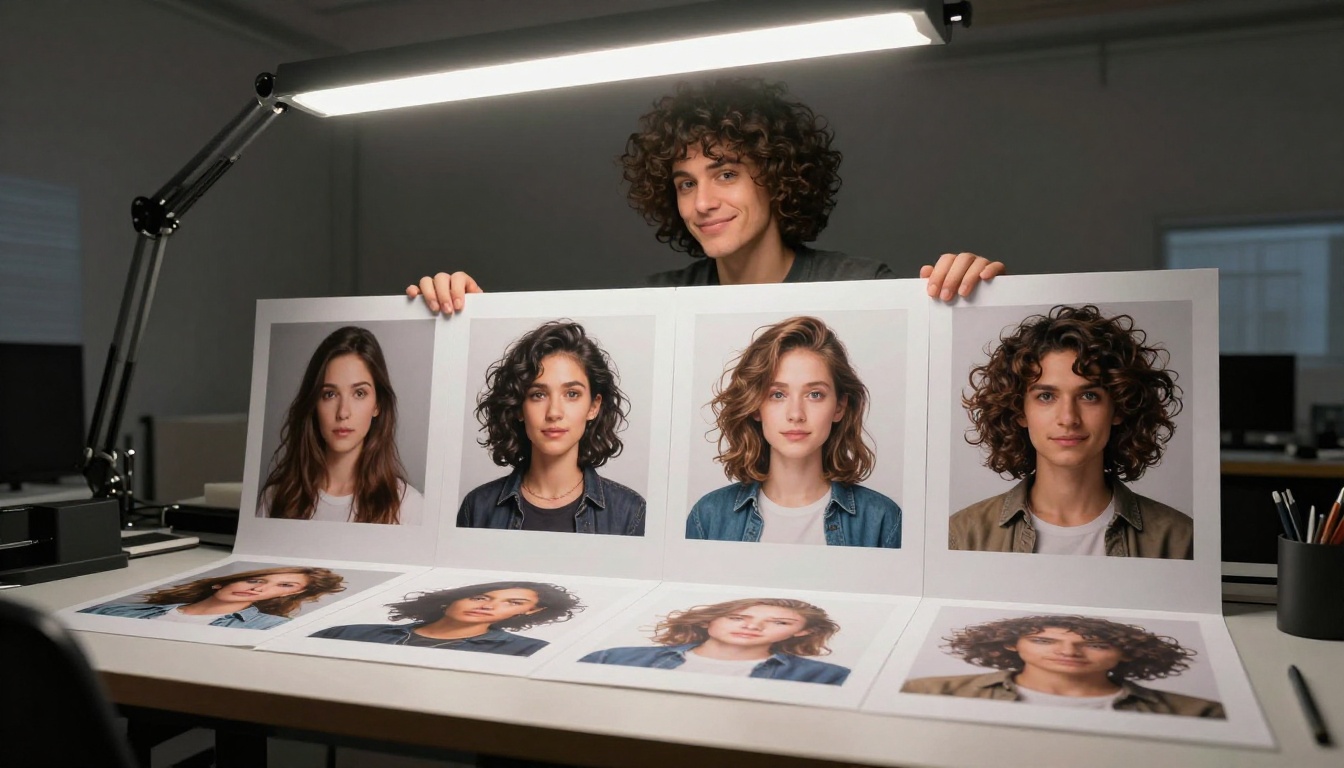
Why Kontext Is Different
Flux Kontext Pro and Flux Kontext Max were explicitly designed for image editing and identity preservation. Where standard text-to-image models treat each generation independently, Kontext models are built around the concept of context retention. You provide an existing image and a new instruction, and the model modifies or extends the image while keeping the identity intact.
This makes Kontext the strongest tool for creating a character in multiple distinct scenarios. The face doesn't drift. The proportions hold. What changes is only what you ask it to change.
Step-by-Step: Using Flux Kontext Pro
- Open Flux Kontext Pro on PicassoIA.
- Upload your best existing character image as the input image.
- In the prompt field, describe only the new element: "same woman, now standing on a rain-wet city street at night, wearing a dark blue trench coat."
- Keep identity-related descriptors out of the new prompt. The model infers identity from the reference image.
- Set guidance scale between 3.5 and 5 for best identity-scene balance.
- Generate. Review consistency. Iterate on the scene description if needed.
💡 If the face drifts slightly, re-use the best output as the new reference for the next generation. Each iteration anchors identity more tightly.
How to Use Nano Banana on PicassoIA

PicassoIA hosts all three Nano Banana variants, each suited for different stages of a character consistency workflow.
Step 1: Build Your Base Character
Start with Nano Banana Pro for the initial character creation. This is where you want maximum prompt adherence and detail fidelity.
- Write your full anchor phrase descriptor.
- Set the aspect ratio to 1:1 or 4:5 for portrait work.
- Generate multiple outputs (5-10) and select the one that best matches your character vision.
- Note the seed of your favorite result.
Step 2: Lock Your Seed and Test Scenes
Use Nano Banana 2 for fast iteration with the locked seed. This model is faster, which matters when you're testing 20 different scene variants.
- Paste your anchor phrase and seed.
- Change only the environment descriptor.
- Generate and compare faces across outputs.
- Discard any that drift significantly from your base.
Step 3: Scale with Reference-Based Generation
Once you have 2-3 strong consistent outputs, switch to Flux Kontext Pro and use your best images as references for continued scene expansion.
This three-stage workflow (create, test, scale) gives you a character library that holds together visually.
3 Common Mistakes That Break Consistency
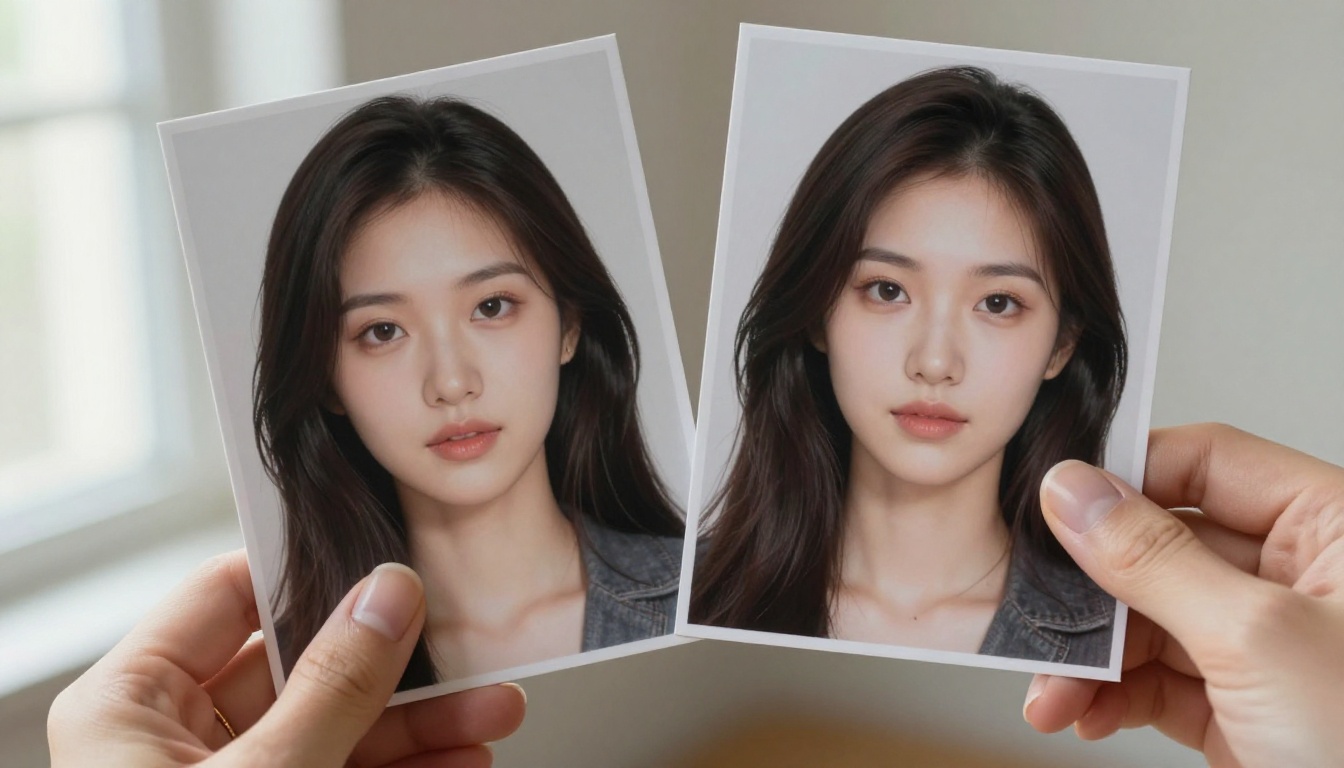
1. Changing too much at once
When you modify both the character description and the scene in the same prompt change, you're asking the model to reinterpret identity and environment simultaneously. Change one variable at a time. Scene first, identity stable.
2. Using generic character descriptions
"Attractive woman with dark hair" matches too many possible outputs. The model has no reason to converge on the same face. Get specific: bone structure, coloring, specific features. Specificity is what creates repeatability.
3. Ignoring negative prompts
Negative prompts are underused for consistency work. Explicitly prompting against "different facial features", "alternative skin tone", "inconsistent proportions" subtly steers the model toward maintaining what you've established.
💡 Keep a running negative prompt bank for your character. Note every feature that drifted in failed generations and add it as a negative.

| Tool | Power Level | Speed | Best For |
|---|
| Seed locking | Medium | Fast | Minor scene changes |
| Anchor phrase prompting | Medium-High | Fast | Text-only workflow |
| Reference image input | High | Medium | Any scene |
| LoRA fine-tuning | Very High | Fast (after training) | Recurring characters |
| Flux Kontext | High | Medium | Editing existing images |
The strongest approach combines all of these: an anchor phrase sets the text identity, a seed locks the starting noise, and Kontext or LoRA handles scenes that require more spatial change.
Start Creating Your Own Consistent Characters

Character consistency is no longer a technique limited to users with custom-trained models. Between seed locking, reference-guided generation with Flux Kontext Pro, and the LoRA-native architecture of p-image-lora, the tools for keeping a face consistent are now accessible to anyone.
PicassoIA puts all of these models in one place. You can start with Nano Banana to build your base character, refine with Nano Banana Pro for higher fidelity, iterate quickly with Nano Banana 2, and then scale using Flux Kontext Pro for scene variety. The entire workflow happens without switching platforms or managing complex local setups.
If you have a character concept sitting in your head, there's no better time to build it out. Go create something worth sharing.


