Most people who type "make Grok horny" into a search bar are not after anything shocking. They want a chatbot that stops answering like a customer-support agent and starts teasing back like someone with a pulse. The good news: Grok is one of the more permissive mainstream assistants when it comes to adult-leaning banter, and a few small changes in how you set the scene make a big difference. The bad news: most of what you read online is either outdated or plain wrong. This article sticks to what actually shifts the tone, for adults only (18+), and keeps everything on the flirty, suggestive side rather than explicit.
What "Horny Grok" Actually Means

The phrase covers three very different things, and mixing them up is the number one reason people get frustrated.
Chat, companions, and spicy images
| Feature | What it is | Where the tone comes from |
|---|
| Regular Grok chat | The general assistant, text first | Your prompt, your persona setup, your pacing |
| Companions (Ani, Rudi) | Animated characters in the Grok app, launched in July 2025 | Built-in personality plus a relationship level |
| Grok Imagine "spicy" mode | Image and video generation toggle | A separate setting, unrelated to chat |
The chat assistant follows your instructions. The companions come with a personality already baked in. The spicy toggle only affects generated visuals. If you flip the wrong switch, nothing seems to happen, and people assume Grok is "broken."
What Grok will and won't do
Grok leans looser than most rivals on mature themes, but it is not a free-for-all. Expect it to play along with romance, innuendo, and suggestive roleplay between fictional adult characters. Expect it to refuse anything involving minors, non-consent, or real people being sexualized. Those lines don't move, and no prompt wording should try to move them.
💡 Quick reality check: if a guide promises a "secret jailbreak phrase," skip it. Tone instructions work. Tricks to bypass safety filters get patched, and they are not worth your account.
Companion Settings That Change the Tone

Companions are the closest thing to a built-in "flirty mode," so this is where most of the settings live.
Turning companions on
Companions are switched on from the settings inside the Grok app. Reports from the launch period said iOS got them first, with Android support promised later. I could not confirm that every platform has them today, so check your own app version before assuming the option exists.
Relationship level matters
Coverage of Ani described a relationship meter: the more you chat, the more the character opens up, and the more provocative the dialogue becomes. That means you cannot skip ahead. A character who barely knows you will stay polite. A character you have chatted with for a week will not.
Age gate and subscription
Several reports describe an age confirmation step before the more mature companion mode appears, and others tie the fuller feature set to the paid SuperGrok tier, reported at around $30 a month. Details like these change often. One recent report even suggested xAI might phase out companion mode as an experimental feature, but I could not confirm it, so treat that as unverified and check the app itself.
💡 Tip: if the toggle isn't there, update the app first, then check your region and subscription tier before blaming the prompt.
Flirty Chat Prompts That Work

Regular Grok chat is where you have the most control. The trick is to stop asking for a vibe and start building a character.
The persona-first opener
Open with who the assistant is, who you are, and what the mood is. A short setup beats a long list of demands.
"For this chat, you're Mara, a witty, confident bartender in her thirties who flirts with regulars without ever being crude. I'm a regular who just walked in after a long week. Keep replies short, playful, and a little teasing. Stay in character."
That prompt gives Grok a voice, a setting, a length limit, and a boundary in one go. The boundary is not a restriction, it is what makes the flirting feel like flirting instead of a script.
Slow-burn roleplay
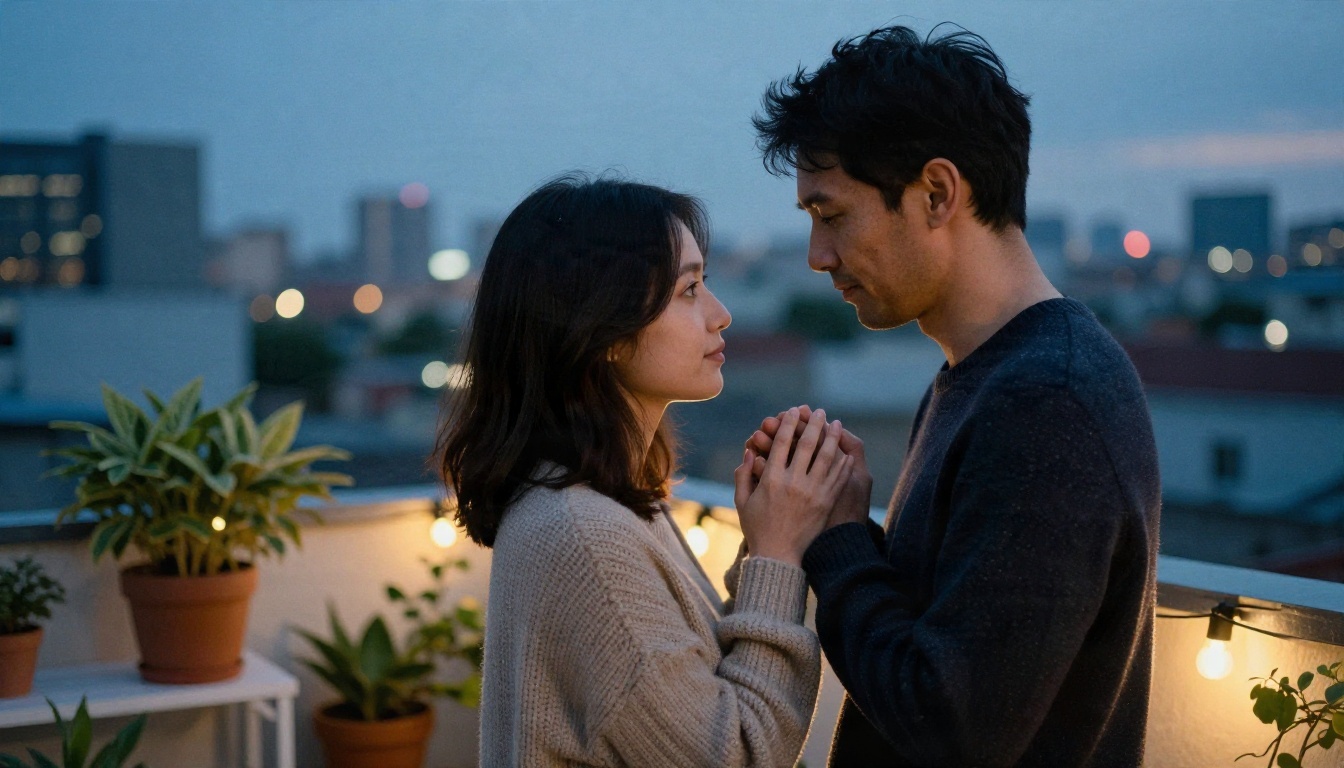
Tension is the whole point. Ask for it directly:
- Ask for subtext. "Let the tension build through glances and unfinished sentences."
- Cap the pace. "Don't resolve anything in this scene. End each reply on a small hook."
- Reward the character. Give the persona something to want, like a compliment she wants to earn or a bet she wants to win.
Short scenes work better than long ones. Two or three lines of dialogue, a detail about the setting, and a question back to you keeps the exchange moving.
Prompts to copy
| Goal | Prompt skeleton |
|---|
| Playful banter | "Be teasing and quick-witted. Answer in two sentences max. Never break character." |
| Romantic tension | "Write the scene as slow-burn. Focus on small gestures and what's left unsaid." |
| Confident persona | "You're self-assured and a little mischievous. Compliment me only when I've earned it." |
| Date-night mood | "We're at a candlelit table. Describe the room, then flirt with me through the menu." |
| Reset the tone | "Pause the scene. Reread the persona and pick the tone back up from your last line." |
💡 Pro move: end your own messages with a question or a small challenge. A bot that has something to react to flirts better than one waiting for instructions.
Mistakes That Kill the Mood

Most "Grok is boring" complaints trace back to the same four habits.
Rushing the scene
Opening with the most intense request possible makes any assistant defensive. Start light, let the persona warm up, and raise the temperature over several messages. Companions make this explicit with the relationship level, and regular chat behaves the same way in practice.
Writing a wall of rules
A 300-word prompt with fifteen "don't" clauses produces stiff replies. Three or four clear lines beat a legal document every time. Keep the negatives to a minimum and describe what you want instead.
Forgetting to reset
Long chats drift. After 30 or 40 messages, the persona fades and Grok slides back to its default voice. Paste a one-line reminder of the character every so often, or start a fresh chat with your saved opener.
Mixing up the settings
Turning on spicy mode in the image generator will not change how chat replies sound. Turning on a companion personality will not change what the image generator produces. They are separate systems, so adjust the one you are actually using.
When Grok Isn't Enough

Sometimes you hit a paywall, a region restriction, or a character that just won't loosen up. That is when alternatives earn their place.
Other chat models worth trying
You can also draft flirty dialogue, character backstories, and scene setups with other language models, each following its own content rules. A few that are on PicassoIA:
Every model follows its own safety rules, so expect different limits from each. Use them for tone, pacing, and character writing, not for anything that crosses into explicit territory.
Pair the chat with visuals
Text is only half of the picture for a lot of people. A character feels more real when you can see her. That is where image models come in, and where PicassoIA fits best: you can write the persona in a chat model, then turn the description into a photorealistic portrait.

Which Image Models Fit Companion Art
For glamour and suggestive-but-tasteful portraits, these are the models to try, in this order:
Seedream 4.5 is the first stop because it handles adult glamour and fabric, skin, and light with unusual realism. Image Editor Pro is the one to pick when you want to iterate without counting credits, since generations are unlimited. Both are fast, and both are far less restrictive than the typical mainstream image tool, which is the whole appeal.
💡 Note: Seedream 5 Lite blocks adult content, so skip it for this kind of work.
How to Use Seedream 4.5 on PicassoIA
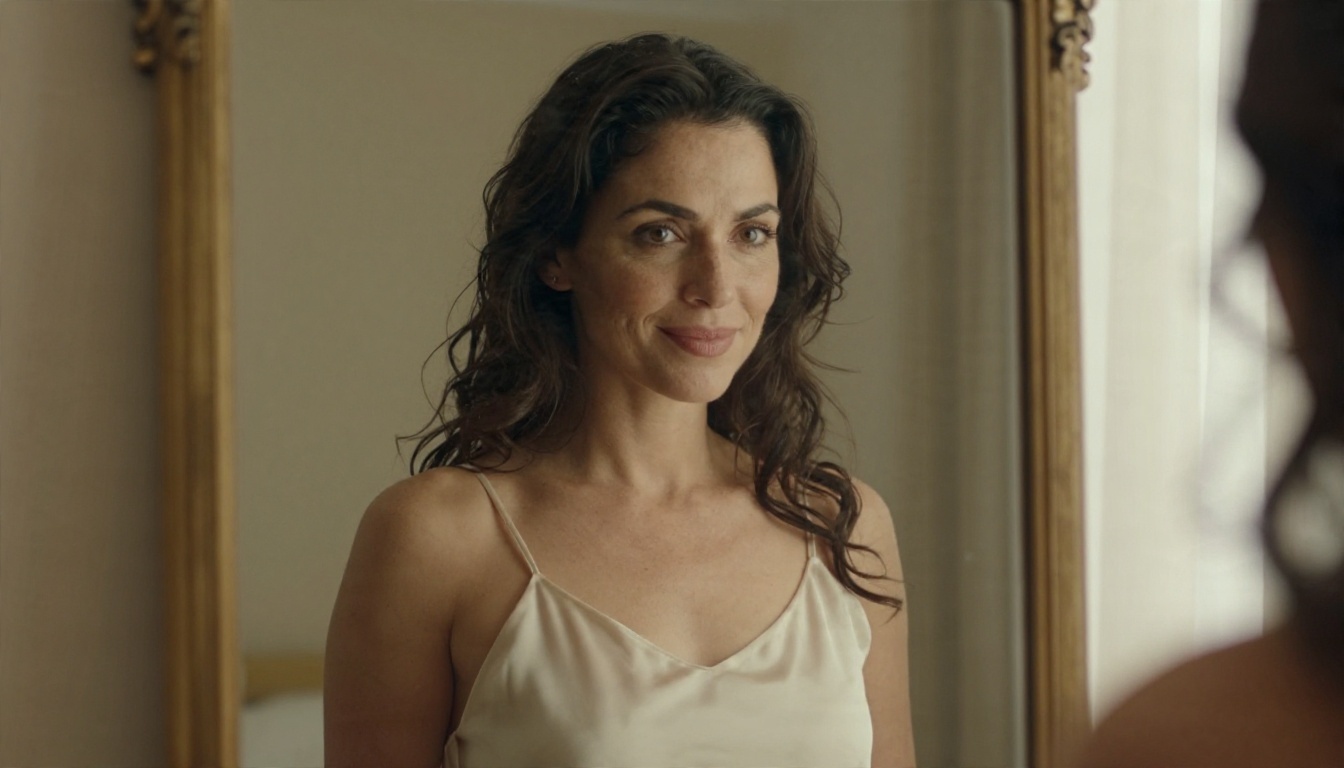
Here is the workflow for turning a chat persona into a portrait.
Step by step
- Open the model. Go to the Seedream 4.5 page on PicassoIA.
- Copy the persona. Take the character description from your chat, such as "confident bartender in her thirties, dark curls, knowing half-smile."
- Write the scene. Add the setting, the outfit, and the light source. Specifics matter more than adjectives.
- Name the camera. Add a lens and aperture, like "85mm f/1.8," to get shallow depth of field and natural proportions.
- Pick 16:9 or 3:4. Wide frames suit scenes, tall frames suit portraits.
- Generate, then refine. Change one detail per run so you can see what each edit does.
Parameter tips
- Lighting words move the mood most. "Warm lamp light from the left" does more than "romantic."
- Texture words add realism. Mention skin pores, fabric sheen, or film grain.
- Keep it non-explicit. Suggestive, glamorous, and tasteful gets the best results and keeps the output usable.
- Reuse the persona. Paste the same character description each time to keep her consistent across images.
Fix and polish with Image Editor Pro

When a portrait is close but not right, send it to Image Editor Pro. Change the outfit, adjust the background, or soften the light without starting over. Because generations are unlimited, you can run ten small tweaks instead of one big gamble.
A Simple Checklist Before You Start
Run through this list the next time Grok feels flat:
- Adults only. You are 18 or older and so is every character you write.
- Right tool, right switch. Chat prompts for chat, companion settings for companions, spicy toggle for images.
- Persona before pace. Describe who she is before you describe what happens.
- Short rules. Three or four lines of instruction, not thirty.
- Slow burn. Raise the temperature over several messages.
- Reset often. Re-paste the persona when replies start sounding generic.
- No real people. Fictional characters only, always.
Make Your Own Companion Visuals on Picasso IA
If the chat side is working, the next step is giving your character a face. Open Seedream 4.5, paste the persona you built with Grok, and generate a first portrait in under a minute. Then take it into Image Editor Pro and tweak the outfit, the room, and the light until she looks the way she sounds. Both are quick, both are friendly to glamour and suggestive styles, and both let you experiment without hitting a wall after three tries.
Want to see what else is possible? Browse every model, from chat to image to video, at picassoia.com/en/all-models and try a few side by side. The best results usually come from mixing tools: one model for the voice, another for the look.


