TikTok moves fast. The creators posting daily, consistently, with high-production-value clips are not all sitting behind expensive cameras. A growing number of them are typing prompts into Seedance 2.0 and downloading results in under two minutes. If you have been wondering how to make TikTok videos with Seedance 2.0, this article covers everything you need to know, from writing your first prompt to posting a clip that actually stops the scroll.
What Makes Seedance 2.0 Different
The AI video generation space has exploded. There are dozens of models available today, and most of them can technically produce a video from text. So why does Seedance 2.0 keep coming up in conversations about short-form content creation?
Native audio is the real differentiator
Most AI video models produce silent clips. You generate the footage, then you have to source music, voiceover, or sound effects separately and sync everything in a separate editing app. Seedance 2.0 ships with native audio generation built directly into the model. That means ambient sounds, background music, and even dialogue-synced audio can be produced at the same time as the video.
For TikTok specifically, this matters more than you might think. The platform's algorithm factors in audio completion rates. A clip with coherent, well-matched sound tends to hold attention longer than a silent one with music dropped on top. Seedance 2.0 gives you that advantage from frame one.
The quality gap is real
💡 Tip: Seedance 2.0 outputs videos with dramatically sharper motion consistency than its predecessors. Characters do not morph or distort mid-clip, which was a common complaint with earlier text-to-video models.
ByteDance built Seedance 2.0 with proprietary motion coherence technology. What that means in practice: when you prompt a person walking, they walk like a real person. When you prompt a camera pan across a landscape, the motion is smooth and cinematic. This is not a minor upgrade. Earlier models produced footage that immediately read as AI-generated because of jerky movement and melting faces. Seedance 2.0 closes that gap significantly.
The model also supports both text-to-video and image-to-video workflows, so you can feed it a reference photo and animate it, or start entirely from a text description. For TikTok content, both approaches work depending on whether you are building a brand aesthetic around existing visuals or creating entirely original scenes.
Before You Start
You do not need anything complicated to begin. No software installation, no API setup, no technical knowledge. Everything runs in the browser through PicassoIA.
What you actually need
- A PicassoIA account (free to create)
- A clear idea of the scene or mood you want to capture
- Three to five minutes of your time
That is it. The model handles rendering on cloud infrastructure, so your laptop specs do not matter. A mid-range phone browser works fine.
Thinking about your content angle first
The biggest mistake people make is opening the model before knowing what they want to create. Seedance 2.0 is powerful, but it responds to clarity. Spend sixty seconds answering these three questions before you type your first prompt:
- What is the visual subject? (a person, a place, a product, an abstract scene)
- What is the mood or emotion? (energetic, calm, nostalgic, dramatic)
- What does the first two seconds look like? (TikTok hooks live and die in the opening frames)
If you can answer all three, your prompt will be significantly stronger than if you just type a generic scene description.
How to Use Seedance 2.0 on PicassoIA
PicassoIA hosts Seedance 2.0 directly in its text-to-video collection. Here is the full workflow from login to downloaded clip.
Step 1: Open the model
Navigate to the Seedance 2.0 page on PicassoIA. You will see the generation interface immediately, no digging through menus. If you need faster output times at a slight quality tradeoff, Seedance 2.0 Fast is also available and uses the same underlying model with an optimized inference pipeline.
Step 2: Choose your input mode
Seedance 2.0 supports three input modes:
| Mode | Best For |
|---|
| Text to Video | Creating entirely new scenes from a written description |
| Image to Video | Animating a photo, product shot, or AI-generated still |
| Text + Image | Using an image as visual anchor while text controls motion and mood |
For most TikTok use cases, Text to Video is the starting point. Once you have the workflow down, image-to-video opens up more creative possibilities.
Step 3: Write your prompt
This is where most of the creative work happens. The prompt box is where you describe the scene, the camera movement, the lighting, and the audio. More detail generally produces better results, but there is a sweet spot. Aim for two to four sentences covering subject, environment, camera behavior, and mood.
Step 4: Set duration and aspect ratio
For TikTok, you want 9:16 vertical format. Set your duration between 5 and 10 seconds. TikTok content performs best with short, punchy clips. You can chain multiple Seedance outputs together in a simple editor if you want a longer video.
Step 5: Generate and review
Hit generate. Most outputs complete in under 90 seconds. Review the clip, and if the motion or framing is off, adjust your prompt and regenerate. It usually takes two to three iterations to get a clip you are happy with.
Step 6: Download and post
Download the MP4 directly from PicassoIA, upload to TikTok, add your caption and hashtags, and post. The native audio from Seedance 2.0 means you may not need to add any sound at all.
Prompts That Actually Work
Prompt quality is the single biggest variable in your output quality. The model is capable of stunning results, but a vague or poorly structured prompt produces generic footage. Here is how to write prompts that convert.
The four-part prompt structure
Every strong Seedance 2.0 prompt for TikTok contains four elements:
- Subject (who or what is in the scene)
- Environment (where and when)
- Camera behavior (movement, angle, lens feel)
- Mood and audio (emotional register and sound environment)
You do not need to label these explicitly. Write them as natural sentences. The model reads intent.
5 TikTok prompt formulas that work
Formula 1: The cinematic product reveal
"A glass perfume bottle sitting on a white marble surface, morning sunlight refracting through it and scattering golden prismatic light across the table. Camera slowly pushes in toward the bottle. Soft ambient room tone with light music."
Formula 2: The travel POV hook
"First-person POV walking through a narrow cobblestone alley in a Mediterranean village at golden hour. Warm light on terracotta walls, distant sounds of a market, light breeze. Camera moves forward steadily at walking pace."
Formula 3: The person-in-environment story
"A woman in a flowing white dress standing at the edge of a wheat field at dusk, facing away from camera. The wind moves through the wheat in slow waves. Camera orbits slowly around her from right to left. Ambient field sounds, crickets, distant birdsong."
Formula 4: The food close-up
"Extreme close-up of honey being poured over a stack of warm pancakes, steam rising gently. Camera tilts up slowly to reveal syrup pooling on the plate. Warm kitchen ambient sound, soft sizzle in the background."
Formula 5: The urban energy clip
"Aerial shot descending slowly toward a busy night market in an Asian city, neon signs and string lights reflecting on wet pavement below. People moving through the frame as small colorful figures. Ambient crowd noise, distant music."
💡 Tip: Specificity in camera behavior (push in, orbit, tilt up, aerial descent) dramatically improves motion quality. Generic prompts produce static or random camera movement.

Editing Seedance Clips for TikTok
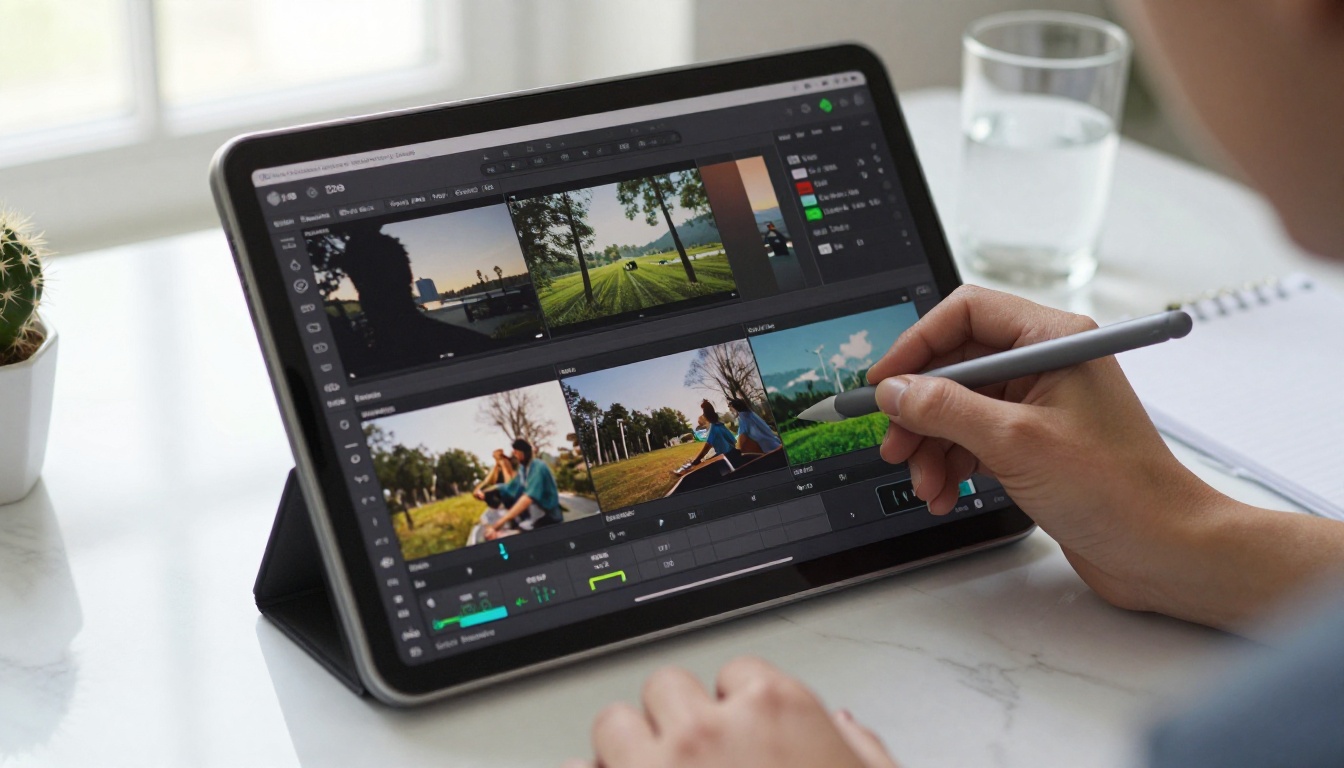
Seedance 2.0 handles the heavy lifting, but a few quick edits in TikTok's native editor or CapCut can take your clips from good to great.
Aspect ratio and safe zones
Always generate at 9:16 or crop to it before uploading. TikTok's interface cuts off the left and right edges of non-vertical content. If you generate at 16:9 and try to crop in post, you lose significant resolution. Start vertical.
Also be aware of TikTok's UI overlay zones. The bottom 25% of the frame is covered by captions, buttons, and your profile info. The top 10% is covered by trending sound indicators. The visual action in your clip should happen in the middle 65% of the frame.
When to add captions
Seedance 2.0's native audio is strong for ambient sound and music, but if your TikTok content relies on a voiceover or text hook, add that in post. TikTok's auto-caption feature works well, or you can use CapCut's text animation tools for more stylized results.
A strong text hook in the first two seconds of a clip can significantly increase watch-through rate. Keep it to five words or fewer. Direct, specific questions or surprising statements perform best.
Color grading
Seedance 2.0 output is already color-graded at generation time based on your prompt's mood cues. If you described warm golden hour light, the output will reflect that. You generally do not need heavy color work in post. A slight contrast boost and saturation nudge in TikTok's built-in color tools is usually sufficient.
3 Video Styles That Blow Up
Not all TikTok content performs the same way. These three styles consistently drive strong completion rates and shares when produced with AI video tools like Seedance 2.0.
Cinematic storytelling clips
Short, wordless clips that tell a micro-story through visuals alone. A person arriving at a location, a brief interaction, a moment of emotion. These clips perform well because they feel like movie trailers, and people watch them more than once trying to figure out the narrative. Seedance 2.0's motion coherence makes these particularly effective since character movement reads as real.
Prompt tip: Give your subject a specific action with emotional weight. "A woman opens a handwritten letter, reads it, and slowly smiles" produces far more interesting footage than "a woman reading."
POV travel and exploration clips
First-person camera movement through environments is one of TikTok's most reliable content formats. It triggers a sense of presence and FOMO simultaneously. Seedance 2.0 handles first-person camera movement with minimal distortion, making this one of the best use cases for the model.
Use the travel POV formula from the prompts section above. Mix environments across multiple clips for a compilation-style post that performs as a single video.
Product and lifestyle showcases
Brands and affiliate creators use AI video to produce content that would normally require a full production shoot. A perfume bottle in morning light, a piece of clothing on a model walking through a stylish environment, a skincare product with a close-up texture reveal. Seedance 2.0 handles all of these without a photographer or studio.
💡 Tip: For product videos, use the image-to-video mode. Upload a clean product photo and let Seedance 2.0 animate it with camera movement and lighting effects. The result looks professionally shot.
PicassoIA's text-to-video collection has 89 models. Understanding where Seedance 2.0 fits helps you pick the right tool for the right job.
For TikTok content specifically, the native audio in Seedance 2.0 is a genuine advantage over everything else in the table. If your content is audio-dependent, which most TikTok content is, the other models require a separate audio production step that adds complexity and time.
Seedance 2.0 Fast is the right choice when you are iterating on prompts quickly and want to test multiple concepts before committing to a final generation pass at full quality. Many creators use Fast for drafts, then switch to the standard model for the final clip they actually post.
When to use other models
If you need extreme stylization or artistic effects rather than photorealism, models like PixVerse v5.6 or Kling v3 with Motion Control may serve certain TikTok aesthetics better. Some niches on TikTok respond well to clearly AI-aesthetic content, particularly in the art, animation, and fantasy categories.
For those niches, mix and match. Use Seedance 2.0 for your realistic lifestyle footage and a model like Kling v3 Omni Video for more stylized cuts within the same video. PicassoIA's library lets you switch between models in seconds.

Common Mistakes and How to Fix Them
Even with a powerful model, certain patterns consistently produce weak results. Here are the ones that trip up new users most often.
Prompts that are too short
A one-sentence prompt like "a woman walking in a city" gives the model almost nothing to work with. The output will be generic. Add environment details, lighting conditions, camera angle, and at least one specific sensory detail. The model rewards specificity.
Not specifying camera movement
Static camera outputs feel flat on TikTok. Always include at least one camera behavior in your prompt: push in, pull back, orbit, pan, tilt, aerial descent. This single addition transforms the cinematic quality of your output more than almost any other variable.
Ignoring the audio prompt component
Seedance 2.0 generates audio based on your prompt text. If you want a specific sound environment, describe it. "Ambient city sounds with distant traffic" will produce different audio than "quiet room with soft piano music." Be intentional about the sound just as you are about the visuals.
Posting without watching the full clip first
Always watch your generated clip from beginning to end before posting. Occasionally AI video models produce artifacts in the final two to three seconds of a clip. A quick review before download saves you from posting broken content.
Make Your First Clip Right Now
The gap between creators posting daily and creators stuck planning is almost never resources or talent. It is momentum. Seedance 2.0 on PicassoIA removes the production friction that keeps most people from posting consistently.
You have everything you need. Open Seedance 2.0, write a two-sentence prompt describing a scene that fits your niche, and generate your first clip. It takes less time than scrolling your TikTok feed for five minutes.
PicassoIA's text-to-video library has 89 models available, which means once you have the Seedance 2.0 workflow down, you have an entire creative toolkit waiting. From Kling v3 with Motion Control for dynamic action sequences to Veo 3 for ultra-realistic long-form clips, there is a model for every content format you want to produce.
Start with one clip. Post it. See how it performs. Then build from there. The creators winning on TikTok right now are not waiting for the perfect setup. They are iterating fast with the best tools available, and Seedance 2.0 is one of them.


