Choosing a NSFW AI generator sounds simple until you actually try a few. The output quality varies wildly between platforms, the pricing models are often confusing, and half the tools don't respect your privacy the way they should. Whether you want photorealistic adult art, artistic glamour photography, or tasteful suggestive imagery, the platform and model you choose will determine whether the results feel genuinely impressive or disappointingly generic.
This is a practical breakdown of what actually matters when evaluating NSFW AI generators, how to read model names to pick the right one, and how to get the most out of the platforms that do it well.
What You Actually Need From a Generator
Before comparing platforms, it helps to be honest about what you're trying to create. Someone building a consistent aesthetic for adult content creation has completely different needs from someone who just wants to experiment with a few images on the weekend.
Output Quality Is Non-Negotiable
The most important factor isn't the platform itself: it's the base model powering generation. A premium platform running a mediocre model will consistently underperform a mid-tier platform running a well-tuned realistic model. For NSFW AI content specifically, image quality shows every flaw. Blurry faces, distorted hands, and plastic-looking skin ruin otherwise good compositions instantly.
High-quality outputs require models trained specifically on photorealistic data, not general-purpose art models. Look for terms like "realistic vision," "photorealistic," or specific model lineages known for body and face accuracy.
What to check first: Generate a simple close-up portrait with your chosen model before committing to a platform. If the face looks off, the whole image will.
Speed vs. Realism
There's always a tradeoff between generation speed and output quality. Fast models like Flux Schnell produce results in seconds but sacrifice some fine detail. Slower, heavier models like Flux 1.1 Pro Ultra take longer but produce noticeably sharper, more coherent imagery.
For quick experimentation or prompt testing, speed matters. For final-quality NSFW images you actually want to keep, you should always use the highest-quality model available for the task.
The 5 Factors That Separate Good From Bad
Not all NSFW AI generators are built equally. These are the five criteria that will make or break your experience with any platform.
Resolution and Detail Level
Many free-tier generators cap output resolution at 512x512 or 768x768 pixels. This is fine for a quick preview but completely unusable if you plan to display, print, or use the image professionally. Look for platforms that generate at minimum 1024x1024 natively, with options for 2x or 4x upscaling.
Super-resolution tools are a related feature worth checking. Being able to upscale a generated image without losing texture quality is valuable when working with NSFW content where skin detail, fabric texture, and hair realism matter most.
| Resolution | Use Case | Notes |
|---|
| 512x512 | Quick drafts only | Too small for real use |
| 1024x1024 | Standard generation | Acceptable baseline |
| 2048x2048+ | Publication quality | Requires SR model or native upscale |
Model Variety and Base Models
A platform locked to one or two models will quickly feel limiting. The model you need depends heavily on the aesthetic you're targeting. Photorealistic models like Realistic Vision v5.1 and RealVisXL v3.0 Turbo excel at skin texture and natural body proportions. More general models like SDXL offer broader style versatility but sometimes struggle with hyper-realistic detail.
The best platforms give you access to the full spectrum: fast draft models, balanced quality models, and ultra-high-fidelity models for final outputs.
Privacy and Data Policies
This is the factor most people overlook until it's too late. Some platforms store every image you generate indefinitely, use your prompts to train future models, and may display community generations publicly by default. For NSFW content, this matters significantly.
Before using any NSFW AI generator, check: Does the platform retain your generation history? Are your outputs shared publicly or kept private? Is your prompt data used for training? Platforms with a clear opt-out policy or explicit privacy guarantees are worth prioritizing, even if they're slightly more expensive.
Red flag: Any platform that makes community gallery opt-out hidden or difficult to find is not handling your content with the discretion adult material requires.
Interface and Prompt Support
A technically superior model running behind a clunky interface will slow you down and cost more per result due to trial-and-error iterations. A good NSFW AI generator platform should offer at minimum: prompt and negative prompt fields, sampler and step controls, aspect ratio presets, and some form of seed control for reproducibility.
LoRA support is a significant differentiator for users who want consistent character appearances across multiple images. Models like p-image-lora and SDXL Multi ControlNet LoRA allow you to fine-tune output style and maintain consistent aesthetics across a series of generations, which is particularly useful for adult content creation with recurring characters or scenarios.
Pricing That Makes Sense
Pricing models vary widely: credits, subscriptions, pay-per-image, or hybrid models. The right pricing structure depends entirely on your usage pattern.
- Light users (under 50 images/month): Credit-based or free tier
- Regular users (50-500 images/month): Subscription with rollover credits
- Heavy users (500+ images/month): Unlimited subscription or flat-rate plan
Watch out for platforms that expire unused credits monthly. If you buy 500 credits and use 120, losing 380 credits at month end is a real financial loss. Also check whether high-quality model access requires a premium tier, because many platforms restrict their best models to top-tier plans.
Realistic vs. Artistic NSFW Output
The aesthetic you want should directly determine which model family you choose. Most people starting out make the mistake of using a general art model for everything, then wondering why results feel inconsistent.
When You Want Photorealism
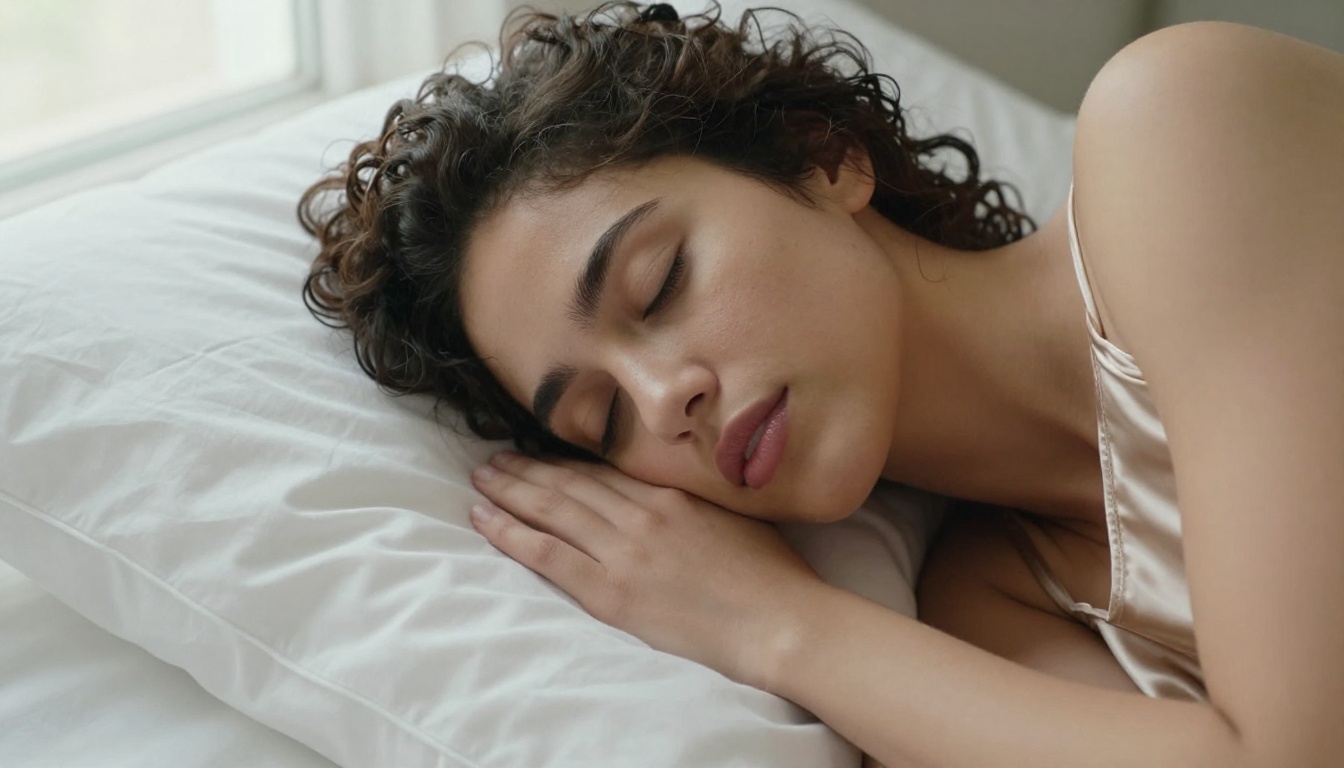
Photorealistic NSFW AI output requires models specifically optimized for human anatomy, skin rendering, and natural lighting. The models that do this best share a few characteristics: they're trained on high-resolution photography datasets, they handle hands and faces with care, and they produce natural-looking skin texture rather than the smooth, plastic look common in generic outputs.
For photorealism, your best options include:
These models understand lighting direction, skin subsurface scattering, and fabric behavior in ways that general models simply don't.
When Style Matters More
Not all NSFW AI content needs to be photorealistic. Artistic glamour, fashion illustration-adjacent output, or stylized pinup aesthetics are perfectly valid creative goals, and they're often better served by models that prioritize aesthetic coherence over pure realism.
For stylized but high-quality output, DreamShaper XL Turbo and Playground v2.5 produce images with a polished, editorial quality that sits between photography and illustration. Stable Diffusion 3.5 Large offers broader stylistic range, making it useful when you're experimenting with different looks.
How to Read Model Names and Pick the Right One
Model naming conventions are confusing until you learn the patterns. Here's how to decode what most model names are actually telling you.
Flux Models: What They Mean
Flux is a model family from Black Forest Labs that has become the dominant standard for high-quality image generation. Understanding the hierarchy matters:
For NSFW content specifically, start with Flux 1.1 Pro. It offers the best balance of prompt coherence, body rendering accuracy, and generation consistency.
SDXL vs. Stable Diffusion Variants
Stable Diffusion is the older generation, still useful for fast generation and nostalgic SD aesthetics. SDXL is the larger, more capable successor that runs at 1024x1024 native resolution and handles more complex prompts far more reliably.
The jump from SD 1.5 to SDXL is significant in terms of coherence and detail. If a platform only offers old Stable Diffusion without SDXL or Flux options, it's outdated. Stable Diffusion 3.5 Large and Stable Diffusion 3.5 Large Turbo represent the current generation of the Stability AI lineage with substantially better anatomy handling.
Specialized Realistic Models
Beyond the major families, there are fine-tuned models built specifically for photorealistic human output. These are often derivatives of SDXL or Flux with additional training on high-quality photography.
GPT Image 1.5 is a strong option for prompt-coherent outputs with good compositional understanding. For NSFW work requiring very specific prompt interpretation, its instruction-following capability is noticeably better than pure diffusion models.
How to Use Flux 1.1 Pro on PicassoIA
Flux 1.1 Pro is available on PicassoIA and consistently delivers some of the best results available for photorealistic NSFW imagery. Here's how to use it effectively:
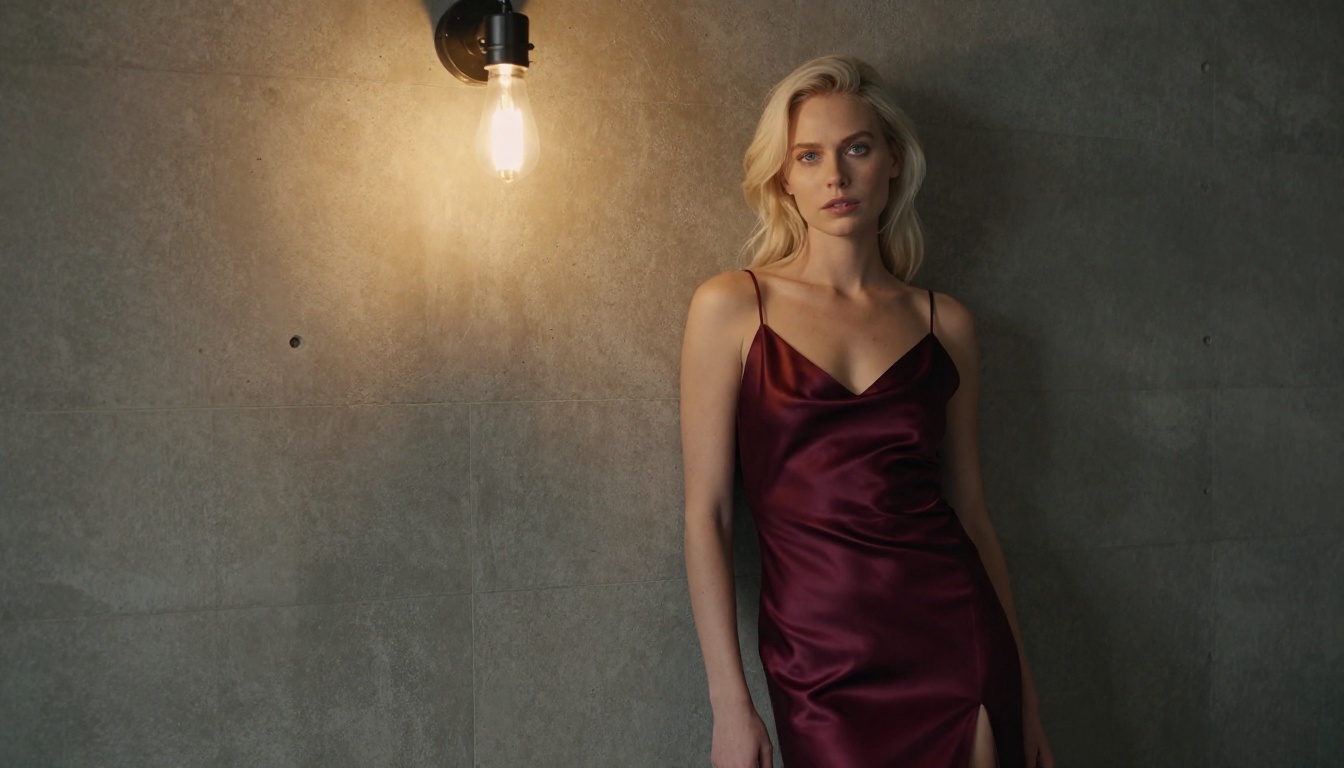
Step 1: Navigate to the Model
Go to the Flux 1.1 Pro page on PicassoIA. You don't need to configure anything special to start generating.
Step 2: Write a Detailed Prompt
Flux 1.1 Pro responds extremely well to detailed, specific prompts. Include: subject description, clothing or lack thereof, pose, environment, lighting type and direction, camera angle, and photographic style.
Example prompt structure:
A 25-year-old woman with [hair color] hair, [body type] build, wearing [specific clothing description], [pose/action] in [specific environment]. [Lighting description]. Shot with [camera/lens details]. [Film stock or style]. [Mood].
Step 3: Set Aspect Ratio
For portrait work, use 2:3 or 9:16. For full scenes and environments, use 16:9. Flux 1.1 Pro handles aspect ratios cleanly without distorting subject proportions.
Step 4: Use Negative Prompts
Even though Flux 1.1 Pro has strong native quality, negative prompts improve consistency. Common useful negatives for photorealistic NSFW work: blurry, distorted hands, extra limbs, plastic skin, overexposed, watermark, signature.
Step 5: Iterate With Seeds
Once you get a result you like, note the seed number. Reusing the same seed with minor prompt variations lets you refine specific details without completely regenerating the image composition.
Pro tip: For consistent character appearances across multiple images, p-image-lora allows you to apply a character LoRA so the same face and body proportions carry across different scenes and outfits.
Free Plans vs. Paid Tiers
Every popular NSFW AI generator has some free-tier option. What most users don't realize until they've been using one for a while is how deliberately limited these free tiers are.
What Free Plans Actually Restrict
Free tiers typically restrict one or more of the following:
- Model access: Free users get slower, lower-quality models. The best photorealistic models are paywalled.
- Resolution: Limited to 512x512 or 768x768 output
- Generation speed: Long queue waits during peak hours
- Daily/monthly limits: Anywhere from 10 to 100 generations per month
- Privacy settings: Community feed opt-out often requires a paid account
- NSFW content: Many platforms only enable adult content on paid plans
The last point is critical. If you're looking specifically for a NSFW AI generator, the free tier on most mainstream platforms will simply reject or censor your prompts. NSFW generation is almost always a premium feature.
When Paying Is Worth It
Paying for a NSFW AI generation platform is worth it when:
- You generate more than 30-40 images per month regularly
- You need privacy guarantees for your outputs
- You want access to the highest-quality models (Flux 1.1 Pro, Flux Ultra)
- You need consistent resolution at 1024x1024 or higher
- You're building a workflow that depends on LoRA or ControlNet features
The pricing difference between a mid-tier and premium subscription is usually $10-$20/month. Compared to the quality difference in output, it's almost always worth it for regular users.
3 Mistakes Most People Make
After experimenting with multiple platforms, most users fall into the same traps. Knowing these in advance will save you time and money.
1. Using a general model for NSFW photography
General purpose models like base SDXL were not tuned for photorealistic human skin and body rendering. The results look fine for landscapes or abstract art but noticeably artificial when generating people. Always choose a model specifically trained on photographic human data for NSFW work.
2. Writing vague prompts
"Beautiful woman in lingerie" will give you mediocre, generic results with any model. Flux 1.1 Pro and high-end realistic models reward specificity. Describe the lighting, the exact clothing, the camera angle, the skin tone, the environment. The more specific your prompt, the more the model has to work with, and the closer the output matches your vision.
3. Ignoring privacy settings
The first time you log into a new NSFW AI platform, immediately go to your privacy settings and opt out of any community feed or public gallery before generating anything. It should be done before your first generation, not after you've already created images you didn't intend to share.
Start Creating With PicassoIA
Everything covered here points toward one practical conclusion: the platform and model combination matters more than any single technical feature. You want a platform that gives you access to top-tier models, respects your privacy, and offers the controls to actually produce what you're imagining.
PicassoIA gives you access to over 90 text-to-image models including Flux 1.1 Pro, Flux 1.1 Pro Ultra, Realistic Vision v5.1, RealVisXL v3.0 Turbo, and the full Stable Diffusion 3.5 Large family, all from a single platform.
The model variety means you're not locked into one aesthetic. You can use Flux Schnell to rapid-prototype compositions, then switch to Flux 1.1 Pro Ultra for your final-quality renders, without leaving the platform or paying for multiple subscriptions.
Pick a model, write a detailed prompt, and see how close you can get to what you're visualizing. The best way to figure out which NSFW AI generator is right for you is to actually generate something.


