Still images have a hidden problem: they stop time. The moment you capture is frozen, lifeless, a single frame stripped of everything that made it feel real. Seedance 2.0 by ByteDance changes that equation entirely. This model takes a static photograph and generates fluid, realistic video motion from it, preserving the original composition while adding the kind of movement that makes viewers do a double-take.
This isn't a filter or a loop effect. Seedance 2.0 uses a deep understanding of scene geometry, lighting physics, and temporal motion to synthesize video frames that feel like they were captured on a real camera. You can hand it a portrait, a landscape, a product shot, a street scene, and it will find the motion that should logically exist within that frame.
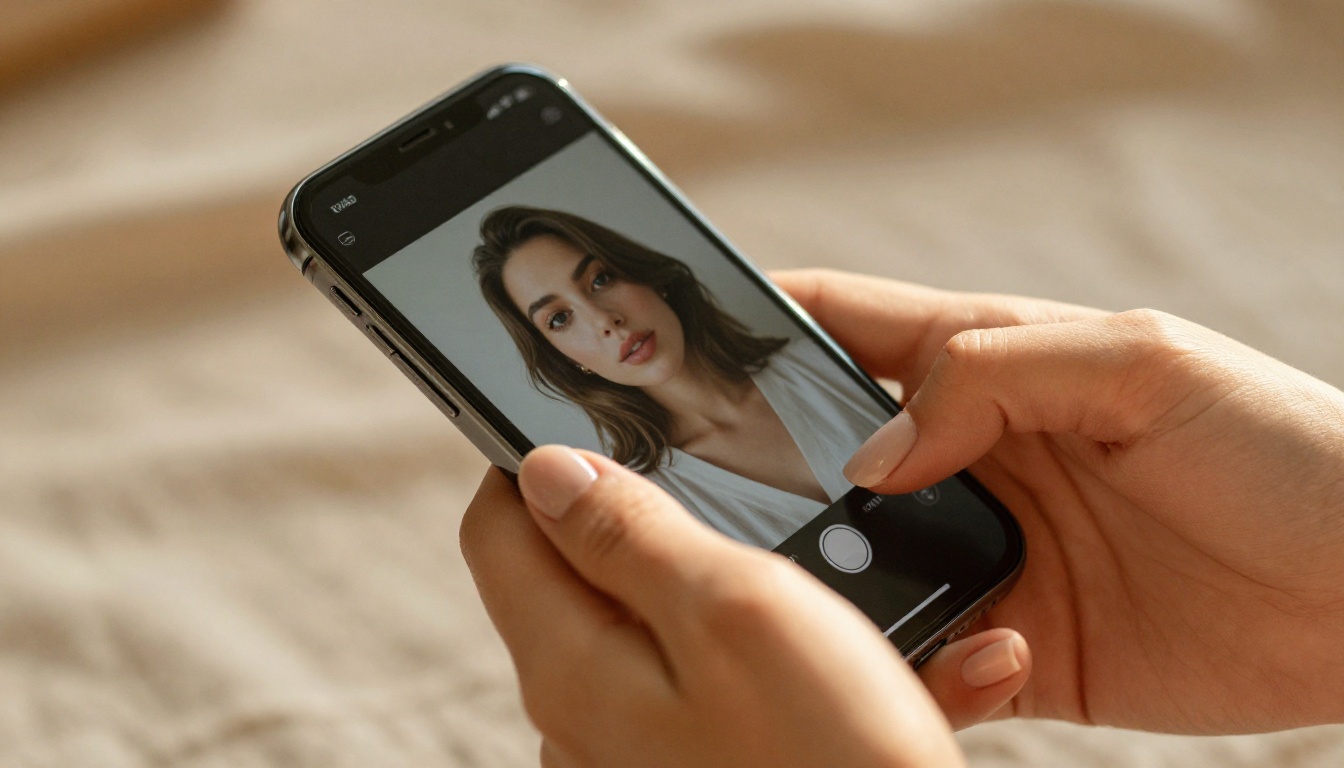
What Seedance 2.0 Actually Does
The name might sound abstract, but the output is anything but. When you feed Seedance 2.0 a photograph, the model doesn't just animate pixels — it builds a motion hypothesis. It infers depth, surface texture, and likely movement direction for every element in the scene, then renders video frames forward in time based on that inference.
More Than Frame Interpolation
Traditional photo animation tools work by duplicating frames and adding basic parallax effects. Hair sways on a single axis, backgrounds shift slightly, and everything looks like a Ken Burns effect with extra steps. Seedance 2.0 operates at a fundamentally different level. The motion it generates is physically coherent: water flows, fabric billows, hair moves in three-dimensional space, and faces follow the subtle micromotion patterns of a real human being.
💡 The model also processes lighting changes over time. If your photo has directional sunlight, the shadows and highlights in the generated video will shift subtly as if the sun is actually moving. That's not a trick — it's physically-based rendering applied to image-to-video synthesis.
Native Audio Support
One feature that separates Seedance 2.0 from most competitors is its native audio generation. The model can produce ambient soundscapes that match the visual content of your video, without any separate audio editing step. An ocean scene generates wave sounds. A crowd scene generates background chatter. A portrait of someone speaking can generate lip-synced voice if you provide a text prompt describing what they should say.
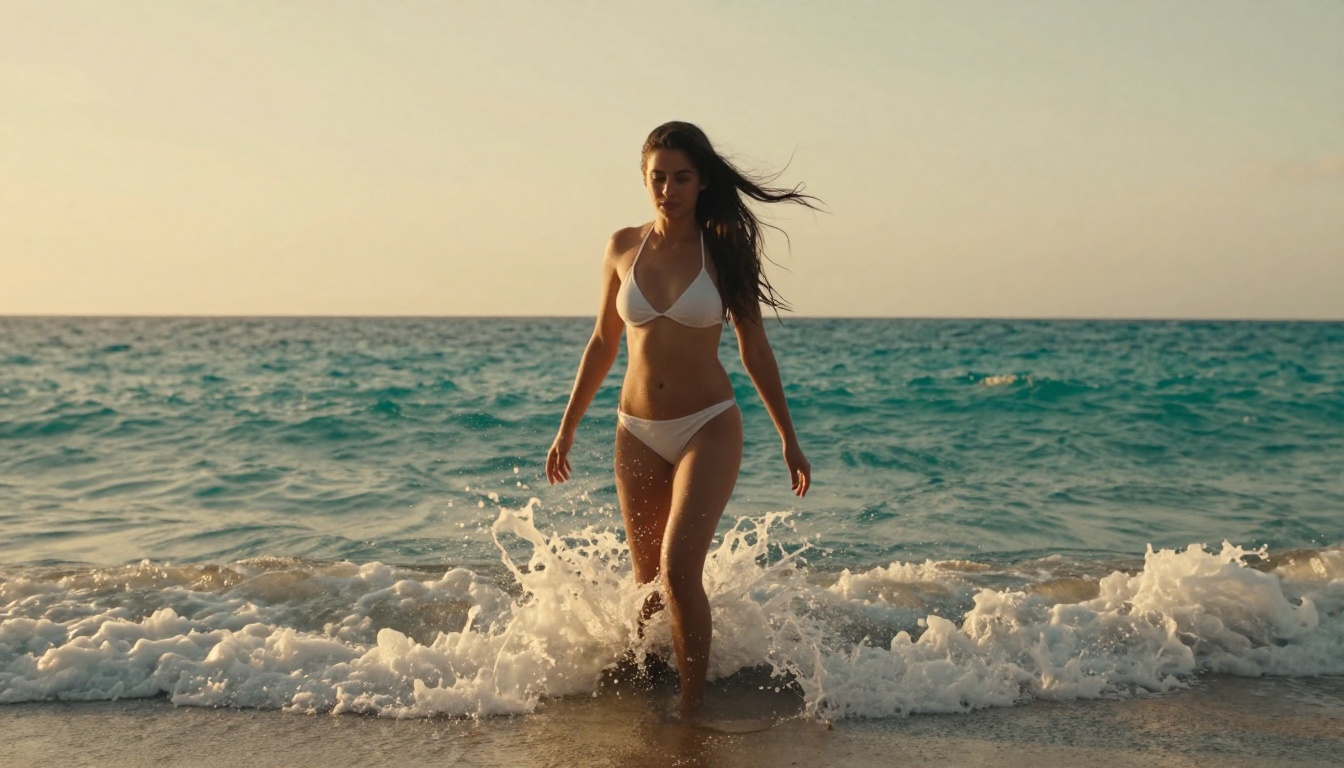
Why Photos Work Better Than You Think
A common misconception is that only high-resolution, professionally shot photos produce good results. That's simply not true with Seedance 2.0. The model has been trained on a massive variety of image types and quality levels. What matters more than resolution is composition clarity — the model needs to understand what it's looking at.
Portrait Photos
Portraits are the sweet spot for Seedance 2.0. The model has deep training on human anatomy, facial microexpressions, and hair physics. A basic smartphone portrait of a friend can become a 5-second cinematic clip with realistic eye blinks, subtle head movement, and natural hair motion.
What works best in portraits:
- Direct or three-quarter facing subjects
- Clear separation between subject and background
- Sharp focus on the face
- Natural or studio lighting (harsh flash can confuse the model's lighting physics engine)
Landscape and Architecture
Static landscapes become cinematic establishing shots. Seedance 2.0 excels with:
- Ocean and water scenes (wave motion synthesis is particularly strong)
- Forest and foliage (wind-driven leaf movement)
- Sky and clouds (realistic cloud drift without time-lapse artifacts)
- Urban scenes (traffic motion, flag movement, pedestrian simulation)

Product and Fashion Shots
This is an underexplored use case with serious commercial potential. A product photo of a perfume bottle can become a slow-motion reveal with light refracting through the glass. A fashion photo can become a runway-style clip with fabric in motion. The generated video maintains the exact composition and lighting of the original shot, which makes it drop-in ready for social media and advertising.
How to Use Seedance 2.0 on PicassoIA
PicassoIA gives you direct access to Seedance 2.0 and its faster variant, Seedance 2.0 Fast, without any API setup or technical knowledge required. Here's the exact process.
Step 1: Choose and Prepare Your Photo
Before uploading, a few quick checks will save you generation time:
- Crop to 16:9 or 9:16 — Seedance 2.0 works best with standard video aspect ratios
- Check for motion subjects — identify what should move in the scene (hair, water, fabric, people)
- Avoid heavy compression — JPEG artifacts can create visual noise in the output video
- Note the lighting direction — you'll reference this in your text prompt
💡 You can use any photo from your camera roll. HEIC files from iPhones work too. PicassoIA automatically converts formats before processing.
Step 2: Open the Model Page
Go to Seedance 2.0 on PicassoIA. You'll see the image upload zone at the top of the interface. Click it or drag and drop your photo directly onto it.
If you're on mobile, the interface adapts fully. The upload button appears in the center of the tool panel, and you can pull photos directly from your device gallery.
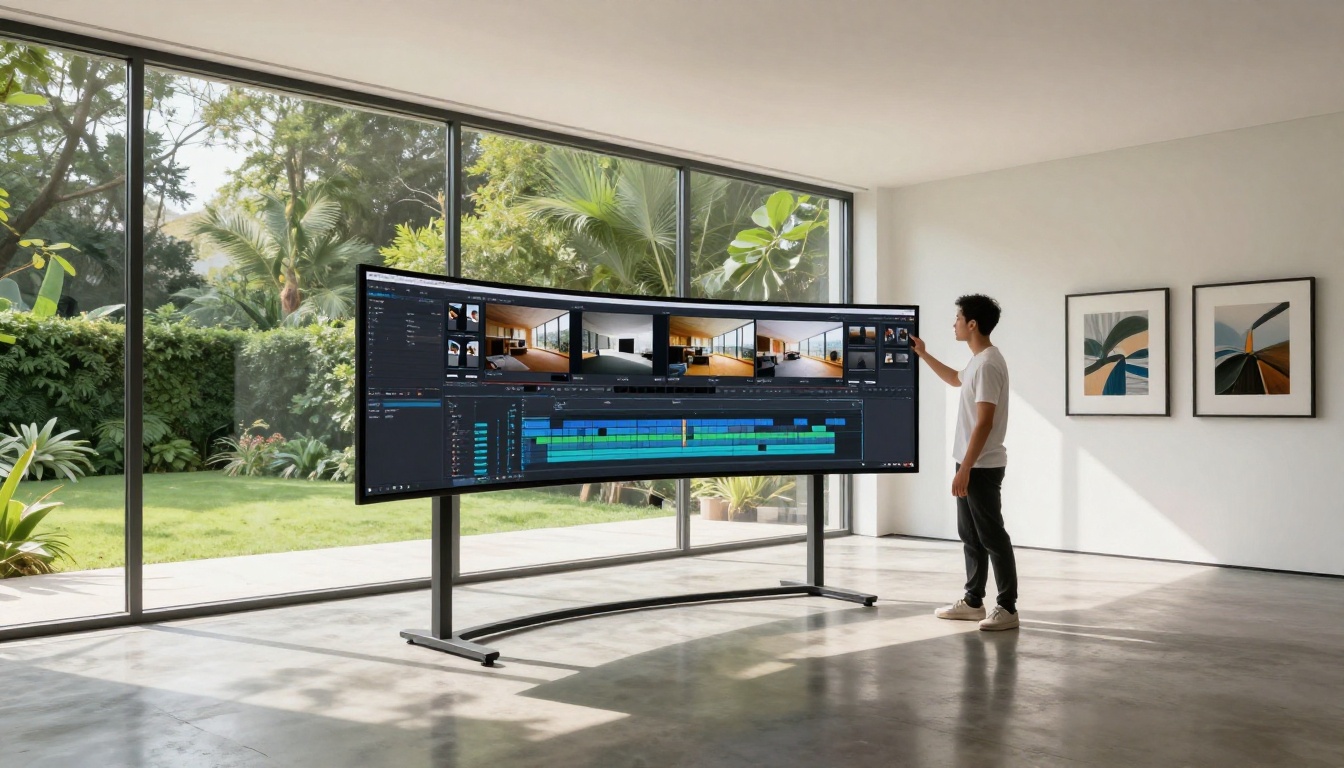
Step 3: Write Your Motion Prompt
This is the most important step and where most people underperform. The motion prompt tells Seedance 2.0 what should move and how. Don't describe the photo — describe the motion you want to see.
| Weak Prompt | Strong Prompt |
|---|
| "A woman on a beach" | "Hair blowing left in ocean breeze, waves crashing at feet, slight head turn right" |
| "A forest landscape" | "Leaves rustling gently, light shafts moving through canopy, birds flying in background" |
| "A product shot of perfume" | "Slow 360-degree rotation, light refracting through glass, soft mist rising from cap" |
| "A city street" | "Cars moving through intersection, pedestrians walking, flag waving in light wind" |
Prompt elements to always include:
- Direction of movement (left, right, toward camera, away)
- Speed descriptor (slow drift, fast pan, subtle sway)
- Camera motion if desired (slow zoom in, gentle pan left, static hold)
- Secondary elements in the scene that should also move
Step 4: Set Duration and Quality Parameters
Seedance 2.0 on PicassoIA offers several output controls:
- Duration: 3 to 10 seconds. For social media, 5-6 seconds hits the sweet spot.
- Resolution: Up to 1080p native output
- Motion Intensity: A slider controlling how much movement the model generates. Lower values produce subtle, elegant motion. Higher values push toward dramatic cinematic movement.
- Audio: Toggle on to enable native ambient audio generation
💡 For portrait animation, keep Motion Intensity below 50%. Faces become uncanny quickly at high motion values. For landscapes and environments, push it higher — the model handles environmental motion very well at maximum intensity.
Step 5: Generate and Download
Click Generate. Seedance 2.0 typically delivers results in 30-90 seconds depending on duration and current server load. The output plays directly in the browser before you download.
Download formats available:
- MP4 (H.264) for universal compatibility
- WebM for web embedding
- The original frame as a PNG for quality comparison
Getting the Best Results
After the basics, these tips separate mediocre outputs from genuinely impressive ones.
Prompt Tips That Actually Work
Start with camera language. Terms borrowed from cinematography give the model precise instructions:
- "Slow dolly forward" — the camera moves toward the subject
- "Rack focus from foreground to background" — focus shifts planes
- "Dutch tilt pan right" — angled camera panning
- "Handheld subtle shake" — organic, documentary-style camera feel
Reference natural phenomena specifically. Instead of "wind," say "light breeze from left, approximately 10mph." Instead of "waves," say "gentle rolling waves, 2-3 feet, breaking softly." The model responds to specificity because it's been trained on enormous amounts of real-world footage with precise temporal labels.
Photo Quality Tricks
| Tip | Why It Works |
|---|
| Upload at 4K even if you want 1080p output | More source data means better motion synthesis |
| Avoid images with text or logos | Text deforms during motion generation |
| Use photos with natural depth of field | The model uses blur gradients to estimate scene depth |
| Submit the same prompt twice | Seedance 2.0 is stochastic — two runs yield different results |
Seedance 2.0 vs Seedance 2.0 Fast
PicassoIA gives you access to both variants. The choice depends on your use case.
| Feature | Seedance 2.0 | Seedance 2.0 Fast |
|---|
| Generation Speed | 60-90 seconds | 15-30 seconds |
| Output Quality | Maximum | Very High |
| Motion Complexity | Full physics simulation | Simplified motion model |
| Audio Generation | Yes | Limited |
| Best For | Final output, client work | Testing, iteration, drafts |
| Max Duration | 10 seconds | 6 seconds |
For first-time users, start with Seedance 2.0 Fast to test your photo and prompt combination quickly, then switch to the full Seedance 2.0 for your final high-quality render.
Seedance 2.0 is the strongest image-to-video model available right now, but PicassoIA's video collection includes additional options worth knowing.
For text-only video generation (no source image required):
If you want to take your generated video further, PicassoIA also offers AI Video Enhancement tools for upscaling and stabilizing clips, Lipsync models for adding realistic talking-head animation, and a Video Effects library with 500+ creative filters and stylization options.
💡 A workflow that consistently produces broadcast-quality results: use Seedance 2.0 to animate your photo, then run the output through a Super Resolution model to upscale to 4K before publishing. Two tools, one stunning result.
Try It on Your Photos Right Now
Every photo you've ever taken has motion locked inside it. The hair mid-toss captured at 1/1000th of a second, the wave about to break, the moment just before someone laughed. Seedance 2.0 doesn't invent motion — it reveals the motion that was already there.
The barrier to entry is genuinely zero. You don't need video editing experience, a powerful computer, or any technical knowledge. You need a photo and a description of what should move. PicassoIA handles everything else.
Open Seedance 2.0 now and drop in a photo. The first generation takes about a minute. What you get back will change how you think about static images permanently.


