How to Use AI for Adult Content Without Getting Blocked
Tired of getting blocked by AI content filters? This article breaks down how to use AI for adult content without getting flagged, from choosing the right platforms and models to writing prompts that actually generate the suggestive, glamorous imagery you want.
Most people searching for how to use AI for adult content without getting blocked have already hit a wall. They typed something into a popular AI image tool, got a politely worded error about "content policies," and were left wondering where to go next. The answer is simpler than you think, and it starts with choosing the right platform and understanding how content moderation actually works inside these systems.
Why AI Tools Block Adult Content
Content filters in AI image generators are not random. They reflect a combination of technical limitations, legal exposure, and corporate risk management that has nothing to do with your creative intent.
The Real Reason Filters Exist
Most mainstream AI tools apply content moderation at two levels: the input (your prompt) and the output (the generated image). Input filters scan for flagged keywords. Output filters use classifier models to detect generated content that falls outside a platform's acceptable use policy.
The problem is that these filters are often calibrated too aggressively. Words like "lingerie," "bikini," "boudoir," or even "nude painting" can trigger a block even when your intent is entirely artistic. Mainstream consumer platforms protect themselves from the lowest common denominator, which means legitimate creative use gets caught in the same net as everything else.
Models like GPT Image 1.5 are exceptionally capable but come with consumer-grade content restrictions that make them impractical for adult content creators. The model is not the problem. The platform wrapper is.
API vs. Consumer Platform Restrictions
There is a meaningful difference between consumer-facing apps and API-level access to the same underlying models:
Access Type
Restriction Level
Typical Use Case
Consumer App
High
Casual users, general public
API with LoRA
Medium
Developers, creative professionals
Specialized NSFW Platform
Low to None
Adult content creators
The safest path for quality NSFW AI content is a dedicated platform built with appropriate age verification and content policies that explicitly permit adult material. These are not workarounds. They are purpose-built environments with proper safeguards, age gates, and legal frameworks.
💡 Bottom line: The platform matters more than the model. The same underlying AI can produce very different results depending on where you access it and what restrictions the host applies.
Platforms That Actually Allow NSFW Content
Not all platforms are equal when it comes to adult AI image generation. Some tolerate suggestive content. Others actively support it with dedicated models, fine-tuned checkpoints, and specific NSFW prompt handling.
What Makes a Platform Reliable
A reliable NSFW AI platform will have:
Age verification at registration, not just a checkbox
Explicit content policy that outlines what is permitted and what is not
Model variety including fine-tuned photorealistic models and community LoRAs
Stable infrastructure with no random takedowns or account terminations for compliant use
Active moderation framework that keeps explicit content within legal bounds
Picasso IA checks all of these boxes. It provides access to over 91 text-to-image models, including some of the most capable photorealistic generators available, within a content framework that supports artistic and suggestive imagery within clearly defined boundaries.
Dedicated vs. General-Purpose Generators
Feature
General AI Tool
Dedicated Adult Platform
NSFW Keywords
Blocked
Allowed within policy
Photorealistic Models
Limited
Extensive selection
Fine-Tuned Checkpoints
Rare
Common
Content Policy
Highly restrictive
Permissive with clear limits
Age Verification
Optional or absent
Mandatory
Account Risk
High for NSFW attempts
None for compliant use
The Right Models for Realistic Adult Images
Choosing the right AI model is the single biggest factor in output quality. The wrong model produces flat, plastic-looking results. The right one generates images that hold up next to professional photography.
Models Built for Photorealism
For NSFW or suggestive content, photorealism is non-negotiable. These are the models that consistently deliver:
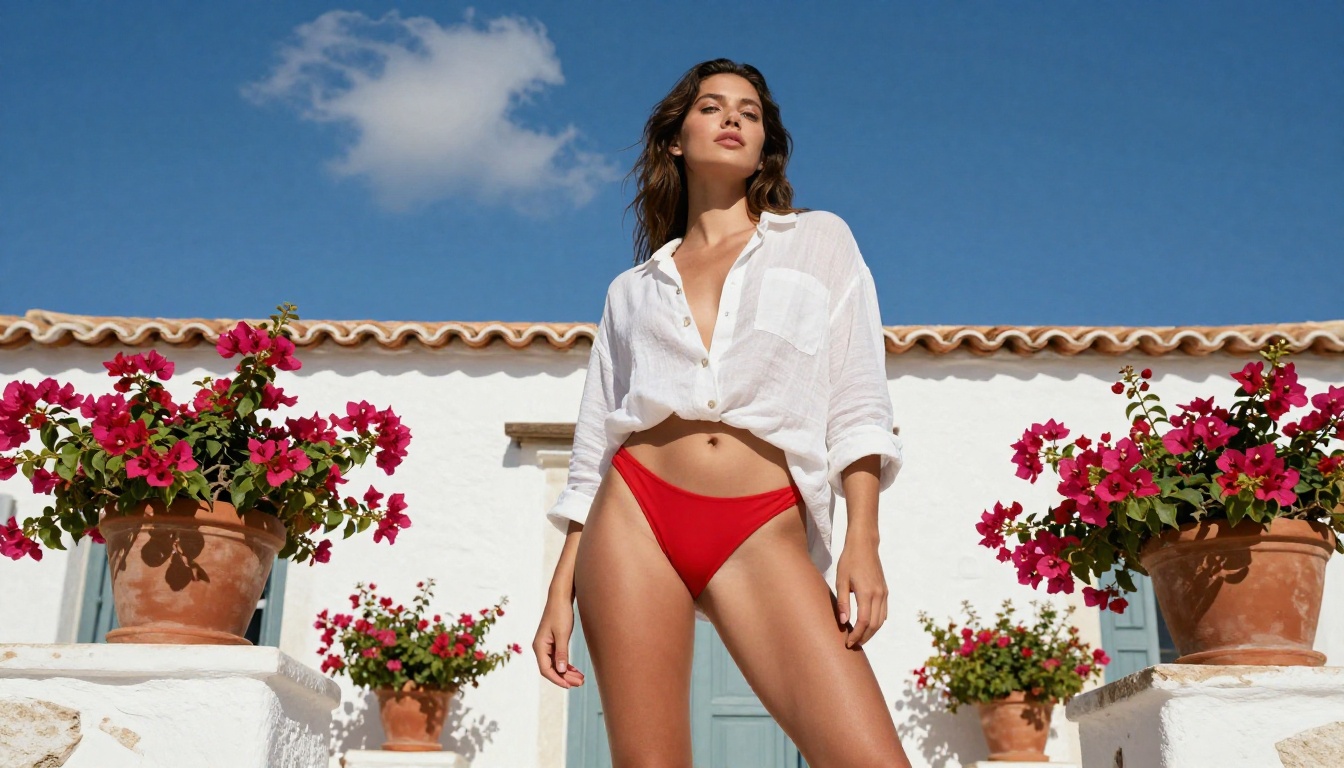
Flux 1.1 Pro Ultra is currently one of the highest-quality models available on Picasso IA. It excels at skin texture, nuanced lighting, and compositional accuracy. If you want images that look like they were shot by a professional photographer, this is the starting point.
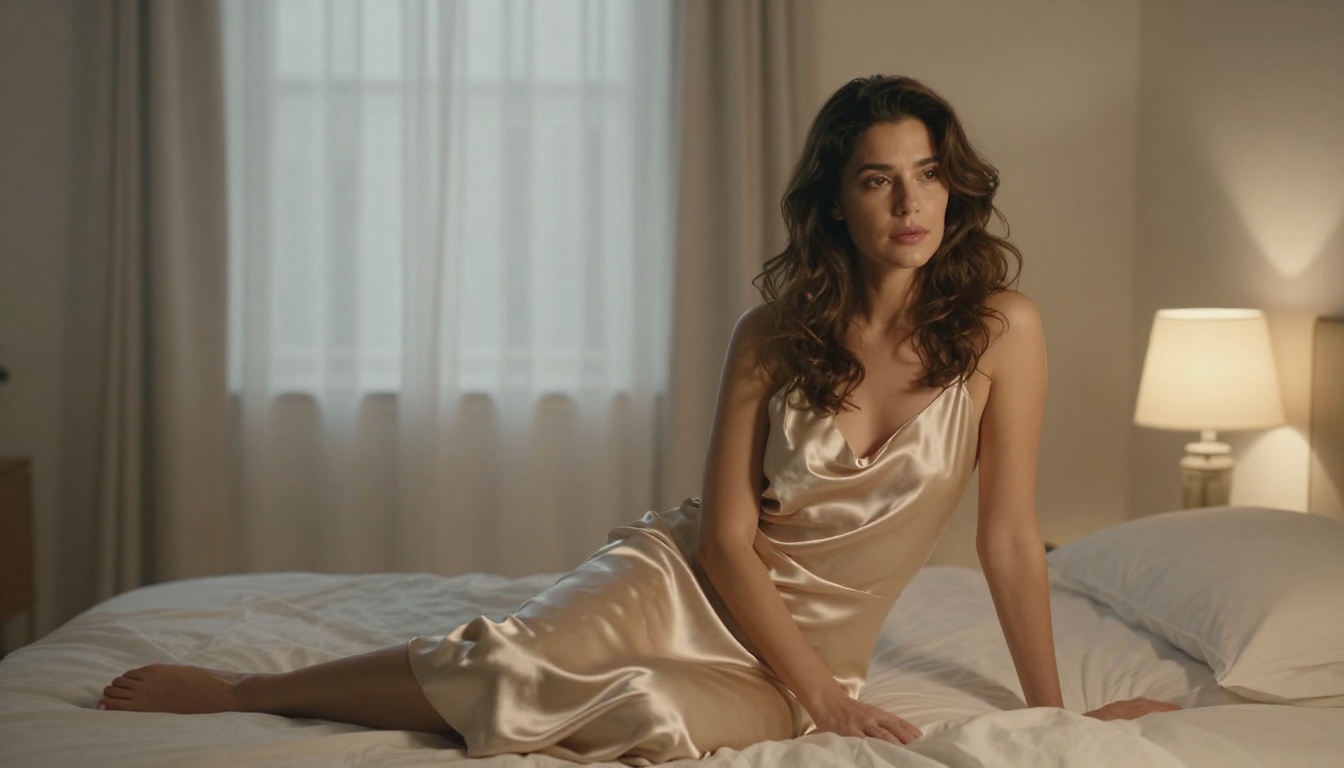
Realistic Vision v5.1 was fine-tuned specifically on photographic data and produces remarkably lifelike portraits and lifestyle shots. It handles skin tones, hair detail, and fabric textures with exceptional accuracy, making it the preferred choice for boudoir and glamour content.
RealVisXL v3.0 Turbo is the speed-optimized variant of the same photorealistic lineage. When you need fast iterations without sacrificing too much quality, this is the model to reach for first.
Flux 2 Pro represents the next generation of the Flux architecture. It handles complex scenes, multiple lighting sources, and detailed environment rendering better than most models in its class, with particularly strong results for outdoor and location-based imagery.
DreamShaper XL Turbo sits at an interesting intersection of photorealism and creative flexibility. It is particularly strong for glamour and fashion-style imagery where you want natural-looking results with a slightly elevated, editorial aesthetic.
Stable Diffusion 3.5 Large offers excellent performance for artistic and compositionally complex imagery. It gives you more creative latitude in how subjects are framed and lit compared to pure photorealism models.
The difference between a blocked prompt and a successful one is not always the model. It is the language. Prompt engineering for adult AI content is a real skill, and there are clear patterns that separate impressive outputs from disappointing ones.
The Anatomy of a Good NSFW Prompt
A well-constructed prompt for suggestive or adult content follows this structure:
Subject description: age (always specify adult), appearance, hair color and length, expression
Clothing or state of dress: specific fabric, style, and coverage using precise descriptive language
Environment and setting: location, props, time of day, background elements
Lighting conditions: direction (left, right, above, behind), quality (soft, harsh, volumetric), color temperature (warm, cool, golden hour)
Camera angle and lens: perspective (low angle, eye level, aerial), focal length, aperture and depth of field
Style modifiers: photorealistic, RAW photography, 8K, film grain type (Kodak Portra 400, Fuji Provia)
Bad prompt: "sexy woman photo"
Good prompt: "A confident woman in her late twenties wearing an off-shoulder silk dress, sitting on a velvet chair in a dimly lit luxury boudoir, soft warm candlelight from the left casting golden hues across her collarbone, shot with an 85mm f/1.4 lens, natural skin texture, Kodak Portra 400 film grain, photorealistic RAW photography, 8K resolution"
The difference is specificity. Detailed prompts leave less room for the model to produce unintended results and almost always produce higher-quality outputs regardless of the subject matter.
Words That Help Your Prompts
For photorealism, include:
photorealistic, RAW photography, 8K resolution, 35mm film
volumetric morning light, golden hour, Rembrandt lighting
Style terms that improve consistency:
--style raw modifier where supported by the model
no retouching, unedited, natural beauty
Camera references like Canon EOS R5, Sony A7IV, Fujifilm GFX 100S signal photorealistic output to the model
What to avoid on any platform:
Explicit anatomical terminology for sexual acts
Age-ambiguous descriptions (always state adult age ranges clearly and explicitly)
Direct action descriptions that cross from suggestive into explicit pornographic territory
💡 Prompt structure tip: Describe clothing with precision rather than its absence. The more specific the clothing description, the better the model handles fabric texture, drape, and how light interacts with the material. Specificity is always your friend.
How to Use Flux on PicassoIA for NSFW Content
Flux 1.1 Pro Ultra is the recommended starting point for anyone serious about photorealistic adult content generation on Picasso IA. Here is a practical, step-by-step breakdown of the workflow that produces consistent results.
Step 1: Choose Your Model
Navigate to Flux 1.1 Pro Ultra on Picasso IA. This model produces the highest fidelity results for portrait and lifestyle photography among the Flux family of models.
If you want faster generation for concept testing before committing to a final render, use Flux Dev for your drafts, then switch to Flux 1.1 Pro Ultra for the final high-quality version.
Step 2: Set Your Parameters
Aspect Ratio: 16:9 for editorial and landscape compositions, 9:16 for portrait and vertical formats
Steps: 28 to 35 for maximum quality. Lower step counts generate faster but reduce fine detail
CFG Scale: 7 to 9 for photorealism. Higher values increase prompt adherence but can reduce naturalness and introduce artifacts
Seed: Record a seed number when you find a composition you like. Fixing the seed lets you reproduce similar results while adjusting other variables independently
Step 3: Write a Detailed Prompt
Use the six-part structure from the previous section. A minimum of 50 words in your prompt will produce measurably better results than short, vague inputs. Always include subject description, environment, lighting direction and quality, and camera specifications as a baseline.
Do not abbreviate style modifiers. photorealistic RAW photography 8K resolution Kodak Portra 400 film grain added to the end of every prompt is a reliable quality baseline that consistently improves output across all photorealistic models.
Step 4: Use Negative Prompts
Negative prompts instruct the model what to avoid. For photorealistic adult content, use this as your baseline negative prompt:
cartoon, CGI, 3D render, illustration, plastic skin, blurry, low resolution, watermark, text, logo, anime, painting, digital art, oversaturated
Add specific elements you want to exclude based on your subject and setting. If generating outdoor scenes, add indoor lighting to the negative prompt. For studio work, add harsh sunlight, outdoor environment.
Step 5: Iterate Systematically
Your first generation is rarely your best output. Adjust one variable at a time to isolate what improves results:
Change the lighting description (direction, softness, color temperature)
Adjust the camera angle (low angle, eye level, aerial, close-up)
Add or remove style modifiers
Try adjacent seed numbers while keeping the same prompt
💡 Speed tip: Use Flux Schnell for rapid concept testing. It generates in seconds. Once the composition looks right, move to Flux 1.1 Pro Ultra for the final high-quality render.
Common Mistakes That Get You Blocked
Even on platforms that explicitly permit adult content, there are patterns that trigger filters or consistently produce poor results. These are the most frequent ones.
3 Patterns That Hurt Your Results
1. Age-Ambiguous Descriptions
This is the most critical mistake. Every professional platform that allows NSFW content requires you to make subject age explicit. Write "a woman in her thirties" or "an adult woman in her late twenties." Avoid vague descriptors that could be misread. This is both a platform policy issue and a legal requirement, and it is non-negotiable.
2. Wrong Model for the Job
Using a general-purpose model like SDXL for adult content that requires photorealism will produce mediocre results. SDXL is a capable model, but it is a generalist. For glamour photography, use photorealistic fine-tuned models. The mismatch between model capability and content type is one of the most common sources of disappointing outputs.
3. Short, Vague Prompts
"Beautiful woman in lingerie" is not a prompt. It is a suggestion. The model will fill in every detail you did not specify, usually in ways that do not match your vision. Specify the subject age, the specific garment, the setting, the lighting, and the camera perspective. Every detail you add is a detail the model does not have to guess.
What to Do When a Prompt Gets Blocked
Rephrase using more descriptive and specific language rather than direct terms
Replace any age-ambiguous descriptors with clear adult age ranges
Check whether the platform has content tiers that require additional account verification
Switch to a model with different sensitivity thresholds
Review the platform's content policy to confirm your prompt is within stated bounds
Output Quality: Getting the Most from Each Generation
Generating an image is only the first step. A post-generation workflow matters significantly for professional-grade results that are actually usable.
Upscaling for High-Resolution Delivery
AI image generators typically output at base resolutions around 1024 pixels. For professional distribution, upscaling is necessary. Picasso IA offers Super Resolution models that upscale images 2x to 4x while preserving skin texture and fine detail without introducing artificial sharpening artifacts or halation around edges.
Fixing Imperfections Without Full Regeneration
Even the best AI generation occasionally produces small flaws: an awkward hand position, a slight compositional issue, or a distracting background element. Picasso IA's inpainting tools let you fix specific areas of an image without regenerating the full composition. Select the problem area, describe what you want in its place, and the model fills it in while preserving the rest of the image exactly as it was.
Outpainting extends this further. You can expand the canvas of a generated image and add new visual elements to the edges while maintaining stylistic consistency with the original content. This is particularly useful for converting portrait crops into wider editorial compositions without starting over.
A Practical Batch Workflow
For creators who need consistent volume from their sessions:
Write one strong base prompt and generate 6 to 8 variations by changing the seed
Review all outputs and select the 2 to 3 best results
Apply inpainting to any minor corrections needed on selected images
Run final selections through Super Resolution upscaling
Export at full resolution for distribution
This workflow produces consistent, high-quality output at scale without starting from scratch on every image, and it makes efficient use of generation credits.
Beyond Images: The Full Adult Content Toolkit
AI image generation is just one part of what is possible on a platform like Picasso IA. For creators building a full content workflow, the available capabilities extend significantly beyond still images.
What Professional Creators Use
Face Swap AI lets you swap faces across generated images while maintaining photorealism. This is particularly useful for maintaining a consistent character identity across multiple scenes without needing to regenerate from scratch each time the setting changes.
Super Resolution upscales your best generations to 4K or 8K for premium digital distribution or print use, preserving the fine details that matter most in portrait and figure photography.
Background Removal isolates subjects from generated backgrounds cleanly, allowing compositing into new environments or against custom backdrops without visible seams.
AI Image Restoration fixes minor generation artifacts, noise, or softness in specific areas without full regeneration, saving significant time in the production pipeline.
Each of these tools is available directly within Picasso IA, meaning no context-switching between apps and no quality loss through repeated export and import cycles. Your images stay in a consistent pipeline from generation through post-processing.
💡 Production efficiency: When all your tools live in one place, your workflow is faster and the quality stays consistent at every stage. This matters most when you are producing content at volume.
Start Creating Your Own AI Images Today
There has never been a better time to use AI for adult content creation. The models are more capable than ever, the platforms are more purpose-built, and the quality ceiling is genuinely high. Whether you are a solo creator building an audience, a photographer generating concept imagery, or someone curious about what current AI can actually produce, the tools are accessible and the results can be exceptional.
Picasso IA brings over 91 text-to-image models together in one place, including some of the most capable photorealistic generators available: Flux 1.1 Pro Ultra, Realistic Vision v5.1, Flux 2 Pro, DreamShaper XL Turbo, and many more. The platform is built with proper content policies, mandatory age verification, and a clear framework that makes it one of the most reliable environments for NSFW AI content creation available right now.
Pick one model. Write a detailed prompt using the six-part structure from this article. Generate ten variations. You will find something worth keeping by the third or fourth try, and from there the iteration process becomes genuinely productive and enjoyable.
The quality of what is possible right now would have seemed extraordinary just two years ago. The tools are here. The prompts are learnable. Start with one image and see what you can build from there.