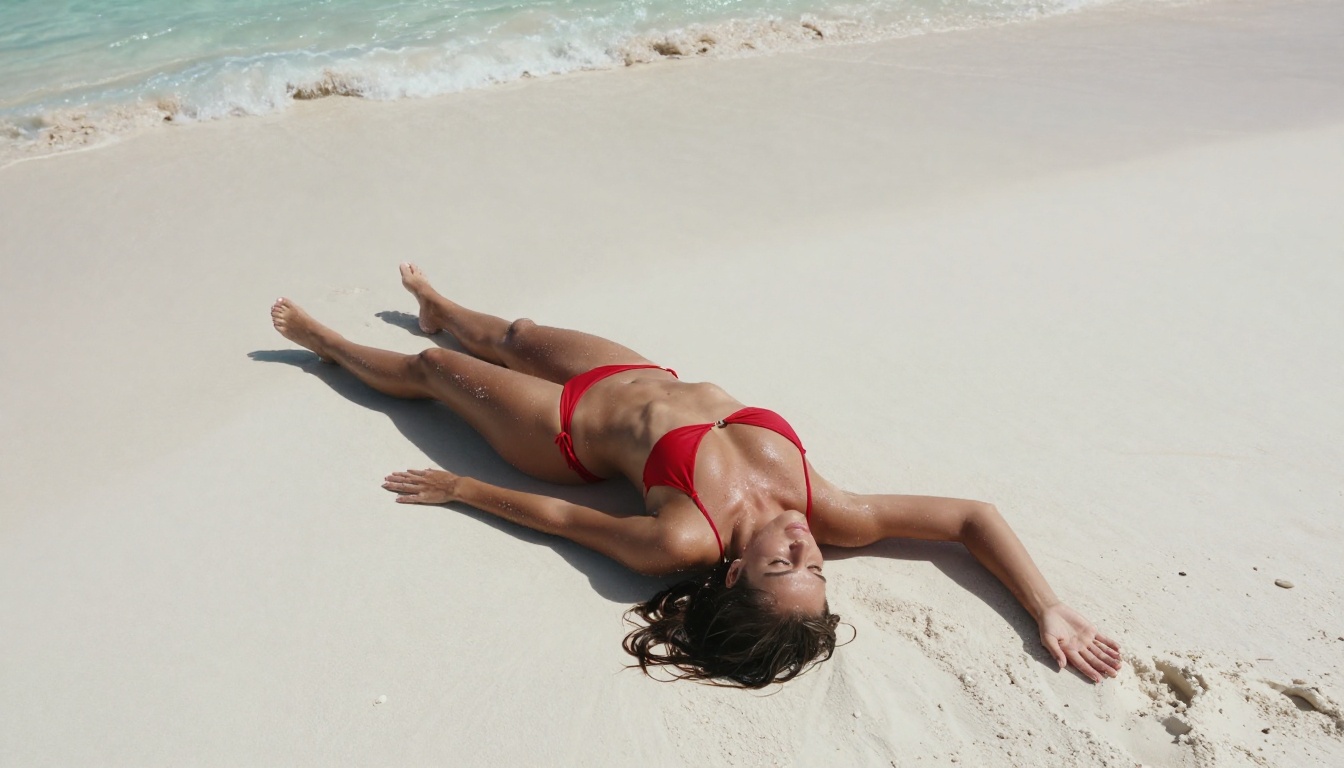
Flux 2 changed what is possible with AI image generation. Black Forest Labs built the second generation from the ground up with photorealism as the primary target, and the results on human subjects are genuinely different from what older diffusion models produce. If you have been working with Stable Diffusion or earlier Flux models for suggestive content, the improvement in skin texture, anatomy accuracy, and prompt adherence is immediately visible. This article walks through exactly how to use Flux 2 for NSFW AI image generation: which variants exist on PicassoIA, how to write prompts that actually work, which settings matter, and what separates a generic output from something that looks like it came from a professional photo shoot.
What Flux 2 Actually Is
Flux 2 is a family of text-to-image models developed by Black Forest Labs, the team behind the original Flux.1 series that dominated photorealism benchmarks through 2024. The second generation ships with a new architecture, substantially improved training data, and significantly better human anatomy rendering.
There are six main variants in the Flux 2 family, each tuned for different quality-speed trade-offs. All of them are available on PicassoIA without the content restrictions you would encounter on mainstream platforms like Midjourney or Adobe Firefly.
The Architecture Behind the Quality
Flux 2 uses a flow-matching transformer architecture rather than the standard U-Net approach that Stable Diffusion relies on. This shift matters because transformers handle spatial relationships and long-range dependencies in prompts far better than convolutional networks.
In practice, this means:
- Prompt precision: When you describe "woman in the foreground, blurred city behind her," Flux 2 places those elements correctly instead of blending them together
- Consistent anatomy: Complex poses, foreshortening, and unusual camera angles produce correct proportions instead of distorted limbs
- Detail retention: Fine details like individual hair strands, pores, fabric weave, and eye structure are preserved at full resolution
- Multi-element coherence: Lighting, shadow, and reflection behave consistently across the whole image instead of appearing contradictory in different zones
Flux 2 vs. Its Predecessors
| Feature | Flux 1.1 | Flux 2 Dev | Flux 2 Pro |
|---|
| Anatomy accuracy | Good | Very Good | Excellent |
| Prompt adherence | ~82% | ~90% | ~95% |
| Skin texture | Moderate | High | Very High |
| NSFW pose reliability | Inconsistent | Reliable | Very Reliable |
| Speed (relative) | Fast | Moderate | Slower |
Flux 2 Models on PicassoIA
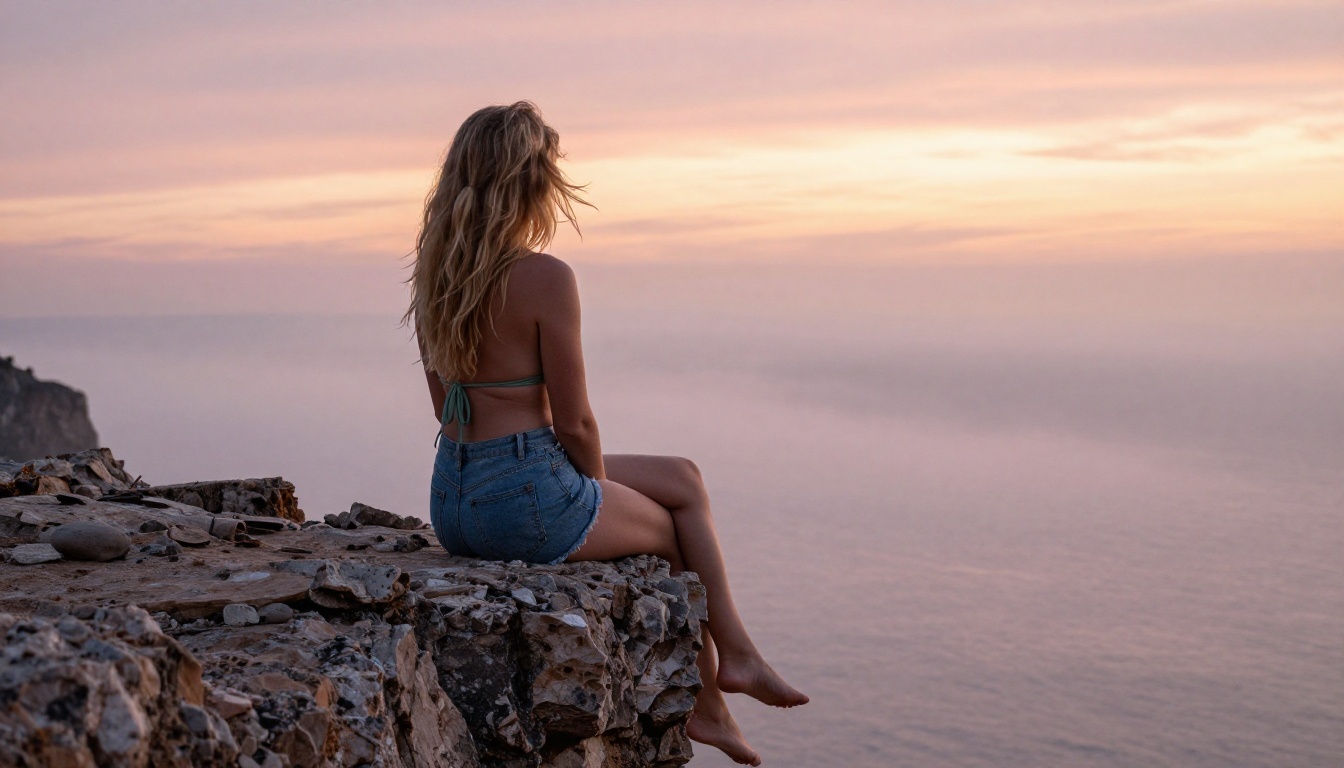
PicassoIA hosts the full Flux 2 variant lineup. Here is what each one does and when to reach for it.
flux-2-pro
flux-2-pro is the flagship variant and the default choice for high-quality NSFW output. It runs full inference steps at the highest quality setting, producing sharper skin texture, more accurate anatomy, and better lighting coherence than any other Flux 2 model. The trade-off is generation time: it takes longer than Dev or Klein variants.
Best for: Final renders, close-up portraits, detailed body shots, anything meant for sharing.
flux-2-dev
flux-2-dev is the development variant, designed for iteration. Quality is close to Pro but generation is faster, making it ideal for testing prompt structures, compositions, and lighting before committing to a full Pro render.
Best for: Prompt iteration, rapid testing, exploring lighting variations.
💡 Tip: Develop your prompts in Dev. Once you have a composition and lighting you like, switch to Pro for the final version. This saves significant time without sacrificing final output quality.
flux-2-max
flux-2-max pushes resolution and detail beyond the standard Pro ceiling. If you are producing content for large-format viewing, detailed crops, or print, Max is the right choice. For standard display-size output, the difference is subtle but visible in fine details.
Best for: Maximum resolution, large-format output, extreme close-up crops.
flux-2-flex
flux-2-flex handles non-standard aspect ratios and custom dimensions without distorting the subject. When you need a portrait crop (9:16), a wide cinematic frame, or specific pixel dimensions, Flex does this without the warping artifacts other variants sometimes produce at unusual ratios.
Best for: Portrait orientation shots, custom dimensions, unusual framing.
Klein Variants
flux-2-klein-4b and flux-2-klein-9b-base are smaller, faster models optimized for speed over quality. Use them for bulk generation, rapid concept testing, or situations where speed is more important than maximum fidelity.
Why Flux 2 Performs Better for NSFW Content
Human anatomy is one of the hardest problems in AI image generation. Every flaw in body proportions, skin rendering, or pose accuracy is immediately visible when there is minimal clothing to conceal it. This is why NSFW content is such a demanding test for any model.
Photorealism on Human Skin
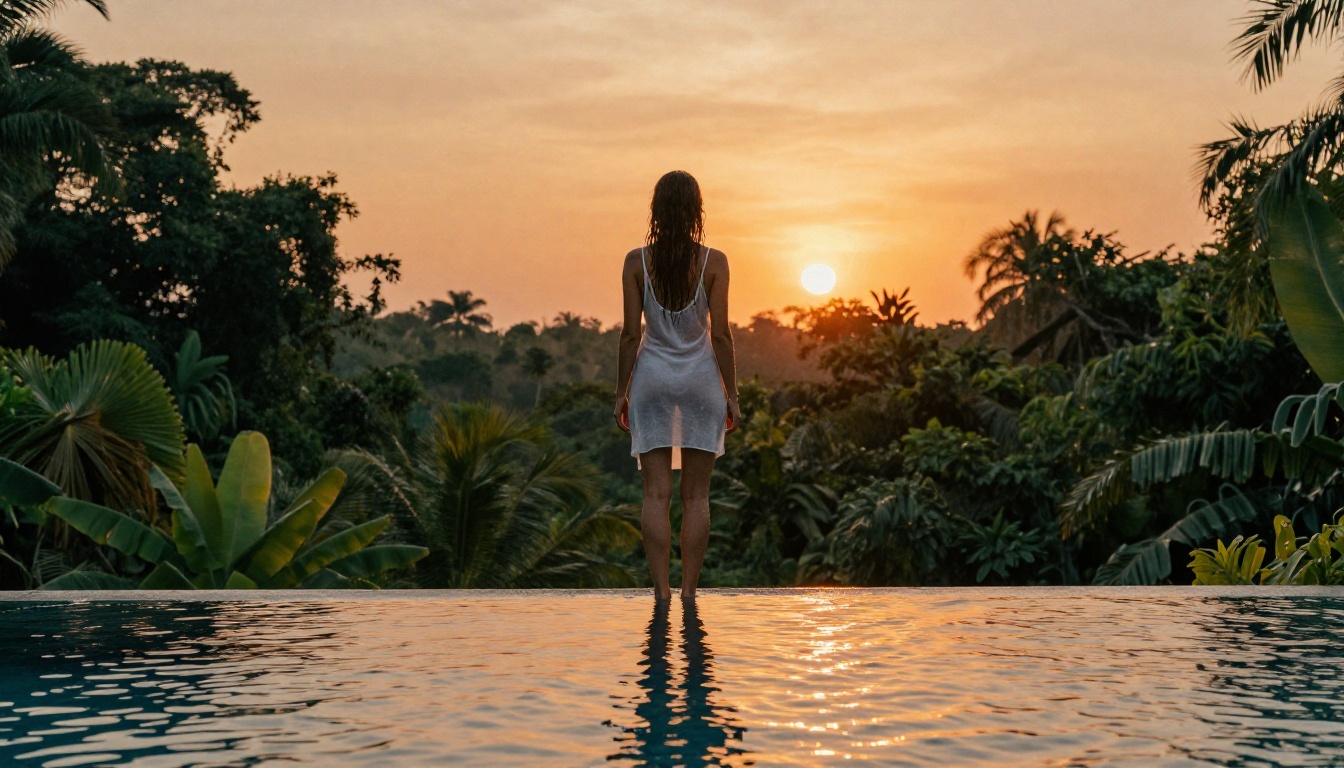
Flux 2 renders skin the way film photography does: with subtle color variation across different body zones, visible pore texture in close-up shots, and natural interaction between skin and light. This is a direct result of training on higher-quality photographic data.
Practical prompt additions that reinforce this quality:
Kodak Portra 400 film grain — warm, organic skin tonesFuji Pro 400H film grain — slightly cooler, very cleanRAW photography, 8K detail — pushes fine texture renderingphotorealistic, natural skin texture — reinforces the style direction
Body Proportions Without the Artifacts
Older models regularly produce extra fingers, fused hands, misaligned shoulders, and torsos that do not match the legs attached to them. Flux 2 handles these far more reliably, especially in:
- Reclining poses with foreshortened limbs
- Low-angle or aerial shots where perspective warps proportions
- Partial crops where only part of the body is visible
- Seated poses where leg positioning is often distorted in other models
This reliability is what makes Flux 2 the current best option for high-quality NSFW generation.
Writing NSFW Prompts That Work
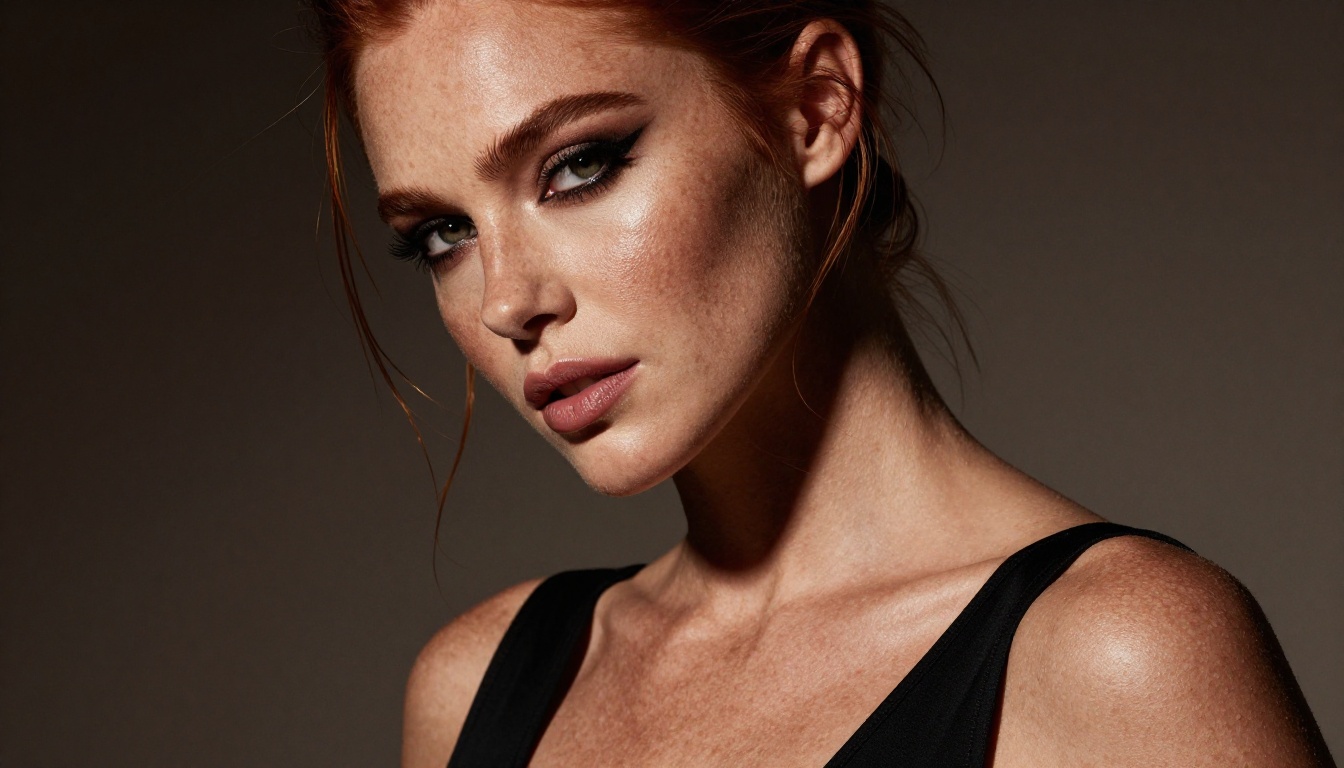
Prompt structure matters more with Flux 2 than with older models precisely because it follows instructions more accurately. A poorly structured prompt produces a poor result because the model tries to render exactly what you described.
The Core Prompt Formula
Subject + Clothing/State + Pose + Environment + Lighting + Camera + Film Style
Example in practice:
"Young woman in a strappy sage green bikini" (subject, clothing)
"reclining on dark wet sand" (pose, surface)
"at a black sand beach, volcanic rocks in the background" (environment)
"overcast soft diffused light, no hard shadows, cool blue-grey tones" (lighting)
"drone aerial shot from directly above at 28mm" (camera)
"Kodak Portra 400 film grain, RAW photography, 8K" (style)
The more specific each segment, the more control you have. Vague prompts produce average results. Specific prompts produce images that feel intentional.
Lighting Is Your Most Powerful Variable
Lighting determines mood more than any other element. The same subject and pose will look completely different depending on how you describe the light:
| Lighting Type | Visual Effect | Best Application |
|---|
| Soft window light | Intimate, gentle | Bedroom, boudoir scenes |
| Golden hour backlight | Warm rim halo | Outdoor, beach, field |
| Overcast diffused | Even, shadow-free | Full body shots, swimwear |
| Rembrandt studio | Dramatic diagonal shadow | Portraits, editorial |
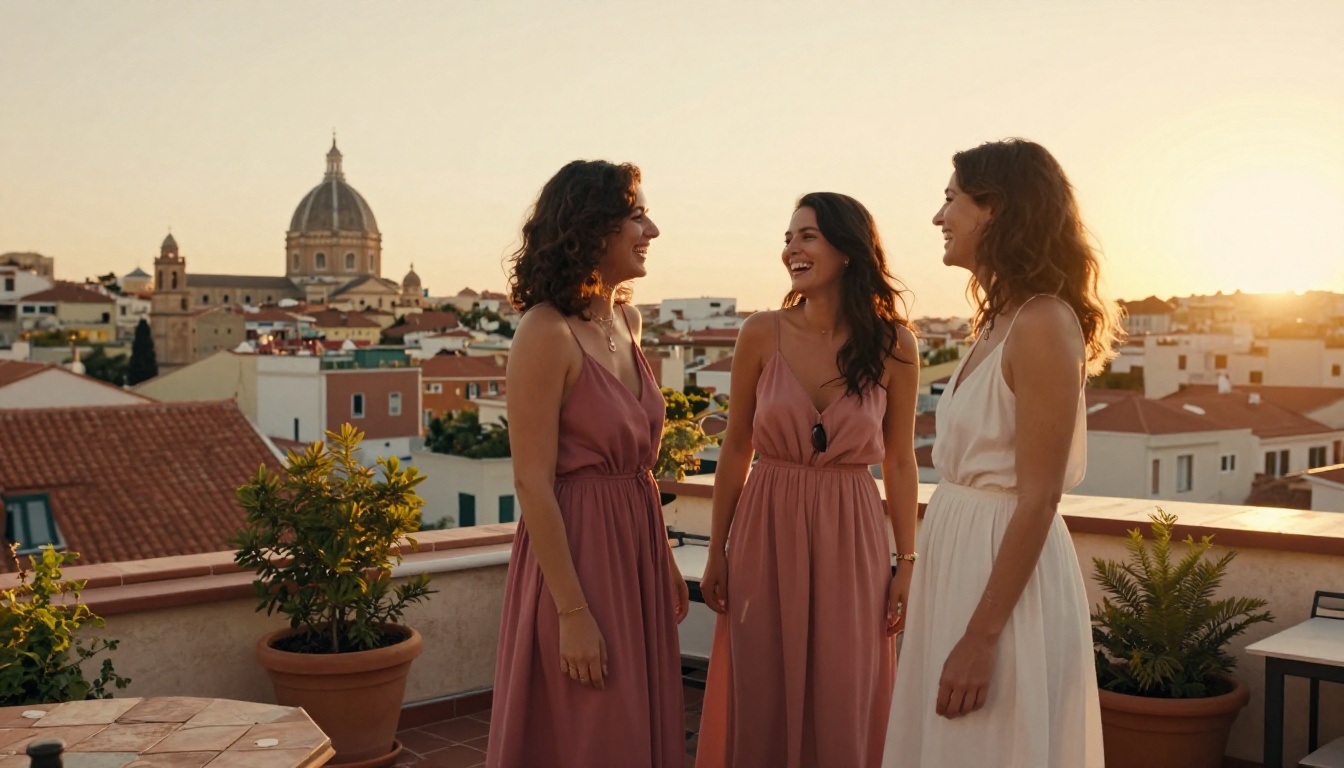
| Blue-hour ambient | Cool, moody | Urban scenes, rooftops |
| Candlelight | Orange-warm, intimate | Indoor close-ups |
Always specify direction: "light from the left," "backlit," "overhead sun," or "low side light." Flux 2 renders shadows accurately when you give it directional information.
💡 Tip: Adding "volumetric light" tells the model to render visible light rays, the kind that cut through dust or mist. This creates a cinematic quality that elevates most outdoor and indoor scenes.
Step-by-Step on PicassoIA
1. Pick Your Starting Model
For a first run, open flux-2-dev on PicassoIA. It gives you fast feedback while you refine your prompt. Once the composition is where you want it, move to flux-2-pro for the final output.
2. Set Your Aspect Ratio
- 9:16 (portrait) for full-body shots and standing figures
- 16:9 (landscape) for environmental scenes, beach shots, editorial compositions
- 1:1 (square) for close-up portraits and headshots
For specific pixel dimensions on a particular platform, use flux-2-flex.
3. Dial In Your Settings
Guidance Scale (CFG): 5-7 for most NSFW content. Lower values (3-4) give softer, more creative results. Higher values (8+) enforce strict prompt adherence but can make outputs look rigid.
Steps: 25-35 for quality output. Above 40 gives diminishing returns with Flux 2.
Seed: Note the seed of any output you want to build on. Re-using a seed with a modified prompt lets you iterate on the same base composition without starting from scratch.
4. Iterate Before Finalizing
Run 4-6 variations in Dev before switching to Pro. Flux 2 has natural variation between runs, and the third or fourth output is often significantly better than the first without any prompt changes.
Negative Prompts for Flux 2
Flux 2's transformer architecture responds differently to negative prompts than U-Net models. Stable Diffusion negative prompt dumps often produce little effect or actively work against the positive prompt.
A focused negative prompt that works:
cartoon, illustration, 3D render, painting, bad anatomy, extra limbs, distorted hands, blurry, watermark, text overlay, plastic skin, oversaturated, flat lighting, low quality
Keep it short and specific. Long negative prompts with hundreds of terms dilute the signal. Target the failure modes you actually want to avoid: anatomy issues, unwanted style blending, and quality degradation.
What to leave out of negatives:
- Styles you described positively (redundant and sometimes contradictory)
- Pasted dumps from old Stable Diffusion workflows without testing
- Vague terms that rarely cause issues in Flux 2 specifically
5 Prompt Examples Worth Copying
Each of these follows the subject-environment-light-camera formula and is structured for Flux 2 NSFW generation:
1. Tropical Beach
Woman in a white string bikini lying on dark volcanic sand at low tide, ocean waves retreating behind her, sharp midday tropical sun casting minimal shadows, drone aerial view from 40 degrees, Kodak Ektar 100 film grain, photorealistic RAW 8K
2. Indoor Boudoir
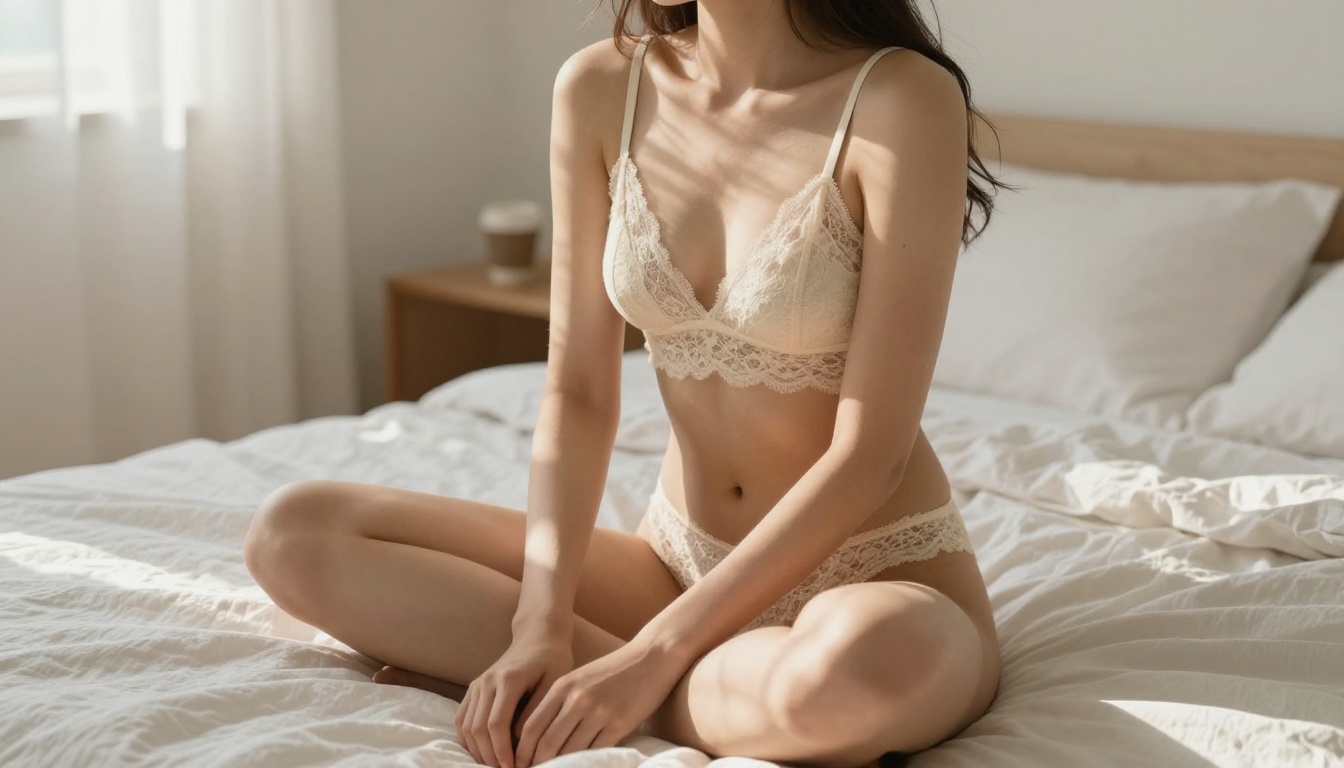
Brunette woman in a black lace bralette seated cross-legged on rumpled white linen, single morning light from a tall window on the right, warm gold tones, 85mm f/1.4 prime lens, Kodak Portra 800 film grain, photorealistic RAW 8K
3. Rooftop Urban
Woman in a strappy ivory slip dress standing on a concrete rooftop at blue hour, city skyline with lit windows blurred behind her, cool ambient light with warm highlights, 50mm f/1.4 street lens, Fuji Pro 400H grain, photorealistic RAW 8K
4. Pool Editorial
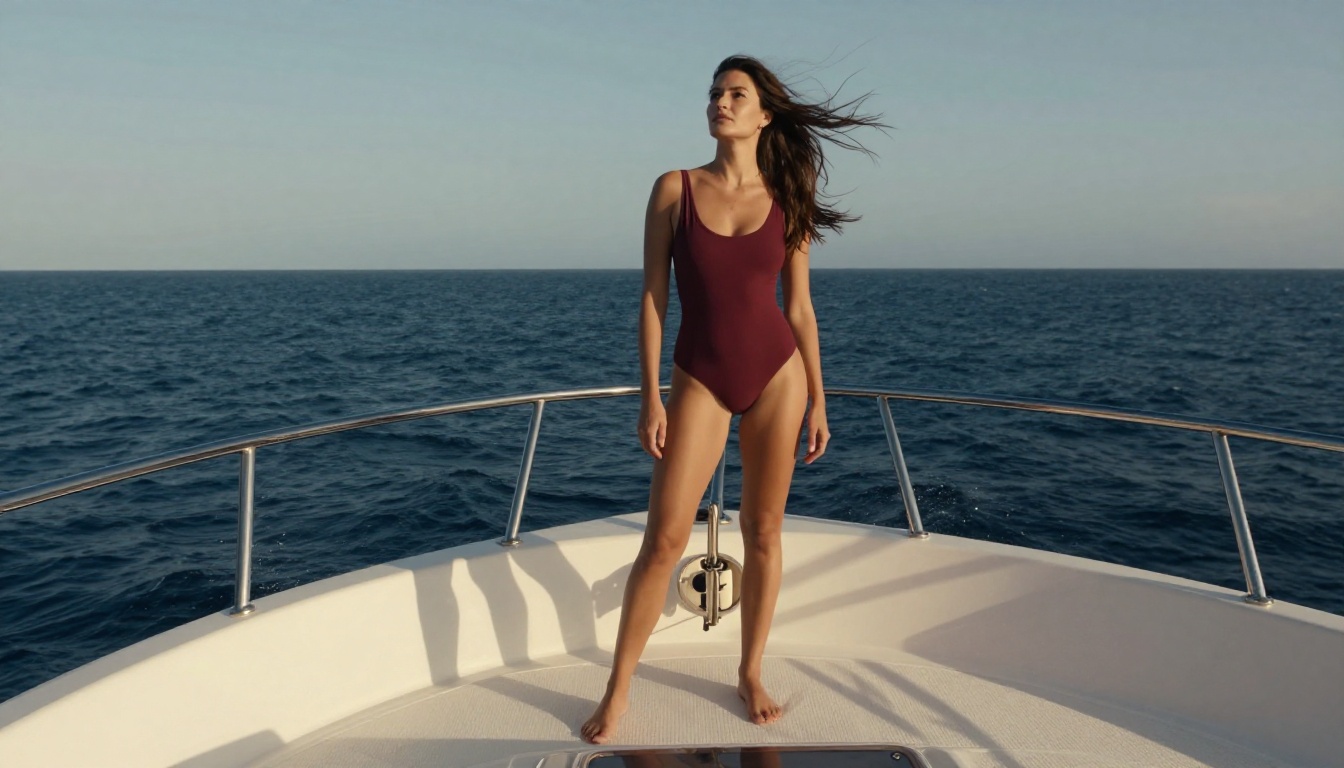
Athletic woman in a deep burgundy one-piece swimsuit seated at the edge of an infinity pool, overcast soft light with no harsh shadows, marble pool surround, low-angle looking upward, 35mm f/2 wide lens, photorealistic RAW 8K, luxury resort editorial
5. Field Glamour
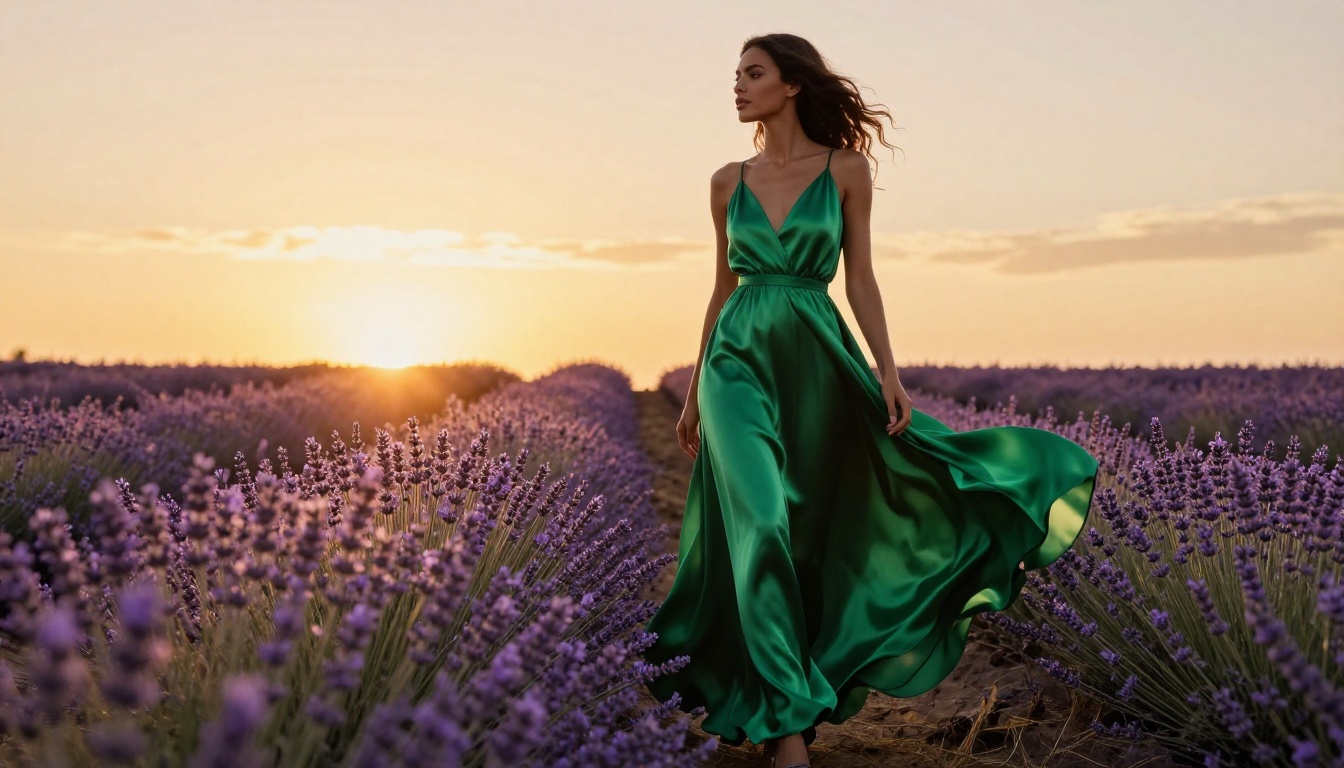
Woman in a flowing silk camisole standing in a golden wheat field, backlit by setting sun creating a warm rim halo, volumetric light rays through the wheat, 70mm f/2.8 telephoto, soft bokeh background, Fuji Velvia 50 grain, photorealistic RAW 8K
Model Selection at a Glance
For other photorealistic options on PicassoIA worth comparing: flux-1.1-pro-ultra produces ultra-realistic results at even higher fidelity, realistic-vision-v5.1 takes a different approach to portrait photography, and flux-schnell is the fastest option when quality is secondary.
Start Creating Your Own Images
The models are ready and the formulas above work. Pick a subject and an environment, describe the light with direction and quality, add your camera details, and include a film grain modifier. That structure gives Flux 2 everything it needs to produce a photorealistic result.
Start with flux-2-dev to iterate quickly. Use the seed system to lock in compositions you like. When a prompt is producing what you want, move to flux-2-pro for a finished-quality render.
PicassoIA gives you access to every Flux 2 variant alongside dozens of other text-to-image models. Beyond the Flux 2 family, flux-1.1-pro-ultra and seedream-4 are worth comparing for different visual styles and aesthetics. The platform is built for experimentation. Start with a single prompt, refine it, and build from there.


