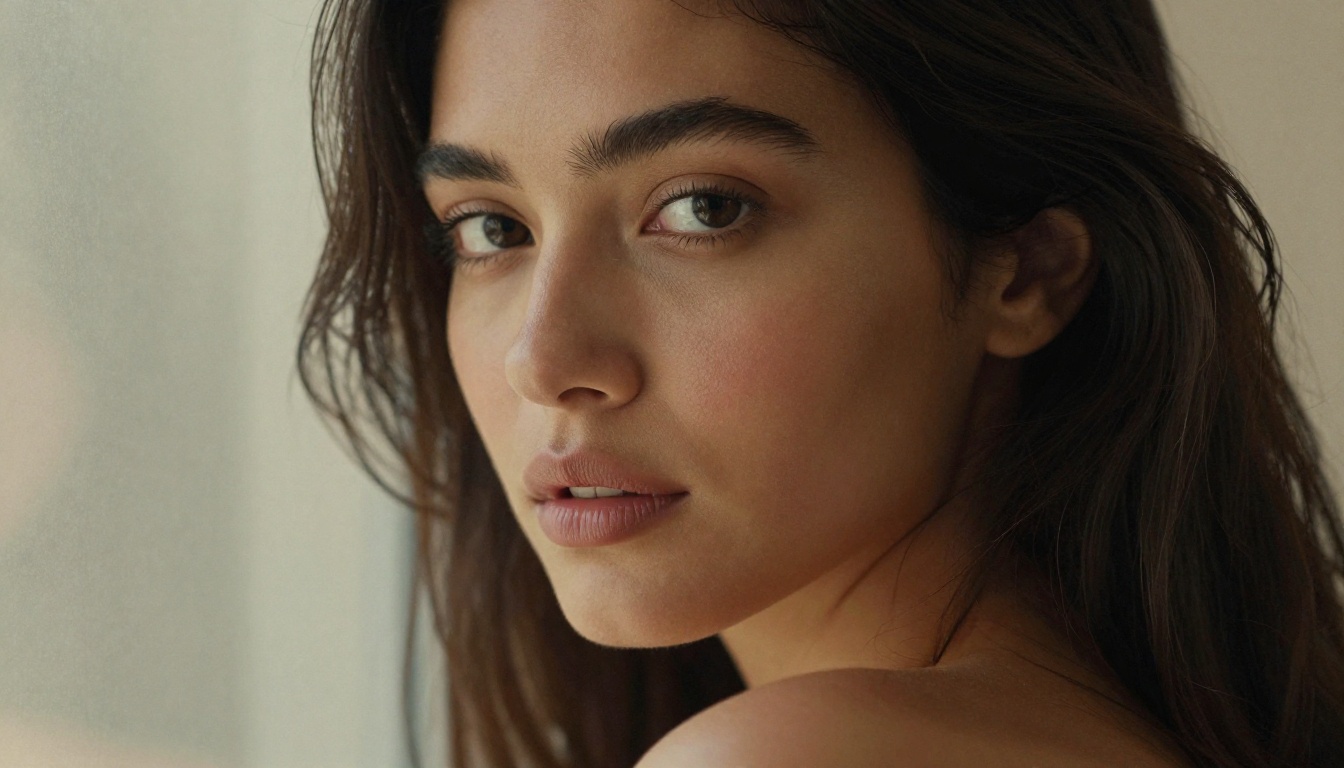
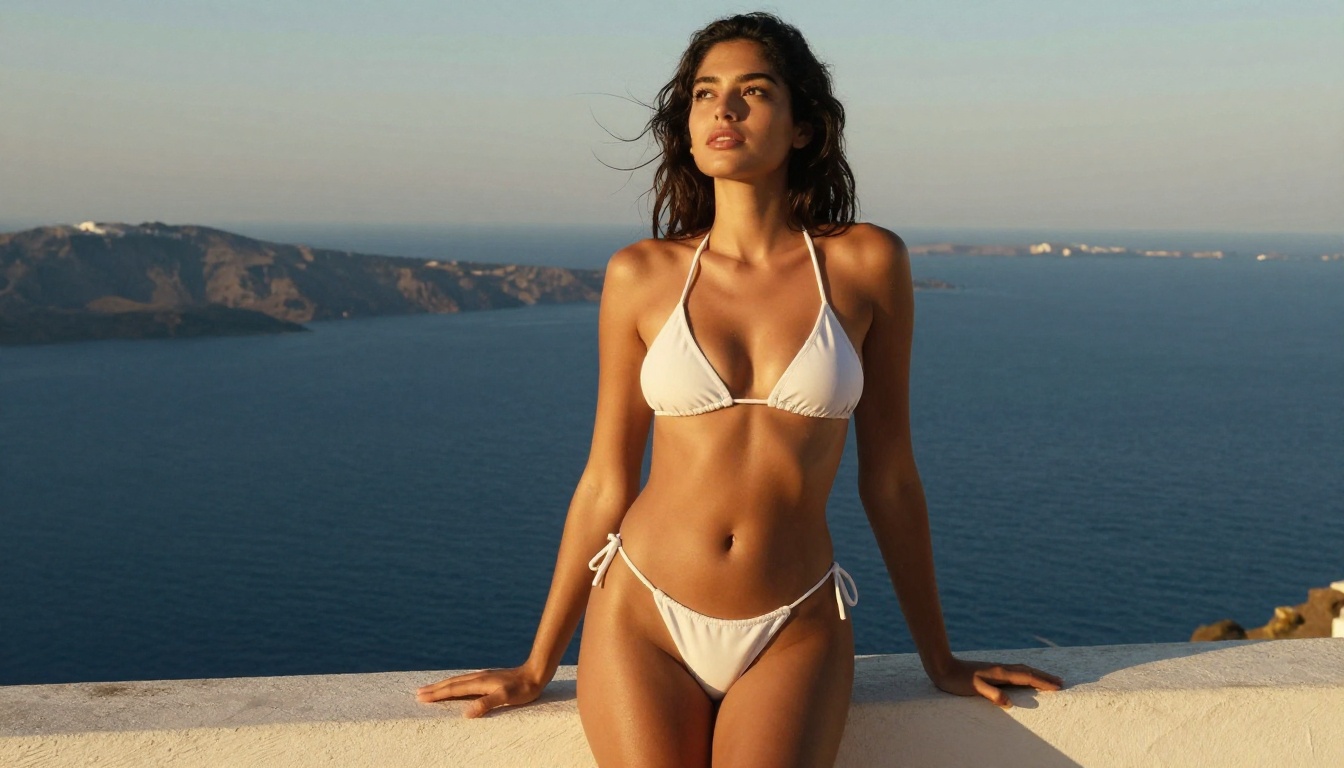
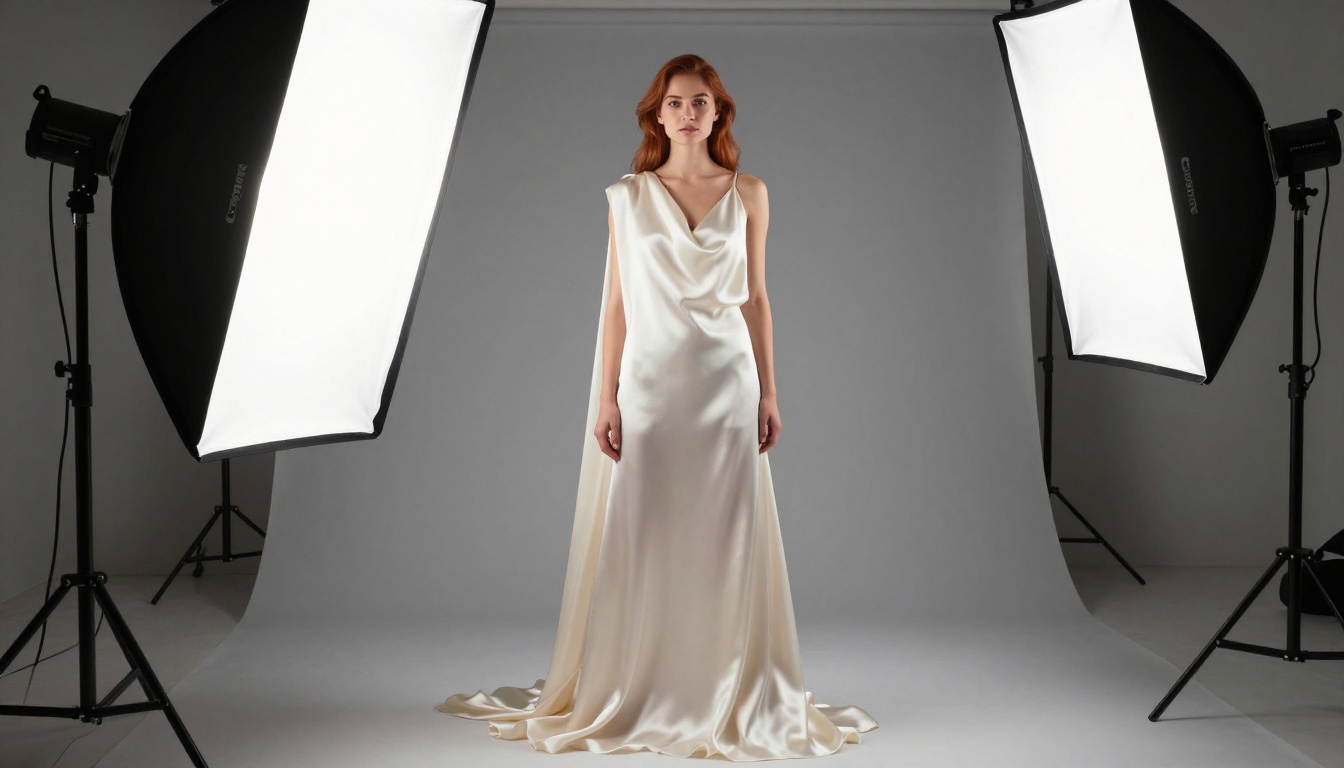
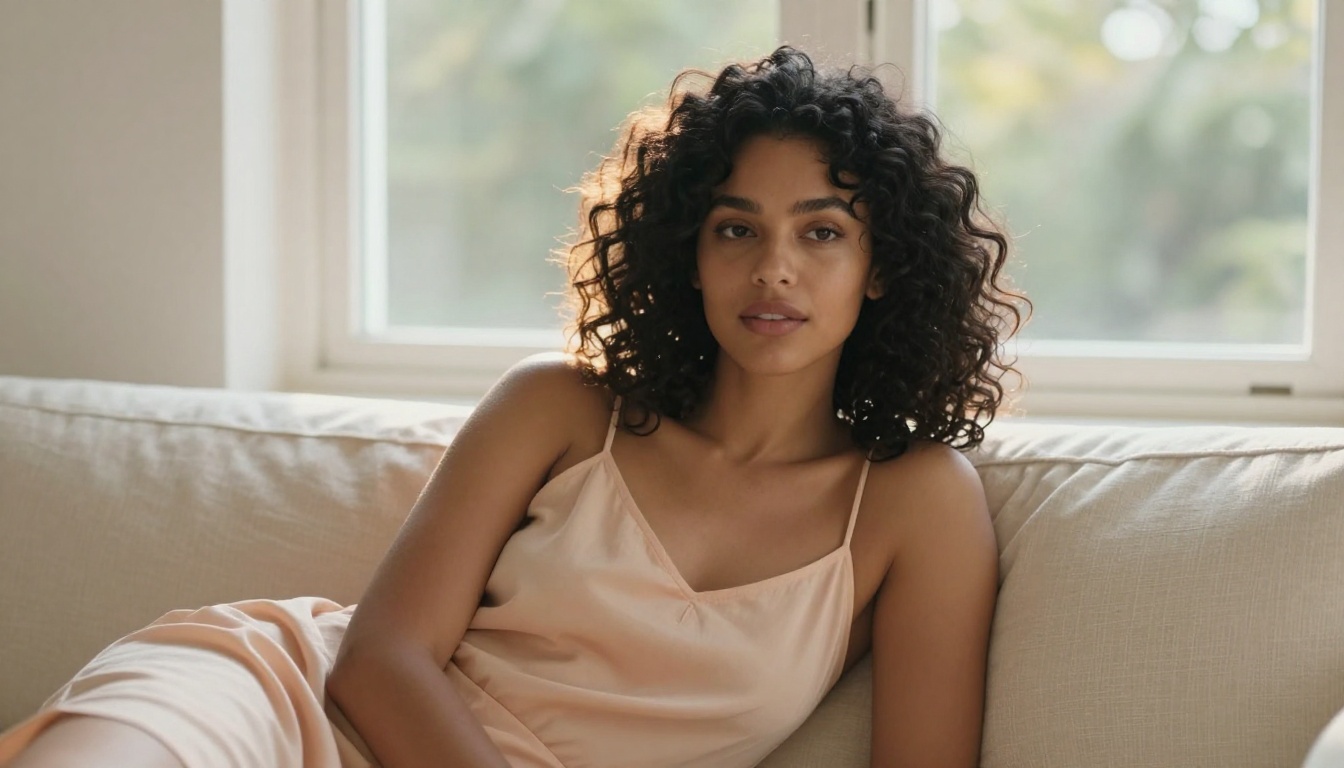
FLUX.2 Max is the most capable model in the FLUX.2 lineup, producing 4MP photorealistic images with no content restrictions. This article walks you through exactly how to access it, write prompts that produce amazing results, compare it to other FLUX versions, and which platforms give you truly unlimited access without filters.
FLUX.2 Max sits at the top of the FLUX.2 lineup for one specific reason: it generates 4-megapixel images from text prompts with no content restrictions in place. While other models blur edges, reject certain prompts, or add watermarks to anything remotely suggestive, FLUX.2 Max simply produces what you ask for. This article breaks down exactly how to access it, write prompts that actually work, and which platforms deliver genuine unrestricted access.
What FLUX.2 Max Actually Does Differently
The FLUX architecture from Black Forest Labs has always prioritized image fidelity over restriction. FLUX.2 Max takes this further by removing the safety filters that restrict output in consumer-facing deployments, while simultaneously increasing base resolution to 4MP.
Most AI image generators operate with a content policy layer baked directly into inference. When you prompt for anything the filter classifies as adult content, the model either refuses outright or generates a degraded, clothed version of your intent. FLUX.2 Max does not have this layer. The model generates based purely on prompt content and parameter settings.
The 4MP Output Advantage
Standard text-to-image models generate at resolutions between 512x512 and 1024x1024. FLUX.2 Max produces images at up to 4 megapixels, roughly 2048x2048 or equivalent 16:9 dimensions. This makes it viable for:
Print-ready content
High-fidelity facial detail
Skin texture realism at close-range compositions
Editorial and artistic portfolios
The resolution difference becomes immediately apparent when you zoom in. Competing models at lower resolutions show pixelation in facial features and fabric texture. FLUX.2 Max retains sharpness across the entire image.
No Filter vs. Unrestricted: The Real Difference
💡 Important distinction: "No filter" means the model generates what you prompt. "Unrestricted" means the platform hosting the model also does not add a second filtering layer. You need both: the right model AND a platform that does not filter outputs.
FLUX.2 Max is the model. The platform determines whether that model's full capability reaches you.
FLUX.2 Max vs. FLUX.2 Dev vs. FLUX.2 Pro
Before running a single generation, it helps to know what you are paying for.
FLUX.2 Max costs more per generation than its siblings because it demands more compute per image. The payoff is in the output: finer detail in hair, skin, fabric, and backgrounds, with no prompt rejection.
Best Platforms for FLUX.2 Max Access
The model alone is not enough. You need a platform that actually passes your prompts through to FLUX.2 Max without adding a secondary content filter. Most platforms do not.
Seedream 4.5 on PicassoIA
For generating uncensored content with speed and consistency, Seedream 4.5 on PicassoIA is the leading option. It produces 4K images from text without content restrictions, loads quickly, and does not reject adult prompts.
The platform does not add a secondary filter on top of the model. What you type is what generates. This is the critical difference from platforms that run the model but add their own moderation layer.
Why Seedream 4.5 works for this:
4K output resolution
No prompt rejection for adult content
Consistent results across iterations
Faster generation than most Max-tier models
PicassoIA Image Editor Pro
For users who want unlimited generations without credit restrictions, PicassoIA Image Editor Pro removes the per-generation cap entirely. This matters when you are running multiple iterations to dial in a specific composition or skin tone accuracy.
The combination of Seedream 4.5 for generation plus Image Editor Pro's unlimited access gives you a production-grade workflow that other platforms cannot match on throughput.
Direct API Access
FLUX.2 Max is available via the Replicate API and Black Forest Labs directly. This approach gives maximum control but requires:
For casual use, a platform like PicassoIA abstracts all of this. For developers building pipelines or batch processing workflows, the API route is appropriate.
💡 Platform shortcut: If you want unrestricted access without API setup, PicassoIA hosts FLUX.2 Max alongside 90+ other text-to-image models with no secondary content filter.
Writing Prompts That Actually Work
The single biggest mistake with FLUX.2 Max is treating it like a basic Stable Diffusion prompt. FLUX.2 Max responds to detailed, layered descriptions. A four-word prompt will generate a mediocre result regardless of resolution.
"A woman in her late twenties with olive skin and dark wavy hair, sitting on a wooden stool in a natural linen shirt unbuttoned to the waist, looking directly at camera with a slight confident smile, warm afternoon light through floor-to-ceiling windows from the left, shot at eye level with an 85mm f/1.4 lens, skin pores and individual eyelashes visible, Kodak Portra 400 film grain, 8K photorealistic --ar 16:9"
This prompt produces a very different result than "beautiful woman sitting, photorealistic". The specificity tells the model exactly what to render.
What Ruins Outputs
Mistake
Why It Fails
Fix
Too short
Model fills gaps with defaults
Add 50-75 words minimum
No lighting spec
Flat, uninteresting output
Specify direction and quality of light
No camera info
Generic framing
Add lens (85mm, 35mm) and f-stop
No texture notes
Skin looks plastic
Add "skin pores", "fabric weave", "film grain"
Style terms only
Ignores subject and composition
Lead with subject, follow with style
Negative Prompts: When and How
FLUX.2 Max accepts negative prompts. These tell the model what to avoid in the output. For photorealistic adult content, useful negatives include:
(anime, cartoon, illustration, drawing):1.5
(watermark, text, logo):1.8
(blurry, soft focus, overexposed):1.3
(plastic skin, doll, mannequin):1.5
Weight values above 1.0 tell the model to prioritize avoiding that element. Values above 1.5 are strong avoidances.
Step-by-Step: Your First FLUX.2 Max Generation
This is the fastest path from zero to a completed uncensored image using FLUX.2 Max on PicassoIA.
Step 1: Open the Model Page
Navigate to FLUX.2 Max on PicassoIA. The interface shows the prompt field, parameter sliders, and output gallery from other users.
Step 2: Build Your Prompt
Do not use the first prompt you think of. Spend 60 seconds building a prompt that includes:
Who or what is the subject
Where they are
What light source exists and where it comes from
What camera angle and lens focal length
What textures or atmospheric details matter
A weak prompt wastes a generation. A detailed prompt produces results worth keeping.
Step 3: Set Your Parameters
FLUX.2 Max has three parameters that matter most:
Guidance Scale: Controls how closely the output follows your prompt. Values between 3.5 and 7.5 work best. Below 3 produces creative but unfaithful results. Above 8 introduces artifacts.
Steps: More steps mean more detail but longer generation. 25-35 steps is the practical range. Above 40 shows diminishing returns.
Seed: Set a specific seed to reproduce an output with variations. Leave random for exploration.
Step 4: Generate and Evaluate
The model produces your image. Evaluate these three things:
Lighting accuracy: Does the light direction match your prompt?
Subject accuracy: Does the subject match what you described?
Texture quality: Does skin, fabric, and environment show detail or look smooth and plastic?
If any of these fail, adjust the relevant section of your prompt. Do not change everything at once.
Step 5: Upscale the Output
FLUX.2 Max generates at 4MP natively, but you can push further with Realistic Vision v5.1 or a dedicated super-resolution model for prints or high-resolution display.
For most digital use cases, 4MP is sufficient. For A3 prints or larger, running the output through a super-resolution pass before export is worthwhile.
Model Comparison for NSFW Content
Not every FLUX model is appropriate for adult content generation. Here is the realistic breakdown:
💡 Do not use Seedream 5 Lite for adult content. It has content restrictions built in and will reject or degrade adult prompts regardless of the platform.
5 Prompts That Deliver Results
These prompts produce high-quality photorealistic outputs on FLUX.2 Max. Copy and adapt them.
Portrait (glamour):
"A confident woman in her thirties with auburn hair, wearing a silk robe that slides off one shoulder, sitting by a morning window in a Paris apartment, diffused grey light wrapping her skin evenly, 85mm f/1.4 lens, visible pore texture, Kodak Portra 400 film grain, photorealistic 8K --ar 16:9"
Outdoor (beach):
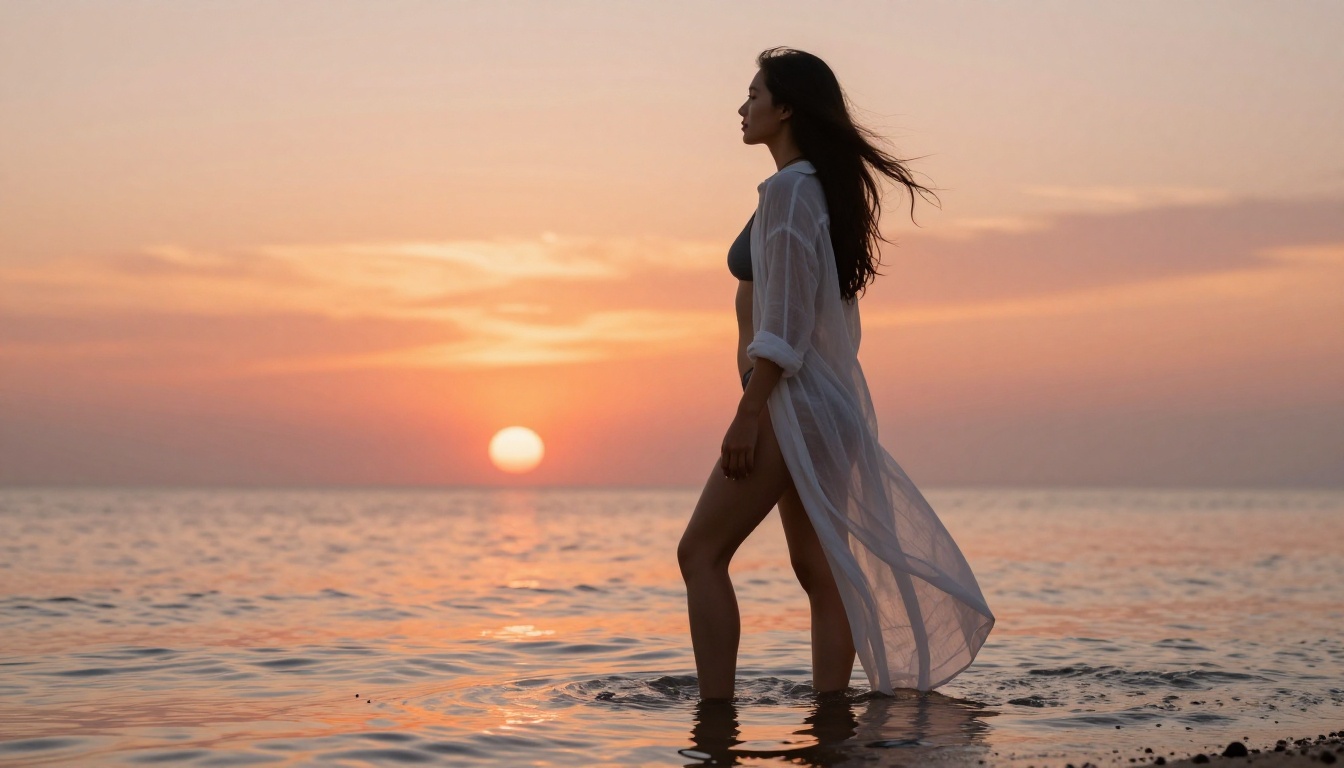
"A young woman in a minimal white string bikini standing at the shoreline at golden hour, her feet in shallow water that reflects the orange sky, wavy blonde hair lifted by the sea breeze, shot from low angle with a 35mm f/2 lens, wet sand and water droplets in extreme detail, photorealistic RAW 8K --ar 16:9"
Artistic (studio):
"Female model with natural skin and short dark hair draped in ivory silk against a neutral seamless background, large octabox light from directly above casting clean shadows, medium-close framing at eye level with a 50mm f/2 lens, fabric weave and skin texture in extraordinary detail, editorial photography, 8K photorealistic --ar 16:9"
Poolside:
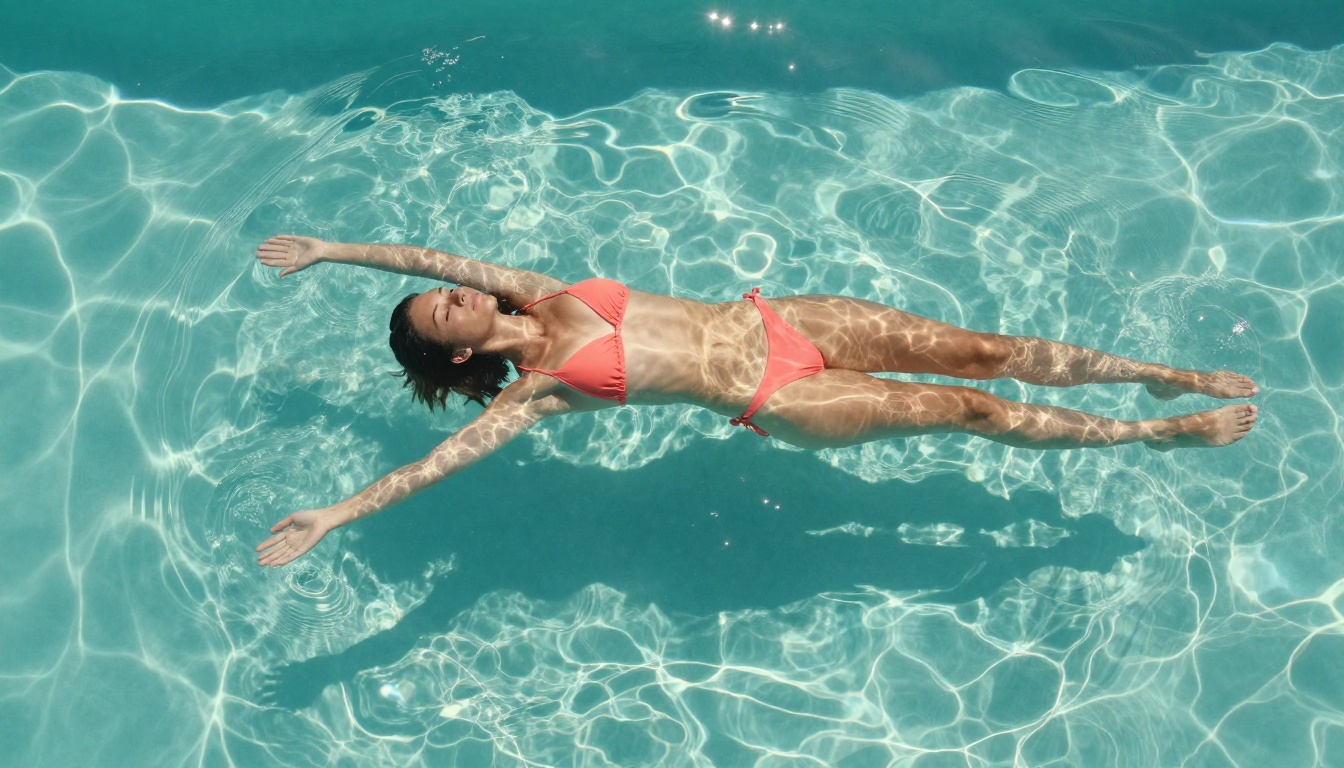
"Woman floating on her back in a crystal-clear infinity pool wearing a coral bikini, aerial overhead perspective looking straight down, bright midday light creating caustic water patterns across her skin, 24mm wide-angle lens, extraordinary water refraction detail, RAW photography 8K --ar 16:9"
Evening:
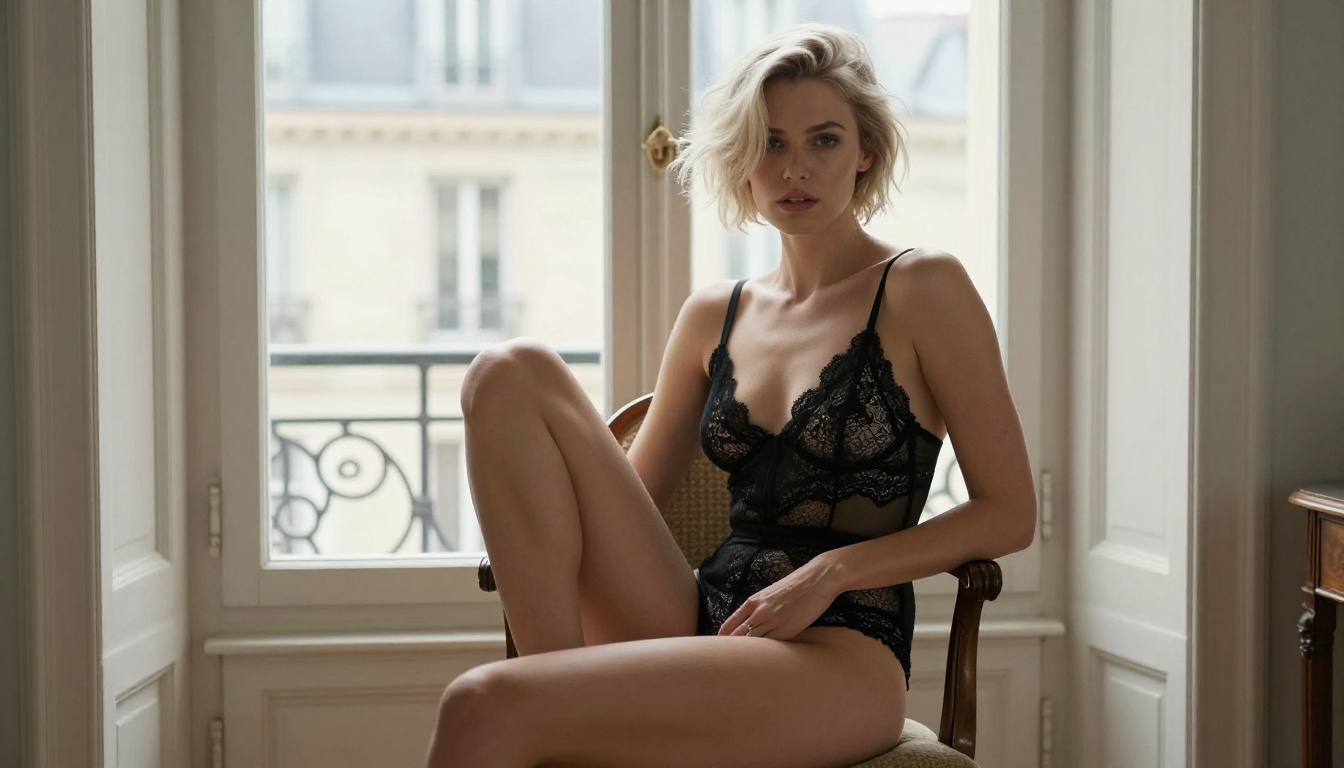
"Woman in sheer black lingerie on a balcony at dusk overlooking city lights below, warm ambient city glow from the left mixed with soft interior light from behind, 85mm f/1.8 lens, skin tones warm and richly detailed, distant city blurred into bokeh, Kodak Portra 400 grain, photorealistic 8K --ar 16:9"
Upscaling Your Outputs
FLUX.2 Max outputs at 4MP. For certain use cases, you will want to go further. PicassoIA offers super-resolution models that can upscale outputs 2x to 4x while preserving detail.
The super-resolution step takes roughly 30-60 seconds and adds no visible artifacts when the source image is sharp.
Beyond FLUX.2 Max
FLUX.2 Max is the ceiling for the FLUX.2 family, but it is not the only uncensored model worth running.
Seedream 4.5 is worth considering when generation speed matters more than maximum resolution. It produces 4K images faster than FLUX.2 Max with comparable prompt adherence for adult content. For high-volume workflows where you are generating dozens of images to find the right composition, Seedream 4.5's speed advantage is significant.
FLUX.2 Pro sits between Dev and Max in capability. It is not the first choice for uncensored content, but if you need professional-grade output for something that sits just below fully explicit, it is a cost-effective middle ground.
Flux Fast is the right choice when iteration speed is the priority over output quality. Use it to test prompt compositions before committing a generation to FLUX.2 Max.
What Happens After Your First Good Generation
Producing one solid image with FLUX.2 Max is straightforward. The skill comes from building consistency: getting similar quality across multiple iterations with variations in pose, lighting, or setting.
A few habits that help:
Save your seeds. When you get a result you like, note the seed value. Running the same seed with slight prompt variations gives you controlled experiments rather than random dice rolls.
Build a prompt library. Keep a running document of prompts that worked and what made them effective. Lighting setups, camera angles, and texture phrases that produce good results on one subject tend to transfer to others.
Use aspect ratios intentionally. 16:9 works for editorial and cinematic framing. 4:3 suits portrait-style compositions. 1:1 works for social content. FLUX.2 Max handles all of these, but the ratio affects how the model frames the subject.
Iterate on one variable at a time. Changing everything between generations makes it impossible to know what produced a better result. Change the lighting, evaluate. Change the pose, evaluate. Build up.
Create Your First Image Now
Every concept in this article is actionable through PicassoIA's model collection. FLUX.2 Max is available directly alongside Seedream 4.5, other Flux variants, and over 90 additional text-to-image models, all accessible without secondary content filters.
The gap between a forgettable AI image and a photorealistic result that looks professionally photographed comes down to prompt construction and model choice. FLUX.2 Max handles the model side. The prompt structure in this article handles the rest.
Open FLUX.2 Max on PicassoIA, paste one of the example prompts from this article, and run your first generation. Adjust from there.