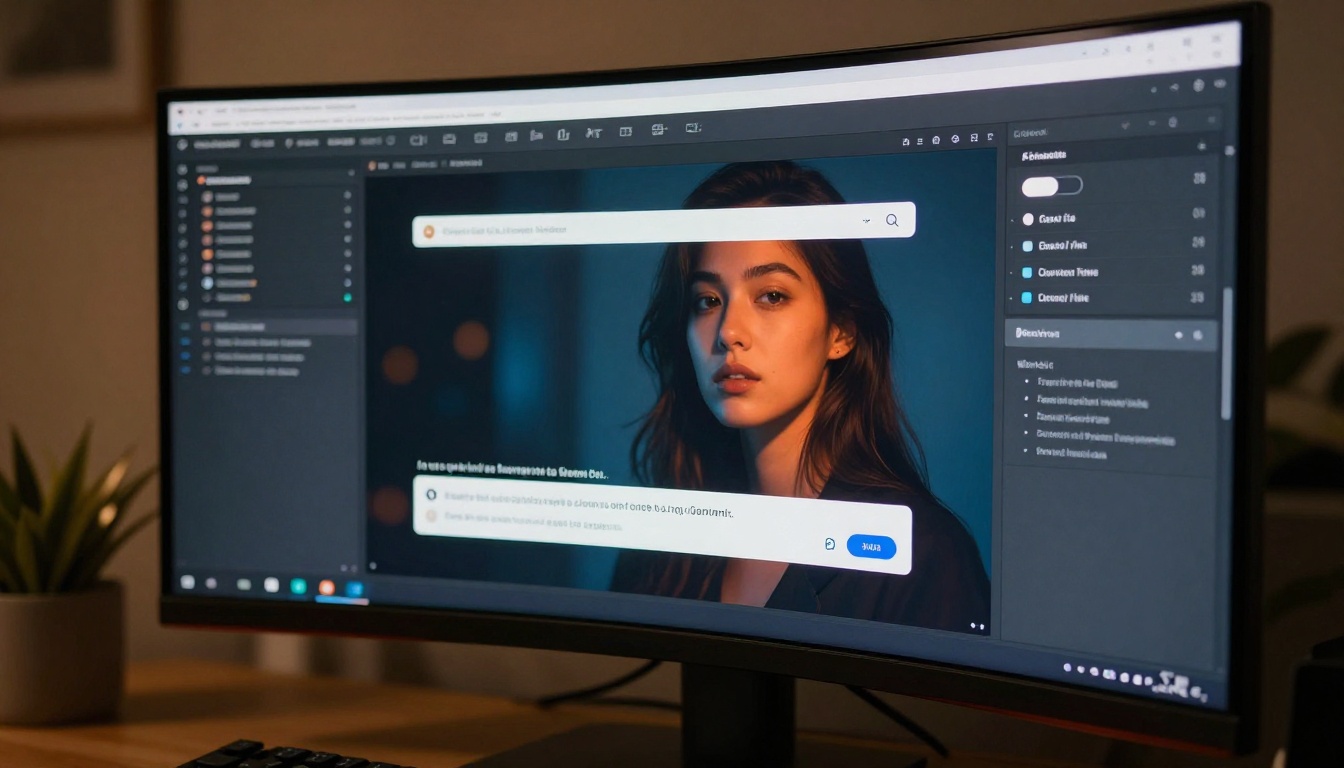
Grok Spicy Mode promises fewer AI content restrictions, but the reality is a paywall, limited controls, and inconsistent quality. This article covers exactly how to activate it, what you can actually generate, where it falls short, and which models give you real creative freedom for suggestive and NSFW AI imagery.
Grok, xAI's flagship AI chatbot, quietly rolled out one of the most talked-about features in the AI space: Spicy Mode, a setting that removes most of the content filters typically applied to AI image generation. For users who want to generate suggestive, sensual, or artistic NSFW content without jumping through hoops, this was a significant moment. But as with most things in the AI world, the reality is a bit more complicated than the hype suggests. This article breaks down exactly what Spicy Mode does, how to activate it, its real limitations, and which AI image models actually give you the creative freedom you are looking for.
What Grok Spicy Mode Actually Is
The xAI decision behind it
Elon Musk's xAI built Grok with an explicit philosophy of minimal content restriction compared to competitors. While OpenAI and Google impose strict content policies on their image generators, xAI positioned Grok as a freer alternative. Spicy Mode is the most visible expression of this philosophy.
When activated, Grok's image generator, branded as Aurora, lifts standard restrictions on:
Suggestive poses and revealing clothing
Implied nudity in artistic contexts
Romantic and intimate scenarios
Sensual depictions that stop short of explicit content
💡 Important: Spicy Mode does NOT mean fully explicit or pornographic content. xAI still enforces hard limits. Think of it as the difference between a PG-13 film and an R-rated one, not X-rated.
Who can actually access it
Spicy Mode is not available to everyone. Access is gated by subscription tier:
Plan
Spicy Mode Access
Free (X)
No
X Premium Basic
No
X Premium+
Yes
Grok SuperGrok
Yes
This means you need to be paying at minimum $16/month for Premium+ on X (formerly Twitter) to even see the option. For many users, this paywall is the first frustration they encounter.
How to Turn It On (Step by Step)
On the Grok mobile app
Open the Grok app on iOS or Android
Tap your profile icon in the top-left corner
Select Settings
Scroll to Content Preferences
Toggle Spicy Mode to ON
Confirm you are 18 or older when prompted
The change takes effect immediately. Your next image generation request will operate under the relaxed filter set.
On X (Twitter) web
Go to x.com and log in with a Premium+ account
Click the Grok icon in the left sidebar
Click your avatar or initials in the top corner
Navigate to Preferences then Image Generation
Enable Mature Content
💡 Note: If the toggle is grayed out or missing, your account is not on a qualifying subscription tier. There is no workaround for this on Grok itself.
Prompt tips for Grok Spicy Mode
Grok Spicy Mode responds best to descriptive, natural-language prompts. A few things worth knowing:
Be specific about the scenario, not just the subject
Avoid aggressive terms that trigger even relaxed filters
Reference camera details like "85mm lens, natural light" for photorealistic output
What You Can Generate
Image types and their limits
With Spicy Mode active, Grok's Aurora model handles a specific range of suggestive content well:
Glamour photography style images with revealing outfits
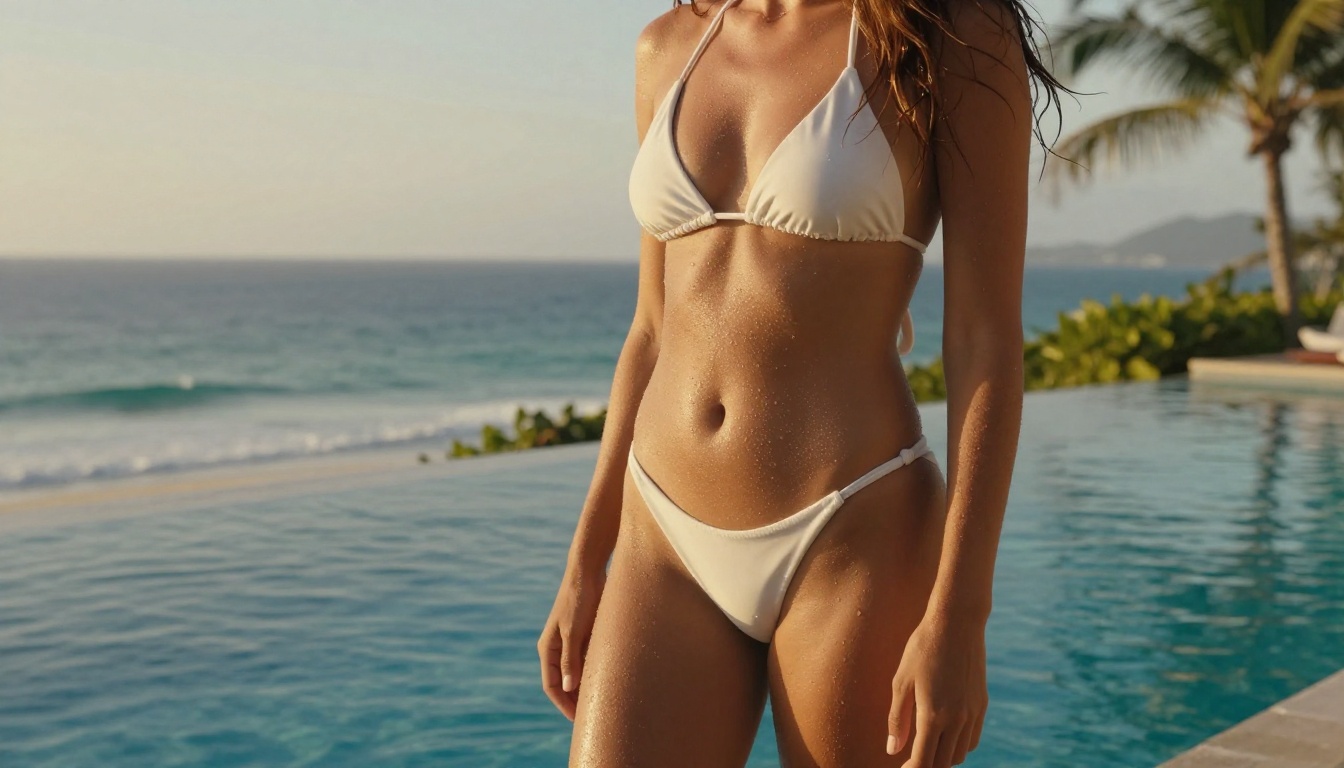
Bikini and lingerie depictions in lifestyle contexts
Artistic implied nudity with tasteful framing
Romantic couple scenes that are suggestive but not explicit
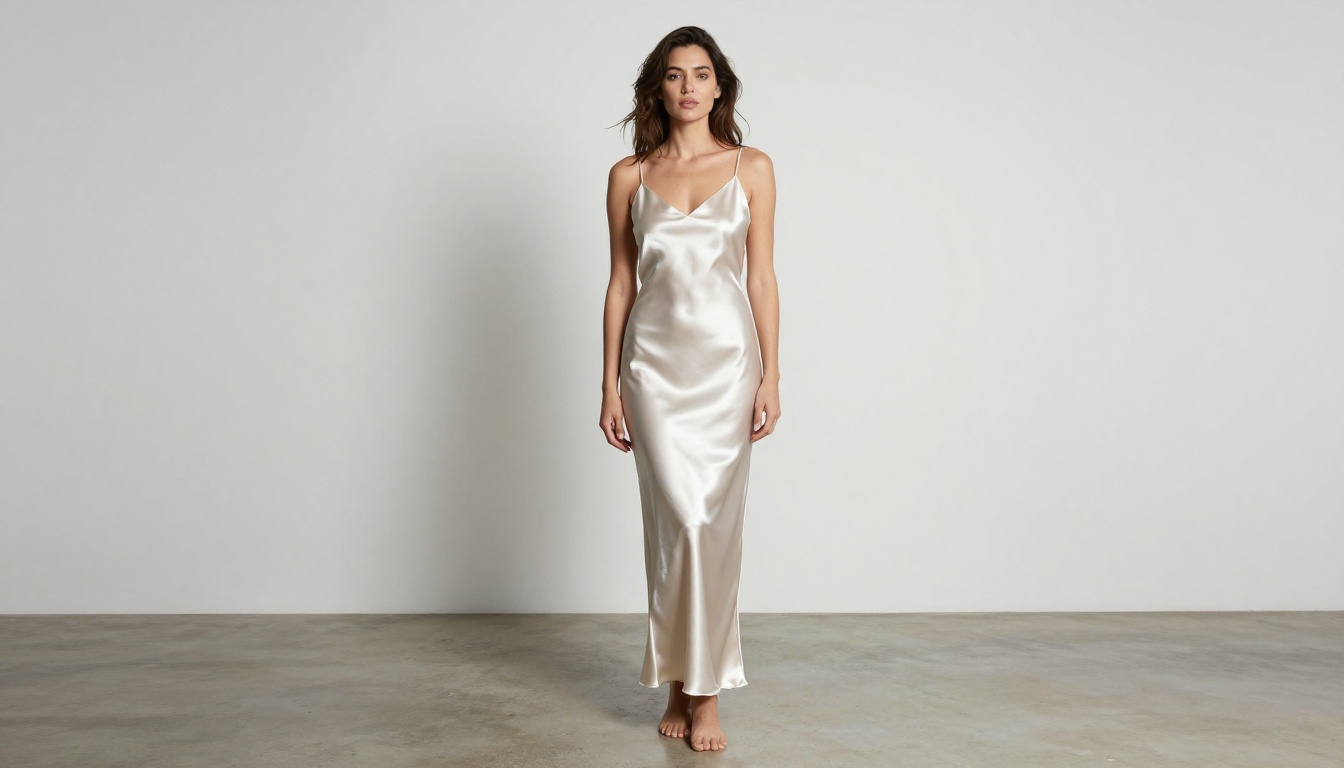
Fashion editorial with sensual styling
What still stays off-limits
Even in Spicy Mode, Grok enforces hard boundaries. The following will be refused or heavily modified:
Explicit sexual acts of any kind
Real person simulations (celebrities, public figures)
Minors in any suggestive context (absolute zero tolerance)
Non-consensual scenario descriptions
Graphic violence combined with sexual content
These restrictions are enforced at the model level, not just through keyword filtering, which means creative phrasing rarely bypasses them.
Where Grok Imagine Falls Short
No prompt control or parameter tuning
The biggest limitation of Grok's image generation is that it operates as a black box. You write a prompt, it generates an image. That is the entire interface. There are no controls for:
Aspect ratio selection
Seed values (no reproducible results)
Style strength sliders
Negative prompts
LoRA fine-tuning
CFG scale adjustments
For anyone who has used proper image generation platforms, this feels severely limited.
Resolution and quality issues
Aurora, the model powering Grok's image generation, produces decent but inconsistent results. Common complaints include:
Anatomy errors: distorted hands, misaligned features
No 4K or high-resolution output: images top out at standard web resolution
Style drift: the same prompt produces wildly different outputs with no seed control
Watermarking: xAI applies metadata markers to generated images
For users who need professional-quality, reproducible, high-resolution NSFW AI content, Grok is simply not built for that level of control.
Grok Imagine on PicassoIA
Why this matters
PicassoIA hosts the Grok Imagine Image model directly on its platform. This means you get xAI's Aurora image generation capabilities but within an interface that provides actual controls, parameter options, and the ability to combine it with other tools.
Step 2: In the prompt field, write a detailed description. Unlike the native Grok interface, PicassoIA's prompt field gives you full control over what you type without the conversational context limiting your output.
Step 3: Select your preferred output settings. The platform allows you to adjust image dimensions and other generation parameters.
Step 4: Review the generated output. If the result does not match your vision, modify the prompt directly and regenerate without losing your session context.
Step 5: Download or save the image. PicassoIA stores your generation history so you can revisit and iterate.
💡 Pro tip: Use Grok Imagine Image on PicassoIA when you want Aurora's characteristic style but need the flexibility of a proper image generation interface. It is significantly more useful than the native Grok chat experience for creative work.
Combining Grok with other PicassoIA tools
One advantage of using PicassoIA over native Grok is the ability to chain tools. After generating an image with Grok Imagine Image, you can immediately:
Run it through Super Resolution to upscale 2x or 4x
Use Background Removal to isolate subjects
Apply Inpainting to fix anatomical errors or unwanted elements
Feed it into Face Swap AI for character consistency
This turns a single Grok generation into a full production pipeline, something totally impossible in the native X/Grok interface.
Better Alternatives for NSFW AI Art
If Grok Spicy Mode feels too restricted or too unpredictable for your needs, these models on PicassoIA offer significantly more capability:
Flux 1.1 Pro Ultra
Flux 1.1 Pro Ultra from Black Forest Labs is currently one of the highest-quality photorealistic image generators available. It handles suggestive content with exceptional anatomical accuracy and produces stunning detail at high resolutions.
Best for: High-fidelity glamour and editorial photography prompts
Flux Dev
Flux Dev offers a balance of speed and quality. It is particularly strong at following complex prompt descriptions and maintaining consistent style across multiple generations.
Best for: Iterative creative work where you need fast turnaround
Realistic Vision v5.1
Realistic Vision v5.1 was trained specifically for photorealistic human subjects. It is a go-to model for portrait, glamour, and lifestyle photography aesthetics.
Best for: Consistent, photorealistic human subject generation
Stable Diffusion 3.5 Large
Stable Diffusion 3.5 Large from Stability AI gives you the deepest level of community support, LoRA integration, and fine-tuning options. It is the most flexible of the bunch.
Best for: Users who want maximum control and customization
The single most important factor in NSFW AI image quality is the prompt. Models like Flux 1.1 Pro and Realistic Vision v5.1 are capable of spectacular results, but they need specific input to get there.
What good prompts include:
Subject description: age (adult), build, hair, ethnicity
Clothing or attire detail: fabric type, color, fit, coverage
Setting and context: location, time of day, atmosphere
Lighting specifics: direction, softness, color temperature
Camera and lens info: focal length, aperture, distance
Prompt structure that works:
[Subject] in [attire], [setting], [lighting], [camera], [style modifiers], [quality tags]
Example:
"Beautiful adult woman in a white silk robe, sitting on the edge of a sunlit balcony, morning golden hour light from the right, 85mm f/1.4 lens, visible skin texture, photorealistic, Kodak Portra 400, 8K"
Style modifiers that consistently work
These tags reliably improve output quality across all the models mentioned above:
photorealistic or hyperrealistic
8K, RAW photography, film grain
Kodak Portra 400, natural light
editorial photography, fashion magazine
shallow depth of field, bokeh background
cinematic color grade, warm tones
Avoid vague descriptors like "sexy", "attractive", or "beautiful" without supporting context. Models respond much better to visual specifics than subjective quality judgments.
💡 Negative prompt tip: When using models that support negative prompts (like Stable Diffusion 3.5 Large or SDXL), always add: deformed hands, bad anatomy, extra fingers, watermark, text, blurry to your negative prompt field. This alone dramatically improves output quality.
Photography references that sharpen AI output
For users who want their AI-generated images to feel cohesive and styled rather than random, think of your prompts as art direction briefs. Referencing real photography styles points the model toward a specific visual grammar:
Helmut Newton style: high-contrast, dominant female subjects, black and white
Peter Lindbergh style: natural, unretouched, emotionally raw
Terry Richardson style: raw flash photography, casual intimacy
Each reference produces far more intentional results than generic adjectives.
Create Your Own
Grok Spicy Mode is a genuine step forward for AI content freedom, but it is a starting point, not a destination. The paywall, the lack of parameter control, the quality inconsistencies: these are real limitations that affect what you can actually produce.
Whether you are creating glamour photography, artistic portraits, or suggestive editorial imagery, PicassoIA has everything you need in one place. Pick a model, write a detailed prompt, and start generating. The only limit is how specific you are willing to get.