How to Use MiniMax Speech 2.8 HD for Free Voice Generation
A detailed walkthrough of MiniMax Speech 2.8 HD, the neural text-to-speech model that produces studio-grade audio across 17 languages and 300+ preset voices. See how to access it for free on PicassoIA, configure emotion controls, clone your own voice, and produce professional narration for podcasts, audiobooks, and video dubbing.
If you've spent any time trying to generate voiceovers for videos, podcasts, or audiobooks, you already know the gap between a passable AI voice and one that actually sounds human. MiniMax Speech 2.8 HD closes that gap in a way that most competing models haven't managed yet. It delivers studio-grade audio quality across 17 languages with a voice library that spans over 300 distinct voices, and you can access it for free through PicassoIA without installing anything locally.
This article walks through exactly what the model does, how to start generating voices today, and where it fits compared to other top-tier text-to-speech options on the platform.
What MiniMax Speech 2.8 HD Actually Does
MiniMax Speech 2.8 HD is a high-definition text-to-speech model built for professional audio output. Unlike earlier generations of AI voice tools that produced perceptibly robotic cadences, Speech 2.8 HD uses a neural architecture that models natural prosody, breath patterns, and emotional inflection at a granular level.
The "HD" in the name reflects the audio output resolution. The model generates speech at high bitrate with minimal compression artifacts, which matters enormously when you're producing content where audio quality is the product itself, not just an accessory.
The 300-Voice Library
One of the most immediately practical features is the sheer size of the voice library. Speech 2.8 HD gives you access to over 300 preset voices, covering a broad range of:
Age ranges: from child voices to elderly speakers
Genders: male, female, and neutral presentations
Accent and dialect variations: American English, British English, Australian, and more
Each preset voice is a fully trained voice identity, not a simple pitch-shift from a single base voice. That distinction is audible from the first second of playback.
17-Language Support
The model supports text-to-speech synthesis in 17 languages, making it genuinely usable for international content production without switching tools.
Language
Quality Tier
English
Studio HD
Spanish
Studio HD
French
Studio HD
German
Studio HD
Japanese
Studio HD
Korean
Studio HD
Chinese (Mandarin)
Studio HD
Portuguese
Studio HD
Arabic
High
Italian
High
Russian
High
Dutch
High
Polish
High
Turkish
High
Hindi
High
Indonesian
Standard
Vietnamese
Standard
The top-tier languages produce output that's genuinely difficult to distinguish from a native human speaker under careful listening.
How to Access It for Free
Via PicassoIA
You access MiniMax Speech 2.8 HD directly through PicassoIA's web interface. No API key setup, no SDK installation, no billing account required to get started. The model is available in the text-to-speech collection and loads directly in your browser.
The workflow is straightforward:
Navigate to the model page on PicassoIA
Enter your text in the input field
Select a voice from the preset library
Adjust speed, pitch, and emotion parameters
Click generate
Download your audio file
What the Free Tier Covers
The free tier on PicassoIA allows you to generate audio with Speech 2.8 HD without a paid subscription for initial testing and regular use. You get access to the full voice library and all language options from the start. Generation limits apply to heavier production workflows, but for testing voices, producing short clips, and evaluating quality for a project, the free access is fully functional.
💡 Tip: Use the free tier to test five or six different voices against your actual script before committing to one. Voice selection is the single biggest quality lever in text-to-speech production.
How to Use It Step by Step
Step 1: Pick Your Voice
The voice selection interface on the model page lets you filter by language, gender, and vocal character. For most applications, the most efficient approach is to start with the suggested defaults for your target language, then audition three to five alternatives.
Pay attention to:
Baseline warmth: Does the voice feel cold or approachable?
Cadence style: Is it suited for narrative, dialogue, or announcement-style content?
Accent clarity: For international audiences, accent neutrality matters more than regional authenticity in most cases
Step 2: Configure Emotion and Speed
Speech 2.8 HD exposes several parameters beyond simple voice selection:
Speed Control: Ranges from 0.5x (slow, deliberate) to 2.0x (fast). For narration, 0.95x to 1.05x tends to produce the most natural output. Anything above 1.3x starts to sound rushed for conversational content, though it works well for fast-read disclaimer sections.
Emotion Tagging: The model supports explicit emotion modifiers embedded in the input text. You can tag sections with emotion states like:
[Excited] "We just hit our first million users!"
[Calm] "Here's how it happened over the past eighteen months."
This affects prosody, energy level, and pacing in ways that feel genuine rather than mechanical.
Pitch Adjustment: Fine-grained pitch control lets you position a voice slightly higher or lower without changing its overall character. This is useful when you want a voice that sits comfortably in a mix alongside music or sound effects.
Step 3: Generate and Download
Once parameters are set, generation is fast. A 500-word script typically processes in two to four seconds. The output downloads as MP3 or WAV depending on your selection. WAV is the better choice for any file you plan to edit further in a DAW. MP3 works fine for direct delivery in podcast feeds or video embedding.
💡 Tip: Break long scripts into sections of 200 to 300 words. This gives you finer editing control and makes it much easier to regenerate specific passages without re-processing the entire piece.
Voice Quality vs. Competing Models
The practical question isn't whether Speech 2.8 HD is good. It's where it sits relative to other models you can access on PicassoIA right now.
Speech 2.8 HD wins on raw audio fidelity and voice variety. ElevenLabs v3 has broader language coverage and excels at emotional acting. Speech 2.8 Turbo is the right choice when you need faster turnaround and can accept a small quality trade-off.
Best Use Cases for Speech 2.8 HD
Podcasts and Narration
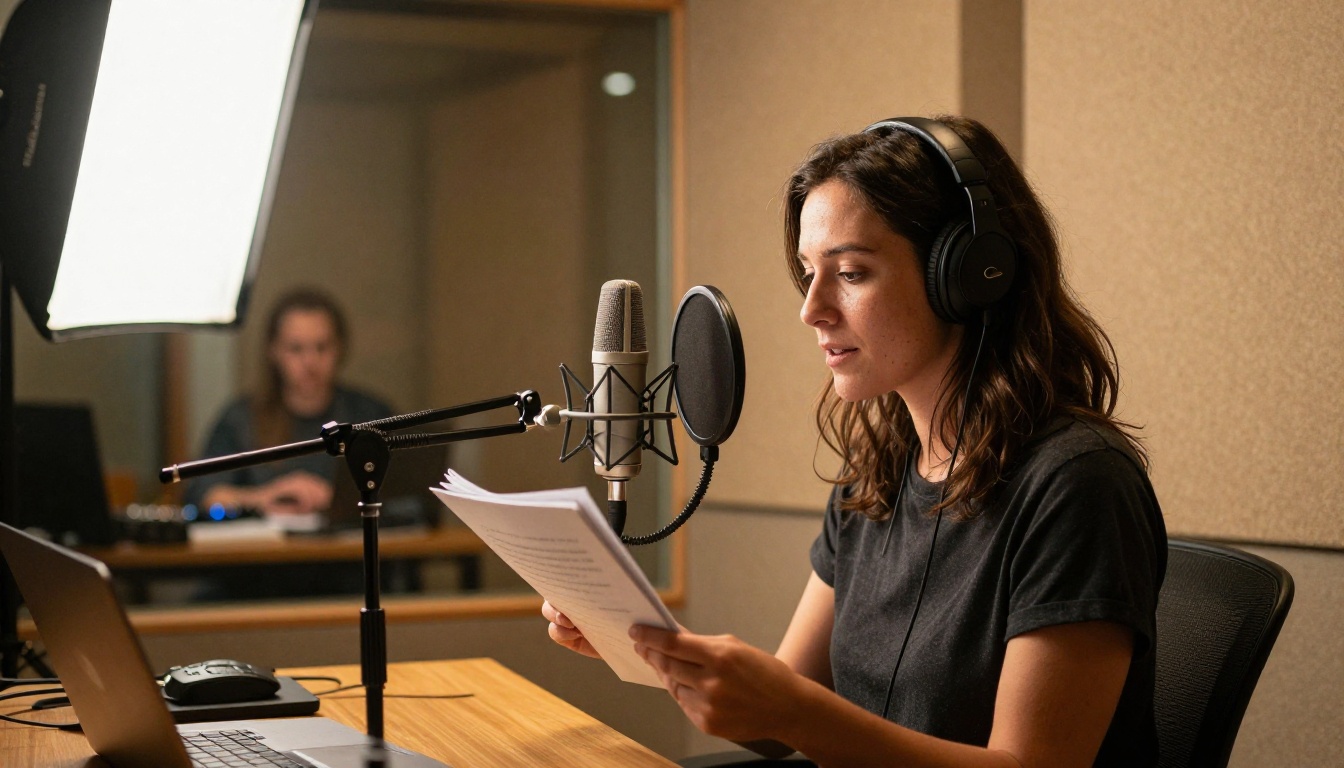
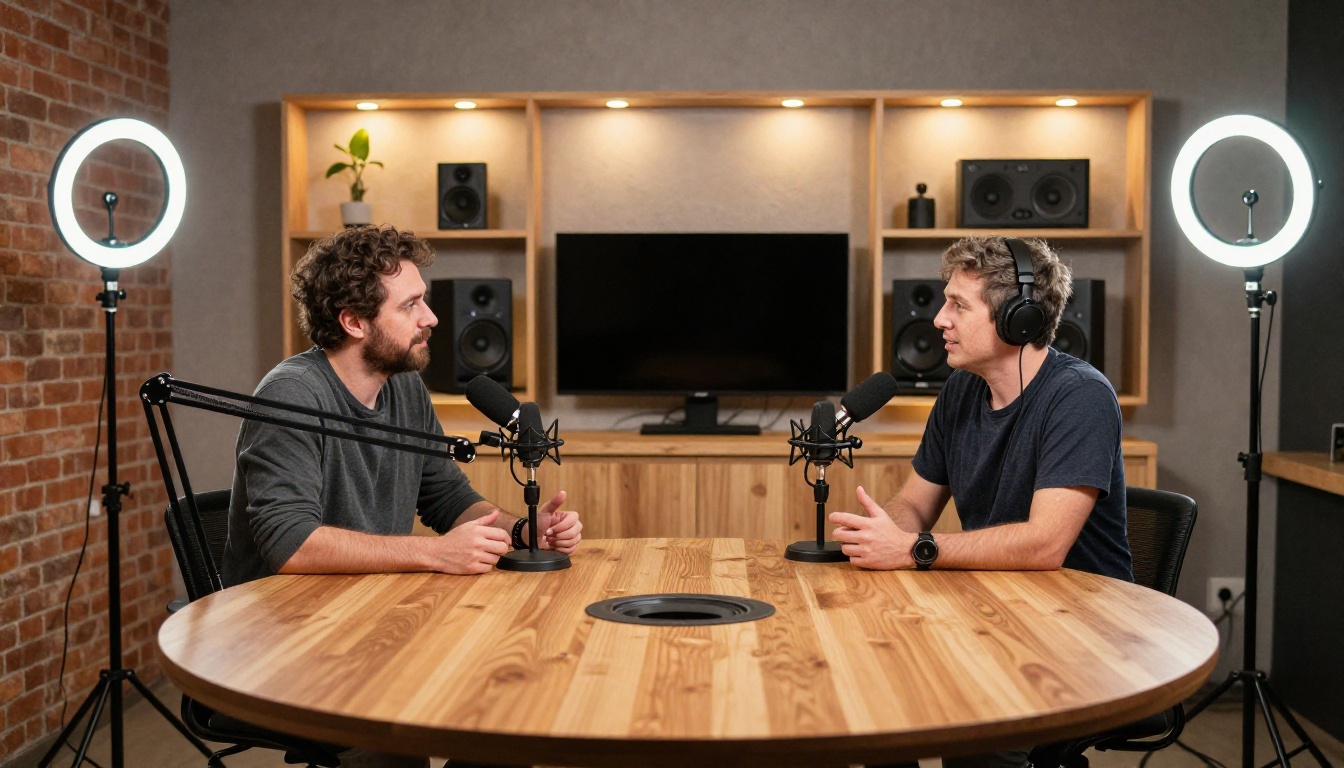
For podcast intro and outro segments, sponsorship reads, or fully AI-narrated shows, Speech 2.8 HD produces audio that holds up under headphone listening. The model's breath simulation and natural pause placement are the two features that matter most here, and both are strong.
The 300-voice library means you can cast a consistent "character" for a show and maintain that voice identity across every episode without variation. The voice you choose in session one sounds identical in session fifty, something human voice actors can't guarantee across months of recording.
Video Dubbing and Localization
Producing video content in multiple languages traditionally requires hiring native-speaking voice actors for each locale. Speech 2.8 HD's multilingual capability lets you generate localized voiceovers from the same source script in a single session. Combined with MiniMax Voice Cloning, you can maintain the same voice character across all language versions of a video.
💡 Tip: For video dubbing, generate at 0.9x speed then adjust timing in your video editor. This gives you headroom to stretch syllables at edit points without quality degradation.
Audiobooks
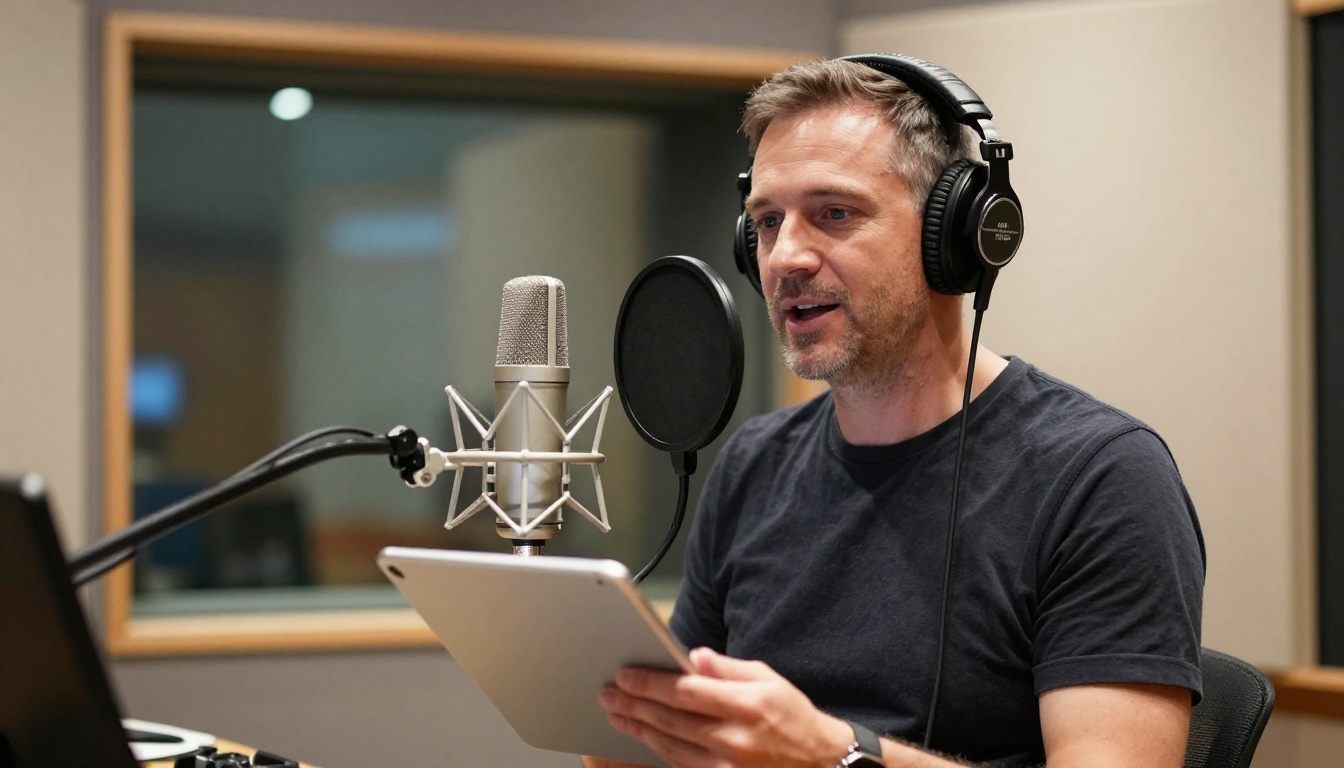
Audiobook production demands consistency across hours of content. Human narrators have natural session-to-session variation in tone, energy, and vocal fatigue. AI-generated narration from Speech 2.8 HD is perfectly consistent regardless of session length. A chapter generated at 9 AM sounds identical in character to one generated at midnight three weeks later.
For fiction, the emotion tagging system allows meaningful character differentiation. You can shift emotional register for dialogue without switching to an entirely different voice preset.
Corporate and E-Learning Content
Training videos, product demos, and e-learning modules benefit from neutral, authoritative voices that convey information without distraction. Speech 2.8 HD has several presets specifically suited to this use case, covering male and female voices across a range of professional registers from warm and accessible to formal and precise.
Clone Your Own Voice
How Voice Cloning Works
MiniMax Voice Cloning is a companion model that lets you create a custom voice identity from your own audio samples. You provide a reference recording, the model extracts your vocal fingerprint, and you can then drive that cloned voice with any text input through the Speech 2.8 HD engine.
The practical requirements are minimal:
Recording length: A minimum of 30 to 60 seconds of clean audio is enough for a functional clone. Longer samples improve accuracy.
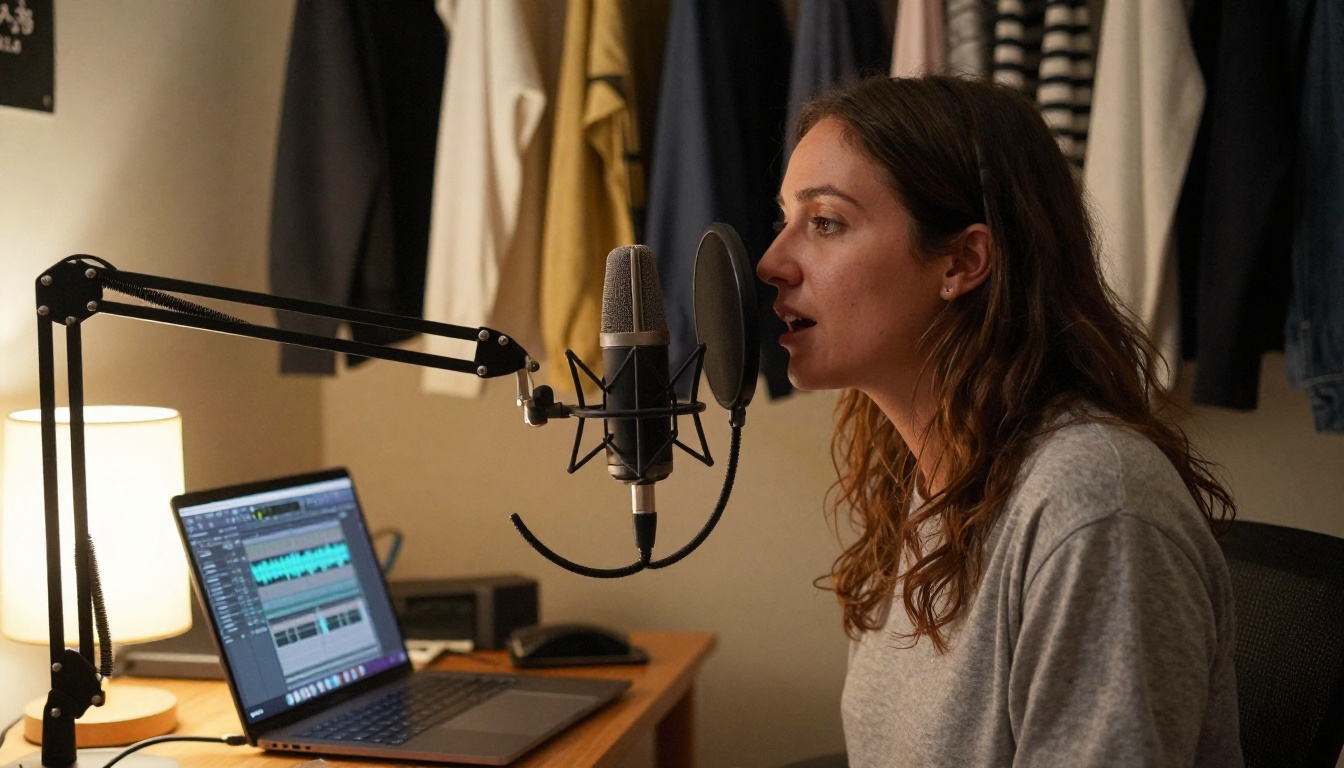
Recording environment: Background noise degrades clone quality significantly. A treated room or even a closet lined with hanging clothes produces better results than an open room.
Delivery style: Record in the same style you want the clone to reproduce. Reading a neutral script produces a different profile than recording casual conversational speech.
Once cloned, the voice is available within the Speech 2.8 HD interface as a custom preset. The output quality matches the HD model, so your cloned voice gets the same audio fidelity as the pre-built library presets.
Voice cloning has obvious applications for personal brand consistency, but it also covers use cases like:
Producing content in your own voice while traveling or when your physical voice isn't available
Dubbing your original video content into other languages while preserving your voice identity
Creating accessible audio versions of written content without individual recording sessions
Other Speech Models Worth Trying
Speech 2.8 HD is the highest-fidelity option in the MiniMax lineup, but the platform offers several other models that fit different requirements.
MiniMax Speech 2.6 HD: The previous generation HD model. A slightly lower quality ceiling than 2.8 HD but still excellent. Worth using if you find a specific preset voice in the 2.6 library that hasn't carried over to 2.8.
Resemble AI Chatterbox: Strong on emotional range and voice acting applications. A different strength profile that complements rather than duplicates Speech 2.8 HD.
Inworld Realtime TTS 2: Built for real-time applications where sub-100ms latency matters, such as interactive characters or live applications. Not designed for batch narration but excellent for its specific use case.
Gemini 3.1 Flash TTS: 30 voices across 70+ languages, giving it the broadest language coverage on the platform. Quality is high, though not at the ceiling that Speech 2.8 HD reaches.
Each model has a live test page on PicassoIA where you can run a generation before deciding which fits your project. The practical approach is to run the same 50-word test paragraph through three or four candidates before committing to a production voice. Small differences in cadence and warmth that seem minor in a single sentence become significant at scale across a 10,000-word audiobook or a 20-episode podcast season.
Take Your Voice Production Further
MiniMax Speech 2.8 HD is one of the most capable free text-to-speech options available right now, and it sits inside a platform built for creative and professional audio production at scale.
If you're producing content regularly, the combination of Speech 2.8 HD for primary narration, Voice Cloning for brand-voice consistency, and the broader PicassoIA audio stack covers the full production pipeline without requiring separate tool subscriptions. The platform also handles transcription via its speech-to-text models if you need to convert existing audio back to editable text.
The starting point is the model page. Run a generation with your actual content, not a placeholder paragraph, and let the output quality make the case for itself. Adjusting the voice selection and emotion parameters takes five minutes and changes the result dramatically. What you get at the end is studio-quality narration that would have required a professional recording session and a voice actor a few years ago.
You can access MiniMax Speech 2.8 HD and every other voice model in PicassoIA's text-to-speech collection at picassoia.com/en/all-models. The free access is there, the voice library is ready, and professional-grade narration is a text box away.