If you've been looking for a fast, free way to generate photorealistic AI images without hitting paywalls or creating accounts, Nano Banana 2 by Google is worth your full attention. This model sits in a sweet spot that few free tools can claim: it's remarkably quick, handles complex prompts well, and produces outputs that don't feel like low-resolution afterthoughts. The best part? You can run it today, right now, at zero cost.
What Nano Banana 2 Actually Is
Google's Compact Image Engine
Nano Banana 2 is a text-to-image model developed by Google, designed to prioritize speed without sacrificing output quality. The "nano" in the name isn't a negative, it refers to the model's architecture being leaner and more efficient than larger counterparts like Imagen 4. Think of it as the sports car in Google's image generation lineup: stripped down, fast, and responsive.
It belongs to a family of models that includes Nano Banana (the original) and Nano Banana Pro (the premium upgrade). Version 2 is the refined middle ground, offering meaningfully better results than V1 while still running faster than the Pro variant.
Speed vs. Quality Trade-off
Every AI image model lives on a spectrum between raw speed and output fidelity. Nano Banana 2 leans toward the speed side, but not recklessly so.
Here's how to think about it:
- Fast models (like Flux Schnell) generate in seconds but sometimes sacrifice fine detail
- Quality models (like Flux 2 Pro) produce richer outputs but take longer and cost more
- Nano Banana 2 sits in an optimized middle zone, fast enough for rapid iteration, detailed enough for real use cases
For content creators, social media managers, or anyone who needs volume without waiting, that balance is genuinely useful.
How to Access It for Free

No Account Needed on PicassoIA
You don't need a credit card. You don't need to sign up for a waitlist. Nano Banana 2 is available directly on PicassoIA, a platform that gives you free access to hundreds of AI models including text-to-image, video generation, speech synthesis, and more.
💡 Tip: PicassoIA offers free credits on first visit. Use them on Nano Banana 2 to test your best prompts before spending anything.
Step-by-Step on PicassoIA
Getting your first image takes less than two minutes:
- Go to the Nano Banana 2 page on PicassoIA
- Type your prompt in the text field (more on writing good prompts below)
- Choose your aspect ratio: 16:9 for wide images, 1:1 for square
- Click Generate
- Download your result or generate again to refine
That's it. No installation, no API key, no setup. The model runs in the cloud and delivers results directly to your browser.
What the Free Tier Includes
PicassoIA's free tier gives you daily access to Nano Banana 2. Practically speaking, this is enough to:
- Test 10 to 20 prompts per session
- Create images for blog posts, social content, or personal projects
- Iterate on a visual concept without spending anything
If you need higher volume, paid plans unlock unlimited generations across all 91+ text-to-image models on the platform.
Writing Prompts That Actually Work

The Right Prompt Structure
Nano Banana 2 responds well to structured, descriptive prompts. Vague inputs produce vague outputs. The more specific you are about subject, environment, lighting, and style, the better the results.
A solid prompt formula:
[Subject + Action] + [Environment] + [Lighting] + [Camera and Style Details]
Example: "A young woman reading a book in a sunlit café, warm afternoon light through large windows, shallow depth of field, 50mm lens, photorealistic photography"
Compare that to simply writing "woman reading" and the difference in output quality will be immediate and obvious.
Prompt Elements That Boost Quality
These additions consistently improve Nano Banana 2 outputs:
| Element | Example |
|---|
| Lighting direction | "morning light from the left", "backlit sunset" |
| Camera lens | "85mm f/1.4", "24mm wide angle" |
| Film style | "Kodak Portra 400", "Fujifilm Provia" |
| Resolution hint | "8K", "ultra-sharp", "high detail" |
| Atmosphere | "cinematic", "photorealistic", "natural tones" |
Common Mistakes to Avoid
Mistake 1: Too short. "A beach" generates a generic beach. "An aerial shot of a Caribbean beach at noon with turquoise water and white sand, 8K photorealistic" generates something worth using.
Mistake 2: Contradictory styles. Don't mix "photorealistic" with "cartoon" or "oil painting" in the same prompt. The model will average them and produce neither convincingly.
Mistake 3: Over-specifying faces. If facial accuracy isn't critical, keep face descriptions general. Over-specifying often leads to uncanny results.
Mistake 4: Ignoring aspect ratio. Always select your aspect ratio before generating. The default may not match your intended use case.
Nano Banana 2 vs. Other Free Models

When choosing which free model to use, the decision usually comes down to what you're trying to create. Here's an honest comparison against the other top free options on PicassoIA:
Speed and Quality at a Glance
| Model | Speed | Quality | Best For |
|---|
| Nano Banana 2 | Very Fast | Good | Rapid iteration, content at scale |
| Flux Schnell | Very Fast | Good | Real-time prototyping |
| Flux 2 Dev | Medium | Very High | Premium quality work |
| GPT Image 1.5 | Medium | Very High | Instruction-following, editing |
| SDXL | Medium | High | Stylized and artistic outputs |
Output Quality Breakdown
For photorealistic portraits: Nano Banana 2 handles skin tones and facial features with solid fidelity. Not at the level of Flux 2 Pro, but more than respectable for free use.
For landscapes: Strong performance. The model handles wide-angle environments, atmospheric depth, and natural lighting very well.
For product shots: Workable, though for commercial-grade product photography, GPT Image 1.5 tends to produce cleaner, more precise results.
For concept art or illustrations: Not this model's strength. It's optimized for photorealism.
💡 Bottom line: If speed matters and you want free, Nano Banana 2 is one of the top choices available right now.
How to Use Nano Banana 2 on PicassoIA

This is the direct walkthrough for getting the most out of Nano Banana 2 on the PicassoIA platform.
Step 1: Open the Model Page
Navigate directly to Nano Banana 2 on PicassoIA. You'll see the prompt input, aspect ratio selector, and generation controls all on one page. No menus to dig through.
Step 2: Set Your Parameters
Before writing your prompt, configure these settings:
- Aspect Ratio: Pick based on your output use. 16:9 for YouTube thumbnails or blog headers, 1:1 for Instagram, 9:16 for Stories and Reels
- Seed (optional): Set a specific seed number if you want reproducible results across multiple generations
- Prompt Upsampling: When available, this expands your short prompt using AI, often improving outputs significantly
Step 3: Write and Iterate
Start with a base prompt, generate once, then refine. This iterative approach is faster than trying to write a perfect prompt on the first try.
Iteration example:
- V1: "A forest at sunset"
- V2: "Dense pine forest at sunset, golden light filtering through trees, fog in the background, 35mm lens"
- V3: "Dense Pacific Northwest pine forest at sunset, low golden light cutting through tall trees from the right, morning fog at ground level, 35mm f/2.8, Kodak Portra 400, photorealistic 8K"
Each version produces a meaningfully different result. Version 3 almost always wins.
Step 4: Download and Use
Once you have a result you like, download it directly. No watermarks on standard generations. The image is yours.
💡 Pro tip: Generate 3 to 5 variations of the same prompt with slight wording changes. You'll be surprised how much the outputs differ. Pick the best one.
Best Settings for Sharp Results

Lighting Phrases That Work
Lighting description is one of the highest-leverage things you can add to a Nano Banana 2 prompt. These phrases consistently produce better outputs:
- "volumetric morning light from the left"
- "soft diffused overcast daylight"
- "golden hour backlit with warm rim light"
- "studio softbox lighting at 45 degrees"
- "deep shadow with a single point light source"
Aspect Ratios Explained
The aspect ratio you choose shapes composition more than most people realize:
| Ratio | Use Case |
|---|
| 16:9 | Blog headers, YouTube thumbnails, wide landscapes |
| 1:1 | Instagram posts, profile images, product showcases |
| 9:16 | Instagram Stories, TikTok, mobile wallpapers |
| 4:3 | Standard website images, presentations |
| 3:2 | Photography-style prints, editorial layouts |
Prompt Tweaks for Photorealism
If your outputs look "AI-ish" rather than photographic, add these modifiers:
- Film stock: "Kodak Portra 400", "Fujifilm Velvia 50", "Ilford HP5"
- Camera lens: "85mm f/1.4 prime lens", "50mm f/1.8"
- Grain: "subtle film grain", "natural film texture"
- Anti-CGI: "RAW photography style", "no illustration", "no digital art"
Real Results: What You Can Create
Portraits and People
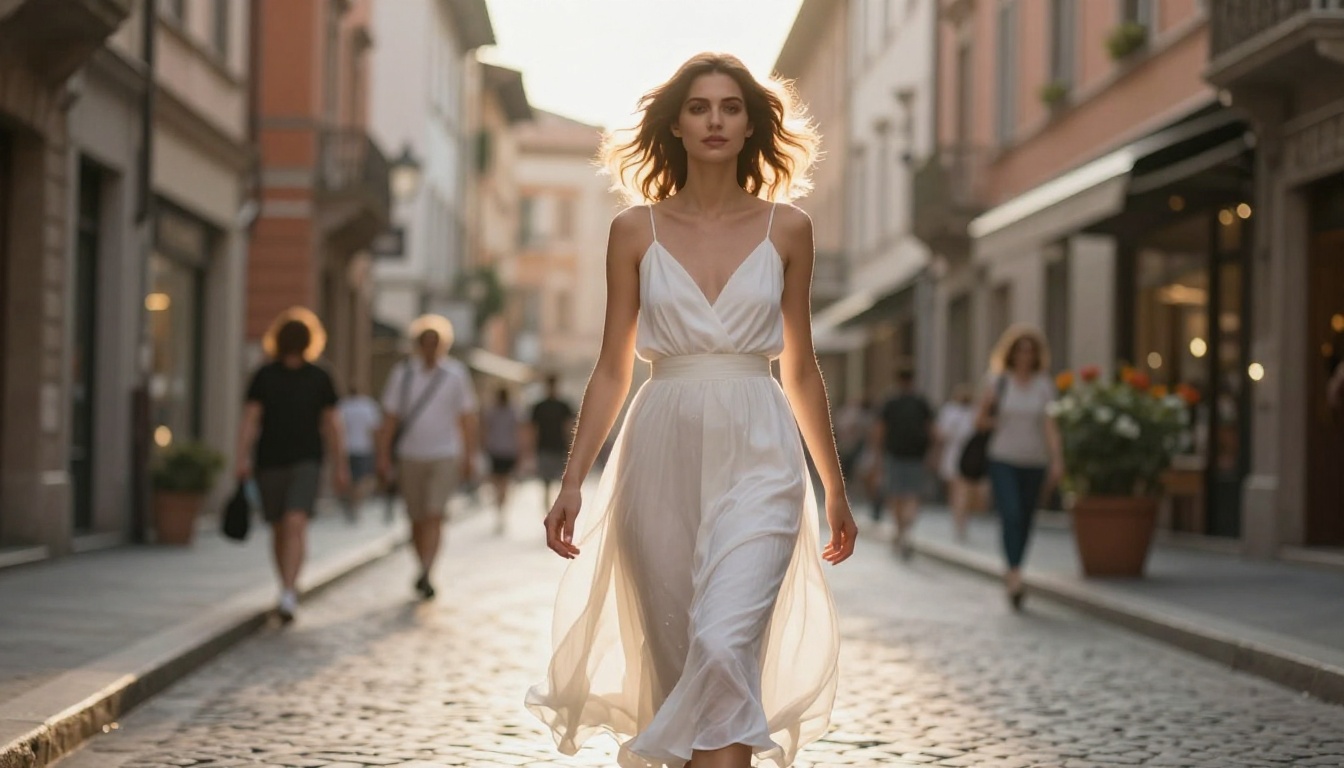
Nano Banana 2 handles people well, especially when you specify lighting and lens details. For portraits, the 85mm lens reference almost always improves output quality because it signals a portrait-focused composition to the model. Natural lighting descriptions, especially soft daylight or backlit golden hour, tend to produce the most flattering and realistic skin tones.
Landscapes and Architecture
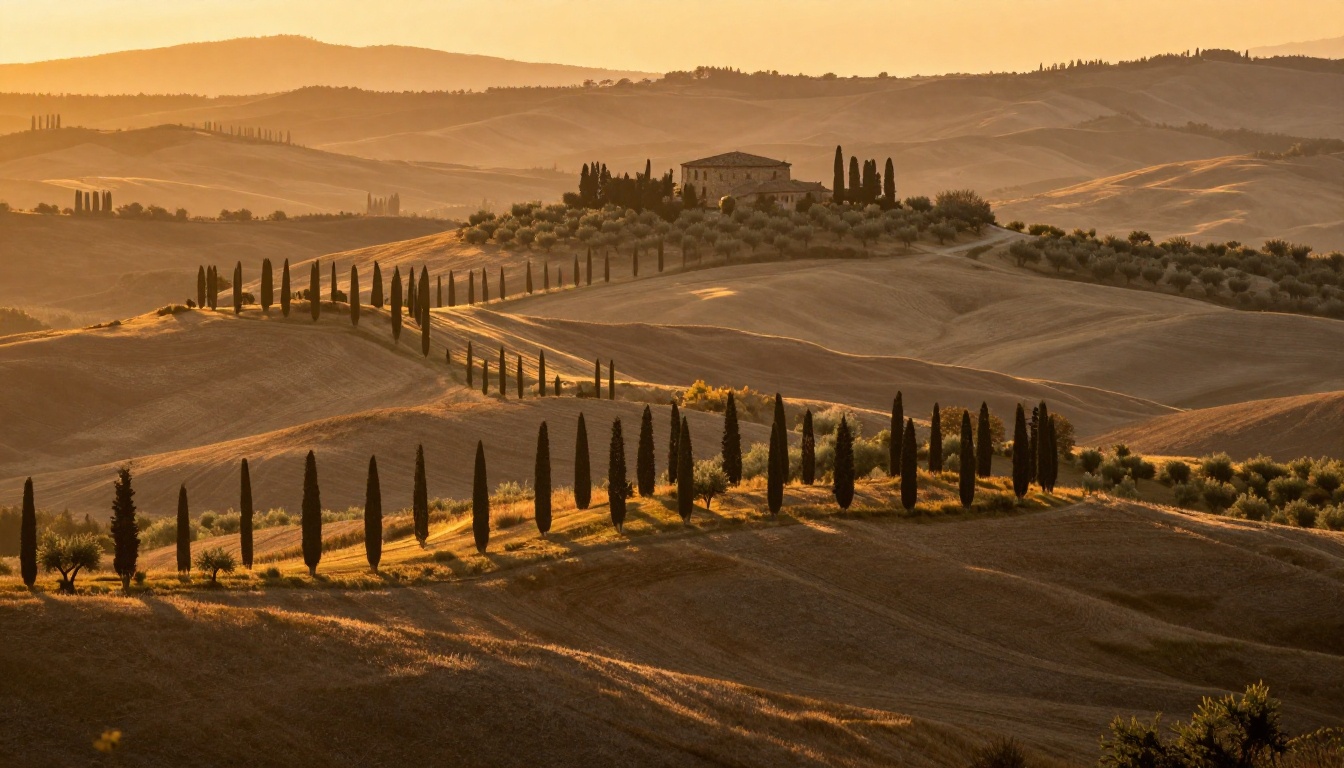
Wide landscapes are where this model genuinely shines. Aerial shots, golden hour environments, mountain scenes, and coastal images all produce clean, detailed outputs that require minimal retouching. Include time of day, weather, and a specific geographic region in your prompt to push results further.
💡 Tip: For landscapes, always include a lighting direction and time of day. "Early morning fog over mountains" produces a completely different image than "mountains at noon."
Product and Commercial Shots
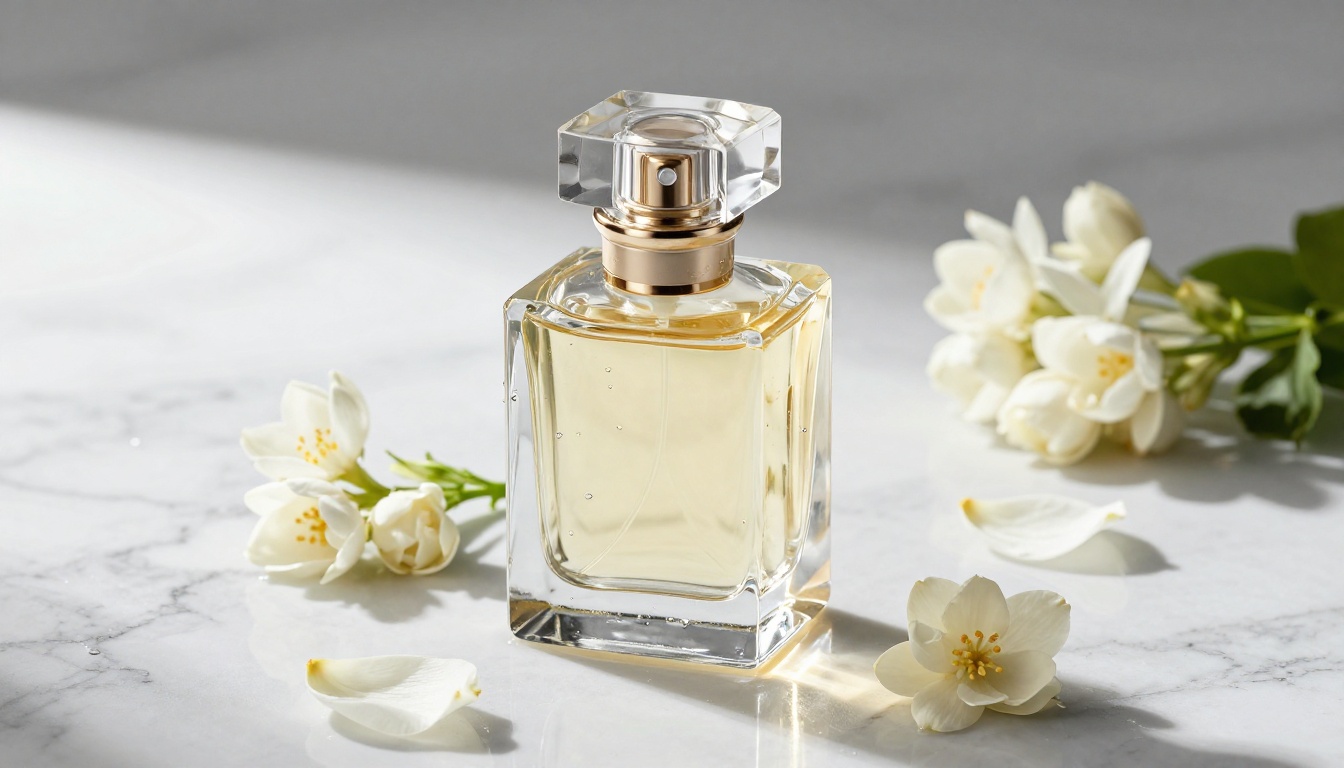
Product photography prompts work well when you specify the surface material (marble, wood, fabric), lighting setup (studio, natural), and any surrounding props. The model handles reflective surfaces and textures with solid accuracy. For maximum quality on commercial product images, also consider GPT Image 1.5 or Flux 2 Pro as alternative models on the same platform.
Push Your Results Further
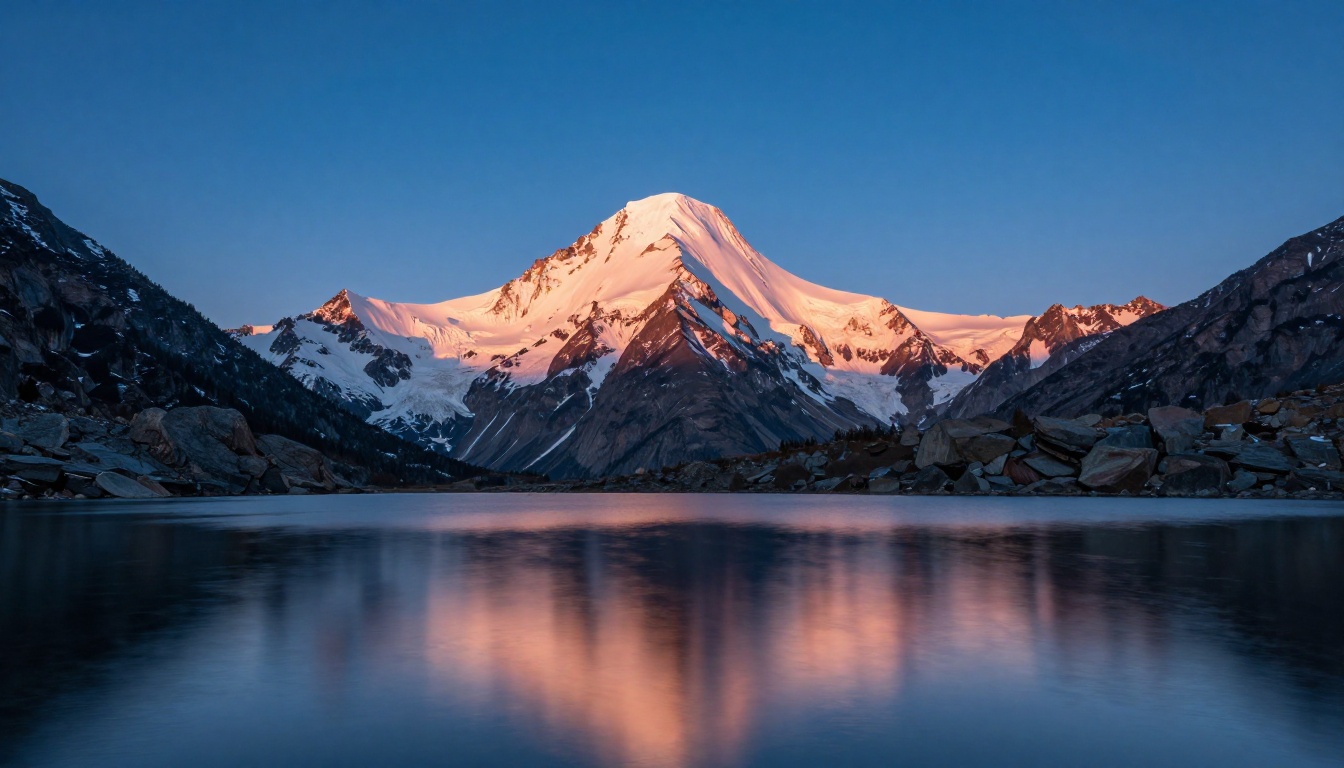
Upscale with Super Resolution
After generating, if you need a larger file for print or high-resolution display, PicassoIA's Super Resolution models can upscale your image 2x to 4x while preserving detail. This is especially useful when generating at standard resolution and needing print-ready output.
Remove Backgrounds in One Click
Generated a product shot with a busy background? PicassoIA's background removal tools isolate the subject cleanly, making it ready for any composition: white background, custom backdrop, or transparent PNG export.
When a prompt is particularly detailed or nuanced, Nano Banana Pro handles it with more precision. For everyday generation, the free V2 is plenty. For professional or commercial projects where the exact prompt must be followed with high fidelity, Pro is the natural step up.
If your project needs video alongside images, the platform also offers Wan 2.2 Image for cinematic outputs and dozens of text-to-video models for motion-based storytelling.
Start Generating Now
Nano Banana 2 is one of the fastest ways to go from a text idea to a photorealistic image, and right now it costs nothing to try. The platform requires no setup, the model is fast, and the results improve dramatically once you know how to write effective prompts.
The best approach is to run 10 to 15 prompts back-to-back, study what changed between each output, and adjust. Within an hour of practice, most people find a prompt style that consistently produces results they're proud of.
Head over to Nano Banana 2 on PicassoIA, write your first prompt, and see what you can create. If you want to push further, over 91 text-to-image models are waiting for you on the same platform, from the rapid Flux Schnell to the highly detailed Flux 2 Pro. There's no better time to start than right now.


