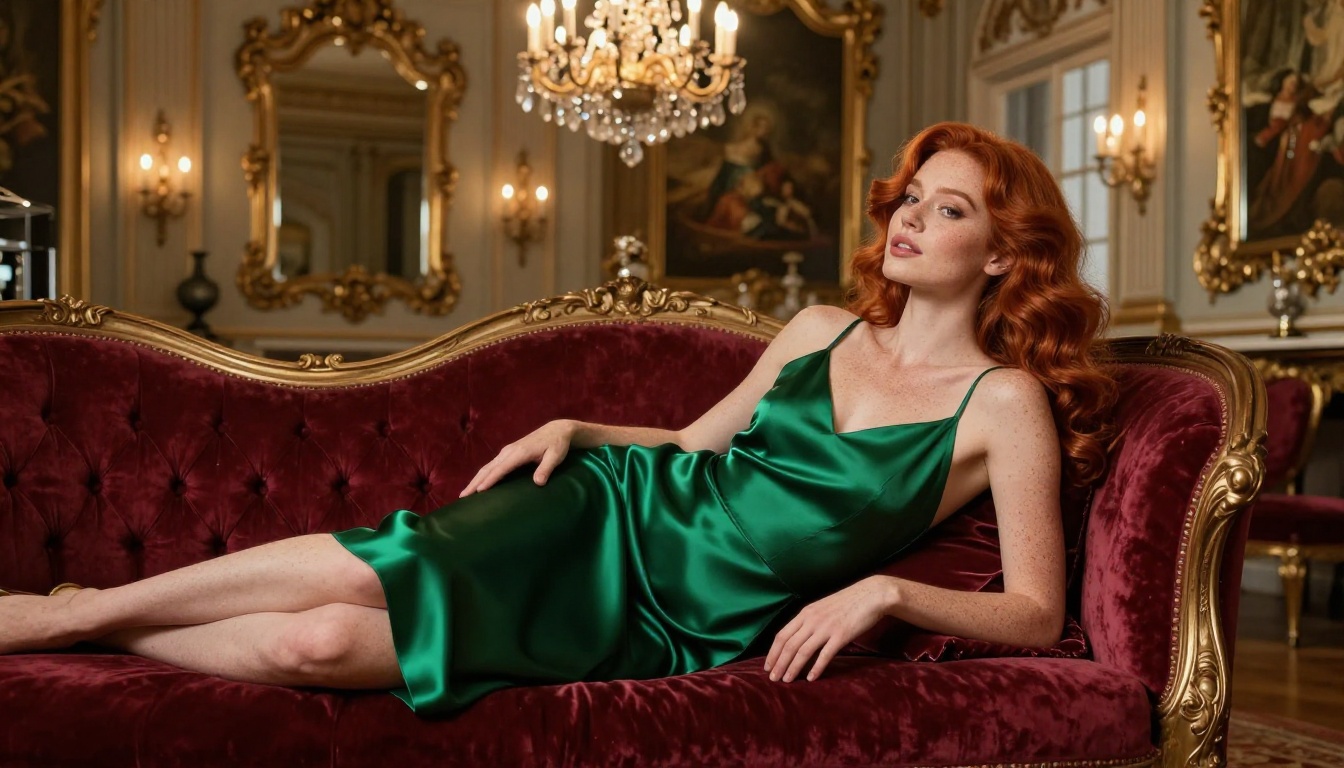
Not sure which NSFW AI platforms allow adult content without banning your account? This breakdown covers platform rules, private generation modes, the best photorealistic models, and how to write prompts that get results without triggering automated flags.
Most people asking how to use NSFW AI without getting banned aren't doing anything wrong. They want to create suggestive, artistic, or adult-themed images without losing their accounts or getting flagged by overzealous filters. The answer isn't about breaking rules. It's about knowing which platforms respect creative freedom, how their policies actually work, and what separates a savvy user from someone who loses everything in a single session.
This is that breakdown.
What "Getting Banned" Actually Means
Before worrying about bans, it helps to understand what platforms are actually policing and why.
Platform-Level Enforcement
AI platforms enforce content rules for two main reasons: legal liability and advertiser or partner requirements. When a platform bans you, it's almost always because your content crossed a line in their Terms of Service (TOS), not because someone manually reviewed your work. Automated systems flag content based on keywords in prompts, visual content analysis, and behavioral patterns.
The ban itself can take several forms:
Ban Type
What Happens
Can You Recover?
Prompt block
Single generation rejected
Yes, instantly
Temporary suspension
Account frozen 24-72 hours
Yes, after review
Permanent ban
Account deleted
Rarely, via appeal
IP block
All accounts from your IP flagged
Harder to reverse
Understanding where you are on that spectrum matters. A prompt block is not a ban. A suspension is not the end. But an IP block means the platform is treating your entire network as a threat, which is a significantly harder position to recover from.
Why Innocent Accounts Get Flagged
Automated systems aren't smart. They operate on pattern recognition. If your prompt includes certain words, uses certain compositions, or mimics patterns from flagged accounts, you can get caught in the net even if your actual intent was purely artistic. This is why prompt strategy matters as much as platform choice, and why understanding how filters work saves you significant frustration.
The key insight: filters don't evaluate intent. They evaluate signals. Give them the wrong signals and you'll get flagged regardless of what you were actually trying to create.
How NSFW AI Platforms Actually Work
Not all AI image generators treat adult content the same way. There are three distinct categories worth understanding before you choose where to work.
Strictly SFW platforms (Midjourney, DALL-E, Adobe Firefly): No NSFW at any level. Any suggestive content gets flagged. These tools are designed for commercial and general use and have zero tolerance for adult themes, even in artistic contexts.
Soft-permission platforms: Some tools allow "suggestive" content if you enable it in account settings or verify your age. They still block explicit content but allow lingerie, partial nudity, or glamour shots within defined boundaries.
Dedicated adult-content platforms: Built specifically for NSFW generation. These platforms have age verification, clearly defined content limits (usually stopping at illegal content), and give users significant creative latitude within those limits.
Most users run into trouble by using the wrong category for what they want to create. Trying to push a SFW-only platform past its limits is almost guaranteed to result in account issues. Using a dedicated adult platform within its stated rules is almost guaranteed to be fine.
Public vs. Private Generation Modes
One of the biggest mistakes users make on any platform is generating NSFW content in public or community modes. Many platforms have a community feed or shared gallery. If your generations appear there, they're subject to stricter moderation because they're publicly visible and the platform bears more responsibility for what appears in those spaces.
Always check before generating:
Is there a "private" or "stealth" mode available?
Does the community feed include your generations by default?
Can you disable public sharing before you generate?
Does saving to your personal gallery still make it visible to others?
Switching to private mode before generating adult content is one of the simplest and most effective protections available to you.
The Rules That Actually Matter
Every platform has a TOS, but most of it is boilerplate. The rules that actually get accounts banned come down to a short list that every serious user should know by heart.
What's Universally Off-Limits
No legitimate NSFW AI platform allows these, and violating them is not a gray area:
Content involving minors in any sexual or suggestive context
Non-consensual scenarios presented as realistic or desirable
Real, identifiable people depicted in explicit situations without clear consent
Deepfake-style content designed to defame, harass, or harm specific individuals
These aren't judgment calls. They're absolute limits on every reputable platform. Violating them is how users get permanent bans, not temporary suspensions, and in some jurisdictions it carries legal consequences beyond a platform ban.
The Gray Zone
Between "fully SFW" and "illegal content" sits a wide range of content that different platforms handle differently. This is where most users actually operate, and where understanding platform-specific rules matters most.
The rule of thumb: If the content could appear in a mainstream fashion or fitness publication, almost every platform allows it. If it requires an adult content warning, you need a platform built for that purpose.
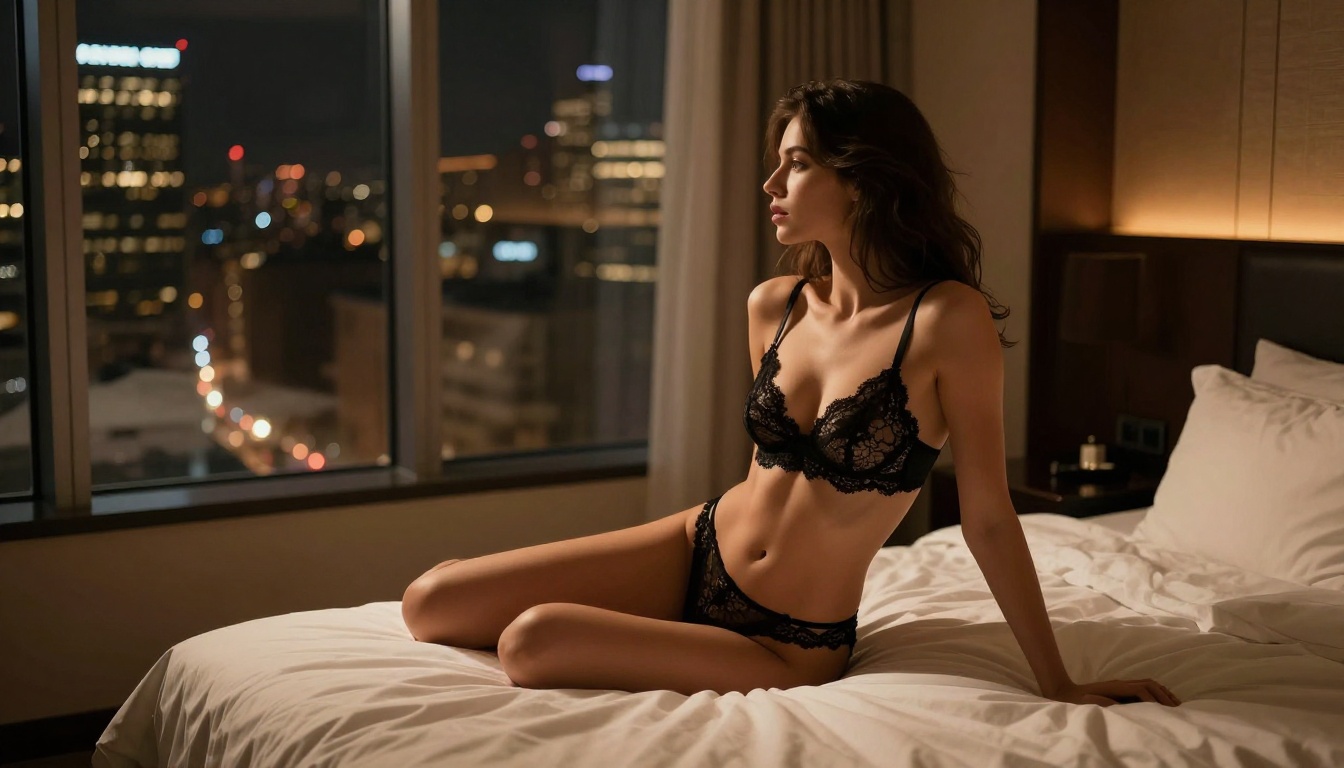
Lingerie photography, implied nudity, artistic figure studies, glamour portraiture, and suggestive poses in appropriate settings are all fair game on platforms designed for creative adult content. The gray zone is mostly about context and intent.
The same composition might be fine on one platform and flagged on another based purely on the accompanying prompt text. A tasteful portrait described in photographic terms reads very differently to a content filter than the same image described in narrative terms. Prompt language shapes how systems interpret your intent.
Platforms Built for Adult Content
The cleanest way to avoid bans is to use a platform that explicitly supports the content you want to create. Trying to coax a SFW platform into producing something it wasn't designed for is a losing strategy.
What to Look for in an NSFW AI Platform
A legitimate adult-content AI platform should have all of these:
Clear, written content policies (not just vague TOS language)
Age verification before accessing NSFW features
Private generation mode as a default option for adult content
Multiple model options for different styles and quality levels
A defined list of absolute limits, clearly communicated
Active moderation that distinguishes between artistic content and genuine violations
Avoid any platform that has no stated content policy, makes no distinction between SFW and NSFW modes, or has no age gate. These platforms are either unaware of the regulatory risks or actively ignoring them, and they're the ones most likely to shut down suddenly or begin banning users indiscriminately when pressure mounts.
How PicassoIA Handles It
PicassoIA takes a structured approach to adult content with a clear platform architecture. It supports a range of models specifically suited to photorealistic and glamour-style generation, with clearly defined content tiers and private generation modes.
The model selection matters significantly for output quality. For realistic human portraiture and glamour content, Realistic Vision v5.1 and RealVisXL v3.0 Turbo are among the most capable options available on any platform. Both are tuned specifically for photorealistic human anatomy and natural skin rendering, which makes a substantial difference in output quality.
For higher-fidelity output with more compositional control, Flux 2 Pro and Flux 1.1 Pro Ultra represent the current state of the art in photorealistic AI image generation, with exceptional detail retention and prompt adherence that makes complex scenes significantly easier to produce.
How to Use NSFW Models on PicassoIA
If you're using PicassoIA for adult-adjacent content, here's what actually produces results.
Choosing the Right Model
Different models have different strengths, and matching the model to your intent matters more than most users realize:
The biggest difference between users who get consistent results and those who struggle is prompt structure. For photorealistic adult-adjacent content, structure your prompts like a photographer briefing their assistant:
Good quality tags for realism that work across models:
RAW 8K photography, Kodak Portra 400, photorealistic, natural skin texture,
volumetric lighting, shallow depth of field, film grain, editorial quality
Avoid vague terms like "beautiful" or "attractive" on their own. Specificity is what separates mediocre generations from stunning ones. The more precisely you describe the visual reality you want, the more accurately the model can produce it.
Privacy Settings on PicassoIA
Before generating any content you want kept private:
Check your account visibility settings in profile preferences
Confirm generations aren't appearing in any public feed or gallery
Use the personal gallery mode and verify its visibility status
Download and store your generations externally if they matter to you long-term
Generated images that exist only on a platform's servers are subject to that platform's data policies. For anything you care about preserving, download it.
Prompts That Stay Safe
Prompt engineering for adult content is about knowing where the line is and describing exactly what you want in photographic terms, without crossing into territory that triggers automated review.
Words That Trigger Flags
Even on permissive platforms, certain words in prompts trigger automated review. Words describing explicit acts in narrative form, anatomical terms used in a clearly sexual context, or references to scenarios the platform explicitly prohibits in its TOS.
The solution isn't to trick the system. It's to describe what you want visually in photographic terms rather than in narrative or story terms.
Instead of: describing a scenario between characters
Use: describing a scene as a photographer would compose it
Think in terms of fashion photography, editorial shoots, and fine art portraiture. A photographer describing their shot doesn't write a story. They describe composition, lighting, wardrobe, subject positioning, and mood. That language reads very differently to automated systems than narrative-style prompts describing the same image.
Negative Prompts
Most models support negative prompts. Use them actively to push quality up and keep outputs within platform-safe territory:
Negative: cartoon, illustration, CGI, anime, low quality, watermark, text overlay,
blurry, distorted, uncanny valley, bad anatomy, extra limbs, distorted hands
Negative prompts also address one of the most common quality issues in AI portraiture: anatomical accuracy. Adding bad anatomy, extra limbs, distorted hands, malformed fingers to your negatives significantly improves hand and body rendering, which is still a known weakness in most models.
5 Mistakes That Get Accounts Banned
Most bans are preventable. These are the five most common errors that cost users their accounts:
1. Generating in public mode
The fastest path to a ban is letting NSFW content appear in community feeds. Always verify your privacy settings before starting a generation session. This one mistake accounts for a disproportionate share of account suspensions.
2. Ignoring the TOS on free tiers
Free accounts often have stricter content limits than paid ones. Read the terms for your specific account tier, not just the general platform policy. Many platforms lock NSFW generation behind paid plans for legal and liability reasons.
3. Using flagged terminology in prompts
Even on permissive platforms, prompt text is scanned. Descriptive language about explicit acts in narrative form gets flagged faster than the actual image content in many systems. Write prompts in photographic terms, not story terms.
4. Sharing platform outputs commercially without checking license terms
Some platforms explicitly prohibit commercial redistribution of generated content, especially NSFW content. Check the license terms for your account tier before using anything commercially. This is a common oversight that becomes a problem later.
5. Accumulating multiple soft flags without adjusting
One flagged generation is usually just a warning or a prompt rejection. But if automated systems detect a pattern of borderline requests, that pattern gets escalated to human review or automatic suspension. If you receive a prompt rejection, treat it as a signal to adjust your approach, not an obstacle to work around.
Quality Settings That Make a Real Difference
Beyond model choice and prompt structure, a few technical settings dramatically affect output quality for portraiture and glamour content.
Resolution: Always generate at the highest resolution your account allows. Low-resolution generations look clearly off, especially for skin texture and facial detail. The artifacts that make AI images look fake are far more visible at low resolutions.
Inference steps: Higher step counts (30-50) give the model more time to refine details. For complex scenes with human subjects, this is worth the extra generation time. Fast generation at low step counts often produces acceptable results for landscapes but consistently struggles with human anatomy.
CFG Scale: The guidance scale controls how closely the model follows your prompt versus generating creatively. For detailed photographic prompts, a CFG of 7-9 works well. Too high and outputs become harsh and artificial. Too low and the model ignores your prompt structure.
Seed control: Once you find a composition you like, lock the seed and vary other parameters. This lets you iterate on lighting, wardrobe details, or background elements without losing the elements that work. Seed control is the difference between random generation and systematic refinement.
For additional control over pose and body positioning, RealVisXL v3 Multi Controlnet LoRA allows structural guidance that helps maintain consistent anatomy across iterations. If you need to upscale results to display quality, PicassoIA's super-resolution tools can take a solid generation and push it significantly further without visible degradation.
Try It for Yourself
The gap between knowing the rules and actually producing results comes down to practice. Every user who creates consistently strong NSFW AI images went through a period of learning which models respond to which prompt structures, which platforms fit their creative goals, and how to stay within the lines that keep accounts safe.
The platform supports private generation, offers a wide model selection tuned for different creative goals, and gives you enough creative latitude to produce work that genuinely looks like it came from a professional photo shoot.
Start with one of the photorealistic models. Build a prompt structure that works for your style using the photographic framework described above. Iterate from there, locking seeds on what works and refining what doesn't. The results will speak for themselves.