The AI video world just received a meaningful upgrade. Tencent's HunyuanVideo 2.0 arrives with native 4K output, sharpened temporal consistency, and a vastly improved grasp of complex text prompts. If you have been watching AI video generation mature from novelty clips into production-ready footage, this release demands your full attention. Here is exactly what changed, what it means in practice, and how you can start putting HunyuanVideo to work right now on PicassoIA.
What HunyuanVideo 2.0 Actually Is

HunyuanVideo is Tencent's open-weight text-to-video model, first released in late 2024 as one of the most capable publicly available video generation systems at the time. Version 1.0 established a strong baseline with 13 billion parameters, 720p output, and solid motion coherence that outperformed many commercial rivals. Version 2.0 takes that foundation and rebuilds critical components to push the resolution ceiling and address the temporal flickering that plagued the first release.
From Tencent's Labs to Your Browser
What makes HunyuanVideo notable beyond its raw specs is its open-weight nature. Tencent released the weights publicly, which allowed the community to fine-tune, quantize, and deploy it across dozens of platforms within weeks of the original launch. That same pattern continues for the 2.0 release, with the model accessible through PicassoIA's Hunyuan Video page directly in your browser, without any local setup, CUDA configuration, or VRAM management required.
The 1.0 vs 2.0 Difference
The version jump is not cosmetic. Here is a direct comparison of what changed between the two releases:
| Feature | HunyuanVideo 1.0 | HunyuanVideo 2.0 |
|---|
| Max Resolution | 720p | 4K native |
| Temporal Flickering | Moderate | Significantly reduced |
| Prompt Adherence | Good | Substantially improved |
| Motion Complexity | Basic physics | Multi-object interaction |
| Output Frame Rate | 24fps | 24fps / 30fps |
| Camera Control | Limited | More responsive |
The 4K native output is the headline, but the temporal improvements are arguably more impactful for real creative work.
Why 4K Changes Everything

Resolution in AI video is not just about pixel count. At 720p, AI-generated video has a softness that reads immediately as artificial when played on a modern display. Compression artifacts and detail degradation become visible the moment you cut the footage alongside real camera material. 4K output removes most of that tell. The gap between a well-prompted HunyuanVideo 2.0 clip and actual camera footage narrows considerably at this resolution.
The Physics of High-Resolution AI Video
Generating video at 4K is not simply upscaling a 720p output. True native 4K generation requires the model to make decisions about detail at four times the pixel density. That means facial pores, fabric weave, water surface ripples, and bark texture all have to be predicted coherently frame-by-frame at a resolution where errors are plainly visible. HunyuanVideo 2.0 achieves this through an upgraded VAE (variational autoencoder) that operates at higher spatial resolution before the diffusion process begins, keeping spatial fidelity intact throughout generation rather than recovering it afterward.
💡 Pro tip: Native 4K output means you can punch in during editing without quality loss, giving you effective additional coverage that would normally require a separate camera angle.
What "Native 4K" Means for AI Generators
The term gets overloaded in this space. Some tools output at 1080p and use AI upscaling to reach 4K. Others generate at low resolution internally and interpolate. HunyuanVideo 2.0's 4K is generated natively, meaning the full resolution is present from the very first inference step. The distinction matters enormously when you zoom into fine detail: text elements inside a scene, crowd backgrounds, or complex foreground-background separation all hold up in ways that upscaled footage does not.
If you want to compare 4K-capable models side by side, LTX 2.3 Pro and LTX 2.3 Fast from Lightricks also target 4K output and offer interesting tradeoffs in terms of generation speed versus temporal coherence.
The Core Upgrades in 2.0

Beyond resolution, Tencent rebuilt several subsystems in version 2.0 that affect day-to-day usability in ways that matter more than the spec sheet suggests.
Motion Consistency at Scale
One of the most common complaints about HunyuanVideo 1.0 was temporal flickering, where objects would subtly shift in size, shape, or texture between frames even when nothing in the scene should be changing. This showed up most visibly in hair, clothing fabric, and background textures. Version 2.0 introduces a redesigned attention mechanism across the temporal dimension that treats adjacent frames as a coherent unit rather than independent predictions. The result is noticeably smoother output without the stroboscopic artifact that made 1.0 footage difficult to use in professional contexts.
Text Prompt Adherence
This was an underrated weakness of version 1.0. Prompts describing specific camera movements, precise subject positioning, or compound actions frequently produced outputs that captured only part of the instruction. Tencent's 2.0 training improvements include better text encoder alignment that translates complex compositional prompts more reliably. You can now write something like "close-up of a woman pouring coffee into a white ceramic mug, steam rising slowly, kitchen window light from the left" and expect consistent execution rather than a generic kitchen scene that misses half the details.
Multi-Object Interaction

Version 1.0 struggled when prompts called for two or more subjects interacting with each other or with props. Version 2.0 shows marked improvement here. Two people having a conversation, a hand placing an object on a table, or a dog retrieving a ball from water are scenarios that now render with much greater physical plausibility. The model has learned better spatial relationships between objects and how they should move relative to each other over time.
💡 For creators: Multi-object handling opens up narrative video possibilities that were simply not achievable with 1.0. Short-form storytelling, product demonstration clips, and social media content with multiple interacting elements all benefit immediately from this upgrade.
How HunyuanVideo 2.0 Stacks Up

With so many strong video models available right now, the real question is where HunyuanVideo 2.0 fits in a creator's workflow. Here is an honest placement against the current field.
Comparing the Top Models Right Now
Where HunyuanVideo Wins
HunyuanVideo 2.0 leads specifically in two scenarios: pure visual fidelity at 4K and open-weight flexibility. If your priority is the highest possible image quality in the generated frames without requiring native audio, this is the model to use. If you need built-in synchronized audio for social platforms, Kling v3 or Veo 3.1 are better choices for that specific requirement.
Speed vs. Quality Tradeoffs
4K generation is computationally expensive. Expect longer generation times compared to 720p or 1080p models. For rapid iteration and draft reviews, LTX 2.3 Fast offers 4K output at significantly faster speeds. The tradeoff is slightly less temporal coherence in scenes with complex motion. A common professional workflow pairs LTX 2.3 Fast for quick draft passes with HunyuanVideo 2.0 for the final render once the creative direction is locked.
How to Use HunyuanVideo 2.0 on PicassoIA
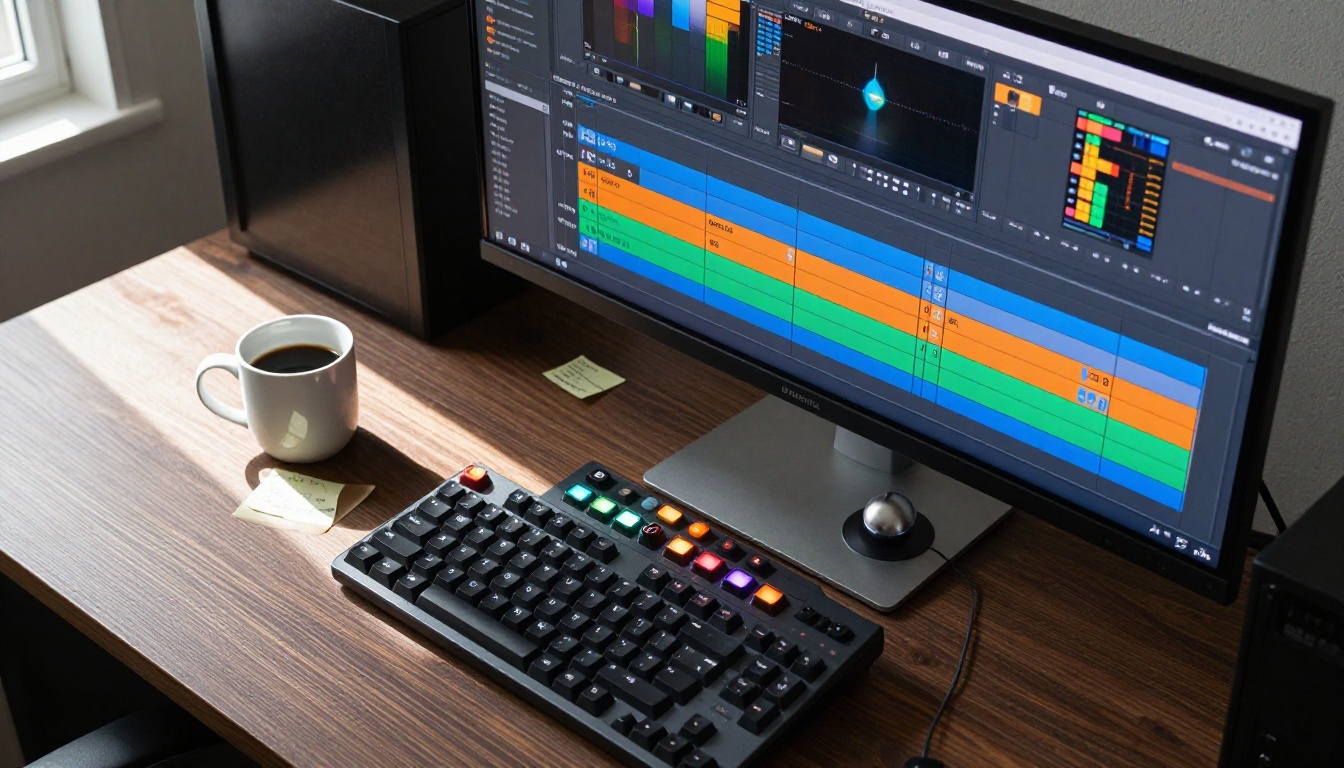
PicassoIA gives you direct browser access to HunyuanVideo without downloading model weights, setting up CUDA environments, or managing VRAM. Generation runs on the platform's GPU infrastructure and the results download directly to your device.
Step-by-Step on the Platform
1. Open the model page. Navigate to PicassoIA HunyuanVideo and click Generate.
2. Write a structured prompt. Use this format for best results:
- Subject and action described first
- Environment and background context second
- Lighting and atmosphere third
- Camera movement described last
Example: "A chef in a white apron slides a cast iron pan across a gas stove, flames rising briefly around the edges. Professional restaurant kitchen with stainless steel surfaces. Warm overhead lighting from the right. Slow zoom-out revealing the full kitchen."
3. Set your resolution. Select 4K output. Generation time increases but the quality jump is significant for any final deliverable that will be displayed on a modern screen.
4. Review and iterate. Note the seed number shown with your result. Using the same seed with a slightly adjusted prompt lets you explore variations without starting from a completely random baseline.
Best Prompt Settings for 4K Output
- Keep prompts specific but not overloaded. Three to four distinct instructions per prompt perform better than ten stacked requirements. The model does not benefit from keyword stuffing.
- Describe lighting explicitly. HunyuanVideo 2.0 responds well to directional light descriptions such as "morning light from the left" or "harsh overhead midday sun."
- Name camera movements precisely. "Slow dolly forward" produces different and more reliable results than "camera moves in."
- Avoid negatives in prompts. Instead of "no blurry background," write "sharp foreground and sharp background throughout."
💡 Quick win: If your output has unwanted motion artifacts, add "static camera, no camera movement" to the end of your prompt. This often stabilizes the generation substantially, particularly for close-up detail shots.
3 Ways to Raise the Output Quality Further

Getting a good 4K video from HunyuanVideo 2.0 is one thing. Getting it to production standard takes a few additional steps that most creators skip entirely.
Pairing With Super Resolution
Even at native 4K, some fine detail in AI video benefits from a super-resolution pass to sharpen edge definition and reduce compression softness. PicassoIA's super-resolution tools can process your downloaded video frame-by-frame, pulling additional crispness from already-sharp 4K footage. This is especially effective for product close-ups and facial detail shots where micro-texture matters.
Chaining With Video Restoration
After generation, running the clip through an AI video restoration pass corrects subtle flickering that even 2.0's improved temporal model occasionally introduces. PicassoIA's AI video restoration tools work on AI-generated footage just as effectively as they do on real camera material, stabilizing output and recovering detail that compression softened during encoding. You can find these tools in the all models section under the video restoration category.
Using Reference Images
While HunyuanVideo 2.0 is a text-to-video model, you can condition your generations more tightly by first generating a reference image that matches your exact intended first frame, then describing that image in precise detail within your prompt. This technique dramatically improves consistency between your concept and the output when scene composition is specific. If you want to animate a reference image directly rather than describing it in text, Wan 2.7 I2V is the image-to-video counterpart that accepts a direct image input and produces motion from it.
What 4K AI Video Means for Creators

The conversation around AI video often focuses on what it cannot do. HunyuanVideo 2.0 shifts that conversation. At 4K output with improved temporal coherence, the footage is now genuinely usable for commercial purposes that were off the table with earlier generations. YouTube videos, product trailers, social advertising content, and short-form brand films are all within reach without a camera crew.
The practical implications are significant:
- Cost reduction: A 15-second product video that previously required studio rental, lighting, and a camera operator can now be generated, reviewed, and approved in hours.
- Speed to market: Iteration happens in minutes, not days. You can test five creative directions in an afternoon and commit to the strongest one before end of business.
- Accessibility: Creators without film production backgrounds can now produce footage that reads as professional when displayed on modern consumer screens.
- Open-weight advantage: Developers can fine-tune HunyuanVideo on custom datasets, creating specialized video generation tools for specific industries without licensing restrictions or API rate caps.
The 4K ceiling specifically matters because it aligns with what professional distribution platforms actually require. YouTube's 4K tier, streaming platform submissions, and large-format display advertising all have resolution thresholds that 720p and 1080p AI video simply could not clear. HunyuanVideo 2.0 clears them.
Try HunyuanVideo 2.0 on PicassoIA Now

You do not need a GPU, a server, or a technical setup to put HunyuanVideo 2.0 to work. PicassoIA runs the model directly in the browser, and you can have your first 4K generation in under two minutes from reading this.
The platform also gives you access to over 100 other text-to-video models from the same interface, which means you can compare HunyuanVideo 2.0 output against Kling v3, Seedance 2.5, Veo 3.1, and LTX 2.3 Pro using the exact same prompt. That side-by-side testing capability is genuinely useful for developing prompt strategies that translate reliably across multiple models.
Write a prompt. Pick 4K. Generate. That is the entire workflow.
Head to PicassoIA HunyuanVideo and see what 4K AI video looks like when you build it yourself.


