After testing dozens of platforms over several weeks, I can tell you exactly what separates the NSFW AI image generators that actually deliver from the ones that promise creative freedom and hand you a blurred, refused image instead. The gap is enormous. Some generators collapse the moment your prompt gets remotely suggestive. Others produce results so photorealistic you genuinely have to look twice. This article is about the second category, with every ranking backed by real hands-on testing, not marketing copy.
I focused on five criteria across every platform: photorealism quality, NSFW tolerance (what prompts it actually accepts without filtering), generation speed, pricing fairness, and creative control over parameters like lighting, composition, and pose.
What I Actually Tested For
Not all NSFW AI image generators fail the same way. Some refuse text prompts outright the moment a suggestive word appears. Others generate but heavily censor output, watermark results, or suspend accounts after a handful of generations. The tools that survived my testing had to pass all five of these criteria:
- Prompt acceptance: Does the tool accept suggestive and adult-themed prompts without softening, refusing, or flagging the request?
- Output realism: Does the image look like a photograph, or does it look like plastic CGI?
- Speed: How long from prompt to result? Anything over 10 seconds feels painful when you are iterating through variations.
- No watermarks: A watermark eliminates any legitimate professional use case immediately.
- Pricing sanity: Can you generate more than 20 images before hitting a hard paywall or credit cap?
Most tools I tested failed at least one of these. The five below passed all of them, and the differences between them matter depending on your specific workflow.
The 5 Best NSFW AI Image Generators
1. Seedream 4.5: Best Overall
Seedream 4.5 is the clear winner. It is the model I kept coming back to after testing everything else, and the results speak for themselves across every type of NSFW generation I ran.
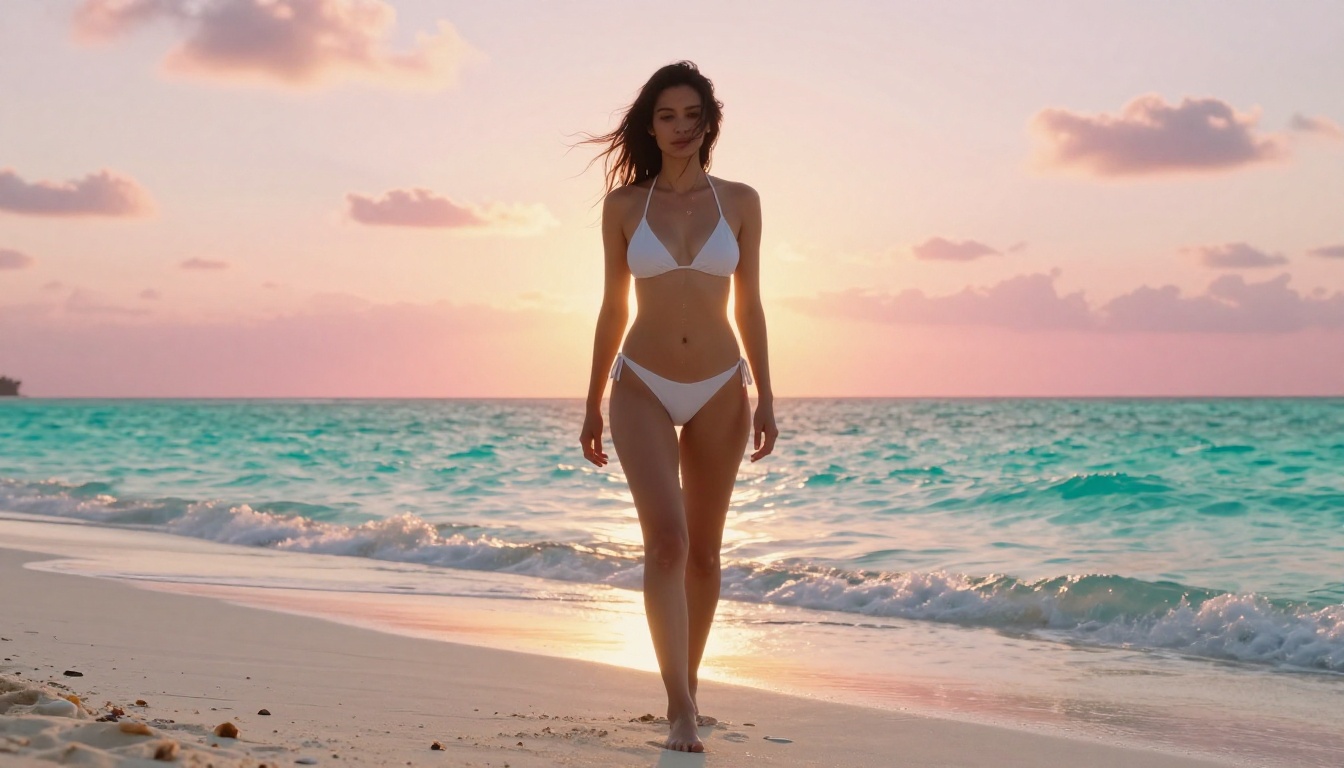
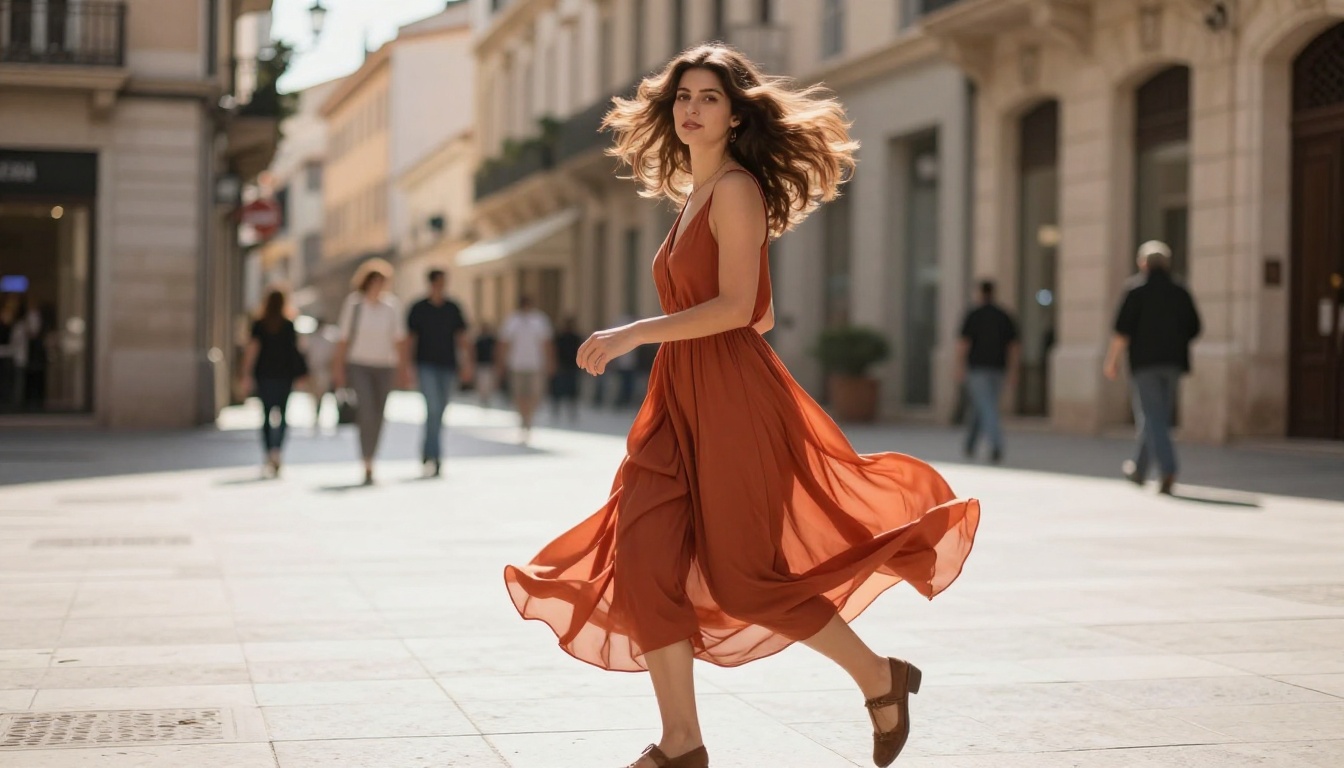
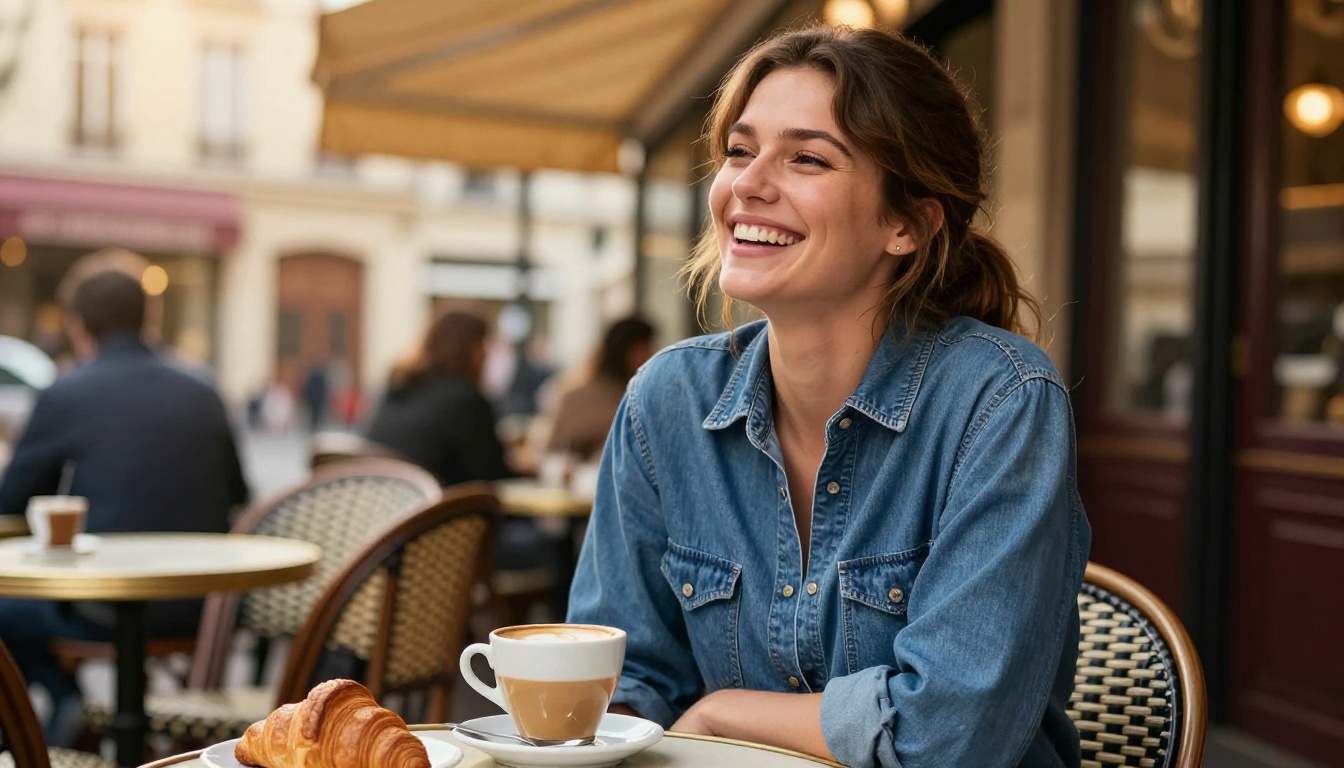
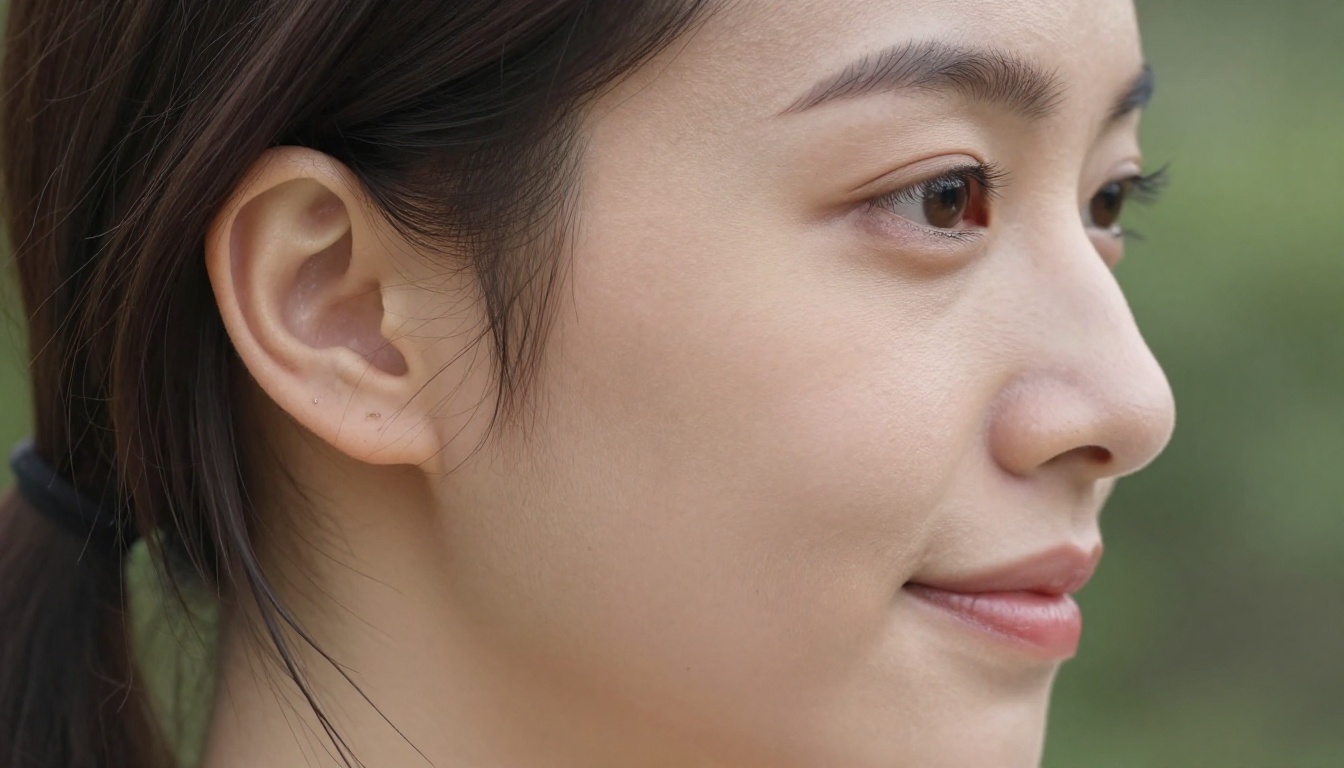
What makes it exceptional is the combination of three things that rarely coexist in a single model: it accepts NSFW prompts without filtering, it generates images in under 3 seconds, and it produces results with genuinely photorealistic skin texture, lighting depth, and photographic depth of field. Most uncensored generators sacrifice quality for freedom. Seedream 4.5 does not sacrifice either.
The model also supports image editing, which means you are not locked into pure text-to-image workflows. You can bring in a reference photo, describe the changes you want, and watch the model apply them intelligently. I tested this with fashion and glamour references and consistently got results that preserved the original framing and lighting while transforming outfits, expressions, and poses.
One important distinction: the newer Seedream 5 Lite does not support NSFW content. If adult content generation is your goal, stay with Seedream 4.5 specifically.
💡 Tip: Seedream 4.5 responds strongly to camera and lighting language in your prompts. Add phrases like "Canon 85mm f/1.8, golden hour, Kodak Portra 400" and the output shifts noticeably toward photorealistic photography aesthetics rather than generic AI imagery.
Available on: PicassoIA
Speed: Under 3 seconds
NSFW: Full support
2. PicassoIA Image Editor Pro: Best for Unlimited Output
If your workflow involves high volume, nothing comes close to PicassoIA Image Editor Pro.
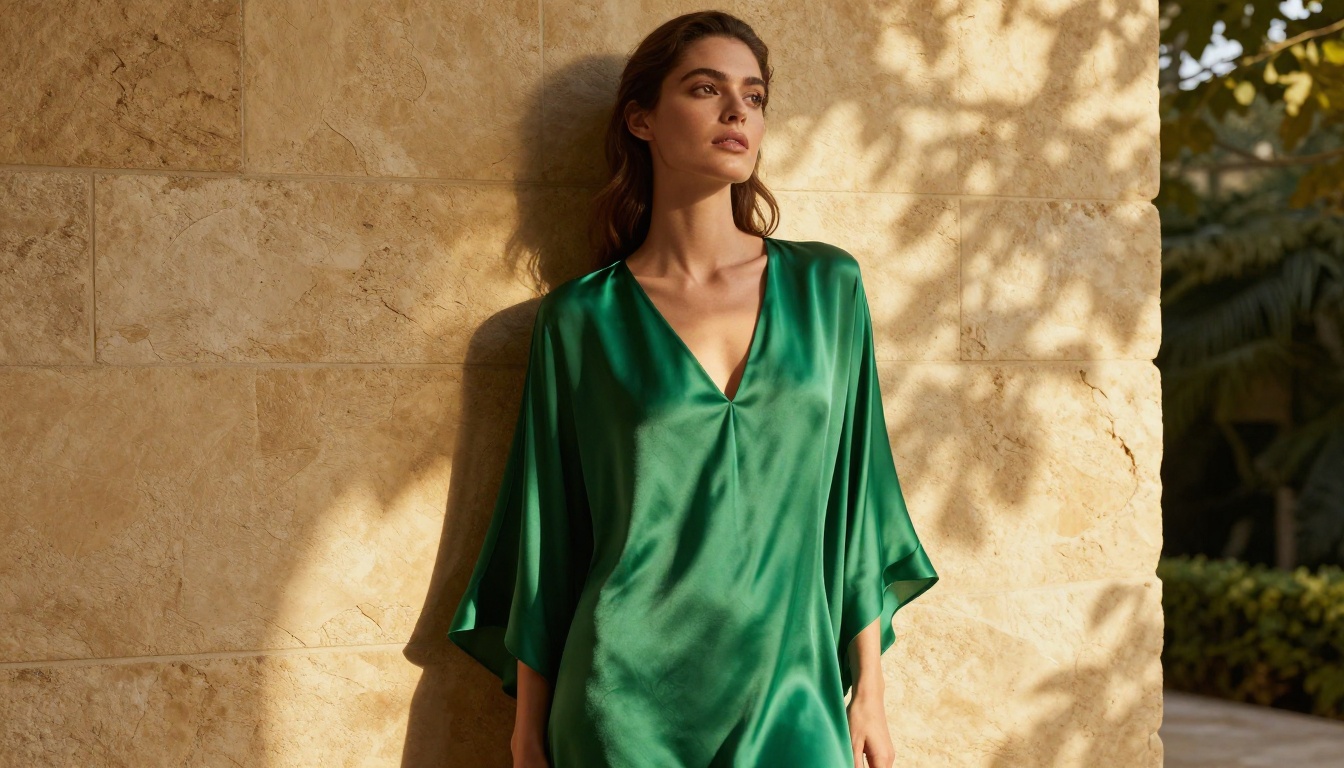
This is an image-to-image model, which means it takes an existing reference image and applies your described transformations to it. The output lands in under 1 second, it accepts NSFW content, and it is included at no per-image cost in the Elite and Infinite subscription plans on PicassoIA.
Let me put the pricing reality in concrete terms. If you wanted to generate 1,000 images with a model like Nano Banana 2, you would spend roughly $100. With PicassoIA Image Editor Pro on an Elite or Infinite plan, those same 1,000 images cost you nothing extra. The generations are built into your subscription.
It also offers a free trial of 3 generations with no credit card required, which makes it easy to evaluate the output quality before committing to anything.
The trade-off is that you need a reference image to start from. This is not a pure text-to-image generator. For anyone who iterates heavily on a reference photo or consistent character across many scenes, though, the unlimited output changes the entire economics of AI content creation.
Available on: PicassoIA
Speed: Under 1 second
NSFW: Full support
3. Qwen Image 2: Best Open Source Option
Qwen Image 2 is an open-source model, and that distinction matters more than most people realize when it comes to NSFW generation. Being open source means there is no private company with a legal or policy team deciding what your prompts are allowed to describe. The model runs without content filters applied by a third party, and the outputs reflect that freedom directly.

Qwen Image 2 supports both text-to-image creation and image editing. The realism in its output is detailed enough that skin textures, fabric folds, and hair appear genuinely photographic rather than obviously AI-generated. I found it particularly strong with complex prompt structures that use detailed lighting and environment descriptions.
It is not the fastest model on this list, but for creative control combined with open-source freedom from content restrictions, it is the most capable alternative to Seedream 4.5.
💡 Tip: Qwen Image 2 handles long, detailed prompts extremely well. The more specific you are about lighting direction, camera lens, shadow quality, and surface texture, the more cinematic and realistic the output becomes.
Available on: PicassoIA
NSFW: Full support
4. Grok Imagine Image: Best for Quick Conversions
Grok Imagine Image does one specific thing extremely well: it takes any photograph and converts it into a realistic bikini or swimwear format. This is its standout use case, and the results are remarkably natural.

Where other image-to-image tools produce noticeable artifacts around clothing transitions (mismatched skin tone, unnatural fabric edges, inconsistent body proportions), Grok Imagine Image keeps the skin tone, body proportions, and environmental lighting fully consistent with the source image. The conversion looks organic rather than composited.
It is a narrower use case compared to the other tools on this list, but within that specific workflow, nothing does it better.
Available on: PicassoIA
Speed: Fast
NSFW: Full support
5. Recraft V4: Best for Text-to-Image Realism
Recraft V4 is a pure text-to-image model with no image editing capability, but its photorealism output is consistently among the best I tested in this format.
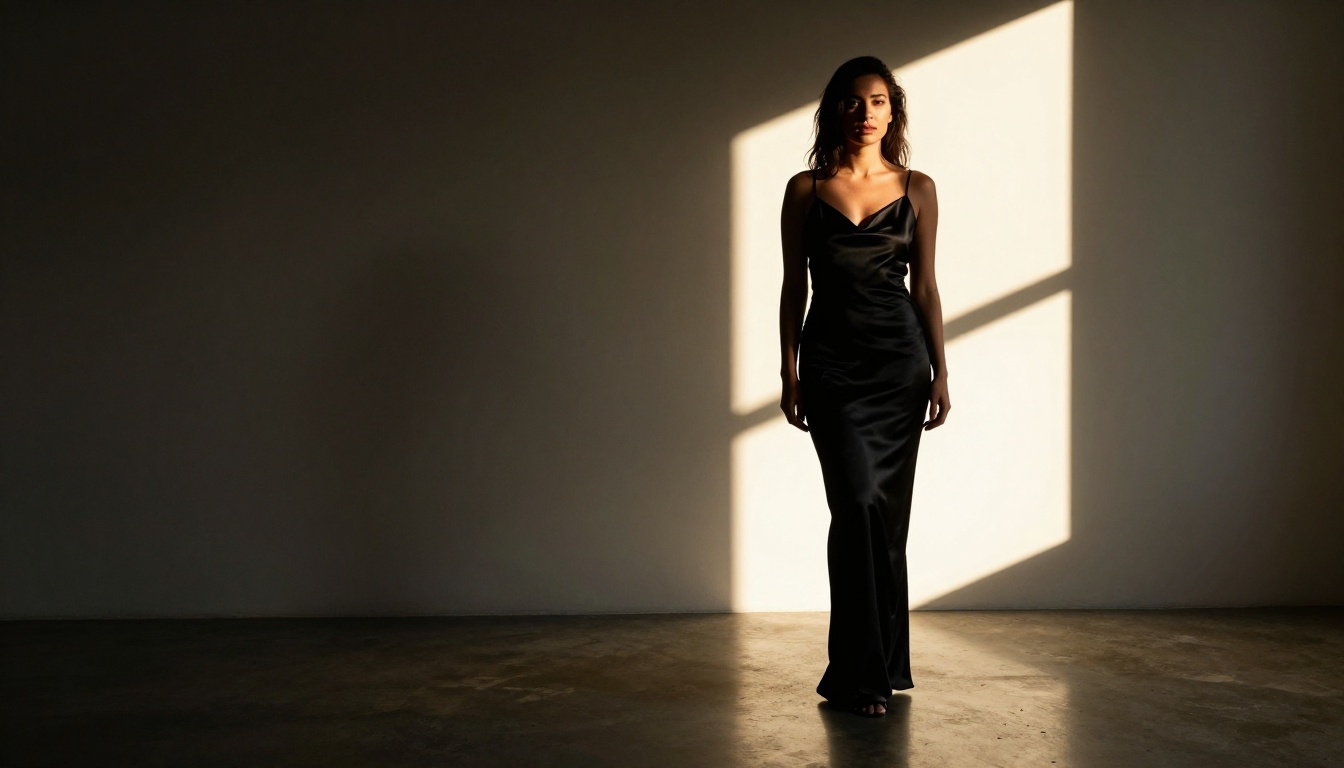
Where Recraft V4 excels most noticeably is in full-scene compositions. Complex backgrounds, multi-element environments, and specific environmental lighting conditions are areas where it outperforms many comparable models. NSFW prompts are accepted and the outputs are clean, detailed, and realistically lit without softening.
The limitation is the text-only input format. If your workflow depends on reference images or maintaining character consistency across multiple generations, you will need to pair Recraft V4 with an image-to-image model for those steps. For generating standalone images from descriptive prompts, it belongs in every serious creator's toolkit.
Available on: PicassoIA
NSFW: Full support
Speed Test Results
Here is how the five models compared on generation speed across 20 identical test prompts:
Speed matters more than people give it credit for in creative workflows. When you are iterating on a specific aesthetic or character direction, a 10-second gap per generation compounds into meaningful time lost across a session. The sub-3-second tier, particularly PicassoIA Image Editor Pro and Seedream 4.5, lets you iterate at a pace that feels natural rather than frustrating. At under 1 second per result, PicassoIA Image Editor Pro is in a category of its own for speed.
What You Pay vs. What You Get
The pricing model across NSFW AI image generators varies wildly, and the differences have real practical consequences for creators working at any volume.
Most mainstream platforms charge per generation or per credit. If you are generating 200 to 500 images in a single creative session, those credits add up fast. The platforms that offer a flat subscription with unlimited generation are, practically speaking, operating in a completely different economic category.

The math is direct:
- Pay-per-credit platforms: at $0.10 per image, 1,000 images costs $100
- Flat subscription with unlimited: 1,000 images costs $0 extra beyond the monthly subscription fee
PicassoIA Image Editor Pro operates on the second model. The Elite and Infinite plans include unlimited generations, which means for high-volume creators, the subscription pays for itself within a few hundred images compared to credit-based alternatives.
💡 Real cost math: If you generate 500 images per month on a pay-per-credit platform at $0.10 each, that is $50/month just on image credits alone. A flat subscription that covers this same volume at a lower monthly rate is the obvious economic choice.
The free trial offered by PicassoIA Image Editor Pro (3 generations, no credit card required) is worth taking before committing to anything. The speed-to-quality ratio becomes apparent immediately.
How to Use Seedream 4.5 on PicassoIA
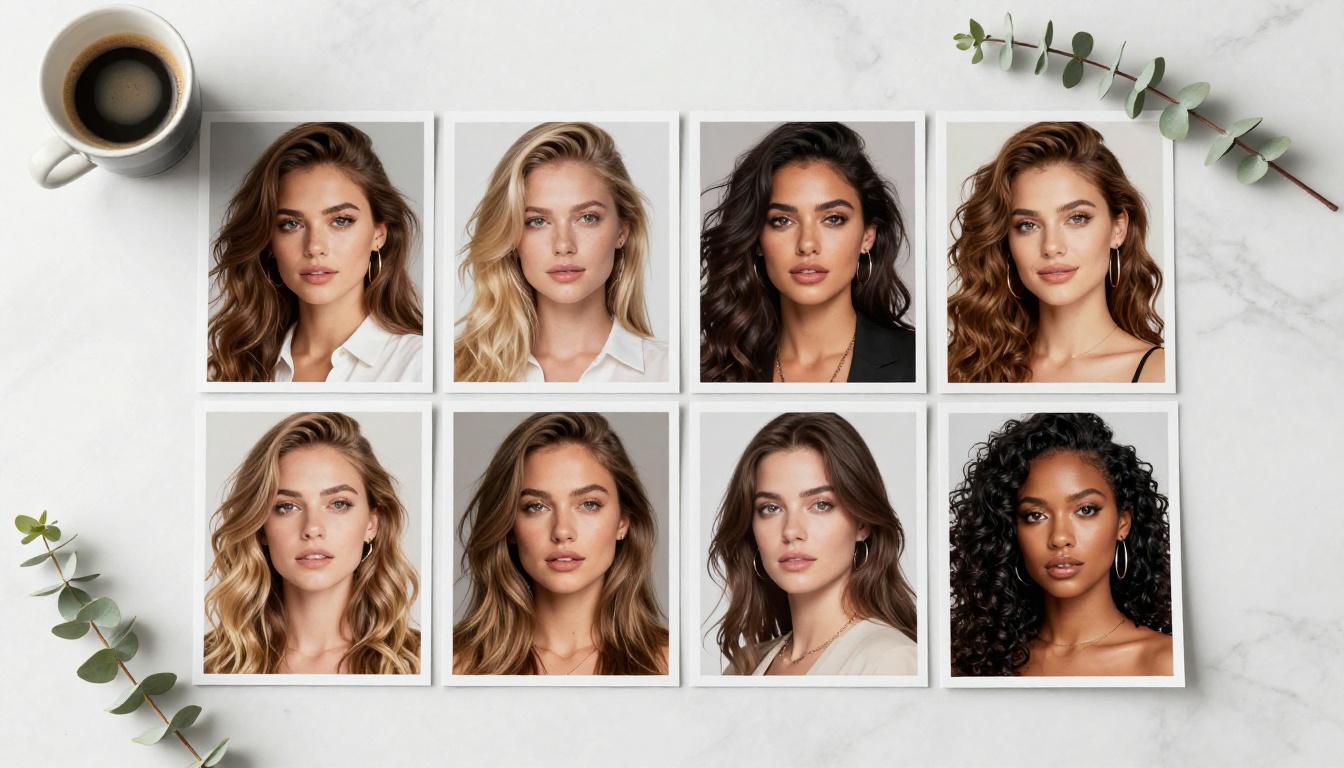
Since Seedream 4.5 is the top recommendation, here is how to extract the best results from it:
Step 1: Open the model page
Navigate to picassoia.com/en/collection/text-to-image/bytedance-seedream-45 and open the generation interface.
Step 2: Write a structured, detailed prompt
Seedream 4.5 responds strongly to photographic language. Structure your prompt as:
[Subject + pose] + [environment] + [lighting] + [camera specs]
Example: "Woman in a white bikini standing on a tropical beach at sunrise, soft pink-gold horizon light, volumetric morning glow, Canon 35mm f/2.8, Kodak Portra 400 color grade, natural film grain"
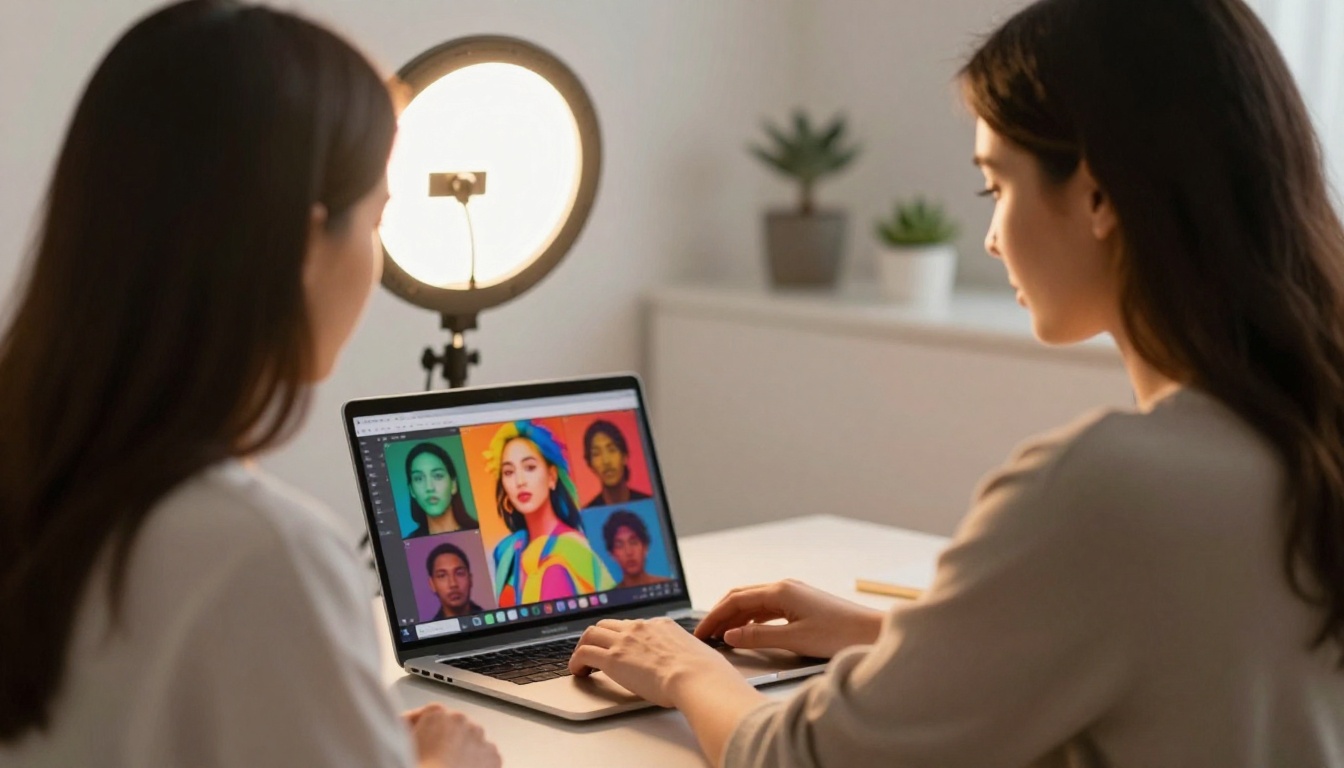
Step 3: Set your aspect ratio
For portrait and lifestyle images, 16:9 (landscape) or 9:16 (portrait/vertical) works best for most use cases. The model handles both formats with equal quality.
Step 4: Run 3-5 variations before deciding
Seedream 4.5 introduces slight randomness across generations with the same prompt. Within 3-5 rounds, you will typically find one result noticeably stronger than the others in lighting, expression, or composition.
Step 5: Use image editing mode for refinements
Once you have a strong base image, switch to image editing mode. Load your best result as the reference and describe only the specific element you want changed. This preserves everything working in the original while isolating and fixing what needs improvement.
💡 Power tip: Adding film emulation language ("Kodak Portra 400", "analog grain at 12%", "lifted shadows", "warm mid-tone grade") to your Seedream 4.5 prompts pushes the output significantly toward photorealistic photography and away from the recognizable AI-generated aesthetic.

Other Models Worth Knowing
Beyond the top 5, several additional models on PicassoIA are worth knowing for specific use cases in NSFW content creation:
P-Image by PrunaAI generates NSFW images in under 1 second. It is not as photorealistic as Seedream 4.5 across all prompt types, but for rapid bulk generation where iteration speed is the top priority, it performs extremely well.
Wan 2.7 Image is a text-to-image model built for highly realistic output. No content filters are applied at the platform level, and it handles complex descriptive prompts without refusing them.
For video content creation, four models stand out:
- PicassoIA Video: Unlimited video generation from text prompts at up to 720p resolution, 5 seconds per clip. The unlimited aspect makes it a unique value proposition for anyone building NSFW video content workflows.
- P-Video by PrunaAI: Text, image, or audio to video at up to 1080p. The safety filter is off by default, meaning adult content prompts go straight to generation without a pre-check. Draft mode delivers an instant low-res preview before the final render.
- Grok Imagine Video: Clips up to 15 seconds from text, a reference image, or an existing video, with no watermarks and image-to-video mode that auto-matches your source photo's proportions.
- LTX 2.3 Pro: The highest-fidelity video option in the catalog at up to 4K and 50fps, with retake and extend editing modes for precise control over specific segments.
Full NSFW Model Rankings on PicassoIA
| Rank | Model | Type | Speed | Best For |
|---|
| 1 | Seedream 4.5 ⭐ | Text and Image | Under 3s | Best overall realism and editing |
| 2 | Image Editor Pro | Image-to-Image | Under 1s | Unlimited generations included |
| 3 | Qwen Image 2 | Text and Image | 4-8s | Open source, no restrictions |
| 4 | Grok Imagine Image | Image-to-Image | Fast | Swimwear and bikini conversions |
| 5 | Recraft V4 | Text-to-Image | 3-6s | Complex scene photorealism |
| 6 | P-Image | Text-to-Image | Under 1s | Speed-priority bulk generation |
| 7 | Wan 2.7 Image | Text-to-Image | Moderate | Realistic output, no filters |
Unlike mainstream AI platforms that apply blanket content restrictions across all categories, PicassoIA gives creators direct access to uncensored, high-performance models across both image and video generation. The combination of unlimited generation plans and multiple top-tier NSFW models in one place puts it in a meaningfully different category from platforms that restrict what you can create.
Start Creating Today
If you have been held back by platforms that refuse your prompts, soften your results, or charge per generation for volumes that make serious creative work economically painful, the tools above change that equation entirely.
Seedream 4.5 is where to start. Three seconds to a photorealistic NSFW result with no watermark, no refusal, and image editing built directly into the same model. For volume work, PicassoIA Image Editor Pro with unlimited generations in under 1 second each fundamentally changes what is achievable in a single creative session.
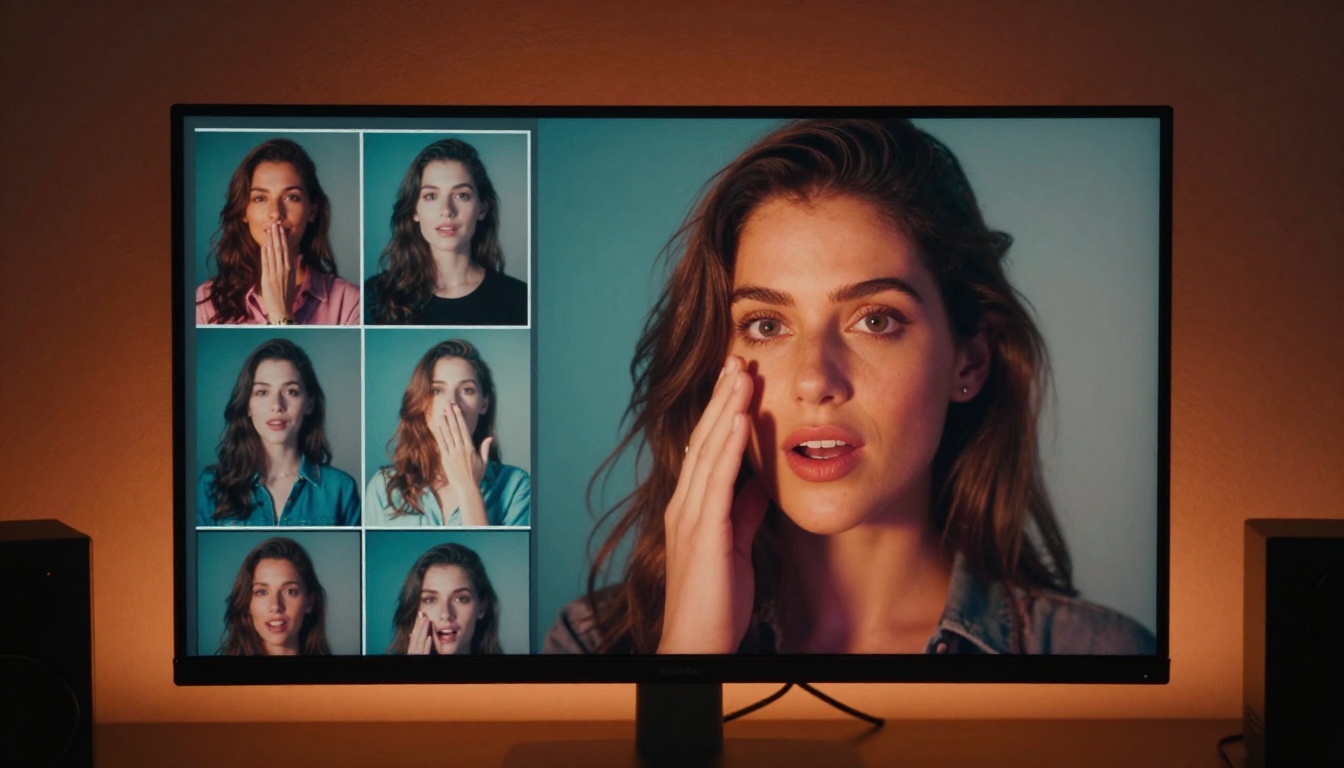
The free trial on PicassoIA Image Editor Pro requires no credit card and gives you 3 generations to form your own opinion. That is three chances to see the quality difference for yourself before committing to anything.

Every model mentioned in this article is available at picassoia.com/en/all-models. The full catalog includes 90+ image models and 87+ video models, with NSFW-capable options represented clearly across categories. Whether you are generating a handful of images or hundreds in a session, PicassoIA has the toolset to support it without the restrictions that make other platforms frustrating to work with.
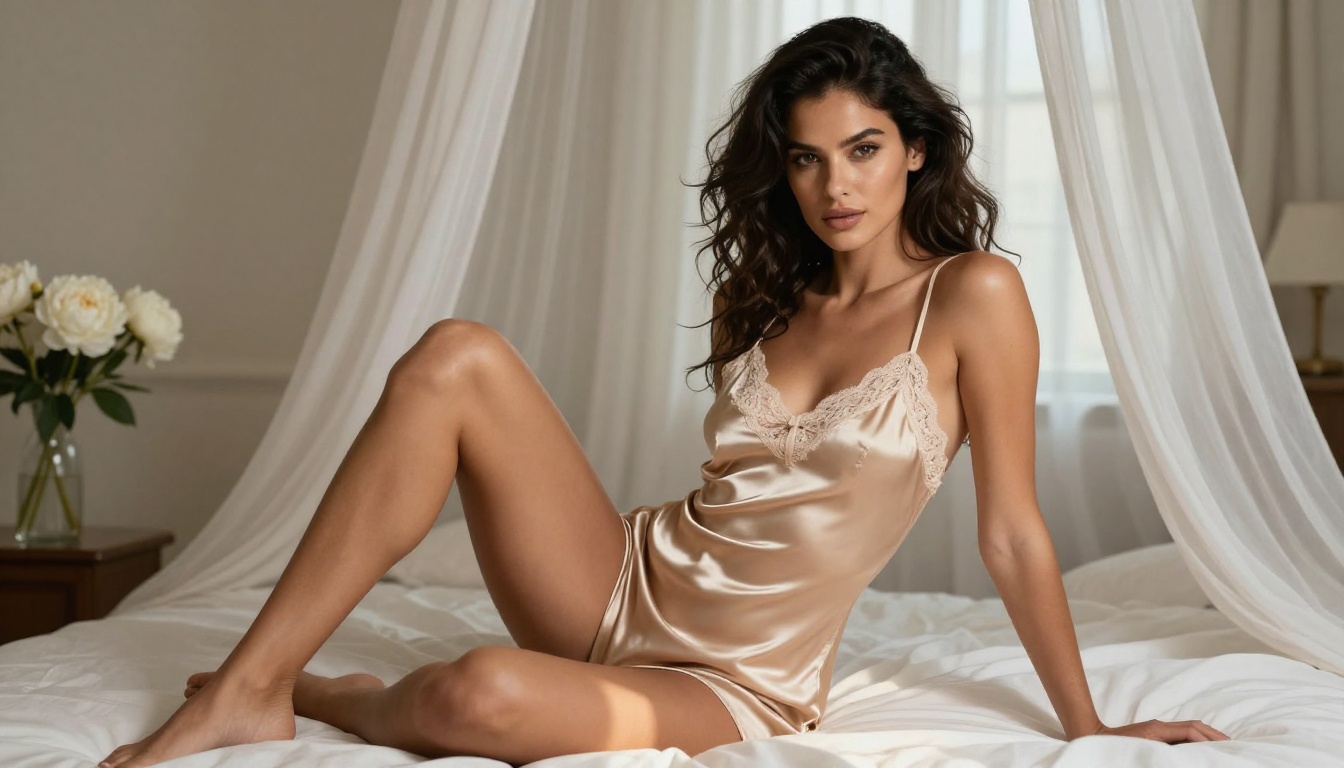
👉 See all available NSFW AI models at picassoia.com/en/all-models


