Ideogram NSFW LoRA: Does It Exist, Free Alternatives and Prompt Examples
Looking for an Ideogram NSFW LoRA? This article explains what actually exists, why hosted Ideogram models are a poor fit for adult glamour work, and which free, uncensored alternatives give you fast, photorealistic results with copy-ready prompts.
You typed "Ideogram NSFW LoRA" into a search bar because you want one specific thing: Ideogram's sharp text rendering and clean composition, combined with a LoRA that opens the door to adult glamour imagery. It is a reasonable idea. LoRAs are how people bend a base model toward a face, a look or a mood without retraining the whole thing. The problem is that the idea runs into two walls at once: how Ideogram is delivered, and what its rules allow.
This article gives you the straight answer first, then shows you what to use instead. You will see what exists for LoRA training around Ideogram, where adult content stands, five free-to-try alternatives, and a batch of prompts you can paste right now to get tasteful, photorealistic, non-explicit results.
The Short Answer First
No, there is no official Ideogram NSFW LoRA. Ideogram is a hosted, policy-controlled service. It is not an open checkpoint you download and run on your own machine, which is exactly the setup that community NSFW LoRAs depend on. Ideogram's usage policy also forbids circumventing or switching off its built-in content protections, so a workaround would put your account at risk even if someone sold you one.
Here is what does exist, based on what I could confirm in November 2026:
Ideogram v4 has trainer and LoRA endpoints offered through third-party hosting platforms, so custom style or character LoRAs are possible in some workflows.
Those endpoints are sold for personalization: brand styles, product looks, consistent characters.
I found no Ideogram statement that supports adult LoRAs, and no official release of one.
💡 Reality check: if a site promises a "free Ideogram NSFW LoRA download," treat it as a red flag. It is either a mislabeled file for a different model, a bait page, or a paid wrapper around a model that is not Ideogram at all.
What a LoRA Actually Does
Before spending hours hunting for a file, it helps to know what you are looking for.
LoRA in plain English
A LoRA (Low-Rank Adaptation) is a small add-on file that nudges a base model. Think of the base model as a trained photographer and the LoRA as a style brief: "shoot everything with this skin tone, this lens, this wardrobe." It does not teach the model entirely new physics. It shifts what the model already knows.
Why base model rules still win
A LoRA cannot remove a safety layer that sits outside the model. On a hosted service, prompts and outputs are checked by filters on the server. Your LoRA can change style, but the moderation step still runs afterward. That is why "NSFW LoRA" talk almost always involves open-weight models you run locally, and almost never a hosted model such as Ideogram.
Where Ideogram is strong anyway
Ideogram earned its reputation on typography. Posters, packaging mockups, signs and logo-style text come out readable in a way most models still struggle with. If you want that, models like Ideogram v4 Quality and Ideogram v4 Balanced are worth using for design work. For glamour and adult-leaning photography, other models are a better match.
Why Hosted Models Block Adult Work
It helps to know the logic, so you stop wasting credits on dead ends.
Two filters, not one
Most hosted models check the prompt before generation and the image after it. If either check trips, you get a refusal or a blank result. During the research for this very article, one swimwear prompt on a different tool was refused for being too revealing, and a slightly more modest outfit passed on the next try. That is how these systems behave: they react to how much is shown, not just to a word list.
Why LoRAs do not fix it
Because the second filter judges the finished picture, a LoRA that "teaches" a model adult anatomy still produces an image that gets flagged. The only way around that is running open weights yourself, which brings its own costs: a strong GPU, installs, model files, and your own responsibility for what you generate.
What this means for you
If your goal is attractive, suggestive, non-explicit photography (bikinis, boudoir, evening wear, fashion editorials), you do not need an Ideogram LoRA at all. You need a model that is built to handle that kind of content without constant refusals.
Free Alternatives That Work Now
PicassoIA hosts models that suit this job. They are listed below in the order I recommend them, with the reasoning for each.
1. Seedream 4.5 first
Seedream 4.5 is the model I would reach for first. It produces sharp images with realistic skin, fabric and light, and it follows long, detailed prompts well. It also renders up to 4K, which matters if you plan to print or crop. For swimwear, boudoir and evening wear, the skin texture and lighting hold up without the waxy look.
2. PicassoIA Image Editor Pro
PicassoIA Image Editor Pro is the second stop, and its big selling point is unlimited generations. That changes how you work. Instead of rationing attempts, you can iterate ten, twenty, thirty times on the same idea: adjust the outfit, shift the light, change the pose, keep what works. For editing an existing photo or building a look step by step, it is the most forgiving option here.
3. Z Image Turbo for speed
Z Image Turbo is built for quick results. It is excellent for testing prompts: you see an image in seconds, decide whether the idea is worth refining, and move on. Run your rough draft here, then take the winning prompt to Seedream 4.5 for the final render.
4. Flux 2 Klein 9B Base LoRA
If what you actually want is the LoRA workflow, Flux 2 Klein 9B Base LoRA is the closest match on the platform. It accepts LoRA-style conditioning, so you can push a consistent look across a series. It is the nearest thing to what you were trying to build with Ideogram.
5. Qwen Image 3 Pro
Qwen Image 3 Pro gives photorealistic portraits with natural color and good prompt understanding. It is a solid third opinion when two other models give you the same look.
Ideogram's LoRA trainers are not part of PicassoIA, so here is the workflow I would use with Seedream 4.5 to reach the look you were after.
Step 1: Open the model page
Go to the Seedream 4.5 page and open the generator. No local install is needed.
Step 2: Write a layered prompt
Build the prompt in this order: subject and pose, outfit, setting, light direction, lens, film look. Longer prompts of 50 to 80 words tend to give the best results because the model has enough detail to lock in a coherent scene.
Step 3: Set the frame
Choose 16:9 for landscape editorial shots and a vertical ratio for portraits. If the page offers a higher resolution option, use it for the final render and keep lower settings for drafts.
Step 4: Generate, then refine
Run the first image, then change one thing at a time: the light, the outfit color, the camera distance. Changing five variables at once makes it impossible to see what helped.
Step 5: Polish in Image Editor Pro
Move the best frame into PicassoIA Image Editor Pro. Because generations are unlimited there, you can retouch the background, adjust the outfit or fix small details until it is right.
💡 Tip: keep a notes file of prompts that worked. A good prompt is reusable, and it behaves a lot like a LoRA: the same wording gives you the same mood across dozens of images.
Prompt Examples You Can Paste
These prompts stay suggestive and non-explicit: swimwear, boudoir styling, evening wear. They are written with photographic detail because that is what makes the output feel real. Copy them as they are or swap in your own details.
Poolside summer editorial
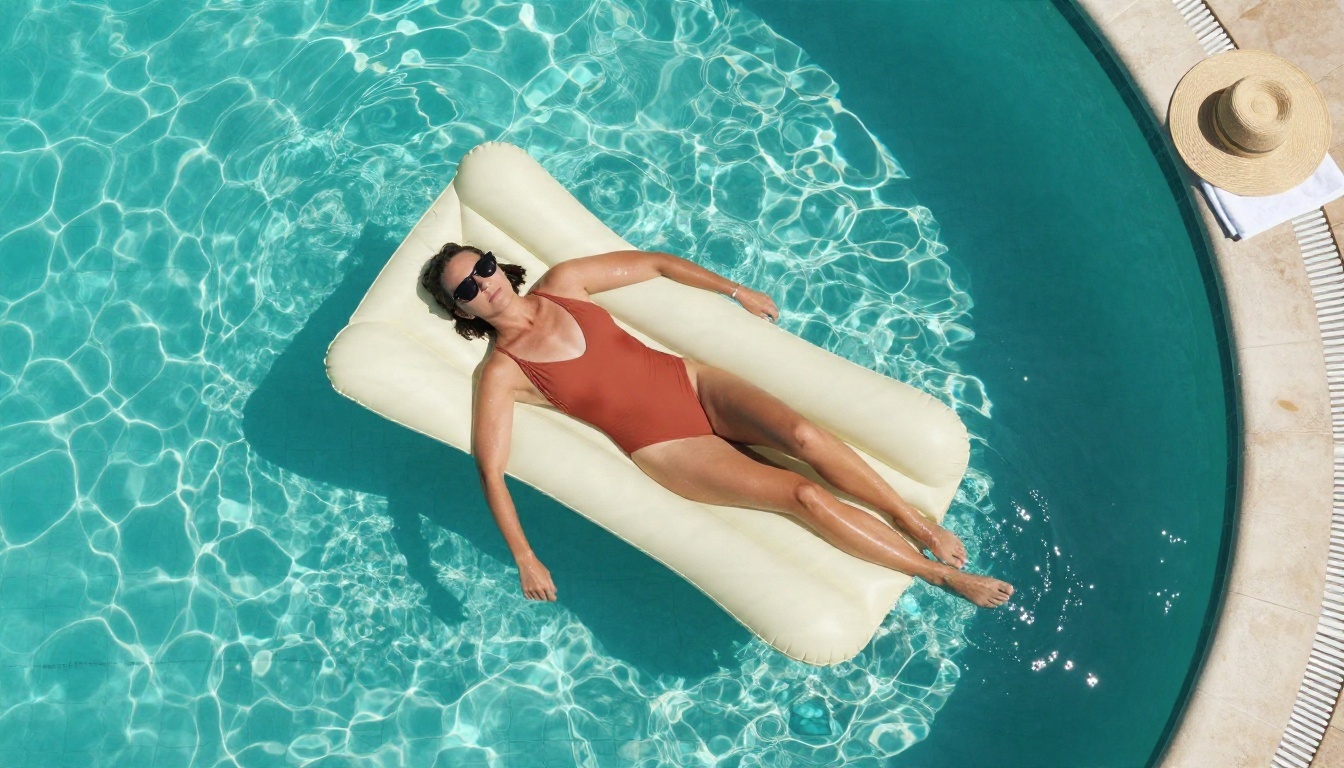
Aerial top-down photograph of an adult woman in a terracotta swimsuit lying on a cream float in a clear turquoise pool, sunglasses on, one arm trailing in the water, straw hat and towel on the tiled edge, bright overhead sun, sparkling reflections, 24mm lens, natural skin texture, Kodak Portra 400 grain
Golden hour beach walk
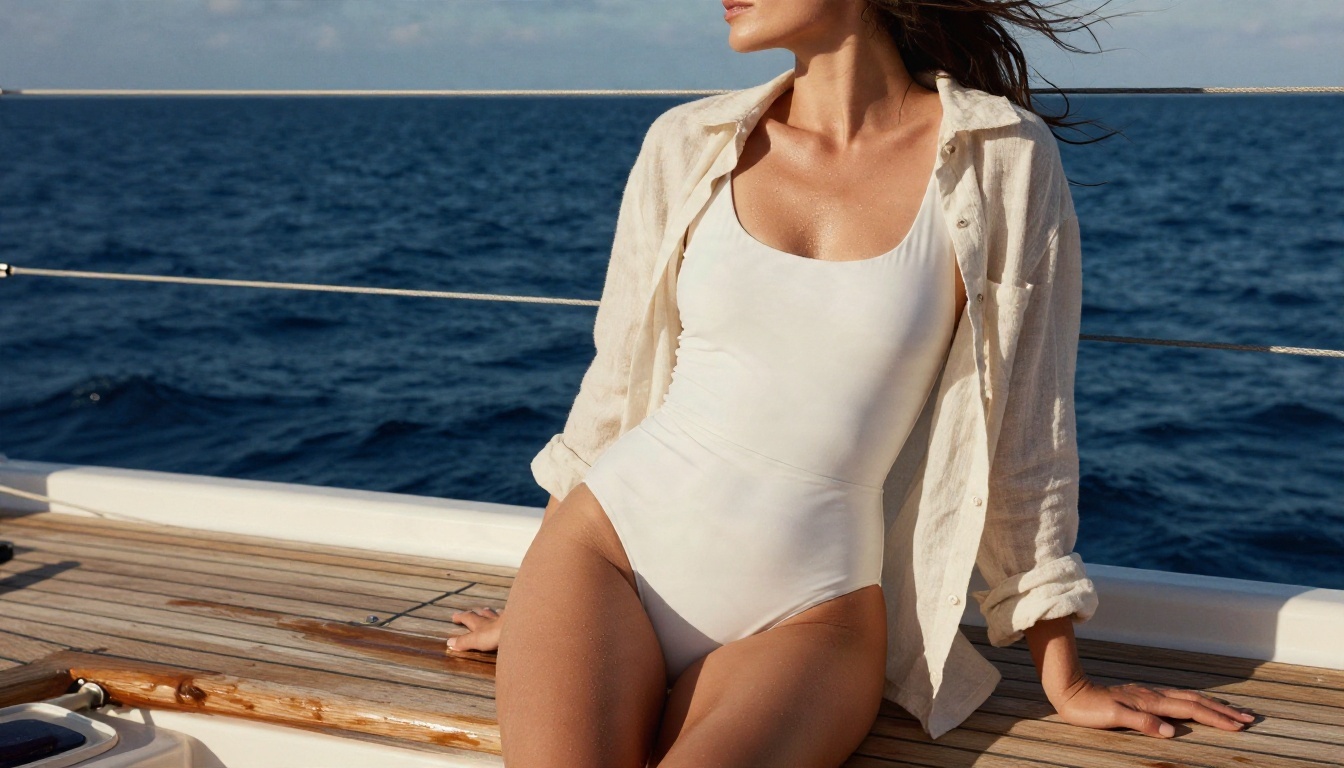
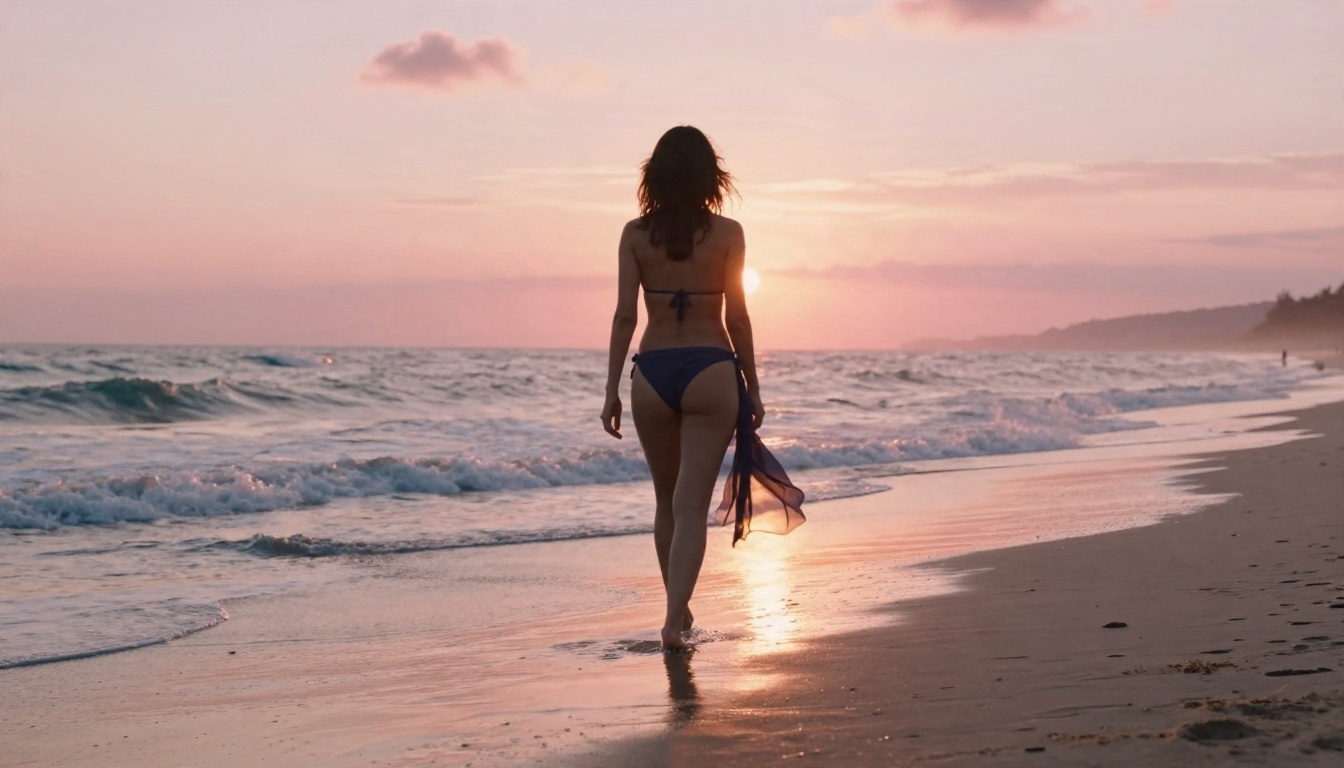
Wide photograph of an adult woman in a navy bikini and a sheer sarong walking along wet sand at sunset, waves around her ankles, pink and orange sky reflected in the sand, warm backlight rim on her hair, 35mm f/2 lens, fine film grain
Soft boudoir morning
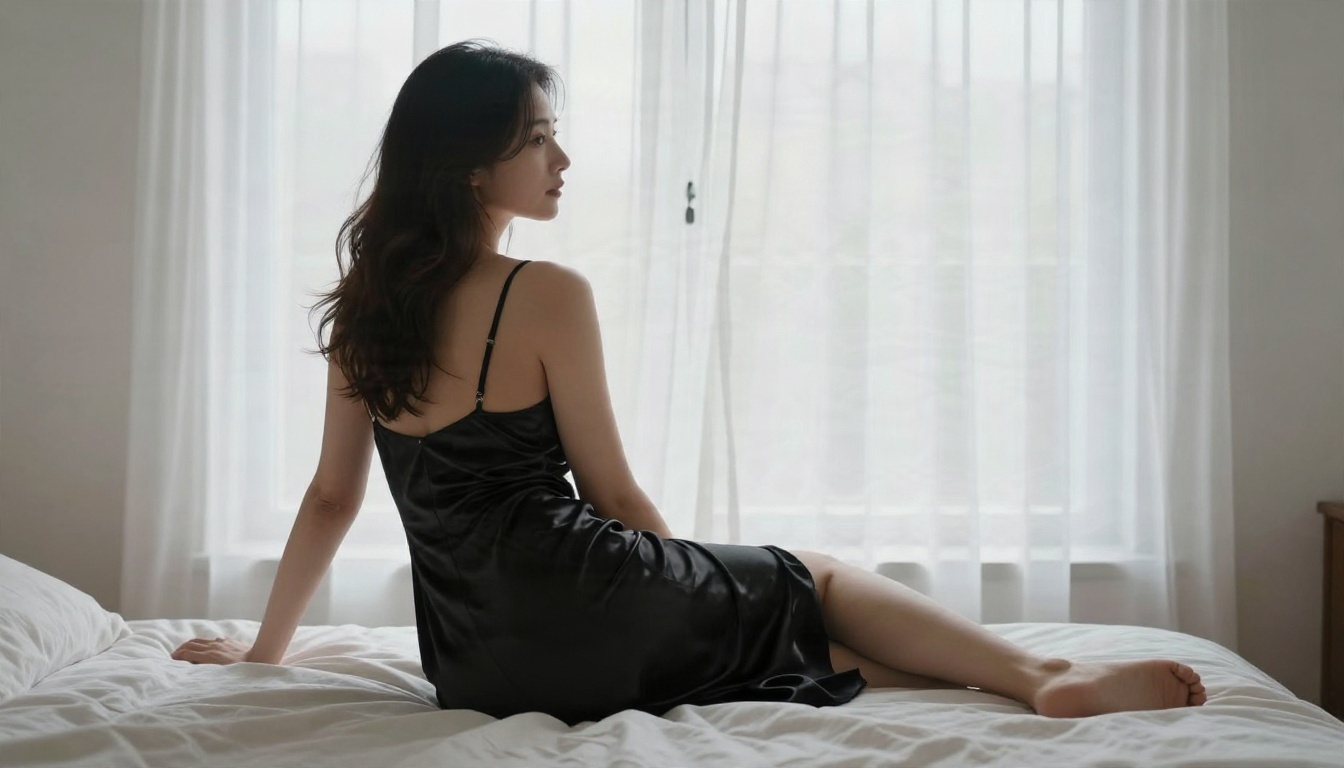
Boudoir photograph of an adult woman in a black satin slip dress on the edge of an unmade linen bed beside a tall window, white sheers moving in the breeze, soft diffused morning light, 50mm f/2 lens, silky fabric highlights, elegant mood
Evening glamour
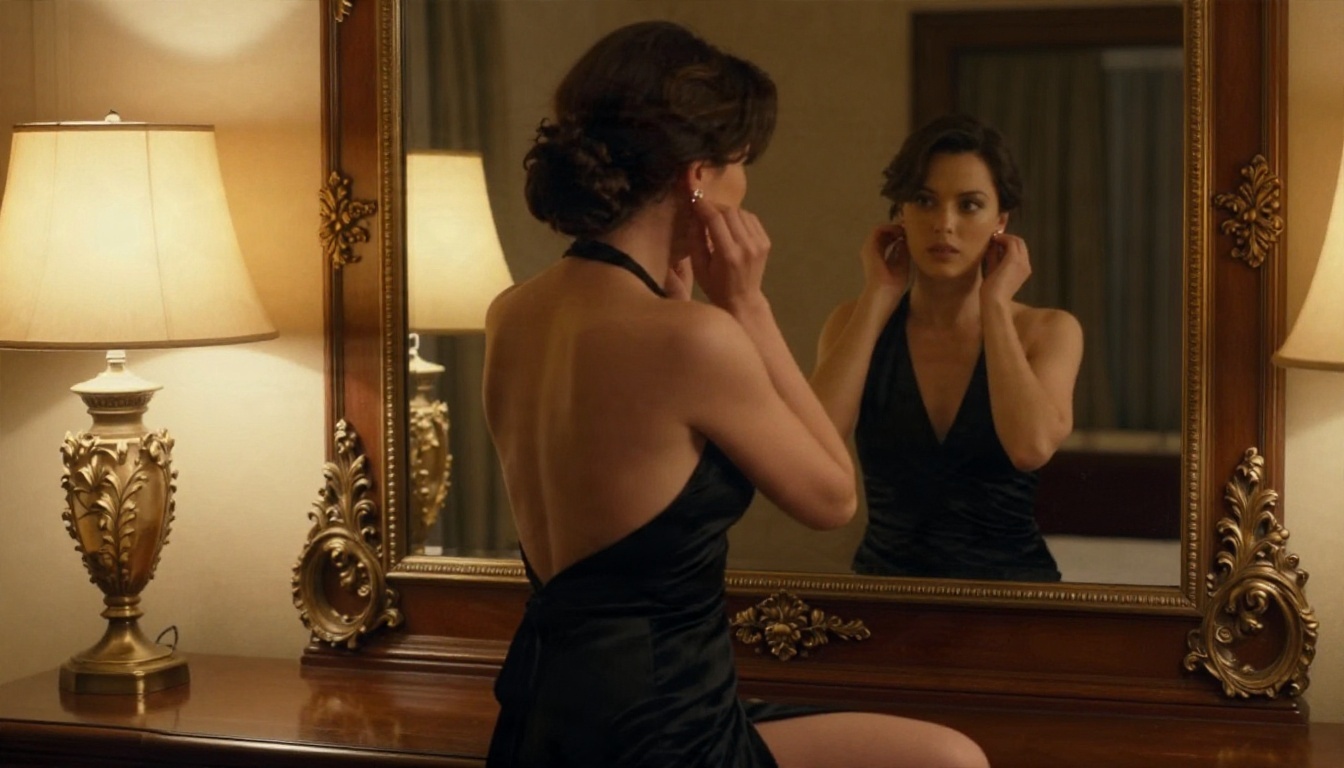
Mirror-reflection photograph of an adult woman in a backless black evening gown adjusting an earring in a gilded mirror in a candle-lit hotel suite, warm side light, velvet and satin textures, 50mm f/1.8, subtle film grain
What makes these prompts work
Always say "adult woman." It is clear, and it keeps the output consistent.
Name the fabric. "Satin," "ribbed cotton," "sheer linen" give the model texture to render.
Specify one light source. "Soft window light from the left" beats "good lighting."
Add a lens. An 85mm gives flattering compression; a 24mm gives an aerial or wide feel.
Finish with a film look. Kodak Portra 400 warms skin tones and adds believable grain.
Common Mistakes to Avoid
Even with the right model, a few habits waste time.
Chasing "uncensored" claims
Plenty of sites advertise "no filter" generators. Many are slow, ad-heavy or unreliable. A model that handles glamour content well, with speed and unlimited iterations, is more useful than a vague promise.
Overloading the prompt
Fifteen adjectives about beauty usually produce a generic face. Use fewer words about the person and more about light, fabric and setting. Realism lives in the environment.
Ignoring hands and backgrounds
Zoom in before you call an image finished. Hands, jewelry and background objects are where flaws hide. If something looks off, fix it in PicassoIA Image Editor Pro rather than rerolling the whole picture.
Skipping the draft stage
Running every idea at maximum quality burns time. Draft in Z Image Turbo, then finalize in Seedream 4.5. Two minutes of drafting can save an hour of refinement.
When Ideogram Still Makes Sense
None of this means Ideogram is a bad choice. It is the wrong tool for this job, and the right one for others.
Posters and typography
If your image needs a readable headline, a menu, a product label or a sign, Ideogram v3 Quality and the v4 models are strong. Photographic skin and fabric are not their focus, so keep them for design work.
A hybrid workflow
Here is a setup that works well. Generate your glamour photo in Seedream 4.5. Then, if you want a poster with text, use a design-oriented model for the layout. Each model does what it does best, and you avoid asking one tool to do everything.
Consistent characters
If character consistency is the real goal behind your LoRA search, a single reference photo plus the editing workflow in Image Editor Pro often gets you most of the way, without any training step. Combine that with a saved prompt and you can produce a believable series.
Real Costs of the DIY Route
If you still want to run an open model locally with its own LoRAs, be honest with yourself about the price.
Item
DIY local setup
PicassoIA workflow
Hardware
Powerful GPU needed
None, runs in browser
Setup time
Hours to days
Minutes
Model files
Tens of gigabytes
Nothing to download
Iteration limit
Your electricity bill
Unlimited in Image Editor Pro
Result quality
Depends on your tuning
Tuned and ready
For most people, the browser route wins on time alone. You are not trying to become a systems administrator. You want a good picture.
Try It Yourself Today
The honest summary: there is no Ideogram NSFW LoRA to download, the hosted setup makes one impractical, and you do not need it. Models built for photoreal glamour already deliver what you were searching for.
Here is your next move, in order:
Open Seedream 4.5 and paste one of the prompts above.
Draft variations in Z Image Turbo when you want instant previews.
Pick a setting, pick a fabric, pick a light, and generate your first image. Then keep going. The fastest way to find your look is to make fifty versions and keep the three that feel right. You can browse every model available, including text, video and editing tools, at picassoia.com/en/all-models.