Image Prompts for GPT Image 2.0 That Actually Work
Crafting the right image prompts for GPT Image 2.0 changes everything about what you get back. This article breaks down proven prompt formulas, shows real examples across portraits, landscapes, products, and scenes, and explains the specific approaches that push GPT Image 2.0 to produce photorealistic, high-detail outputs every time.
The way you write an image prompt for GPT Image 2.0 determines almost everything about the result you get back. A vague three-word phrase produces a vague image. A carefully structured description, one that specifies subject, environment, lighting, camera angle, and surface texture, produces something that looks like it came from a professional photography archive. After testing hundreds of prompts across every category, the patterns are clear: the difference between mediocre and exceptional results always comes down to the same handful of variables.
GPT Image 2.0 is available on Picasso IA as one of the most capable text-to-image models on the platform. Its ability to follow complex instructions, maintain spatial coherence, and render texture with photographic accuracy makes it one of the strongest image generation tools available right now. But that capability is only accessible if your prompts are built to take advantage of it.
What GPT Image 2.0 Does With Your Prompt
GPT Image 2.0 processes your prompt as a set of layered instructions, not a single command. It reads subject, context, atmosphere, and texture detail separately, then assembles them into a coherent scene. The more clearly you define each layer, the more accurately the model executes it.
How the Model Reads Prompts
When you write "a woman in a café," the model fills in every unspecified detail using its training data, which means you get something generic. When you write "a young woman in her late twenties with natural makeup, seated at a wooden café table near a rain-streaked window, afternoon diffused light from the left, shallow depth of field, 85mm f/1.8, Kodak Portra film grain," the model has no room for generic guesses. Every variable is defined, and the output reflects that precision.
Why Specificity Changes Everything
GPT Image 2.0 is trained on an enormous volume of photography and visual art. The richer your prompt, the more accurately it can match the described aesthetic. Think of the model as a photographer who executes exactly what you ask for and nothing more. Vague briefs produce vague photos. Detailed shot lists produce detailed photos.
💡 Tip: Add "photorealistic, RAW 8K photography" at the end of any prompt when you want outputs that look like they were taken with a professional camera.
The Anatomy of a High-Quality Prompt
Every top-performing prompt follows the same structure. Apply this formula to any subject in any setting.
Subject and Action
Start with who or what is in the image and what they are doing. Be specific about age, appearance, clothing texture, and pose.
Good: "A woman in her early thirties, dark curly hair, wearing a rust linen blazer, seated with elbows on a desk"
Bad: "A woman at a desk"
Environment and Setting
Describe the space surrounding the subject. Include surface materials, objects in the background, and the general atmosphere.
Element
Weak Version
Strong Version
Location
"in a kitchen"
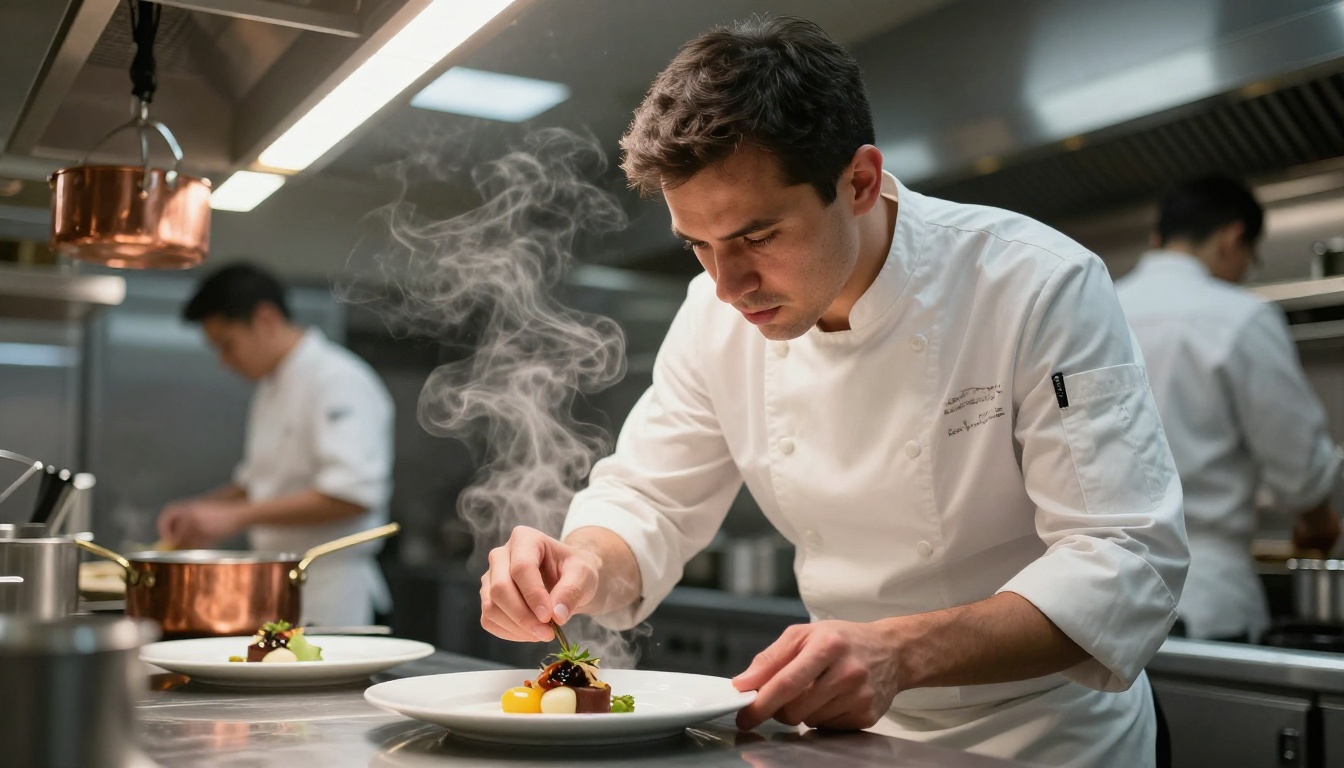
"in a professional kitchen with stainless steel surfaces and hanging copper pots"
Background
"outside"
"open wheat field with dry golden stalks, wide open sky"
Atmosphere
"cozy"
"warm amber morning light, visible steam from a coffee cup"
Lighting That Does the Heavy Lifting
Lighting is the single most important variable in any photorealistic prompt. Get it right and the image looks real. Ignore it and even a detailed prompt can produce something flat.
Always specify:
Direction: "light from the upper left", "backlight from a setting sun", "overhead studio strobe"
Quality: "soft diffused", "hard directional", "volumetric rays through morning mist"
Color temperature: "warm amber", "cool blue hour", "neutral studio white"
💡 Tip: For portraits, adding "catchlights in the eyes" is a small detail that instantly makes a face look photographically authentic.
Camera and Lens Details
Adding camera and lens information activates specific visual characteristics the model associates with professional photography.
85mm f/1.8 creates portrait compression and background blur
24mm wide-angle captures architecture and interiors with natural spatial distortion
100mm macro produces extreme close-up detail for products or food
28mm f/2 gives street photography its characteristic field of view
Portrait Prompts That Nail Skin and Light
Portraits are where GPT Image 2 shines most visibly, especially when lighting and skin texture are described in detail.
Natural Light Portraits
Natural light prompts produce some of the most organic results. The important thing is specifying where the light comes from and how it interacts with the subject.
Example prompt:
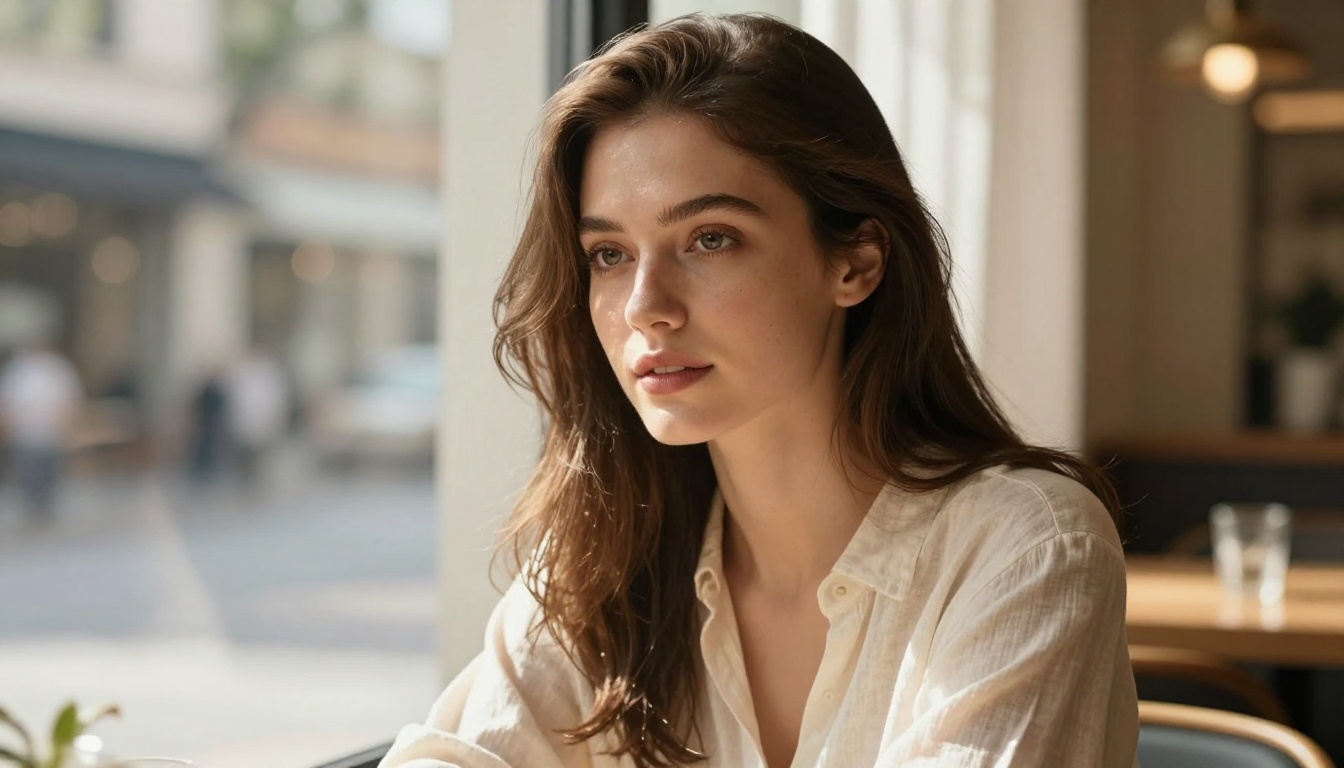
Young woman with freckled skin, sitting near a window in soft diffused daylight from the right, loose auburn hair, wearing a white cotton shirt, catchlights in green eyes, shallow depth of field, skin pores and fine hair detail visible, Nikon Z9, 105mm f/2, Kodak Portra 800, photorealistic RAW 8K photography --ar 16:9
Studio and Dramatic Lighting
For high-contrast editorial looks, dramatic lighting setups produce standout results.
Example prompt:
Male model with sharp cheekbones, single Rembrandt lighting from the upper left, deep shadows on right side of face, black seamless studio background, slight film grain, textured stubble detail, Canon 5D Mark IV, 85mm f/2.8, photorealistic RAW 8K photography --ar 16:9
Environmental Portraits
Placing people in context gives images a photojournalistic quality that standalone portraits lack.
Example prompt:
Elderly fisherman in a worn canvas jacket, seated on a weathered dock at blue hour, harbor lights creating warm bokeh in background, weathered hands gripping a rope, natural mixed artificial lighting, 35mm f/2.4 lens, slight film grain, photorealistic RAW 8K photography --ar 16:9
💡 Tip: For skin texture, always add "skin pores and fine detail visible" or "hyper-detailed skin texture" to push the model toward photorealism rather than AI-smooth skin.
Landscape and Architecture Prompts
GPT Image 2.0 handles wide-angle environmental scenes extremely well when you give it the lighting conditions and atmospheric details it needs.
Golden Hour and Blue Hour Shots
The model understands golden hour and blue hour as full atmospheric presets, so naming them does a lot of work. Adding specific light behavior on top of those presets pushes results further.
Example prompt:
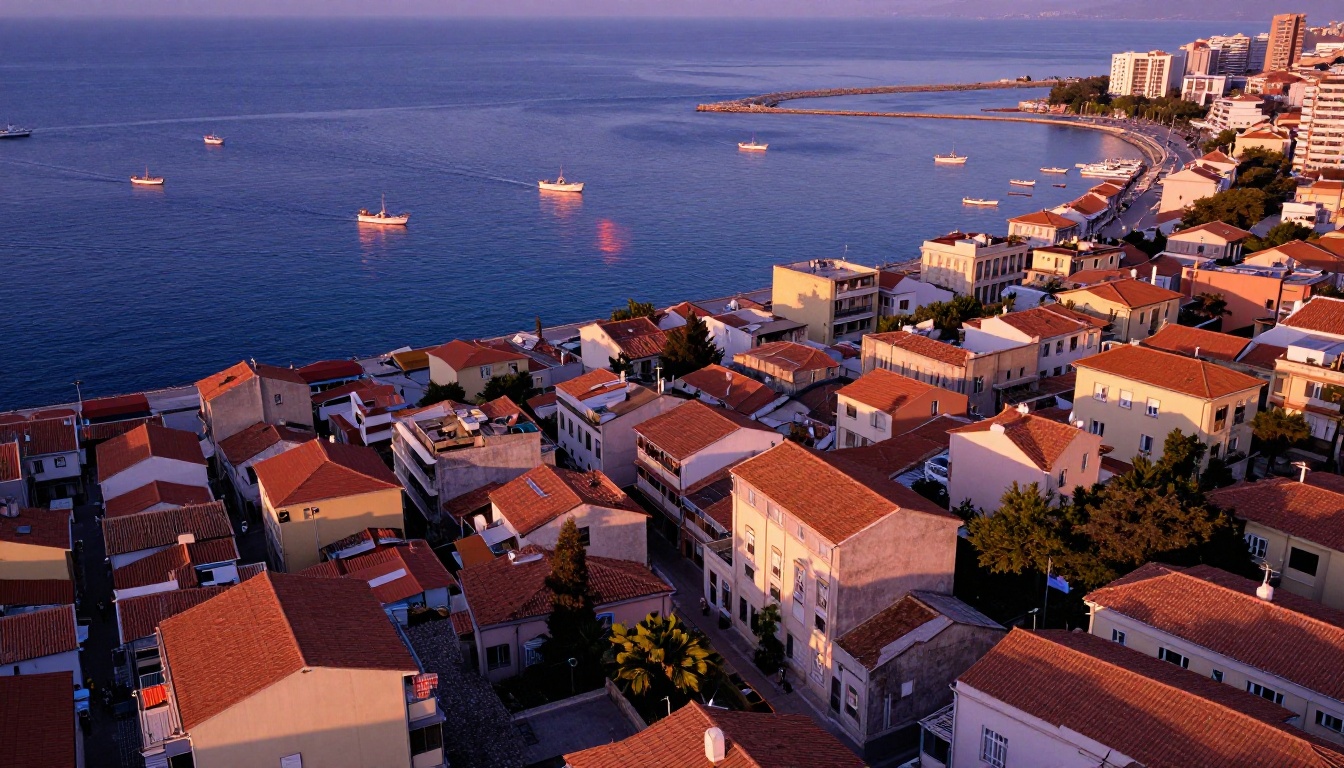
Coastal fishing village at golden hour, terracotta rooftops on hillside descending toward harbor, small wooden boats casting long orange shadows on glass-still water, warm amber light on western building faces, cool purple shadows on eastern sides, slight atmospheric haze, Canon EOS R5, 24mm wide-angle, Kodak Ektar 100, photorealistic RAW 8K photography --ar 16:9
Interior and Architectural Scenes
Architecture and interior prompts benefit from specifying materials and how light interacts with surfaces.
Example prompt:
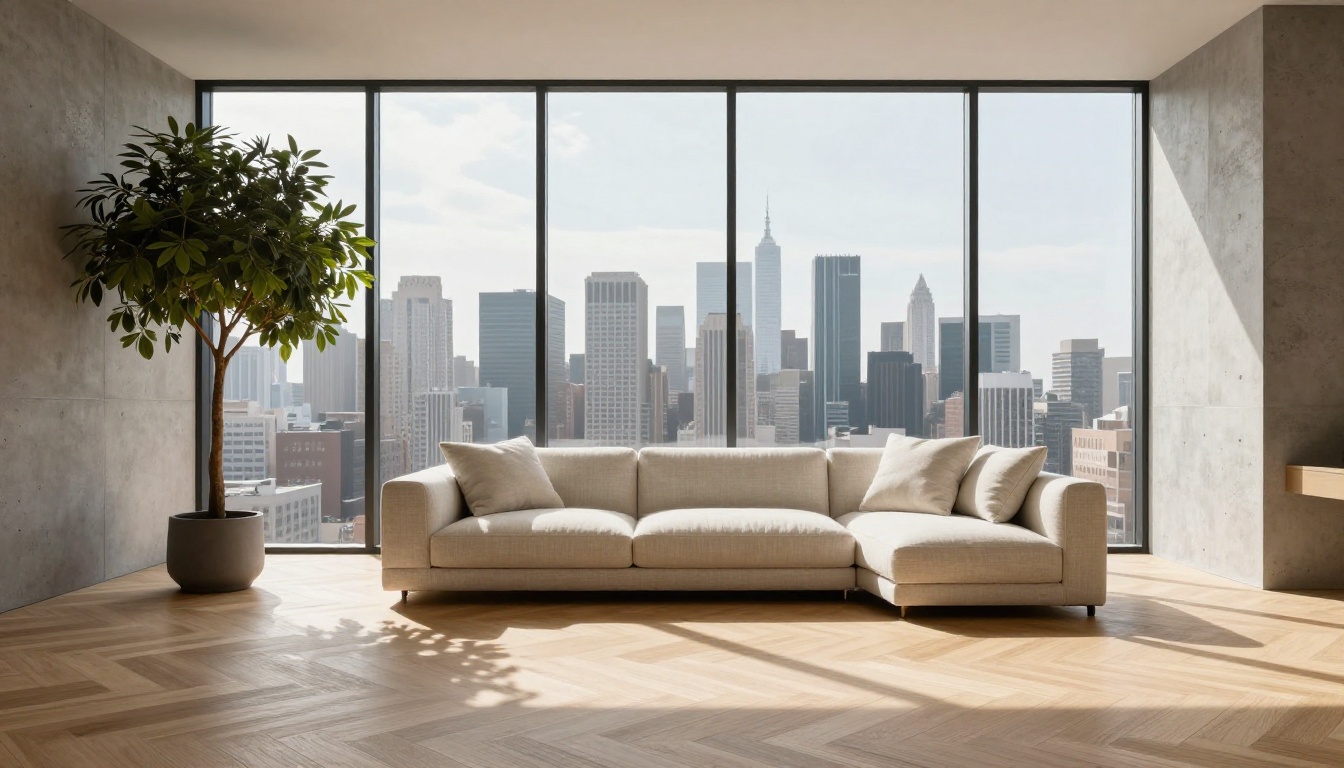
Minimalist living room with floor-to-ceiling windows, afternoon sunlight cutting across pale oak herringbone floor creating geometric shadow lines, cream linen sofa with visible fabric weave, concrete feature wall showing natural aggregate texture, no people, tilt-shift lens effect, Canon TS-E 24mm, photorealistic RAW 8K architectural photography --ar 16:9
Product and Commercial Photography Prompts
Product photography is one of the strongest use cases for GPT Image 2. A well-structured product prompt can produce images that look like they came from a professional studio.
Studio Product Shots
The formula for clean, commercial product photography: subject, surface, light source, reflection or shadow, background.
Example prompt:
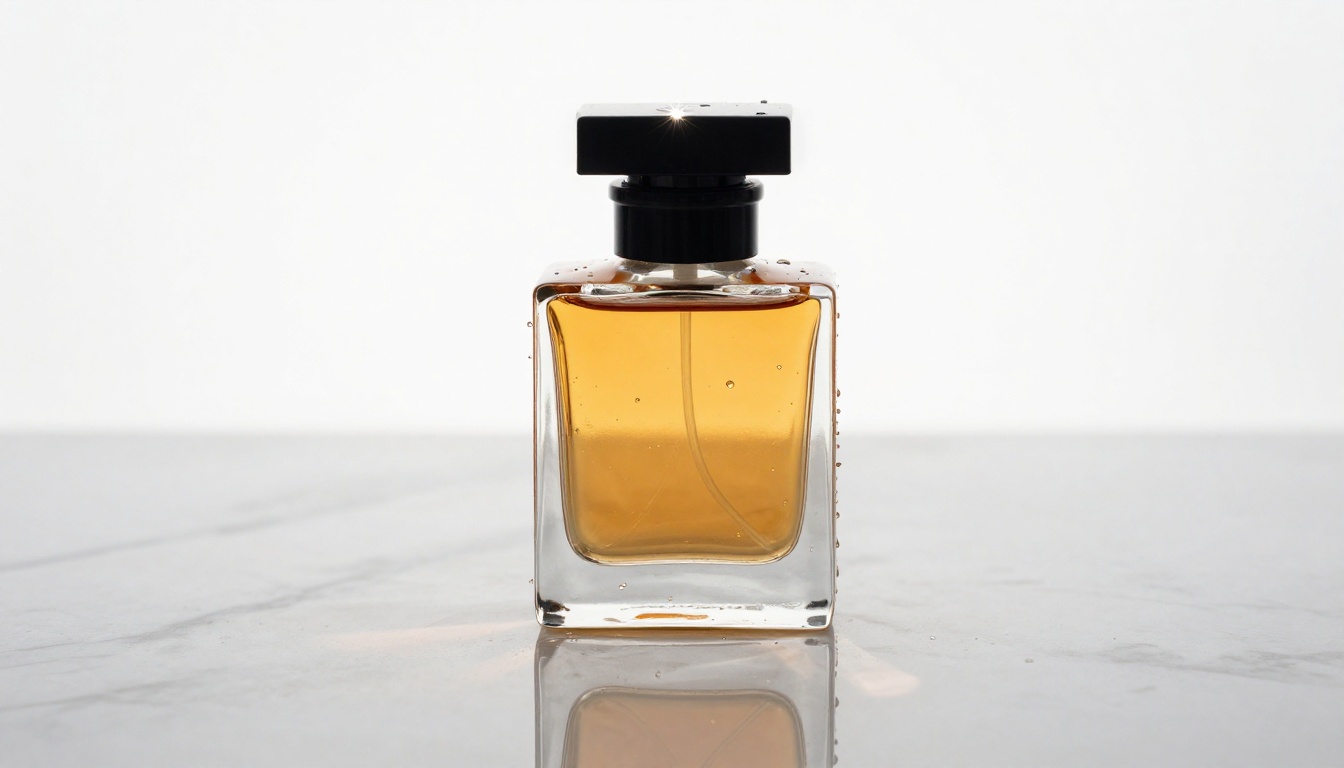
Luxury amber glass perfume bottle on white marble surface, single overhead studio strobe creating crisp specular highlight on bottle cap and caustic light pattern on marble, tiny water droplets on cold glass, pure white background gradient, perfect mirror reflection in marble, macro lens detail showing glass texture, Canon EF 100mm f/2.8, photorealistic RAW 8K product photography --ar 16:9
Lifestyle Context Shots
Placing products in a real-world setting makes them feel more desirable and approachable.
Example prompt:
Artisan coffee mug on a sunlit kitchen windowsill, steam rising slowly from surface, morning light from the left creating warm glow through mug, wooden window frame slightly weathered, fresh herbs in small clay pots in background, 50mm f/2.2 lens, film grain, photorealistic RAW 8K lifestyle photography --ar 16:9
💡 Tip: For any product with reflective surfaces, add "specular highlights visible" and "surface reflections accurate to environment." GPT Image 2.0 handles reflections with exceptional accuracy when explicitly requested.
Food and Editorial Prompts
Gourmet Food Photography
Food photography prompts need to describe the dish, the plating surface, the light direction, and the specific texture details that make food look appetizing.
Example prompt:
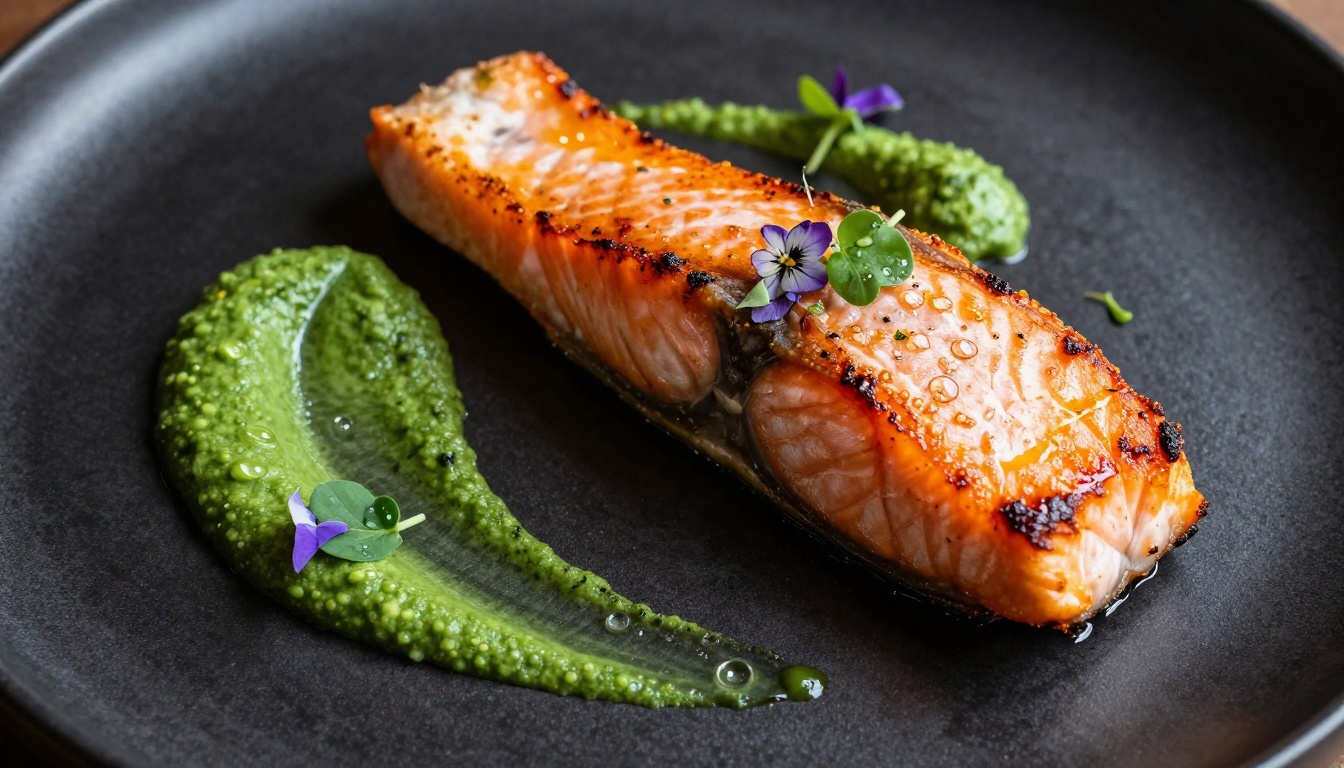
Overhead close-up of seared salmon on matte black ceramic plate, crispy skin showing individual scales and caramelization detail, vibrant green herb puree smeared across plate, micro greens and edible flowers with visible dew drops, sauce quenelle with perfect specular highlight, warm directional light from upper left, Canon 100mm macro lens, photorealistic RAW 8K fine dining photography --ar 16:9
Fashion and Editorial Shoots
Fashion editorial prompts benefit from combining environment, wardrobe material detail, and lighting quality.
Example prompt:
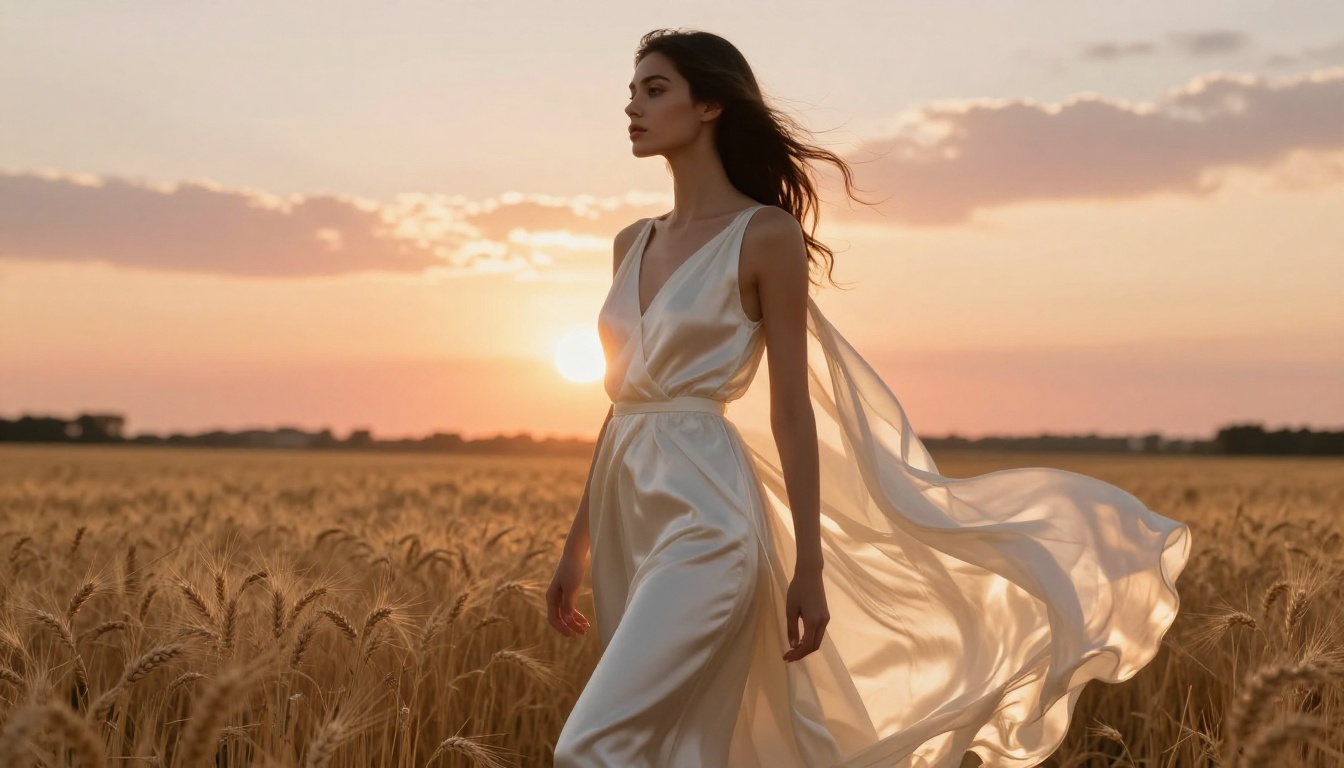
High fashion editorial, woman in flowing ivory silk dress in open wheat field at sunset, fabric catching breeze with natural movement and visible textile weave, warm backlight from setting sun creating golden rim light and translucent fabric effect, face turned to side with dramatic cheekbone shadows, dry wheat in foreground out of focus, medium format camera simulation, 80mm f/2, film grain, photorealistic RAW 8K fashion photography --ar 16:9
How to Use GPT Image 2 on Picasso IA
Since GPT Image 2 is available directly on Picasso IA, you can run all these prompts in your browser without any API setup.
Step 1: Open the Model
Go to the GPT Image 2 model page. You will see the prompt input field and aspect ratio controls. Select 16:9 for photography-style outputs or 1:1 for square social formats.
Step 2: Write Your Prompt
Follow the anatomy covered above: subject, environment, lighting, camera lens, atmosphere. Take one of the example prompts from this article as a starting point, then modify the subject and setting to fit what you need.
Step 3: Iterate Fast
GPT Image 2.0 is fast enough to run multiple variations in a single session. The workflow that gets the best results:
Run the base prompt as-is
Identify what is off: too flat, wrong angle, missing texture
Add one specific detail that addresses that problem
Rerun
Repeat until the output matches your vision
💡 Tip: Run the same prompt on GPT Image 1 for comparison. The older version handles certain artistic styles differently, and comparing the two outputs can reveal which model suits a particular prompt better.
Other Top Models Worth Trying
GPT Image 2.0 is the headline model, but Picasso IA's catalog has several others that perform exceptionally well for specific use cases.
Flux Kontext Fast for Quick Edits
Flux Kontext Fast is built for rapid iteration on existing images. If you have a base image that is 80% right and want to adjust a specific element, Flux Kontext Fast lets you make targeted changes using natural language without regenerating the entire scene. It pairs naturally with GPT Image 2 for a generate-then-refine workflow.
Seedream 4.5 for 4K Detail
Seedream 4.5 from ByteDance outputs native 4K images with a sharp, high-fidelity look that is especially strong for landscapes and cityscapes. If your prompts are environment-heavy and you want maximum resolution, Seedream 4.5 is worth running alongside GPT Image 2.0 for a direct comparison.
Stable Diffusion 3 for Versatility
Stable Diffusion 3 remains one of the most versatile text-to-image models on the platform. Its architecture handles a wider range of styles and subject matter, making it a reliable option for experimental or unconventional prompts.
Gemini 2.5 Flash Image for Speed
Gemini 2.5 Flash Image from Google processes prompts rapidly with strong instruction-following. When you are testing prompt variations at volume and need fast feedback cycles, it cuts iteration time significantly without sacrificing prompt comprehension.
Start Creating Right Now
The prompts in this article are starting points. The real value in this process is iteration: running a version, identifying what is off, adjusting one variable, running again. GPT Image 2.0 rewards this kind of precision.
Every prompt category above is available to run right now on Picasso IA. No downloads, no API keys, no local setup required. Pick a prompt from any section, paste it into GPT Image 2 on Picasso IA, and see what the model produces when you give it clear, detailed instructions.
Add the lighting direction. Name the lens. Describe the surface texture. That is where the quality lives, and that is exactly where most prompts fall short.