There is a specific moment every photographer knows well. You look at a photograph you love and think: if only this had some movement. A ripple in the water, a breeze through the hair, a gentle tilt of the camera. That moment used to require a film crew, a budget, and a lot of time. Seedance 2.0 changes the equation entirely, turning still images into cinematic video clips in a matter of seconds.
What Seedance 2.0 Actually Does
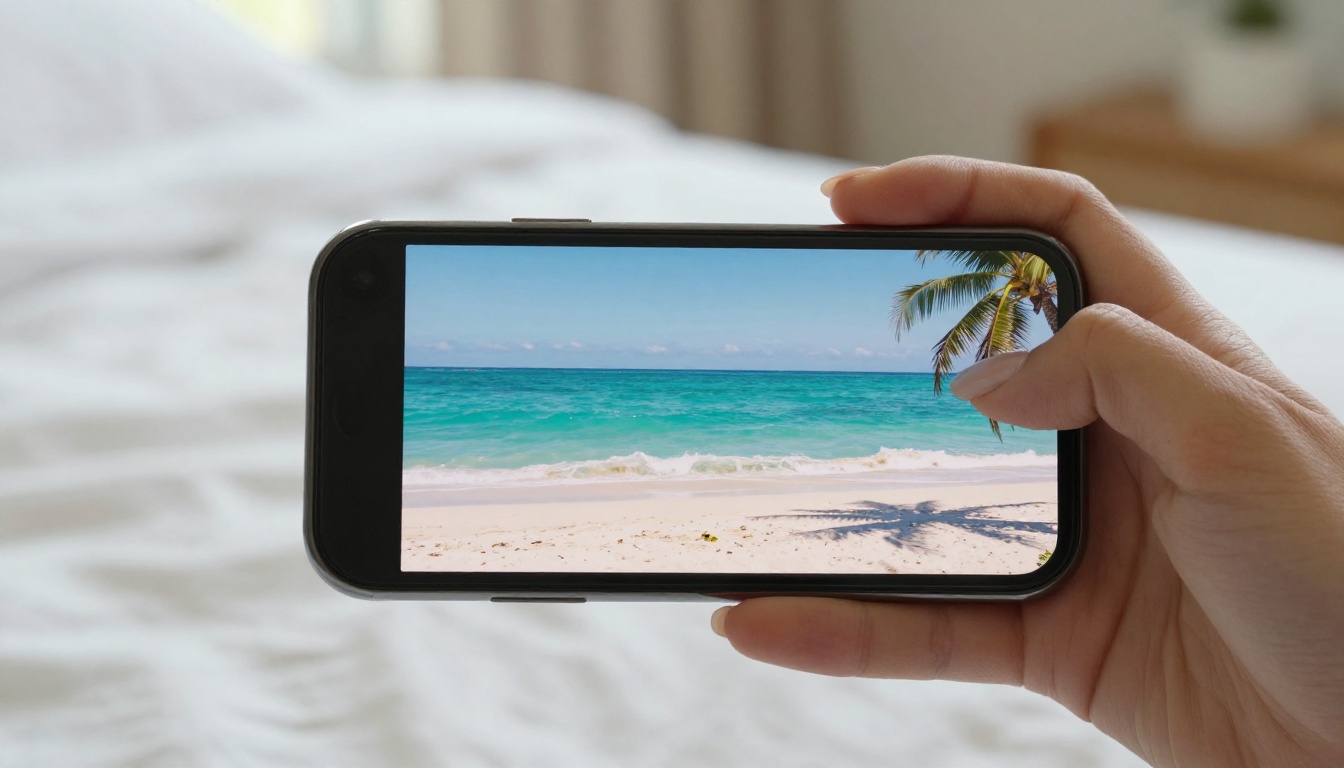
ByteDance built Seedance 2.0 to tackle the hardest problem in AI video: making motion that looks real. Not animated. Not stylized. Real, physical, photorealistic motion applied to a static image. The model accepts both text prompts and images as input, generating video clips complete with native audio synchronization, a feature that almost no other model at this level includes out of the box.
Still Images Come Alive
The core workflow is straightforward. You upload a photograph or any image, write a short description of the motion you want, and within seconds the model produces a video clip. Waves move. Leaves sway. A person's hair shifts in the wind. The background subtly breathes with depth and parallax. Objects that were frozen in a single frame now occupy space and time.
What makes this impressive is not just that things move. It is how they move. The model has been trained to respect physical constraints: water flows downhill, fabric drapes with gravity, light sources stay consistent throughout the clip. This is not image warping. It is learned physics applied to visual content.
Native Audio Built In
Most AI video models produce silent output. You generate the clip, then handle audio separately using a tool like a text-to-speech model or a music generator. Seedance 2.0 takes a different approach. The model generates ambient audio that matches the visual content natively, no separate workflow required. A beach scene gets the sound of waves. A city street gets ambient traffic and wind. A close-up of rain gets the specific patter of drops on a surface.
This alone saves a significant number of steps for creators who want polished output without a long post-production pipeline.
Why Seedance 2.0 Is Different
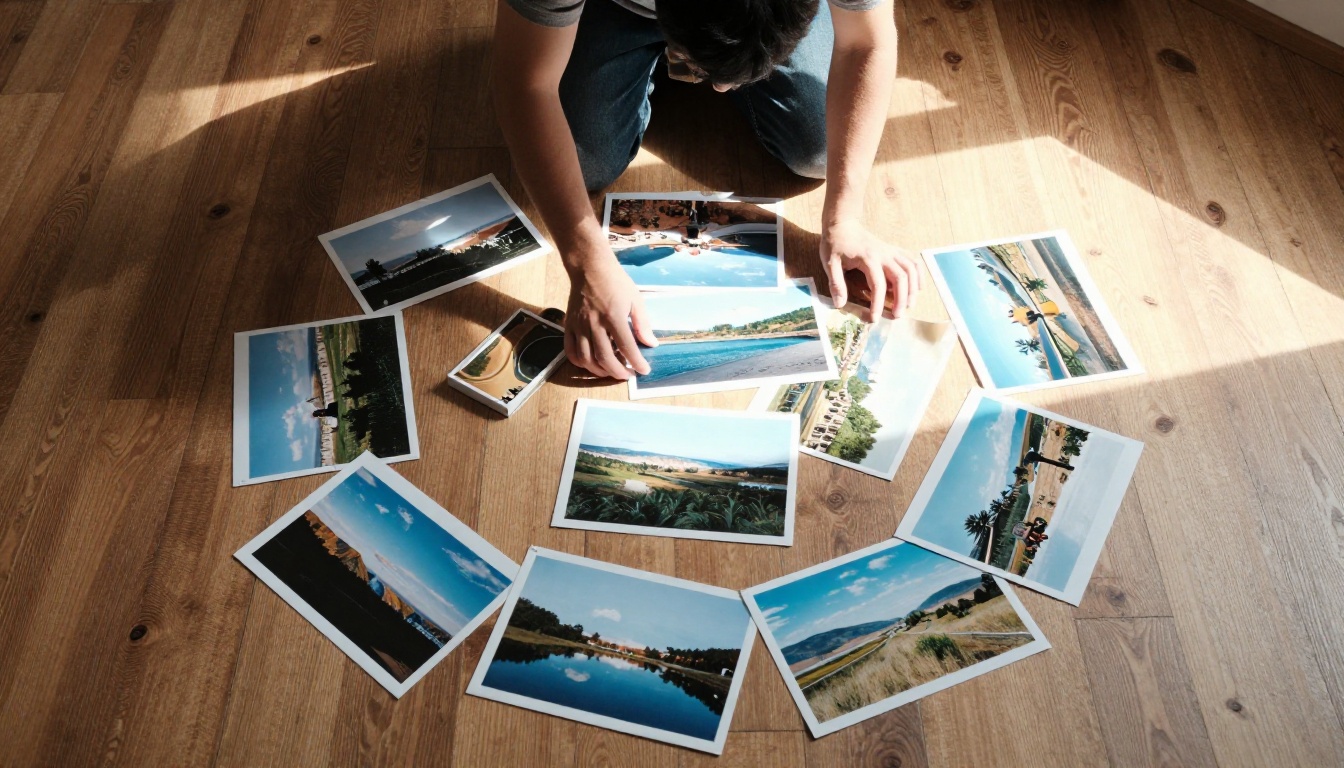
There are plenty of image-to-video models available today. Kling V3, Veo 3, Hailuo 2.3, Wan 2.6 I2V all produce excellent results in the right conditions. So what places Seedance 2.0 in a category by itself?
Speed Without Quality Loss
The standard version of Seedance 2.0 generates clips at a quality level that previously required models with significantly longer inference times. Where competitors often force a choice between speed and fidelity, Seedance 2.0 operates at the intersection of both. ByteDance also released Seedance 2.0 Fast for situations where iteration speed matters more than maximum quality, giving creators two useful operating modes.
💡 Tip: Use Seedance 2.0 Fast for rapid prototyping and testing motion prompts. Switch to the full Seedance 2.0 for final output when quality is critical.
The Physics Problem, Solved
This is where most AI video models stumble. They produce motion that looks like a dream sequence, with objects sliding and warping in ways that feel wrong to the eye. Faces distort slightly on motion boundaries. Water moves but does not reflect correctly. Hair flows but loses its strand structure.
Seedance 2.0 addresses this through improved temporal consistency and physical simulation awareness baked into the model's training. The result in practice is that generated clips hold together across their full duration without the subtle artifacts that break the illusion of real footage.
What the Output Looks Like

The best way to understand what a model produces is to look at what it does with different types of input.
Real-World Scenes
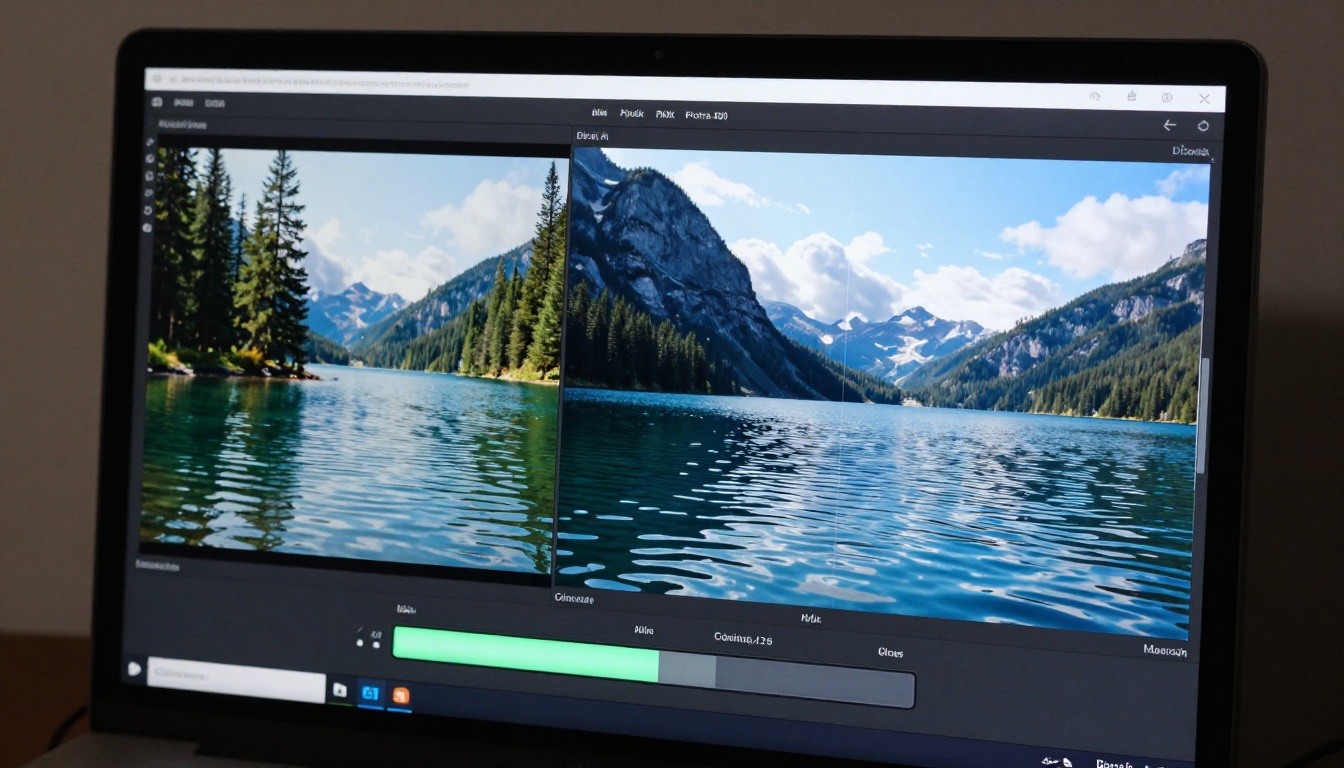
Landscapes are where Seedance 2.0 performs most convincingly. Upload a photograph of a mountain lake and describe gentle wind across the surface. The output shows realistic water ripples spreading from the near shore, reflections of the treeline shifting slightly with the water movement, and a subtle camera breath that gives the clip a handheld documentary feeling. The edges of the frame hold their position correctly without the warping that plagues older models.
Nature photography, travel images, architectural shots: all of these respond exceptionally well to the model. The more physical detail present in the original image, the more Seedance 2.0 has to work with.
Portraits and People
Portrait animation is a harder challenge because the human eye is trained to notice the slightest imperfection in how people move. A slight unnatural rotation of the head, eyes that blink at the wrong cadence, or hair that moves as a single mass rather than as individual strands all immediately signal "AI" to a viewer.
Seedance 2.0 handles this with notable care. Portrait subjects gain subtle motion: a gentle turn of the head, a breath that shifts the shoulders slightly, a natural blink cycle. The motion is intentionally restrained, which is the right call. Subtle movement is more convincing than dramatic animation when it comes to faces and portraits.
Seedance 2.0 vs. Other Models

Here is a direct comparison of the most relevant models available for image-to-video generation, focusing on the factors that matter for real creative use:
The table makes the position clear. Seedance 2.0 is the only model in this tier that combines fast inference, native audio, and excellent physics simulation in a single package. The tradeoff is that it requires a reasonably high-quality input image. Blurry or low-resolution source photographs will produce noticeably weaker results compared to sharp, well-exposed originals.
How to Use Seedance 2.0 on PicassoIA
PicassoIA gives you direct access to Seedance 2.0 without needing a separate API account or technical setup. Here is the exact process from upload to finished video.
Step 1: Upload Your Image
Navigate to the Seedance 2.0 model page on PicassoIA. Click the image upload area and select your source photograph. The model accepts JPEG, PNG, and WebP formats. For best results, use an image that is at least 1024 pixels wide. Avoid heavily compressed images with visible artifacting, as the model will attempt to animate those compression artifacts along with the actual content.
💡 Tip: Images with clear depth separation between foreground and background produce the most convincing parallax motion in the generated clip.
Step 2: Write Your Motion Prompt
This is the most important step and the one where most people underperform. The prompt should describe motion, not the scene. The model already sees the scene. What it needs to know is how things should move.
Weak prompt: "A beach with waves and palm trees."
Strong prompt: "Gentle ocean waves rolling toward shore, palm fronds swaying slowly in a light breeze, camera holding still."
Describe the direction of motion, the speed (slow, gentle, fast), and any camera movement (slow push in, gentle tilt up, static). The more specific the motion description, the more controlled the output.
Step 3: Set Duration and Quality
PicassoIA's interface for Seedance 2.0 lets you choose between several duration options, typically ranging from 3 to 10 seconds. For most use cases, 5 to 7 seconds is the sweet spot. Long enough to feel like real footage, short enough to maintain temporal consistency throughout.
If you are using Seedance 2.0 Fast for iteration, keep duration at 3 to 5 seconds to reduce generation time and credits spent while you test different prompts.
Step 4: Generate and Download
Hit generate and wait for inference to complete. The platform displays the result directly in the browser. Review the clip for any issues before downloading. If the motion feels too strong or not quite right, adjust the prompt and regenerate. Because the platform handles the inference infrastructure, you do not need to manage any server-side configuration.
💡 Tip: Save your successful prompts in a notes document. A motion prompt that works well on one type of image often transfers successfully to similar images.
Other Video Models Worth Trying

Seedance 2.0 is the flagship choice for image-to-video work, but the platform offers a rich catalog of alternatives depending on your specific needs.
Kling V3
Kling V3 from Kwai excels at cinematic motion with strong camera movement capabilities. If you need dramatic dolly shots or complex multi-element motion, Kling V3 is worth serious consideration. It lacks native audio but produces some of the most visually polished clips available.
Also available: Kling V3 Omni Video, which accepts both text and image inputs with additional control over motion dynamics, and Kling V3 Motion Control for precise transfer of movement patterns from a reference video.
Veo 3
Google's Veo 3 is the model to reach for when photorealistic scenes need native audio and the visual bar is extremely high. The generation time is longer than Seedance 2.0 but the output quality justifies the wait for final deliverables. Veo 3 Fast offers a quicker variant when iteration matters more than peak fidelity.
Hailuo 2.3
Hailuo 2.3 from Minimax is particularly strong for social media content creation. It produces consistent, visually appealing clips with fast inference. Hailuo 2.3 Fast is ideal for high-volume content workflows where you need many clips quickly.
3 Things That Make or Break Your Results
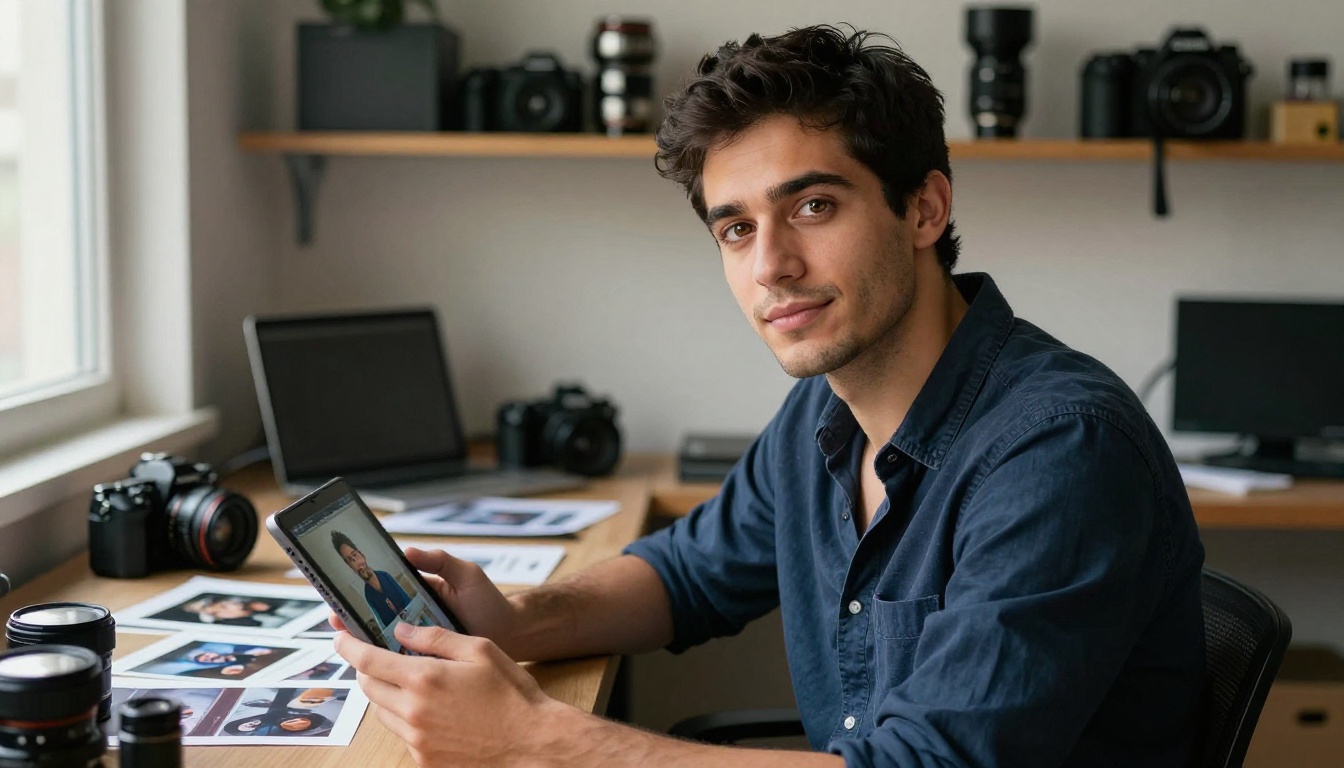
Getting consistently good output from any AI video model comes down to a small number of variables that most people overlook.
Image Quality Matters More Than You Think
The model can only animate what it sees. A photograph taken on a smartphone in low light will generate video that reflects those limitations, with noise amplified through the motion frames. A sharp, well-exposed image with clear subject-background separation gives the model the information it needs to produce convincing motion.
RAW or high-resolution JPEG exports from a camera body produce significantly better results than screenshots or compressed social media images.
Quick checklist before uploading:
- Minimum 1024px wide
- No heavy JPEG compression artifacts
- Clear foreground-background separation
- Consistent, natural lighting throughout the frame
- Subject in focus (blurry subjects produce unstable animation)
Motion Prompts, Not Scene Prompts
This distinction cannot be overstated. Describing the scene contents tells the model nothing it cannot already see. Describing the motion gives the model actionable direction for every element in the frame.
Think of the prompt as movement choreography, not a scene description. Words like "gently," "slowly," "subtle," "drifts," "sways," "ripples," and "tilts" are far more useful than describing what objects are present.
Aspect Ratio and Resolution
Different use cases demand different output formats. Social media favors vertical 9:16 content. Website headers and YouTube work with 16:9. Matching the aspect ratio of your source image to your intended output format prevents unwanted cropping or letterboxing in the final clip.
Consider using PicassoIA's Super Resolution models before feeding an image into Seedance 2.0 if your source is lower resolution. Upscaling to 2x or 4x before generating video often produces a meaningfully cleaner output.
The Seedance Family Worth Knowing
If you work with AI video regularly, understanding the full Seedance lineup helps you pick the right tool for each task.
- Seedance 2.0: Flagship model. Full quality, native audio, best physics simulation.
- Seedance 2.0 Fast: Speed-optimized variant. Ideal for prototyping and iterating on prompts quickly.
- Seedance 1.5 Pro: Previous generation pro tier. Solid output, good for high-volume work at scale.
- Seedance 1 Pro: Earlier version, still capable for standard content requirements.
- Seedance 1 Lite: Entry-level model in the family. Fast and lightweight for simple animation needs.
The generational jump from 1.x to 2.0 is significant enough that for any serious creative work, Seedance 2.0 should be the default choice. The improvements in temporal consistency, audio generation, and physical accuracy are not incremental. They are the difference between footage that reads as "AI video" and footage that reads as real.
What This Means for Your Creative Work
Still photography has always been the entry point for visual storytelling. A well-composed photograph holds a moment, communicates mood, and demands attention. But it is a static artifact in a world that increasingly consumes motion content. Seedance 2.0 does not replace the photograph. It extends it.
Consider what becomes possible when your product photography moves subtly in an e-commerce listing. When a travel image on a blog breathes with ambient sound. When a portrait on a portfolio site gains a single breath and a quiet blink. These are not gimmicks. They are the difference between content that holds attention and content that gets scrolled past.
The tools to do this well now take seconds instead of production days. All it requires is a good image, a well-written motion prompt, and access to the right model.
PicassoIA puts Seedance 2.0 directly in your workflow alongside every other capable model in this space: Kling V3, Veo 3, LTX 2.3 Pro, Gen-4.5, and dozens more. Start with one of your best images. Write a focused motion prompt. See what Seedance 2.0 does with it. The result will change how you think about every photograph you already have sitting in your library.


