Kling 3.0 landed quietly, then exploded across AI creator forums almost overnight. For adult content creators specifically, the conversation shifted fast: 4K output, dramatically improved skin rendering, and motion that doesn't turn into a smeared mess halfway through a clip. Whether you've been following the Kling series since v1.5 or you're just now hearing the name, this breakdown gives you the actual state of things in 2027, including where to run Kling v3 without content restrictions and how to get the most cinematic results from every generation.

What Kling 3.0 Actually Brings to the Table
The Kling series from Kuaishou's AI lab (KwaiVGI) has been iterating fast. Kling v1.5 Pro was already solid at 1080p. Kling v2.1 Master tightened the physics simulation and improved face consistency. Kling v2.6 pushed cinematic motion further. Then v3.0 arrived and changed the calculus entirely.
The Jump from v2 to v3
The three biggest changes between Kling v2.6 and the v3 lineup are resolution ceiling, detail retention during motion, and temporal consistency across the full clip duration.
| Feature | Kling v2.6 | Kling v3 |
|---|
| Max resolution | 1080p | 4K (upscaled pipeline) |
| Face consistency | Moderate | Strong across 5s |
| Skin texture in motion | Smoothed/blurred | Pore-level retained |
| Motion artifact rate | Medium | Low |
| NSFW permissiveness | Varies by platform | Platform-dependent |
The 4K figure needs a caveat: Kling v3 doesn't natively render in 4K from scratch at inference time the way an image model does at full native pixels. What it does is maintain enough spatial detail in the latent space that output can be upscaled to 4K while holding the textures that make footage look genuinely high-resolution. When you compare a v2.1 output upscaled to 4K versus a v3 output upscaled to 4K, the v3 holds skin detail, fabric weave, and hair strand separation at a completely different level.
4K Resolution: What It Means in Practice
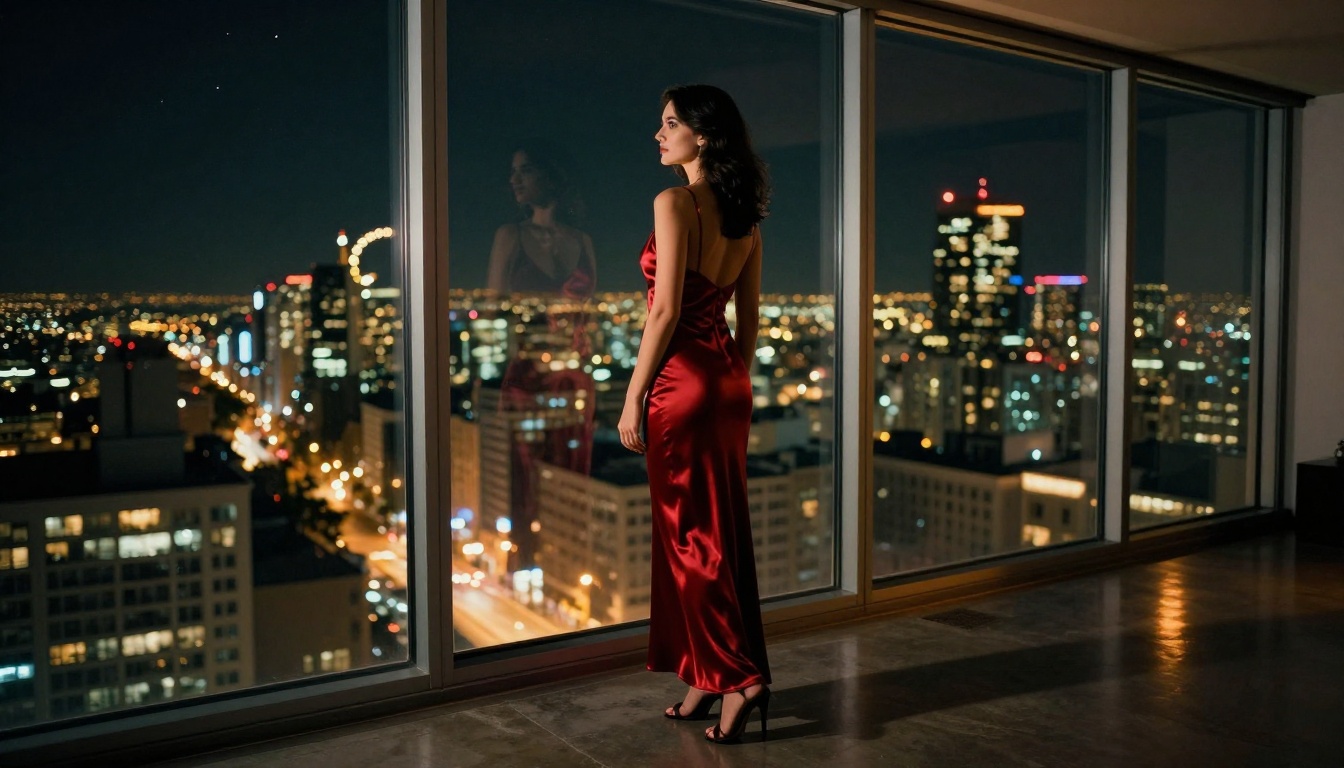
For adult content in particular, resolution isn't vanity. It's functional. At 720p, skin renders as a smooth approximation. You lose pores, you lose the micro-shadows that define muscle tone, you lose the translucency in lighter skin areas. 1080p is better, but still shows the averaging artifacts that signal "AI generated" to experienced eyes. At 4K output with proper source image quality, these artifacts collapse down to nearly undetectable levels when viewed at normal sizes, and remain convincing even when zoomed in.
💡 The real bottleneck for 4K adult video isn't Kling v3's model quality. It's the quality of your source image going into image-to-video mode. A low-resolution or AI-smoothed source image will produce a low-quality 4K output regardless of the model.
Why Adult Creators Are Choosing Kling 3.0
The adult AI video space has several capable models in 2027. Wan 2.7 I2V, Seedance 2.0, Pixverse v5.6, Hailuo 2.3. All of them have genuine strengths. So why Kling 3.0 specifically?
Skin Texture at 4K
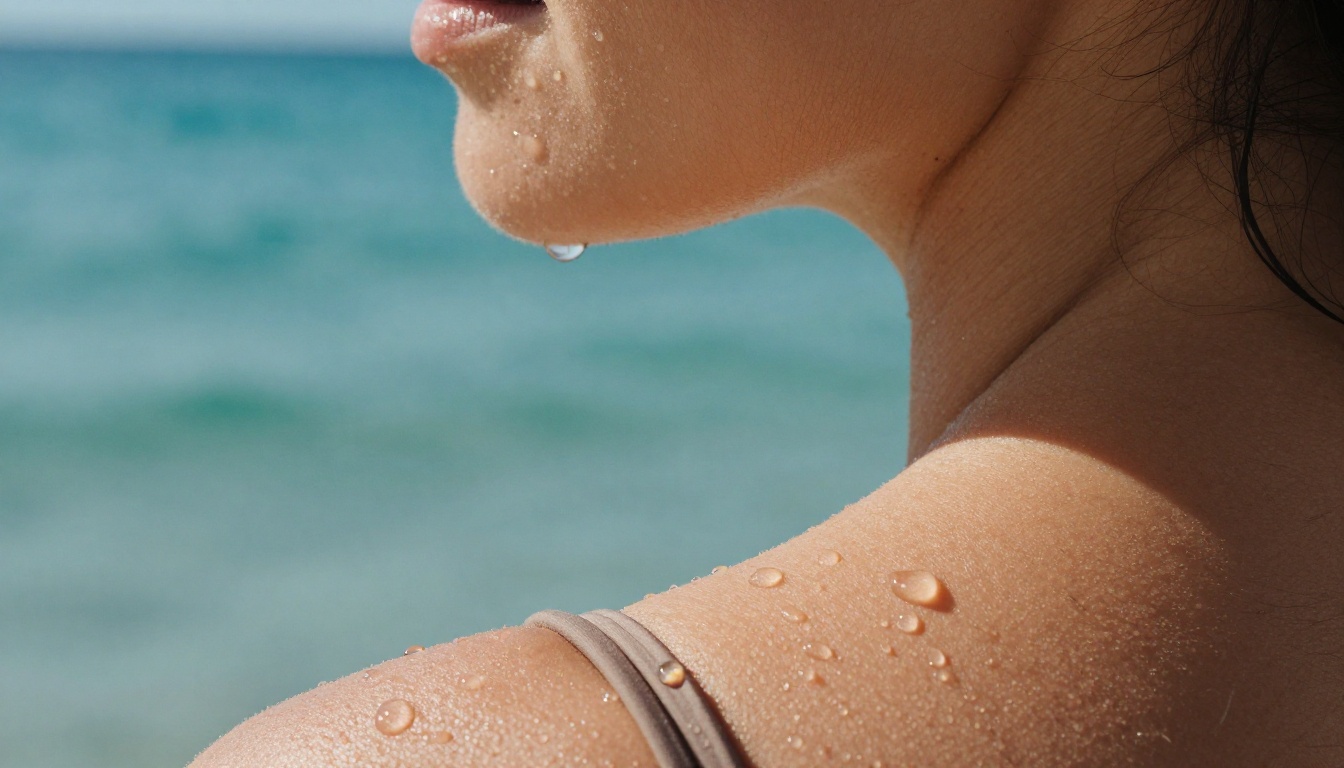
Kling v3 uses a motion diffusion architecture that's particularly strong at preserving high-frequency texture details during movement. This is the specific thing that matters for adult content: when a subject shifts position, turns, or the camera moves, skin doesn't go plastic or waxy. Individual pores, the slight unevenness of real skin, the micro-shadows from surface topology, all of this survives motion to a degree that earlier models didn't achieve.
Competing models like Wan 2.7 I2V are excellent at natural motion physics (hair, fabric, water) but tend to smooth skin slightly more than Kling v3 does. Seedance 2.0 is very fast and produces great results with audio, but the skin rendering in v3 at 4K is a meaningful step above.
Motion Realism That Holds Up
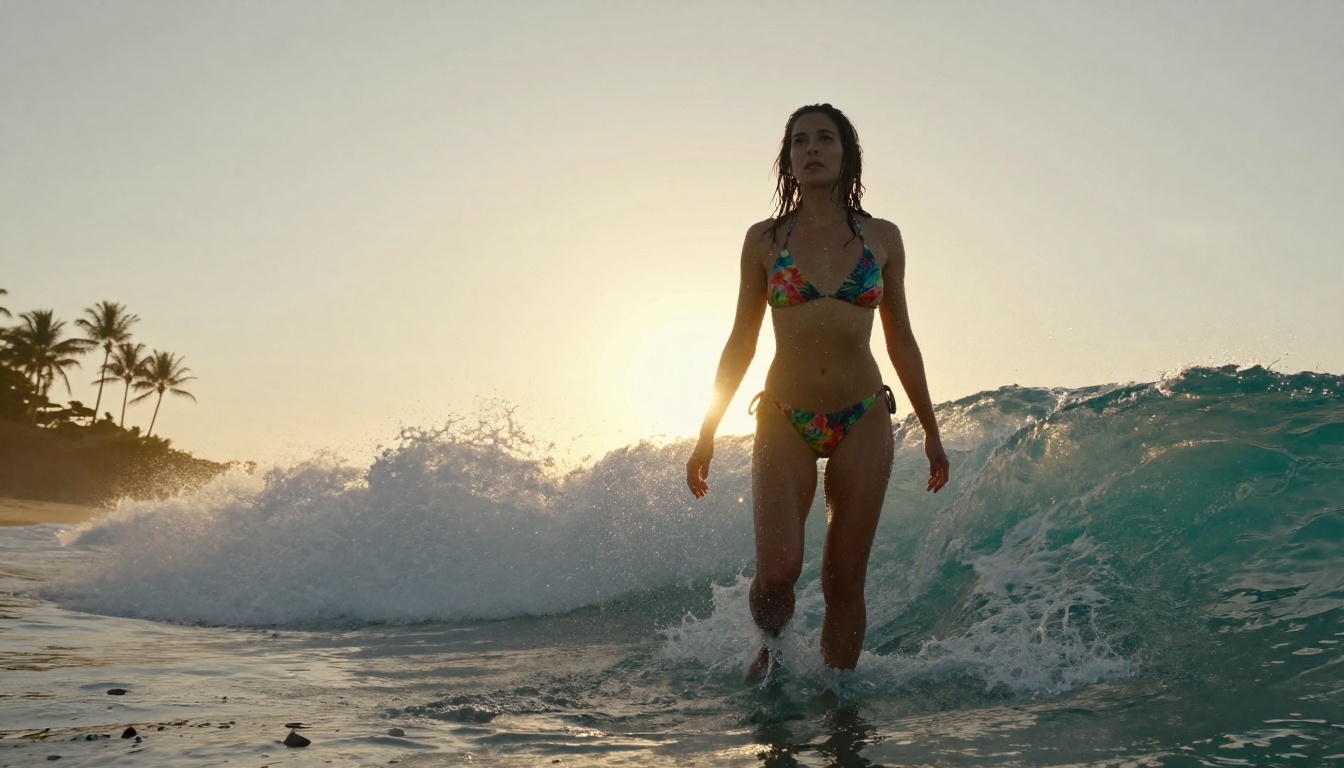
Five seconds is the standard clip length for Kling v3 on most platforms. That's enough to show a subject turning, looking over a shoulder, a slow camera dolly, or a gradual reveal. The temporal consistency, meaning how stable the subject's proportions and textures remain across all 120 frames at 24fps, is where Kling v3 genuinely leads the field in 2027 for this use case.
Kling v3 Motion Control specifically adds the ability to give the AI trajectory hints: you can define where the camera moves, how the subject turns, what the motion arc looks like. For adult content, this is significant because it gives you directorial control rather than letting the model decide what happens during the 5 seconds.
Best NSFW Models to Pair with Kling 3.0
Kling v3 is an image-to-video model. That means your output quality depends heavily on your source image. For adult content at 4K, you need a source image that is itself high-resolution, realistic, and detailed enough that Kling v3 has real texture data to work with.
PicassoIA hosts several image models that handle NSFW content and produce the kind of source material that makes Kling v3 outputs genuinely impressive.
Seedream 4.5: The Starting Point
Seedream 4.5 is the top recommendation for generating source images for adult video workflows. ByteDance's image model accepts NSFW content, generates in under 3 seconds, and produces skin rendering detailed enough to survive the Kling v3 image-to-video process without losing fidelity.
What makes it specifically valuable for 4K video prep is its handling of micro-detail. The textures Seedream 4.5 generates in skin, fabric, and hair are rendered at a level of spatial frequency that Kling v3 can read and preserve during animation. Models that generate smoother, more averaged skin (common in many NSFW-filtered models) produce 4K video that still looks like a highly-resolved plastic surface.
💡 Note: Seedream 5 Lite does not support NSFW content. Seedream 4.5 is the version you need for adult content workflows.
More Models Worth Using
PicassoIA Image Editor Pro deserves specific mention for production workflows. Its unlimited-generation model on Elite and Infinite plans means you can iterate on source images without counting credits. Generating 50 variations to find the best source frame before committing to video costs nothing extra. That same volume on credit-based models would run close to $100.
For video output itself, PicassoIA Video offers unlimited video generation up to 720p, which is worth using for quick previews before committing a polished source image to Kling v3's 4K pipeline. P-Video runs with its safety filter off by default and supports up to 1080p, useful when you need NSFW output at intermediate resolution for review.

How to Use Kling v3 on PicassoIA
PicassoIA hosts three Kling v3 variants: Kling v3 Video for general cinematic output, Kling v3 Motion Control for trajectory-guided animation, and Kling v3 Omni Video for text-to-1080p generation without a source image.
Setting Up Your First Prompt
The motion prompt in Kling v3 describes what happens during the 5-second clip. It is not a description of the character or scene; that information comes from the source image. The prompt answers: "what moves, and how?"
Good motion prompts are chronological and specific:
- "Subject slowly turns head to look over left shoulder, 35mm slight dolly-forward, soft window light shifting on skin"
- "Camera begins at waist height and rises in a smooth vertical tilt while subject stretches arms above head, warm backlight"
- "Gentle breeze lifts hair across face while subject gazes directly into camera, subtle smile forming, no camera movement"
Weak motion prompts describe appearance instead of motion:
- "Beautiful woman in bikini, photorealistic, 4K" (this is a static image description, not a motion prompt)
- "Stunning and attractive, realistic skin" (still describes appearance, not movement)
Image-to-Video with Kling v3 Motion Control
Kling v3 Motion Control is the most powerful option for adult content creators because it lets you specify camera trajectory. Steps:
- Generate your source image using Seedream 4.5. Aim for a natural pose that has a clear "starting position" for motion.
- Upload the source image to the model interface.
- Write your motion prompt describing what changes over 5 seconds. Think about camera movement and subject movement separately.
- Set trajectory using the motion control interface to draw camera movement paths.
- Generate. If the result has artifacts in frames 3-5, the issue is almost always the source image having too much soft-focus or AI-smoothing. Try a crisper source.
Getting the Best 4K Output
For 4K output specifically:
- Source image resolution: Use the largest output size Seedream 4.5 or Recraft V4 will produce. More pixels in means more data for Kling v3 to work with.
- Aspect ratio: 16:9 is native for most video use. Match your source image aspect ratio to your intended video output.
- Skin detail in source: If your source image has plasticky or smoothed skin, Grok Imagine Image or P-Image can add texture detail before you send it to Kling.
Prompt Writing for Realistic Adult Video
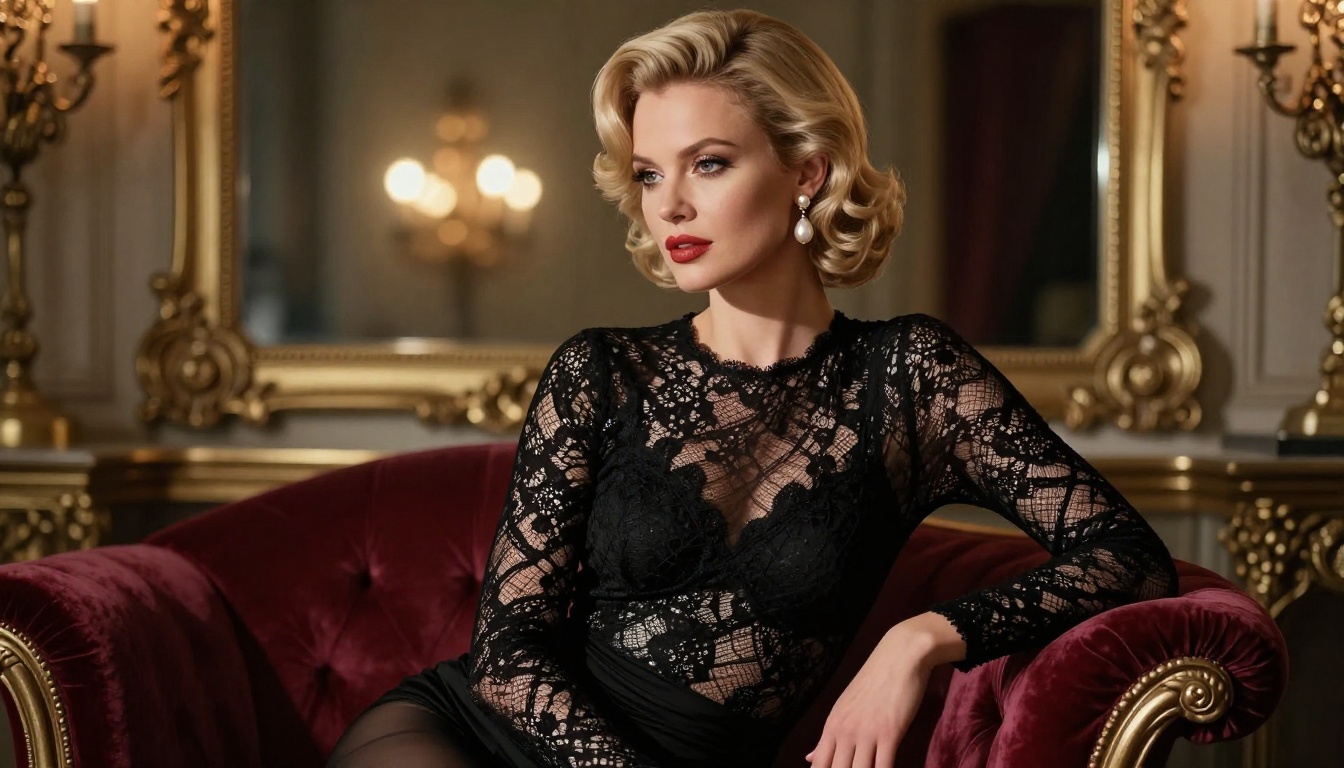
The difference between an average Kling v3 output and a great one is almost always the combination of source image quality and motion prompt specificity.
Skin and Texture Details That Actually Work
You cannot prompt for skin texture in the motion prompt. It comes from the source image. What you can do in the motion prompt is control how the skin is lit during motion, which affects how much texture is visible in the output.
Lighting references that improve skin texture visibility:
- "Raking sidelight from upper left" creates cross-shadows that make texture pop
- "Indirect diffused window light" produces soft shadows showing skin topology without harsh specular
- "Backlight with front reflector fill" gives rimlit separation without flattening texture
What kills texture in the output:
- Frontal flat lighting (any direction equally lit) removes surface shadows entirely
- Specular overexposure on skin (too much direct sunlight in the prompt) clips texture to white
Lighting and Camera Settings
| Prompt Element | Effect on Output |
|---|
| "85mm telephoto dolly-in" | Compression effect, intimate feel, foreground blur |
| "Slow vertical tilt from low angle" | Dramatic reveal, exaggerates height |
| "Gentle circular orbit around subject" | All-angle view in 5 seconds, tests consistency |
| "Handheld natural camera sway" | Documentary feel, reduces AI rigidity |
| "Locked-off static camera" | Focuses all movement on subject, shows physics |
💡 One trick that reliably improves Kling v3 adult outputs: start your motion prompt with "Camera holds still while..." This tells the model to put all the motion budget into the subject, not the camera. The result tends to look more natural because AI cameras often drift in ways real cameras don't.
Kling 3.0 vs the Competition
The honest comparison against the other models available on PicassoIA.
Kling v3 vs Wan 2.7
Wan 2.7 I2V and Wan 2.7 T2V produce exceptional natural physics: hair that moves like hair, fabric that behaves like fabric, water that splashes correctly. For scenes involving environmental elements, Wan 2.7 often wins. For skin detail retention and face consistency across a 5-second clip, Kling v3 leads.
Kling v3 vs Seedance 2.0
Seedance 2.0 is fast and generates with built-in audio. For adult content, its skin rendering is competent at 1080p but doesn't match Kling v3's detail at the 4K ceiling. Seedance's advantage is the audio track, which Kling v3 doesn't include. If your workflow requires synchronized ambient sound, Seedance 2.0 is worth considering alongside Kling.
Kling v3 vs Sora 2 Pro
Sora 2 Pro produces cinematic outputs with strong compositional intelligence but has OpenAI's content restrictions fully in place. For adult content, Sora 2 Pro is not a viable option. Kling v3 through PicassoIA is.
| Model | 4K Output | Skin Detail | NSFW | Audio | Face Consistency |
|---|
| Kling v3 | Yes | Excellent | Platform-dep. | No | Very Strong |
| Wan 2.7 I2V | 1080p | Good | Yes | No | Good |
| Seedance 2.0 | 1080p | Good | No | Yes | Good |
| Sora 2 Pro | Yes | Excellent | No | Yes | Excellent |
| Hailuo 2.3 | 1080p | Good | No | No | Good |
Common Issues and How to Fix Them
Face Consistency Problems
If the subject's face changes significantly between frame 1 and frame 120, the culprit is almost always the source image. Faces that are at an angle, partially obscured, or in harsh shadows give Kling v3 less to anchor on. Start with source images that show the face in a three-quarter or front view with even lighting, generate the clip, then try profiles and challenging angles.
Secondary cause: motion prompts that ask for too much face movement. "Subject turns to face directly forward" requires the model to extrapolate what the face looks like from a different angle than the source image. It often drifts when forced to do this. Better: let the source image establish the face angle, and prompt for body or camera movement instead.
Motion Artifacts
Hands are Kling v3's remaining weakness. If hands are visible and moving, artifact rates go up. There are three ways to handle this:
- Crop the source image to exclude hands from the frame entirely before sending to image-to-video.
- Use Kling v3 Motion Control with a trajectory that keeps hands outside the motion path.
- Prompt for hand stillness: "Hands remain relaxed and stationary throughout" dramatically reduces artifact rates on hands even if they're in frame.
💡 LTX 2.3 Pro handles hand articulation better than Kling v3 at the cost of some skin detail. If your shot requires natural hand movement, consider LTX 2.3 Pro for that specific clip and Kling v3 for the rest.
For short clips where something goes wrong in the last two seconds, Grok Imagine Video supports clip-extend and re-editing of existing video, which lets you salvage a good first three seconds without regenerating from scratch.
Getting Consistent Characters Across Clips
One of the hardest problems in AI adult video production is keeping the same character across more than one clip. Kling v3 doesn't have native character memory; each generation starts fresh from the source image.
The solution is to treat your source image as a "character anchor." Create one reference image using Seedream 4.5 that you are satisfied with, then use that same image, without modification, as the source for every clip in the sequence. Variations in prompt wording alone will change how Kling v3 renders the clip, but the base character will remain consistent as long as the source image is identical.
For wardrobe variations, PicassoIA Image Editor Pro can inpaint new clothing onto the reference image while leaving the face and skin untouched. This gives you the same character in different situations without losing the anchor point.
You can also use Kling Avatar v2 specifically for face-driven animations, which handles face anchoring at a deeper level than standard image-to-video mode.
Start Generating with Kling v3 on PicassoIA
The workflow is straightforward: create a high-quality source image with Seedream 4.5, write a specific motion prompt that describes what happens during 5 seconds, and run it through Kling v3 Video or Kling v3 Motion Control for the cinematic version with camera trajectory control.
For unlimited source image generation, PicassoIA Image Editor Pro lets Elite and Infinite subscribers iterate without credits stacking up. The more source image variations you test before committing to video generation, the better your final clips will be. One solid reference image can power an entire content series.
Beyond Kling, PicassoIA's full model library includes video tools like Wan 2.7 I2V for environmental realism, P-Video for safety-filter-free 1080p output, and LTX 2.3 Pro for 4K/50fps production output with retake and extend editing. Whether you start with Kling v3 Video, try Kling v3 Omni Video for pure text-to-video without a source image, or build the image pipeline first with Seedream 4.5, the tools for serious 4K adult video production are already there.
See the full lineup of NSFW-capable image and video models at picassoia.com/en/all-models and start building your first generation today.


