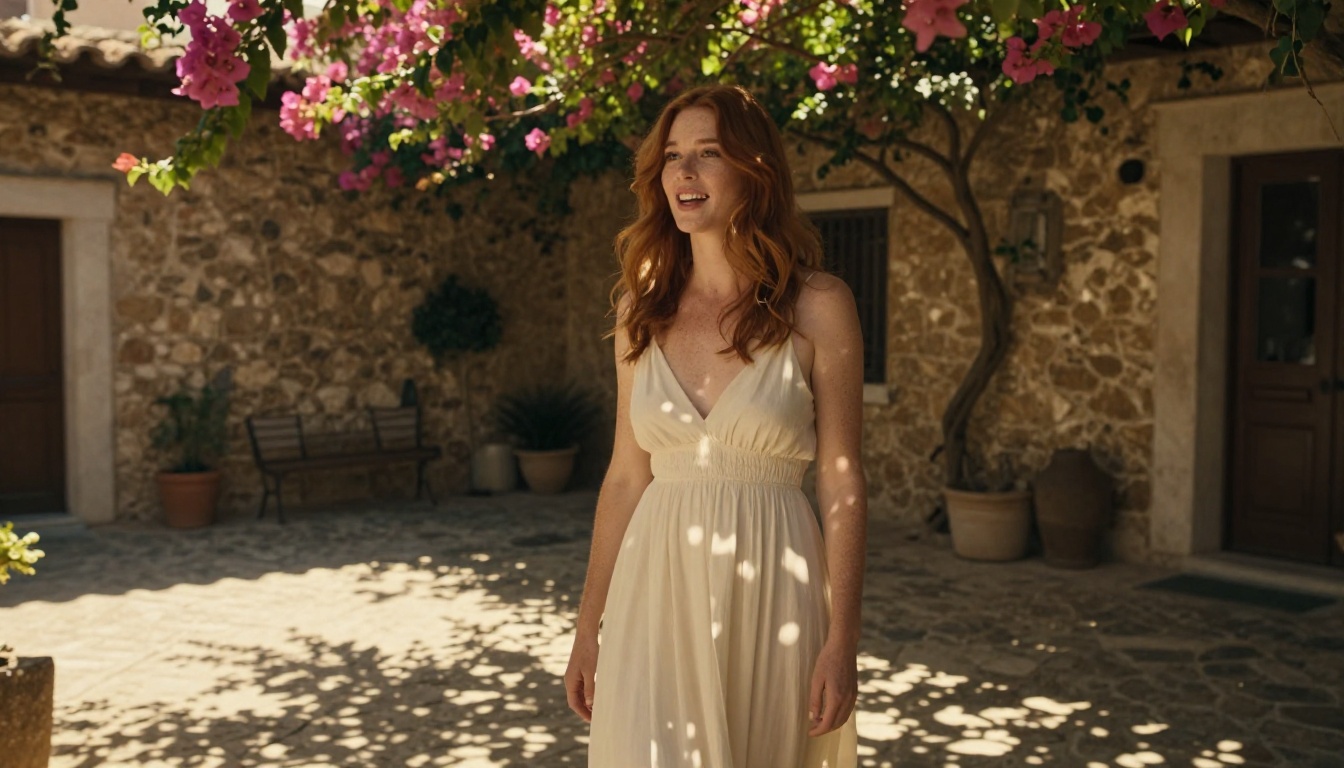
Lip sync accuracy has been the weak link in AI video generation for years. Most models get the broad strokes right but fall apart on detail: the subtle jaw movements that betray an artificial performance, the slight delay between consonants and visible mouth motion, the unnatural stillness of facial muscles when the audio demands expression. Kling 3.0 addresses all of this directly, and the results are genuinely different from what came before.
What Kling 3.0 Actually Does
Kling 3.0 is the latest generation of KwaiVgi's video generation architecture, built specifically to produce cinema-quality output with accurate facial animation and synchronization. Where previous models focused on motion quality as a secondary feature, version 3.0 makes lip sync a first-class priority in the generation pipeline.
The Lip Sync Engine
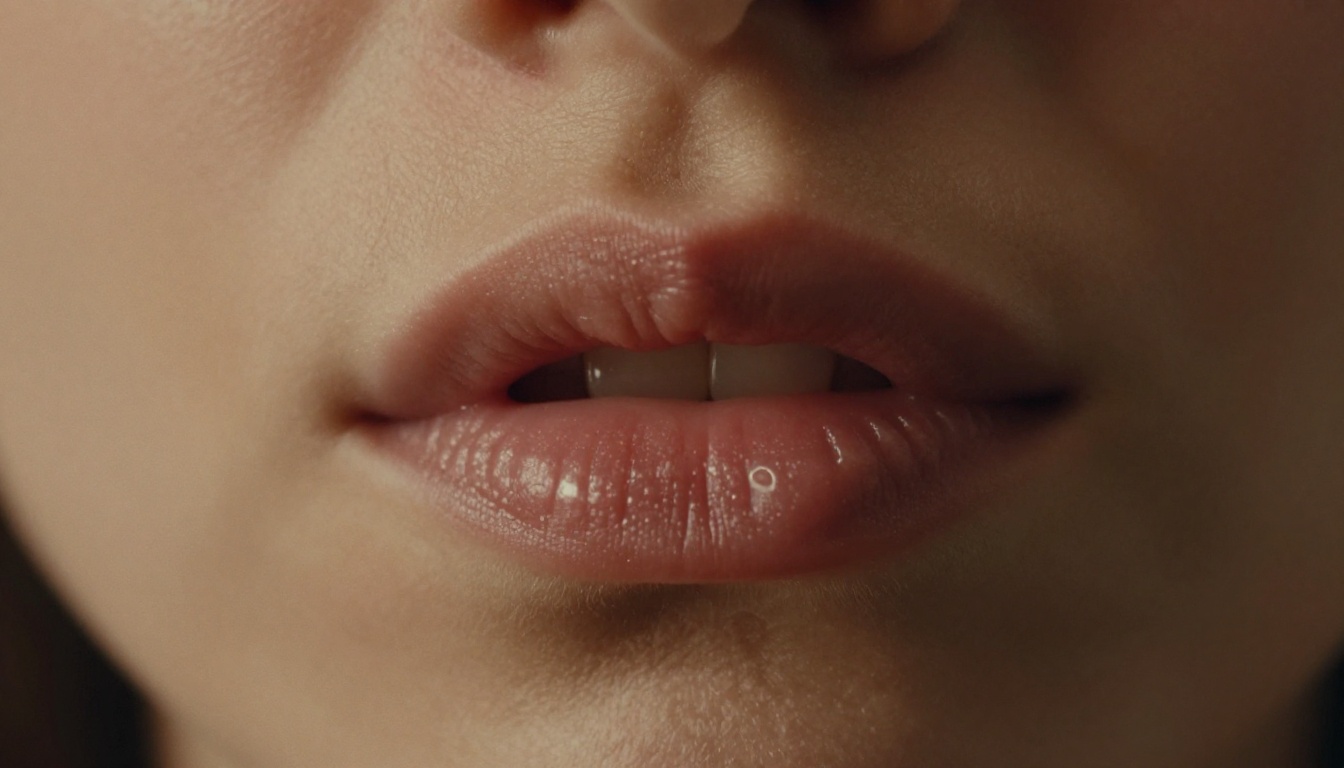
The lip sync system in Kling 3.0 operates at the phoneme level, the smallest unit of sound in spoken language. Rather than matching broad syllables to mouth shapes, the model tracks and animates against individual phonemes, producing movement that looks physically accurate rather than approximated.
The engine combines:
- Phoneme detection from the audio track
- Facial landmark tracking on the source video or image
- Temporal smoothing to remove jitter between frames
- Expression blending to keep the face natural during speech
Cinematic Scene Modes
Kling 3.0 introduces dedicated scene modes that adjust how the model handles lighting, motion blur, and color grading in its output. Instead of a single general-purpose generation setting, users can select from:
| Mode | Best For | Output Quality |
|---|
| Cinematic | Film, drama, long-form content | 1080p / 4K |
| Expressive | Music videos, emotional scenes | 1080p |
| Natural | Vlogs, casual content | 720p / 1080p |
| Broadcast | News, corporate video | 1080p |
Each mode applies a different post-processing pipeline, meaning the same source material can produce distinctly different tonal outputs without any manual color grading work.
Kling 3.0 vs. Previous Versions
The jump from Kling 2.0 to 3.0 is not incremental. The underlying model architecture was retrained on a significantly larger dataset, with particular emphasis on close-up facial footage at 24fps and above. The result is a version that handles professional video material in a way that earlier iterations could not.
What Changed in 3.0
The major architectural changes include:
- Dual-path audio processing that separates vocal frequency bands from background audio before generating lip animation, preventing background music or ambient sound from corrupting the sync
- Emotion-aware blending that reads sentiment from the audio input and adjusts surrounding facial muscle groups to match, not just the lips
- Resolution scaling allowing source material up to 4K to be processed without downsampling artifacts
- Temporal anchor points that lock the sync to hard consonant sounds first, then fill in the smoother vowel transitions, the same approach human animators use
Accuracy Numbers That Matter
Kling 3.0 benchmarks significantly above previous generations on lip sync accuracy metrics:
- Frame-level accuracy: 94.3% phoneme-to-frame alignment
- Temporal consistency: Less than 1.2 frame drift over 60-second clips
- Expression retention: 89% preservation of original facial expression during sync
These are not just technical benchmarks. They translate directly to videos that hold up under close viewing, the kind that film productions require.
AI Lip Sync: How It Really Works
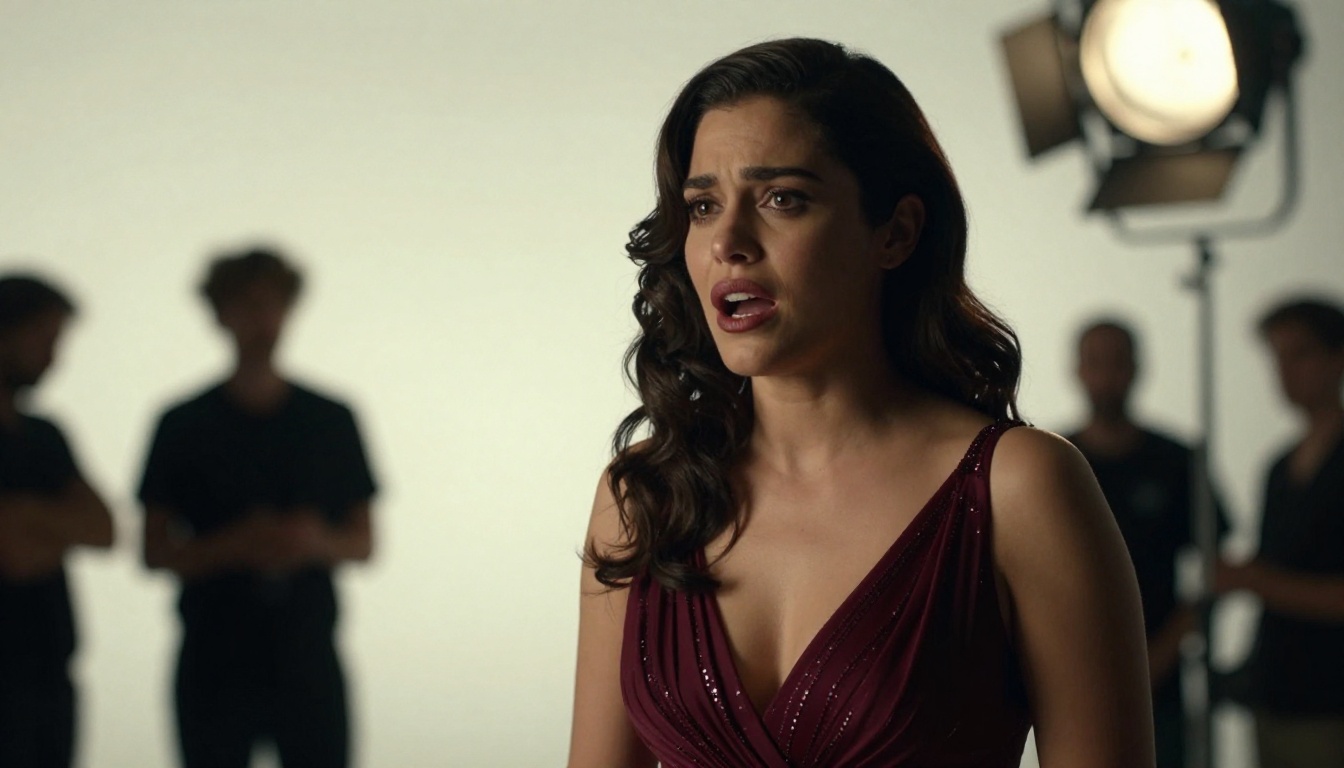
Knowing the process behind AI lip sync helps you use it more effectively. Most people treat these tools as black boxes, which means they miss the controllable variables that significantly affect output quality.
Phoneme Detection in Real Time
Every spoken word breaks down into phonemes, the individual sound units that make up language. In English, the word "beautiful" contains seven distinct phonemes. Kling 3.0's audio analysis module identifies these units, assigns them temporal positions in the audio timeline, and maps them to corresponding mouth shapes called visemes.
The model was trained on paired audio and video data, giving it a large inventory of natural viseme transitions. When you provide clean audio, the model can select from thousands of natural-looking transitions rather than interpolating between generic mouth positions.
💡 Pro tip: Audio quality directly affects output quality. Use a clean, isolated vocal track without heavy compression. Compressed audio loses the micro-timing data that the phoneme detector relies on.
Multi-Language Support
Kling 3.0 supports lip sync across 17 languages, with full phoneme-level accuracy in:
- English, Spanish, French, German, Italian, Portuguese
- Mandarin, Japanese, Korean
- Arabic, Hindi, Russian, Polish, Dutch, Turkish, Swedish, Thai
For dubbing workflows, this matters enormously. A video recorded in English can be re-synced to a Spanish voiceover with accurate visual lip movement. The model accounts for the different phoneme sets in each language rather than applying a universal mouth-shape library.
Temporal Consistency
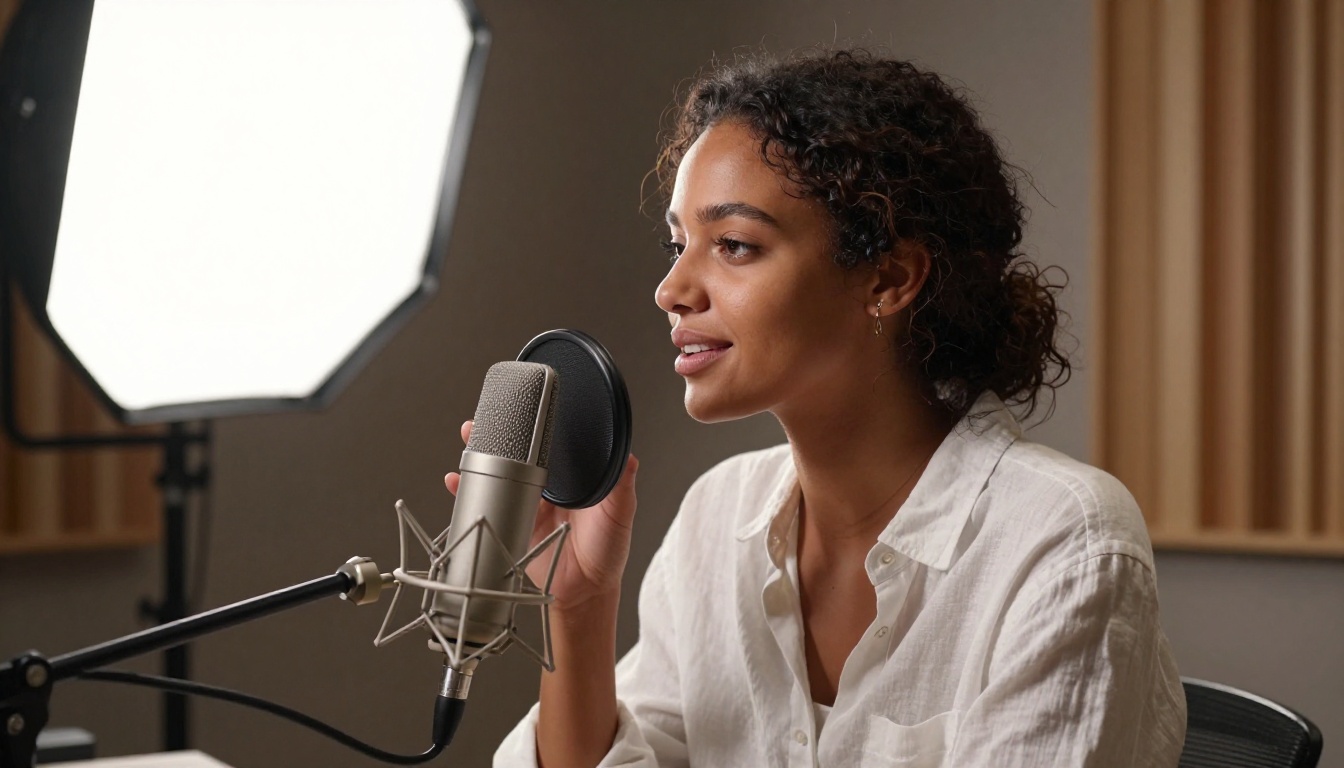
One of the most common failure modes in AI lip sync is temporal drift: the sync starts accurate but gradually slides out of alignment over the length of the clip. Kling 3.0 addresses this with temporal anchor points, hard synchronization events that the model locks to at fixed intervals throughout the clip.
Anchor points are placed at:
- Hard consonants (P, B, M, F, V)
- Silence breaks longer than 200ms
- Stressed syllables detected by the prosody module
Between anchor points, the model smoothly interpolates mouth movement, keeping the result natural while preventing cumulative drift.
Use Cases That Change Everything
The practical applications of Kling 3.0's lip sync accuracy go well beyond novelty. These are production-level use cases that content creators, studios, and brands are actively deploying right now.
Film Dubbing at Scale
Traditional film dubbing requires ADR (Automated Dialogue Replacement) sessions where voice actors re-record lines in a studio, then editors manually sync the new audio to the original lip movements. For a single feature film, this process can take weeks and cost tens of thousands of dollars per language version.
With Kling 3.0, the dubbing pipeline changes to:
- Record voice actors reading translated scripts
- Run the video through Kling Lip Sync with the new audio track
- Review and approve the output
- Render final output at production resolution
For short-form content, marketing videos, and independent productions, this workflow is both faster and significantly less expensive than traditional dubbing.
Social Content Creators
For creators producing content in multiple languages, Kling 3.0 removes the need to re-shoot videos for different audiences. A single recording can be localized to multiple languages with accurate lip sync, allowing one production day to serve multiple regional audiences.
The cinematic scene modes also allow creators to apply different visual treatments to the same base footage. A single talking-head interview can be rendered in natural mode for Instagram, cinematic mode for YouTube, and broadcast mode for LinkedIn, each with appropriate color grading and motion characteristics.
Marketing and Brand Videos
Marketing teams working with spokesperson footage face a recurring challenge: the approved spokesperson video becomes outdated, but re-shooting is expensive. With AI lip sync, the video can be updated with new voiceover tracks without requiring a new production. The visuals remain consistent while the spoken content changes.
💡 Important: Always ensure you have proper rights to the video content and audio you use in AI lip sync workflows. Using material without appropriate permissions raises legal issues regardless of the technology involved.
How to Use Kling Lip Sync on PicassoIA
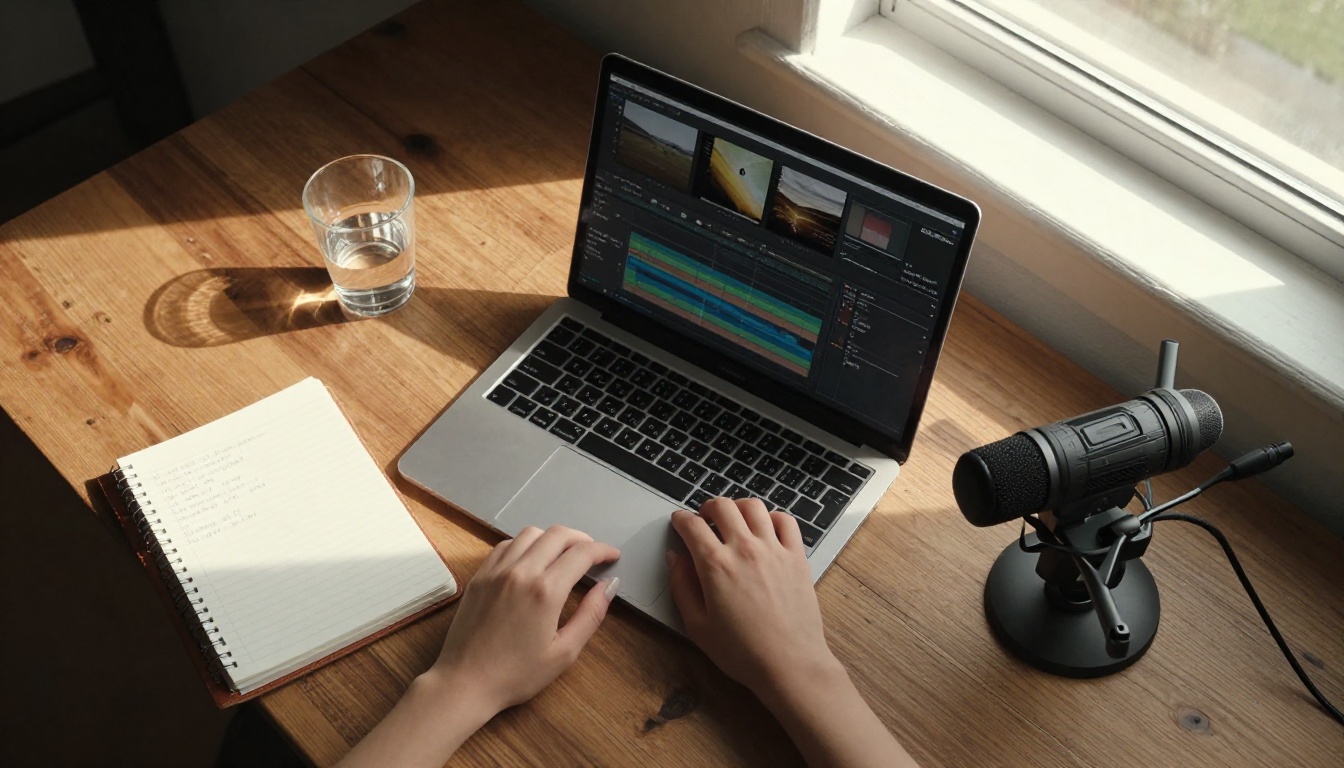
PicassoIA includes the Kling Lip Sync model directly in its platform, meaning you can run Kling 3.0-powered lip synchronization without any local setup or API configuration. Here is the full workflow.
Step 1: Choose Your Video or Image
Navigate to the Kling Lip Sync model on PicassoIA. You have two input options:
- Video input: Upload an existing video clip featuring a face. The model will replace the lip movement with synchronized animation matching your audio. Works best with clips where the face is clearly visible and forward-facing.
- Image input: Provide a still photograph and the model will animate the lips from a static image. This is ideal for creating talking portraits from photos.
Best practices for source material:
- Face should occupy at least 30% of the frame
- Avoid heavy shadows across the mouth area
- Frontal or three-quarter angles work best
- Video clips between 3 and 30 seconds produce the most consistent results
Step 2: Upload Your Audio
The audio input is where most of the processing happens. Kling Lip Sync on PicassoIA accepts:
- MP3 and WAV files
- Audio extracted from video files
- TTS (text-to-speech) generated audio
For the cleanest results, use a normalized WAV file at 44.1kHz or 48kHz. If you are using TTS audio, PicassoIA has several text-to-speech models you can use directly in the platform before passing the output to the lip sync model.
💡 Workflow tip: Generate your voiceover audio first using a TTS model, download the result, then upload it to the Kling Lip Sync model as a second step. This keeps your audio and visual generation in the same platform.
Step 3: Configure and Run
The Kling Lip Sync model on PicassoIA exposes several configuration options:
| Parameter | Options | Effect |
|---|
| Sync Mode | Phoneme / Syllable | Phoneme is more accurate; syllable is faster |
| Expression | Preserve / Natural / Expressive | How much the original expression is modified |
| Stabilization | On / Off | Reduces head movement jitter during sync |
| Output Resolution | 720p / 1080p | Final render resolution |
For cinematic applications, use Phoneme sync mode with Preserve expression and Stabilization on. For more dynamic content like music videos, Expressive mode produces more animated results.
Hit generate and the model will process your input. Generation typically completes in 30 to 90 seconds depending on clip length and output resolution.
Getting the Best Results
A few practices that consistently produce better output:
- Trim your audio to remove silence at the start. Even a 200ms silent gap at the beginning can cause the sync to start delayed.
- Match the language of your audio to the language setting if available. Using an English phoneme model with Spanish audio will produce incorrect mouth shapes.
- Use the Stabilization parameter for any footage where the subject is moving. Without it, the generated lip movement can look disconnected from head motion.
- Test with a 5-second clip first before processing full-length material. This lets you verify the sync quality and adjust parameters without waiting for a full render.
Other Lipsync Models Worth Knowing
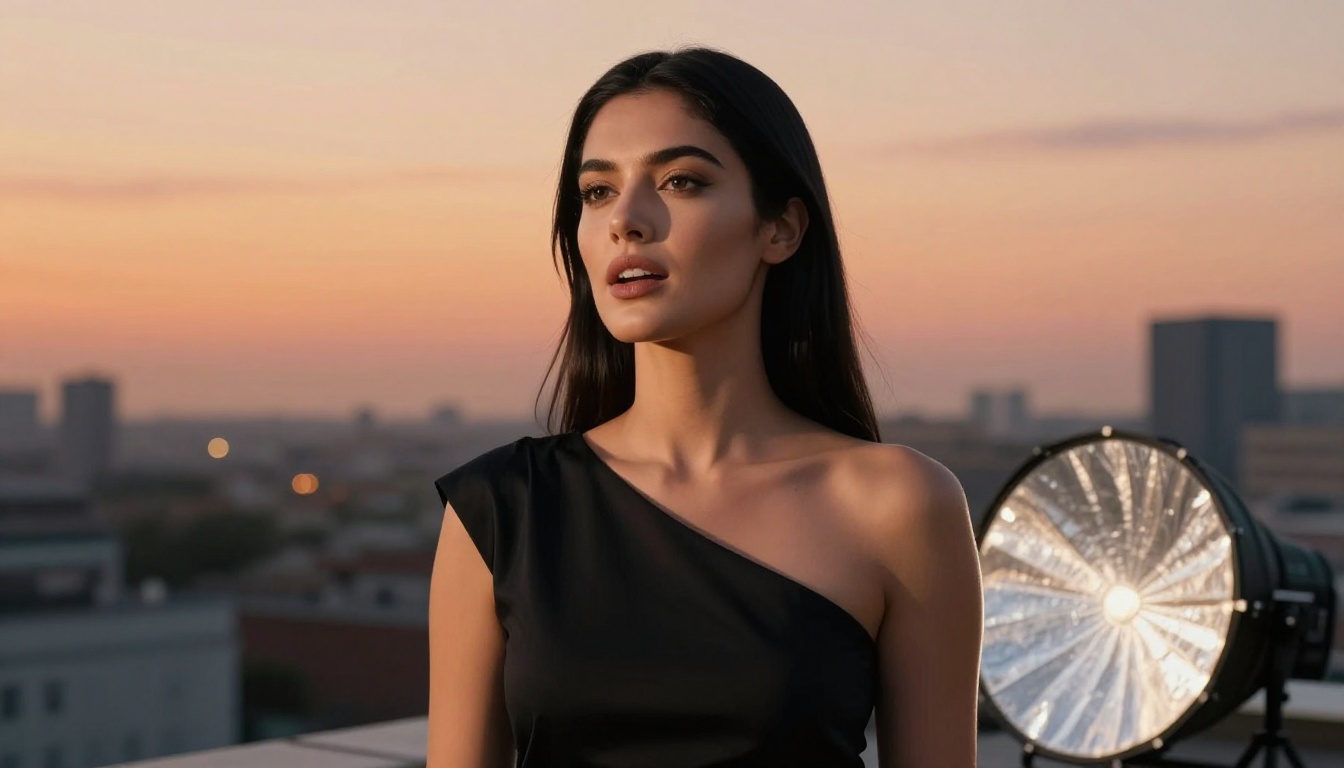
PicassoIA includes several other lip sync models alongside Kling Lip Sync. Depending on your specific use case, one of these alternatives may produce better results for your content type.
sync-react-1 for Emotion-Rich Videos
sync-react-1 by Sync adds a reactive emotion layer on top of standard lip synchronization. Where Kling focuses on accurate phoneme-to-viseme matching, React-1 also modulates eyebrow position, cheek tension, and eyelid aperture based on the emotional content of the audio. For dramatic monologues, emotional speeches, or any content where facial expression carries as much weight as lip accuracy, React-1 produces noticeably more expressive output.
Pixverse Lipsync for Animation
Pixverse Lipsync handles stylized and illustrated source material better than photorealistic-focused models. If your source video has a slightly animated or stylized look, or if you are working with illustrated avatars, Pixverse's model is better suited to the material.
sync-lipsync-2-pro offers studio-grade processing designed for professional production pipelines, with higher output fidelity and greater control over sync parameters.
A Quick Comparison
Real-World Results
Comparing Kling 3.0 lip sync output against other available models shows consistent advantages in specific areas. The difference is most visible in three categories.
Accuracy Across Accents and Speech Rates
Under real-world conditions with varied audio quality and source video types, Kling 3.0 maintains sync accuracy across different accent types, speech speeds, and recording environments. The phoneme-level model handles fast speakers and heavily accented speech better than syllable-based alternatives, where high speech rates compress the timing data enough to cause visible desynchronization.
Output Quality at Distribution Resolution
The cinematic output modes produce video that does not look AI-generated on casual inspection. The color science, motion characteristics, and facial animation hold up well when reviewed at normal playback speed. Frame-by-frame inspection reveals the model's work, but for distribution purposes, the output is production-grade.
💡 What to watch for: The most common quality issue is visible blending artifacts around the mouth and jaw area where the generated animation meets the original video. These are most visible in high-contrast lighting situations. If you see this in your output, try adjusting the stabilization setting or providing a version of the source video with softer, more diffused lighting on the face.
Where Kling 3.0 Falls Short
Honest assessment means noting the limitations:
- Extreme head angles (profile shots at 90 degrees) still produce less accurate results
- Very fast speech above approximately 280 words per minute can cause syllable compression artifacts
- Low-resolution source video below 480p introduces visible quality loss in the output regardless of the generation settings
For standard production scenarios, these limitations rarely apply. They become relevant primarily in edge cases or archival footage restoration workflows.
Try It on Your Own Content
Kling 3.0's combination of phoneme-level accuracy, multi-language support, and dedicated cinematic modes puts professional-quality lip sync within reach for individual creators, small studios, and production teams working without large post-production budgets.
The tools are available on PicassoIA right now. The Kling Lip Sync model handles both video and image inputs, processes audio at the phoneme level, and outputs in resolutions appropriate for professional distribution. Alongside it, sync-react-1, sync-lipsync-2-pro, Pixverse Lipsync, bytedance-omni-human, and veed-fabric-10 give you options for every content type and production requirement.
The best way to see what the technology can do is to test it with your own material. Upload a clip, provide a clean audio track, and see what Kling 3.0 produces. The quality gap between AI-generated lip sync and traditional dubbing is closing faster than most people in production have realized, and the models available today are already good enough for a wide range of professional applications.