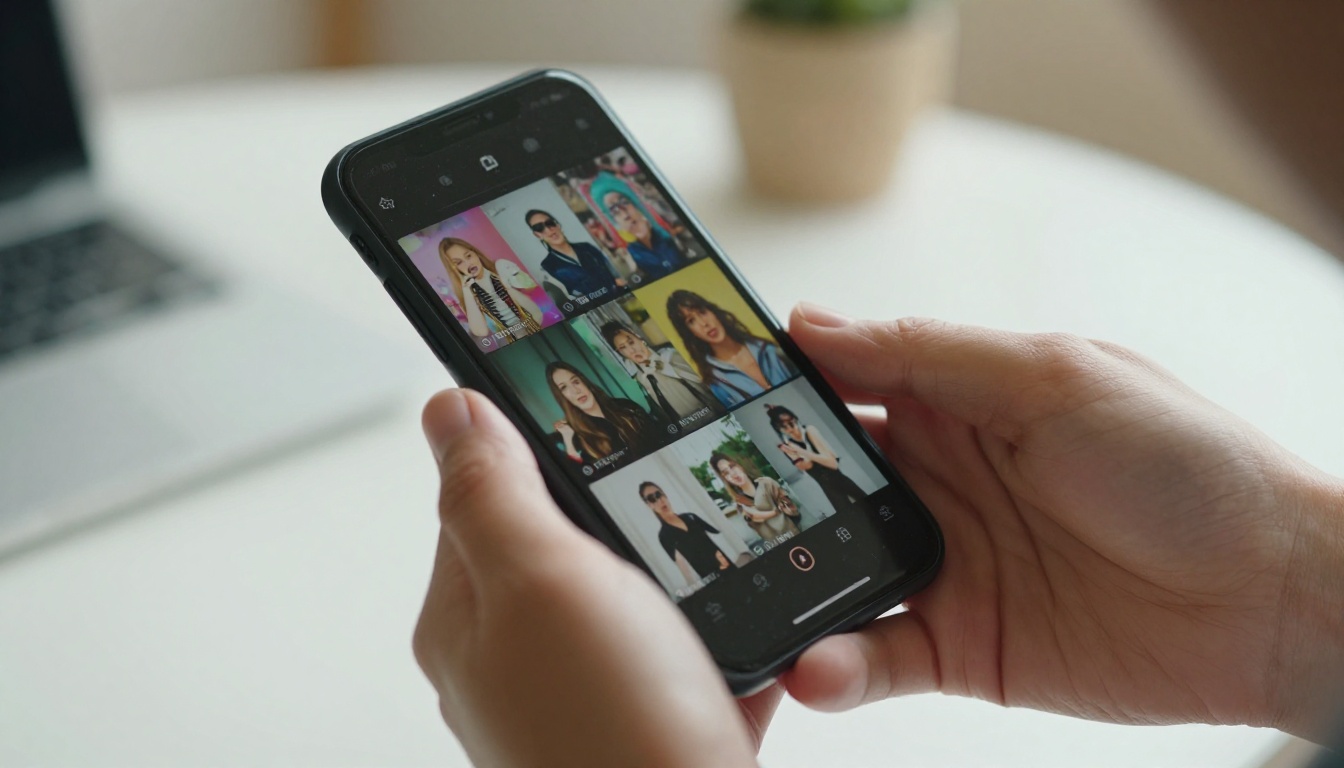
Kling 3.0 just changed what AI video generation means for everyday creators. Not in the "this is interesting tech" way, but in the "I posted this and got 200k views in two days" way. Short-form social media content has always been about capturing attention in the first second, and Kling 3.0 produces video motion so natural, so fluid, that your audience won't be looking for seams. If you've ever wanted to create TikTok content without a camera, without a crew, and without leaving your desk, this is the tool that finally makes that feel real.
What Makes Kling 3.0 Different
The previous generation of text-to-video AI tools had a tell. You could always spot the AI video: objects moved like they were floating, physics felt wrong, and faces did that subtle drift thing that screams "generated." Kling 3.0 eliminated most of that. The motion quality is not just improved, it is a fundamentally different class of output, one that holds up under the scrutiny of a fast-moving TikTok feed.
Physics That Actually Work
Kling 3.0 models the real world at a level that earlier AI video tools simply could not. Hair moves with weight. Fabric responds to wind. Water splashes with actual surface tension. When you prompt a woman spinning in a summer dress on a rooftop, the dress reacts to the spin, to the air resistance, to gravity. This is the detail that makes TikTok viewers stop mid-scroll.
💡 Pro tip: Describe physical interactions in your prompt for better results. Instead of "woman walking on a beach," try "woman walking slowly on a wet beach, waves washing over her feet, sand darkening under the water."
Camera Behavior That Feels Cinematic
Unlike older models that moved the frame awkwardly, Kling 3.0 understands camera language. You can specify a slow dolly, a gentle push in, a handheld walk. The virtual camera behaves like a skilled operator is behind it. For TikTok, that translates to content that feels professionally shot without you ever picking up a real camera. Slow rack focuses, tracking shots, over-the-shoulder angles, all of it responds to natural language descriptions in the prompt.
Speed from Prompt to Clip
Previous Kling versions required patience. Kling 3.0 is substantially faster. Most clips in the 5-10 second range render in well under two minutes, which matters when you are iterating on multiple TikTok ideas in a single afternoon session. That speed-to-quality ratio is where Kling 3.0 separates itself from slower, higher-cost alternatives.
Kling 3.0 vs the Competition
Before committing to a workflow, it helps to know where Kling 3.0 sits in the landscape of AI video tools. The following comparison focuses specifically on short-form social media content creation, not cinematic film production.
| Model | Motion Quality | Speed | TikTok-Ready Output | Prompt Flexibility |
|---|
| Kling v3 Video | Excellent | Fast | Yes (9:16 native) | High |
| Sora 2 | Good | Medium | Partial | High |
| Veo 3 | Very Good | Slow | Partial | High |
| PixVerse v5.6 | Good | Fast | Yes | Medium |
| Hailuo 2.3 | Good | Medium | Yes | Medium |
| Seedance 2.0 | Very Good | Medium | Partial | High |
💡 Why Kling leads for TikTok specifically: The model's default handling of human subjects at close range and its responsiveness to vertical format cues is tuned for social media. Other models still default toward cinematic widescreen behavior, which requires cropping and often loses composition quality in the process.
This is where most creators leave performance on the table. A weak prompt gives you a weak clip. A well-structured prompt gives you the kind of content that people save, share, and stitch. Kling 3.0 rewards specificity in a way that general-purpose AI tools do not.
The 5-Part Prompt Formula
Every strong Kling 3.0 TikTok prompt follows this structure:
- Subject: Who or what is in the frame, described physically
- Action: What are they doing, in specific motion terms
- Environment: Where, with specific lighting and time of day
- Camera: Shot type, movement, lens perspective
- Mood/Atmosphere: Emotional tone, color temperature, pace
Example prompt that works:
"A young woman with dark curly hair twirling slowly in a golden field of wheat at sunset, arms extended, dress flowing in the wind, shot from a low angle looking up with a slow 360-degree rotation, warm amber and peach light, joyful and carefree mood"
The difference between a prompt like this and "woman in a field" is not marginal. It is the difference between a clip that looks like a perfume commercial and a clip that looks like a screensaver from 2012.
Lifestyle and Vlog Content
Lifestyle is TikTok's most consistent performing category. For this niche, Kling 3.0 handles "slice of life" prompts exceptionally well because the model is particularly strong at rendering interior environments, morning light, and quiet personal moments.
- "Person making coffee in a minimalist kitchen, steam rising from the cup, soft morning light through a window, handheld close-up shots transitioning from beans to cup"
- "Girl sitting at a rainy cafe window with an open laptop and a latte, autumn leaves pressed against the glass, warm candlelight ambient, slow zoom in on her face"
- "Running along an urban waterfront at golden hour, steady tracking shot from the side, sneakers hitting wet pavement, city skyline in soft focus"
Action and Movement Clips
Movement content holds attention because it creates forward momentum in the viewer's eye. Kling 3.0's motion physics make it particularly strong for action prompts, where earlier models used to break down in embarrassing ways.
- "Skateboarder grinding a metal rail in an urban skate park, slow motion at the point of impact, low-angle wide shot from the ground"
- "Dancer in a bright white studio performing sharp contemporary choreography, multiple quick cutting implied in the prompt, overhead and eye-level alternating"
- "Surfer catching a large ocean wave, barrel shot perspective from just inside the curl, cinematic water spray and foam detail"
💡 Use slow motion cues: Adding "slow motion at [specific moment]" in your prompt often results in Kling 3.0 creating that dramatic deceleration organically, which is one of the most reliable ways to make a clip feel premium.
Product Showcase Videos
Brands and creators pushing products can use Kling 3.0 to generate polished showcase content without a studio booking. The model handles product surfaces, reflections, and textures with a fidelity that earlier text-to-video AI could not approach.
- "Glass perfume bottle on a white marble surface, morning light catching the facets, slow 360-degree product rotation, premium commercial aesthetic, macro close-up"
- "New sneakers being unboxed from tissue paper in a clean box, overhead bird's-eye shot, satisfying deliberate pacing, bright clean white background"
How to Use Kling v3 on PicassoIA
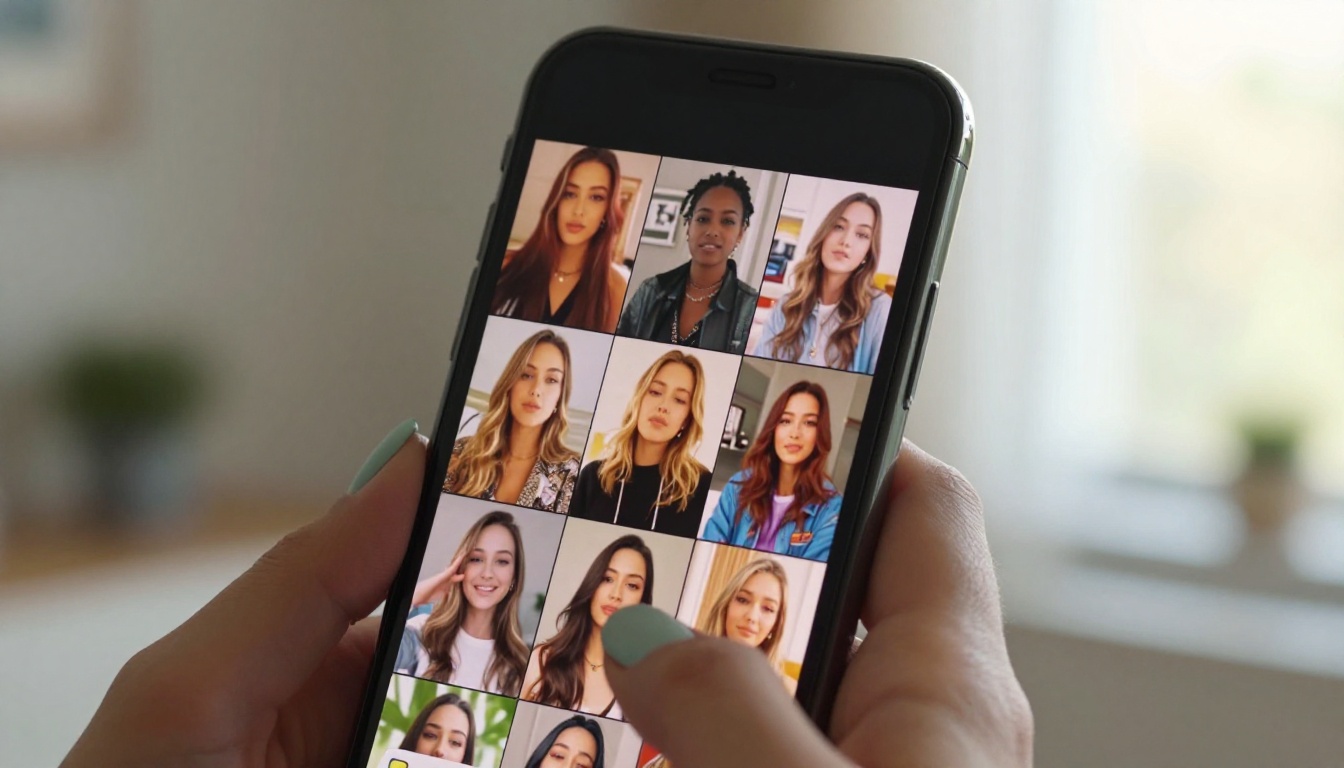
PicassoIA has Kling 3.0 available across multiple model variants, all accessible directly in the browser with no software installation. Here is a direct walkthrough for getting your first TikTok clip live.
Step 1: Choose Your Model
PicassoIA offers three distinct Kling v3 models depending on what you want to create:
- Kling v3 Video: The core model. Best for standard text-to-video creation with full prompt control. Start here if you are new to Kling.
- Kling V3 Omni Video: Handles both text and image input. Upload a reference image and Kling animates outward from it.
- Kling V3 Motion Control: Transfer specific motion patterns from a reference video clip to any character or subject.
💡 For first-time users: Start with Kling v3 Video. It has the most straightforward prompt interface and the fastest turnaround for experimentation.
Step 2: Write Your Prompt
Apply the 5-part formula from the previous section. Be specific. Vague prompts produce forgettable output. "A person walking" gives the model almost nothing. "A woman in a red coat walking through a snowy Tokyo street at night, neon sign reflections on the wet pavement, slow dolly forward" gives the model real creative information.
Common prompt mistakes to avoid:
- Describing two conflicting camera movements in the same prompt
- Using vague emotional words without physical anchors ("happy" vs "woman laughing, covering her mouth")
- Including too many subjects in one frame (one primary subject works far better for social video content)
- Forgetting to specify time of day, which affects the entire lighting atmosphere
Step 3: Set Your Parameters
When working with Kling v3 on PicassoIA, the parameter settings below are specifically optimized for TikTok output:
| Parameter | Recommended for TikTok | Why It Matters |
|---|
| Aspect Ratio | 9:16 vertical | Native TikTok format, no cropping needed |
| Duration | 5-8 seconds | Optimal length for scroll-stopping hook content |
| Motion Level | Medium-High | Prevents static "living photo" output that feels flat |
| Quality Mode | Pro | Sharper details, better performance with close-up human subjects |
Step 4: Download and Post
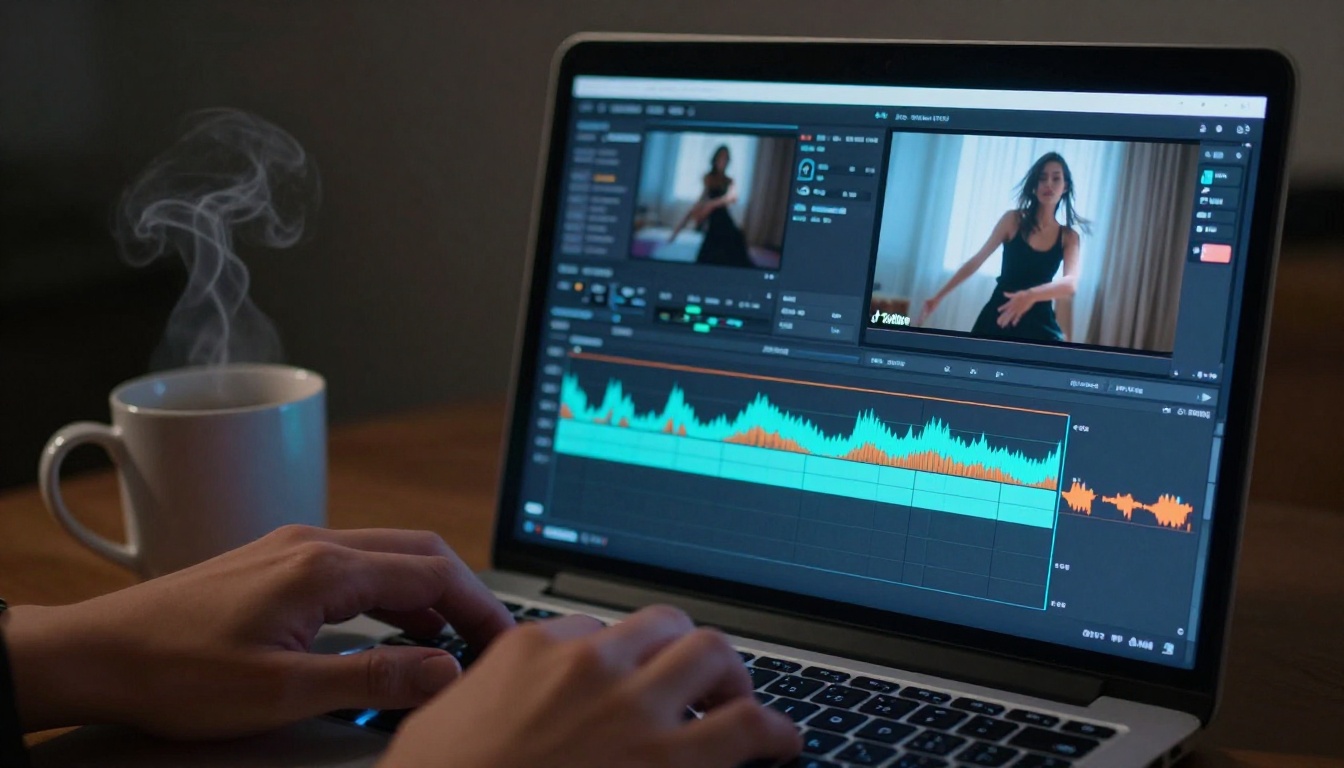
Once generated, download your clip directly from PicassoIA. Most Kling 3.0 outputs come through at TikTok-ready resolution. You can post directly to TikTok or layer in audio using TikTok's own sound library after upload. Many creators add a trending audio track in the TikTok app itself, which the algorithm treats favorably regardless of whether the visual was AI-generated.
Three Kling Models Worth Knowing
Beyond the core Kling v3 Video model, PicassoIA gives you access to specialized variants that unlock very different creative capabilities. Each one solves a specific problem in the TikTok content creation workflow.
Kling V3 Motion Control
Kling V3 Motion Control lets you upload a reference video and apply its motion to a completely different character or scenario. This is one of the most powerful tools in the platform for TikTok trend participation.
Where it shines:
- Applying a specific dance move from a reference clip to an AI-generated character of your choice
- Recreating a viral trend format with entirely custom visual subjects
- Maintaining consistent movement style across a series of TikTok posts to build a recognizable aesthetic
For best results, use reference clips where the subject is clearly separated from a clean background. The cleaner the motion isolation, the more accurately it transfers to your generated character.
Kling V3 Omni Video
Kling V3 Omni Video accepts both a text prompt and a starting image. This is the model to reach for when you have a specific visual in mind as your first frame and want the video to animate outward from it.
TikTok use cases that work best here:
- Animating a product photo into a full motion showcase video
- Bringing a static portrait photograph to life with subtle natural movement
- Creating a consistent recurring "character" across multiple posts by always using the same reference image as the starting frame
Kling Avatar V2
Kling Avatar V2 takes avatar-based video generation to a level that is genuinely useful for content creators who want talking head or presenter-style output. Feed it a portrait image and a text script, and it outputs a realistic speaking avatar with synchronized lip movement.
For TikTok, this works particularly well for:
- Faceless creator accounts that still want the "person talking to camera" format without going on camera personally
- Explaining concepts or products with a polished AI presenter
- Multilingual content, since you can generate the same avatar speaking in different languages for different market audiences
TikTok Niches Where Kling Shines
Not every TikTok niche benefits equally from AI video generation. Here is where Kling 3.0's specific strengths map most directly to what performs on the platform.
Fashion and Beauty
Fashion TikTok lives on visual texture, movement, and aspiration. Kling 3.0's fabric physics and lighting handling make it one of the best tools for generating content in this space without a full production team or studio budget.
Prompt directions that work in this niche:
- Outfit reveals with slow 360-degree rotations in interesting environments
- Skincare product textures with extreme macro close-up movement and natural light
- Editorial-style walking sequences in architecturally interesting locations
Travel Content
Travel creators benefit significantly from Kling 3.0 because they can generate location content without the actual cost and logistics of travel. The model handles environmental detail, time-of-day lighting, and location-specific atmosphere with a specificity that is commercially useful.
💡 Be precise with location prompts. "Narrow alleyway in Marrakech at sunset, warm light bouncing off ochre walls, a woman walking slowly ahead, handheld tracking shot" will consistently outperform "a street somewhere in Morocco."
Comedy and Sketch Formats
Short comedy on TikTok often relies on a single visual punchline or a setup-reveal structure. Kling 3.0 can generate the setup shot or the reveal shot when you know exactly what you need. The character expression rendering in Kling 3.0 handles facial movement more reliably than earlier versions, which matters when comedic timing depends on a specific expression landing correctly.
What Real Creators Are Doing with This
The shift in how creators use Kling 3.0 is less about replacing cameras and more about filling production gaps. You have a strong idea for a video but you are in the wrong location, the weather is wrong, or it is 2am and you cannot film. Kling 3.0 generates that footage in minutes. You edit it alongside real footage or audio, add a trending sound, and post. The result holds together.
Some creators are going fully AI-native, building entire channels around Kling-generated content. Others use it for B-roll, intro sequences, or thumbnail-style short clips that tease longer content. The use cases keep expanding because the quality floor keeps rising with each model iteration.
What is actually being posted right now:
- AI travel vlogs from creators who have never visited the location shown
- Product launch videos for small brands with no production budget
- Aesthetic "day in the life" clips built entirely from carefully written prompts
- Viral trend recreations with custom AI characters instead of the creator's own face
- Faceless automation accounts that have crossed into millions of followers using only generated content
The common thread is that the best creators using Kling 3.0 think in prompts the way skilled photographers think in light. They are specific, intentional, and they iterate fast.
Start Creating Your First AI TikTok Today
Kling 3.0 is available right now across multiple models on PicassoIA, no software installation required, no rendering hardware needed. Everything runs in the browser, and your first clip can be ready in under two minutes from the moment you type your prompt.
The barrier to creating professional-quality TikTok video content has never been lower. A well-written prompt, the right model selection, and a few minutes of generation time is all it takes to produce a clip that holds up against content shot with real equipment and a full crew.
Whether you want standard text-to-video with Kling v3 Video, image-to-video animation with Kling V3 Omni Video, or motion transfer for trend content with Kling V3 Motion Control, everything you need is on the platform waiting for your first input.
Write one prompt today. You might be surprised what comes back.


