Kling 3.0 just changed the rules for AI video creation. Kuaishou's flagship video generation model now officially supports NSFW content, making it one of the very few high-quality AI video tools to open that door. For adult content creators who have been working around strict content filters for years, this is a real shift. But knowing the capability exists and actually using it effectively are two different things. This article covers what Kling 3.0's NSFW support actually includes, how to build a solid production workflow using PicassoIA's model collection, and which tools consistently produce the best results for mature AI video content.
What Kling 3.0 Actually Changed
For creators in the adult content space, Kling versions 1.5 through 2.1 were a wall. Every mature prompt came back either refused or sanitized beyond usefulness. The practical result was that professional NSFW video generation remained inaccessible on any major, high-quality AI platform.
Kling 3.0 changes this at the model level, not just the policy level. KwaiVGI, the research arm of Kuaishou behind the Kling series, updated both the training data and the inference-time content filter. The new model was trained on a substantially broader dataset that includes adult-rated content within the glamour, boudoir, and suggestive aesthetics categories.
The Policy Shift in Detail
The updated content policy for Kling 3.0 operates on a tiered access basis. Standard access covers SFW generation. Verified creator accounts and platforms with proper age-gating can access the NSFW generation tier, which allows:
- Bikini, lingerie, and swimwear subjects in motion
- Boudoir and glamour aesthetics with implied nudity
- Suggestive motion sequences and pose transitions
- Artistic sensual content focused on beauty and aesthetics
Explicit sexual acts, non-consensual scenarios, minors, and illegal content remain fully blocked regardless of tier. This positions Kling 3.0 within the professional adult photography aesthetic, not pornographic production.
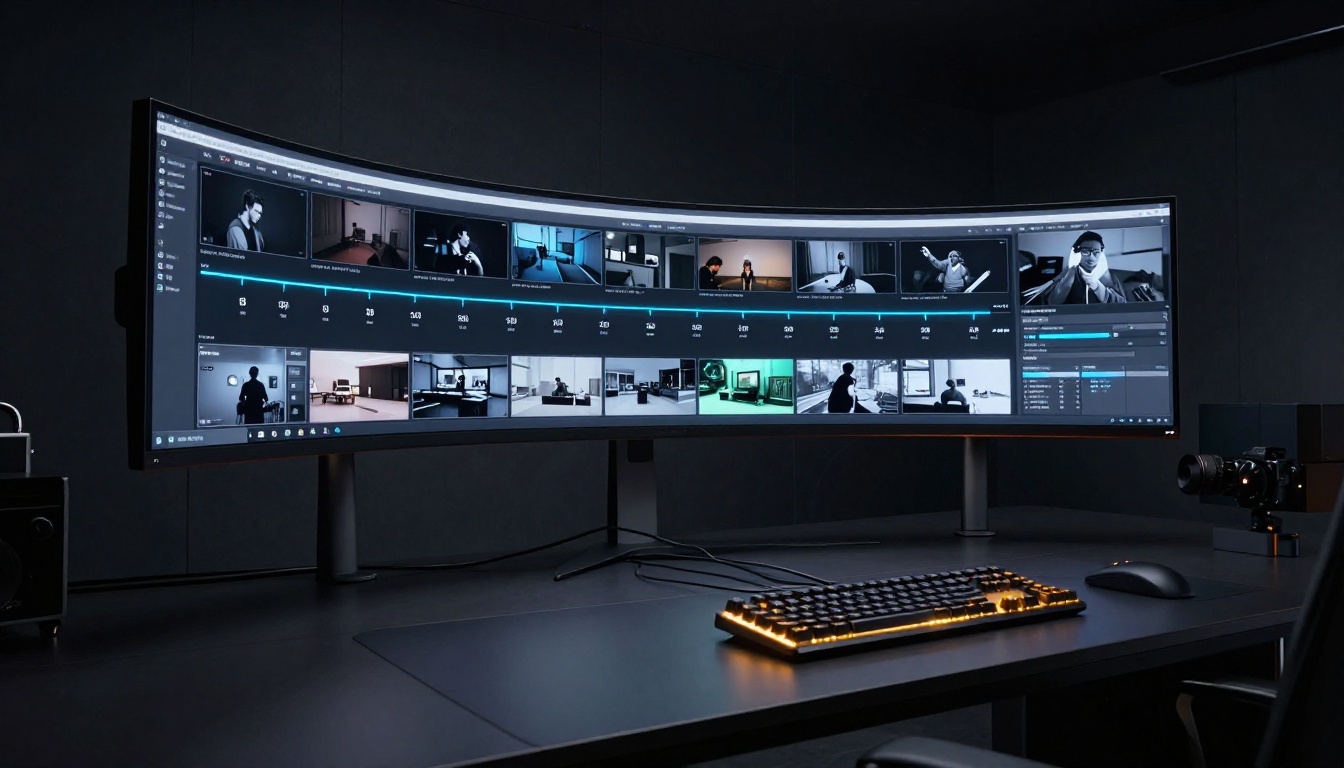
Kling v3 vs Earlier Versions
The generational leap from v2.1 to v3 is as significant as the content policy change. Motion physics, face consistency across frames, and fabric and skin rendering all improved substantially:
| Version | Max Resolution | NSFW Support | Motion Quality | Native Audio |
|---|
| Kling v1.5 Pro | 1080p | Blocked | Good | No |
| Kling v1.6 Standard | 720p | Blocked | Good | No |
| Kling v2.0 | 720p | Blocked | Better | No |
| Kling v2.1 | 1080p | Blocked | Very good | No |
| Kling v3 | 1080p | Permitted | Cinematic | Yes |
The output from Kling v3 no longer has the subtle "AI slipperiness" that made earlier versions look synthetic in motion.
The Real Power Behind Kling v3
Cinematic 1080p Quality
Kling v3 Video outputs at up to 1080p resolution at 24fps. For NSFW content, resolution is not cosmetic. Skin texture, the weight and translucency of fabric, and fine motion details in hair and limbs separate professional-grade AI video from content that looks artificial.
At 1080p, Kling v3 renders micro-details accurately. A silk dress catches light differently across frames as the subject turns. Hair strands separate naturally in movement. A collarbone catches ambient light as a shoulder shifts. These details determine whether content performs on a premium platform.
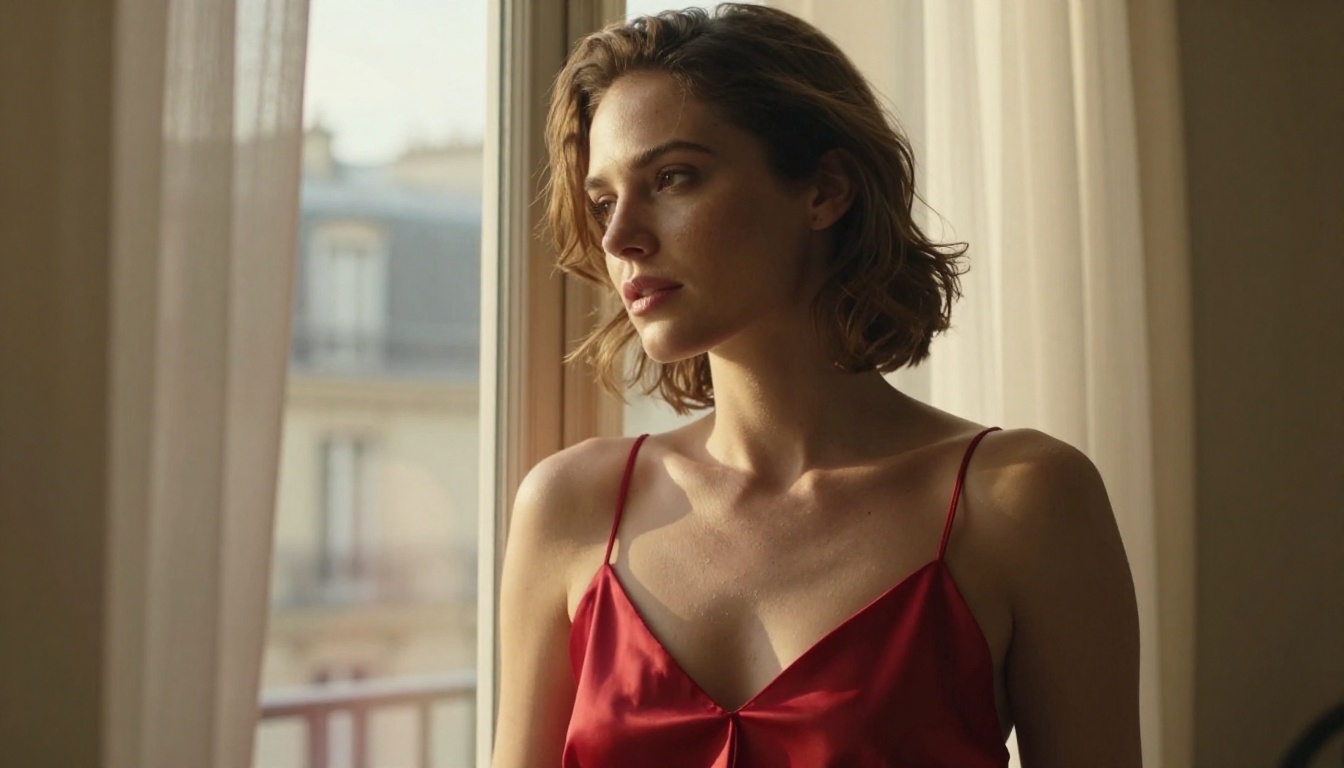
Motion Control That Works
Kling v3 Motion Control adds camera control directives that accurately follow your prompt. Earlier Kling versions sometimes interpreted camera motion loosely, producing unexpected subject movement instead of camera movement. Kling v3 separates these clearly.
💡 Pro tip: Write motion prompts in two parts. Part one: camera movement. Part two: subject action. "Slow dolly-in from full body to medium close-up. Subject turns her head toward camera, hair shifting across her shoulder, lips parting slightly." This separation produces more accurate results than mixing both into a single description.
Image-to-Video as the Primary Workflow
For mature content, image-to-video is always the more reliable path. A text-only prompt forces the model to simultaneously decide subject appearance, action, and camera movement. The results are inconsistent. When you anchor generation to a source image, the model only needs to animate what is already there, and subject consistency improves substantially.
Kling v3 Omni Video supports both text-to-video and image-to-video within the same model, letting you switch between workflows as needed.
Why This Matters for Independent Creators
The adult content creator economy runs primarily on subscription platforms where posting volume and visual quality are the two primary growth drivers. Until Kling 3.0, AI video tools forced a binary choice: high-quality models that block NSFW content, or unrestricted but lower-quality open-source alternatives.
Production Speed and Volume
A traditional professional video production shoot for adult content involves booking a model, location, photographer, lighting, and editing time. Cost: thousands of dollars, days of calendar time. With Kling 3.0 on PicassoIA: concept to finished video clip in under five minutes.
This is not about replacing human performers. It is about giving solo creators and small studios the ability to produce at the volume that platforms algorithmically reward, without scaling costs proportionally. A creator posting three pieces of content daily instead of three per week sees dramatically different platform performance.
The Professional Adult Photography Aesthetic
The "non-explicit NSFW" category Kling 3.0 supports corresponds closely to professional adult photography: alluring, aesthetically driven content that focuses on beauty, composition, and suggestion rather than explicitness. Glamour photography, boudoir shoots, fashion-adjacent adult content. This category has the broadest audience appeal and the most consistent monetization on mainstream adult platforms.
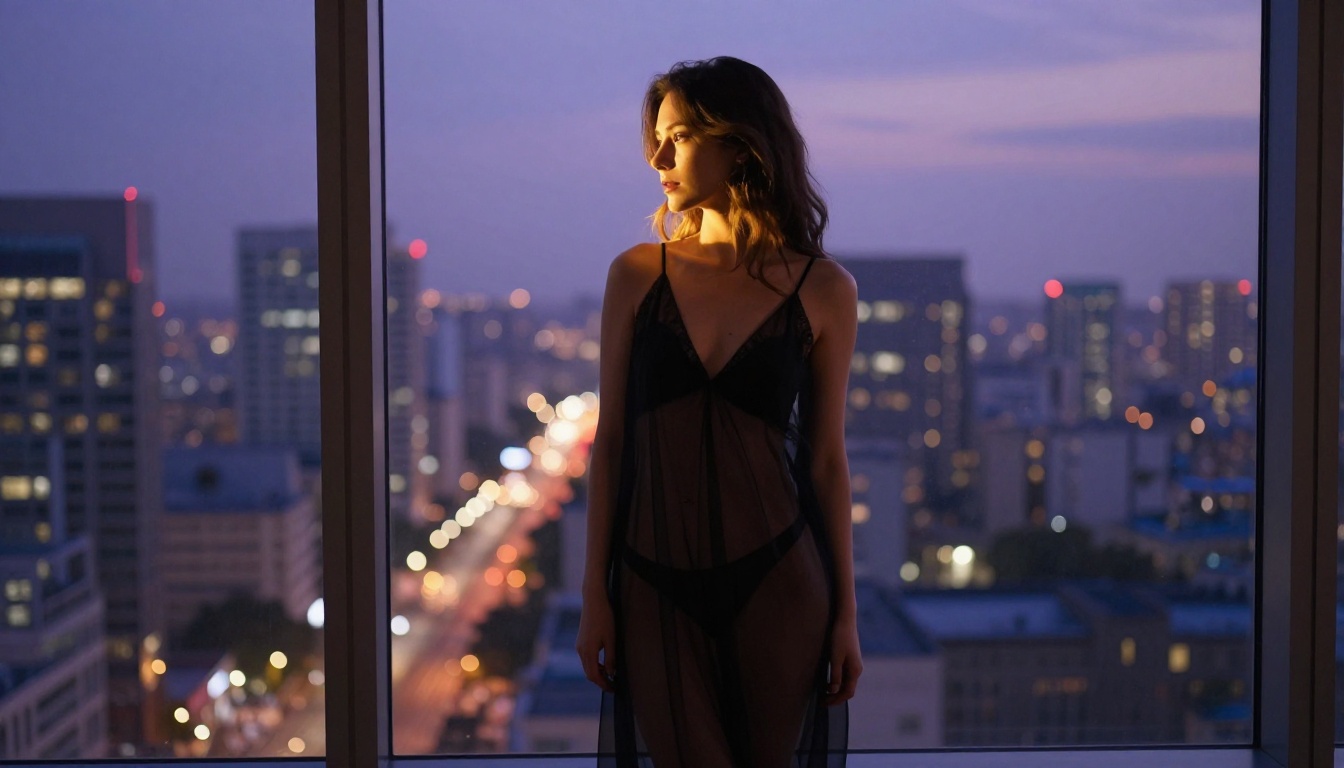
AI video that stays within this aesthetic range often performs as well or better than explicit content precisely because it relies on atmosphere, lighting, and suggestion rather than graphic detail.
How to Use Kling v3 on PicassoIA
This workflow has three steps: source image creation, animation, and optional refinement.
Step 1: Build Your Source Image with Seedream 4.5
Seedream 4.5 is the starting point for any serious NSFW AI video workflow on PicassoIA. It handles mature content without sanitizing the output, and its photorealistic skin rendering translates cleanly when the image is later animated with Kling v3.
Prompt structure that works consistently:
- Subject: Physical appearance, clothing or state of dress, pose
- Environment: Room, setting, props, background details
- Camera: Focal length (e.g., "85mm f/1.4"), shot angle (e.g., "medium close-up from slight left angle")
- Lighting: Direction, quality, color temperature (e.g., "warm incandescent from the left at 45 degrees")
- Style: Film stock, grain, color grade (e.g., "Kodak Portra 400 emulation, warm midtones")
Always use 16:9 aspect ratio for source images. Kling v3 animates 16:9 images with the least cropping or padding artifacts.
Step 2: Animate with Kling v3 Video
Open Kling v3 Video on PicassoIA and follow these steps:
- Paste the source image URL into the image field
- Write a motion-focused prompt: camera movement first, then subject action
- Choose resolution: 720p for speed and iteration, 1080p for final delivery
- Submit. Generation typically completes within 60 to 120 seconds

The most common mistakes to avoid:
- Describing appearance in the motion prompt. The model already has the source image. Only describe movement.
- Overloading the prompt. Keep motion descriptions under 60 words. Longer prompts do not improve quality.
- Using a portrait or square source image. These animate poorly in 16:9 output mode.
Step 3: Refine with Kling o1
If specific seconds of the clip need correction, Kling o1 lets you rewrite individual sections by text description without regenerating the full clip. Point to the problematic frames and describe what should happen instead. For adult content where precise motion details matter, this targeted editing saves significant time over full regeneration.
The Best Image Models for NSFW Source Frames
Not every text-to-image model handles adult content equally, and the model you choose directly affects how well the final animation works.
| Model | NSFW Support | Skin Realism | Best Use Case |
|---|
| Seedream 4.5 | Full | Excellent | Primary NSFW generation |
| Seedream 4 | Full | Very good | Alternative to 4.5 |
| Seedream 3 | Partial | Good | Stylized or experimental looks |
| Seedream 5 Lite | None | Good | SFW content only |

Do not use Seedream 5 Lite for NSFW prompts. It strips adult content elements from the output regardless of how the prompt is written, returning a sanitized result that does not match your intent.
Prompting for Maximum Realism
Three principles that consistently produce better source frames for NSFW animation:
- Lens specificity: "85mm f/1.4" vs just "portrait" changes how depth-of-field and subject size render in ways that affect how the animation reads
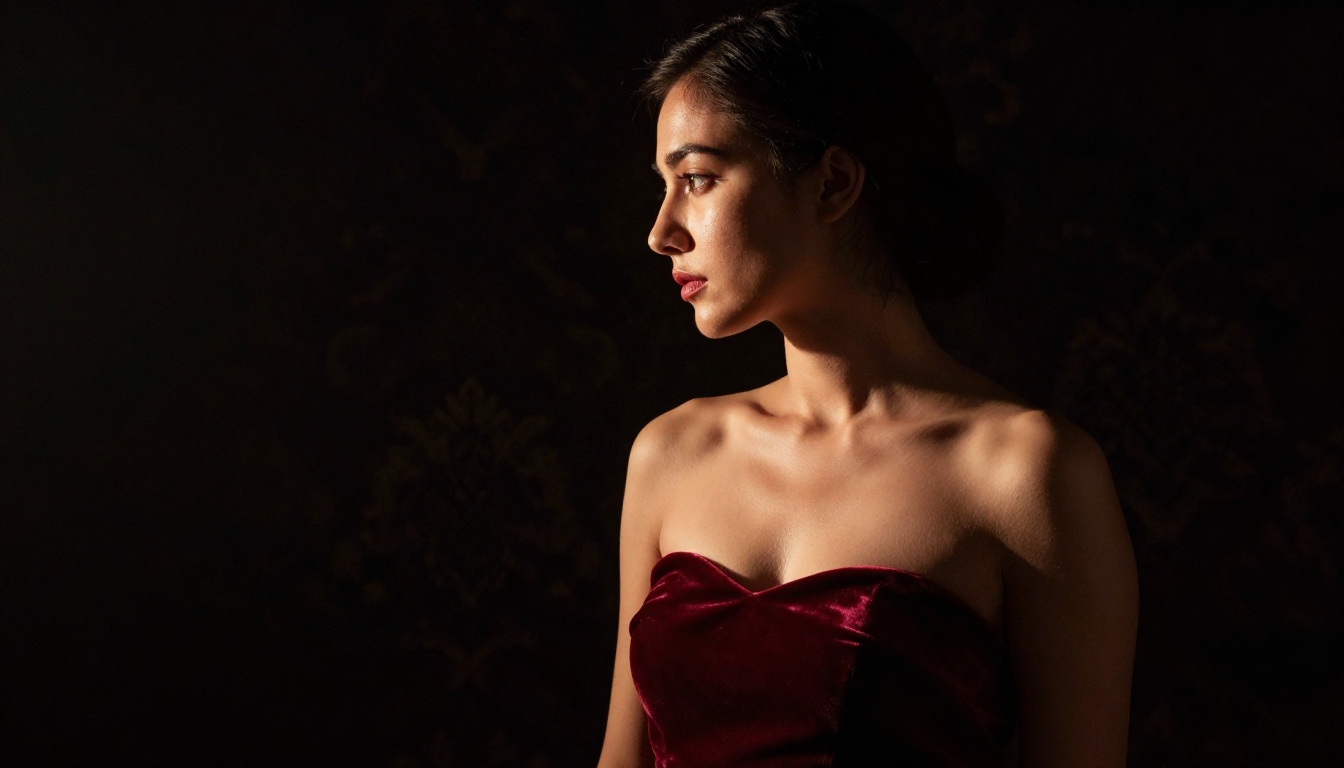
- Directional lighting: "Warm incandescent light from the left at 45 degrees, soft shadow on the right side of the face" produces more photorealistic illumination than generic lighting references
- Texture description: "Silk fabric with visible sheen and natural drape weight" vs "a dress" produces dramatically more realistic fabric rendering, which matters greatly for NSFW content where clothing is a central visual element
Other Video Models Worth Using for Adult Content
Kling v3 is the flagship option but PicassoIA hosts several other video models with distinct strengths for NSFW content.
Wan 2.7 I2V for Organic Motion
Wan 2.7 I2V produces motion that feels more natural and spontaneous than Kling's controlled cinematic output. Hair physics, fabric movement, and subtle body weight shifts come across as genuinely organic rather than AI-choreographed. For content where spontaneity is part of the aesthetic, Wan 2.7 I2V frequently outperforms Kling v3.
It handles hair and lightweight fabric particularly well, which matters for glamour and boudoir styles where these elements are visually prominent.

Seedance 2.0 for Ecosystem Compatibility
Seedance 2.0 shares training philosophy with Seedream 4.5. Images generated with Seedream 4.5 animate with notably higher subject consistency in Seedance 2.0 than when crossing to models from different vendors. Built-in audio generation adds ambient sound automatically, making the final output feel polished without additional editing steps.
Kling v2.5 Turbo Pro for Speed
Kling v2.5 Turbo Pro prioritizes generation speed. For high-volume workflows where you need many clips quickly for batch selection before final quality processing, Turbo Pro lets you iterate fast before committing to the v3 quality tier.
Kling v2.6 as a Mid-Tier Option
Kling v2.6 sits between v2.5 and v3 in the quality stack. It does not have full NSFW support but for SFW content in the same visual style, it generates faster than v3 while maintaining strong Kling aesthetic quality.
Post-Production Tools That Make a Difference
Even a strong Kling v3 generation benefits from finishing work. Three tools on PicassoIA handle the most common needs:

Kling o1: Text-based video rewriting for section-level corrections. Fix problematic frames without touching the rest of the clip.
Aleph 2: Full-video restyle from a single edited frame. Apply a different color grade, lighting treatment, or visual environment consistently across all frames in one pass. Useful when the motion is right but the aesthetic needs adjustment.
Video Increase Resolution: Upscales finished video to up to 8K. The quality increase is most obvious in skin texture and fine fabric detail, exactly the areas that matter most for adult content on high-resolution displays.
💡 Workflow tip: Generate at 720p for speed and review. Select the best take from multiple options, then upscale only that final clip. This cuts total generation time significantly while preserving output quality for delivery.
Start Creating on PicassoIA Today
The combination of Kling v3 Video for animation, Seedream 4.5 for source images, and PicassoIA's post-production suite gives adult content creators a professional-grade production pipeline at a fraction of traditional costs.
PicassoIA's unlimited image generation through the Image Editor Pro means your source frame iteration has no hard cap. You can refine and regenerate your source image as many times as needed to get composition, lighting, and subject appearance exactly right before committing to video generation.
The full model library, including every version of Kling, the Wan and Seedance series, and all video editing tools, is at picassoia.com/en/all-models.
The practical workflow: build a photorealistic source frame with Seedream 4.5, animate it with Kling v3 Video using a clear motion prompt, and refine any sections with Kling o1. That three-step process goes from blank canvas to finished NSFW video clip in under ten minutes.


