Something changed in the AI video space in 2025, and most people are still catching up to it. Kling 3.0 did not arrive quietly. It dropped with outputs that looked less like AI experiments and more like footage pulled from an actual film set. Photorealistic motion. Accurate physics. Scene continuity that held across multiple seconds without the typical flickering and distortion that plagued earlier models. For anyone who had been watching this space closely, it was immediately clear: the ceiling just moved.
This is not a rundown of specs for their own sake. It is a look at what Kling 3.0 actually does, where it genuinely outperforms the competition, how to use it right now, and what kinds of prompts produce the most cinematic results.
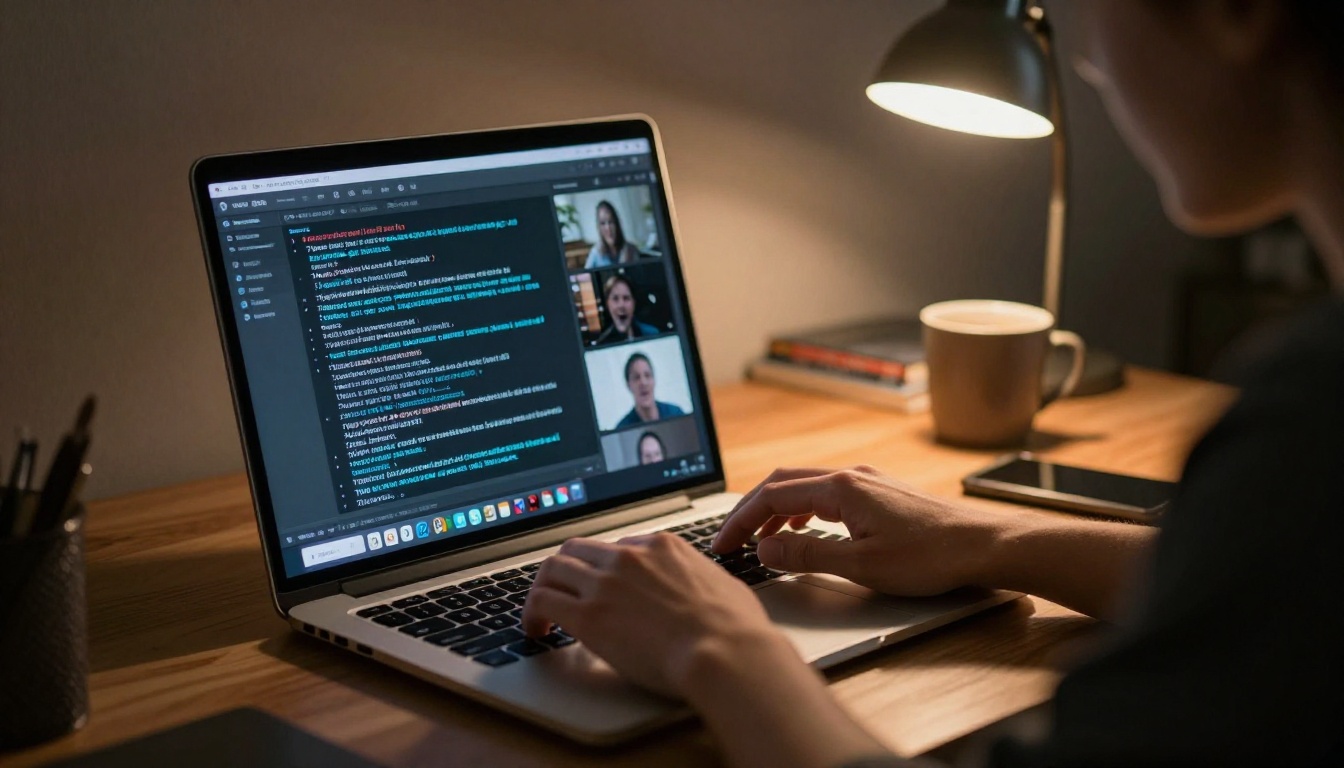
What Kling 3.0 Actually Does
At its core, Kling 3.0 is a text-to-video model built by Kwaivgi. You type a description, it renders a video clip. That part sounds simple. What is not simple is the architecture behind it and the quality of the output it produces.
The model operates on a diffusion-based video generation pipeline with a significantly expanded parameter count compared to Kling 2.x versions. The practical result is that it handles temporal coherence far better: objects do not randomly morph between frames, faces do not drift, and camera movements feel intentional rather than chaotic.
Motion That Feels Real
The most visible improvement in Kling 3.0 is motion quality. Previous AI video models struggled with anything that required realistic physical interaction. Hair blowing in the wind would turn into smearing artifacts. Water would behave like a flat texture being animated rather than an actual fluid. Fabric would distort unnaturally.
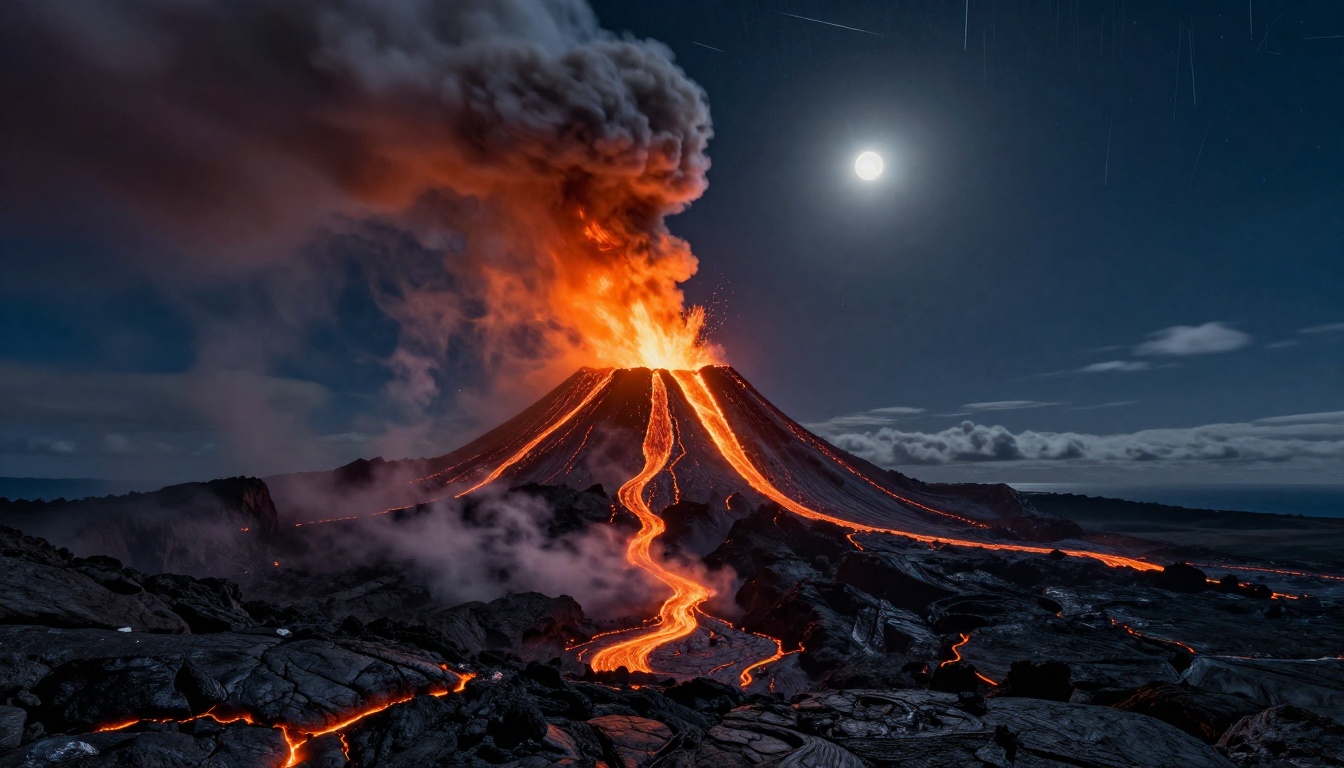
Kling 3.0 addresses this through improved physics-aware generation. The model has been trained on significantly more real-world footage, and it shows. Cloth moves with weight. Liquid has surface tension. Fire rises and dissipates the way it does in the real world.
💡 Pro Tip: Describe physical details explicitly in your prompt. Instead of "a woman's hair moving in the wind," write "loose dark hair lifted by a steady ocean breeze, individual strands separating and catching the light." The model responds to specificity.
From One Sentence to a Full Scene
One thing that distinguishes Kling 3.0 from its predecessors is its ability to interpret complex narrative prompts. Earlier models needed very short, simple descriptions to produce coherent output. Longer prompts would cause the model to get confused and blend elements together awkwardly.
Kling 3.0 handles multi-clause prompts with considerably more accuracy. You can describe a subject, an action, a specific environment, a lighting condition, and a camera angle all in one prompt, and the model will attempt to render all of it coherently.
This matters enormously for anyone trying to produce footage that has a specific cinematic feeling rather than a generic AI output aesthetic.

How Kling 3.0 Compares
The text-to-video space is now genuinely competitive. Sora 2 Pro and Veo 3 are both serious models with different strengths. Here is an honest comparison.
Kling 3.0 vs Sora 2
Sora 2 produces videos with impressive visual coherence and strong understanding of physical laws. However, Kling 3.0 has a noticeable edge in character motion fidelity and in handling scenes with multiple interacting subjects. Sora 2 sometimes produces a kind of "dream-like" quality that works beautifully for certain aesthetics but is less suitable when you need footage that reads as documentary-realistic.
Kling 3.0 vs Veo 3
Google's Veo 3 generates stunning wide-format scenic footage. Landscapes, large-scale environmental shots, and atmospheric scenes are areas where Veo 3 performs exceptionally. Kling 3.0 holds an advantage in close-up character work and in scenes requiring precise camera movement descriptions. Kling's motion control capabilities also give it an edge for anyone who needs choreographed movement.
The Stats That Matter
| Capability | Kling 3.0 | Sora 2 | Veo 3 |
|---|
| Character Motion Fidelity | Excellent | Good | Good |
| Physics Simulation | Excellent | Excellent | Good |
| Prompt Complexity Handling | Excellent | Good | Good |
| Scenic / Environmental | Good | Good | Excellent |
| Close-Up Realism | Excellent | Good | Good |
| Camera Control | Excellent | Good | Good |
| Generation Speed | Fast | Medium | Medium |
5 Video Types It Handles Best
Not every use case benefits equally from Kling 3.0's specific strengths. These are the five categories where it consistently produces its most impressive results.
Cinematic Storytelling
Short narrative clips with a clear emotional arc. A character walking through a rain-soaked alley. A couple meeting unexpectedly in a crowded market. A soldier returning home. Kling 3.0's character fidelity makes these moments feel genuine rather than artificial.
The key is writing prompts that describe both the action and the emotional quality of the light. "Warm afternoon light falling across her face" will produce something very different from "harsh overhead fluorescent light," even with the same action described.
Product Showcase
For brands and advertisers, Kling 3.0 is a significant tool. The model handles close-up product shots with controlled lighting exceptionally well. Perfume bottles, watches, sneakers, food products: all benefit from its ability to render realistic materials and light interaction.
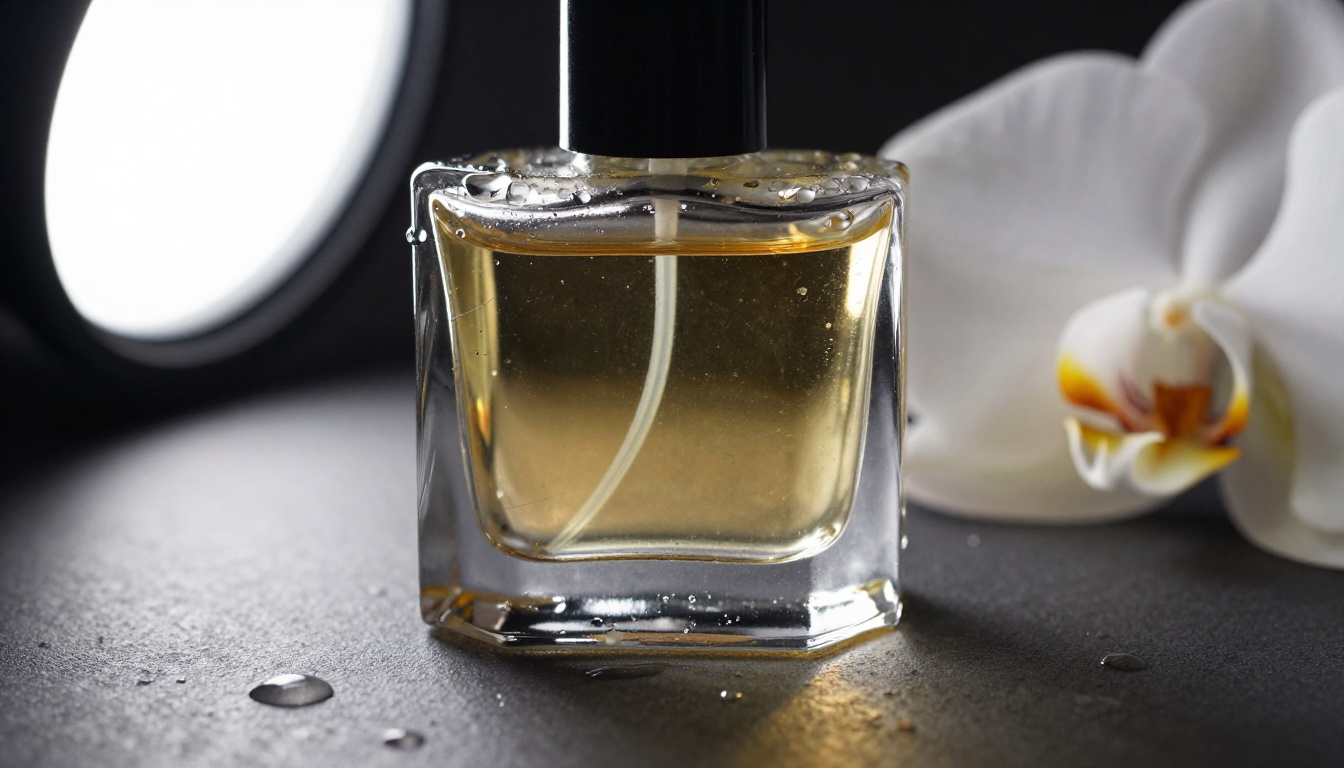
Pair this with Kling V3 Omni Video for product sequences that include both a wide establishing shot and a detailed close-up in the same generation.
Music Videos
The visual language of music videos, fast cuts, dramatic lighting changes, stylized environments, is something Kling 3.0 handles with particular flair. Its ability to maintain a consistent aesthetic across a prompt makes it ideal for creating a series of related clips that can be edited together.
💡 Pro Tip: For music video content, specify a color palette in your prompt. "Desaturated blues and grays with single warm practical light sources" gives you consistent visual style across multiple generations.
Action Scenes
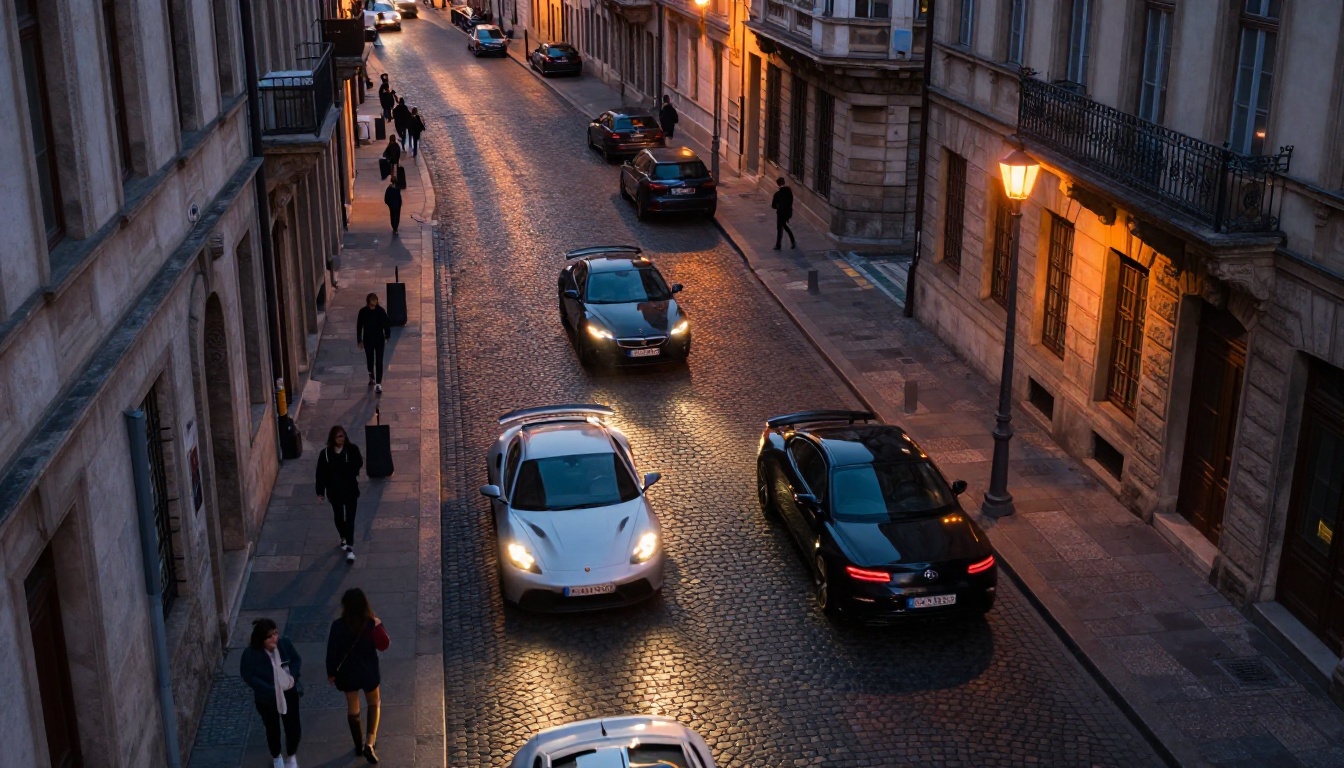
High-motion sequences are traditionally where AI video models fall apart. Kling 3.0 is the first model that consistently produces action sequences without major artifacts. Car chases, fight scenes, running through crowds: they still require careful prompting, but the results are now genuinely usable.
The Kling V3 Motion Control variant adds an extra layer of precision here, letting you specify exactly how motion should be transferred and applied within the scene.
Lifestyle Content
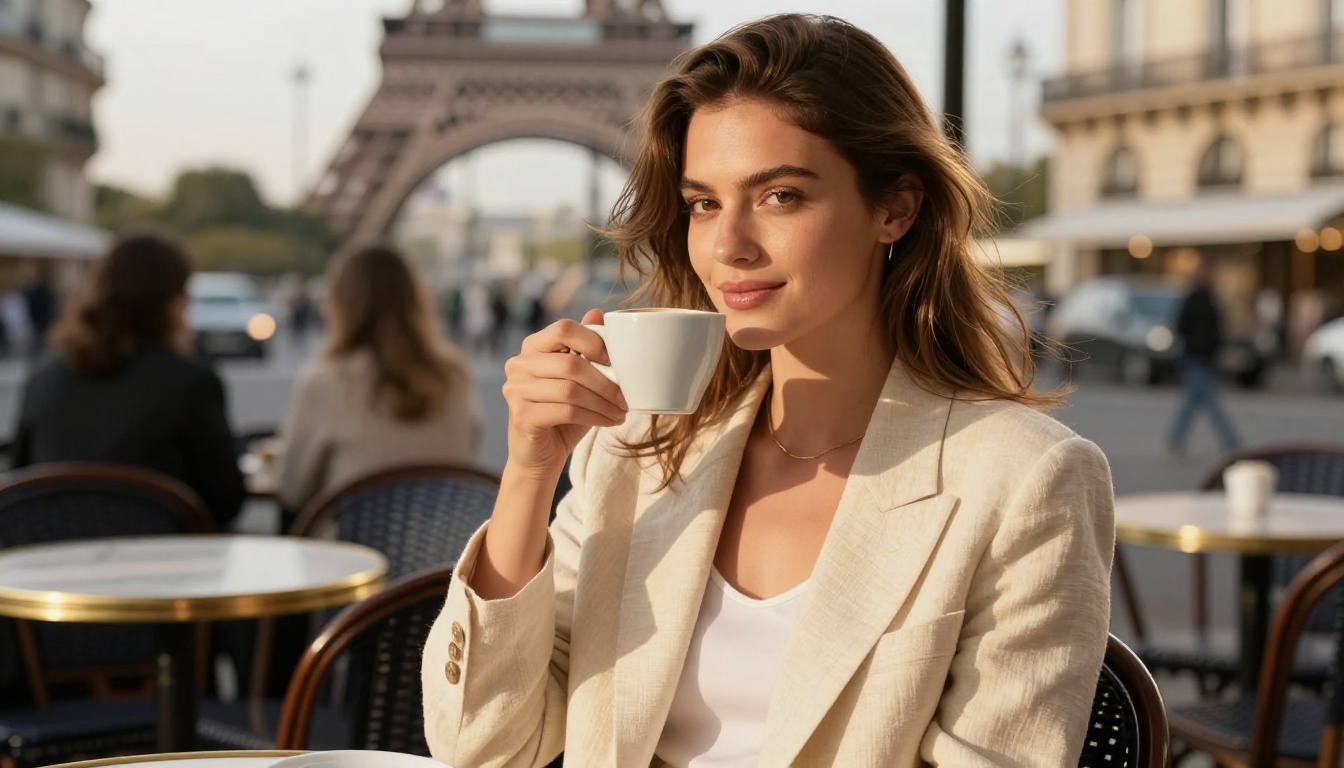
For brands in fashion, travel, wellness, or food, Kling 3.0 produces lifestyle footage that reads as authentic. A woman reading in a sunlit apartment. Friends at a rooftop dinner. Someone hiking at sunrise. This category benefits enormously from the model's photorealistic rendering of natural light and everyday environments.
How to Use Kling V3 on PicassoIA
PicassoIA hosts three distinct Kling v3 model variants, each suited to different production needs. Here is exactly how to use them.
Step 1: Pick Your Model
Start by identifying which variant fits your project:
- Kling v3 Video: The standard text-to-video model. Best starting point for most use cases. Handles cinematic scenes, character shots, and environmental footage.
- Kling V3 Omni Video: Accepts both text and image inputs. Use this when you have a reference image and want to animate it or use it as a visual anchor for your output.
- Kling V3 Motion Control: For sequences where precise character or camera motion needs to match a reference. Ideal for dance, choreography, and sports footage.
You can access all three directly on PicassoIA without any setup or API key management.
Step 2: Write a Strong Prompt
The quality of your output is directly tied to the quality of your prompt. Structure your prompts in four parts:
- Subject: Who or what is the focus? Be specific. "A woman in her 40s with short silver hair" is better than "a woman."
- Action: What is happening? Describe movement in physical terms. "Walking slowly against a strong wind, pressing one hand against her coat" is better than "walking outside."
- Environment: Where is this taking place? Include time of day, weather, and any specific architectural or natural details.
- Camera: How is the shot composed? "Low-angle shot from below, 35mm lens, shallow depth of field" tells the model exactly how to frame the scene.
Step 3: Set Your Parameters
Within PicassoIA's interface for Kling v3 Video, you will find several key parameters:
| Parameter | Recommended Setting | Notes |
|---|
| Duration | 5-10 seconds | Longer clips require stronger temporal coherence in prompts |
| Resolution | 1080p or higher | Use 4K output for commercial or broadcast use |
| Aspect Ratio | 16:9 | For cinematic output; use 9:16 for social vertical |
| CFG Scale | 7-9 | Higher values follow the prompt more literally |
| Motion Intensity | Medium-High | Adjust based on how much physical movement your scene requires |
Step 4: Download and Use It
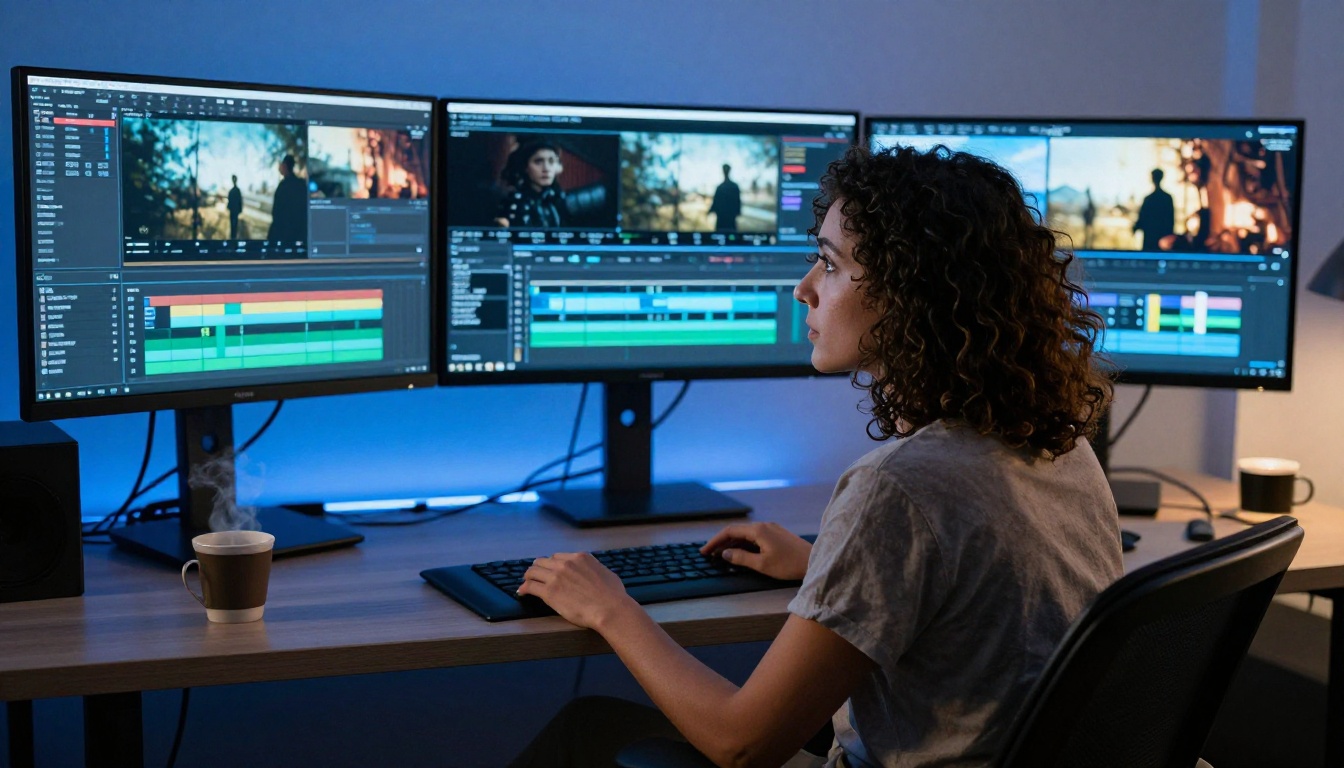
Once generation completes, you can download the clip directly from PicassoIA. The output comes as an MP4 file ready for use in any NLE (non-linear editor) like Premiere Pro, DaVinci Resolve, or Final Cut Pro. No watermarks on paid tiers.
For a sequence of clips, generate each shot separately and assemble them in post. Kling 3.0 maintains consistent character appearance well across separate generations if you keep your subject description identical.
Real Prompts That Actually Work
Here are three prompt structures that consistently produce strong results with Kling 3.0.
Dramatic Action
"A man in a dark trenchcoat sprinting through a crowded Tokyo street at night, neon signs reflecting off wet pavement beneath his feet, rain falling in diagonal sheets illuminated by streetlights, shot from ground level with a 28mm wide-angle lens tracking him from the side, other pedestrians blurred from speed contrast, 8K cinematic, photorealistic"
This prompt works because it specifies subject, motion type, environment, weather, light sources, camera position, lens choice, and the relationship between subject and background.
Emotional Scene
"An elderly woman sitting alone at a kitchen table in early morning light, both hands wrapped around a ceramic mug, steam rising slowly, the window behind her showing frost on the glass and bare winter trees, natural morning light from the left, 85mm lens, shallow depth of field, quiet and still atmosphere, photorealistic 8K"
Stillness is harder than motion for AI video models. This prompt works because it specifies what is NOT moving (the woman is still) while what IS moving (steam, possibly frost condensation) is minimal and specific.
Product Demo
"A close-up shot of a luxury watch resting on a dark marble surface, camera slowly orbiting the watch at ground level in a 180-degree arc, warm single-source spotlight from above creating sharp shadow, watch face reflecting the light clearly, 100mm macro lens, 8K, photorealistic product photography aesthetic"

What Kling 3.0 Still Struggles With
Honest assessment: there are scenes that still do not work consistently. Knowing them saves you time.
Complex dialogue scenes with two characters speaking to each other remain unreliable. Lip sync in purely text-to-video generation is not accurate enough for anything requiring lip-readable speech. For that use case, pair the output with Kling Avatar V2, which handles talking avatar generation specifically.
Very long clips (over 15 seconds) often show temporal drift, meaning the scene gradually shifts in ways not described in the prompt. The sweet spot is 5-10 second clips assembled in post.
Crowds and groups are still difficult. When more than three or four characters are in frame, proportions and motion coherence degrade. It is better to imply a crowd (blurred background figures, ambient crowd noise described) than to prompt for one explicitly.
Text and signage within the video remains inaccurate. Kling 3.0 cannot reliably render readable text within the scene. If you need text in your video, add it in post-production.
Try It on PicassoIA Right Now
The fastest way to understand what Kling 3.0 is capable of is to run a generation yourself. Reading about it and watching curated demos only tells part of the story. Your specific use case, your specific prompts, will reveal things that no article can.
PicassoIA gives you direct access to Kling v3 Video, Kling V3 Omni Video, and Kling V3 Motion Control alongside 86 other text-to-video models for comparison. If Kling 3.0 does not suit a particular shot, you can immediately test the same prompt with Gen-4.5 by Runway, Sora 2 Pro, or Veo 3 without switching platforms.
The barrier to creating cinematic-quality AI video has dropped significantly. What used to require a production budget and post-production pipeline is now achievable in minutes from a text box. Kling 3.0 is the most capable version of that technology available today.

The only question is what you will make with it.


