Every AI video tool makes the same promise: faster clips, better motion, lower bills. Then you run a batch of twenty generations and the invoice tells a different story. Kling 3.0 Turbo is built around one idea, which is to shorten the wait between your prompt and a usable clip. Whether that is worth paying for depends on three things: how fast it really is, what each second of footage costs, and how much video you can get from a single generation.
This article puts numbers on all three. It also tells you where Turbo is the right pick, where a cheaper or longer model wins, and how to test the Kling family on PicassoIA today.
💡 Quick take: Kling 3.0 Turbo generates 3 to 15 second clips at 720p or 1080p with synchronized audio. Third-party pricing sits around $0.11 per second at 720p and $0.14 per second at 1080p. It is a speed product, not a budget product.
What Kling 3.0 Turbo Actually Is
Release and positioning
Kling AI released Turbo in June 2026 as a lower-latency sibling of the main Kling 3.0 model. The pitch is simple. You keep the visual style that made Kling popular for cinematic motion, but you get results sooner, which matters when you iterate on a prompt eight or ten times before landing the shot.
It handles both text to video and first frame image to video. In the second mode you supply a still photo and the model animates it, which is the most reliable way to control framing, wardrobe, and color.
Where it sits in the Kling family
Kling has shipped so many versions that the naming gets confusing. Here is how the relevant ones line up, with the models you can use on PicassoIA.
| Model | Strength | Typical role |
|---|
| Kling 3.0 Turbo | Lower latency, audio included | Fast iteration, quick drafts |
| Kling v3 Video | Cinematic motion and detail | Hero shots and final renders |
| Kling v3 Omni Video | Text to 1080p with multimodal input | Complex scenes with references |
| Kling v3 Motion Control | Character movement from a reference | Animating characters with set motion |
| Kling v2.5 Turbo Pro | Earlier fast generation line | Budget friendly drafts |
| Kling v2.6 | Stable, well tested motion | Reliable general use |
⚠️ Availability note: Kling 3.0 Turbo does not have its own model page on PicassoIA at the time of writing. The closest options are Kling v3 Video and Kling v3 Omni Video, which share the same generation family. Use those to judge whether the Kling 3 look suits your project before you pay for Turbo anywhere else.
How Fast Is It Really?
What the numbers say
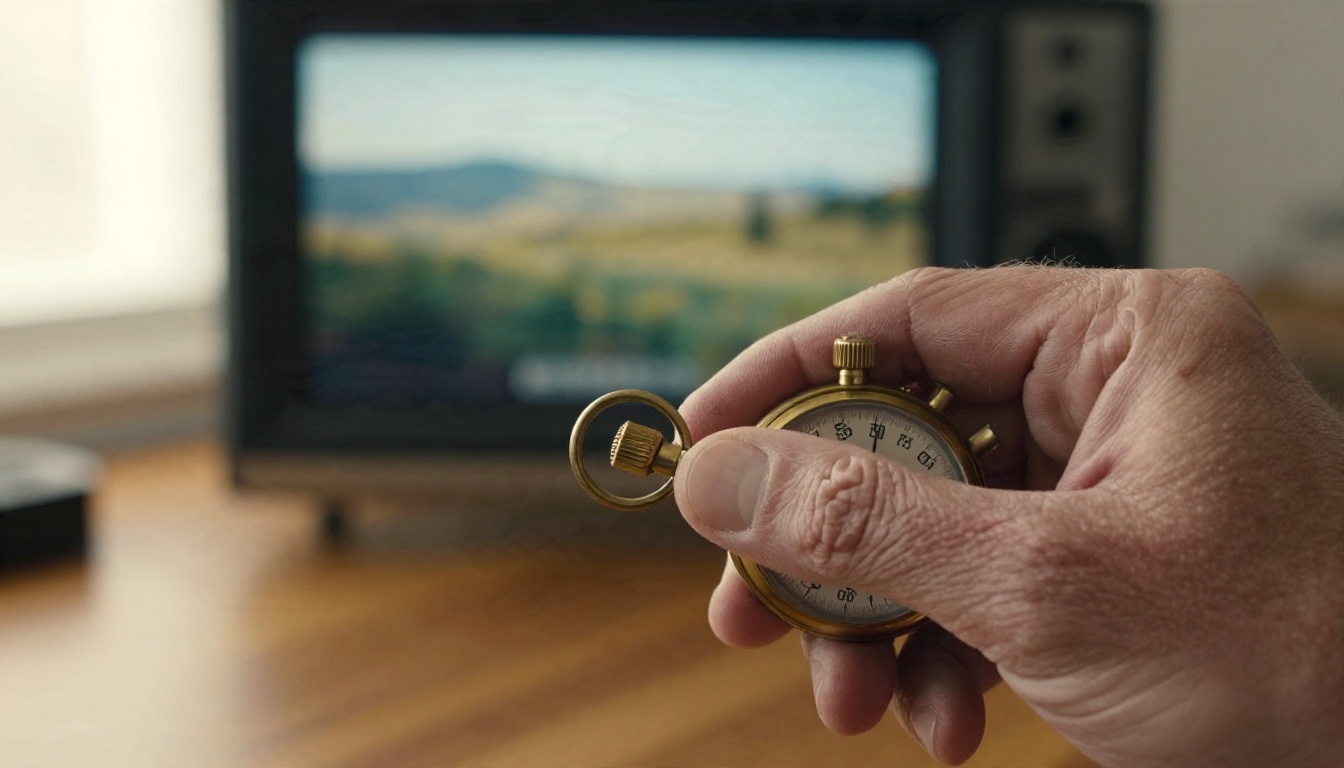
Here is the honest part. Kling describes Turbo as the faster, lower-latency option, but no public benchmark gives a fixed generation time. Anyone quoting "exactly 40 seconds" is guessing, because render time shifts with clip length, resolution, queue load, and the platform you use.
What you can say with confidence:
- Turbo is positioned ahead of standard Kling 3.0 on latency.
- A 5 second 720p clip lands in the range most creators call "a short coffee sip", while a 15 second 1080p clip takes noticeably longer.
- Queue time on busy platforms often matters more than model speed.
💡 Tip: Time your own first three generations. Write down the clip length, resolution, and wait. That personal benchmark is worth more than any marketing chart.
Speed in a real workflow

Speed is not about bragging rights. It changes how you work. When a clip returns quickly, you can run a loop that looks like this:
- Write a prompt with one clear action.
- Generate a short 3 to 5 second draft at 720p.
- Adjust only one variable, such as camera move or lighting.
- Repeat until the motion is right.
- Render the final at higher resolution or longer duration.
Teams that review work together benefit most. A product video draft that arrives during a meeting can be corrected in that same meeting. A draft that arrives the next morning cannot.
The Real Cost of Turbo

Per-second pricing
Kling bills by the second of output. Official list pricing is quoted in yuan, roughly ¥0.8 per second at 720p and ¥1 per second at 1080p, audio included. Third-party hosts convert that to dollars with slightly different results:
| Resolution | Approx. price per second | 5 second clip | 10 second clip | 15 second clip |
|---|
| 720p | $0.11 | about $0.55 | about $1.10 | about $1.65 |
| 1080p | $0.14 | about $0.70 | about $1.40 | about $2.10 |
Hosts list anything from roughly $0.106 to $0.14 per second, depending on resolution and provider fees. Treat the table as a planning range, not a quote.
Where costs creep up
A single clip looks cheap. A project does not. Consider a 30 second ad built from six 5 second shots, where you need an average of four attempts per shot:
- 6 shots × 4 attempts × 5 seconds = 120 seconds generated
- At $0.11 per second, that is about $13.20 for a 30 second spot
- At $0.14 per second (1080p everywhere), about $16.80
The trick is that drafts should never be rendered at your final resolution. Draft at 720p, finalize only the winners at 1080p, and your bill drops by roughly a quarter on rejected takes.
Is Turbo the cheapest Kling option?
Sources disagree here. Some comparisons call Turbo the cheaper choice, while others point out that standard Kling 3.0 carries a lower per-second rate and that you pay Turbo's premium for latency. The safe reading is this: check the live rate on your platform before budgeting. If your workflow is not time sensitive, standard Kling 3.0 or an earlier model may cost less per usable clip.
Video Length and Resolution Limits

3 to 15 seconds
Turbo produces clips from 3 up to 15 seconds. That is a generous range compared with models locked to 5 or 8 seconds, and it is long enough for a full beat of action: a person walks in, picks up an object, and reacts.
Do not assume longer is better, though. Motion drift grows with duration. A 15 second shot is more likely to change a character's face, a prop, or the background than a 5 second one. If the shot only needs a quick glance, ask for 5 seconds and save the money.
720p vs 1080p
Turbo tops out at 1080p. One comparison notes that the original Kling 3.0 is the variant offering 4K output, so if your delivery spec demands 4K, Turbo is not your final render model.
| Need | Best choice |
|---|
| Social drafts and storyboards | 720p |
| Web, YouTube, ad delivery | 1080p |
| Large screen or print-grade footage | Standard Kling 3.0 or upscale afterward |
For a clip that needs more pixels, you can render at 1080p and then run it through an upscaler from the Super Resolution or AI Enhance Videos categories on PicassoIA.
Stitching longer scenes
No single generation reaches a full minute. For longer pieces, plan scenes as a sequence:
- Generate each shot from a consistent first frame image so character and wardrobe stay stable.
- Cut on action, such as a head turn or a door opening, to hide the seam.
- Keep audio consistent by adding a single music bed across the sequence rather than relying on each clip's native sound.
If you need very long takes in one pass, Seedance 2.5 is built for clips up to 30 seconds, which makes it a better match than Turbo for extended shots.
When to Use It (and When Not To)
Best fits
Turbo earns its price when time is the scarce resource. These are the strongest cases:
- Client pitch drafts. Show three directions before lunch instead of one by Friday.
- Social content on a deadline. Trend-driven posts lose value every hour.
- Prompt testing. Find the wording that works before spending on a longer final.
- Short product shots. A 5 second rotating or reveal shot at 1080p is a sweet spot.
- Talking scenes with native audio. Because sound is generated with the clip, you skip a separate audio pass for simple ambient moments.
For spoken dialogue where lip movement must match a specific recording, add Kling Lip Sync after you pick the best visual take.
Better alternatives
Turbo is not the answer to every brief. Here is when another model makes more sense:
A simple rule: if you will generate many drafts, pay for speed. If you will generate one or two finals, pay for quality or length instead.
How to Run Kling on PicassoIA
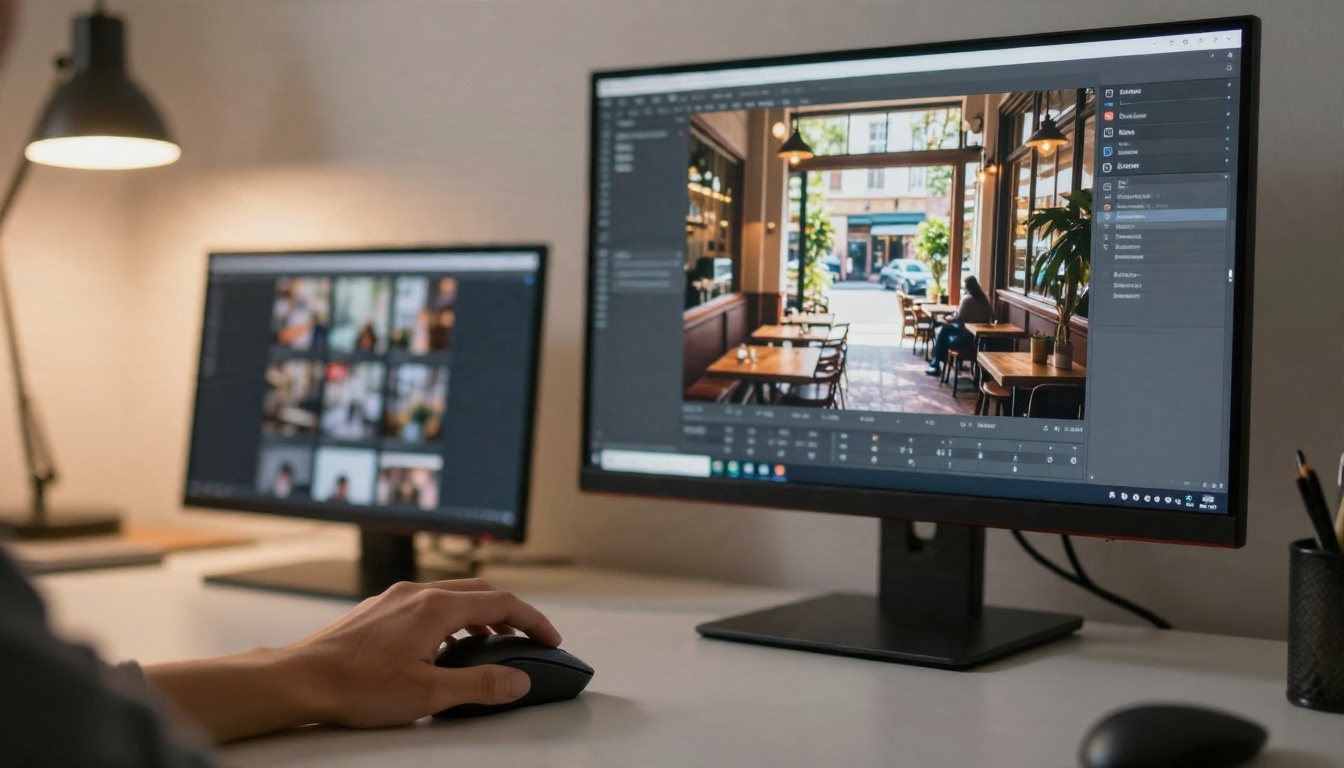
Since Kling 3.0 Turbo has no dedicated page on PicassoIA, the practical route is Kling v3 Video. It uses the same generation family, so your prompts, framing, and workflow carry over.
Step by step
- Open the model page for Kling v3 Video on PicassoIA.
- Choose your mode. Pick text to video for open-ended ideas, or upload a still image for first frame animation.
- Write a short, concrete prompt. Describe the subject, the action, and the camera move in plain sentences.
- Set duration. Start with 5 seconds. Only go longer once the motion works.
- Pick resolution. Use the lower option for drafts, the higher one for finals.
- Generate, review, and change one thing at a time. Prompt, then camera, then lighting.
💡 Pro move: Create your first frame with Seedream 4.5. A sharp, well composed still gives the video model far more to work with than a text prompt alone.
Prompt tips that save credits
- One action per clip. "She turns and smiles" works. "She turns, runs, jumps, and waves" does not.
- Name the camera. "Slow dolly in", "handheld follow", or "static wide" removes guesswork.
- State the light. "Soft window light from the left" keeps the look consistent between takes.
- Mention sound briefly. If the model generates audio, a line such as "light rain and distant traffic" shapes the result.
- Avoid text in the frame. Generated lettering often warps during motion.
Mistakes That Waste Credits

Most overspending comes from habits, not pricing. Watch for these:
- Drafting at final resolution. Every rejected 1080p take costs about 27 percent more than a 720p one.
- Defaulting to 15 seconds. Longer clips drift more and cost three times as much as 5 second ones.
- Changing five things between attempts. You cannot tell which change helped.
- Skipping the first frame. Text-only generations vary more, so you burn more attempts.
- Ignoring queue time. A "turbo" model on a crowded platform can feel slower than a standard model on an empty one.
- Trusting a single price source. Rates differ across hosts and change often.
⚠️ Reality check: If a clip needs heavy fixing, regenerate instead of patching. Spending $0.55 on a fresh 5 second attempt is cheaper than an hour of cleanup.
Quick Decision Checklist
Use this before you press generate:
- Is the clip under 15 seconds? If not, consider Seedance 2.5 or stitch shots.
- Do you need 4K? If yes, Turbo is not the final tool.
- Are you drafting? Use 720p and short durations.
- Is time the bottleneck? Turbo is a strong fit.
- Is budget the bottleneck? Compare the live per-second rate against standard Kling 3.0 and Kling v2.5 Turbo Pro.
Try It Yourself

The best way to judge any video model is to run your own prompt through it. Take one still image, write one sentence of motion, and generate a 5 second clip. Then change only the camera move and generate again. Two clips will teach you more than any comparison table.
PicassoIA gives you the whole Kling line in one place, from Kling v3 Video and Kling v3 Omni Video to Kling v2.6, along with Seedance, Veo, Wan, and LTX for side by side tests. Pair them with image models for first frames, lip sync for dialogue, and upscalers for final delivery.
Open the full catalog at picassoia.com/en/all-models, pick two models, and run the same prompt through both. Your own results will tell you quickly whether Turbo-style speed is worth the extra cents per second for your work.


