Two of the most hyped AI video tools in 2025 are going head to head, and the gap between them is smaller than you might think. Kling 3.0 from Kuaishou Technology and Pika 3.0 from Pika Labs both dropped significant updates this year, and creators everywhere are asking the same question: which one actually wins?
This is not a theoretical breakdown. We ran both tools through real-world video generation scenarios to compare motion quality, prompt accuracy, scene complexity handling, speed, and pricing. Here is what we found.
The Two Contenders
Before picking sides, you need to know what each tool actually changed in its 3.0 update. These are not incremental tweaks.
What Kling 3.0 Brings
Kling 3.0 is from Kuaishou Technology, the company behind some of the sharpest AI video outputs over the past two years. Version 3.0 represents a substantial leap from 2.6, with better motion coherence, sharper subject tracking, and a dramatically improved understanding of physical world behavior like fabric draping, liquid movement, and crowd dynamics.
The biggest upgrade is in motion realism. In earlier versions, Kling often produced video that looked incredible in static frames but fell apart when subjects moved across the frame. Kling 3.0 fixes this with improved temporal consistency, meaning characters and objects stay visually coherent across all frames, not just the first and last.
Changes in Kling 3.0:
- 5-second to 10-second clip generation at 1080p
- Improved camera motion control with options for pan, tilt, dolly, and orbit
- Stronger physics simulation for hair, water, and cloth
- A dedicated motion brush for regional animation control
On PicassoIA, you can access Kling v3 Video, Kling V3 Omni Video, and Kling V3 Motion Control directly from the browser, no local setup required.
What Pika 3.0 Brings
Pika Labs entered the market with a focus on user experience, and Pika 3.0 continues that tradition. Where Kling leans into technical output quality, Pika leans into speed and ease of use. Pika 3.0 introduces "Pikaframes," a feature that lets users set a start frame and end frame and have the AI interpolate the action between them.
Changes in Pika 3.0:
- Pikaframes: start and end frame interpolation
- Scene Ingredients: drag-and-drop visual elements into prompts
- Pika Effects: one-click stylized filters applied to clips
- Higher resolution output at 1080p and 4K for Pro tier users
- Faster generation for shorter clips under 5 seconds
Pika 3.0's visual style is generally softer and slightly more cinematic out of the box. It renders skin and organic textures well, though it can struggle with highly dynamic motion sequences.
Video Quality Side by Side
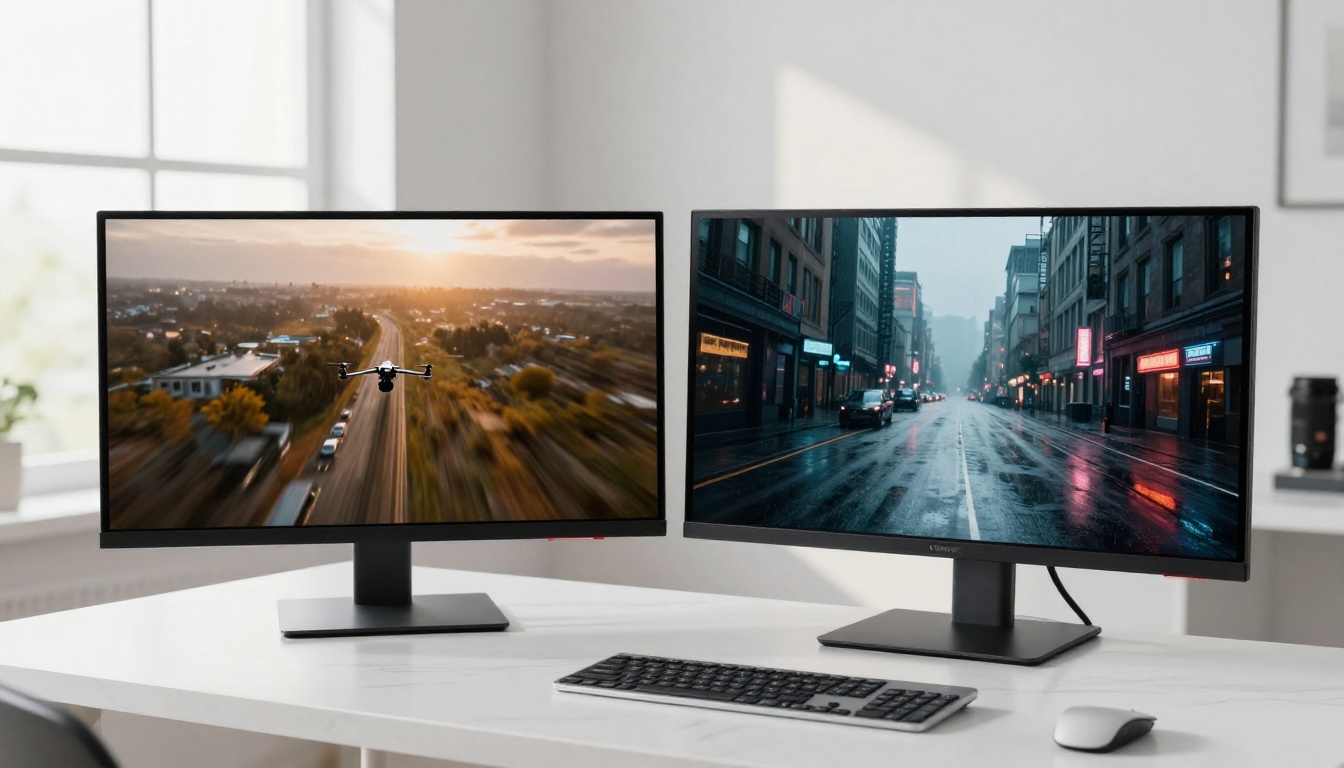
This is where the comparison gets real. Both tools claim to produce "cinematic" AI video but they arrive at very different visual signatures.
Motion Realism Tested
Kling 3.0 wins this category without debate. When you prompt both tools with the same complex motion scene, like a woman running through a crowded market or water crashing against rocks, Kling 3.0 produces noticeably smoother and more physically plausible motion. Subjects do not "slide" or "float" the way they occasionally do in Pika outputs. Limbs move with proper weight. Fabrics respond to movement with convincing drape and inertia.
Pika 3.0 improved in motion quality over its predecessor, but it still has characteristic artifacts in high-action scenes. This tends to manifest as subject warping during fast lateral movement, and edges of moving objects can soften in ways that break immersion.
Pro tip: For any video with human subjects in motion, Kling 3.0 is the clearer choice. For slow, atmospheric, or largely static scenes with simple camera movement, Pika 3.0 is more than capable.
Scene Complexity

Kling 3.0 handles scene complexity much better. Multi-subject shots, crowded environments, layered backgrounds with parallax, and night scenes with practical lighting all hold up with far fewer errors. Pika 3.0 performs well with simple, isolated subject shots but gets messy when too many elements compete for the model's attention.
| Test Scenario | Kling 3.0 | Pika 3.0 |
|---|
| Single subject, slow movement | Excellent | Excellent |
| Multi-subject crowd scene | Very Good | Fair |
| Complex background parallax | Very Good | Good |
| Water and liquid dynamics | Excellent | Fair |
| Human face close-up | Excellent | Very Good |
| Night / low-light scene | Very Good | Good |
| Abstract or stylized content | Good | Very Good |
The one area where Pika 3.0 edges ahead is stylized and abstract content. Its output leans artistic and dreamlike in a way that Kling 3.0's hyper-realism does not replicate as naturally.
Prompt Accuracy and Control
Both tools have improved significantly in how they interpret text prompts, but they interpret creativity very differently.
How Well Each Reads Prompts

Kling 3.0 follows detailed descriptive prompts with precision. If you write a long, specific prompt describing lens type, lighting direction, subject action, and background environment, Kling 3.0 executes most of those details accurately. This makes it ideal for creators who work with careful shot planning and want the AI to execute specific visual ideas.
Pika 3.0 is better at interpreting loose, creative prompts. If you write something open-ended and vibe-forward, Pika often produces surprising and visually inventive results. It fills in creative gaps in ways that feel inspired. But this makes it harder to reproduce exact visual results, because Pika's variance is part of its creative character.
In practical terms:
- High prompt precision needed: Kling 3.0
- Open-ended creative output needed: Pika 3.0 or Seedance 2.0 for even more expressive AI video synthesis results
Camera Movement and Depth

Kling 3.0 has a strong edge in camera control. Dedicated motion presets, including dolly, orbit, push-in, and crane shot, give filmmakers the ability to specify the camera's behavior directly, not just through prompt language. The Kling V3 Motion Control model is built specifically around this capability with a visual trajectory brush interface that lets you draw the camera path before generation begins.
Pika 3.0 offers camera movement through prompt language but has no dedicated UI controls for trajectory. You can get decent results writing prompts like "slow dolly right" or "push in toward subject," but execution is less reliable than Kling's explicit controls.
For depth of field, both tools handle foreground and background separation reasonably well, but Kling 3.0's shallow depth simulation produces more convincing bokeh falloff and focus transitions across the frame.
Speed, Pricing, and Access
Technical output is only part of the story. How fast each tool runs and what it costs matters just as much for daily production work.
Who Gets Results Faster
Pika 3.0 is faster for short clips. A 3 to 5 second clip typically processes in under a minute on Pika's platform. Kling 3.0 takes longer, usually 2 to 4 minutes for comparable outputs, and longer still for 10-second clips at 1080p. This speed gap narrows at higher resolutions where both tools require comparable compute time.
For rapid iteration and quick social content creation, Pika's faster turnaround is a real advantage. For high-quality final renders where output quality is the priority, Kling's results are worth the extra time.
The Real Cost Breakdown
| Plan | Kling 3.0 | Pika 3.0 |
|---|
| Free Tier | Limited credits per month | Limited daily generations |
| Basic Paid | ~$8/month | ~$8/month |
| Pro Tier | ~$28/month | ~$28/month |
| Enterprise | Custom pricing | Custom pricing |
Pricing is similar across both platforms at comparable tiers. The main difference is what you get per credit. Kling's credit system charges more per high-quality 10-second generation, while Pika's system is more generous with shorter clips. If your workflow requires many short clips, Pika may stretch your budget further. If you need fewer but higher-quality outputs, Kling's per-unit cost makes sense.
Both platforms offer API access for developers at enterprise tiers, which opens them up for integration into automated video production pipelines.
There is no single winner here. The right tool depends entirely on what you are making and how you work.
For Social Media Creators
Pika 3.0 is the better daily driver for social media creators. Its speed, ease of use, and effects system are optimized for high-volume short content. The Pikaframes feature is particularly useful for creating polished transitions and looping clips for Instagram Reels and TikTok.
Kling 3.0 is better reserved for social media creators who post less frequently but want each video to carry stronger visual impact. A weekly cinematic AI video series benefits far more from Kling's output quality and motion realism.
For Filmmakers and Studios
Kling 3.0 is the professional-grade choice. Its motion coherence, camera control via Kling V3 Omni Video, and ability to handle complex multi-element scenes make it the tool production teams will rely on. You can use Kling V3 Motion Control for pre-visualization of shot sequences, set design exploration, and background generation for compositing workflows.
For professional narrative work, Gen-4.5 by Runway is also worth considering on PicassoIA for its strong character persistence and narrative consistency across multiple shots in a sequence.
For Marketing Teams
Marketing teams benefit most from Kling 3.0 when producing polished product videos, brand films, and high-quality visual assets. Its realism makes product animations convincing and its motion quality holds up when video is scaled for large-format display.
Pika 3.0 works well for marketing teams producing rapid social content, A/B testing creative concepts quickly, or generating animated variants of static brand assets without a full production budget.
Using Kling 3.0 on PicassoIA
Since Kling 3.0 models are available directly on PicassoIA, you can access them without a separate account or API setup. Here is how to get started.
Step by Step
- Go to Kling v3 Video on PicassoIA
- Write your prompt in the text field. Be specific: describe the subject, environment, lighting, and camera movement
- Select your output duration: 5 or 10 seconds
- Set your aspect ratio: 16:9 for landscape video, 9:16 for vertical social content
- Click Generate and wait for your clip to render
For precise motion control, use Kling V3 Motion Control instead. This version includes a visual brush interface where you can draw motion trajectories on your reference image before generation begins.
Tips for Better Results
A prompt structure that works well with Kling 3.0:
"[Subject] [Action] in [Environment], [Lighting description], [Camera movement and lens], [Atmosphere]"
For example: "A young woman in a white dress walks slowly through a sunlit lavender field, warm afternoon sidelight from the left, slow dolly right with 85mm lens depth of field, gentle wind moving through the flowers around her"
Tips that make a real difference:
- Add negative prompts to filter out common artifacts: "blurry, warped limbs, morphing faces, watermark"
- Use the motion intensity slider in PicassoIA's interface to control how much movement is applied per region
- Start with 5-second clips to test your prompt before committing to a full 10-second render
- For multi-clip projects, keep lighting descriptions consistent across prompts to maintain visual coherence between shots
- If you want to sharpen the final output, PicassoIA includes super resolution options for 4K upscaling after generation
Make Your Own AI Videos
The comparison matters, but nothing replaces running your own prompts through both tools. Both Kling 3.0 and Pika 3.0 have free tiers that let you generate without spending anything, and the fastest way to know which one fits your workflow is to test your actual use case with your actual creative prompts.
If you are ready to move beyond reading about AI video generation and start producing, PicassoIA gives you access to Kling v3 Video, Kling V3 Omni Video, Kling V3 Motion Control, and over 80 other text-to-video models from a single interface. No separate subscriptions, no API credentials to configure, no local hardware required.
Write a prompt. See what comes back. Refine it. The distance between what you imagine and what you can produce has never been shorter.


