The battle between Kling 3.0 and Runway Gen-4 has been one of the most closely watched matchups in AI video generation this year. Both tools have made massive leaps forward, and both are genuinely impressive, but they are built around fundamentally different priorities. This breakdown cuts through the noise and puts both tools side by side across every dimension that actually matters: motion quality, prompt adherence, camera control, output resolution, generation speed, and pricing.
If you are a filmmaker, content creator, or someone who wants to generate realistic video from text or images, this is the comparison you need before spending a single dollar.
Before getting into benchmarks, it helps to understand the philosophy baked into each platform. These two tools were not built to be the same thing, and that shapes everything from how you write prompts to what the output actually looks like.
Kling 3.0 at a Glance
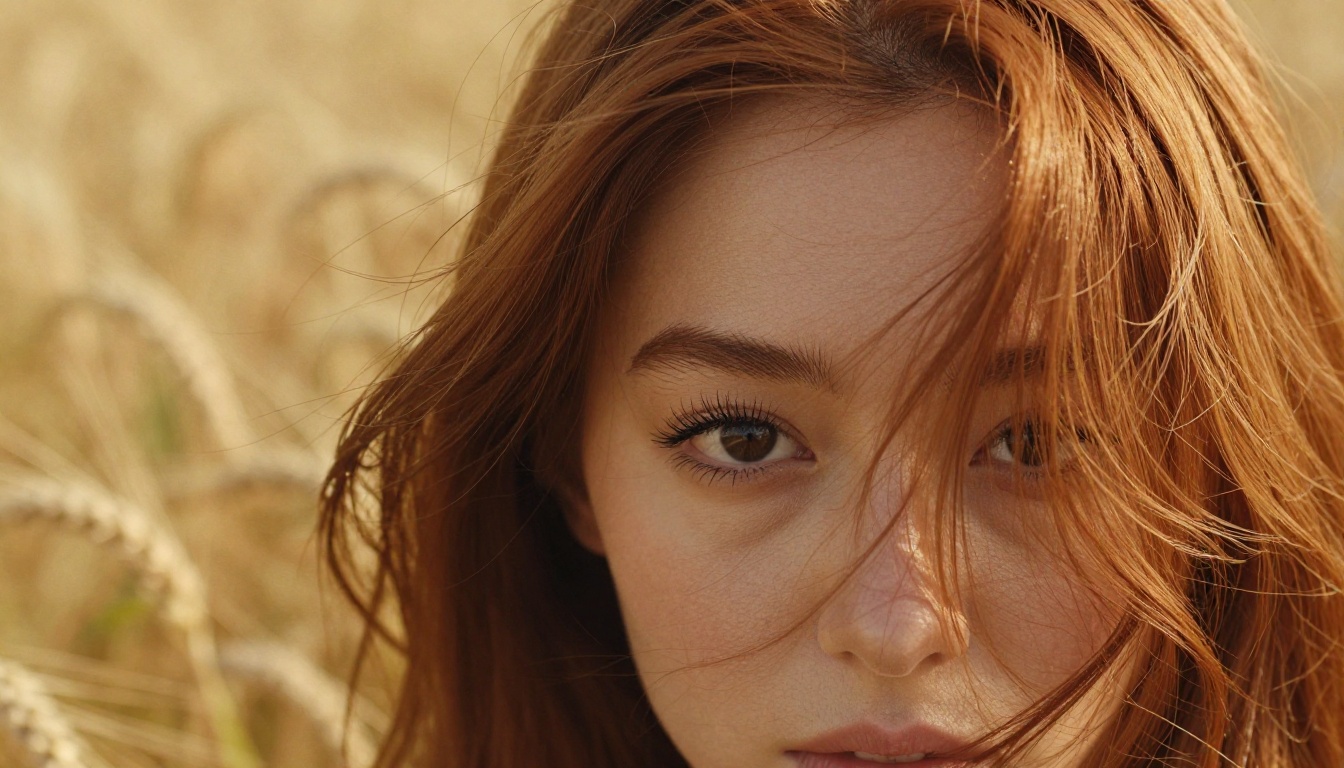
Kling v3 Video is developed by Kuaishou Technology, the Chinese company behind one of the world's largest short-video platforms. That origin story matters. Kling was trained on an enormous library of real-world video content, which gives it a deep instinct for natural motion, temporal coherence, and physics-based movement. Version 3.0 introduced major improvements to character consistency, body anatomy during motion sequences, and prompt fidelity across complex scenes.
The Kling v3 family includes several specialized variants, all accessible directly on PicassoIA:
- Kling v3 Video: The core text-to-video model. Best for generating scenes from written descriptions.
- Kling V3 Omni Video: Accepts both text and image input simultaneously.
- Kling V3 Motion Control: Transfers motion from a reference video onto newly generated characters.
- Kling v2.6: Previous generation, still highly competitive for fast draft iterations.
Runway Gen-4 at a Glance

Gen-4.5 by Runway comes from Runway ML, a New York-based company with deep roots in the professional VFX and filmmaking community. Gen-4 was designed with cinematic precision as its north star. It excels at following complex compositional prompt instructions, maintaining consistent visual styles across multiple clips, and producing output polished enough for professional post-production pipelines.
Where Kling 3.0 leans hard into organic realism, Runway Gen-4 leans into controllability and visual consistency. Neither is objectively better. They reward different workflows.
Motion Quality: The Real Difference
This is where the comparison gets genuinely interesting, because both models have made very different bets on what "good motion" actually means.
How Kling 3.0 Handles Physics

Kling 3.0's motion engine is built around physical plausibility. Fabric drapes correctly under gravity. Hair responds to wind with natural inertia. When a character walks, their weight shifts believably through each stride. Water ripples realistically from disturbance. This is a direct product of training on massive real-world video datasets that contain millions of examples of how physics actually behaves.
In practical terms:
- Fluid dynamics: Water, smoke, and cloth all behave with realistic physics responses
- Body movement: Natural limb articulation without the "rubber limb" distortion common in earlier models
- Background stability: Static environmental elements remain locked even during complex camera movement
- Secondary motion: Hair, clothing, and loose objects react realistically to primary subject motion
The weakness: Kling 3.0 can sometimes overshoot physical motion in rapid-action sequences, where fast movements occasionally produce minor anatomical inconsistencies in extremities. Hands and fingers remain the most challenging element for any current AI video model.
Runway Gen-4's Motion Approach
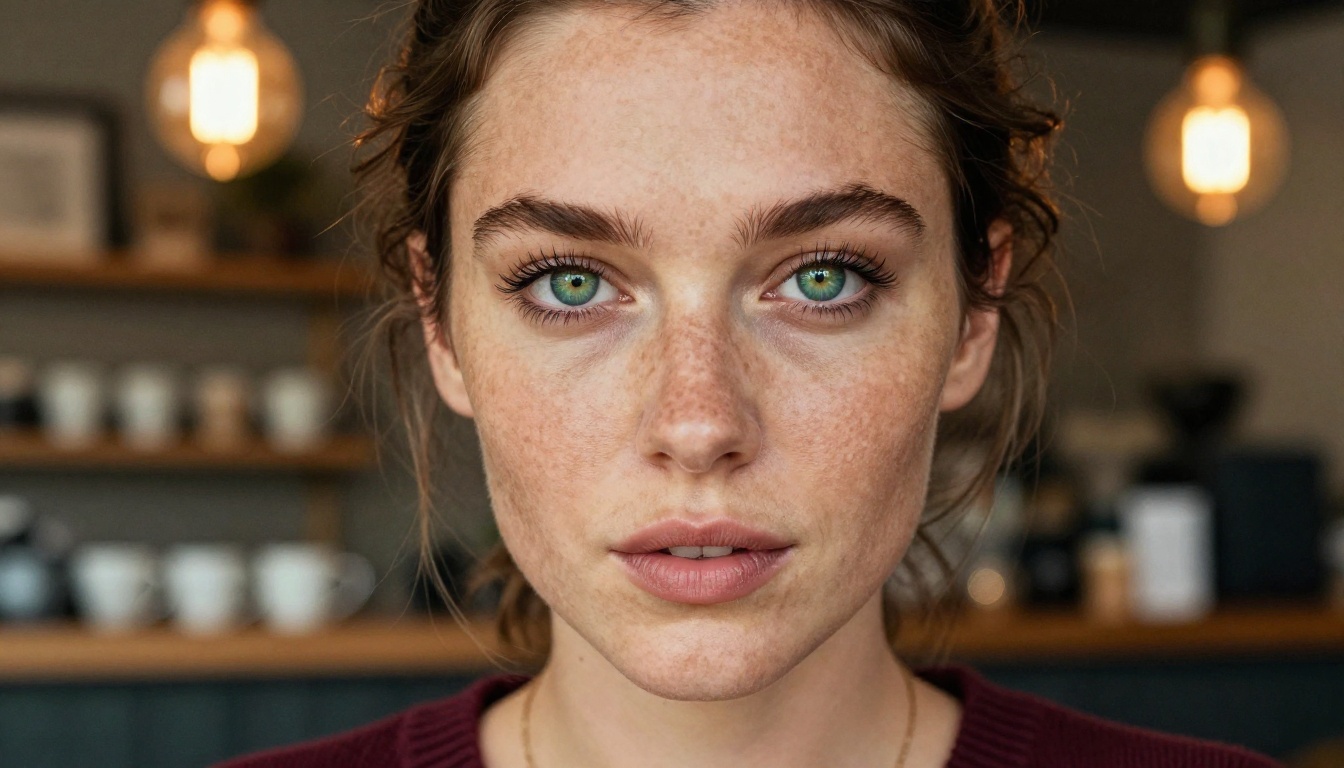
Runway Gen-4 takes a more controlled, top-down approach to motion. Rather than simulating raw physics from the ground up, it produces stylistically consistent motion that stays true to the aesthetic of the input prompt or reference image. This is ideal for scenes where visual coherence matters more than raw physical realism.
Runway Gen-4's motion strengths:
- Character consistency: The same person or object maintains identical appearance across every frame
- Style lock: The cinematographic aesthetic stays locked throughout the clip duration
- Controlled transitions: Smoother motion arcs with intentional pacing
- Minimal temporal drift: Colors, lighting, and textures do not drift or flicker between frames
The tradeoff: in highly dynamic scenes with fast subject movement or complex environmental interactions, Runway Gen-4's output can feel slightly sanitized compared to Kling's organic physicality.
💡 Verdict on Motion: Kling 3.0 wins for organic, realistic movement and physical plausibility. Runway Gen-4 wins when you need frame-to-frame visual consistency above all else.
Prompt Adherence and Control
Both models handle text-to-video generation, but how accurately they follow instructions differs significantly depending on the type of prompt.
Text-to-Video Accuracy

Kling 3.0 is strong on subject and action accuracy. If you write "a woman in a red coat walks down a rainy cobblestone street at night," Kling will nail the environment, the character's attire, the wet surface reflections, and the rain physics. Where it occasionally falls short is in very precise spatial relationships between multiple subjects, or highly abstract compositional instructions.
Runway Gen-4, partly shaped by professional VFX workflows, excels at multi-element compositions. You can specify camera angles, foreground and background layering, lighting setups, and stylistic references directly in your prompt, and Gen-4 will follow them with impressive accuracy. For complex storyboard-style prompts that require multiple elements to interact correctly, Runway has a clear advantage.
| Feature | Kling 3.0 | Runway Gen-4 |
|---|
| Subject accuracy | Excellent | Excellent |
| Environment detail | Excellent | Very Good |
| Multi-element composition | Good | Excellent |
| Style adherence | Very Good | Excellent |
| Action and motion fidelity | Excellent | Very Good |
| Abstract prompt interpretation | Good | Very Good |
Image-to-Video Fidelity
When starting from a still image rather than a text prompt, the two tools diverge noticeably. Kling 3.0's Omni Video model animates images with natural motion extension, adding movement that feels organic and consistent with the source content. A portrait photograph becomes a person breathing naturally. A landscape becomes gently swaying trees and drifting clouds.
Runway Gen-4 treats the reference image as a style anchor, preserving its full aesthetic while introducing directed motion as specified in the accompanying prompt. For portrait animation and character-focused content, Kling's output feels more lifelike. For scene composition with specific directorial intent, Runway Gen-4 maintains tighter control.
Camera Movement and Cinematics
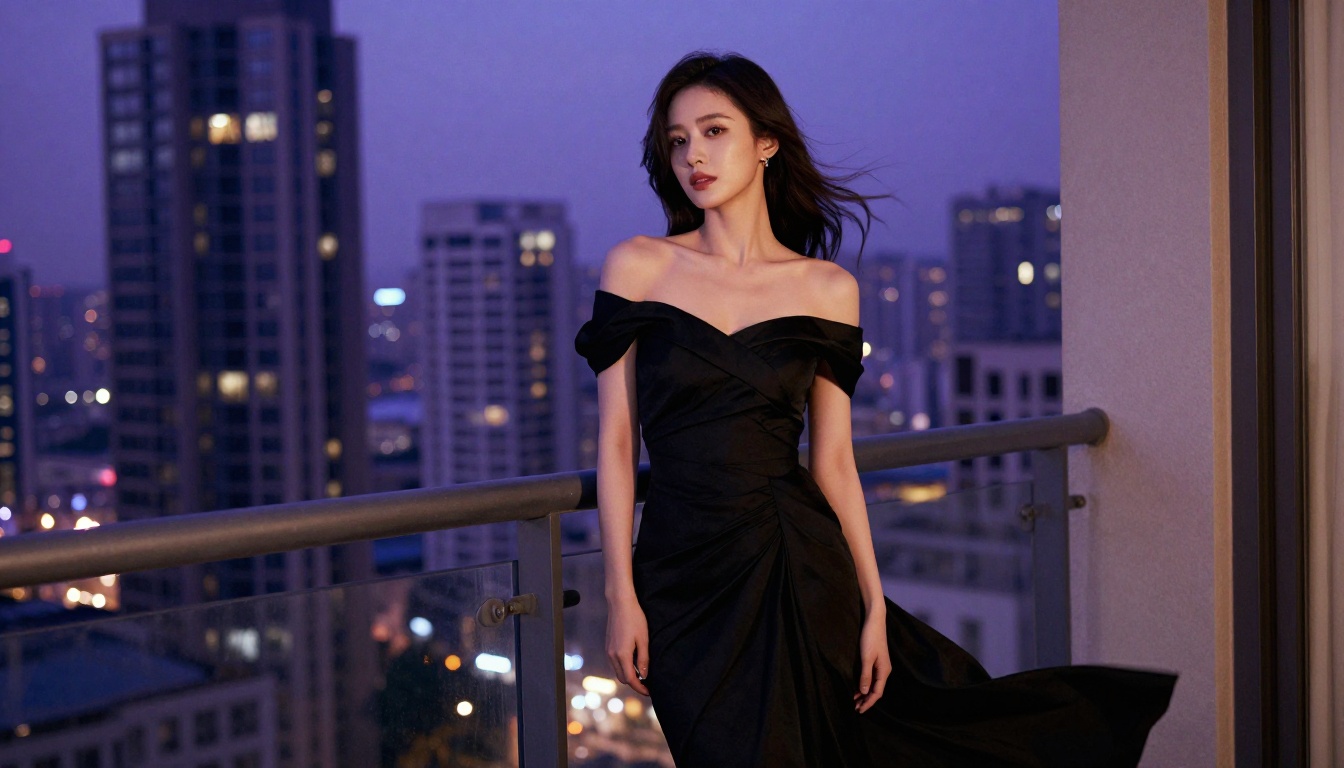
Camera control is one of the most underrated capabilities in AI video generation, and it is an area where the two platforms take genuinely different technical approaches.
Kling's Cinematic Toolkit
Kling V3 Motion Control is a standout feature for anyone who thinks like a cinematographer. It allows you to:
- Transfer camera motion from a reference video clip onto a freshly generated scene
- Define camera trajectories including dolly-in, dolly-out, pan, tilt, orbit, and crane movements
- Sync character motion with camera movement for sophisticated tracking shots
- Control motion intensity to determine how aggressively the camera moves through a scene
This capability is genuinely powerful for creators who have a specific shot in mind but lack access to a physical camera rig. You can upload a reference clip from a film with the exact camera movement you want, and Kling will replicate that movement in your AI-generated scene.
Runway Gen-4's Camera Controls
Runway Gen-4 offers camera control through descriptive prompting and a dedicated camera motion interface. You specify pan direction, zoom speed, and movement style in your prompt text, and the model interprets these into smooth, deliberate camera behavior. The implementation is intuitive for directors who think in shot language rather than motion data.
What Runway does significantly better: virtual camera stabilization. Even in complex multi-subject scenes with significant action, the virtual camera stays exceptionally steady, producing output that requires minimal stabilization in post-processing.
💡 Verdict on Camera Control: Kling wins for motion transfer and physics-based tracking shots. Runway wins for clean stabilization and precise art-directed camera work.
Speed, Output Length and Resolution
Generation Times Compared
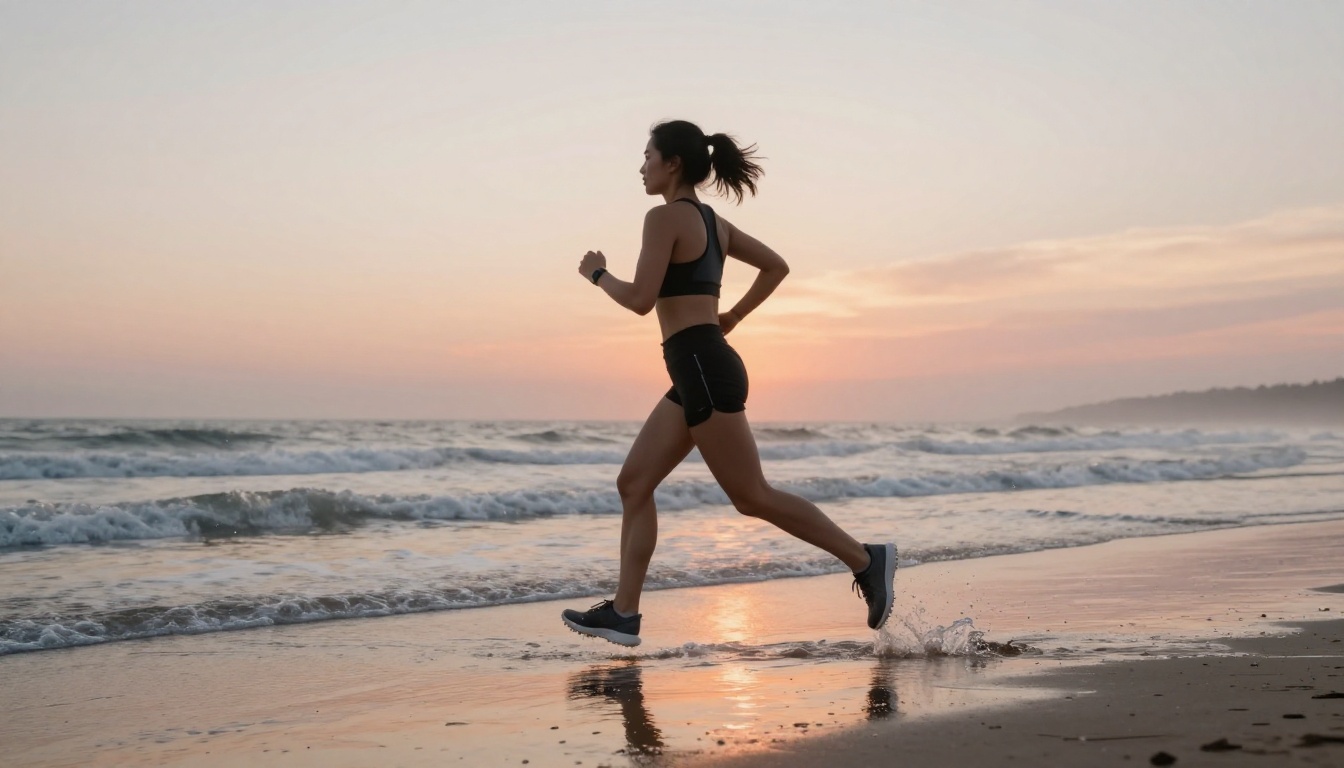
Speed matters in a real production workflow where you may be iterating through dozens of prompt variations. Here is how both platforms typically perform:
| Metric | Kling 3.0 | Runway Gen-4 |
|---|
| Standard generation | 2 to 4 minutes | 1.5 to 3 minutes |
| High-quality mode | 4 to 8 minutes | 3 to 6 minutes |
| Turbo or fast mode | Under 90 seconds | Under 2 minutes |
| Maximum video length | 10 seconds | 10 seconds |
| Maximum resolution | 1080p | 1080p |
Kling's v2.6 variant is notably faster for rough draft iterations, while Runway's standard queue is marginally quicker on average for final-quality output. Neither tool dominates on speed in a way that should drive your decision alone.
Max Length and Output Quality
Both models currently cap at 10-second clips per generation pass. For longer productions, both require clip chaining and stitching in a video editor. This is industry-standard for current AI video tools and is not specific to either platform.
In terms of raw visual quality at 1080p, the two are closely matched. Kling 3.0 has a noticeable edge in texture and surface realism, particularly in skin, fabric, and environmental materials. Runway Gen-4 produces output with cleaner out-of-the-box color grading, reducing the need for correction in post. Both can produce work that holds up in professional contexts when prompted well.
Pricing: What You Actually Pay
Kling 3.0 Pricing Tiers
Kling uses a credit-based system tied to generation quality and duration:
- Free tier: Limited monthly credits, standard quality queue
- Starter: Approximately $8 to $10/month for around 660 credits
- Pro: Approximately $28 to $30/month for 3,000 credits
- Premier: Approximately $78/month for 8,000 credits
A single high-quality 5-second Kling v3 generation costs roughly 10 to 35 credits depending on the quality mode selected. At Pro tier pricing, you get somewhere between 85 and 300 generations per month.
Runway Gen-4 Pricing
Runway operates on a similar credit model:
- Free tier: 125 credits on signup, limited monthly renewal
- Standard: $15/month for 625 credits
- Pro: $35/month for 2,250 credits
- Unlimited: $95/month for unlimited standard generations
A 10-second Gen-4.5 clip costs approximately 50 to 100 credits. This makes Runway noticeably more expensive per second of generated video than Kling at equivalent plan tiers. For high-volume creators, that gap adds up fast.
💡 Verdict on Pricing: Kling 3.0 delivers significantly more video output per dollar at every subscription level.
How to Use Kling v3 on PicassoIA
Since Kling v3 is available directly on PicassoIA alongside Runway Gen-4.5, you can generate professional-quality AI video from a single platform without juggling multiple subscriptions. Here is how to get the best results.
Step 1: Pick the Right Kling v3 Model
The three Kling v3 variants serve different use cases:
- Kling v3 Video: Pure text-to-video. Write a description, get a clip. Best starting point for new projects.
- Kling V3 Omni Video: Combine a reference image with a text prompt. Ideal for animating photographs or specific reference frames.
- Kling V3 Motion Control: Upload a video with the camera or character motion you want to replicate. Most powerful option for cinematography-driven work.
Step 2: Write a Strong Prompt
Kling v3 responds best to structured, scene-oriented prompts that include every relevant production detail. A strong Kling prompt includes:
- Subject: Who or what is in the scene, with physical description
- Action: Exactly what they are doing, with motion quality descriptors ("walks slowly", "spins quickly", "drifts gently")
- Environment: Location, time of day, weather, and spatial depth
- Camera: Angle, movement type, and distance from subject
- Mood: Lighting quality, color palette, and atmospheric feel
Example: "A woman in a white linen dress walks barefoot along a narrow cobblestone street in the south of France at golden hour. Camera follows from behind at medium distance with a slow tracking dolly. Warm soft light from the left, long shadows across the cobblestones, relaxed unhurried pace."
Step 3: Set Parameters and Generate

Once your prompt is ready, configure:
- Duration: 5 seconds for draft testing, 10 seconds for final output
- Quality mode: Standard for fast iteration, Pro for final deliverables
- Aspect ratio: 16:9 for widescreen, 9:16 for vertical social content
Review the draft carefully for motion accuracy and anatomical consistency. If limbs distort during movement, add specific spatial language to your prompt. If the environment feels flat, add more lighting direction detail. PicassoIA also gives you direct access to Runway Gen-4.5 from the same interface, so you can A/B test the same prompt across both models and compare outputs directly before committing to a final version.
Which One to Pick Right Now
Both Kling 3.0 and Runway Gen-4 are genuinely excellent tools at the top of the AI video generation field. The right choice depends entirely on what you are actually trying to create.
Choose Kling 3.0 If...
- You need organic, physically realistic motion in characters, fabrics, or environmental elements
- You want more generated video per dollar at any subscription tier
- Your workflow involves motion transfer from reference footage to new scenes
- You are producing portrait or character-focused content where realism matters most
- You work iteratively and need fast turnaround on draft versions via Kling v2.6
Choose Runway Gen-4 If...
- You need tight visual consistency across multiple clips in a single project
- You are producing content where art direction and stylistic precision outweigh raw realism
- You want clean out-of-the-box color grading without post-processing corrections
- Your prompts are compositionally complex and involve multiple interacting elements
- Your primary output channel is professional film or branded video content
The smartest creative workflow right now uses both. Reach for Kling v3 Video or Kling V3 Omni Video when organic realism is the goal. Reach for Gen-4.5 by Runway when you need style-locked consistency across a larger production.
Try It for Yourself
Reading about AI video tools only gets you so far. The fastest way to settle this comparison for your specific use case is to run the same prompt through both platforms and compare the output directly. PicassoIA gives you access to Kling v3 Video, Kling V3 Omni Video, Kling V3 Motion Control, and Gen-4.5 by Runway all in one place without managing multiple accounts or API credentials.
Write your prompt once. Generate with both. The output will tell you everything this article cannot.


