The gap between "AI-generated" and "looks like real footage" has collapsed faster than anyone expected. Two models are responsible for most of that progress right now: Kling 3.0 from Kuaishou and Veo 3.1 from Google. Both produce video that routinely fools casual viewers. Both are available for public use. And both approach photorealism from fundamentally different technical angles, which means the right choice depends heavily on what you are making.
This is a direct comparison focused on one question: which model creates more convincing video that looks like it was shot on a real camera?
What Makes Kling 3.0 Different
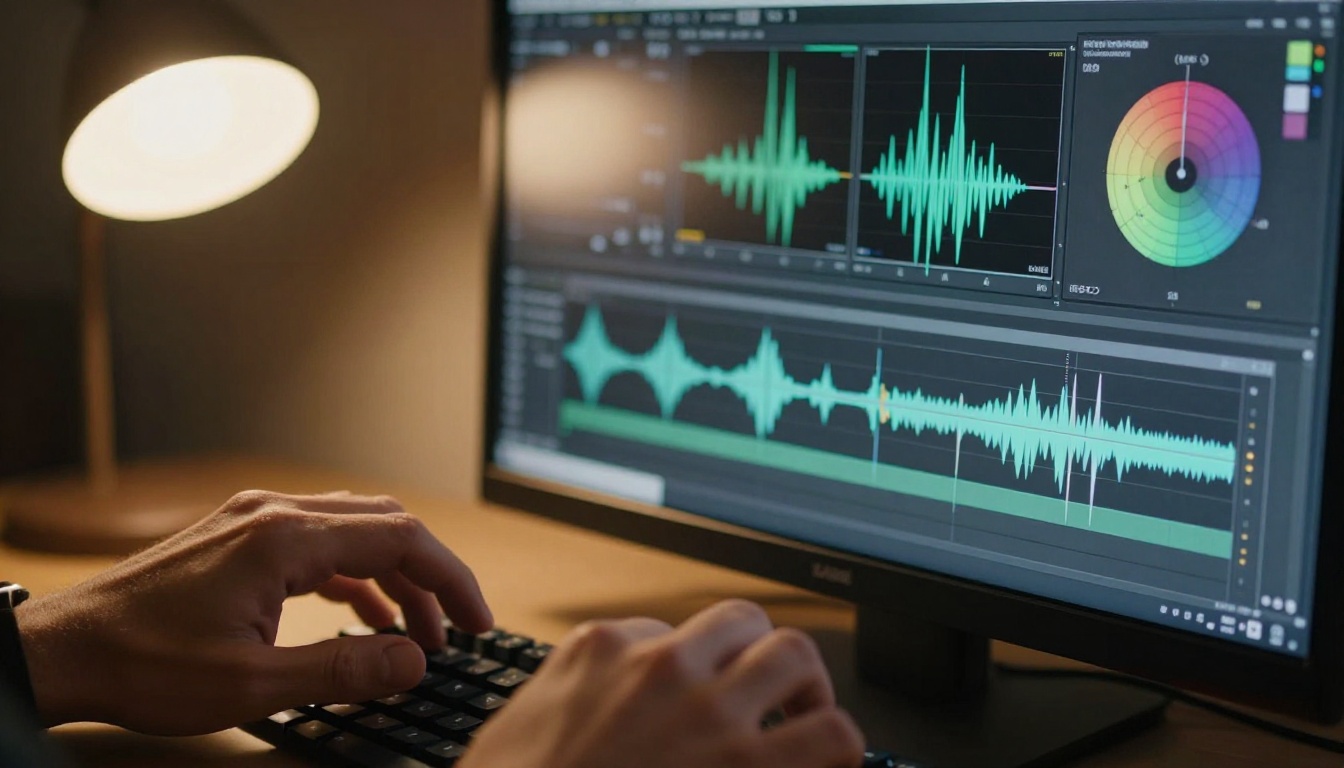
Kling 3.0 is the third major release from Kuaishou Technology, one of China's largest video platforms. What the team has built is not a simple image diffusion model adapted for time. Kling's architecture treats video as a physical simulation problem: objects have mass, light behaves according to rules, and temporal consistency is enforced across the entire clip duration rather than frame by frame.
The model ships in three production-ready variants on PicassoIA. Kling v3 Video handles standard text-to-video and image-to-video workflows. Kling v3 Omni Video adds multi-modal output including synchronized audio. Kling v3 Motion Control enables reference-based motion transfer, letting you choreograph exact movement by uploading a reference clip.
The Architecture Behind Kling 3.0
The core innovation in Kling 3.0 is its physics-informed temporal attention mechanism. Rather than predicting each frame independently and stitching them together, the model maintains a running state of the scene, tracking where each object is, how fast it moves, and how its interaction with light should evolve. This is why water, cloth, and hair in Kling outputs behave in ways that feel physically correct rather than decoratively smooth.
At the rendering level, Kling 3.0 supports up to 1080p resolution and 10-second clip durations, which is currently one of the longer maximum durations in the professional text-to-video segment. For editors assembling multi-shot narratives, the ability to generate 10-second clips rather than 5- or 8-second clips means significantly fewer cuts to manage.
What 3.0 Corrected From Earlier Versions
Kling v2.x had two well-documented failure modes. Hands were the most visible problem: extra fingers, fused joints, and unnatural rigidity during gestures appeared often enough to make close-up hand shots unreliable. Facial micro-expressions were the second issue. While v2.1 maintained identity consistency reasonably well, emotional transitions within a single clip often looked mechanical.
Version 3.0 addresses both through a dedicated body part coherence module, a component that applies additional constraints to extremities and facial feature regions during generation. The practical result is hands that articulate naturally through complex gestures and faces that sustain emotionally consistent expressions across the full clip.
What Veo 3.1 Actually Does
Google's DeepMind team released Veo 3 as a step-change in AI video quality, and 3.1 refines that foundation with improved stability and substantially stronger audio synchronization. Where Kling attacks realism through physics simulation, Veo 3.1 attacks it through rendering accuracy, specifically the way light interacts with materials.
Veo 3.1 is available in two variants on PicassoIA. The standard version prioritizes maximum quality. Veo 3.1 Fast reduces generation time significantly, making it practical for iterative workflows where you need to test multiple prompt variations before committing to a final render.
Google's Rendering Approach
Veo 3.1's technical differentiation is its understanding of material properties and light behavior. The model appears to have been trained with heavy emphasis on physically based rendering principles: subsurface scattering on organic materials like skin and plant tissue, specular reflection on hard surfaces like metal and glass, and the soft falloff of shadows at increasing distances from their source objects.
The practical impact is dramatic in close-up footage. A shot of a person's face in morning window light renders the way a cinema camera would actually capture it: warm highlights on the cheekbones, cooler shadow fill on the shaded side, and the translucent glow through ear cartilage that photographers call rim transmission. These are subtle details, but they are exactly what the human visual system uses to evaluate whether footage looks real.
Native Audio Sync
Veo 3.1 generates ambient audio natively alongside the video output. The audio and visual are generated together in a synchronized process, which means footsteps land on beats, environmental sounds correspond to visible events, and the overall audio-visual relationship feels organic rather than post-dubbed.
For solo creators and small production teams, this compresses the production timeline significantly. A scene that would previously require separate SFX sourcing and sync work comes out of Veo 3.1 ready to use, or close to it.
Note: Kling v3 Omni Video also offers audio generation, making it the Kling variant to choose when synchronized sound is a priority.
Realism, Head to Head
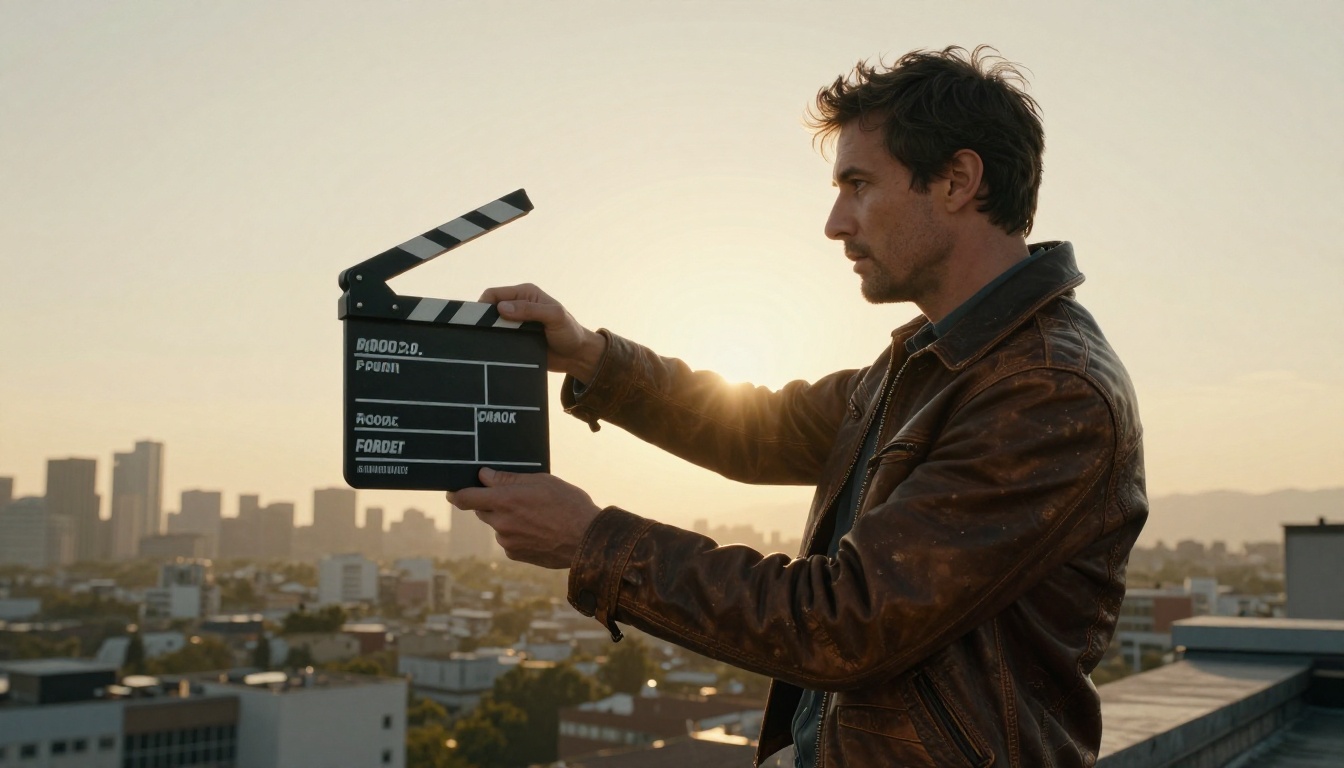
Both models produce footage that can pass as real in casual viewing. The differences emerge under scrutiny.
Skin and Facial Detail
Kling 3.0 renders skin with consistent texture across motion. Pores, stubble, and fine surface detail remain stable frame to frame, without the "skin swimming" artifact common in earlier video diffusion models. The model tends toward warmer skin tones and handles outdoor natural light exceptionally well. It is particularly strong when subjects are in motion, maintaining surface texture coherence through gestures and head turns.
Veo 3.1 renders skin with more emphasis on light interaction. In controlled interior lighting environments, particularly those with a strong directional source, Veo 3.1 produces the most convincing human close-ups of any text-to-video model currently available. The subsurface scattering simulation makes skin appear genuinely translucent rather than opaque, which is the primary visual cue humans use to distinguish living skin from a still photograph.
Bottom line on faces: Veo 3.1 in controlled studio lighting and close-up beauty work. Kling 3.0 in outdoor and natural light scenarios with subjects in motion.
Motion Blur and Temporal Consistency
Kling 3.0 generates motion blur as a physically accurate event. Fast-moving objects produce blur in the correct direction and with the correct intensity based on their velocity relative to the simulated shutter speed. Across the full 10-second clip duration, the model maintains scene geometry without drift, a common failure mode where background objects slowly shift position between frames.
Veo 3.1 excels at simulated camera movement. Dolly pushes, handheld shake, and rack focus transitions all look authentic. In scenes with multiple independently moving subjects, however, Veo 3.1 occasionally produces background inconsistency where fixed environmental elements shift subtly across the clip.
Bottom line on motion: Kling 3.0 for multi-subject dynamic scenes with long durations. Veo 3.1 for single-subject footage with complex camera movement.
Lighting Behavior Across Scenarios
| Scenario | Kling 3.0 | Veo 3.1 |
|---|
| Indoor soft diffused light | Very Good | Excellent |
| Outdoor golden hour | Excellent | Very Good |
| Low light / night scenes | Good | Very Good |
| Mixed natural and artificial | Very Good | Excellent |
| Specular reflective surfaces | Good | Excellent |
| Skin subsurface scattering | Good | Excellent |
| Fabric and cloth physics | Excellent | Very Good |
| Water and liquid physics | Excellent | Good |

The Numbers, Side by Side
| Feature | Kling 3.0 | Veo 3.1 |
|---|
| Max Output Resolution | 1080p | 1080p |
| Max Clip Duration | 10 seconds | 8 seconds |
| Native Audio Output | Via Omni variant | Yes, all outputs |
| Motion Control | Dedicated model | No |
| Physics Simulation | Very Strong | Strong |
| Facial Identity Consistency | Excellent | Excellent |
| Hand Geometry Accuracy | Very Good | Good |
| Prompt Adherence | Very Good | Excellent |
| Generation Speed | Fast | Moderate |
| Material Rendering | Good | Excellent |
| Camera Movement Realism | Very Good | Excellent |
| Available on PicassoIA | Yes | Yes |
Kling's motion control capability is unique among current top-tier models. No direct competitor offers the same level of choreographic precision through reference-based motion transfer.
Which Model for Which Project
The correct answer is not always "the best model overall." It is the model that fits your specific scene requirements.

Short-Form Social Video
Veo 3.1 is the stronger option for high-volume social content. Native audio sync, excellent prompt adherence, and Veo 3.1 Fast's rapid generation speed mean you can iterate through multiple creative directions in the time it would take to finalize a single render with slower models. The 8-second maximum duration covers virtually every short-form format without limitation.
Cinematic and Narrative Projects
Kling v3 Video at 10 seconds per clip gives you more material to work with per generation. When combined with Kling v3 Motion Control for precise character movement, the result is footage with a cinematic quality of action that no current competitor matches at this price point.
Product and Commercial Advertising
Veo 3.1's material rendering accuracy makes it the premier option for product visualization. The way it handles specular highlights on glass, metal, and polished surfaces is at a level that often exceeds what you would expect from text-to-video generation. For luxury product categories where material quality signals premium positioning, this matters enormously.
Workflow tip: Use Veo 3.1 for hero product shots, Kling v3 Omni Video for lifestyle footage with sound, and cut them together. The stylistic overlap is close enough to work without major color grading intervention.
Using Kling v3 on PicassoIA
Both models are available directly on PicassoIA. Here is how to extract maximum realism from each.
For Kling v3 Video:
- Open the model page and select text-to-video or image-to-video mode
- Describe physical properties explicitly: "water droplets with surface tension splash," "cotton shirt creasing at the elbows during gesture"
- Specify camera behavior: "slow push in on 50mm," "handheld slight sway," "locked wide establishing shot"
- Name your light source and direction: "morning sun from frame left creating long soft shadows"
- Set clip duration to 10 seconds for scenes requiring full action development
Prompt tips for Kling v3:
- Be explicit about physics: "water splashing with natural droplet arc," "heavy wool coat billowing in wind"
- Specify camera movement with speed: "very slow dolly push," "quick pan right"
- Always name the lighting source: "golden hour from frame left," "overcast diffused daylight with no hard shadows"
For Kling v3 Motion Control:
- Upload a reference video showing the motion you want transferred
- Describe your target character or subject in the text prompt
- The model maps the reference motion geometry onto your subject automatically
- Works best when reference motion and your subject have similar body proportions
Using Veo 3.1 on PicassoIA
For Veo 3.1:
- Navigate to the Veo 3.1 model on PicassoIA
- Write lighting descriptions first in your prompt, before action or subject: "soft window light from the left, warm morning tone"
- Specify material properties for objects: "brushed stainless steel," "matte concrete wall texture," "translucent frosted glass"
- Include ambient environment for audio sync: "quiet kitchen, faint street traffic outside, birds through an open window"
- Use Veo 3.1 Fast for prompt iteration, then run final output on standard Veo 3.1
Prompt structure for Veo 3.1 that maximizes realism:
- Light quality first: "diffused overcast daylight with soft shadows"
- Subject and action second: "woman in her 30s walking toward camera"
- Environment third: "through a rain-wet city street at dusk"
- Camera specification last: "shot on 35mm, slight handheld"
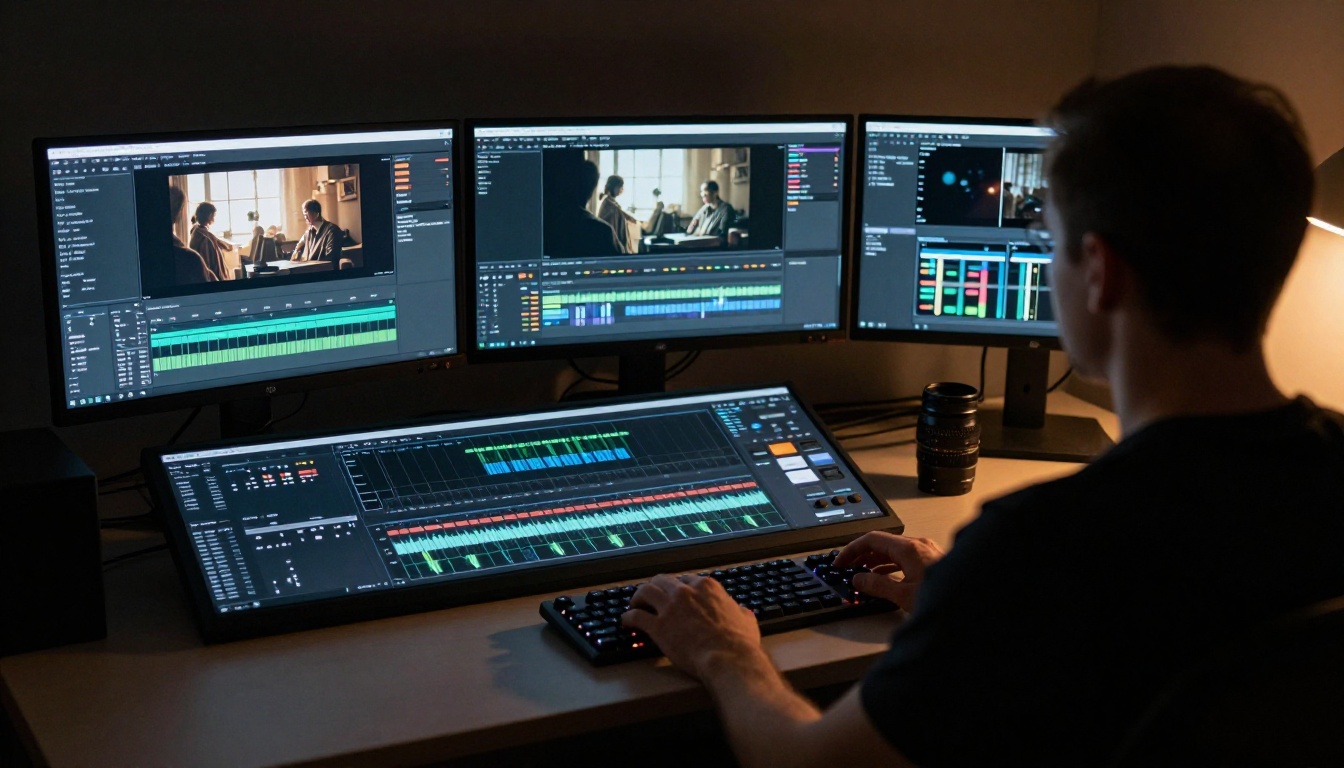
The Actual Verdict on Realism
For pure photorealistic quality in controlled lighting: Veo 3.1 has the edge. Its material rendering and light physics produce footage that looks more like it was captured in a real studio than generated by an algorithm. Close-up shots of faces, products, and surfaces consistently pass the "is this real?" test at a higher rate than any other current model.
For physical realism in complex dynamic scenes: Kling 3.0 holds the lead. When multiple subjects are in motion, when physics-driven events like splashes, falls, or cloth movement are central to the shot, and when you need 10-second clips with consistent geometry throughout, Kling 3.0 is the more reliable tool.
Neither model is comprehensively better. They are strong in different ways, which is precisely why having access to both within a single platform changes what is possible for video creators working at any level.

Try Both, Right Now
PicassoIA gives you access to Kling v3 Video, Kling v3 Omni Video, Kling v3 Motion Control, Veo 3.1, and Veo 3.1 Fast all in one place. No separate accounts, no API configuration, no setup beyond writing a prompt.
The fastest way to develop a real opinion about which model fits your workflow is to run the same prompt in both and compare the outputs side by side. The differences in how each model handles light, skin, and motion become obvious in a single comparison, and your specific project requirements will make the right choice clear immediately.
Run your first clip now and see exactly where each model earns its reputation.


