Kling 3.5 is the AI video model the cinematic content world has been waiting for. If you have tried earlier versions and found them soft, inconsistent, or restricted by platform filters, this generation changes the conversation entirely. The motion fidelity is categorically different. Character consistency across 5-10 second clips no longer feels like a dice roll. And for creators working with suggestive, glamour, or mature themes, the uncensored access available through platforms like PicassoIA means you can actually finish what you start without hitting a wall three seconds into generation.
This is not a recap of marketing claims. This is a breakdown of what Kling 3.5 does at the technical and creative level, how to prompt it correctly for cinematic results, how it compares to competing models, and where to access it without the content restrictions that make most mainstream tools frustrating for serious adult-creative work.

What Kling 3.5 Actually Changed
The version 2.x releases of Kling were solid but had known failure modes: character face drift over time, unnatural limb movement, and frame-rate inconsistencies in complex motion sequences. Kling 3.5 addresses all three with architectural-level changes, not cosmetic tweaks.
From Still Frames to True Cinematic Motion
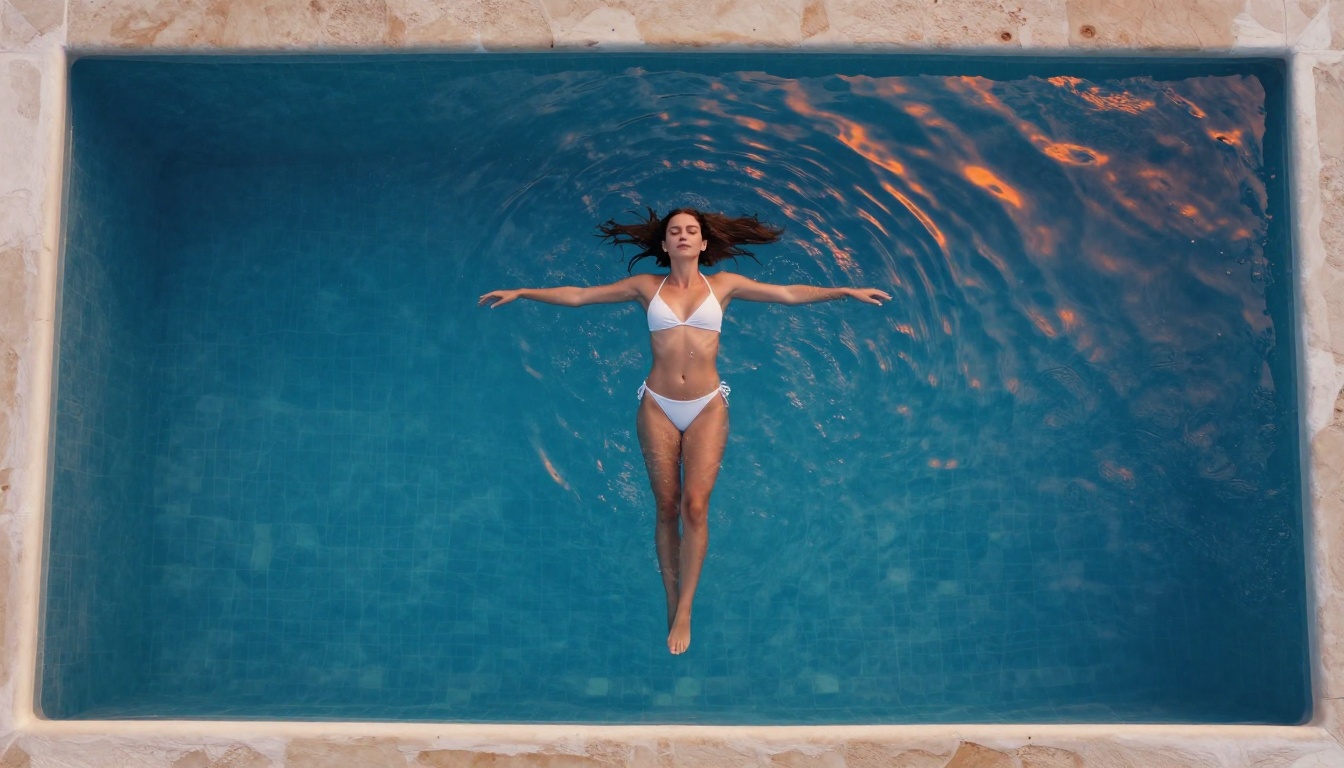
Earlier models essentially "animated" a source image. Kling 3.5 reasons about the physics of the scene before generating motion. This means a woman walking in heels on marble shows the right heel-strike timing and slight hip sway. Water in a pool reacts to body movement with accurate surface displacement. Fabric flows with wind direction rather than randomly flickering.
For cinematic work, this matters enormously. A shot where physics are slightly wrong reads as fake immediately, and no color grade fixes it. Kling 3.5 eliminates most of those tells at the generation level rather than requiring extensive post-processing to paper over them.
You can access the latest version on PicassoIA via Kling v3 Video, which brings these physics-aware generation capabilities without content restrictions that block mature creative projects.
The Uncensored Difference
"Uncensored" in the context of Kling 3.5 does not mean explicit pornographic content by default. It means the model does not refuse to generate:
- Suggestive body movement in lingerie, swimwear, or artistic partial nudity contexts
- Intimate close-ups of skin texture, lips, and eyes with photographic detail
- Scenes with implied physical contact between characters
- Glamour and editorial content that mainstream platforms routinely block as a matter of policy
For adult content creators, erotic fiction animators, and high-end fashion video producers, this is the actual use case. The footage you can generate is suggestive, beautiful, and cinematically strong. It is the difference between a real film and a YouTube-sanitized clip with all the interesting frames cut out.

Cinematic Quality Breakdown
Motion Physics and Character Consistency
The frame-to-frame character consistency in Kling 3.5 is its most commercially significant improvement. In a 5-second clip at 24fps, that is 120 frames. Across all 120 frames, the model now maintains:
- Facial identity: Eye shape, lip fullness, cheekbone structure, and skin undertone remain stable from first to last frame
- Wardrobe physics: A silk dress moves as silk does, a leather jacket stays rigid where leather stays rigid, sheer fabric behaves transparently
- Background spatial logic: If there is a lamp at frame 1, it stays at the same position in frame 120 without the drift that plagued earlier versions
The Kling v3 Omni Video variant on PicassoIA extends this with multi-subject support, so you can animate two people interacting without one of them morphing into something unrecognizable by the end of the clip.
Lighting and Depth Rendering
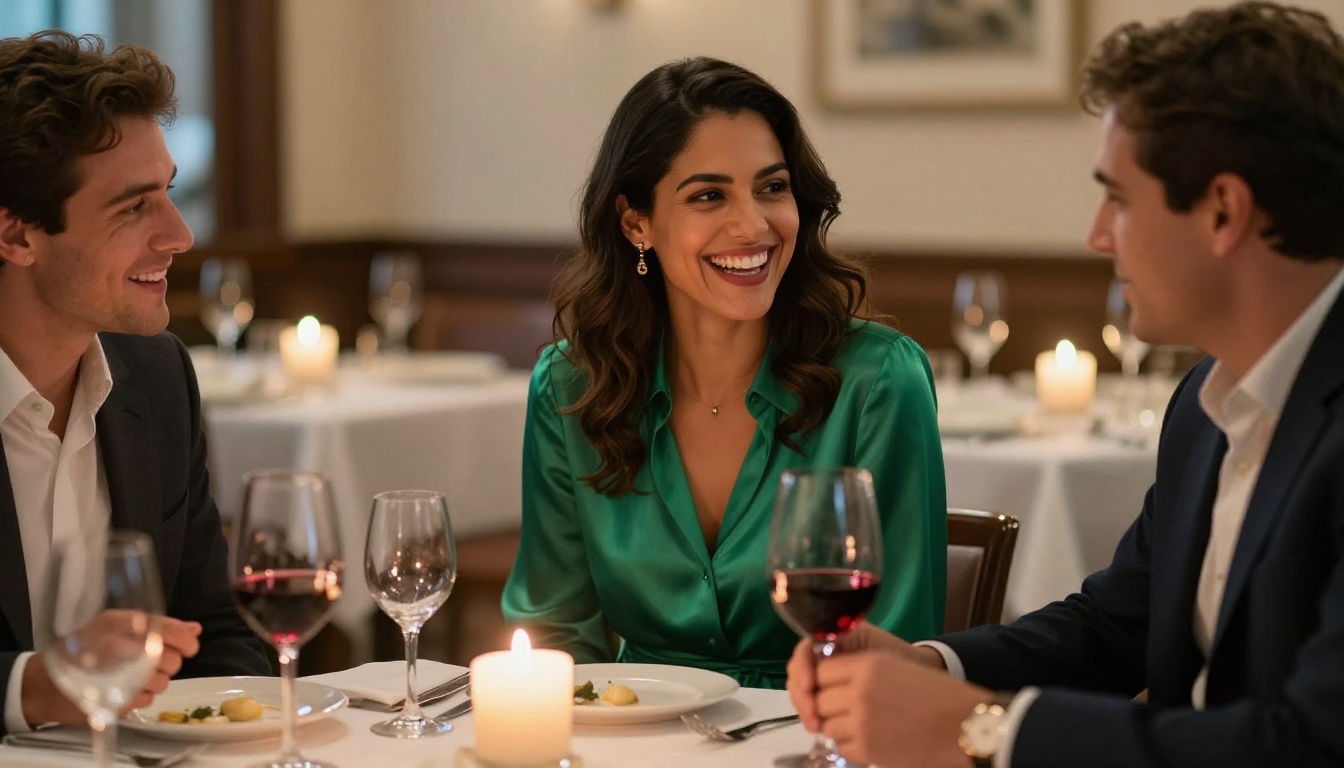
Kling 3.5 was trained on a significantly larger corpus of professional cinematography, and it shows in how it handles light. Hard shadows from a single source stay hard across the duration. Rim lights do not bleed into skin tones mid-clip. Interior practical lights such as candles, lamps, and screens flicker at natural rates and the falloff behavior matches real optical physics.
Depth rendering is sharper too. The model correctly renders out-of-focus backgrounds without the "watercolor smear" artifact that older versions produced. This is critical for portrait-style cinematic clips where a sharp face against a smooth bokeh background is the entire visual language of the shot.

Native Audio Integration
Several Kling v3 variants generate synchronized audio alongside video. The Kling v3 Omni Video model includes ambient sound that matches the visual environment: footsteps on marble, water movement, fabric rustle, and environmental room tone. For cinematic clips where the audio layer traditionally required separate post-production, this is a meaningful workflow shortcut.
💡 Note: Native audio quality varies by scene complexity. For critical audio use cases, treat the AI-generated audio as a placeholder and replace with professional sound design in post. But for rough cuts and client presentations, it is genuinely usable straight out of generation.
How to Use Kling v3 on PicassoIA
PicassoIA gives you direct access to multiple Kling versions through its model catalog, with no content filtering on suggestive or mature creative work. Here is the production workflow that consistently delivers cinematic results.

Step 1: Prepare Your Source Image
Kling v3 is image-to-video. The quality of your source image directly determines the quality of your output clip. For uncensored cinematic work, the best source images are:
- High-resolution and photorealistic: Generated with a professional-grade image model or shot with a real camera at adequate resolution
- Well-lit with clear subject isolation: Cluttered backgrounds confuse the motion model and produce messy results at the edges of moving subjects
- Correctly framed for the shot type you want: The model animates what it sees. If you want a medium shot, give it a medium shot source image. Do not give it a wide shot and hope the model reframes.
The image editor on PicassoIA lets you refine any source image before passing it to Kling. Use inpainting to fix problem areas such as a hand at an odd angle or a face that needs correcting before generation. This avoids wasting generation credits on a flawed source that will produce a flawed clip.
Step 2: Write a Motion-First Prompt
Kling 3.5 responds to motion descriptions, not appearance descriptions. Your source image handles appearance. Your prompt should tell the model:
- What moves: the subject, environmental elements, the camera
- How it moves: speed, direction, intensity of the action
- What the camera does: static locked shot, slow push, pan left, crane descend
- Lighting changes during the motion: candle flicker, sunlight shifting as clouds pass
A weak prompt: "Beautiful woman in a dress"
A strong prompt: "Woman slowly turns to look over her left shoulder toward camera, silk dress catching a subtle breeze from the left, slow camera dolly-in over 5 seconds, warm practical lamplight holds constant from camera-right throughout"
The model executes what you describe, not what you imagine. The more specific the motion language, the more precise the result.
Step 3: Pick the Right Kling Version
For premium cinematic hero shots, Kling v3 Video is the default recommendation. For motion-controlled camera work such as slow pushes or crane-style moves, Kling v3 Motion Control gives you frame-by-frame control over the camera path that is not available in the standard version.

Prompt Writing That Actually Works
The Anatomy of a Strong Cinematic Prompt
Every strong Kling cinematic prompt has four components working together:
Subject motion describes what the character does physically: she lifts her chin, he turns his head, her hand traces the edge of the glass. Be specific about body part and direction. Vague motion instructions produce vague motion.
Environmental physics tells the model what else moves in the frame: curtains billow from an open window, candle flame flickers, champagne bubbles rise steadily, pool water ripples from a submerged hand.
Camera description is the most neglected part of most prompts. Write it like a cinematographer's note: "slow dolly left to right," "static locked shot," "slight handheld drift," "aerial crane descends slowly over 5 seconds."
Atmosphere gives the model tonal context: "golden hour warmth increases as clouds shift," "candlelight holds steady throughout," "morning light intensifies gradually from left." This prevents the model from making arbitrary lighting decisions mid-clip.
💡 Tip: Write your prompt in chronological order. Describing Start, Middle, and End separately is better than a description of static elements. Think of your prompt as a storyboard note, not a caption.
5 Prompt Structures Worth Trying
These templates produce consistent results with Kling 3.5 for cinematic and mature-creative content:
1. The Reveal Shot
Subject turns slowly to face camera, [clothing detail] shifting with the motion, slow dolly-in from medium to close-up, [lighting type] from camera-[direction], [atmospheric element] visible in soft focus background
2. The Environmental Portrait
Subject holds [pose], [environmental element] moves naturally around them, camera locked static at [distance], [lighting condition] holds constant, [subtle motion element] animates in background without distracting from subject
3. The Walk Approach
Subject walks directly toward camera from medium distance to close-up over 5 seconds, [footstep surface] underfoot, [clothing type] moves with natural gait rhythm, camera slightly handheld, [time of day] light from [direction]
4. The Over-Shoulder Push
Camera starts behind subject's left shoulder, slow dolly arc around to catch profile at 45 degrees, [subject action] continues throughout, [lighting type] creates rim light on hair edge, background in soft bokeh
5. The Intimate Close-Up
Extreme close-up of [lips, eyes, or hands], [micro-motion description such as eyelids flutter or fingers trace surface], camera absolutely static, [single light source] from [direction], skin texture visible in sharp focus throughout
Kling vs Other Video Models
Kling v3 vs Seedance 2.5
Seedance 2.5 is excellent for longer clips, with generation capabilities up to 30 seconds and consistent narrative motion across that duration. For cinematic 5-second hero shots where visual fidelity is the priority, Kling v3 wins on depth of field rendering and character consistency. Seedance is better when you need extended duration or when you are animating a scene with multiple environmental events playing out over time.
Use Kling for: hero clips, single-character cinematic moments, editorial and glamour shots.
Use Seedance for: longer scene sequences, narrative progression shots, storytelling arcs.
Kling v3 vs Wan 2.7 I2V
Wan 2.7 I2V is faster and cheaper per generation. The motion quality is solid for action-oriented content, but skin and fabric texture rendering does not match Kling v3's level. For sensual or glamour cinematic content specifically, Kling 3.5's attention to material physics such as how silk moves differently from denim, how bare skin catches light differently from synthetic fabric, gives it a clear advantage over Wan for this use case.
If budget matters more than peak quality on every shot, Kling v2.1 Master is the cost-efficient middle ground: significantly cheaper than v3 while still delivering above-average cinematic output for iterative work.
Creating Uncensored Cinematic Content
What Uncensored Actually Includes
The word "uncensored" in AI video gets used loosely across the industry. Here is what it actually means in the context of Kling 3.5 running on PicassoIA:
It includes:
- Glamour and editorial content with implied or artistic nudity
- Lingerie and swimwear modeling sequences with realistic motion
- Sensual choreography and intimate framing choices
- Artistic body shots with confident, deliberate lighting setups
- Adult-leaning fashion, lifestyle, and beauty content that mainstream platforms flag
It does not include:
- Explicit sexual acts rendered in graphic detail
- Non-consensual scenarios of any type
- Content involving minors in any context whatsoever
- Targeted realistic violence against identifiable individuals
The positioning is adult-creative, not pornographic. The ceiling is high enough for serious content creators working outside mainstream platform restrictions. It is not a license for anything goes, and the platform applies standards consistently.
Getting the Best Results from Suggestive Content
Suggestive cinematic content performs best in Kling 3.5 when the source image is photographically correct from the start. If your source image was generated with an image model, use one that renders skin texture, fabric, and lighting with the same photorealism the video model expects to receive as input.
The visual language needs to be consistent between source image and video output for the generation to feel cohesive rather than jarring. A cartoony or digitally-rendered source image fed into a photorealistic video model produces a disconnect that no prompt can fully override.
After generation, use Kling v2.1 for iterations and quick variations when testing motion direction, and Kling v3 Video for final selects. This keeps costs manageable while still delivering premium output on the shots that matter for the final delivery.
Lipsync and Portrait Animation
For close-up cinematic clips where facial expressiveness is the primary visual element, PicassoIA's lipsync tools add realistic mouth movement to any still image before you pass it to a video model. This workflow is particularly effective for dialogue-implied portrait shots where a character appears to be speaking or reacting: generate a photorealistic source image, apply lipsync animation to create believable facial motion, then pass the result to Kling for full cinematic treatment with camera movement and environmental physics.
The combination of lipsync preparation plus Kling v3 generation produces portrait clips that are indistinguishable from footage of a real person at a casual viewing level, which is the bar most adult creative content needs to clear for commercial use.
Try It on PicassoIA Right Now
The Kling v3 suite is available on PicassoIA without the content restrictions that make other platforms frustrating for serious creative work. If you have been generating source images and running them through weaker models with disappointing results, the jump to Kling v3 Video is immediately visible. The motion is categorically better. The character consistency across a 5-second clip is production-usable without cleanup work in post.
Start with one of the prompt templates in this article, pair it with a strong photorealistic source image, and run a test generation at Kling v2.6 resolution first to confirm the motion direction reads correctly. Then run your hero shots at Kling v3 for final output quality. This two-pass approach saves credit budget while still delivering cinematic-grade footage for the shots that actually go into the final cut.
The full catalog of video models, including all Kling variants, Seedance 2.5, Wan 2.7 I2V, and over 80 more options across every video generation use case, is available at picassoia.com/en/all-models. The tools are there. Create something worth watching.