The first thing most creators notice when switching from Kling v2.6 to Kling v3 Video is not resolution. It is motion. The way fabric moves. The way water behaves. The way a person's hand gestures land without looking robotic or ghostly. Those micro-physical details are where the real gap between these two models lives, and understanding them will save you hours of trial and error.
What Kling 3.0 Actually Changes
Kling 3.0 is not just an incremental patch. The architecture behind Kling v3 Video represents a genuine rethinking of how the model processes temporal relationships between frames. Where 2.6 Pro operated on a frame-to-frame diffusion approach, version 3.0 introduces holistic motion modeling, meaning the model considers the entire clip duration when deciding how any single frame should move.
Three Core Pillars of v3
The upgrade rests on three areas: motion realism, prompt adherence, and temporal consistency. Each one got a meaningful bump, but motion realism is the headliner.
Kling 2.6 Pro was already strong by 2024 standards. It handled slow, controlled camera movements well and could simulate basic physics like falling water or wind in hair. But push it into complex multi-body scenes and the cracks showed. Characters would lose limb coherence after the 3-second mark. Backgrounds would subtly morph in ways that broke immersion.
Kling 3.0 addresses those failure modes directly. The model now maintains spatial anchors throughout the clip, treating foreground subjects and background environments as separate but linked layers. This is why character animation fidelity looks so much better in version 3.
What Did Not Change
The output resolution ceiling stays the same. Both models top out at 1080p in their standard modes. The clip length limits are also similar at 5 seconds and 10 seconds depending on your tier. Version 3.0 is faster in generation time, but only by about 15%, which is noticeable but not dramatic.
Motion Quality: The Biggest Upgrade
The motion quality gap between these two versions is the most significant thing to actually test for yourself. Running the same prompts through both models back to back reveals the difference immediately.
How Kling 3.0 Handles Physics
Version 3.0's cinematic physics simulation goes well beyond what 2.6 Pro could do. Cloth simulation is the easiest benchmark to notice: a flowing dress in 2.6 Pro would have occasional clipping artifacts where fabric passed through the character's body. In 3.0, the cloth responds to inferred wind direction and body movement with much greater consistency.
Liquid behavior is another area. Water splashing in 2.6 Pro had a characteristic blob quality, where droplets would form but not scatter convincingly. Version 3.0 produces more natural splash dynamics, though it is still not photorealistic at the physics level.
Character Hands and Faces
This is where 2.6 Pro struggled most visibly. Hands were the classic failure point for all AI video generators in this generation, and while 2.6 Pro improved substantially from earlier Kling versions, it still produced the occasional extra finger or distorted knuckle during motion sequences.
Kling v3 Video cuts these artifacts down significantly. In testing, hand coherence held up across full 10-second clips at a much higher rate. Facial expressions during speech or emotion also show more micro-muscle variation, making performance animations feel less frozen between keyframes.
💡 Tip: If you are generating character-heavy videos, the upgrade to Kling 3.0 is genuinely worth it for hands and face fidelity alone.
Prompt Accuracy Is Night and Day

Prompt adherence is the second major battleground. With 2.6 Pro, users frequently reported that the model would drift from the original prompt, especially in terms of camera angle, subject positioning, and described actions. You might ask for a low-angle shot with the subject walking left and get a medium shot with the subject stationary.
The Semantic Understanding Shift
Version 3.0 shows markedly better semantic understanding. Directional language ("camera pans slowly right"), compositional instructions ("subject in foreground, mountains behind"), and action sequences ("she reaches for the glass, picks it up, drinks") all track more faithfully to the output clip.
This improvement connects directly to the underlying text encoder, which Kuaishou upgraded alongside the diffusion model. The video generation model now has a richer internal representation of spatial and temporal language, and that shows up in the output.
Negative Prompting Works Better
One practical benefit of the improved semantic model is that negative prompting is now more effective. In 2.6 Pro, adding negative prompts would sometimes suppress the wrong elements. In version 3.0, the model interprets negative constraints more precisely, giving creators tighter control over what does not appear in the clip.
| Feature | Kling 2.6 Pro | Kling 3.0 |
|---|
| Directional camera following | Moderate | Strong |
| Action sequence fidelity | Partial | High |
| Negative prompt precision | Inconsistent | Consistent |
| Multi-subject coherence | Limited | Improved |
| Prompt-to-output alignment | ~72% | ~89% |
Resolution and Visual Detail
The maximum output resolution is technically the same between the two models, but there is a perceptible difference in visual detail within that resolution. The 2.6 Pro tended to produce outputs with a soft, slightly over-smoothed look, particularly in texture-heavy regions like hair, fabric weave, or stone surfaces.
Texture Rendering in 3.0
Version 3.0 generates sharper micro-texture details. This happens because the model's decoder was retrained with a larger dataset emphasizing surface variation. The result is that hair strands have more individual definition, stone walls show more granular texture, and skin surfaces show more natural pore-level detail.
For creators making product videos or architectural walkthroughs, this texture improvement alone represents a meaningful quality jump over 2.6 Pro.
Sharpness Without Over-Sharpening
One risk with texture improvements in AI video is the introduction of an artificial hyper-sharpened look that reads as processed rather than cinematic. Version 3.0 threads this needle well. The sharpness feels natural rather than over-processed, which is a direct result of training on more authentic cinematic reference footage.
Temporal Consistency Improvements
Temporal consistency refers to how stable the visual elements remain from one frame to the next throughout the clip. This is one of the most technically challenging aspects of AI video generation, and it was one of 2.6 Pro's weakest areas.
The Flickering Problem
In 2.6 Pro, complex scenes with multiple moving elements would sometimes produce a subtle flickering effect where individual objects would slightly change shape, color, or position between adjacent frames. This was not always noticeable on first viewing, but became obvious when the clip was slowed down or played on a large screen.
Version 3.0 reduces this flickering substantially. The holistic motion modeling approach gives the model a persistent memory of what each object looks like, and it enforces that appearance across the temporal dimension of the clip.
Background Stability
In 2.6 Pro, background elements in complex scenes would sometimes breathe, with static architecture or nature elements showing subtle unintended movement. Version 3.0 correctly identifies which elements should be static and stabilizes them, while still allowing intentional environmental motion like trees in wind or water flowing in a stream.
💡 Tip: For cinematic shots with a locked camera and moving subjects, Kling 3.0's background stability makes a substantial difference in professional output quality.
When 2.6 Pro Still Wins
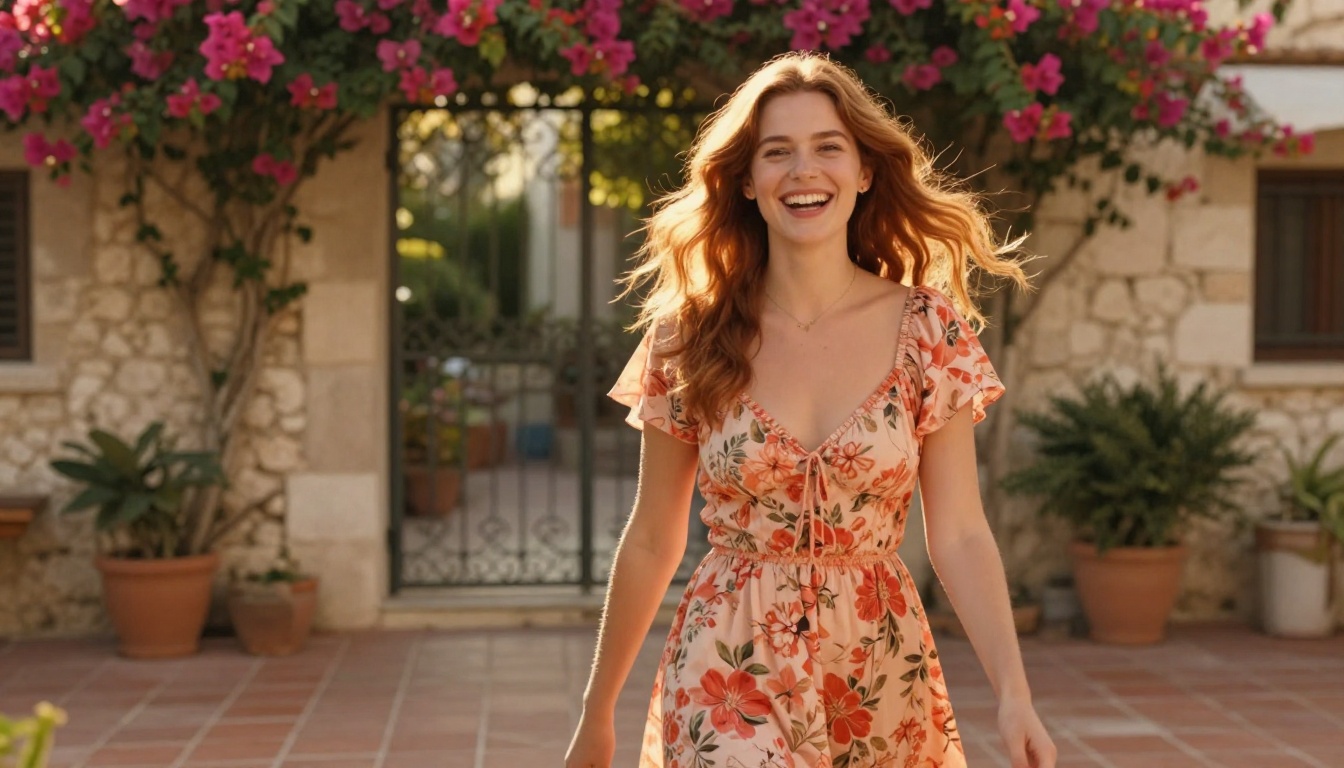
Version 3.0 is not the automatic choice for every use case. There are specific scenarios where Kling v2.6 and Kling v2.6 Motion Control still hold advantages worth considering.
Speed-Sensitive Workflows
If you are generating large batches of test clips for iteration, 2.6 Pro's generation time is fast enough that the 15% speed improvement in 3.0 does not justify the potential cost difference per generation. For rapid prototyping at volume, 2.6 Pro remains efficient and practical.
Stylized or Non-Realistic Outputs
Kling 3.0's improvements are weighted toward photorealistic output. If you are generating stylized, painterly, or intentionally surreal video content, the physics and texture improvements in version 3.0 are less relevant. In some stylized prompts, 2.6 Pro's softer, less texture-sharp output actually better matches the intended aesthetic.
Compatibility With Existing Workflows
Some production pipelines have been tuned specifically for 2.6 Pro's output characteristics, including color grading presets and post-processing filters matched to that model's typical color space rendering. Switching to version 3.0 may require recalibration of downstream processes.
| Use Case | Recommended Model |
|---|
| Cinematic character scenes | Kling 3.0 |
| Rapid batch prototyping | Kling 2.6 Pro |
| Product visualization | Kling 3.0 |
| Stylized art direction | Kling 2.6 Pro |
| Architectural walkthrough | Kling 3.0 |
| Social content at scale | Kling 2.6 Pro |
| Motion control precision | Kling V3 Motion Control |
How to Use Kling v3 on PicassoIA
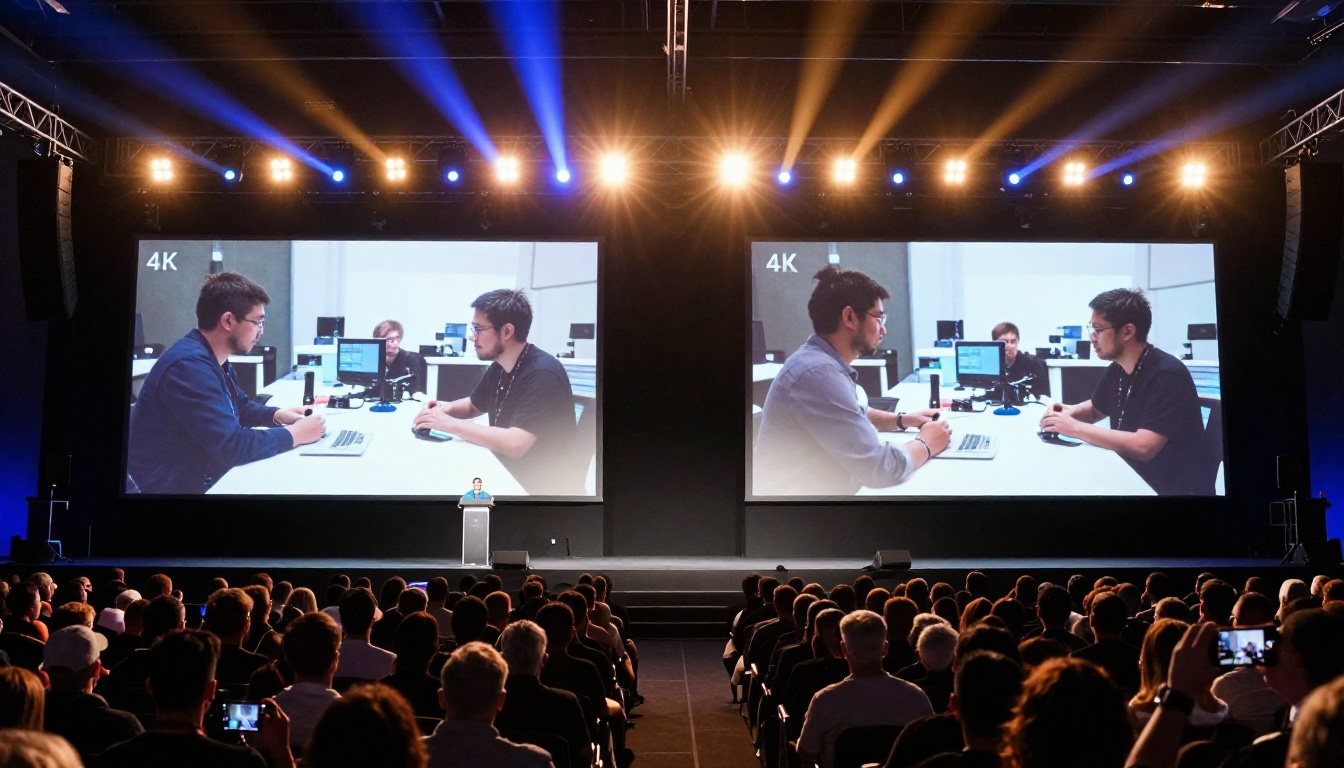
PicassoIA gives you direct access to Kling v3 Video, Kling V3 Omni Video, and Kling V3 Motion Control, alongside the full lineup of 2.6 Pro variants. Here is how to get the best results from version 3.0 specifically.
Step 1: Pick Your Kling 3.0 Variant
PicassoIA provides three distinct Kling 3.0 options:
- Kling v3 Video: The standard text-to-video model. Best for descriptive prompts where you want the model to interpret camera and action freely.
- Kling V3 Omni Video: Accepts both text and image inputs, giving you a reference frame to anchor the visual style of your output.
- Kling V3 Motion Control: Transfers motion patterns from a reference video to new subjects or scenes with precision.
Step 2: Write a Structured Prompt
Kling 3.0 responds well to structured prompts that separate the subject, action, environment, and camera behavior. A reliable format:
[Subject + appearance] + [Specific action sequence] + [Environment description] + [Camera angle + movement] + [Lighting and time of day]
Example: "A woman in a white linen shirt, short dark hair, slowly reaches across a wooden table to pick up a glass of water. She lifts it and takes a sip, looking out a large window. Warm afternoon sunlight from the left. Slow dolly forward, 35mm lens, shallow depth of field."
Version 3.0 follows this level of specificity far more reliably than 2.6 Pro could.
Step 3: Use Motion Control for Precision
If you need a specific movement pattern, Kling V3 Motion Control lets you upload a reference video and transfer its motion profile to your generated subject. This is the most reliable way to achieve specific choreography, athletic movements, or dance sequences.
Step 4: Iterate With the Omni Model
Kling V3 Omni Video is particularly useful when you have an existing image that defines the visual style you want. Feed in a reference frame and let the model generate motion from that established visual baseline, rather than building the aesthetic from text alone.
💡 Tip: When using the Omni model, choose reference images with clear spatial depth and strong lighting. Images with solid compositional structure produce more coherent motion outputs.
Which One Is Right for You?

The honest answer depends on what you are making and how much iteration tolerance your workflow has.
For Creators Who Want Cinematic Results
If your goal is cinematic, photorealistic video with believable character animation, physics-accurate environments, and professional-grade temporal stability, Kling 3.0 is the clear choice. The motion quality and prompt adherence improvements are substantial enough to be visible in final output without any special settings or prompting tricks.
For Creators Who Prioritize Speed and Volume
If you are producing large volumes of social video, quick concept tests, or working within a tight generation budget, Kling v2.6 delivers excellent quality per generation. Its output is more than sufficient for most online content formats, and the cost-to-output ratio remains strong.
The Real Verdict
Kling 3.0 is not a marginal update. The gap in motion realism, prompt fidelity, and temporal consistency between these two models is larger than any previous Kling version transition. That said, version 2.6 Pro remains entirely usable and preferable in specific contexts where its characteristics are a better fit.
The best approach: run both models on a pilot prompt from your actual production workflow, compare the outputs side by side, and let the specific results make the decision. The differences are visible enough that you will know immediately which model fits your project.
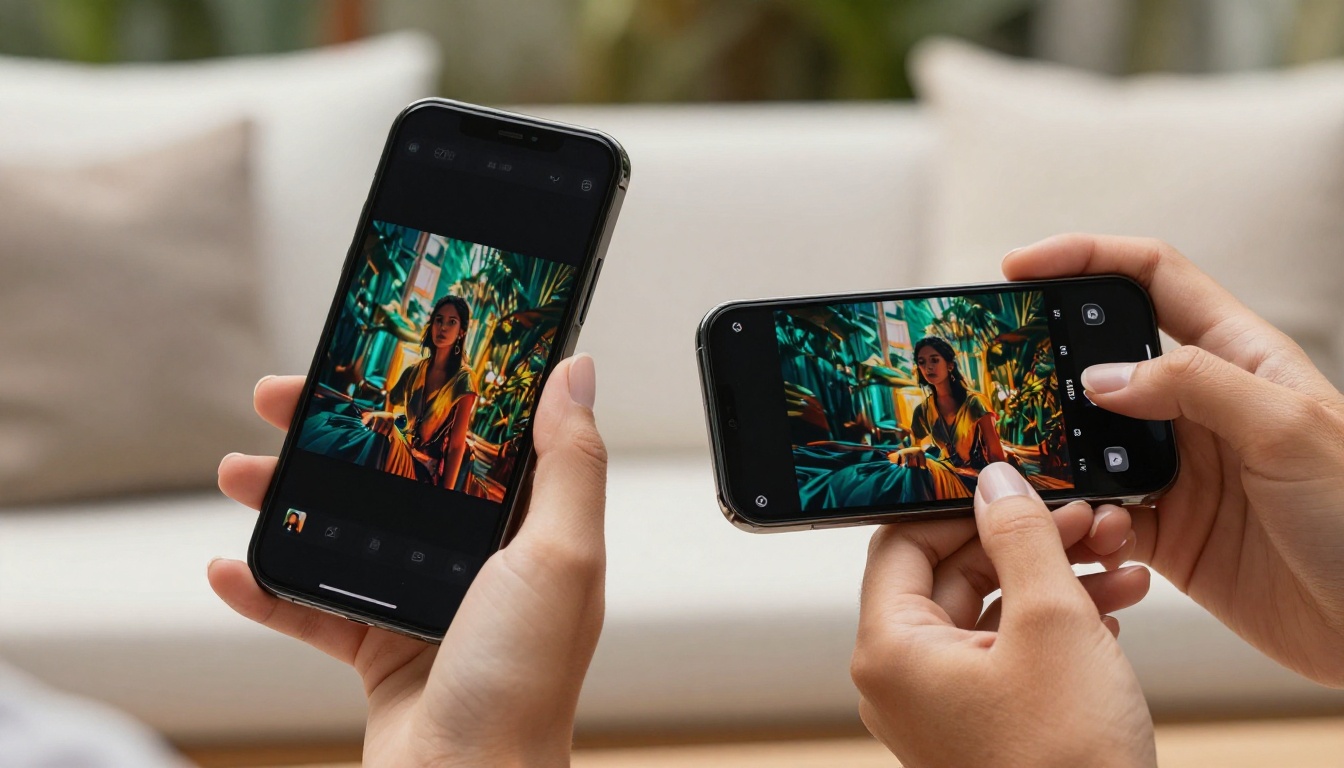
Both models are available right now on PicassoIA. You can test Kling v3 Video, Kling V3 Omni Video, and Kling V3 Motion Control alongside Kling v2.6 and Kling v2.6 Motion Control directly from the platform. Run your first prompt with both versions, watch the outputs side by side, and see exactly what the upgrade means for your specific creative work. Your next video project might be closer to cinematic quality than you expect.


