Kling 3.0 did not arrive quietly. When KWAI released version 3.0 of their flagship video model, creators who had long wrestled with blurry outputs, jittery motion, and limited frame control suddenly had access to something categorically different: a system capable of producing true 4K footage and, for the first time in a meaningful way, responding to actual directorial intent through its signature AI Director Mode.
This is not an incremental resolution bump or a slight frame-rate improvement. Kling 3.0 is a structural rethink of how an AI model interprets cinematic language, from camera angles to motion pacing, and how it translates that language into footage that actually looks like someone directed it.
If you shoot content, edit video, run ads, or create anything that lives on a screen, this is worth your attention.
What Kling 3.0 Changed
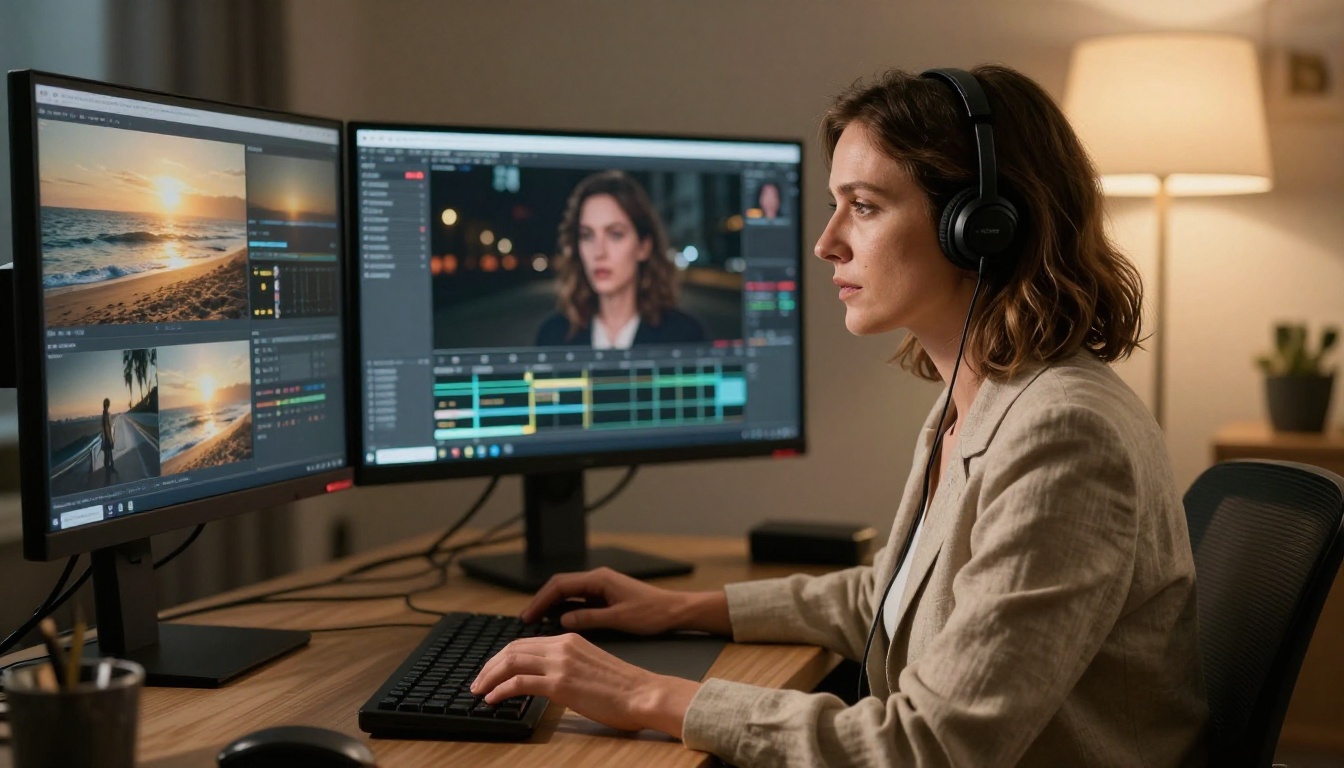
The Gap Between 2.x and 3.0
Kling 2.x was already competitive. Kling v2.1 Master and Kling v2.6 produced solid results for 1080p content, and the motion control updates made certain tracking shots genuinely usable. But the ceiling was visible, especially when outputs were scaled for larger displays or used in professional workflows.
Kling 3.0 addresses that ceiling directly. The architecture changes that power version 3.0 are not fully public, but the results tell a clear story:
- Temporal consistency improved significantly. Objects, faces, and surfaces maintain their properties across frames with fewer of the artifacts that plagued earlier versions.
- Motion coherence is cleaner. Fast-moving subjects no longer smear or disintegrate at the edges.
- Prompt adherence at the compositional level is sharper. When you specify a low-angle shot, Kling 3.0 actually delivers one.
The jump from Kling v2.6 to Kling 3.0 is not subtle. Side-by-side tests on identical prompts show a visible quality gap, particularly in scenes with complex lighting or multiple moving subjects.
4K Output That Holds Up on Screen
The 4K claim from AI video tools often means something different in practice: technically high-resolution frames that are soft, washed out, or filled with compression artifacts that betray their synthetic origin.
Kling 3.0 is closer to what "4K" actually promises. Shots have discernible texture in surfaces, genuine depth separation between foreground and background elements, and color rendering that survives post-production color grading without immediately breaking down.
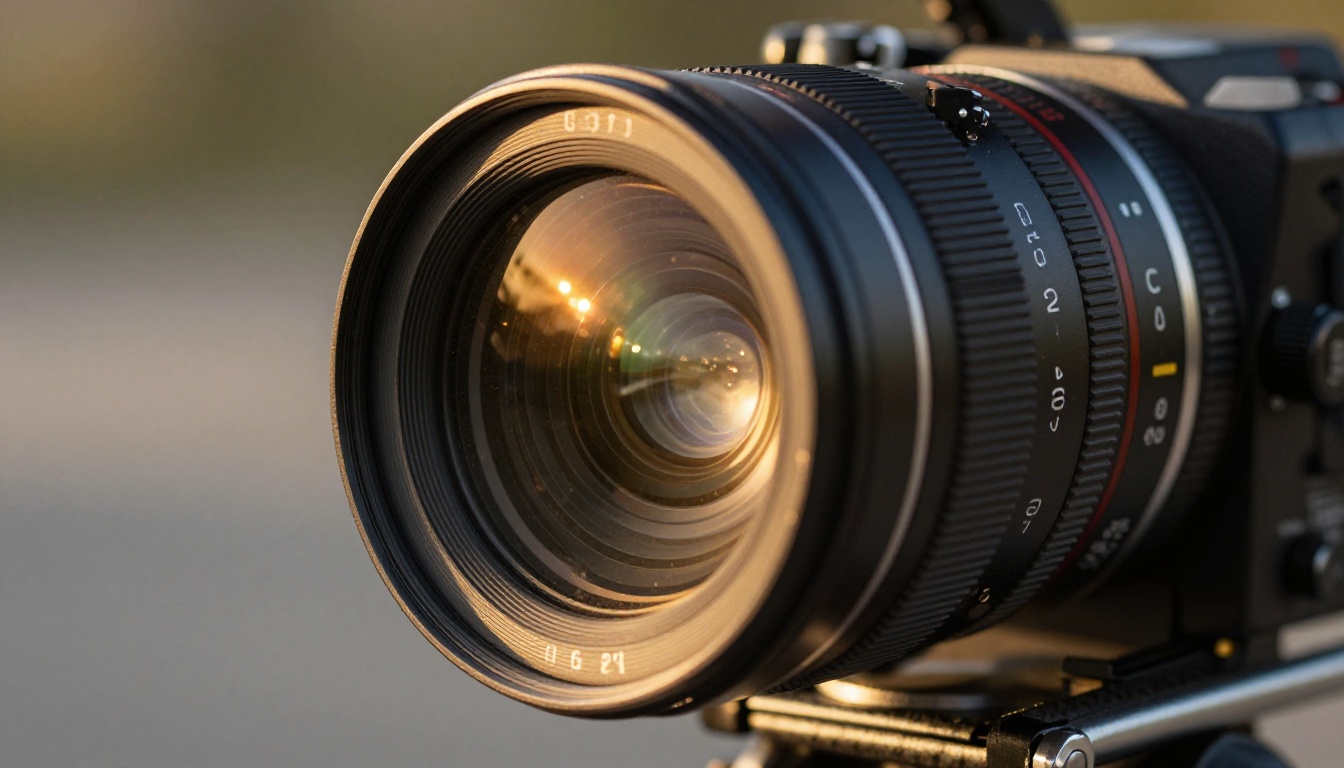
💡 For creators working in commercial contexts: Kling 3.0's 4K output is now viable for social media ads, product demos, and short-form content without the constant need to add post-production fixes to hide AI artifacts.
This does not mean Kling 3.0 is indistinguishable from camera footage. It is not. But it has crossed a threshold where the output is usable in professional workflows without extensive cleanup.
AI Director Mode, Broken Down
AI Director Mode is the feature that separates Kling 3.0 from most of the competition in a meaningful way. Rather than producing a single interpretation of your prompt, Director Mode lets you specify the cinematographic vocabulary of your output.
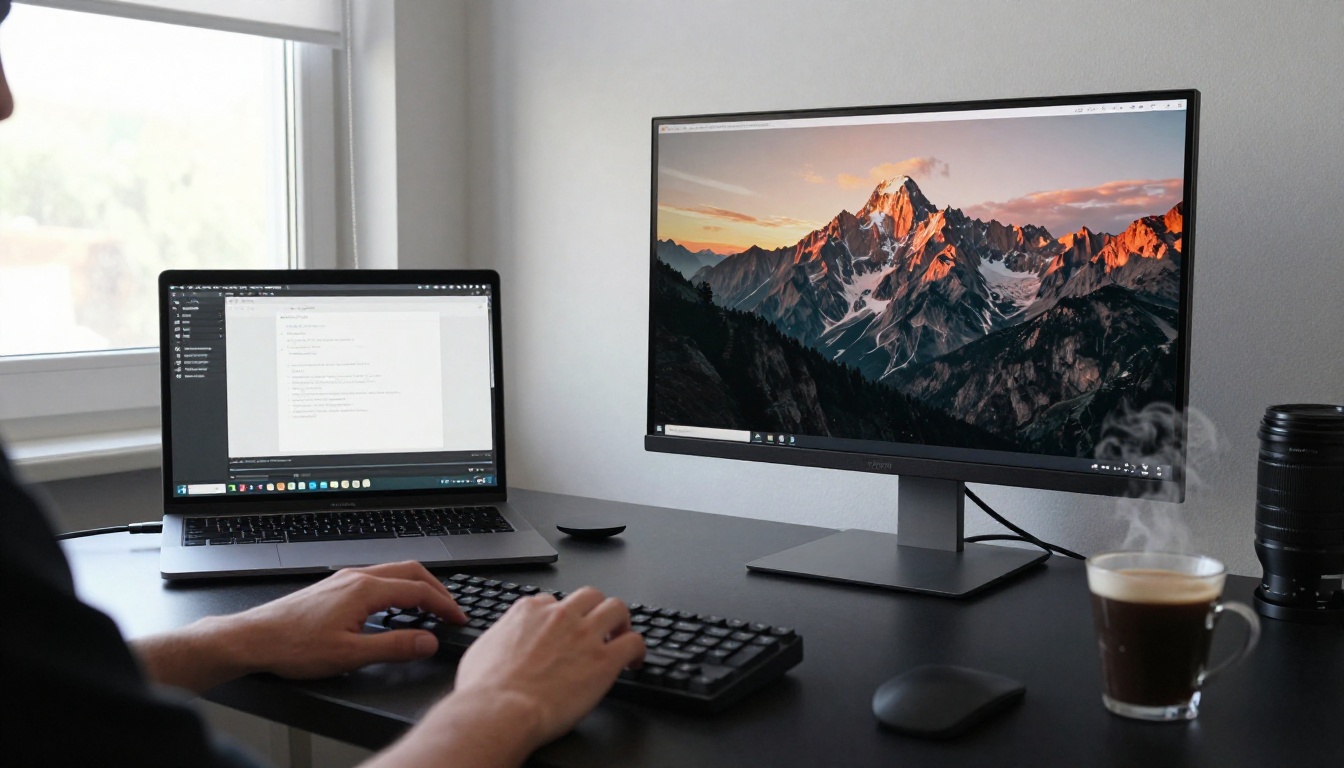
Camera Angles on Command
One of the core frustrations with text-to-video AI has always been camera placement. You write a prompt for a dramatic close-up and get a medium shot. You want an overhead perspective and get eye level. Kling 3.0's Director Mode changes this.
The system accepts explicit directorial instructions as part of the prompt, including:
- Shot types: close-up, extreme close-up, wide shot, medium shot, two-shot
- Camera angles: low-angle, high-angle, bird's eye, Dutch angle, over-the-shoulder
- Movement types: dolly in, dolly out, pan left/right, tilt up/down, crane shot, handheld
- Lens characteristics: wide-angle distortion, telephoto compression, shallow depth of field
When these instructions are written clearly in the prompt, Kling 3.0 follows them with a fidelity that version 2.x rarely achieved. This is what makes it feel less like generating video and more like directing video.
Motion Speed and Pacing Controls
Director Mode also gives you meaningful control over how motion unfolds within a clip. You can specify:
| Parameter | Options |
|---|
| Motion intensity | Subtle, moderate, dynamic, extreme |
| Speed | Slow motion, real-time, time-lapse |
| Subject focus | Camera follows subject, subject moves through frame |
| Background behavior | Static, parallax shift, environmental motion |
This level of control matters most for creators producing content where timing is everything: ads that need a specific emotional rhythm, music videos where motion must sync with audio, or narratives where a slow reveal carries dramatic weight.
Scene Composition Logic
Beyond camera angles and motion, AI Director Mode introduces something closer to compositional awareness. When you describe a scene with multiple subjects, Kling 3.0 attempts to arrange them within the frame according to visual hierarchy principles rather than placing them randomly.
A prompt specifying "a woman in the foreground, a city skyline out of focus behind her" actually produces that depth separation in most outputs, rather than a flat composite where foreground and background share the same focal plane.
💡 Prompt tip: The more specific your spatial language, the better Kling 3.0's composition responds. Replace "a woman in a city" with "low-angle shot, woman in sharp foreground right third, blurred city skyline in background left." The specificity translates directly into better outputs.
Kling 3.0 vs. the Competition
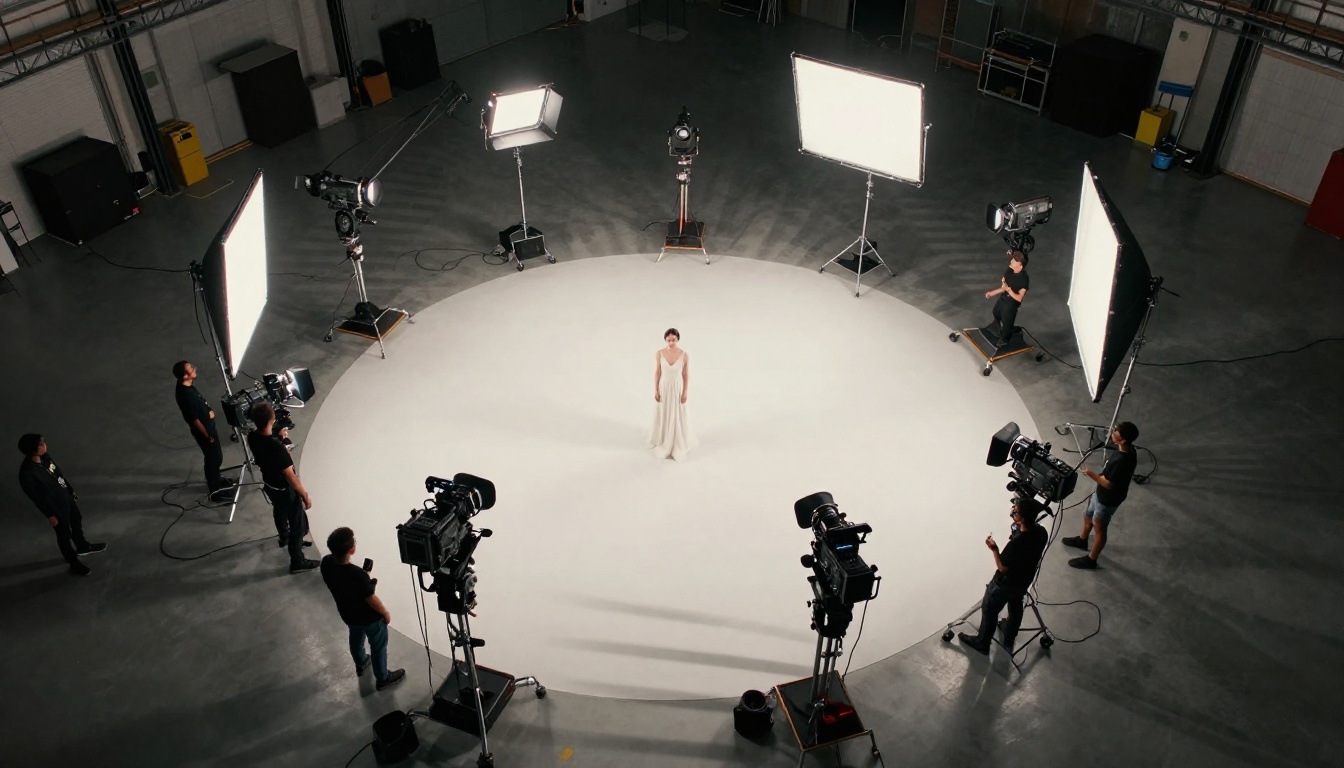
The AI video space is more crowded than ever. Kling 3.0 does not operate in isolation, and understanding where it fits relative to other models helps you choose the right tool for each job.
Speed and Resolution Side by Side
| Model | Max Resolution | Generation Speed | Director Controls | Best For |
|---|
| Kling v3 Video | 4K | Medium | Full AI Director Mode | Cinematic quality, directorial control |
| Kling V3 Motion Control | 4K | Medium | Motion transfer | Character animation, motion matching |
| Veo 3 | 4K | Slow | Limited | Photorealism, Google ecosystem |
| Sora 2 | 1080p | Medium | Basic | Narrative scenes, story continuity |
| Seedance 2.0 | 1080p | Fast | None | Speed, iteration, native audio |
| Hailuo 2.3 | 1080p | Fast | None | Fast drafts, social content |
Where Kling 3.0 Has an Edge
Directorial specificity is Kling 3.0's clearest advantage. No other model in this class accepts shot type, camera angle, and movement instructions with the same consistency of execution. The Minimax Video-01 Director model offers camera movement presets, but Kling 3.0's approach is more flexible and prompt-driven.
4K coherence is the second edge. At true 4K resolution, Kling 3.0 maintains more detail consistency across frames than competitors operating at the same resolution. Temporal artifacts, the frame-to-frame inconsistencies that make AI video look artificial, are visibly reduced.
Motion Control integration through Kling V3 Motion Control allows you to transfer specific motion patterns from reference footage to generated characters, something very few models offer at this quality level.
Where It Still Falls Short
Kling 3.0 is not perfect. Understanding the limitations helps you work around them:
- Long clips degrade: Beyond 10 seconds, temporal consistency drops noticeably. The model performs best on 5-8 second clips.
- Complex crowd scenes struggle with individual character consistency. Faces in background crowd shots tend to drift or blend.
- Hand and finger detail remains a known weakness across virtually all video AI models, including Kling 3.0.
- Audio generation is not native. Unlike Seedance 2.0, which includes audio sync, Kling 3.0 outputs are silent and require separate audio production.
What Creators Are Making with It
The practical value of Kling 3.0 becomes clear when you look at what people are actually producing with it.
Short Films and Reels
Solo filmmakers with no crew are using Kling v3 Video to produce short narrative films with multiple camera angles, lighting variations across scenes, and consistent characters across multiple clips. The AI Director Mode's shot type control means you can plan a proper shot list and execute it through prompts, something that was not practically possible with earlier models.
For social media reels, the ability to specify dynamic camera movements like dolly push-ins and sweeping crane shots adds cinematic energy that previously required actual equipment.
Product Videos and Brand Ads
Commercial creators are finding Kling 3.0 particularly useful for product visualization. You can specify an extreme close-up of a product with macro lens depth of field, control the lighting direction (soft box from left, rim light from right), and get 4K footage of a product that does not yet exist physically, or that would be prohibitively expensive to shoot.
For brand ads targeting 4K-capable platforms or streaming services, Kling 3.0's resolution output means the footage survives at full screen without the pixel degradation that makes AI-origin content immediately obvious.
Music Videos and Visual Albums
Music video production has always been expensive precisely because it requires elaborate sets, multiple camera setups, and extended shooting days. Kling V3 Omni Video with its combined text and image input allows artists to use reference images of specific visual styles, then generate motion sequences that match that aesthetic.
The result: music video content that previously required a serious production budget is now accessible to independent artists who can direct each shot through precise prompting.
How to Use Kling v3 on PicassoIA
PicassoIA hosts all three primary Kling v3 models, making them immediately accessible without API keys or local setup.
Step 1: Choose Your Kling v3 Model
Three Kling v3 variants are available, each optimized for different use cases:
- Kling v3 Video: The core text-to-video model with full AI Director Mode support. Best starting point for most creators.
- Kling V3 Motion Control: Use this when you have reference motion from existing footage that you want to apply to a generated character. Ideal for dance sequences, sports movements, or character actions.
- Kling V3 Omni Video: Accepts both text and image inputs simultaneously. Use this when you have a specific visual reference (a location photo, a character design, a mood board image) that should anchor the generated output.
Step 2: Write a Director-Style Prompt
The biggest mistake with Kling 3.0 is writing the same type of prompt you would use for an image generator. Video prompts need temporal and spatial information that image prompts do not.
Weak prompt:
A woman walking in a city at night.
Strong Director Mode prompt:
Low-angle tracking shot, 85mm telephoto lens, woman in sharp focus walking toward camera on rain-slicked street, warm yellow streetlights creating specular highlights on wet pavement, defocused city traffic in background, shallow depth of field, slow deliberate pace, noir atmosphere, cinematic color grading.
The second prompt specifies: shot angle, lens type, subject direction relative to camera, lighting specifics, background behavior, pacing, and mood. Each of those specifications maps to something Kling 3.0's Director Mode can actually act on.
Step 3: Apply Motion Control Parameters
If you are using Kling V3 Motion Control, the workflow adds a reference video step:
- Upload your reference video clip (the motion source)
- Upload or describe your target character
- The model transfers the motion from the reference to your target while maintaining the visual identity of your subject
This is particularly powerful for creating character animations where you want specific, human-quality movement without rotoscoping or motion capture equipment.
Tips for Sharper 4K Results
💡 Clip length: Keep clips between 5 and 8 seconds for maximum temporal consistency. Plan longer sequences as multiple clips edited together.
💡 Lighting specificity: Always describe the lighting source, direction, and quality in your prompt. "Soft directional light from upper left" produces better results than "well lit."
💡 Subject position: Specify where in the frame your subject should appear using compositional language: "centered foreground," "right third of frame," "filling frame from waist up."
💡 Iteration speed: Generate multiple variations of each clip with slightly different motion descriptors and select the best output. Kling 3.0's generation speed makes this practical for a real production workflow.
Start Creating 4K Video Right Now
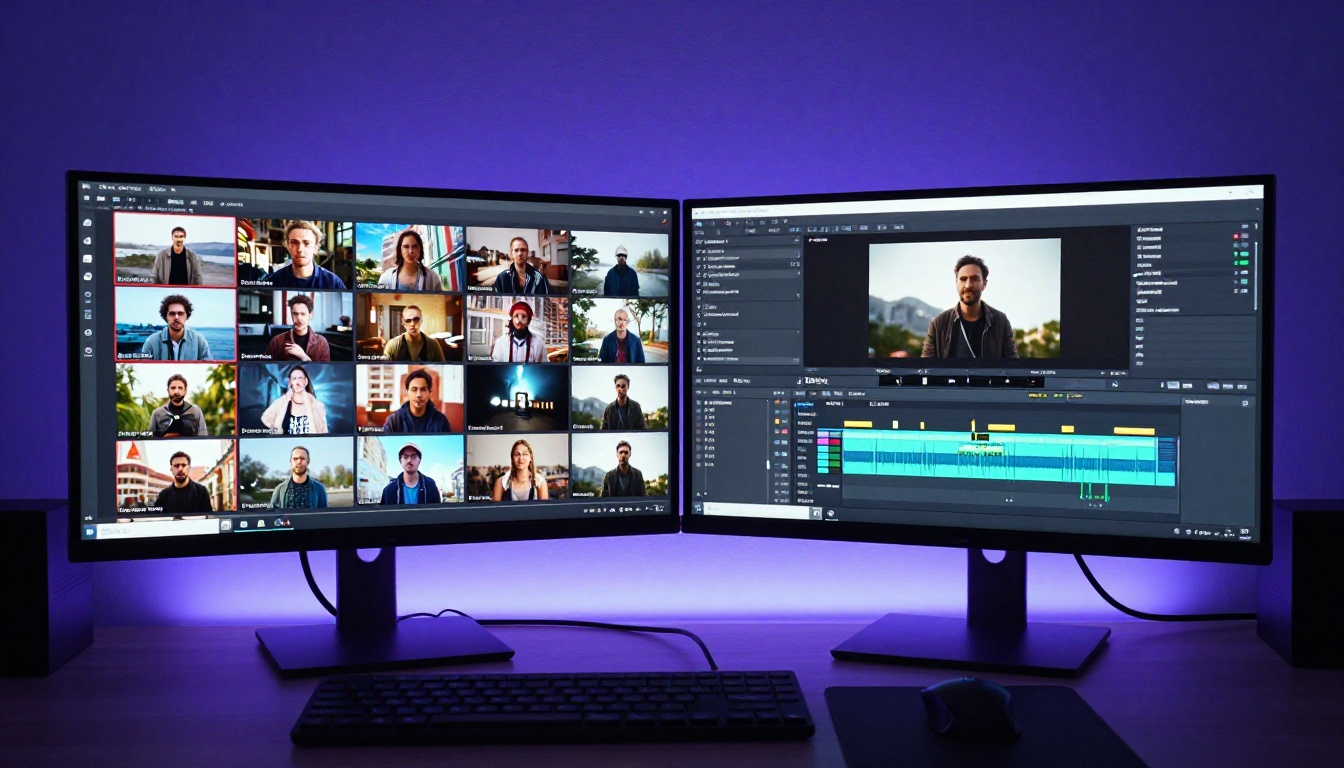
Kling 3.0 represents a real shift in what solo creators and small teams can produce. The combination of true 4K output and an AI Director Mode that actually responds to cinematographic language removes two of the biggest barriers that separated AI video from professional-grade content: resolution and intentional shot design.
The practical ceiling for what you can build with these tools keeps rising. Kling v3 Video, Kling V3 Motion Control, and Kling V3 Omni Video are all available on PicassoIA right now, alongside a broad catalog of text-to-video models for comparison and experimentation.
Pick a scene you have been wanting to create. Write the shot description like a director, not like an image caption. Run it through Kling v3 Video and see what the AI Director Mode actually does with it. The results speak for themselves.


