Search for the LTX 2.3 NSFW model and you land in a strange pile of forum threads, LoRA pages and half-finished workflows. Everyone agrees on one thing: LTX 2.3 moves better than the video models people used a year ago. Nobody agrees on what "NSFW model" even refers to. This article sorts that out. You will see what the label means, why motion improved, which prompts give attractive and tasteful clips, which ComfyUI settings work, and how to get a similar result online if your graphics card is not up to it.
One note before we start. Everything here stays on the suggestive, non-explicit side: swimwear, boudoir light, fashion movement, glamour. That is where the model shines, and it is also where you get clips you can actually share.
💡 Quick answer: LTX 2.3 is an open-weights audio and video model from Lightricks. "NSFW" versions are community LoRAs and tuned checkpoints built on top of it, not an official release. Settings that matter most are frame count, resolution in multiples of 32, and whether you run the full or distilled model.
What the LTX 2.3 NSFW Model Really Is
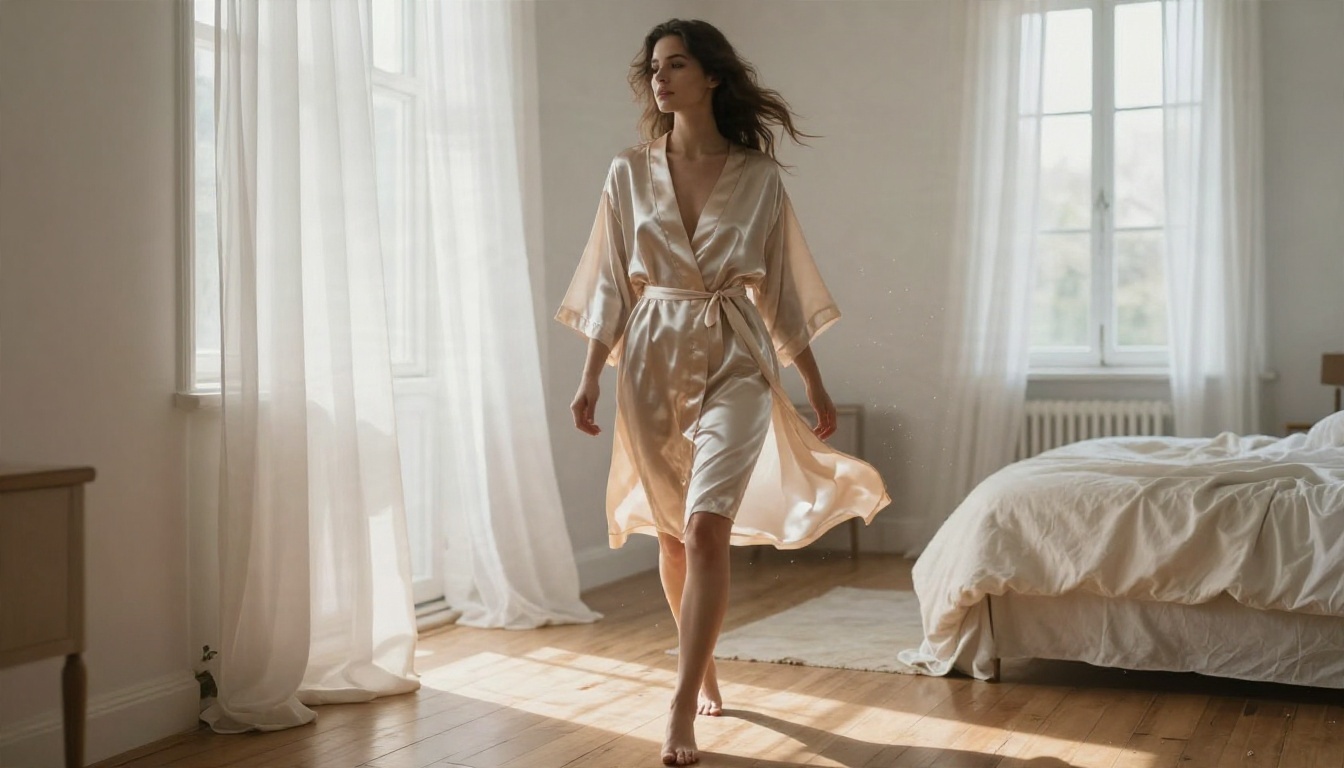
Base model versus community tunes
LTX 2.3 is a roughly 22 billion parameter model from Lightricks that generates video and synchronized audio together. It runs natively inside ComfyUI, and the weights are open, which is why a whole ecosystem grew around it.
That ecosystem is where the "NSFW" label comes from. I searched for an official adult edition from Lightricks and found none. What exists are community LoRAs, merged checkpoints and workflow packs that push the base model toward bodies, swimwear and boudoir scenes. Quality varies a lot, and I could not verify any single one of them, so treat download pages with the usual caution.
Two practical consequences follow:
- A LoRA trained on an older LTX version may not load or behave properly on 2.3. Lightricks versions its LoRAs explicitly.
- Most of the "NSFW motion" quality people praise actually comes from the base model, not the tune.
What changed from LTX 2
Compared with LTX 2, version 2.3 brought sharper fine detail, better portrait handling, better image to video behavior, stronger prompt following and cleaner audio. Community write-ups also describe fewer frozen frames and less jitter, which is the part you notice first when you watch a person move.
| Area | LTX 2 | LTX 2.3 |
|---|
| Frozen or stuttering frames | Common | Reduced |
| Portrait detail | Soft | Sharper skin and hair |
| Image to video start | Often a visible jump | Smoother handoff |
| Prompt following | Loose | Tighter |
| Audio | Basic | Cleaner, synced |
Why the Motion Looks Better
Fewer frozen frames
Older video models had a habit: the first second looked great, then the subject locked up while only the background drifted. With LTX 2.3 the body keeps moving through the full clip. Hair follows a turn of the head, a robe belt swings, a strap shifts when the shoulder rolls.
For glamour content this matters more than raw resolution. A still-looking face on a moving body is the quickest way to make a clip feel fake.
Light that stays consistent
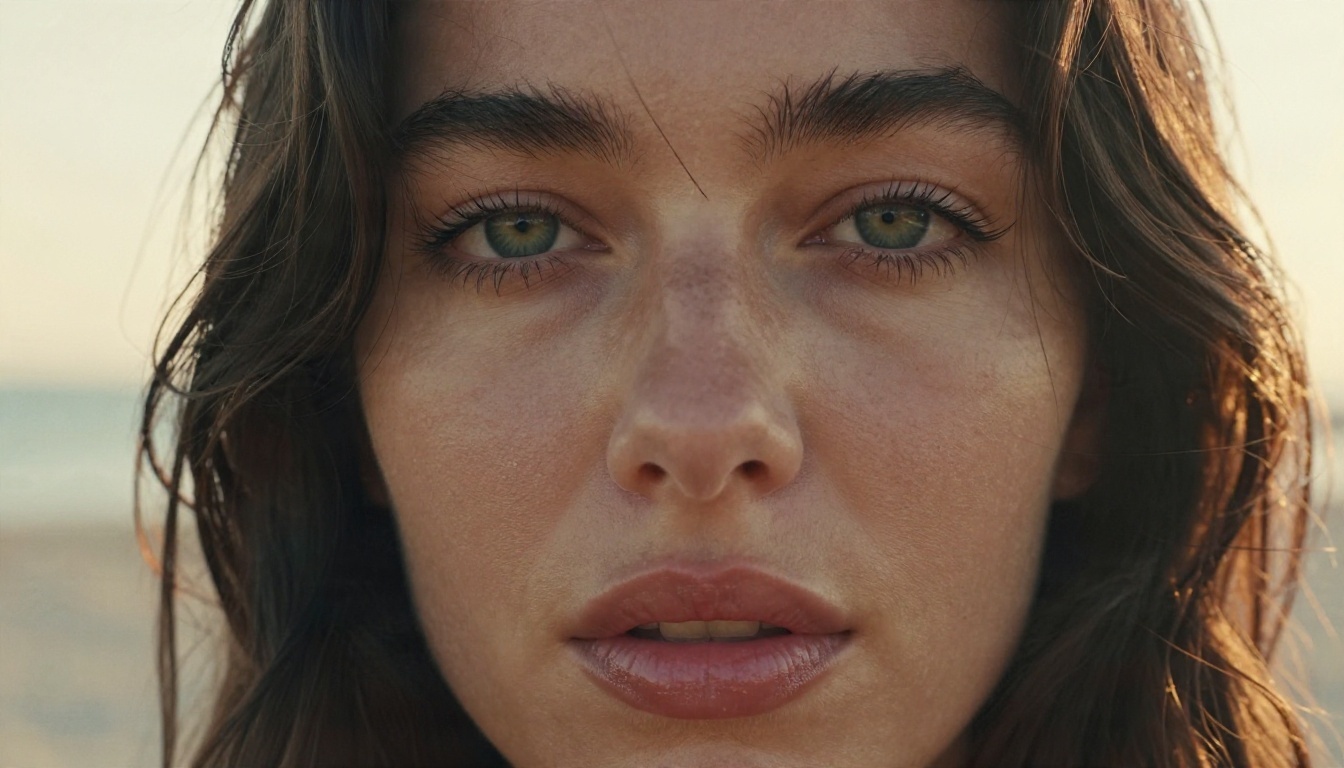
Texture drift is the second improvement. Freckles, skin sheen and hair strands used to shimmer or morph between frames. In 2.3 they hold steadier, so close portraits survive a full five seconds. If you want to test this yourself, a tight portrait with backlight and a gentle head turn is the best stress test there is.
Sound that matches the scene
Because audio is generated alongside the picture, a clip of waves on a beach arrives with waves, and a pool exit arrives with splashing. It is not studio quality, but it removes a whole editing step.
💡 Tip: Describe the sound in your prompt the same way you describe the picture. "Soft surf, distant gulls, light breeze" gives the audio model something to work with.
Examples of Prompts That Work
The pattern behind every good clip is the same: a starting pose, one clear motion, one camera move, one light source. Overloading the prompt with five actions is the main reason clips fall apart.
Fabric and hair
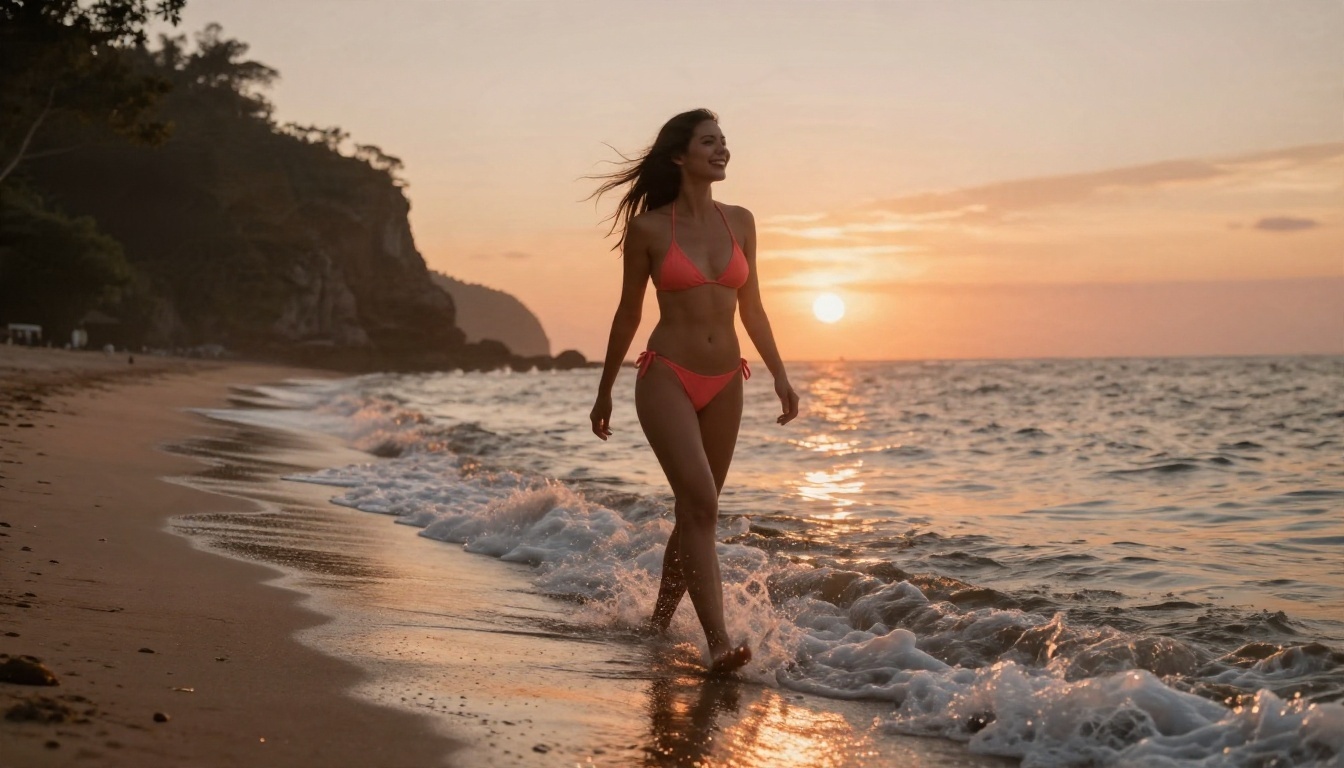
Beach scenes are close to ideal for this model. Wind drives hair and fabric, water gives the audio something to do, and the light is forgiving.
Prompt example:
A woman in a coral bikini walks barefoot along a quiet shoreline at sunset, a low wave washes over her ankles, her hair blows sideways as she laughs toward the horizon. Camera tracks slowly at knee height. Warm low sun, soft surf sounds.
Why it works: one subject, one walking action, one camera move, and the environment supplies the secondary motion for free.
Water and wet skin
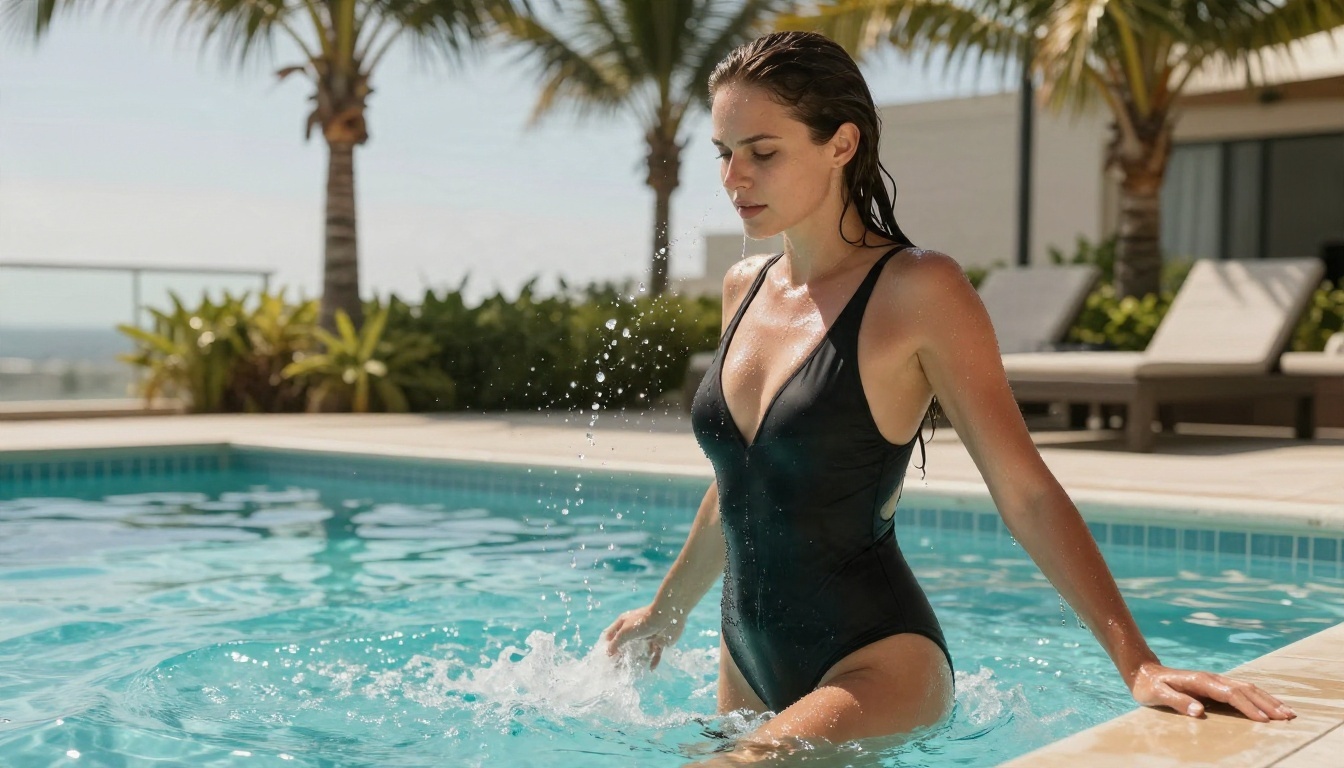
Water is hard for any video model. Droplets must fall, streams must run down skin, and highlights must travel. LTX 2.3 handles it better than its predecessor, though it still struggles when too many droplets fight for attention.
Prompt example:
A woman in a black swimsuit climbs the steps out of a rooftop pool, water streaming off her arms, wet hair slicked back. Low camera at pool level, slow push in. Hard midday sun, splashing sounds.
Keep the action to a single step or turn. Asking for a climb, a hair flip and a laugh in five seconds usually produces a muddle.
Fashion movement
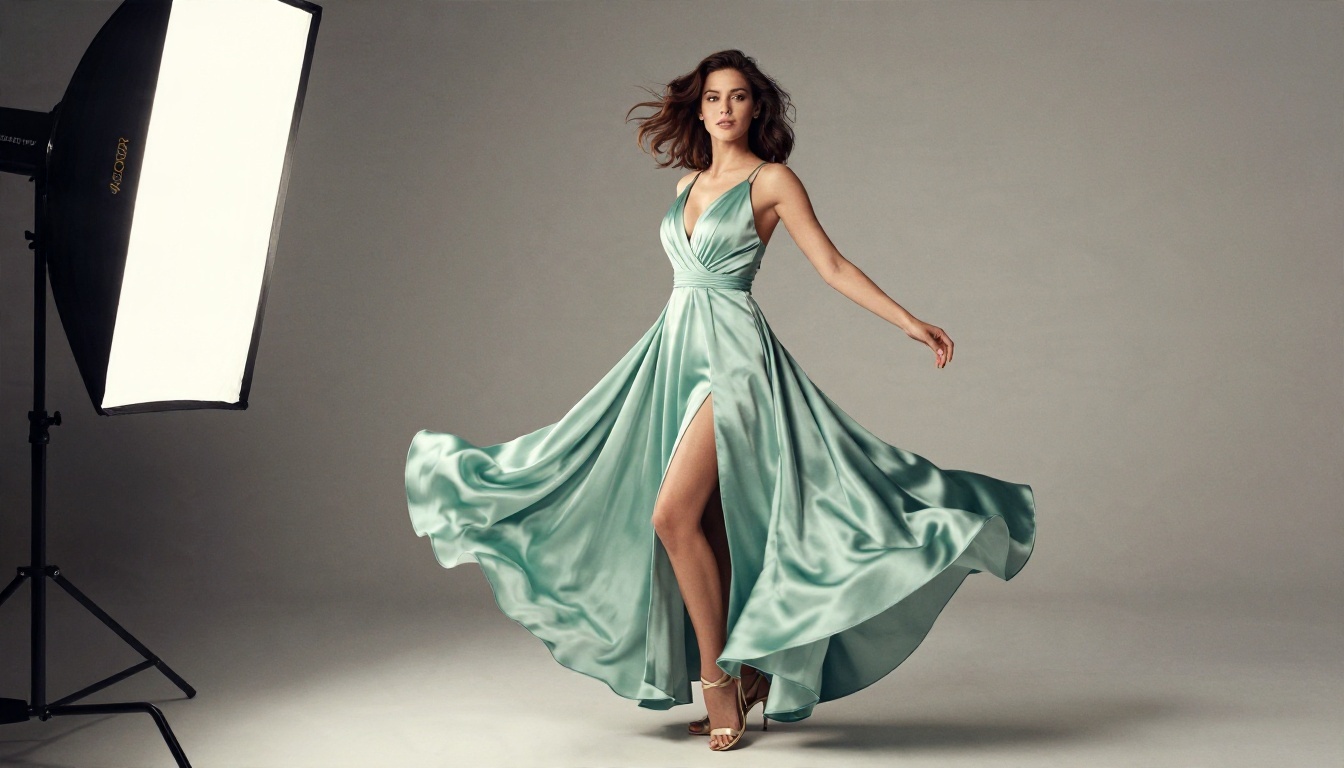
A slow spin in a gown is a good test of cloth. The skirt must flare, trail, and settle without clipping through the legs.
Prompt example:
A woman in an emerald satin gown with a high slit turns in a slow spin on a gray studio floor, the skirt flaring outward and settling. Camera holds a full-body shot, then drifts slightly closer. Soft studio light from the left.
Prompt checklist
- Start with the subject and what she wears.
- Pick one action verb: walks, turns, stretches, steps.
- Add one camera move: slow push in, gentle pan, tracking shot.
- Name the light: golden hour, window light, softbox.
- Add one line of sound.
- Keep it under 80 words.
ComfyUI Settings That Hold Up
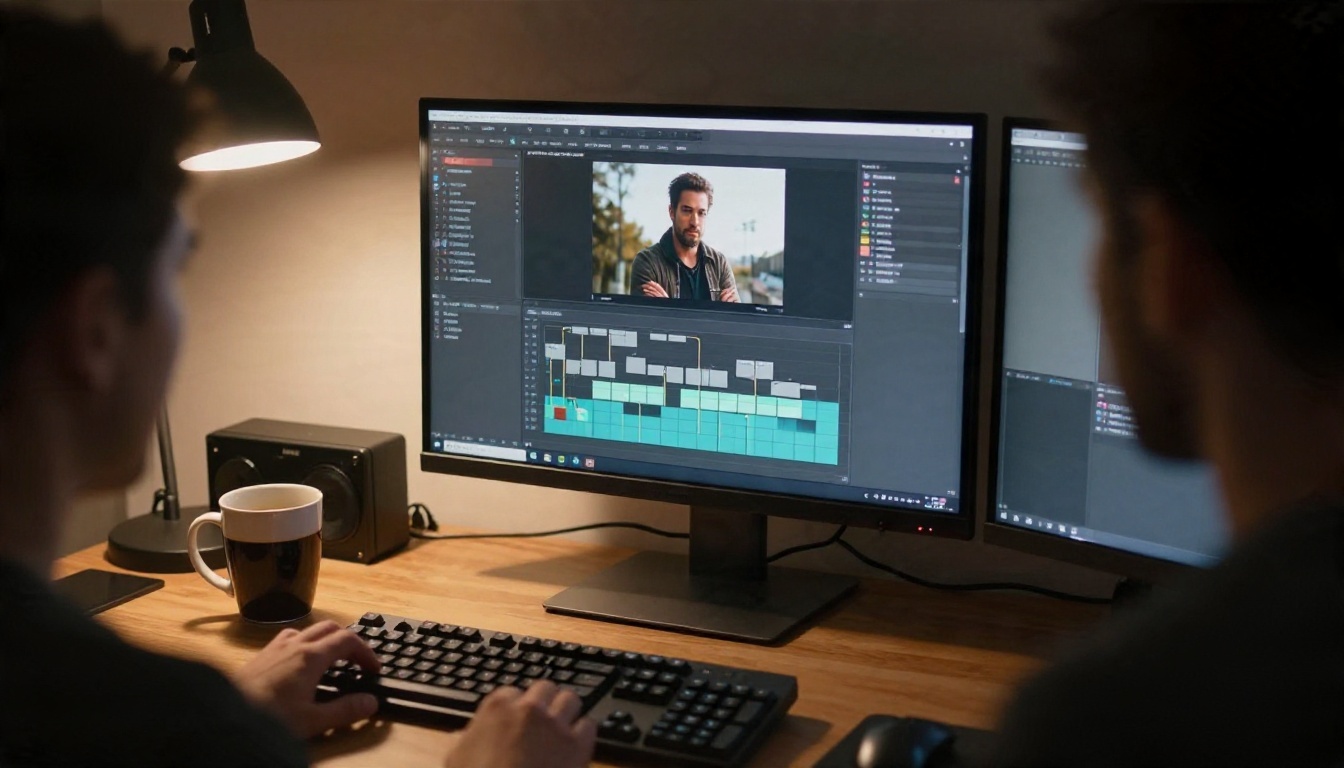
Files and setup
Update ComfyUI first. LTX 2.3 is supported natively, so the built-in templates work without extra custom nodes. You will need:
- The LTX 2.3 checkpoint. The fp8 version of the 22B dev model is the one most people with consumer cards choose.
- The spatial upscaler x2 file, if you use the two-stage workflow.
- The distilled LoRA, if you pair it with the dev model.
- Your community LoRA, only if it was trained for 2.3.
Folder placement is described differently across community pages, so check the official ComfyUI tutorial for your build before moving files around.
Frames, size and steps
The official two-stage workflow takes a frame count rather than seconds. The formula is simple: frames = seconds × frame rate + 1. Five seconds at 24 fps is 121 frames.
| Setting | Starting value | Notes |
|---|
| Frames | 121 (5 s at 24 fps) | Shorter clips use less memory |
| Width and height | Multiples of 32 | Odd sizes cause artifacts |
| Resolution | Generate at your target size | Upscaling from 720p looks worse than rendering at 1080p |
| Steps (distilled) | 8 | Fast, good for previews |
| CFG (distilled) | 1 | Guidance is baked in |
| CFG (full model) | About 3 to 3.5 | Values near 5 add unwanted texture |
| Distilled LoRA strength | 0.5 to 0.6 | At 1.0 the output burns |
| Image to video frame rate | 50 fps worth testing | Softens the jump from still to motion |
Mistakes to avoid
- Running out of memory. Turn on VAE tiling if your workflow offers it. It saves around 3 GB of VRAM with little visible loss.
- Using old LoRAs. A LoRA from the LTX 2 era may load and still look wrong.
- Pushing CFG too high. On the full model, higher is not sharper.
- Skipping the preview. Render at low resolution first, fix the motion, then render the final size.
- Stacking LoRAs. Two community LoRAs at full strength often fight each other. Lower both.
💡 Hardware reality: The 22B model is heavy. If your card has limited memory, the fp8 file and shorter clips are your friends, and a cloud option is often cheaper than a new GPU.
Running It Online Without a GPU
Why people move off local
A local setup means downloads of tens of gigabytes, node errors after updates, and a fan that sounds like a jet. Plenty of people want the result without the project.
There are two honest options. Rent a cloud GPU and keep your ComfyUI workflow, or use a hosted video model where the setup is already done. The second is faster for anyone who simply wants clips.
What is and is not on PicassoIA
The community NSFW checkpoints and LoRAs for LTX 2.3 are not on PicassoIA, and I will not pretend otherwise. What PicassoIA does host is the base LTX 2.3 family: LTX 2.3 Pro and LTX 2.3 Fast, plus the newer LTX 2.5 Fast. Each model has its own content rules, so keep your prompts suggestive and non-explicit.
How to Get Similar Results on PicassoIA
The best workflow for glamour video is the same one professionals use for photo shoots: build a perfect still first, then animate it. Motion models are far better at bringing a good image to life than at inventing one.

Step 1: Build the still
Start with Seedream 4.5. It produces sharp, photoreal 4K images with convincing skin, fabric and light, which is exactly what an animation model needs as a first frame. Write your prompt like a photographer: subject, outfit, setting, light direction, lens.
Then open PicassoIA Image Editor Pro. It offers unlimited generations, so you can iterate on pose, outfit and background without counting credits. Fix a strap, swap a background, adjust the mood, and keep going until the frame is right.
Step 2: Animate it
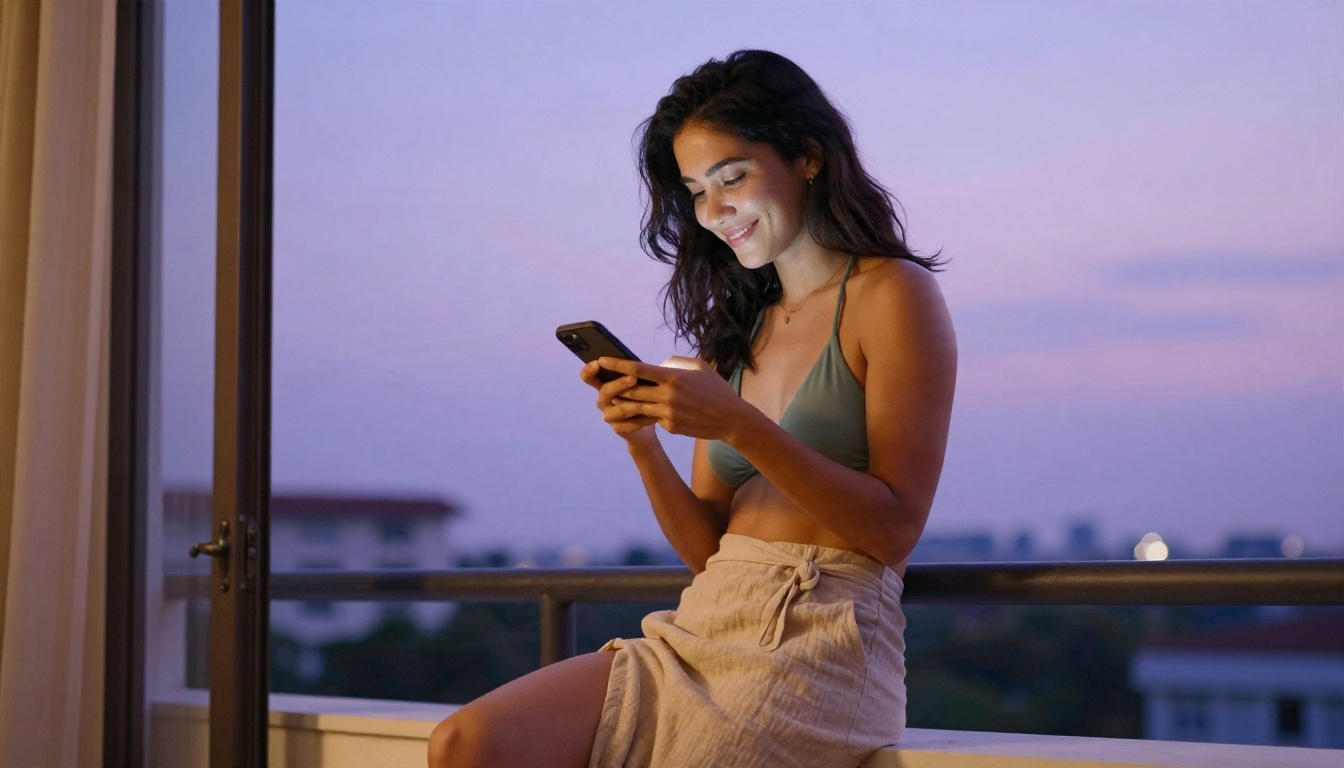
Take the finished image into an image to video model. Wan 2.6 I2V is a strong first choice for natural body motion. Upload the still, then write the motion in the same pattern as before: one action, one camera move, one light cue.
Parameter tips that carry over from ComfyUI:
- Keep prompts under 80 words.
- Describe motion, not the image. The model already sees the image.
- Choose 720p or higher for the final render, and use a faster tier for drafts.
- Match the aspect ratio of your still so nothing gets cropped.
- Generate three takes and pick the best. Small prompt changes give very different motion.
Step 3: Iterate
If the motion is too slow, name a stronger verb: "strides" instead of "walks". If the camera swims, remove the camera instruction and let the model hold still. If the face drifts, shorten the clip or choose a closer framing.
Alternatives Worth Trying
LTX 2.3 is not the only model that handles suggestive, photoreal motion well. These are the ones to test on PicassoIA, in the order I would try them.
| Model | Best for | Link |
|---|
| Seedream 4.5 | The starting still, skin and fabric detail | Seedream 4.5 |
| PicassoIA Image Editor Pro | Unlimited edits and retries on the still | Image Editor Pro |
| Wan 2.6 I2V | Natural body and cloth motion from a photo | Wan 2.6 I2V |
| Kling v3 Video | Cinematic camera work and smooth pacing | Kling v3 Video |
| LTX 2.3 Fast | Quick drafts with the base LTX look | LTX 2.3 Fast |
| P Video Animate | Simple photo animation | P Video Animate |
Local versus online
| Local ComfyUI | Online on PicassoIA |
|---|
| Setup time | Hours | Minutes |
| Hardware | Strong GPU with plenty of VRAM | Any browser |
| Community LoRAs | Yes, if trained for 2.3 | Not available |
| Control over every setting | Total | Model parameters only |
| Cost | Hardware or cloud rental | Per generation, with unlimited image editing |
| Best for | Tinkerers | People who want finished clips |
Both routes are reasonable. If you enjoy node graphs, stay local. If you want a clip before dinner, go online.
Make Your Own Clips Today
The pattern that works is short enough to remember: a great still, one motion, one camera move, one light. LTX 2.3 made that pattern work locally, and the same logic carries over to the hosted models.
Open PicassoIA, build a still with Seedream 4.5, polish it with Image Editor Pro, and animate it with Wan 2.6 I2V or LTX 2.3 Fast. Try the beach prompt from earlier as a first test, then change one thing at a time: the outfit, the light, the camera move. You will see what each choice does within a handful of generations.
When you want more options, browse every model at picassoia.com/en/all-models and pick the one that fits your idea.


