Type "Mage Space" into a search bar and you will find the same promise repeated everywhere: a browser based image generator, a free tier, a huge model library and fewer content filters than the big names. Some of that is true. Some of it depends on which week you check, because the plans, the caps and the model list keep shifting. This article sorts out what Mage Space AI offers for suggestive, glamour style image work, how its models and img2img tool behave in practice, where the limits bite, and what to use when you want more speed and fewer walls.

💡 Quick note on scope: everything below is about adult, consensual, non explicit imagery: swimwear, lingerie, boudoir and glamour portraits of fictional adults. Pornographic content is outside what this article, or the images in it, will touch.
What Mage Space Actually Is
Mage Space is a web based text to image tool built around Stable Diffusion style models. You open a page, type a prompt, pick a model, press generate. No local install, no GPU, no Python environment. For people who tried to run a model at home and gave up after the third driver error, that convenience is the whole appeal.
The service has been around since the early days of open image models, which explains its reputation. It grew up when community checkpoints were the main attraction, and it kept that identity: a big shelf of models made by hobbyists, a prompt box, a gallery, and a paid tier that removes waiting.
The Free Tier in Plain Terms
Reviews describe the free plan as generous: you can generate without paying, and many listings call it unlimited. Other sources mention basic usage caps without giving numbers. Both can be true at once. "Unlimited" usually means no hard monthly counter, while slower queues, lower priority and smaller output sizes act as the real limit.
Paid plans are described at very different prices across review sites, anywhere from a few dollars a month up to around thirty. That spread tells you plans get renamed and repriced often. Check the live pricing page before you pay for anything, and treat any single figure in a blog post, this one included, as a snapshot.
Model Library Basics
The platform advertises dozens of models, with figures around sixty or more quoted. The mix is mostly Stable Diffusion checkpoints and fine tunes, plus some newer open models. For suggestive photo work, the models that matter are the photorealistic checkpoints: they handle skin texture, fabric and natural light far better than the anime or painterly ones.
| Model type | Good for | Weak at |
|---|
| Photoreal fine tunes | Portraits, swimwear, lifestyle shots | Hands, text, complex poses |
| General base models | Mixed scenes, flexible prompts | Consistent faces |
| Stylized checkpoints | Illustration, concept art | Realistic skin and light |
| Newer open models | Prompt accuracy, detail | Availability on free queues |
NSFW on Mage Space: What to Expect
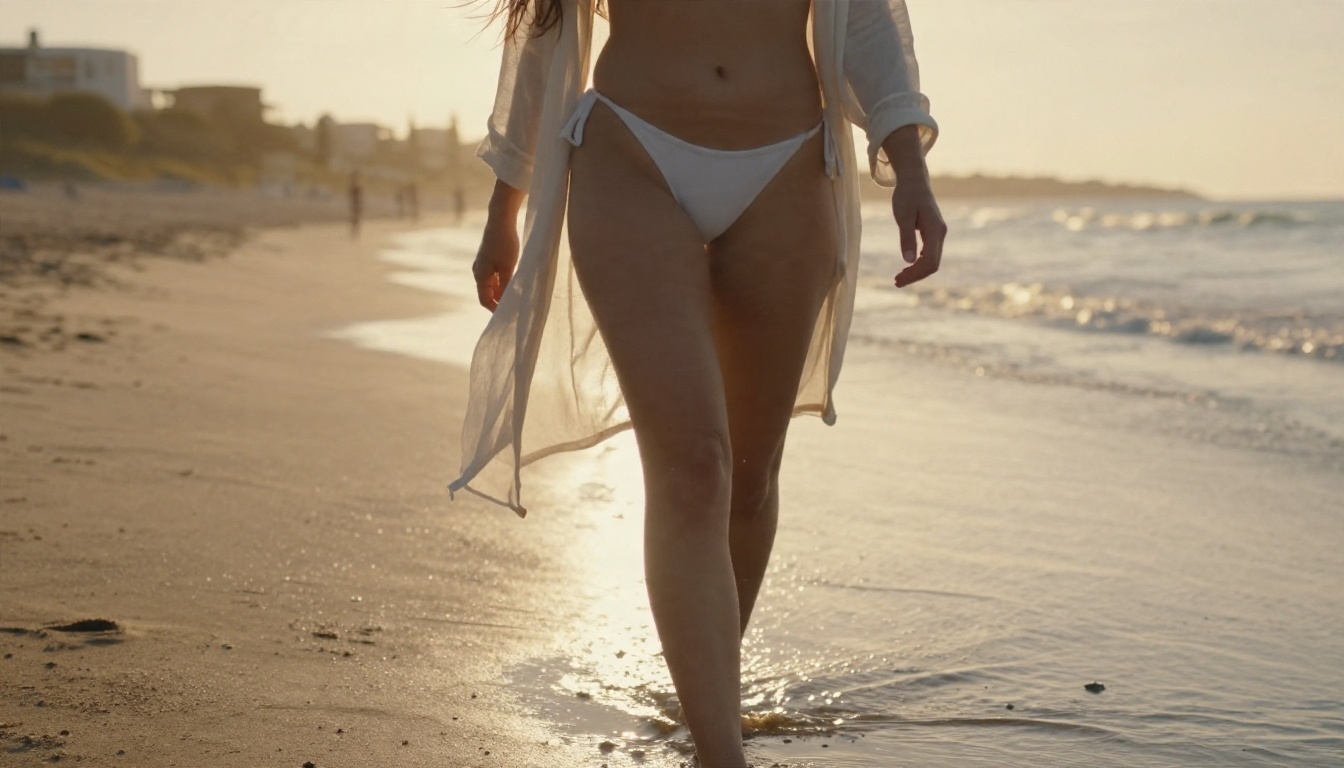
Mage Space is often listed as a "no filter" or low filter generator. Reviewers describe unrestricted content options and add the sensible warning that they may not suit every user or every platform. No source I found names specific adult models, so treat any claim about a particular checkpoint as unverified until you try it yourself.
Unfiltered Mode and Its Trade-offs
Fewer filters sounds like pure upside. In practice it brings three trade-offs:
- Inconsistent output quality. Community checkpoints vary wildly. One model gives magazine quality skin, the next gives plastic faces and six fingers.
- Public galleries. Free generators often show what users create in a shared feed. Check privacy settings before you generate anything personal.
- Shifting rules. Platforms that run payment processors and app stores have to tighten policies from time to time. What works today can be restricted next quarter.
Prompting Suggestive Photos
Whatever tool you use, the prompt does most of the work. Photographers get better results from image models than people who list adjectives, because the model has seen millions of photos with real camera language attached.
- Name the garment and the fabric. "Black silk slip dress" beats "sexy outfit".
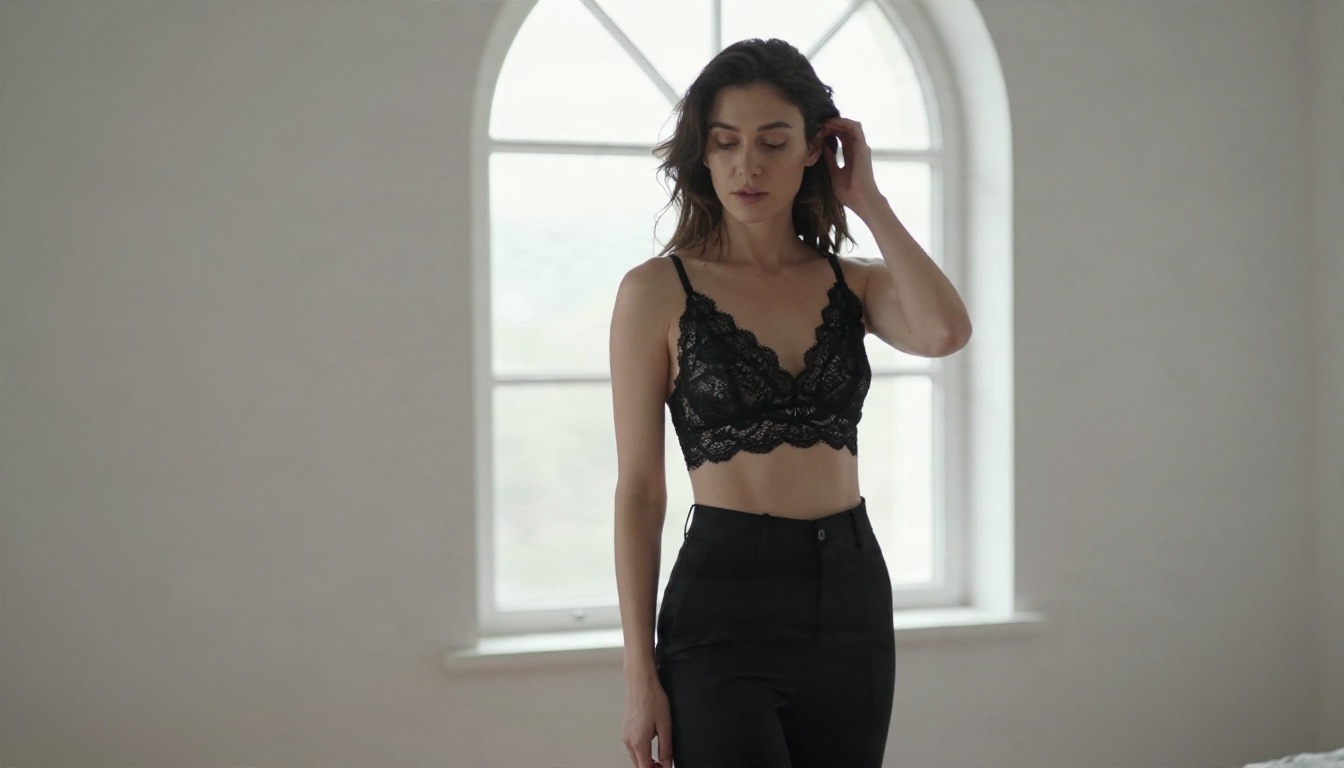
- Describe the light. "Soft window light from the left, warm rim light on the shoulder."
- State the lens. "85mm f/1.8, shallow depth of field" nudges the model toward portrait framing.
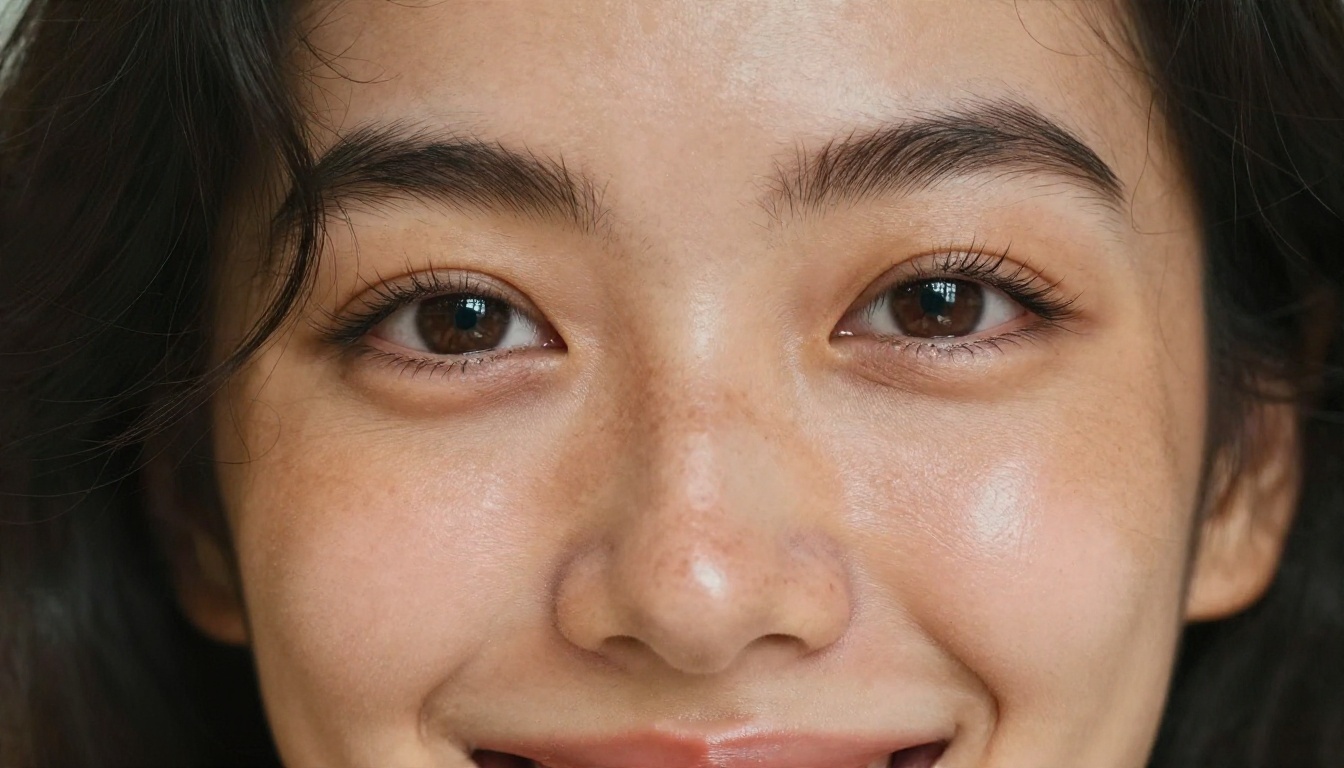
- Add skin detail. "Visible pores, natural freckles, fine peach fuzz" fights the waxy look.
- Pick a film stock. "Kodak Portra 400, light grain" gives warm, believable color.
💡 Tip: keep one change per generation. If you swap the outfit, the location and the lens at once, you will never know which edit helped.
Img2Img: Turning Photos Into New Ones
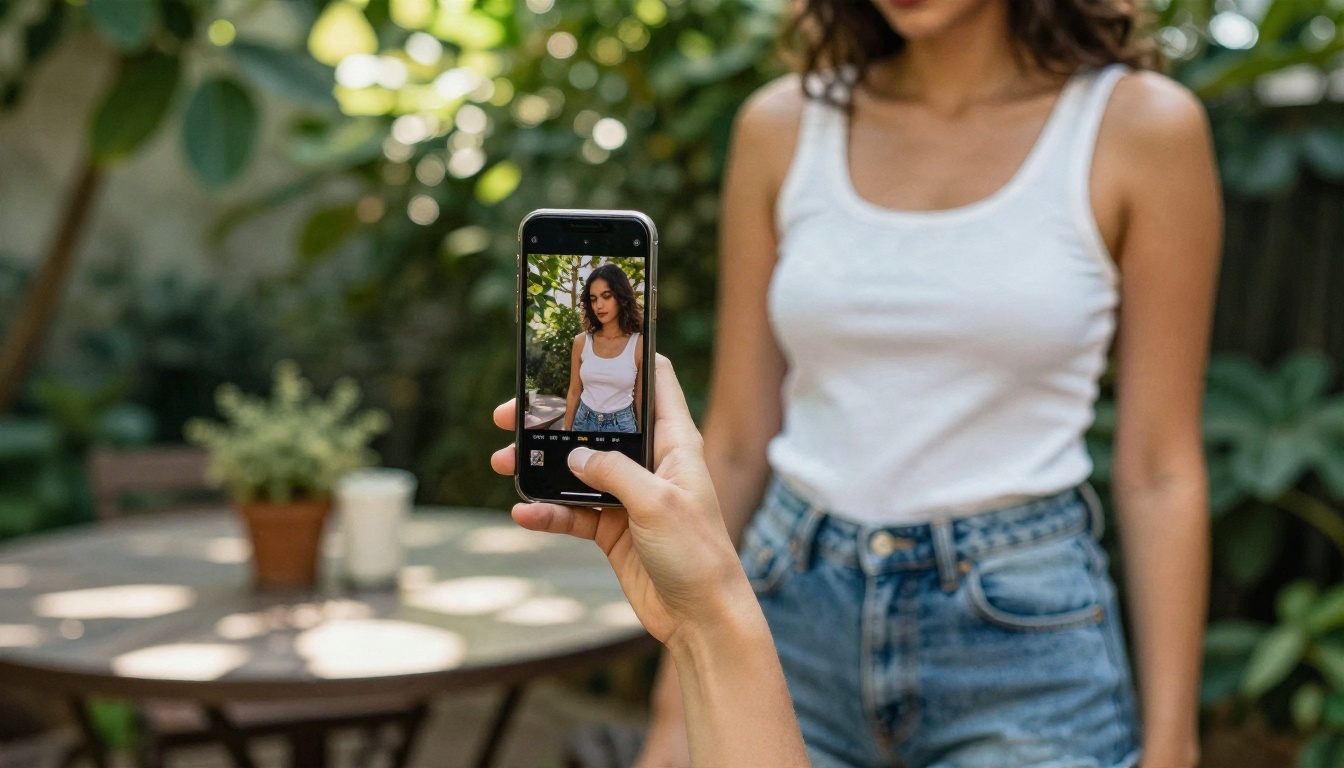
Img2img takes an existing picture as the starting point and rebuilds it according to your prompt. Mage Space lists an image to image mode, though the public descriptions say nothing about caps on it. Expect it to share the same queue and size limits as the text mode.
Denoising Strength Explained
The one setting that matters is denoising strength, a number from 0 to 1:
| Strength | What happens | Typical use |
|---|
| 0.2 to 0.35 | Small tweaks, same composition | Color grading, skin cleanup |
| 0.4 to 0.6 | Same pose, new outfit or background | Restyling a photo |
| 0.7 to 0.9 | Loose inspiration only | New scene from a rough sketch |
Start at 0.45. If the result looks too close to the source, push it up by 0.1. If faces start to drift, bring it down.
Reference Photo Tips
- Use a sharp, evenly lit source. Blur gets amplified, not fixed.
- Crop tight on the subject. Wasted pixels on empty background steal detail from the face.
- Match the aspect ratio of the output you want. Stretching causes odd proportions.
- Only use photos of yourself or of people who have agreed to it. Never feed in a real person's picture without their consent.
The Real Limits
Marketing pages talk about what is included. The limits are what you meet on a Tuesday night when you want eight variations of one idea.
Queue Times and Caps
On free plans of this type, the usual friction points are:
- Waiting in line when many people generate at once, especially evenings and weekends.
- Smaller maximum resolution than paid users get.
- Fewer images per batch, so comparing variations is slow.
- Locked models. Some of the better or newer models sit behind a paid plan.
Resolution and Consistency
Older Stable Diffusion checkpoints were trained on smaller images, so they generate around 512 to 1024 pixels on the long side. Faces at that size look fine at thumbnail scale and soft when you zoom in. You can upscale afterward, but repeated upscaling creates its own artifacts.
Consistency is the harder problem. Getting the same woman in five different outfits takes extra tools: reference images, face locking or fine tuned models. Free generators rarely make that easy.
| Limit | Free tier of a typical web generator | What it costs you |
|---|
| Speed | Shared queue | Minutes per batch |
| Resolution | Capped | Soft detail on faces |
| Model access | Partial | Best models locked |
| Privacy | Often public gallery | Less control |
| Rule changes | Frequent | Unreliable workflow |
💡 Reality check: plan details change. The numbers in review sites conflict with each other, so confirm anything you rely on at the source.
Mage Space Is Not on PicassoIA: Better Options Are
Mage Space is a separate service and it is not on PicassoIA. There is no Mage Space page here, and nothing in this article suggests you can run it from PicassoIA. What you can do is get similar or better results from models that are on PicassoIA today, with faster generation and a focus on photorealism.
If the draw of Mage Space is free, uncensored, suggestive photo generation, these are the options to try, in the order I would try them.

Seedream 4.5 First
Seedream 4.5 is the model to start with for glamour and swimwear work. It renders skin with believable texture, handles fabric folds and lighting well, and outputs up to 4K. It follows long, detailed prompts closely, so the camera and lighting language from the prompting section above pays off here. It is also fast, which matters when you are iterating through ten variations.
Image Editor Pro for Unlimited Edits
PicassoIA Image Editor Pro is the img2img answer. You upload a photo, describe the change in plain language, and it edits the picture: swap an outfit, change the location, adjust the light. The big difference from a capped free tier is that generations are unlimited, so you can keep refining without watching a counter. It does the job that img2img with a denoising slider does, with less trial and error.
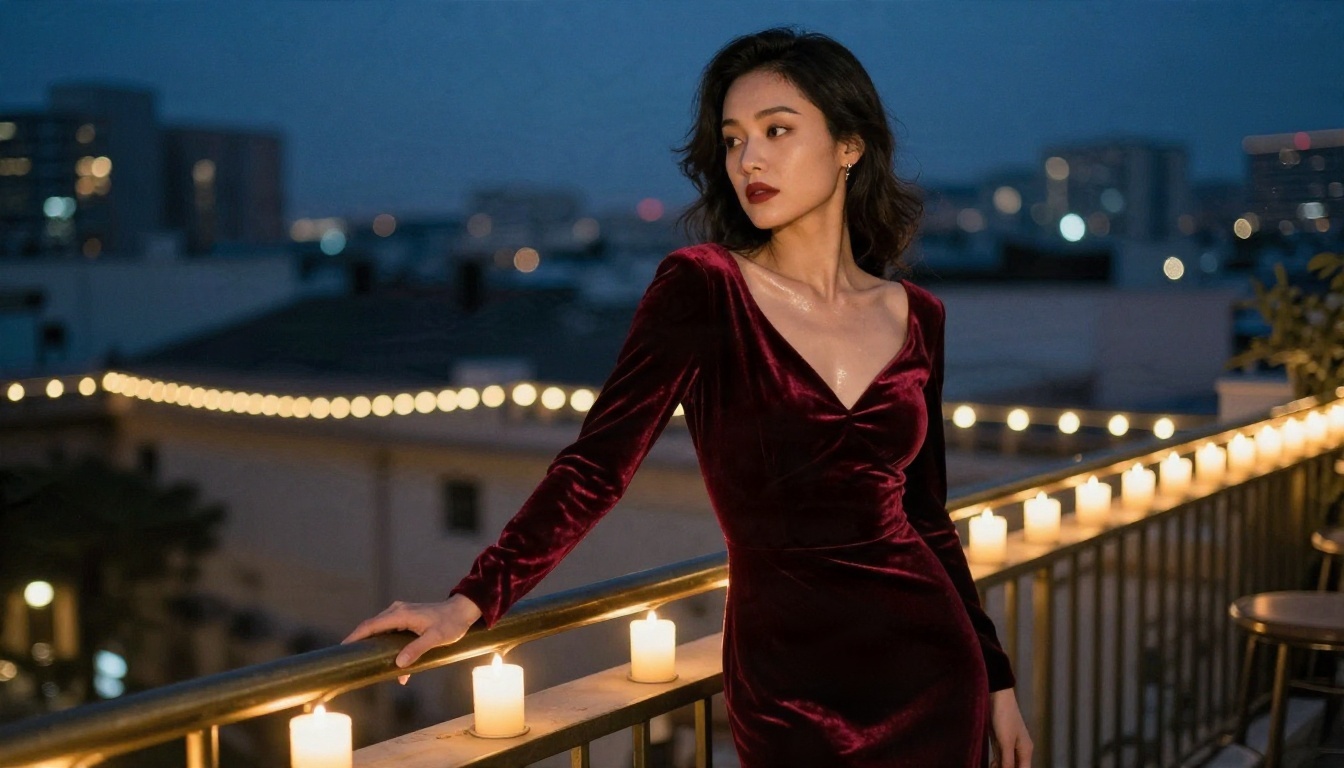
Z Image Turbo and Realistic Vision
Two more models are worth a spot in your rotation:
- Z Image Turbo is built for speed. When you want to test a prompt idea in seconds before committing to a slower, higher quality run, this is the one.
- Realistic Vision v5.1 is the familiar community style photoreal checkpoint. If you came to Mage Space for that classic Stable Diffusion portrait look, this is the closest match.
| Model | Best for | Speed | Link |
|---|
| Seedream 4.5 | Glamour, swimwear, 4K detail | Fast | Open |
| Image Editor Pro | Img2img style edits, unlimited | Fast | Open |
| Z Image Turbo | Rapid drafts | Very fast | Open |
| Realistic Vision v5.1 | Classic photoreal portraits | Medium | Open |
How to Get Similar Results on PicassoIA
Here is the workflow with Seedream 4.5, then a quick edit pass with Image Editor Pro.
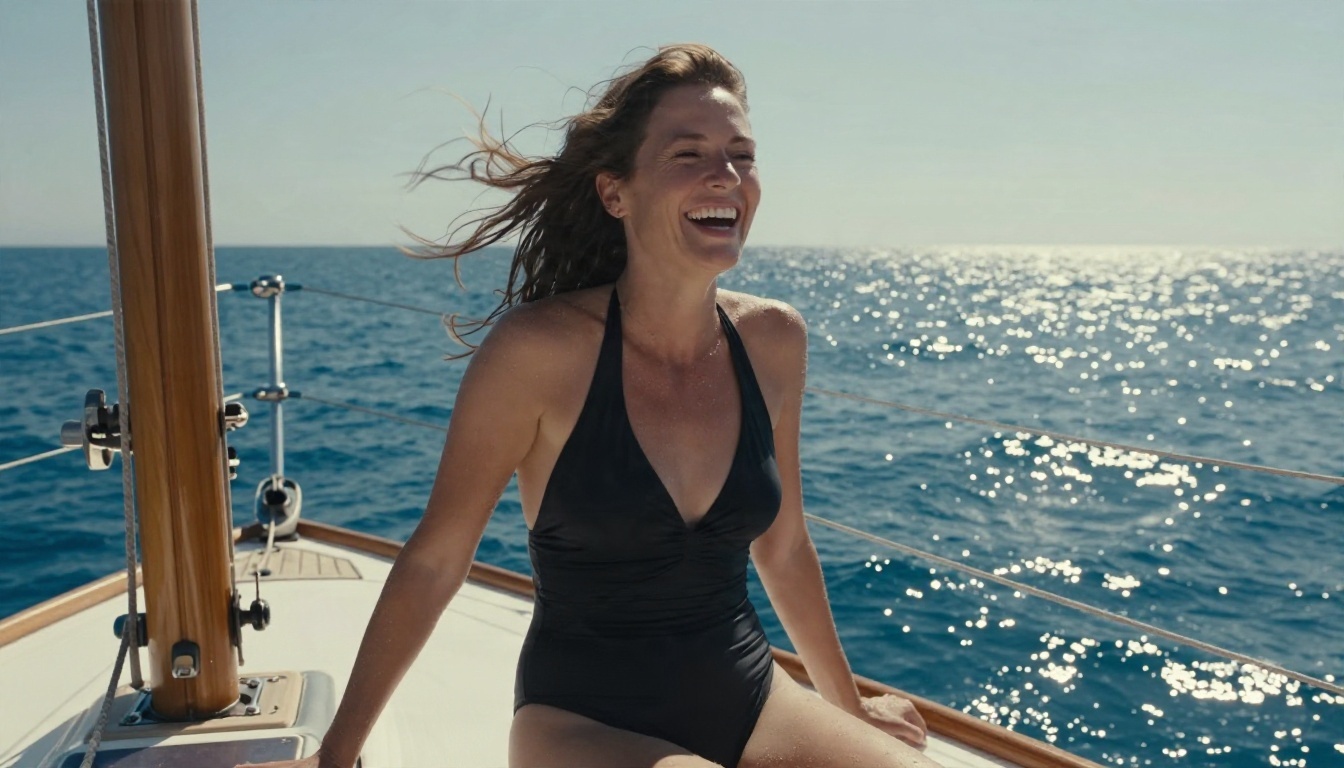
Step by Step
- Open the model page. Go to Seedream 4.5 on PicassoIA.
- Write a photographer's prompt. Subject, garment, location, light, lens, film stock. Aim for 50 to 80 words.
- Set a wide ratio. Choose 16:9 for scenes and 3:4 or 2:3 for portraits.
- Generate three variations. Pick the best, note what worked in the prompt.
- Refine in Image Editor Pro. Open Image Editor Pro, upload your pick and describe one change at a time, such as a different dress color or a warmer sunset.
- Draft faster with Z Image Turbo. For new ideas, test them in Z Image Turbo first, then run the winning prompt in Seedream 4.5.
Parameter Tips
- Prompt length: longer, specific prompts beat short ones. Include at least one lighting direction.
- Skin realism: add "visible pores, natural freckles, fine skin texture" to avoid a polished, plastic look.
- Hands: keep hands simple in the pose. "One hand resting on the window frame" is safer than a complex gesture.
- Edits: change one thing per Image Editor Pro request so the face stays stable.
- Style words: skip neon and glow terms. Photographic wording gives skin and fabric a believable finish.
💡 Speed tip: save your best prompt as a template. Swap only the garment and location, and you get a consistent look across a whole set.
Mage Space vs PicassoIA at a Glance
| Question | Mage Space | PicassoIA |
|---|
| Cost to start | Free tier, caps vary | Free to try |
| Model range | Dozens of community checkpoints | Curated, current photoreal models |
| Img2img | Available, details vary | Image Editor Pro, unlimited |
| Speed | Queue dependent | Fast models like Z Image Turbo |
| Resolution | Often limited on free | Up to 4K with Seedream 4.5 |
| Other tools | Image focused | Video, upscaling, lipsync, music and more |
The honest summary: Mage Space is a fine place to experiment with community checkpoints, and its free access is a real draw. If your priority is photoreal quality, speed and editing without a counter, the PicassoIA models above are the stronger daily tools.
Try It Yourself Today
You do not need a subscription decision to see the difference. Pick one scene you have been wanting to create, a beach at golden hour, a sunlit loft, a candlelit terrace, and write it like a photographer would. Run it through Seedream 4.5, polish it with Image Editor Pro, then try the same prompt in Z Image Turbo and Realistic Vision v5.1 to compare looks.
Want to see everything available beyond these four? Browse the full list at picassoia.com/en/all-models and start generating your own images on Picasso IA.


