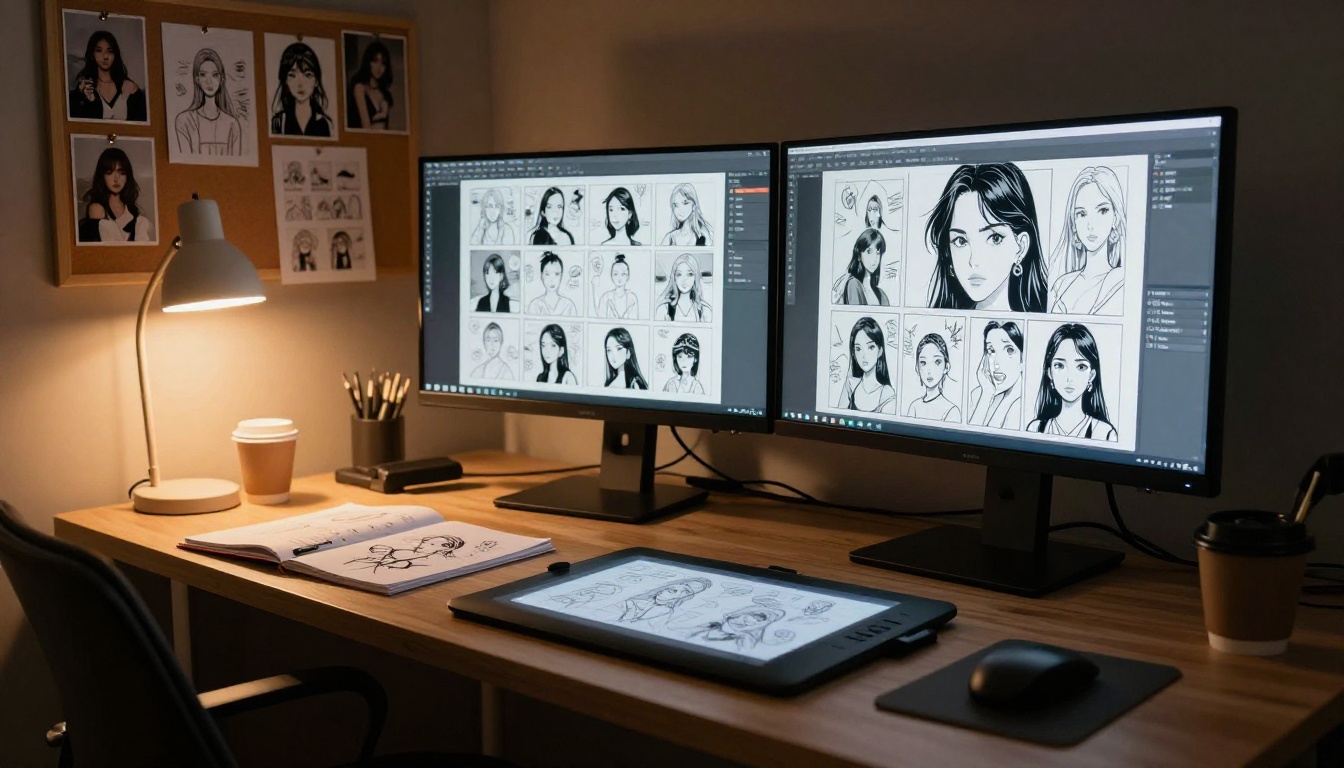
Nano Banana Pro lets you create 18+ comics from plain-language prompts at resolutions up to 4K. This article covers how to set the content filter for adult content, use reference images to keep characters consistent across panels, pick the right aspect ratios, and upscale finished pages to print-ready quality. All free, all online, no install needed.
Nano Banana Pro is not your average AI image model. It ships with an adjustable content filter that you can dial down to block_only_high, accepts up to 14 reference images in a single call, and renders output at resolutions all the way to 4K. That combination makes it one of the most capable tools available for creating 18+ comics online, and you can do all of it for free on PicassoIA, without installing anything or writing a single line of code.
Why Nano Banana Pro Is Different
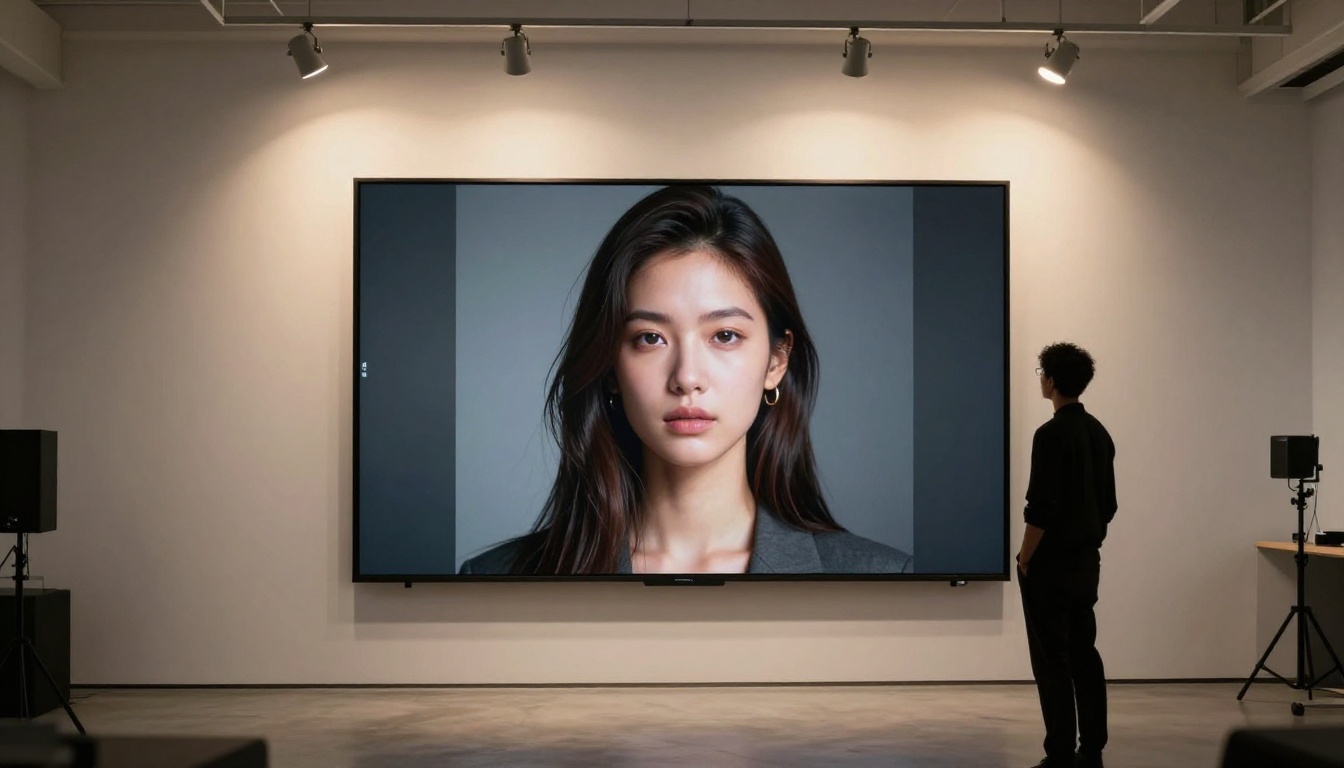
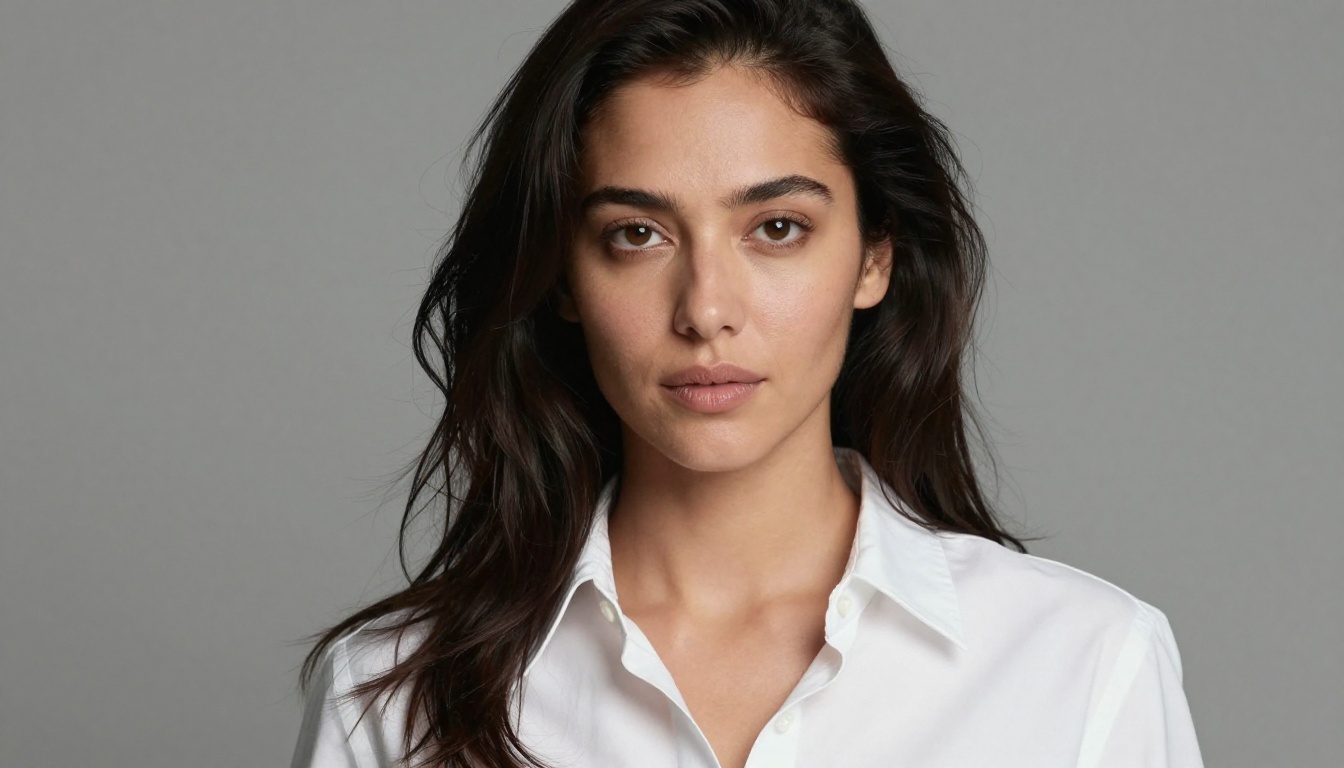
Most AI image models handle adult content by silently blocking your prompts or returning watered-down results. Nano Banana Pro, available on PicassoIA, takes a different approach. It gives you direct control over the content filter through a single parameter, so you decide how permissive the output is. You also get real rendering quality: crisp skin textures, accurate proportions, and sharp detail at 1K, 2K, or 4K resolution.
The Safety Filter That Opens Adult Content
The model exposes three filter levels you can choose from:
Filter Level
What It Does
block_low_and_above
Strictest. Blocks most suggestive content.
block_medium_and_above
Mid-range. Allows mild content.
block_only_high
Most permissive. Suited for adult comic work.
Setting safety_filter_level to block_only_high is what enables adult AI comic generation on this model. At this level, the model processes suggestive prompts that describe intimate scenarios, partial clothing, and adult character interactions without triggering unnecessary content blocks.
💡 Tip: Even at block_only_high, hyper-explicit anatomical language may still be blocked. Describe your scenes cinematically, focusing on mood, pose, and environment rather than anatomy-first phrasing.
4K Output at No Extra Cost
One thing that separates Nano Banana Pro from cheaper alternatives is the resolution ceiling. You can generate at 1K for quick drafts, 2K for standard comic pages, or jump straight to 4K for print-ready artwork. For adult comics destined for digital distribution, 2K is usually enough. For anything going to print or large display, 4K gives you the pixel density to hold fine detail in clothing, hair, and skin texture across every panel.
Building a Comic Strip from Scratch
Creating a multi-panel 18+ comic is straightforward once you understand how to structure your prompts and organize your reference inputs. The process follows a clear arc: define your characters, write panel prompts that maintain visual continuity, and choose aspect ratios that match your layout design.
Define Your Characters Before You Generate
Before generating any panels, write a detailed description of each character you plan to use. This becomes your reference prompt, and you will reuse it across every panel to keep your cast looking consistent. A solid character description covers:
Physical appearance: Hair color, length, eye color, body type, skin tone
Signature outfit: What they wear in their first appearance
Distinguishing details: Tattoos, jewelry, scars, or accessories that make them recognizable
Lighting preference: Whether you want warm, moody, cool, or natural light for their scenes
The more specific you are at this stage, the less you will need to fix later.
Writing Prompts That Hold Across Panels
The biggest challenge in AI comic creation is visual consistency. Characters can drift between panels if your prompts change too much. There are two ways to fight drift with Nano Banana Pro:
Reuse the same base description in every panel prompt. Copy the character description block and add the new action or environment on top of it verbatim.
Use reference images. Once you have generated a panel you like, feed that image back as a reference for the next one. The model accepts up to 14 reference images per call, giving you serious control over output direction.
💡 Tip: Generate 3-4 variations of your character in a neutral pose first. Use the best one as your primary reference image for every subsequent panel in that chapter.
Reference Images Are the Real Superpower
The reference image system in Nano Banana Pro is what makes adult comic production genuinely viable without advanced prompting skills. You can feed the model up to 14 images alongside your text prompt, and it uses them to anchor the visual style, character appearance, and composition of the output.
How to Layer Multiple Reference Images
For a typical 18+ comic scene, a smart reference stack looks like this:
1-2 images for your main character's face and body
1-2 images for the environment or room setting
1 image for lighting mood reference (a real photo with the exact light style you want)
1 image for outfit or costume reference
Combining these gives the model a dense visual brief, which dramatically reduces the number of regenerations before landing on a usable panel.
Keeping Characters Consistent Across Scenes
Consistency breaks when characters move between environments. To keep your protagonist looking like the same person from page 1 to page 20:
Always include at least one face-reference image for that character in every call
Keep your text description of them identical across panels
When introducing a new background, add a reference image for it rather than describing it only in words
Use the same aspect ratio throughout a chapter to avoid composition shifts between panels
Choosing Aspect Ratios Per Panel Type
Nano Banana Pro supports 11 aspect ratio presets. Picking the right one for each panel type makes your comic read better and saves layout time later.
Panel Type
Recommended Ratio
Why It Works
Wide establishing shot
16:9
Shows full environment context
Character portrait
9:16 or 2:3
Tall frame flatters vertical figure
Two-character scene
4:3
Balanced, editorial composition
Close-up face or detail
1:1
Square crop draws immediate attention
Splash page
16:9
Wide cinematic impact
Standard story panel
3:2
Classic comic page proportion
For adult comics specifically, 9:16 and 2:3 produce the best character-focused panels, while 16:9 handles establishing shots and full-scene environment panels naturally.
Upscaling Your Pages to Print Quality
After generating panels at 2K, you will often want to push them higher before compiling the final book. PicassoIA has several dedicated upscaling models that work well with AI-generated content and preserve the fine detail that adult comics rely on.
Which Upscaler to Use
Here is how the main options on PicassoIA compare:
For adult comic panels where skin and fabric detail counts, Crystal Upscaler adds the most convincing fine detail to face and body areas. For full-scene panels with environments and objects, Clarity Pro Upscaler handles backgrounds and clothing textures better.
💡 Tip: Run face-heavy panels through Crystal Upscaler first, then apply Clarity Pro Upscaler to the result for a two-pass finish that maximizes both face and environment quality.
Fixing Panels with PicassoIA Image Editor Pro
Even with the best prompts and references, individual panels sometimes need targeted fixes. A character's expression might be off, the background might not match the previous scene, or an outfit detail might differ from page to page. PicassoIA Image Editor Pro handles all of that in seconds without regenerating the full panel from scratch.
Fix Details Without Redrawing Everything
The editor accepts up to three reference images and a plain-language instruction. You describe the change you want, and it applies it while leaving the rest of the panel intact. Common fixes for 18+ comic work include:
Outfit adjustments: "Change her top to a black silk camisole" while keeping the face, pose, and background unchanged
Expression corrections: "Make her expression more intense and direct"
Background swaps: "Change the background to a red-lit bedroom with velvet curtains"
Lighting adjustments: "Shift the lighting to warm candlelight coming from the left"
Unlimited Edits, No Cap
PicassoIA Image Editor Pro is unlimited. There is no per-edit cap and no daily quota, so you can iterate freely on a single panel until it matches your vision exactly. Most edits finish in under two seconds, which means a 20-panel page can be polished in well under a minute of actual editing time.
How to Use Nano Banana Pro on PicassoIA
The model is free to use and runs entirely in your browser. No account required to start.
Step 1: Open the Model
Go to Nano Banana Pro on PicassoIA and open the generation interface. The model loads immediately in your browser.
Step 2: Set the Content Filter
Find the safety_filter_level option and select block_only_high. This is the most permissive setting available and is what you need for adult comic content.
Step 3: Write Your Panel Prompt
Describe your scene in plain language. Be specific about these elements:
Character appearance and what they are wearing
What they are doing or how they are posed
The environment, room type, and furniture
The camera angle and framing (close-up, wide shot, low angle)
Example prompt for an 18+ comic panel:
A woman with short dark hair and amber eyes, wearing a black satin robe loosely tied at the waist, sitting at the edge of a velvet armchair in a candlelit study, bookshelves behind her, dramatic side lighting from the left, low-angle shot, photorealistic, 85mm lens, film grain
Step 4: Add Reference Images
Upload your character reference images using the image_input field. You can add up to 14 images. Drag and drop files or paste URLs directly.
Step 5: Choose Resolution and Aspect Ratio
For standard panels: 2K, aspect ratio matching your panel layout
For cover pages or splash panels: 4K, 16:9 or 2:3
For fast idea iteration: 1K, any ratio
Hit generate. Results arrive within 15-60 seconds depending on resolution and server load.
Step 6: Iterate and Refine
Compare your output against your character reference. If the pose is right but an outfit detail drifted, take the output into PicassoIA Image Editor Pro for a quick targeted fix. If the overall composition missed, regenerate with the output as an additional reference image.
Other PicassoIA Tools Worth Using
Nano Banana Pro handles core panel generation, but a complete adult comic workflow on PicassoIA benefits from pairing it with these tools:
PicassoIA Image Editor Pro: Targeted panel fixes, outfit swaps, background changes. Unlimited and under 2 seconds per edit.
Crystal Upscaler: Takes face-heavy panels from 2K to 4x print resolution with sharp portrait detail.
Real ESRGAN: Fast free 4x upscaling for full-scene and environmental panels.
Adult AI comic production has a learning curve. These are the errors that show up most on a first attempt:
1. Changing character descriptions between panels
Even small wording changes cause visual drift. Lock your character descriptions as a copy-paste text block and reuse them unchanged in every call.
2. Skipping reference images after the first panel
Writing the same description twice without a reference image still produces different-looking outputs. Always feed back your best panel as a reference before moving to the next.
3. Using 4K for every generation
4K takes longer and is only needed for the final locked version of a panel. Use 1K for ideation and character development, 2K for production panels, and 4K for the final export.
4. Describing anatomy instead of scene
Anatomy-heavy prompts trigger blocks even at block_only_high. Write cinematically: describe the pose, environment, lighting, and framing. The model interprets the scene naturally.
5. Regenerating full panels for minor issues
Regenerating because one outfit detail drifted wastes time. PicassoIA Image Editor Pro can fix a single element in under two seconds with a plain-language instruction.
What Makes a 18+ Comic Prompt Actually Work
The difference between a mediocre panel and a compelling one almost always comes down to specificity. Here are the prompt elements that matter most for adult comic work:
Element
Weak Version
Strong Version
Character
"a beautiful woman"
"woman, late 20s, dark auburn hair past shoulders, green eyes, light freckles on chest"
Outfit
"wearing lingerie"
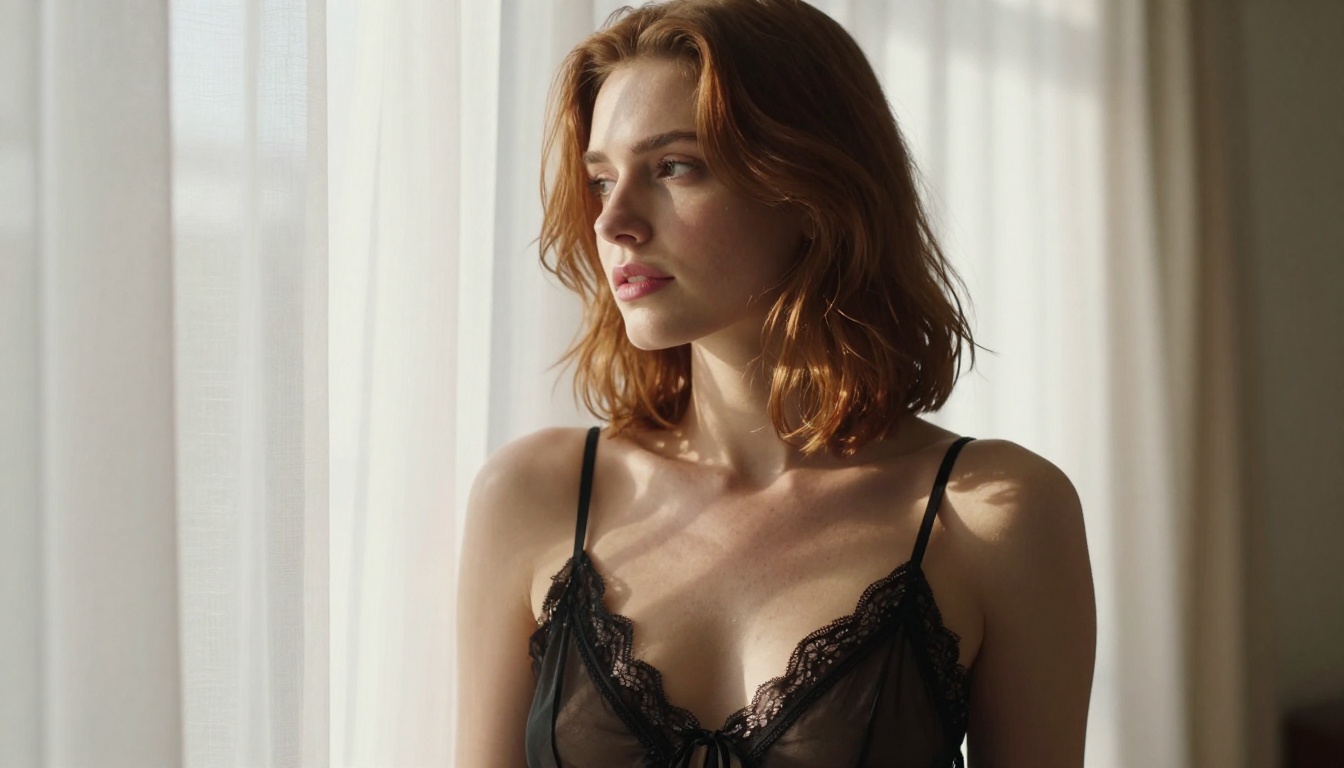
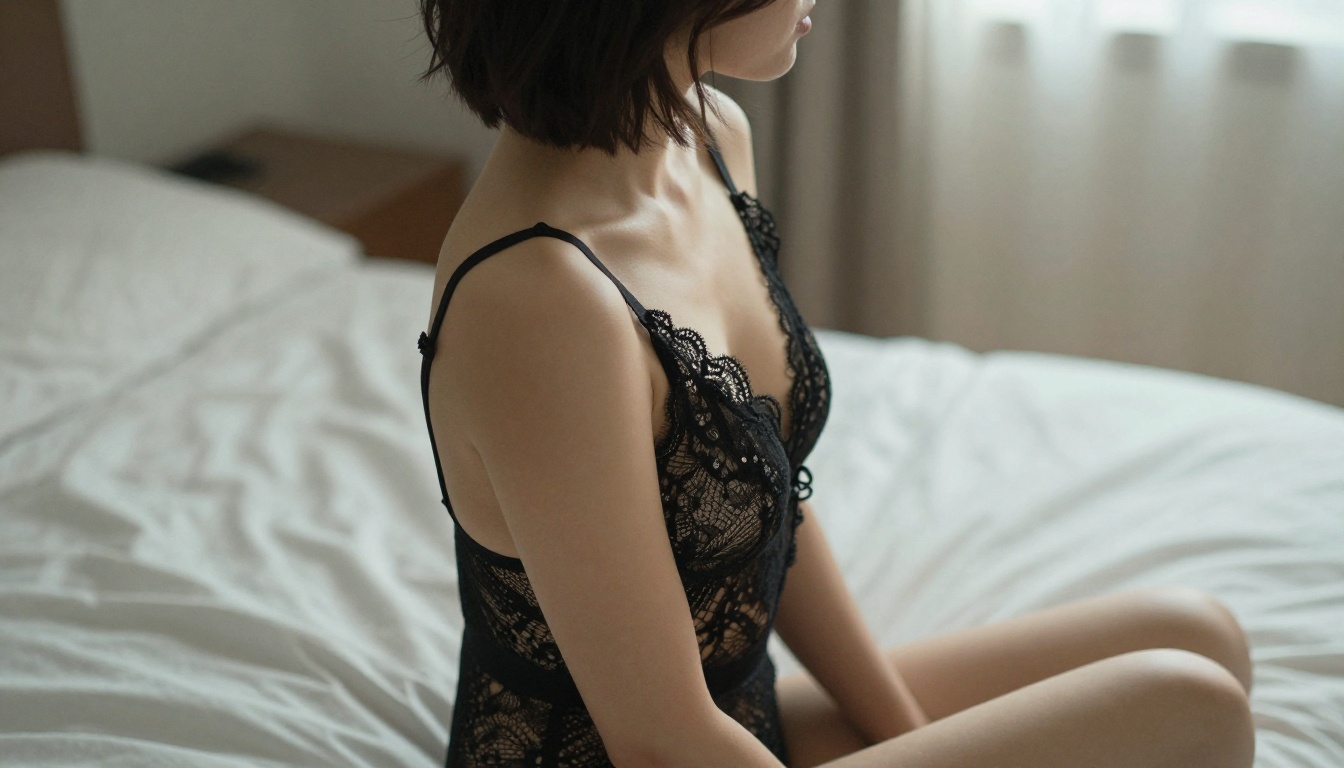
"wearing a black silk chemise with thin shoulder straps and lace hem"
Pose
"sitting on a bed"
"sitting on the edge of a white linen bed, knees together, leaning forward slightly, hands resting on knees"
Lighting
"moody lighting"
"single warm amber light source from upper left, casting long shadows across the right side of face and body"
Camera
no camera detail
"low-angle shot, 85mm f/1.8, shallow depth of field, film grain"
Every element you specify reduces randomness in the output. For adult comics where character consistency across many panels matters, vague prompts are your biggest obstacle.
💡 Tip: Save your best panel prompts as text templates. A well-structured prompt for one character can be repurposed across hundreds of panels by swapping only the action and environment details while keeping everything else identical.
Start Making Your Own Comics Now
Nano Banana Pro is live on PicassoIA and free to use right now. Open the model, set safety_filter_level to block_only_high, and write your first panel description. Try it with just a text prompt on the first run, then add reference images on your second pass and compare how much consistency improves. When your panels are final, run them through Crystal Upscaler or Image Upscale by Topaz Labs for sharp, print-ready output.
The full catalog of models, including every upscaler and image editor referenced above, lives at picassoia.com/en/all-models. Every tool runs in the browser, no subscriptions or software installs needed to start.