Most AI image generators have a hard wall built into them. Push into adult territory and the prompt gets flagged, refused, or quietly sanitized into something safe for all audiences. For creators working in glamour photography, artistic nudity, boudoir content, or explicit adult material, this isn't a minor inconvenience. It breaks the entire creative workflow.
The platforms that dominate mainstream conversation, Midjourney, DALL-E, Adobe Firefly, are built around broad consumer appeal. That means aggressive filters by default. The output you get is shaped less by what you described and more by what the platform is willing to show.
But the landscape changed. A number of high-performance AI models now operate without those content restrictions. They produce the same level of skin realism, fabric detail, and lighting accuracy you'd expect from professional photography. This breakdown covers those models, how to use them, and what prompt structure actually gets results.
Why AI Tools Refuse Adult Content
Why mainstream platforms refuse
Content moderation on consumer AI tools isn't just about ethics. It's about liability, app store compliance, advertiser relationships, and the risk of content appearing where it shouldn't. Platforms that need to operate inside Apple and Google's ecosystems can't allow explicit generation. So the filters are built aggressively, and they catch far more than they're meant to.
The result: "woman in lingerie" returns a fashion editorial. "Boudoir photography" returns fully clothed subjects. Anything that approaches skin or sensuality gets softened into something the algorithm considers safe. This isn't a bug. It's intentional design for a specific audience.
What uncensored AI actually delivers
When a model operates without a safety classifier, it treats adult content requests the same way it treats any other input. The model doesn't have an opinion about the subject matter. It's predicting pixel values based on your prompt, using patterns absorbed during training. Remove the filter layer and the full capability of the model becomes available.
What that means in practice: photorealistic skin texture with visible pores and natural subsurface scattering. Realistic fabric behavior, whether silk, lace, or sheer. Correct anatomy, accurate lighting, and compositional intelligence at a level that matches professional photography.
💡 Worth knowing: The quality gap between filtered and uncensored generation has closed significantly. The better uncensored models now match or exceed the realism of filtered platforms.
The Best Models for Adult AI Images
Not every uncensored model delivers the same quality. These are the ones that actually work for adult content creation, ranked by realism, speed, and value.
| Rank | Model | Type | Speed | Best For |
|---|
| 1 | Seedream 4.5 | Text-to-Image + Edit | Under 3 sec | Highest realism, NSFW + editing |
| 2 | PicassoIA Image Editor Pro | Img2img | Under 1 sec | Unlimited generations, rapid iteration |
| 3 | Qwen Image 2 | Text-to-Image + Edit | Seconds | Open source, detailed realism |
| 4 | Grok Imagine Image | Image-to-Image | Fast | Realistic outfit conversion |
| 5 | Recraft V4 | Text-to-Image | Fast | Very realistic text-to-image |
| 6 | P-Image | Text-to-Image | Under 1 sec | Fastest generation speed |
Seedream 4.5: the strongest NSFW model available
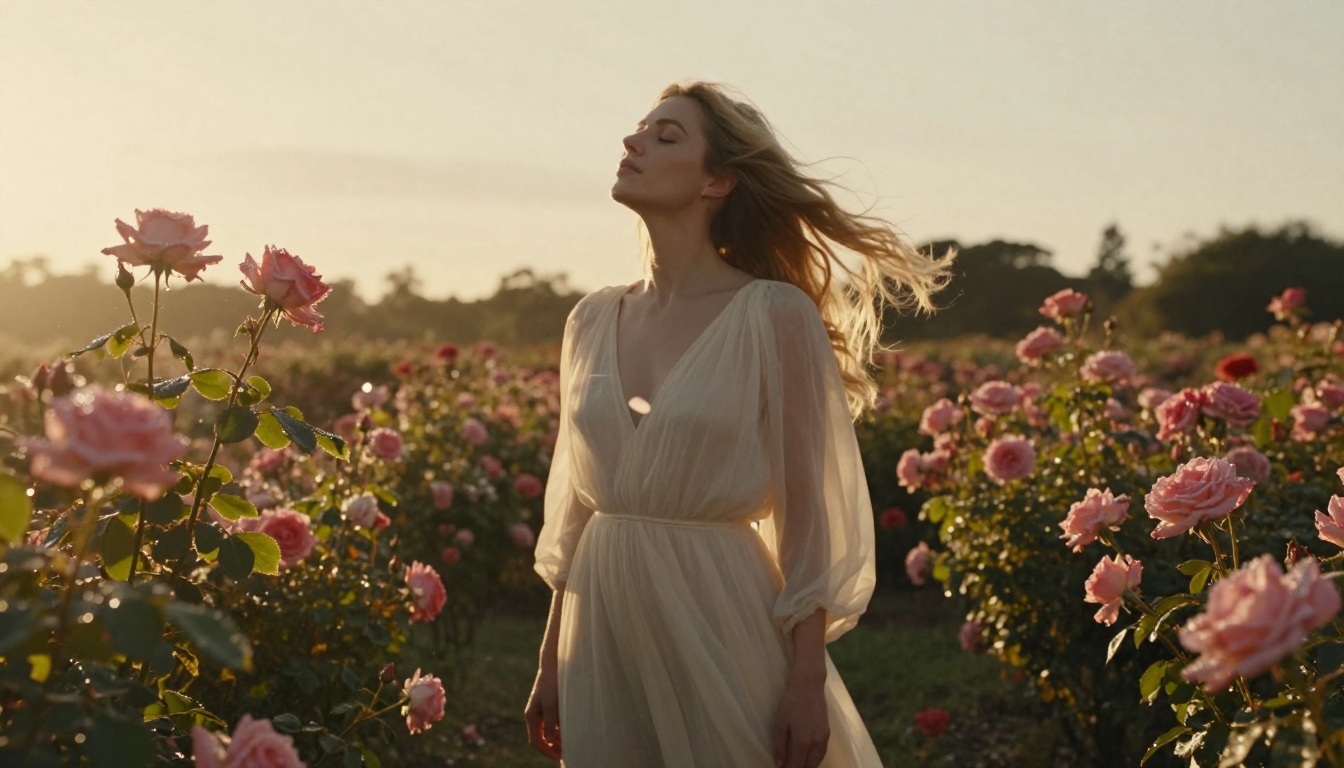
Seedream 4.5 is the clear frontrunner for adult AI image generation right now. It's a ByteDance model that accepts NSFW content without restriction and generates at 4K resolution in under 3 seconds. The skin realism is exceptional: natural subsurface scattering, visible pores, correct anatomical proportions, and fabric interaction that actually responds to body shape.
Beyond standard generation, it also handles image editing. You can take an output you like and modify specific elements while keeping everything else intact. This is a significant advantage when you're iterating toward a specific look.
One critical note: ByteDance's newer Seedream 5 Lite model does not support NSFW content. It was designed for a broader audience. Stay on Seedream 4.5 for adult content work.
PicassoIA Image Editor Pro: unlimited runs
PicassoIA Image Editor Pro approaches the problem differently. It's an img2img model: you give it a source image and describe the change you want. The output comes back in under a second.
What sets it apart from every other model on this list is the pricing structure. Generations are unlimited on Elite and Infinite subscription plans. There's no per-generation charge. If you need 1,000 variations of a single source image, that's 1,000 images at no extra cost. For context, generating that same volume on a token-based model typically runs around $100. On Image Editor Pro, it's included.
NSFW content is fully supported. New users get a free 3-generation trial with no credit card required.
Using Seedream 4.5 on PicassoIA
Seedream 4.5 runs directly through PicassoIA's browser interface. There's nothing to install and no API key to configure.
Step by step
- Open Seedream 4.5 on PicassoIA
- Enter your prompt in the text field. Be specific: describe the subject, environment, lighting, and camera settings.
- Select your aspect ratio. For photography-style adult content, 16:9 or 4:3 works well for horizontal subjects. Use 9:16 for portrait orientation.
- Set resolution to 4K for content where detail matters.
- Click Generate and wait 2 to 3 seconds for the result.
💡 Tip: Seedream 4.5 responds strongly to photographic language. Referencing a specific lighting setup ("Rembrandt lighting from the left"), a camera lens ("85mm f/1.8"), and a film stock ("Kodak Portra 400 tones") shifts the output dramatically toward photorealism.
Parameters that change results
Negative prompts are one of the most underused tools. Use them to exclude common AI failure modes: cartoon, illustration, 3D render, blurry, overexposed, watermark, text.
Prompt weight matters. Place the most important elements at the beginning of the prompt. The model weights earlier tokens more heavily than later ones. If the pose is the priority, lead with the pose.
Seed locking lets you fix the random seed and iterate on the prompt while keeping the base composition stable. Use this when you've found a pose or framing you like and want to adjust lighting or wardrobe without changing the overall layout.
PicassoIA Image Editor Pro: Unlimited Workflow
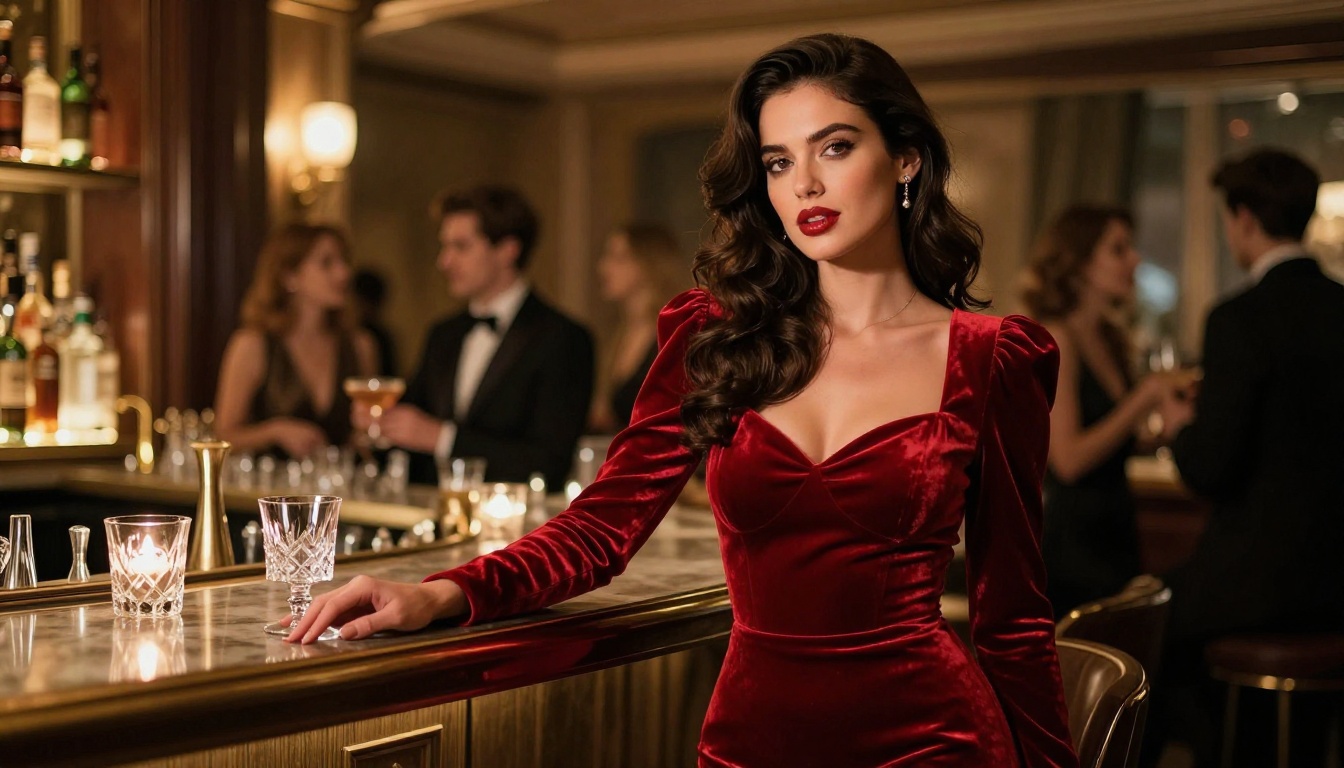
Img2img generation requires a source image. That source can be anything: a photo you took, a previous AI generation, or a reference image you found. The model modifies it according to your prompt.
The cost math
| Volume | Token-based model (~$0.10 each) | PicassoIA Image Editor Pro |
|---|
| 100 images | ~$10 | Included in subscription |
| 500 images | ~$50 | Included in subscription |
| 1,000 images | ~$100 | Included in subscription |
| 5,000 images | ~$500 | Included in subscription |
For creators building large content libraries, the math is straightforward. The subscription pays for itself quickly at any meaningful volume.
The workflow in practice
- Generate a base image with Seedream 4.5 or upload your own reference
- Open PicassoIA Image Editor Pro and upload the source image
- Write a prompt describing the change: "change the outfit to black lace lingerie, keep the same pose, same lighting"
- Adjust the strength slider. Values from 0.3 to 0.5 produce subtle changes. Values from 0.7 to 0.9 produce dramatic changes.
- Generate. Results return in under a second. Iterate freely with no extra cost.
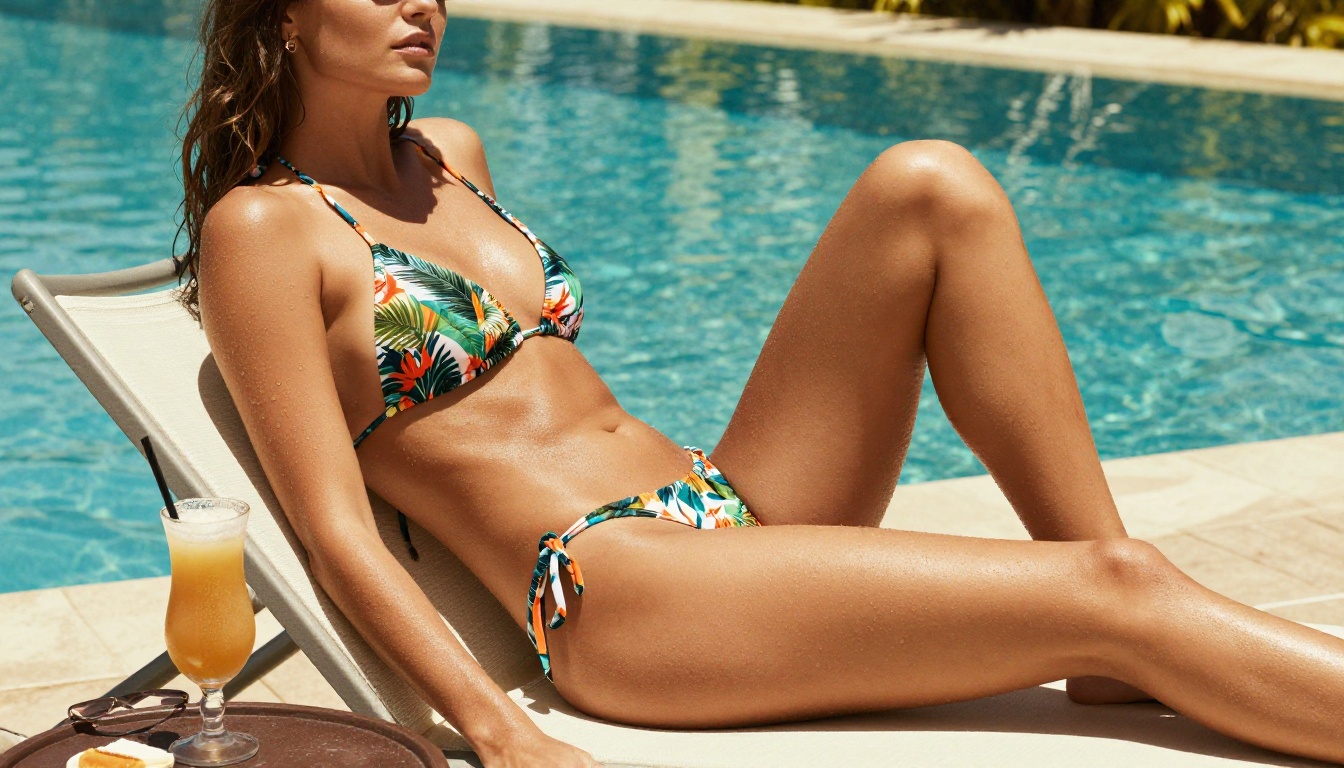
💡 Note: The quality of the source image matters more in img2img than in text-to-image. Start with a sharp, well-composed base for the best output.
Prompts That Get Real Results
The single biggest variable in adult AI image generation is prompt quality. Vague prompts produce generic results. Specific prompts produce photorealistic results.
The 4-layer prompt structure
Every strong adult content AI prompt has four layers. Write them in this order:
Layer 1: Subject and pose
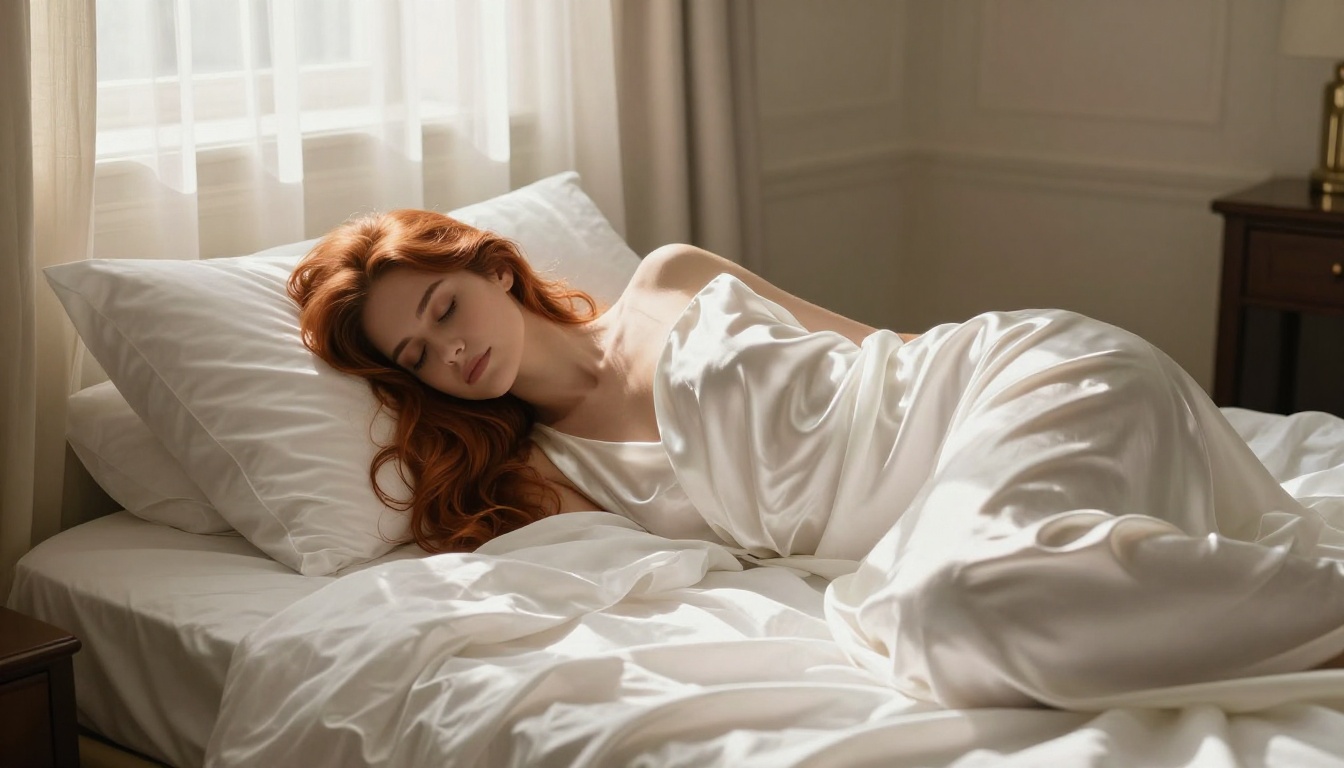
What is in the image and what the person is doing. "A woman lying on her side on white linen sheets, one arm extended."
Layer 2: Wardrobe and skin
What is worn (or not worn) and what skin is visible. "Wearing a thin ivory slip, bare shoulder visible, the fabric slightly translucent in the light."
Layer 3: Lighting and environment
Where the scene is set and how it is lit. "Soft morning light from a tall window to the left, cream-colored hotel room, shadows falling across the linen."
Layer 4: Camera and film
What makes it look photographic. "85mm f/1.8 lens, shallow depth of field, Kodak Portra 400 warm tones, photorealistic 8K RAW."
Combining all four layers consistently produces photorealistic results with the right mood. Skip any one of them and the output drifts toward generic.
5 ready-to-use prompt templates
Use these as starting points and customize for your subject and setting.
Boudoir portrait
"A woman in ivory lace lingerie sitting on the edge of a king-size bed, morning light from the left window, bare shoulder, dark hair cascading forward, low-angle shot at hip height, 85mm f/1.8, Kodak Portra 400, photorealistic 8K RAW"
Poolside glamour
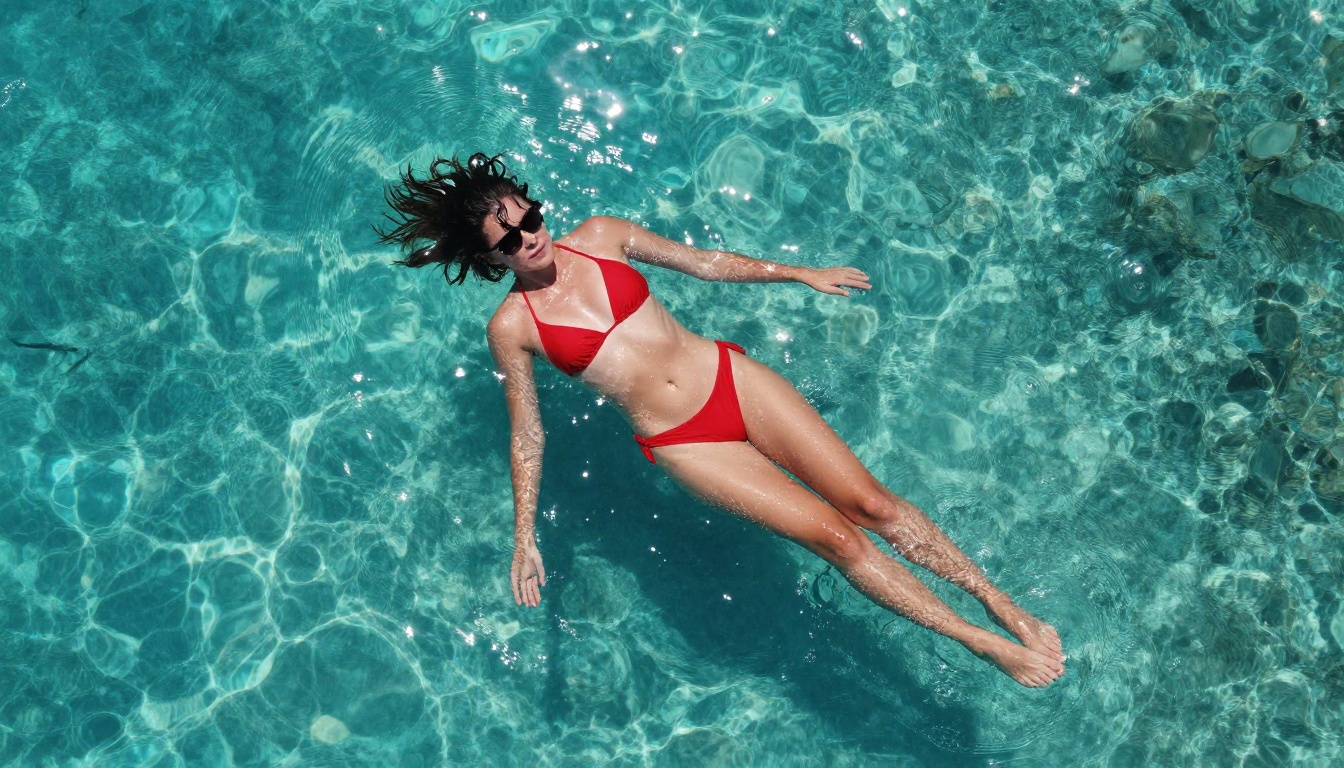
"Woman in a red string bikini floating in a crystal-clear infinity pool, aerial top-down shot, wet skin catching midday equatorial sun, dark hair fanned in water, 35mm equivalent aerial lens, photorealistic 8K, Kodak Portra 400 film grain"
Artistic silhouette
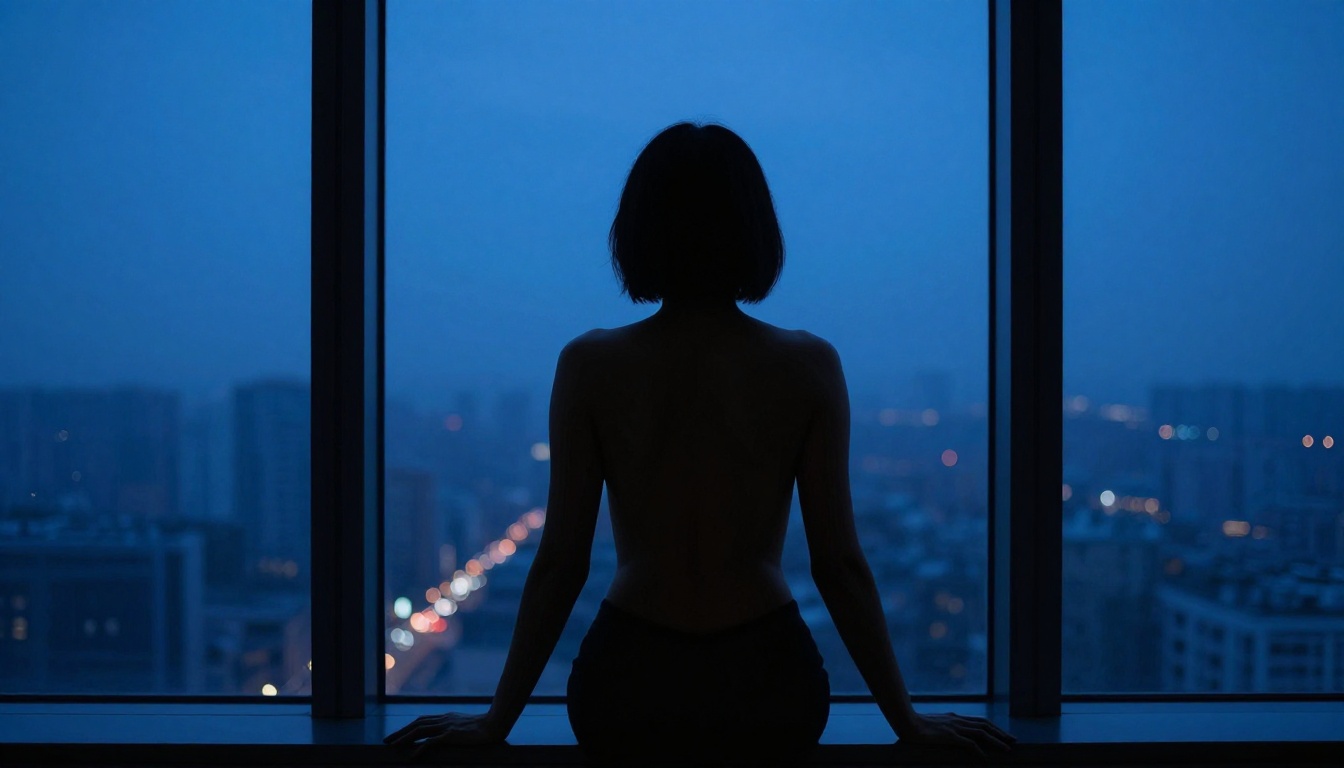
"Silhouette of a woman's bare back and shoulders against a floor-to-ceiling window at blue hour, city lights in the distance, rim lighting from ambient city glow outlining her spine, 50mm f/2.8, monochromatic blue tones, photorealistic 8K"
Editorial fashion
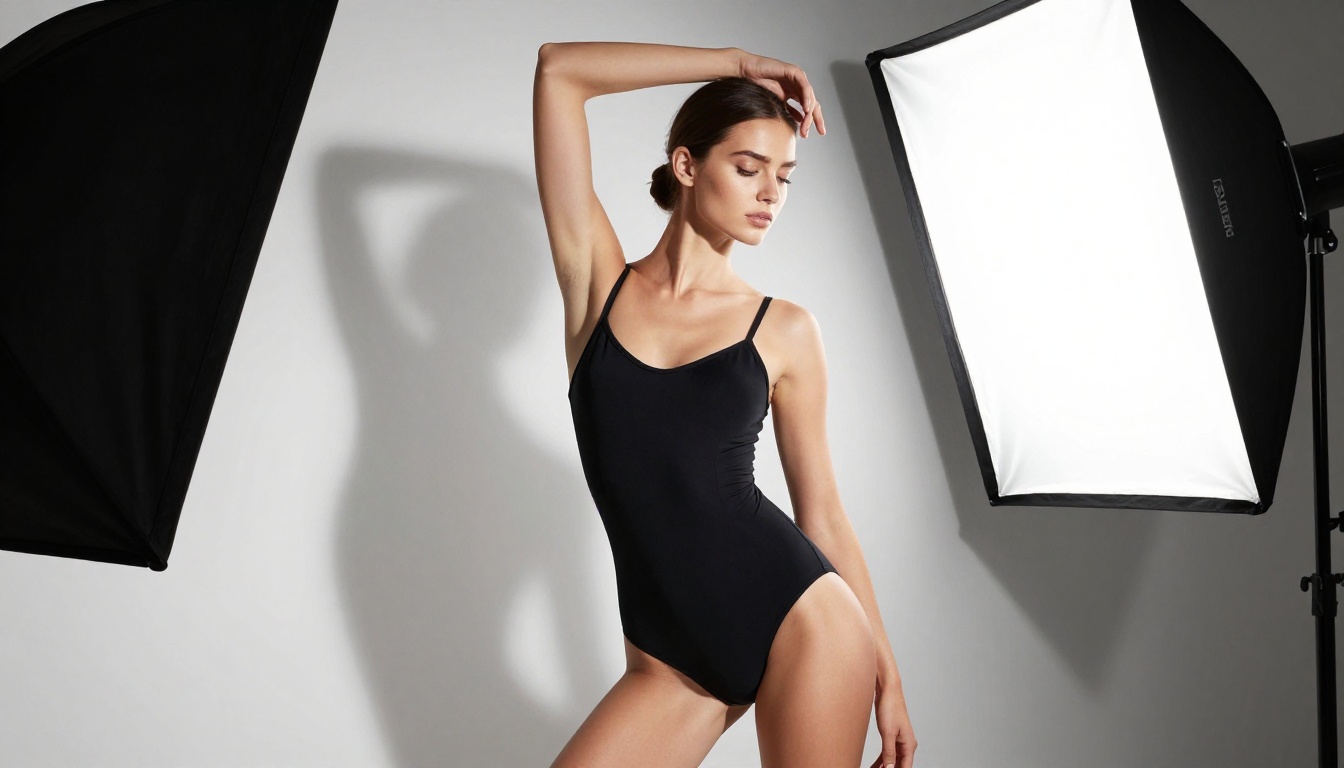
"Model in a structured black bodysuit against a seamless white studio backdrop, large softbox from the right creating deep left-side shadows, arm raised in a graceful curve, 85mm f/2.8, photorealistic 8K RAW, Kodak Portra 400"
Intimate macro
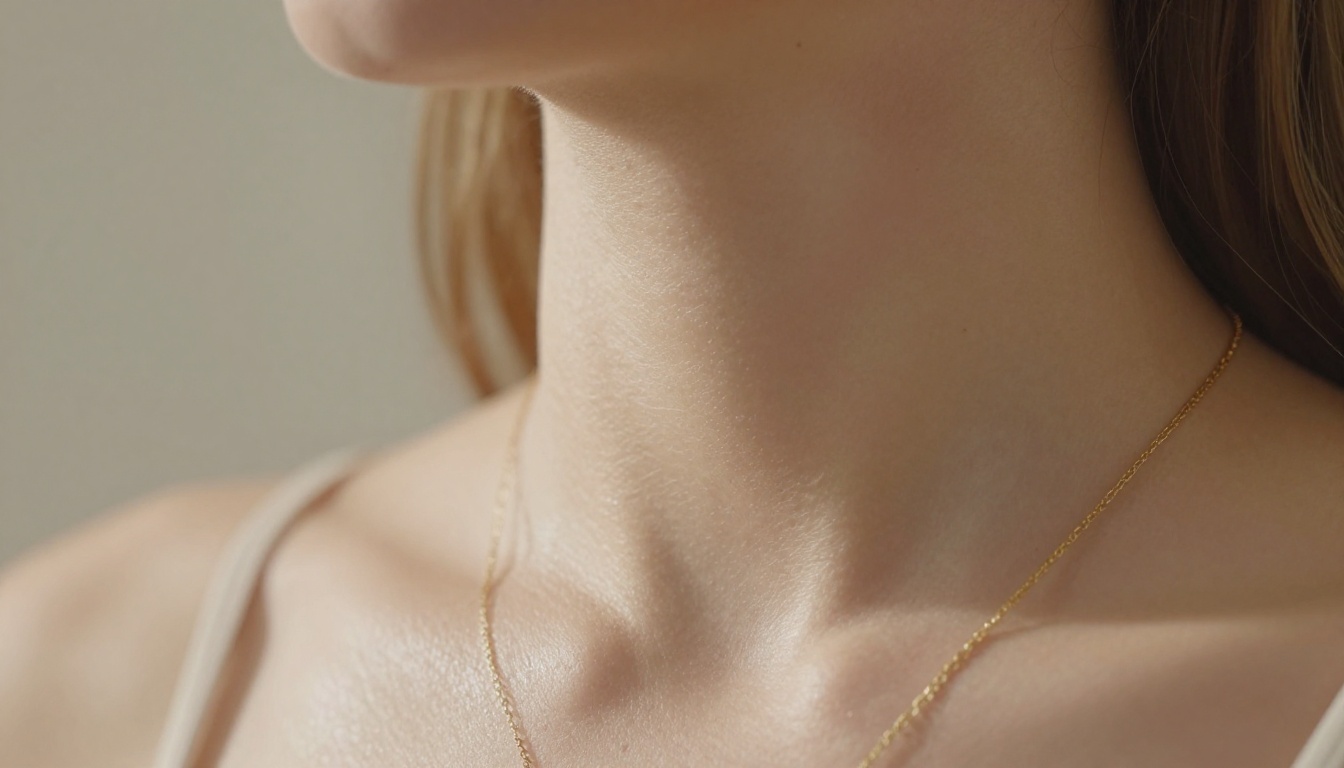
"Extreme close-up of a woman's neck and collarbone, delicate gold chain necklace, natural skin pores visible, raking sidelight from a single window at 45 degrees, 100mm macro f/2.8, cream bokeh background, photorealistic 8K"
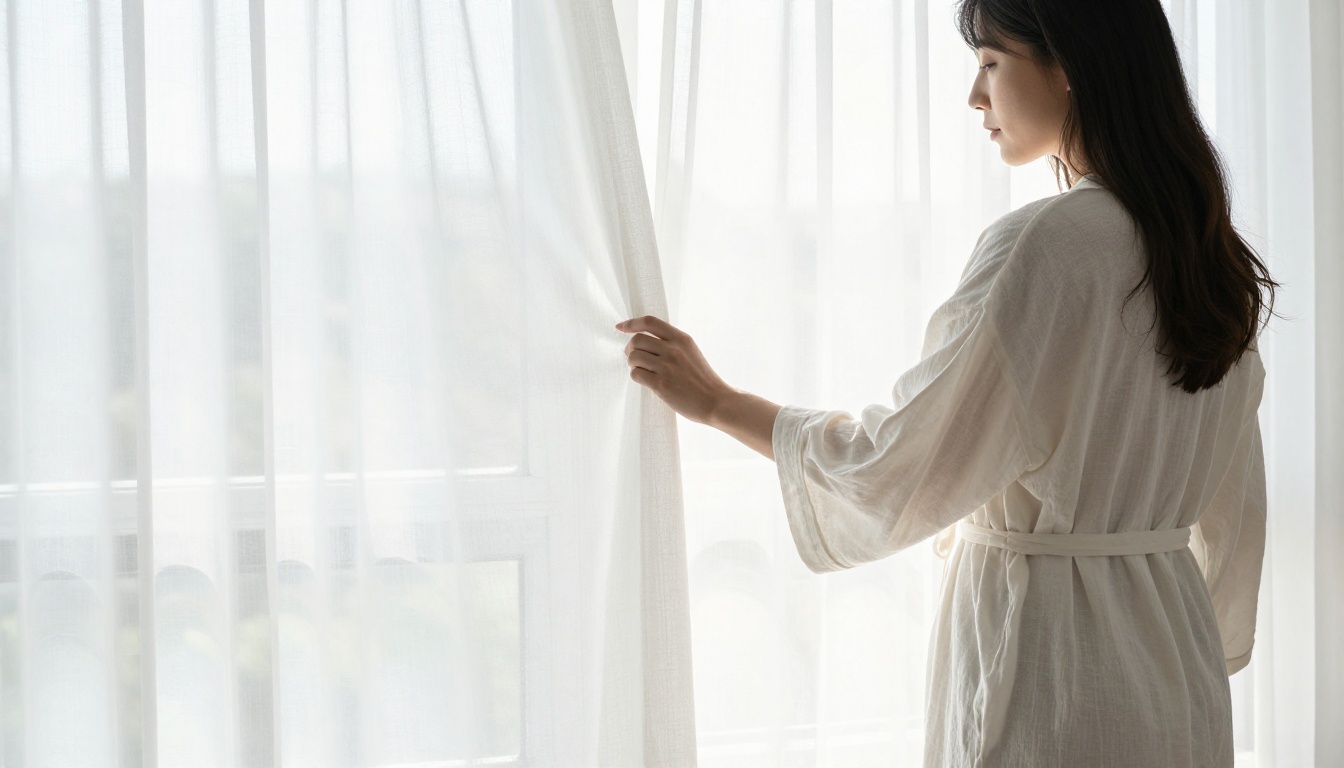
From Still Images to Video
Once you have a strong image, the next step is animation. AI image-to-video converts a single frame into a 5 to 15 second clip with realistic motion: hair movement, breathing, camera drift, fabric animation.
NSFW video models that work
| Model | Length | Max Resolution | NSFW | Standout Feature |
|---|
| PicassoIA Video | 5 sec | 720p | Yes | Unlimited video generation |
| P-Video | 1–10 sec | 1080p | Yes | Safety filter off by default |
| Grok Imagine Video | Up to 15 sec | 720p | Yes | No watermarks, image or video input |
| LTX 2.3 Pro | Variable | 4K @ 50fps | Yes | Retake and extend editing |
PicassoIA Video is the best starting point for most creators: unlimited generation with no per-clip charge. For maximum quality and fidelity, LTX 2.3 Pro exports up to 4K at 50fps and supports retake and extend editing, letting you replace a short segment or append footage without re-rendering the full clip.
How image-to-video works
- Select your strongest still image as the source frame
- Open your chosen video model
- Upload the image as the first frame (the video starts from this)
- Write a motion prompt describing what moves and how the camera moves
- Submit and receive the clip in seconds to minutes depending on the model
💡 Motion prompt tip: Write motion chronologically. "She slowly turns her head from left to center, hair shifting slightly, the candlelight flickering, a slow dolly-in camera movement" gives the model a clear sequence to animate rather than a static description.
NSFW model availability isn't the only differentiator. Platform features matter too, especially for creators who need more than a single generation.
| Feature | PicassoIA | Midjourney | DALL-E 3 | SD Local |
|---|
| NSFW without workarounds | Yes | No | No | Yes (self-hosted) |
| No credit card free trial | Yes | No | No | N/A |
| Browser-based, no install | Yes | Discord | Yes | No |
| Unlimited plan option | Yes | No | No | N/A |
| 90+ text-to-image models | Yes | No | No | With plugins |
| Video generation built-in | Yes | No | No | With extensions |
| Speed under 3 seconds | Yes | 15–60 sec | Varies | Depends on GPU |
The practical advantage is consolidation. Rather than switching between a text-to-image tool, an editing tool, and a video tool, everything lives in one platform. That matters for creators building consistent content rather than occasional one-off generations.
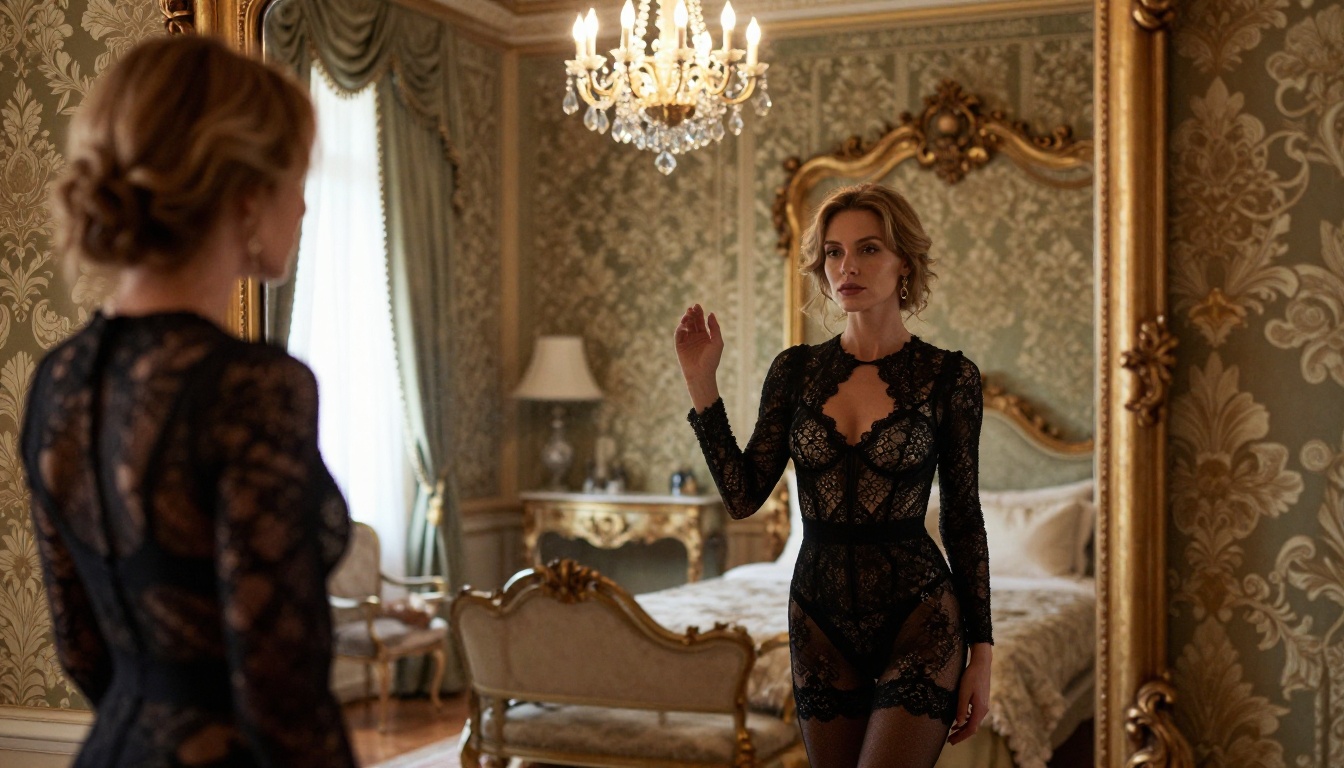
More NSFW Models Worth Using
Beyond the top picks, these models are worth having in your workflow:
- Qwen Image 2: Open source text-to-image and editing with very detailed realism. Accepts NSFW without restriction.
- Grok Imagine Image: Converts any reference image to a bikini format in a highly realistic way. Strong for outfit transformation on existing photos.
- Recraft V4: Text-to-image only (no editing), but delivers very realistic results with strong NSFW support.
- P-Image: Generates NSFW text-to-image results in under 1 second. Best for rapid iteration at volume.
- PicassoIA Video: Unlimited video generation from text prompts, up to 720p at 5 seconds per clip, no per-generation fee.
- Grok Imagine Video: Up to 15-second clips from text, images, or existing video. No watermarks.
- LTX 2.3 Pro: Highest-fidelity video output, up to 4K at 50fps. Includes retake and extend editing for precise clip control.
- P-Video: Text, image, or audio to video up to 1080p. Safety filter is off by default with draft mode for instant low-res previews.

The full catalog, including additional image, video, face, audio, and super-resolution models, is available at picassoia.com/en/all-models.
Create Your First Image Now
The tools exist, the quality is real, and the barrier to entry is low. What separates strong results from generic output is prompt structure and model choice.
Start with Seedream 4.5 for your first text-to-image generation. Pick one of the prompt templates above, customize the subject and setting, and set resolution to 4K. When you have a result you like, take it into PicassoIA Image Editor Pro for unlimited variations, or pass it to P-Video or LTX 2.3 Pro for animation.
If you want to see every NSFW-capable model in one place before starting, browse the full lineup at picassoia.com/en/all-models. The censorship wall that blocks mainstream AI tools was always a platform policy, not a technical limitation. These models prove it.