AI lingerie photography has crossed into territory where results are indistinguishable from a professional studio shoot. FLUX.2 Max sits at the center of that shift. This model generates photorealistic images with a level of fabric texture, skin detail, and lighting fidelity that previous generations simply could not match. If you want to create lingerie photos that look like they came from a fashion editorial or boudoir studio, this is where you start.
FLUX.2 Max: What It Actually Does
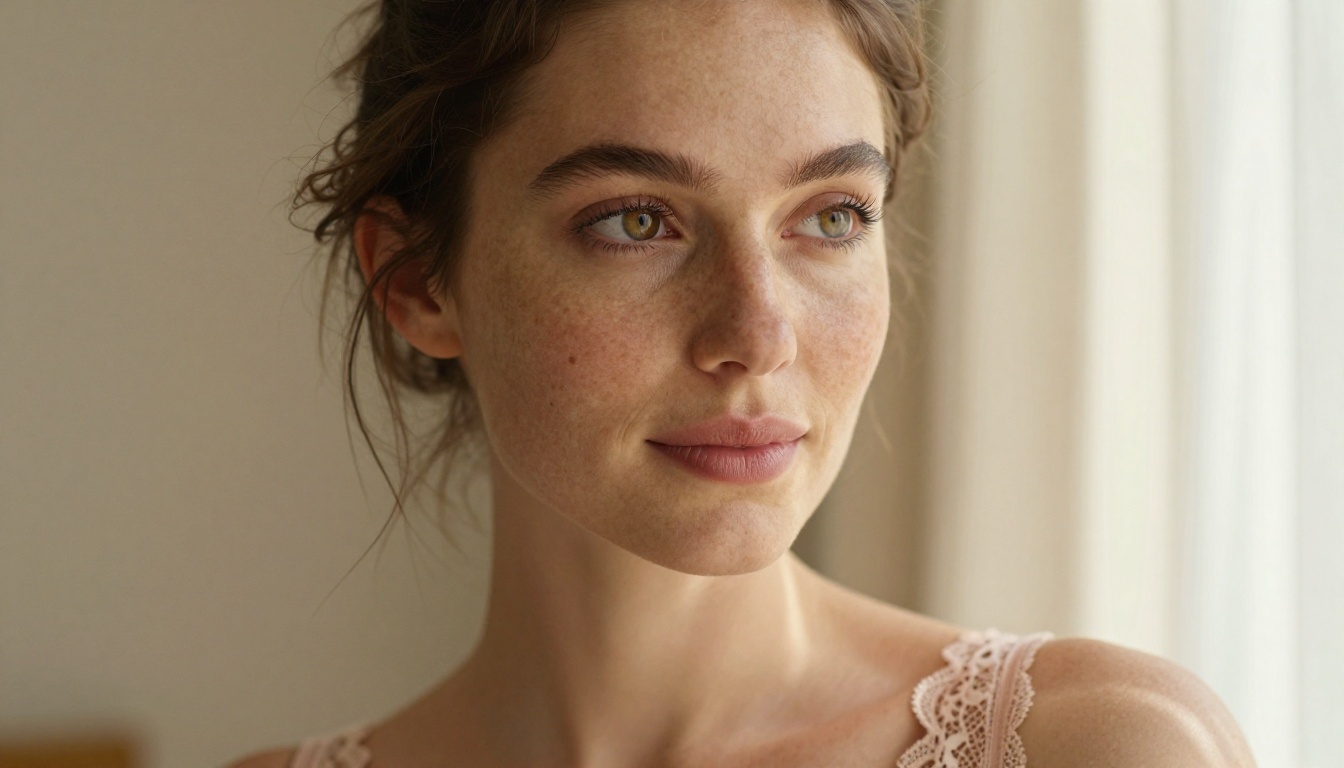
FLUX.2 Max is the flagship image generation model from Black Forest Labs, built for maximum prompt adherence and photographic realism. While other models in the FLUX family like FLUX.2 Pro and FLUX.2 Dev offer solid performance, Max pushes fidelity further. The result is images where lace weaves, satin sheen, shadow gradations on skin, and soft bokeh from a 50mm f/1.4 lens all render with photographic accuracy.
Compared to the previous generation, FLUX.1 Dev and FLUX Schnell, the Max model shows marked improvements in how it handles organic materials: the difference between painted fabric and photographed fabric is clear when you put outputs side by side. Skin no longer has that slightly smoothed, uncanny quality. Light scatters correctly across curved surfaces. Shadows fall where physics says they should.
Why Realism Matters Here
Lingerie photography lives and dies on physical detail. How silk drapes across a hip, how lace casts micro-shadows on the skin beneath it, how the edge of a satin garment catches window light at the right angle — these are the details that separate a convincing editorial photo from an obvious render. FLUX.2 Max handles all of this in a single prompt, without needing ControlNet scaffolding or inpainting patches to fix problem areas after generation.
💡 Tip: The more specific your prompt about lighting direction, lens focal length, and fabric material, the better FLUX.2 Max performs. Vague prompts produce generic results regardless of how powerful the model is.
FLUX Family at a Glance
Generating NSFW content with FLUX.2 Max requires a platform that does not apply content filters on top of the model. Most mainstream AI tools wrap their models with restriction layers that block anything adjacent to intimate content — even fully clothed subjects in suggestive poses get flagged. PicassoIA removes those filters and gives you direct access to the model's actual capabilities.
Beyond the absence of restrictions, PicassoIA runs FLUX.2 Max with fast inference times. You are not waiting minutes per image. When you are iterating through prompt variations to find the right lighting angle or fabric texture, speed matters enormously. The difference between a 10-second and a 60-second generation time becomes significant when you are running 50 variations in a session.
No Filters, No Guessing
With filtered platforms you never quite know what the model can actually do, because filters intercept before generation. Working through a censorship layer also means your prompt engineering teaches you how to outsmart moderation rather than how the model actually works. On PicassoIA you work with the model directly. What the model produces is what you see, and that feedback loop is genuinely useful for improving your prompting skills.
Speed Across the Catalog
The speed advantage extends beyond just FLUX.2 Max. Seedream 4.5 generates in under 3 seconds. P-Image returns results in under 1 second. PicassoIA Image Editor Pro processes inpainting edits in under a second as well. Fast iteration across the whole platform makes creative sessions productive rather than waiting-intensive.
💡 Tip: When building a workflow for lingerie content, start with a reference image and iterate on specific elements rather than rewriting prompts from scratch. This gives you consistent character and garment continuity across a set.
Best Models for AI Lingerie Photos
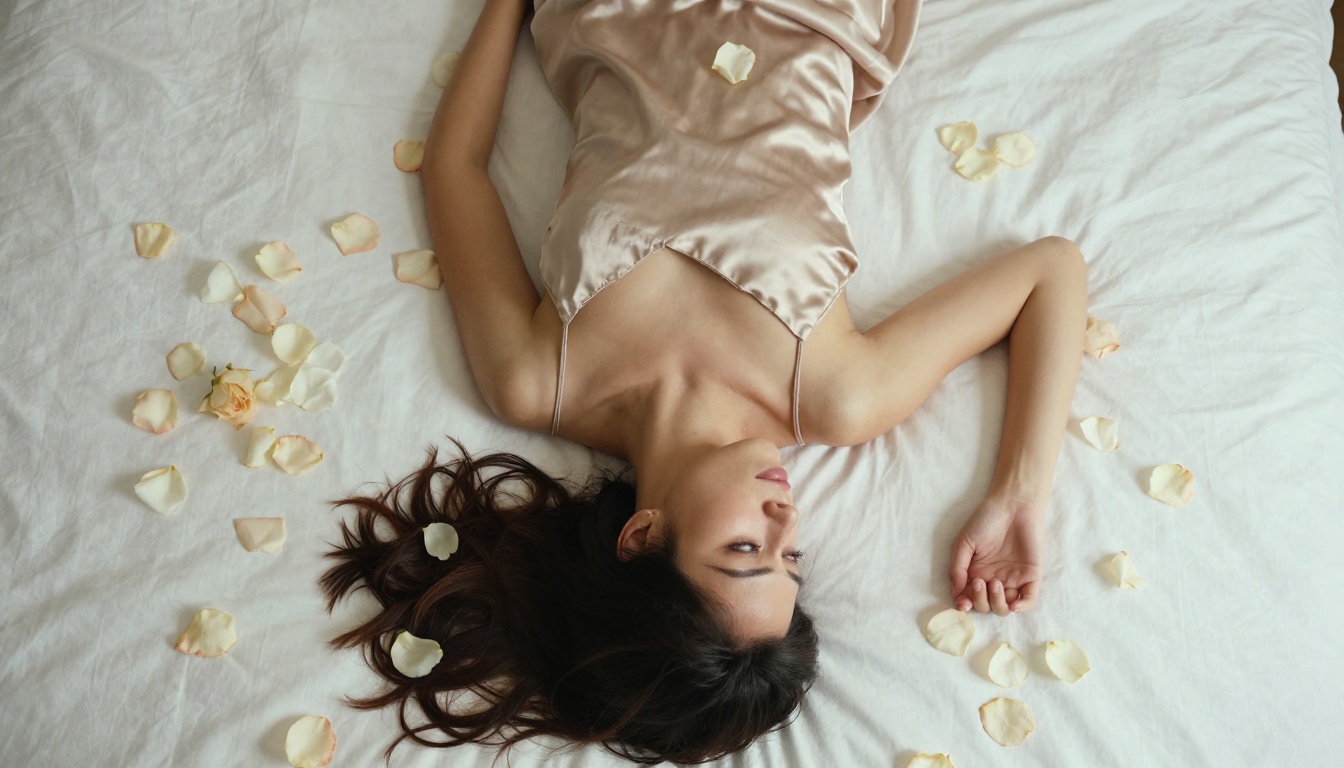
When you need high-volume output, fast previews, or a specific creative effect, different models serve different purposes. Here is how the full lineup on PicassoIA performs for lingerie photography:
-
Seedream 4.5 The top pick for NSFW lingerie photography. It accepts adult content, produces extremely realistic skin and fabric textures, supports image editing for refining results, and generates in under 3 seconds. The combination of realism and speed makes it the go-to for high-volume creative sessions. (Note: the newer Seedream 5 Lite does not support NSFW content, so stick with 4.5 for this type of work.)
-
PicassoIA Image Editor Pro An img2img model with one defining advantage: unlimited generations on Elite and Infinite plans. Need 500 lighting variations of the same shot? All included. On models like Nano Banana 2, 1,000 images would cost around $100. On Image Editor Pro, that same volume costs nothing beyond your subscription. Results arrive in under 1 second, and a 3-generation free trial requires no credit card.
-
Qwen Image 2 Open-source model that creates or edits any image in seconds with very detailed realism. Excellent for iterating on an existing reference photo.
-
Grok Imagine Image Converts any photo to lingerie or bikini format in a realistic way. Useful when you have a portrait and want to stylize it into a lingerie context.
-
Recraft V4 Text-to-image only but delivers very realistic results. Strong for editorial-style images built from detailed written prompts.
-
P-Image NSFW text-to-image generation in under 1 second. Ideal for bulk generation when speed is the priority over maximum fidelity.
-
Wan 2.2 Image Generates highly realistic images from text without content restrictions. Particularly strong at environmental realism and atmospheric scene-setting.
👉 Explore the complete lineup at picassoia.com/en/all-models.
How to Use FLUX.2 Max on PicassoIA
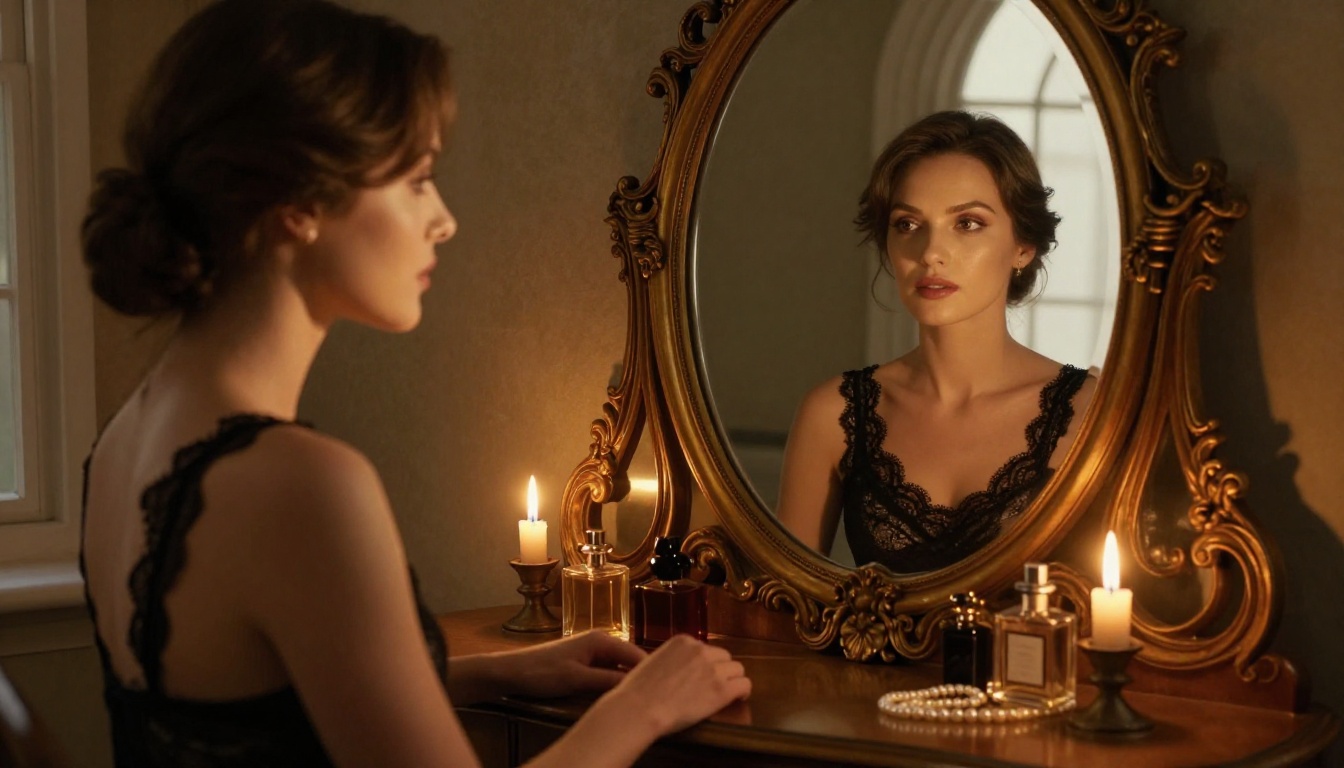
PicassoIA has a dedicated model page for FLUX.2 Max where you can generate directly from the browser without setup. Here is how to get the best results:
Step 1: Define Your Scene
Before writing a prompt, decide on the core visual elements:
- Subject: Body type, hair, skin tone, expression
- Garment: Material (satin, lace, silk, mesh), color, style (bralette, teddy, chemise, slip)
- Setting: Bedroom, bathroom, outdoor terrace, studio
- Mood: Intimate, editorial, glamour, natural
These four elements form the skeleton of every strong prompt. Skip any of them and the model fills in generic defaults.
Step 2: Specify the Light
Lighting is where most AI lingerie prompts underperform. Generic terms like "good lighting" produce flat, uninteresting results. FLUX.2 Max responds to specific photographic instructions:
- "Volumetric morning light from the left at a 45-degree angle"
- "Rembrandt lighting with key light at right, soft fill from reflector left"
- "Golden hour backlight creating rim lighting on fabric edges"
- "Diffused overcast daylight through frosted glass creating flat even illumination"
Each of these produces a distinct visual result. Be specific about direction, quality (hard vs. soft), and color temperature.
Step 3: Add Camera and Lens Details
FLUX.2 Max was trained on real photography data. It responds to photographic language:
| Lens Spec | Visual Effect |
|---|
| 85mm f/1.4 | Flattering portrait compression, smooth bokeh |
| 50mm f/1.8 | Natural perspective, slight background separation |
| 35mm f/2.8 | Environmental context visible, moderate depth |
| 100mm macro | Extreme fabric and skin texture detail |
| 135mm f/2 | Strong subject isolation, compressed backgrounds |
Add the lens spec to your prompt and the model renders with that optical signature. This one addition has a large impact on the final image feel.
Step 4: Nail the Texture Layer
Skin and fabric texture is where editorial lingerie photography earns its credibility. Add these elements explicitly to your prompts:
- "Natural pore texture visible on shoulders and décolletage"
- "Satin fabric showing directional specular highlights along the curve of the hip"
- "Lace pattern casting micro-shadows on skin beneath the fabric"
- "Film grain from Kodak Portra 400 emulsion across the entire frame"
- "Individual thread weave visible in lace at macro resolution"
💡 Tip: Add --style raw at the end of your prompt to prevent FLUX.2 Max from over-processing. This keeps outputs closer to raw photography rather than AI-stylized images.
Prompt Writing That Actually Works
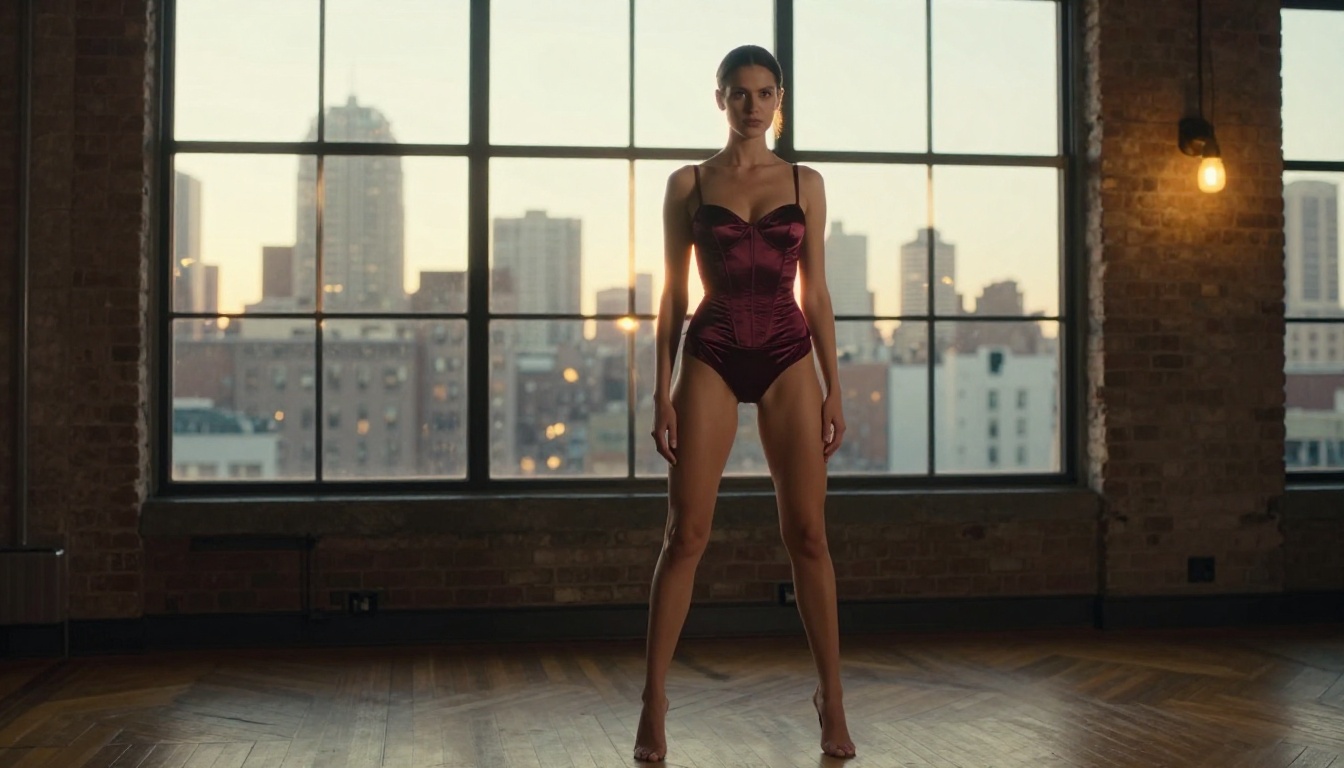
The difference between a mediocre AI lingerie photo and a convincing editorial shot is almost entirely in the prompt. Here is the structure that consistently produces strong results with FLUX.2 Max:
[Subject] + [Garment Detail] + [Pose/Action] + [Setting] + [Light Direction and Quality] + [Camera Angle and Lens] + [Texture Descriptors] + [Film Style] --ar 16:9 --style raw
A practical example that demonstrates every layer:
"A woman with olive skin and dark wavy hair standing in profile near a tall arched window, wearing a champagne silk slip with thin shoulder straps, one hand resting lightly on the window frame. Late afternoon golden light enters from the right creating soft rim lighting on her shoulder and the edge of the fabric. Shot at a 3/4 angle from standing height with a 50mm f/1.4 lens. Skin shows natural texture and light sun flush on the shoulder. Silk fabric has directional sheen catching the window light. Kodak Portra 400 film grain, warm cinematic grade. RAW 8K photography --ar 16:9 --style raw"
This prompt hits every layer: subject, garment, pose, setting, lighting, lens, texture, and film style. Results at this level of specificity are consistently editorial-quality.
Describing the Subject
Be specific about physical characteristics without relying on generic adjectives. Instead of "beautiful woman," describe features: "woman with high cheekbones, natural warm skin tone, loose dark curls, relaxed jaw." The model renders features, not value judgments.
Describing the Garment
Name the material, cut, and color explicitly:
- "Ivory silk charmeuse bralette with thin adjustable straps"
- "Black mesh bodysuit with floral appliqué at the neckline"
- "Blush pink cotton lace triangle bralette with scalloped hem"
- "Deep navy satin high-cut briefs with a thin lace waistband"
Generic "lingerie" produces generic output. Specific garment description produces editorial results.
Pose and Natural Action
Static poses work fine but dynamic elements add realism:
- "One hand lifting hair from the back of her neck"
- "Weight shifted to the right hip, slight lean against the wall"
- "Seated with knees drawn slightly to the left, weight on one palm"
- "Standing in contrapposto, gaze directed toward the lower left frame edge"
Small pose specifics prevent the model from defaulting to the same frontal, symmetrical pose it gravitates toward with vague prompts.
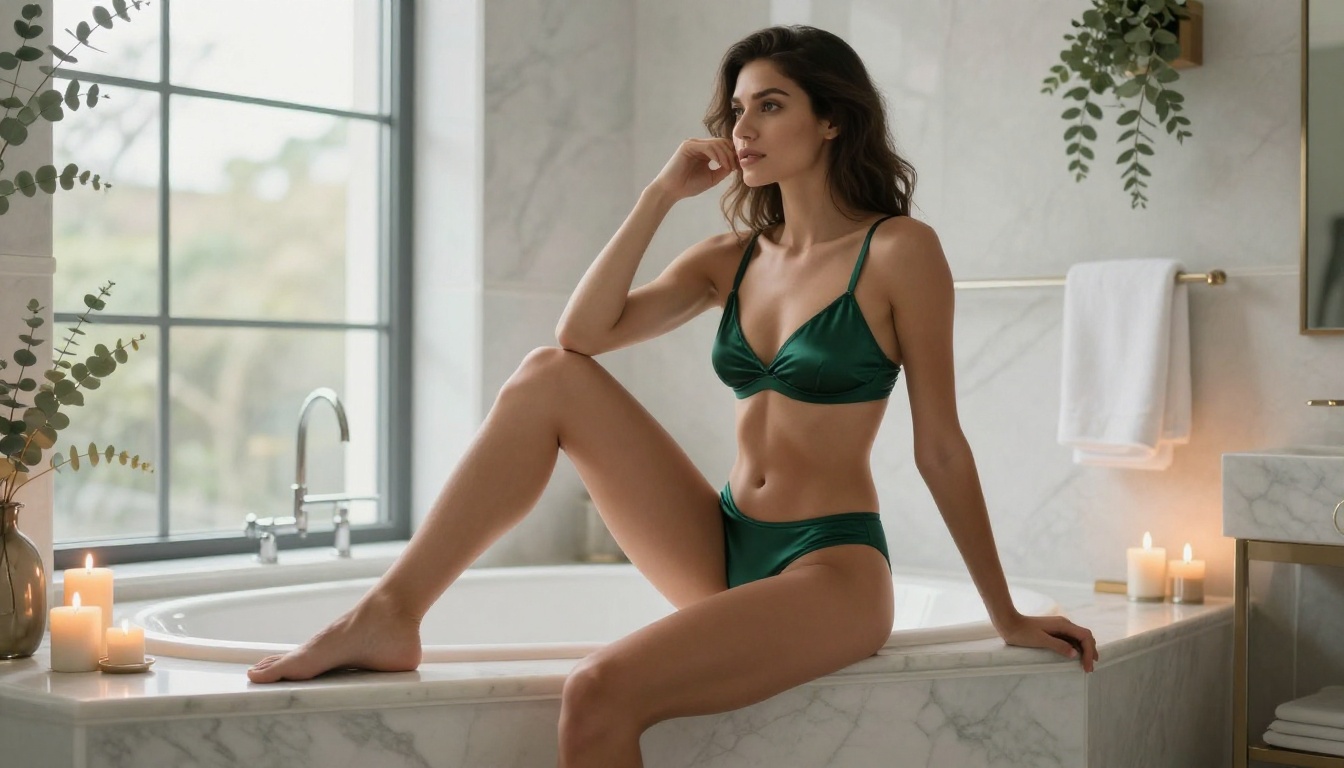
3 Common Mistakes
| Mistake | What Goes Wrong | Fix |
|---|
| Over-vague prompts | Generic stock-photo output | Add lens spec, lighting direction, and fabric material |
| Using "beautiful" as a descriptor | AI interprets it as stylized, not photographic | Describe specific features and mood instead |
| Ignoring film style | Clean, clinical digital look | Add "Kodak Portra 400 film grain" or similar emulsion |
Iteration Without Starting Over
Don't rewrite prompts from scratch when results miss the mark. Identify which element failed and adjust only that:
- Skin looks too smooth: Add "visible natural pore texture, light film grain on skin"
- Fabric looks painted: Add "fabric weave visible, directional specular highlight, material drape realistic"
- Lighting feels flat: Specify direction: "single key light from window at 45 degrees right, no fill"
- Background too busy: Add "background blurred into soft cream bokeh at f/1.4"
This approach, changing one variable at a time, mirrors how photographers develop lighting setups. Apply the same discipline to prompting.
From Single Shots to Full Sets
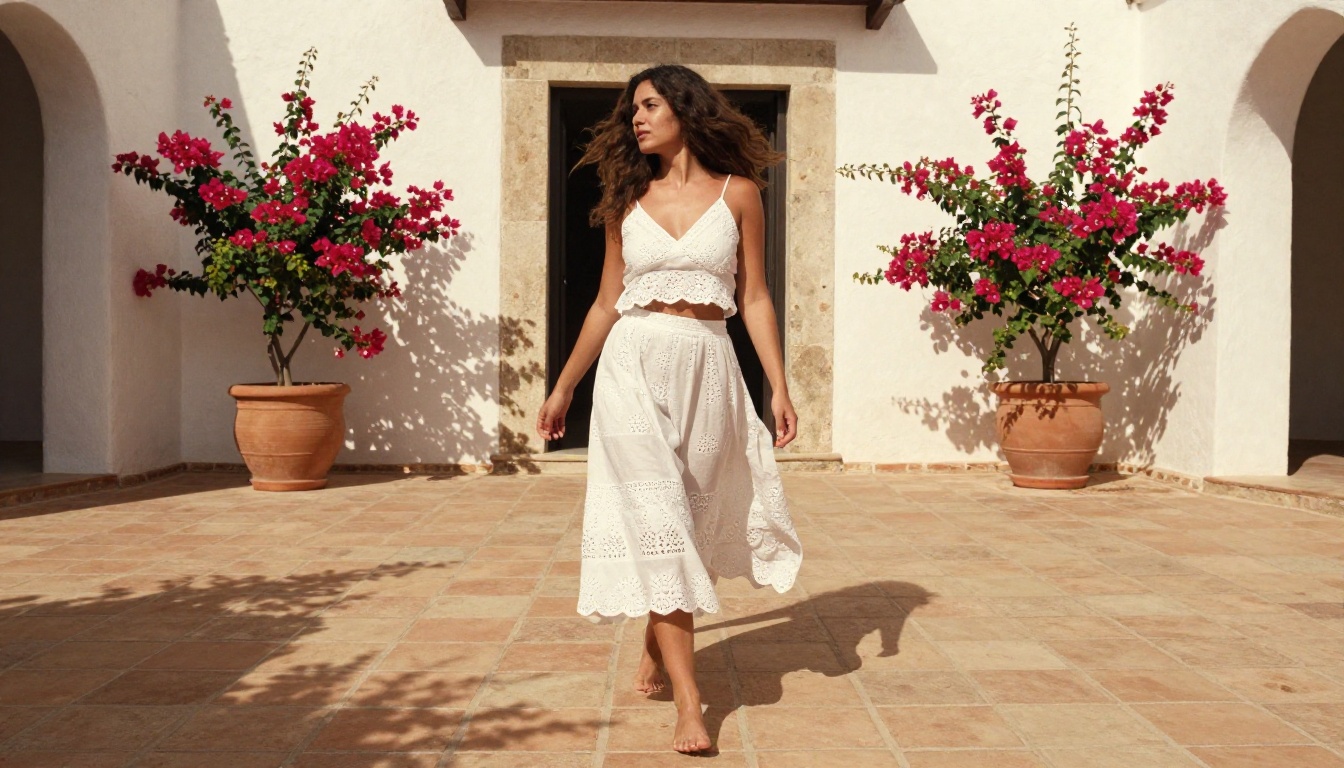
A lingerie shoot is never one photo. A coherent set maintains consistent character, setting, and lighting while varying angle, distance, and pose. With FLUX.2 Max you can build an entire editorial set around a consistent core prompt.
Start with a "master prompt" that locks in the subject description, garment, and setting. Then create variants targeting these five shot types:
- Cover shot: Wide, environmental, low-angle, full setting visible
- Mid shot: Waist up, three-quarter angle, garment detail visible
- Close-up: Face and décolletage, 85mm lens, shallow depth of field
- Detail shot: Macro on fabric texture or accessory, 100mm lens
- Action: Movement, fabric in motion, dynamic pose or gesture
This five-shot structure covers the visual language of a professional editorial set. All five can be built from the same master prompt with targeted angle and distance adjustments in each variant.
Maintaining Consistency
FLUX.2 Max does not have native memory between generations, so character consistency requires prompt consistency. Lock in specific descriptors for hair (length, color, texture), skin (tone, specific features), and garment (exact material and color name) and use them identically across every prompt in the set.
Upscaling to Print Quality
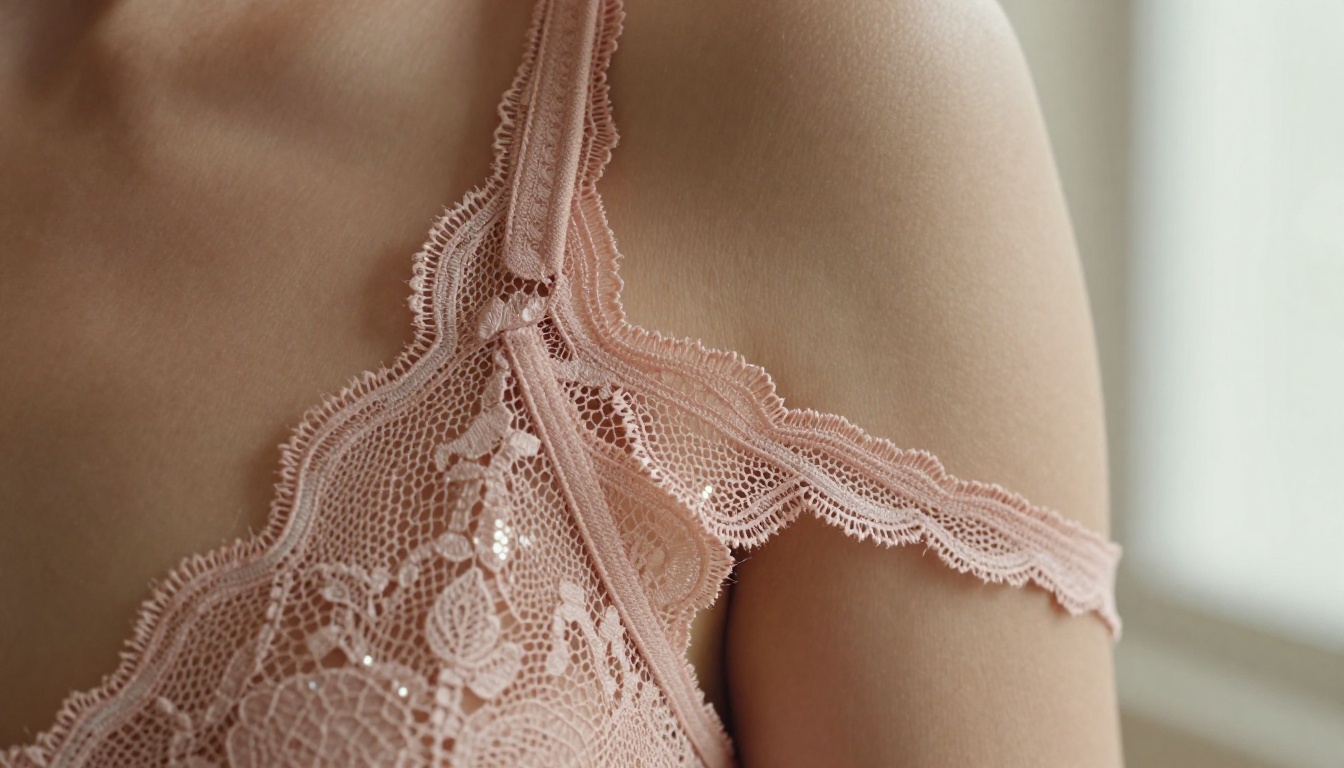
After generating your base images, super-resolution upscaling takes results to print quality. PicassoIA has dedicated upscaling models that push AI-generated images to 4K resolution without artifacts.
Standard upscaling just interpolates pixels, which blurs fine detail. The super-resolution models on PicassoIA add detail during upscaling instead. Fabric textures, skin pores, and hair strands all gain resolution rather than blurring. For lingerie editorial work headed to print or high-resolution digital use, upscaling after generation is worth adding to your workflow.
AI image restoration tools on the platform also handle noise, compression artifacts, or blur in images that need cleanup before upscaling. The full post-processing pipeline: FLUX.2 Max generation, targeted inpainting corrections if needed, super-resolution upscale, final color grade if required.
Editing Existing Photos
Not every creative project starts from a blank prompt. Sometimes you have an existing photo that needs a wardrobe change, background replacement, or lighting adjustment. FLUX Kontext Max handles exactly this. It is built for image editing through text instruction, making it possible to change a garment, relight a scene, or modify background elements without affecting other parts of the image.
Combined with PicassoIA Image Editor Pro, which handles inpainting and outpainting at unlimited generation volume, you have a complete editing toolkit. The workflow:
- Generate base image with FLUX.2 Max
- Open in Image Editor Pro for targeted inpainting corrections
- Use FLUX Kontext Max for major element changes (garment swap, background replacement)
- Upscale with super-resolution models available at picassoia.com/en/all-models
- Export at full resolution
This pipeline handles everything from minor touch-ups to complete creative overhauls of an existing photo.
Start Creating on PicassoIA
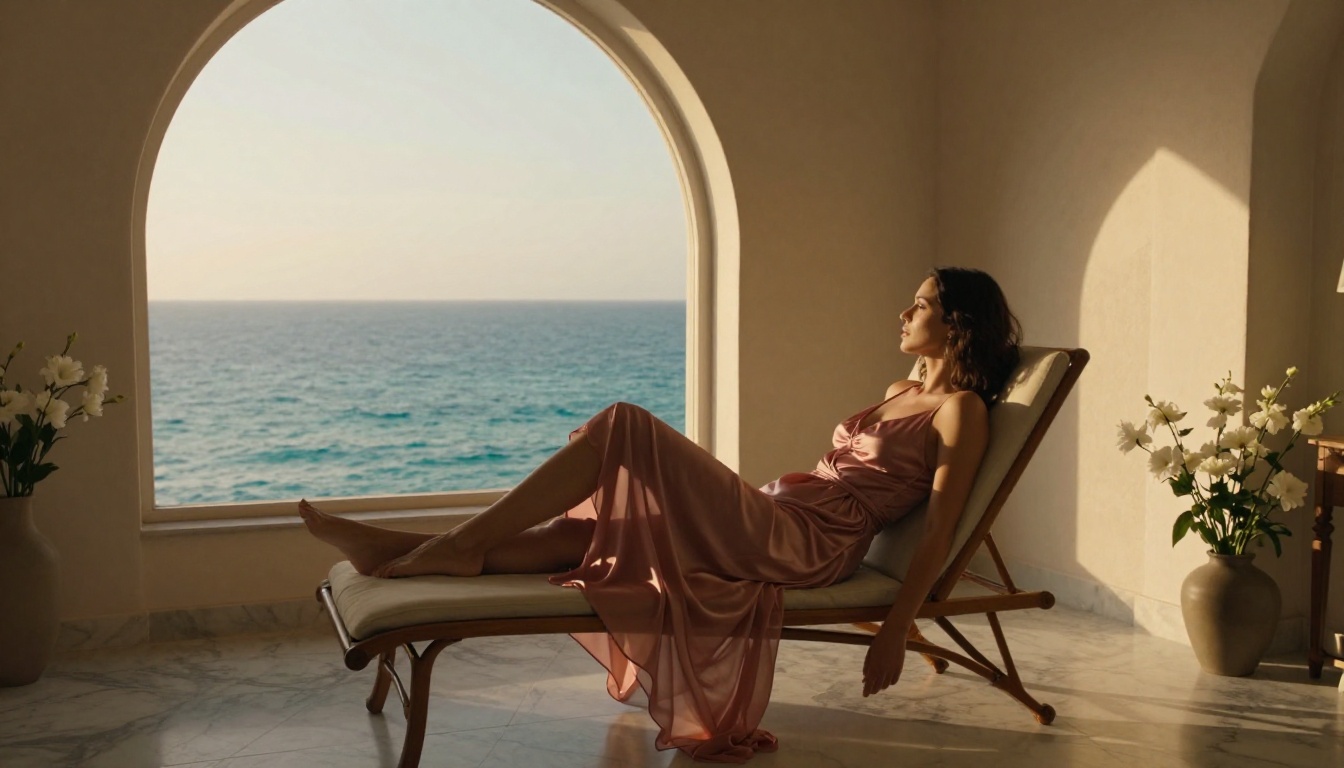
Every model referenced in this article is available on PicassoIA right now. No waitlists, no content approval process, no filters standing between your prompt and the model's actual output.
FLUX.2 Max is the starting point for photorealistic AI lingerie photography. The real creative range opens when you combine it with the rest of the catalog. Start with Seedream 4.5 for speed and NSFW capability. Move to PicassoIA Image Editor Pro for unlimited iterations on your best results. Edit precisely with FLUX Kontext Max when a generated image needs specific adjustments. Upscale everything to print quality before export.
The full catalog of NSFW-capable models is at picassoia.com/en/all-models. This is where creative freedom and photographic quality meet without restrictions.


