If you have ever typed a suggestive prompt into a mainstream AI generator and received a blurry, watermarked, or flat-out rejected image, you are not alone. Most consumer AI tools enforce heavy safety filters that block adult content entirely. But a parallel generation of models exists, built specifically for creators who need uncensored output. This article maps the leading NSFW AI image generators, how each one performs, and where to find them without hitting per-image fees or content walls.

Why Most AI Generators Block You
The average person building NSFW AI images quickly hits a wall. Platforms like Midjourney, DALL-E, and Adobe Firefly all operate content moderation layers that flag or refuse adult prompts. The reasons are partly legal, partly commercial. Most platforms target enterprise customers and family-safe use cases, so explicit or even suggestive content gets caught in the same filter net.
This leaves adult creators, content platforms, and artistic photographers in a frustrating position. They need realistic output, not cartoon approximations or half-censored blurs.
The Filter Problem
Safety filters on mainstream platforms work at multiple levels. Some analyze the prompt text for flagged words. Others run the generated image through a secondary classifier before delivery. A few do both. The result is that even artistically intentional content, such as boudoir photography or tasteful implied nudity, gets blocked alongside genuinely explicit material.
What makes this worse is unpredictability. The same prompt can pass one day and fail the next as filter models update. Creators end up spending more time working around content walls than actually creating.
Who Actually Leaves the Door Open
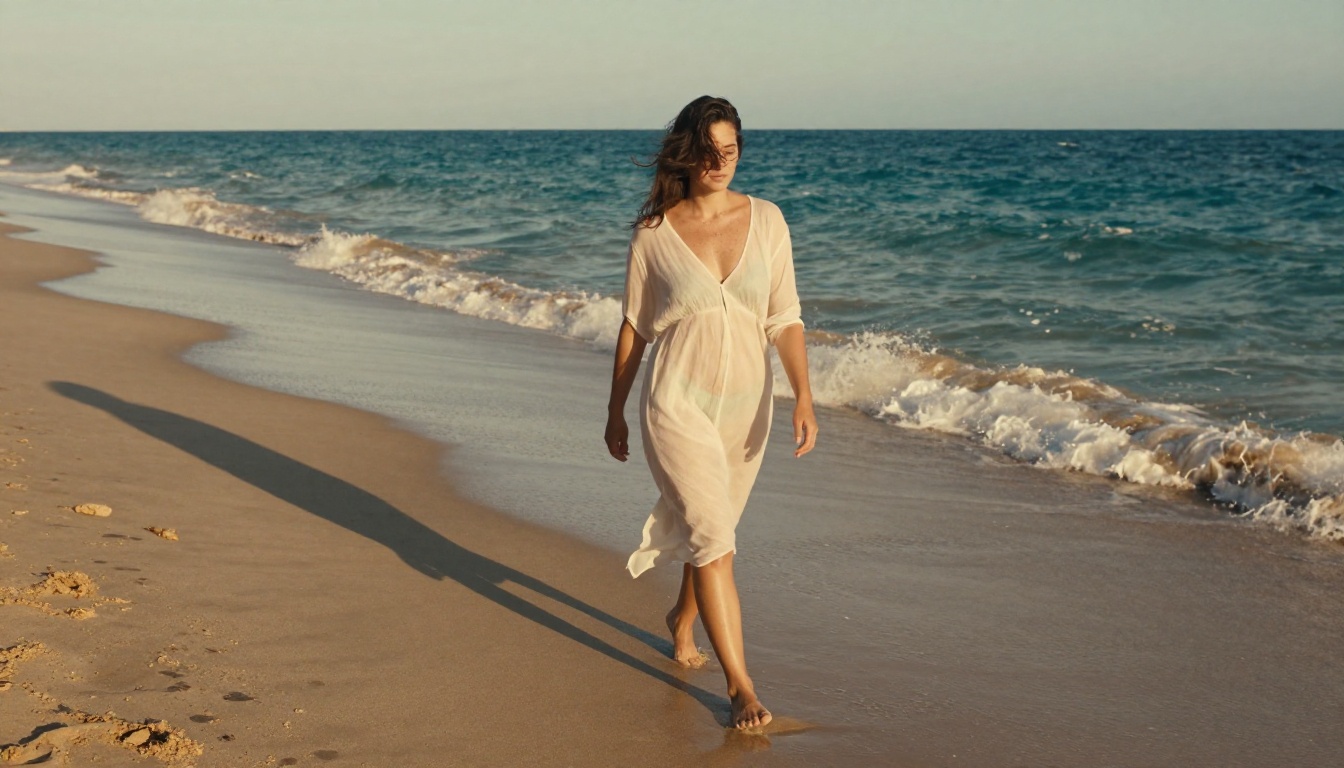
A smaller but growing set of AI platforms and model hosts explicitly support unrestricted generation. These range from open-source models you can run locally to hosted services that accept adult content with appropriate terms of service. The key differentiator is not just whether NSFW is allowed, but how well the model actually renders realistic adult content.
A model that permits NSFW but produces anatomically incorrect, blurry, or cartoonish results is not useful for professional-quality work. The best tools combine permission with realism, speed, and cost efficiency.
Top Models That Actually Build NSFW Images
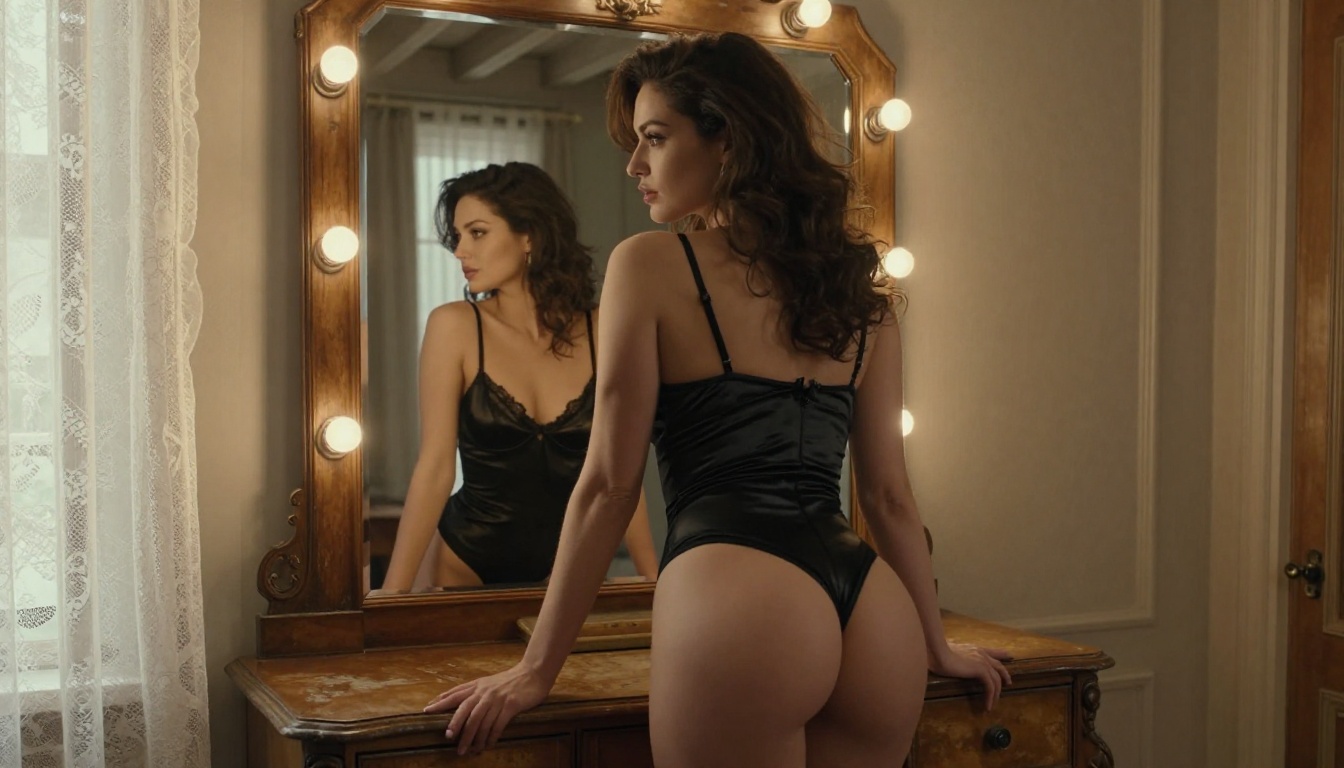
Not every model that claims NSFW support delivers on the promise. These are the ones that have demonstrated consistent, high-realism output across diverse adult content prompts.
Seedream 4.5 Leads the Pack
Seedream 4.5 from ByteDance is the single strongest all-around recommendation for making NSFW AI build images right now. It accepts adult content explicitly, supports both text-to-image creation and image editing within the same model, and generates results in under three seconds. That speed matters more than it sounds when you are iterating on prompts.
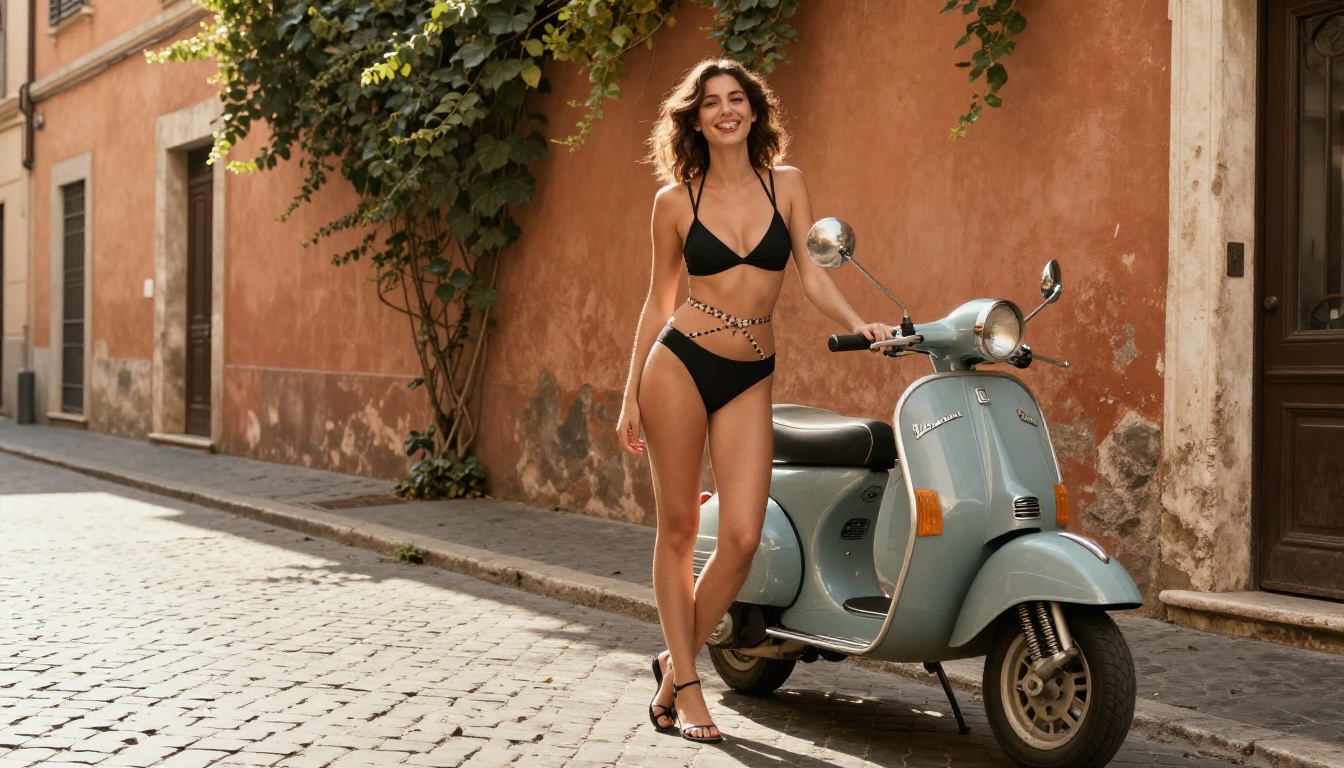
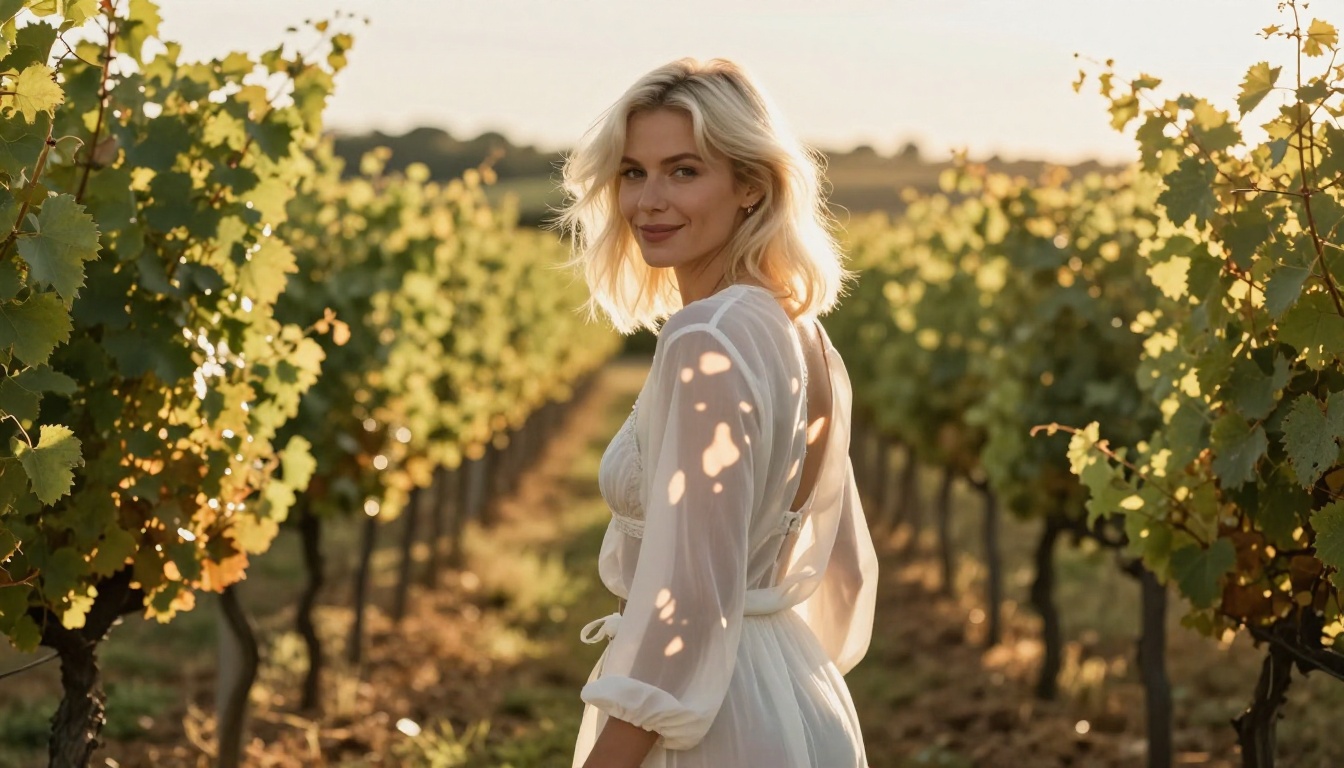
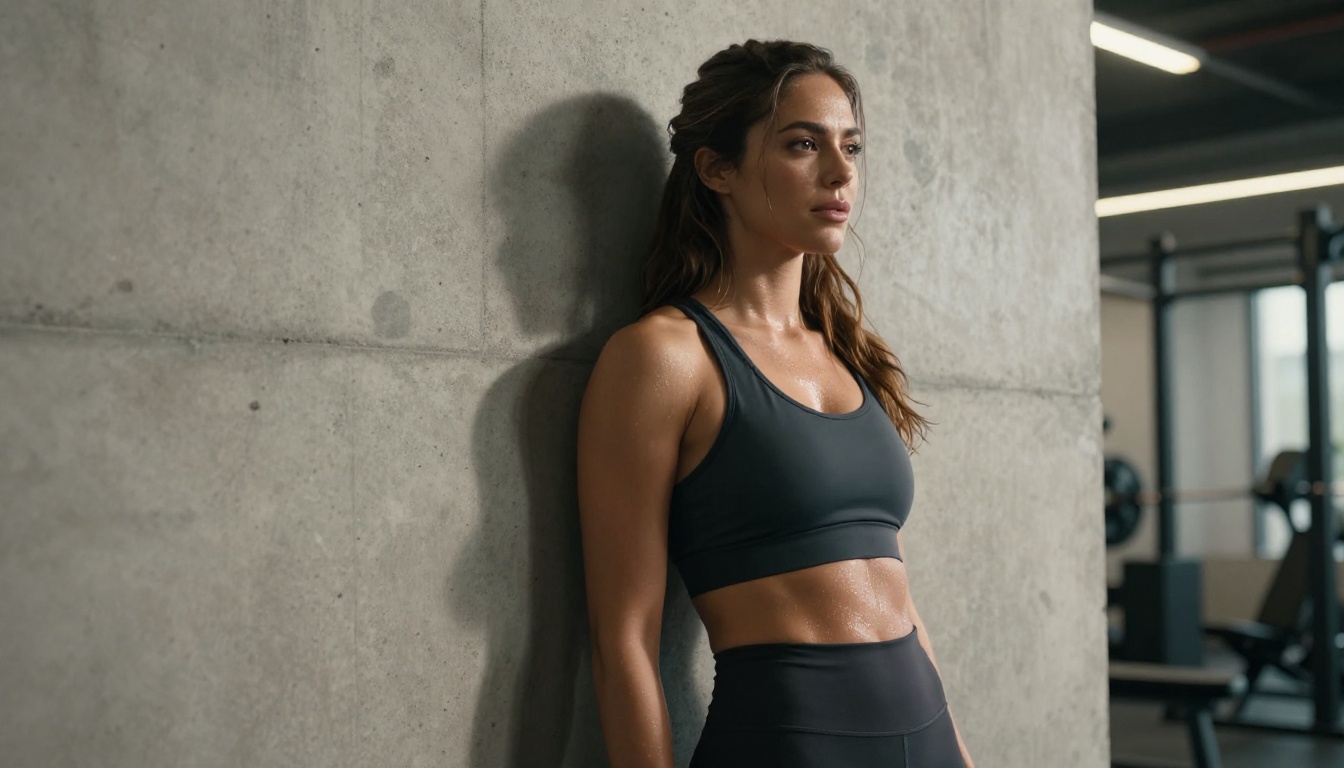
The realism is exceptional. Skin texture, lighting interaction, and anatomical proportions are handled at a level that competes with professional photography retouching. Whether you are creating boudoir-style glamour shots, artistic compositions, or suggestive lifestyle scenes, Seedream 4.5 produces output that does not look AI-generated at a casual glance.
Important: The newer Seedream 5 Lite does NOT support NSFW content. Always use Seedream 4.5 for adult content generation.

PicassoIA Image Editor Pro — Unlimited Output
PicassoIA Image Editor Pro operates as an image-to-image editor rather than a pure text-to-image generator. You provide a base image, write an edit prompt, and it returns a transformed version in under one second. It accepts NSFW content without restriction.
The real advantage is the pricing model. With an Elite or Infinite subscription, generations are unlimited. That means 1,000 images costs the same as 10. Compare that to metered models where 1,000 NSFW images could run $100 or more above your subscription. For creators who iterate heavily or manage large content pipelines, this changes the economics entirely. There is also a free trial of three generations with no credit card required.

Qwen Image 2 — Open Source Freedom
Qwen Image 2 is an open-source model that handles both text-to-image creation and image editing. Being open-source means no hidden policy updates can silently remove NSFW support. The model generates images with very detailed realism and handles complex lighting and body detail well.
For creators who want maximum control over their pipeline, this is a solid choice. You can run it locally if privacy is a concern, or access it directly through PicassoIA for convenience.
Grok Imagine Image — Instant Bikini Conversion
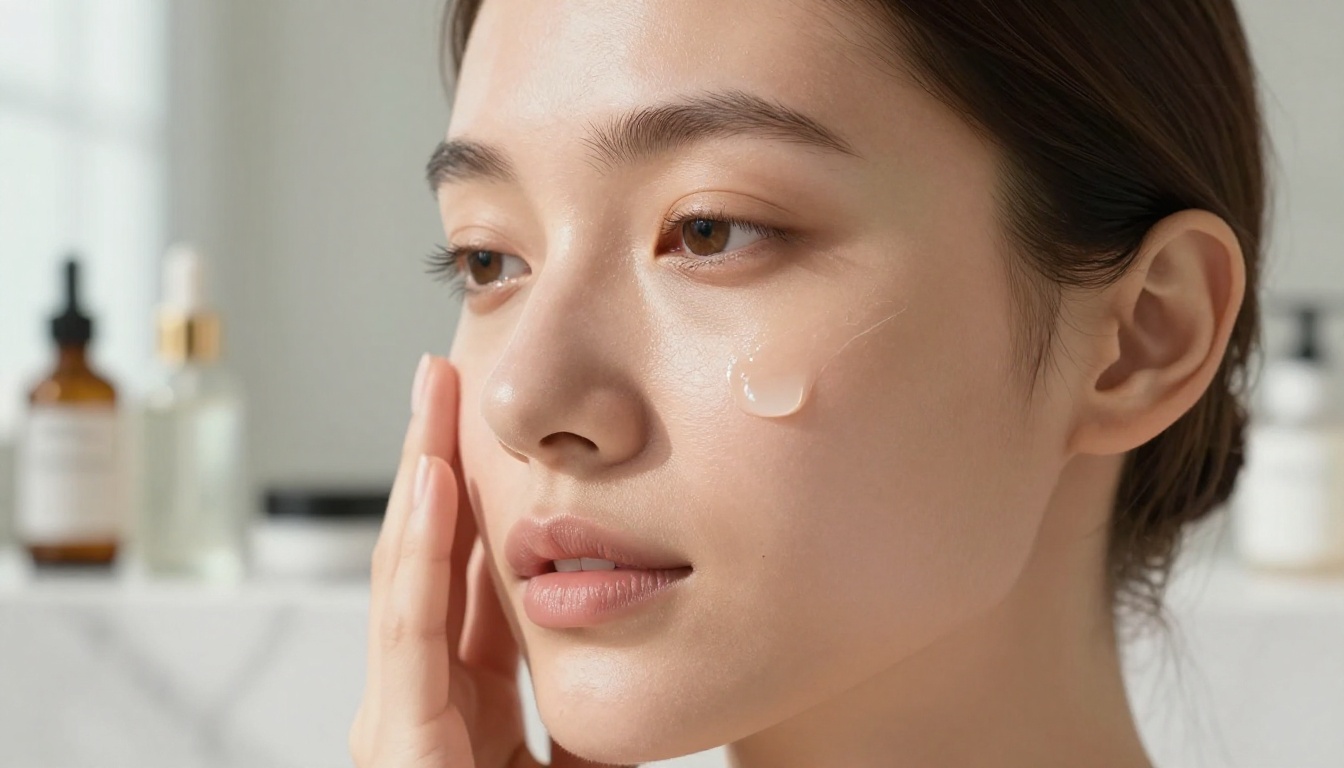
Grok Imagine Image has a distinctive capability: it realistically converts existing images into bikini-format versions. Upload a clothed reference photo, prompt for swimwear, and the output maintains face and body proportions accurately. This is a powerful workflow for creators adapting existing content rather than generating from scratch.
Recraft V4 — Pure Text-to-Image Realism
Recraft V4 accepts NSFW content in text-to-image mode and delivers very realistic results. It does not currently support image editing, so it works best at the prompt-to-output stage. The image quality is high, with strong color rendering and excellent detail in skin and fabric.
P-Image — Speed Under 1 Second
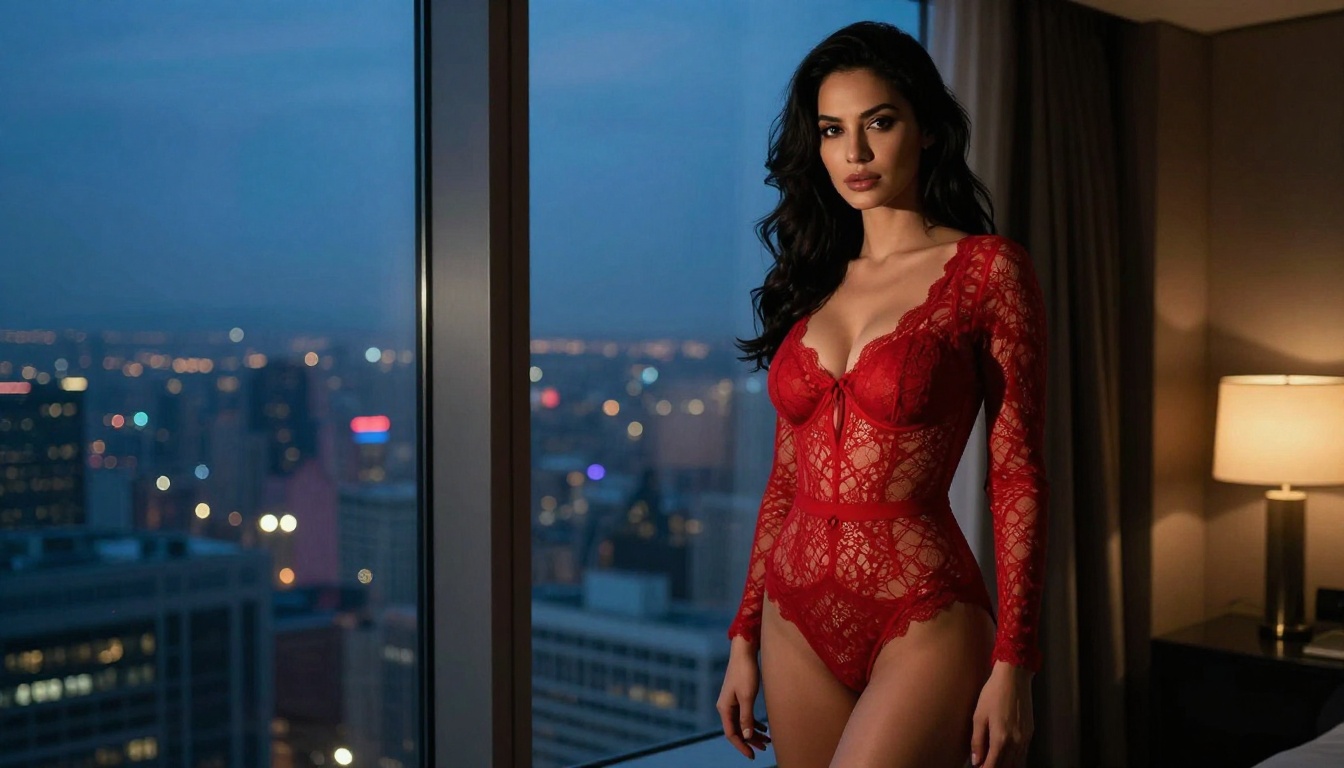
P-Image by PrunaAI is the fastest NSFW text-to-image option in the lineup. Generations complete in under one second, which makes it ideal for rapid iteration, bulk content creation, or any workflow where time is the bottleneck. Quality is solid for the speed, though it sits below Seedream 4.5 on peak realism.

Video Generation Without Restrictions
Still images are only part of the story. Adult content creation increasingly demands video, and the same filter problems apply. These models extend uncensored generation into motion.
PicassoIA Video — Unlimited Clips
PicassoIA Video generates short clips from text prompts at up to 720p and five seconds per clip. Like its image counterpart, unlimited generation is included in Elite and Infinite subscriptions. For creators building regular video content without wanting to manage per-clip costs, this is the most financially sustainable option.
P-Video — Safety Filter Off by Default
P-Video by PrunaAI accepts text, image, or audio as input and generates clips at up to 1080p with durations from one to ten seconds. Its safety filter is disabled by default, meaning prompts are not pre-screened for adult content before generation. A draft mode delivers an instant low-resolution preview before full render, saving time on rejected concepts.
Grok Imagine Video — Up to 15 Seconds
Grok Imagine Video generates clips from a text prompt, a reference image, or an existing video you want to re-edit. Outputs run up to 15 seconds, significantly longer than most competitors. The model supports eight aspect ratios and outputs without watermarks. Its image-to-video mode automatically matches the proportions of your source photo.
LTX 2.3 Pro — Up to 4K at 50fps
LTX 2.3 Pro is the highest-fidelity option for professional output. It exports at up to 4K at 50fps and supports five modes: text-to-video, image-to-video, audio-to-video, retake, and extend. Camera-motion presets like dolly, jib, and focus-shift are built in. The retake feature replaces short segments without re-rendering the full clip, which saves significant time during refinement.
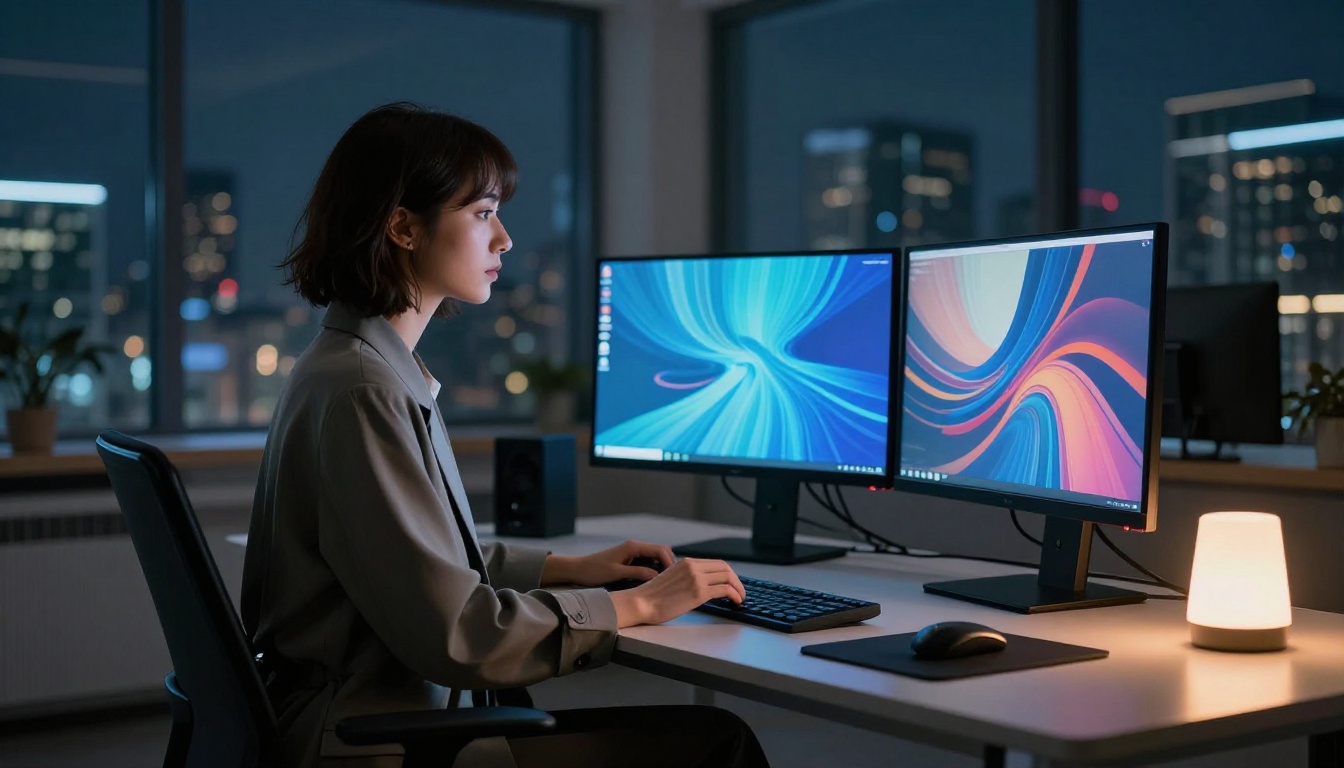
How to Use Seedream 4.5 on PicassoIA
Since Seedream 4.5 is the top recommendation for NSFW AI image building, here is a step-by-step walkthrough for using it on PicassoIA.
Step 1: Open the model
Go to picassoia.com/en/collection/text-to-image/bytedance-seedream-45. No account is required for a preview, but you will need one to save or download full-resolution images.
Step 2: Write your prompt
Seedream 4.5 responds well to detailed, specific prompts. Include subject description, clothing or lack thereof, environment, lighting, and camera perspective. For NSFW content, describe the scene directly without workarounds.
Prompt structure that works:
[Subject appearance and pose] in [environment], [lighting description], [camera angle and lens], photorealistic, 8K, film grain, [mood or atmosphere]
Step 3: Set aspect ratio
For most content, 16:9 produces the best landscape composition for web or video use. For portrait-oriented work, use 9:16. Seedream 4.5 maintains compositional integrity across ratios.
Step 4: Generate and review
The model returns results in under three seconds. Review the output for anatomical accuracy, lighting consistency, and prompt adherence. If something is off, adjust the specific element in the prompt rather than regenerating with identical input.
Step 5: Edit or iterate
Seedream 4.5 supports image editing. Load your output back in with a refinement prompt. For heavier iteration at scale without watching a generation counter, switch to PicassoIA Image Editor Pro and use unlimited generations.

The difference between a mediocre and exceptional NSFW AI image is almost always the prompt. These formulas consistently produce high-quality output across the leading generators.
Building a Winning NSFW Prompt
A strong NSFW prompt has four core components:
- Subject clarity: Who is in the image, physical appearance, clothing or styling, and pose or action.
- Environment detail: Where the scene takes place, with specific surface textures, depth, and props.
- Camera specification: Lens type, aperture, distance, and angle. Writing "85mm f/1.4 shallow depth of field" signals photographic realism intent to the model.
- Quality anchors: "photorealistic, 8K, film grain, Kodak Portra 400" push models toward realism rather than illustration.
| Component | Weak | Strong |
|---|
| Subject | "woman" | "woman with dark wavy hair in black lace lingerie, seated sideways" |
| Environment | "bedroom" | "luxury hotel room, floor-to-ceiling windows, city lights bokeh behind her" |
| Camera | none | "85mm f/1.4, slight low angle, shallow depth of field" |
| Quality | "realistic" | "photorealistic, 8K, Kodak Portra 400 film grain, cinematic color grade" |
Common Prompt Mistakes
Vague subjects: "beautiful woman" gives the model nothing to anchor to. Always describe hair, body detail, clothing, and pose specifically.
Missing lighting: AI models follow your lighting description closely. Without one, results look flat. Specify where light comes from and its quality.
Over-restriction: Trying to sneak around filters with euphemisms often backfires on models that natively accept NSFW content. Direct, clear descriptions produce better anatomy and scene coherence.
Stacking adjectives without content: "ultra-mega-super-realistic-professional-photograph" is noise. Pick two or three quality anchors and fill the rest of the prompt with actual scene detail.
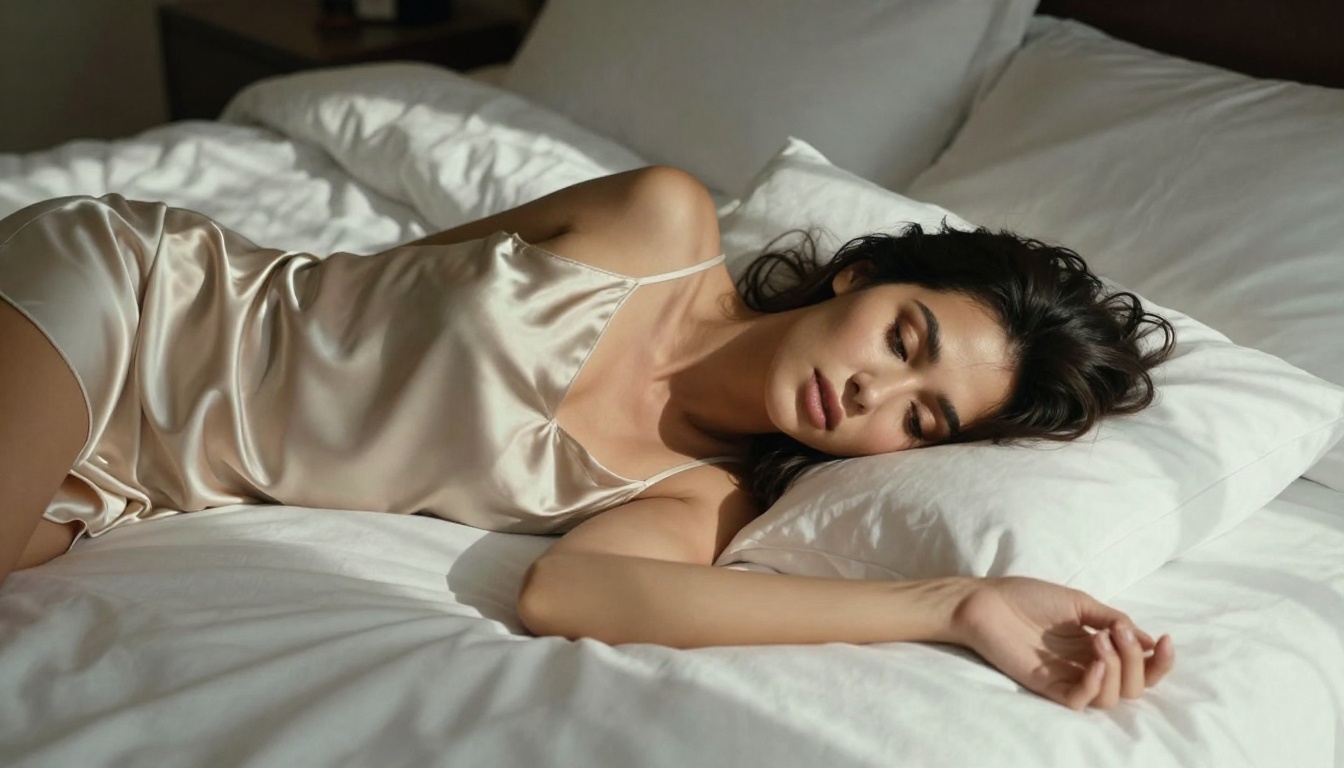
When comparing platforms for NSFW image building, several factors matter beyond whether NSFW is technically permitted.
| Feature | PicassoIA | Typical NSFW Alternatives |
|---|
| NSFW support | Yes, multiple models | Often single model |
| Unlimited generations | Yes, Elite/Infinite plans | Metered only |
| Speed (fastest models) | Under 1 second | 5 to 30 seconds |
| Video generation | Yes, 720p to 4K | Limited or none |
| Open-source models | Yes | Rarely |
| Free trial | Yes, no credit card | Usually requires payment |
| Model variety | 185+ text-to-image models | Usually 1 to 10 |
The biggest functional advantage is the unlimited generation model. For creators running a content pipeline that needs 500 images per month, paying per-image on a metered platform adds up fast. At $0.10 per image, that is $50 extra per month above any subscription. At 1,000 images, it is $100 extra, every month. With PicassoIA Image Editor Pro, those same 1,000 images cost nothing beyond the subscription.

Best Models for NSFW AI Generation on PicassoIA
Here is the full ranked list of models available on PicassoIA that support adult content, ordered by performance and value.
- Seedream 4.5 — Best all-around. Accepts adult content, supports image editing, photorealistic results in under 3 seconds. Its successor Seedream 5 Lite does NOT support NSFW.
- PicassoIA Image Editor Pro — Unlimited generations with Elite or Infinite plans. Results in under 1 second. Free 3-generation trial, no credit card.
- Qwen Image 2 — Open-source model that edits or creates any image in seconds with very detailed realism.
- Grok Imagine Image — Realistically converts any image to a bikini format.
- Recraft V4 — Very realistic text-to-image results, NSFW accepted.
- P-Image — Fastest NSFW text-to-image generator, under 1 second per output.
- Wan 2.2 Image — Generate highly realistic images from text without content filters.
- Wan 2.2 I2v Fast — Turn static NSFW images into dynamic animated clips.
- PicassoIA Video — Unlimited video generation from text prompts, up to 720p at 5 seconds per clip.
- P-Video — Safety filter off by default, text or image or audio to video, up to 1080p.
- Grok Imagine Video — Clips up to 15 seconds, no watermarks, accepts text, image, or existing video input.
- LTX 2.3 Pro — Highest fidelity at up to 4K at 50fps, with retake and extend editing for precise control.
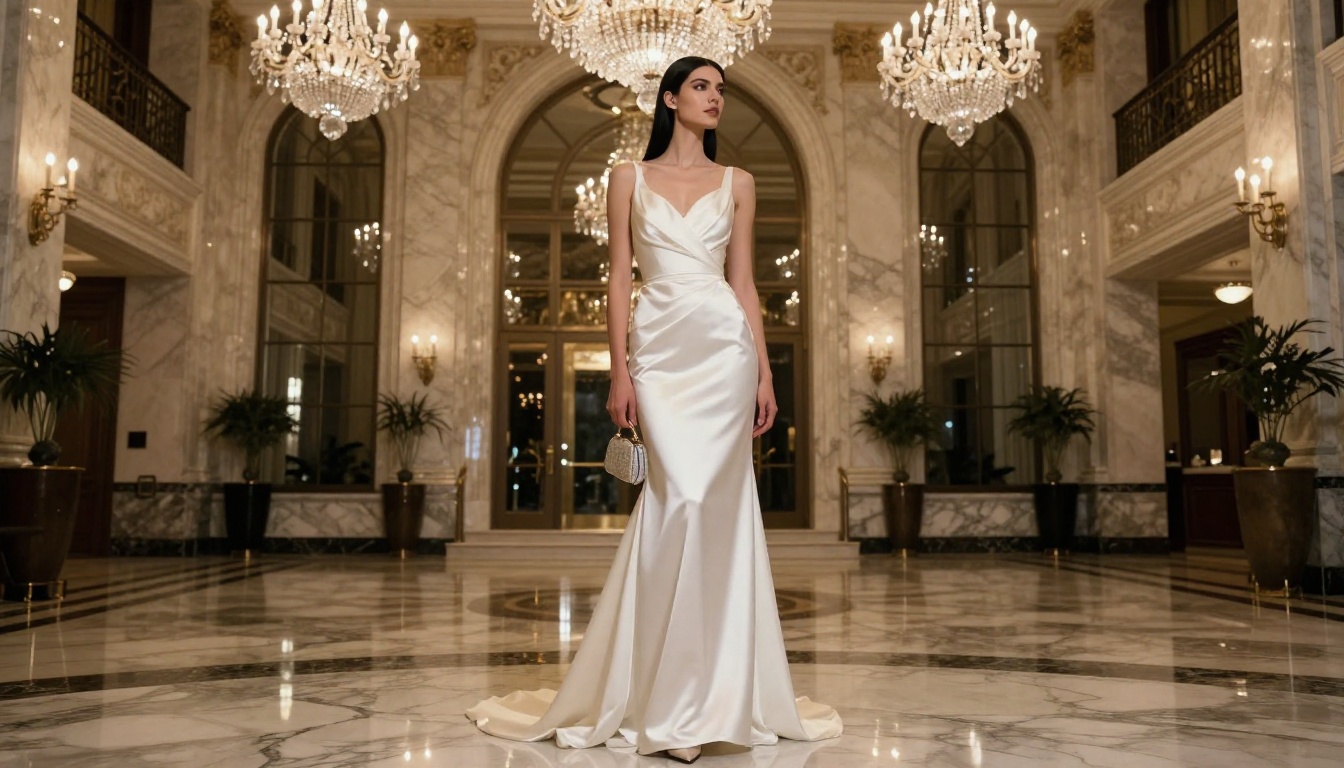
Beyond the top NSFW-focused models, PicassoIA offers a broader set of tools that slot naturally into a professional image creation workflow.
Flux Kontext Fast is designed for instant photo editing from text prompts. Feed it an existing image, describe the change, and it applies it without regenerating the full scene. This is useful for refinement after your primary generator produces an output you want to adjust.
Wan 2.7 Image Pro produces 4K text-to-image output. When resolution matters more than speed, this is the model to reach for. It handles large, high-detail compositions particularly well.
Hunyuan Image 2.1 delivers 2K images from text with strong compositional accuracy. It is a reliable fallback when other models produce off-anatomy results, as Tencent's architecture handles body proportions carefully.
Dreamina 3.1 generates cinematic 4-megapixel images from text. For content that needs a film-like aesthetic rather than pure photographic realism, this is the model to reach for.
Phoenix 1.0 from Leonardo AI generates images up to 5MP. It handles detail in fabric, hair, and skin texture with precision and is one of the higher-resolution text-to-image options available on PicassoIA.
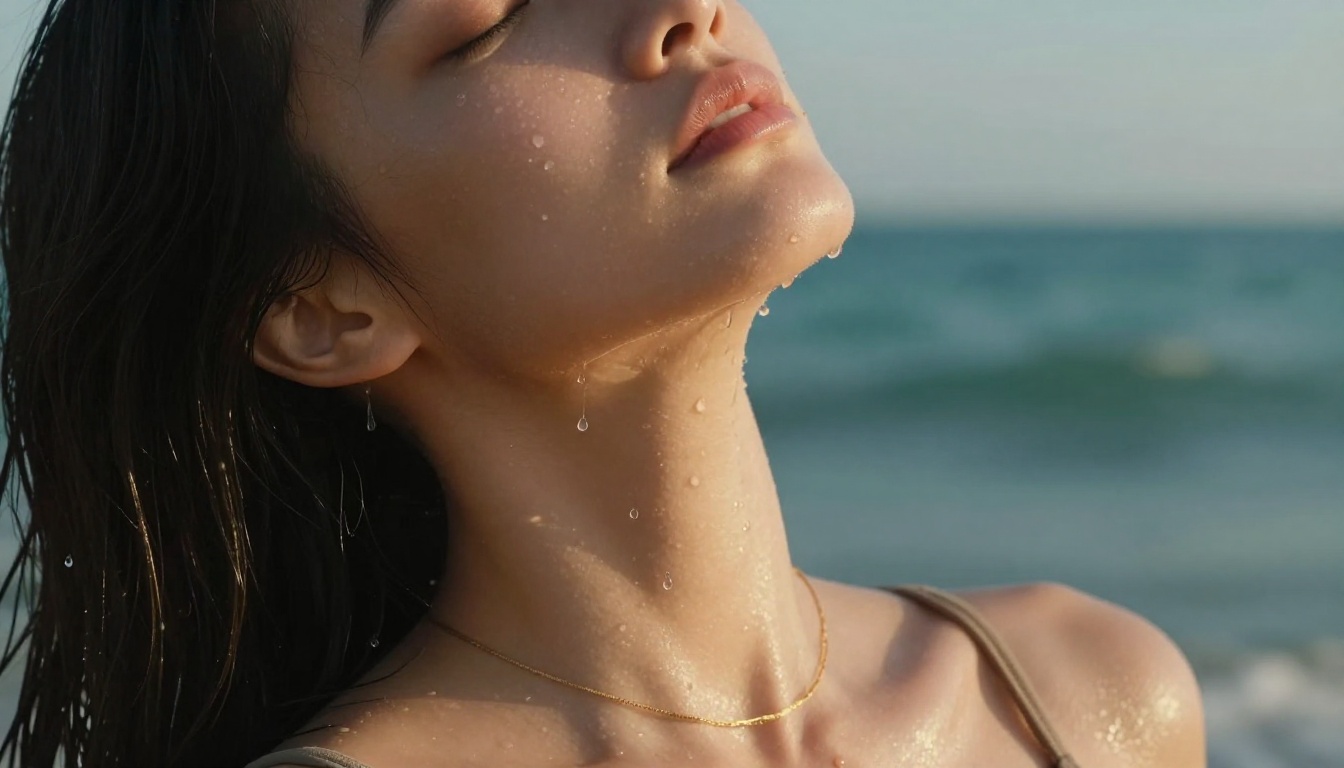
Start Creating Right Now
The models exist. The platform is live. The only thing standing between you and photorealistic NSFW AI imagery is writing a strong prompt and hitting generate.
Start with Seedream 4.5 for your first session. Write a specific prompt using the structure from the section above, set it to 16:9, and see what comes back in three seconds. If you want to iterate at scale without watching a generation counter, move to PicassoIA Image Editor Pro and take advantage of the free three-generation trial with no credit card required.
For video, PicassoIA Video gives you unlimited clips from text prompts at no per-video cost. If you need longer clips or the highest possible resolution for client-ready work, LTX 2.3 Pro takes you up to 4K at 50fps.
The full catalog of unrestricted, high-performance models is waiting at picassoia.com/en/all-models. Browse the list, pick a model, and start generating.