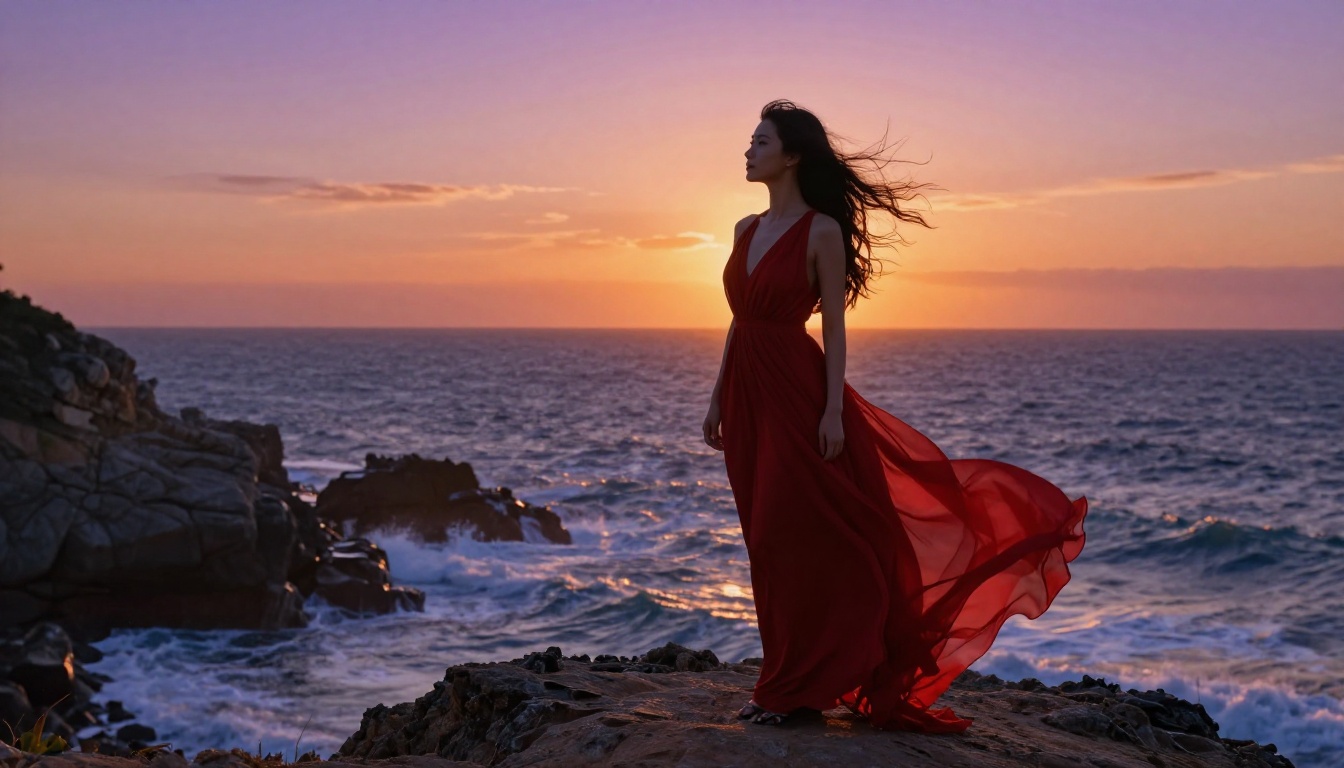
Seedream 5.0 is generating real attention in the AI art community, and for good reason. ByteDance's latest model produces some of the sharpest photorealistic output available today, with dramatically improved anatomy, text rendering, and compositional accuracy. But if you're here specifically to make uncensored AI art with Seedream 5.0, there's one thing the comparison posts don't make clear: the version most platforms offer is Seedream 5 Lite, and it blocks adult content entirely. Here's the full picture, including which models actually work, and how to get genuinely unrestricted results.
What Seedream 5.0 Is (and What It Isn't)
The Seedream model family from ByteDance started with version 3 and has expanded steadily, each generation pushing image quality, resolution, and prompt fidelity higher. Seedream 5.0 is the top of that line, with improved architecture that handles complex multi-element scenes, accurate hand anatomy, and text within images far better than earlier versions.
The distinction that matters for uncensored art: there's Seedream 5.0 (full version, research access) and Seedream 5 Lite, which is what most consumer-facing platforms deploy. Seedream 5 Lite is faster and cheaper to run, but it ships with ByteDance's content safety filters baked in at the inference level.
On PicassoIA, Seedream 5 Lite is available. It's a genuinely capable model for SFW work: portraits, product photography, landscape scenes, and text-heavy images. But adult, suggestive, or explicit prompts get silently filtered. You won't always get an error message. You'll get a different image than what you asked for.
This doesn't kill uncensored AI art on the platform. It redirects it to the model that was actually built for it.
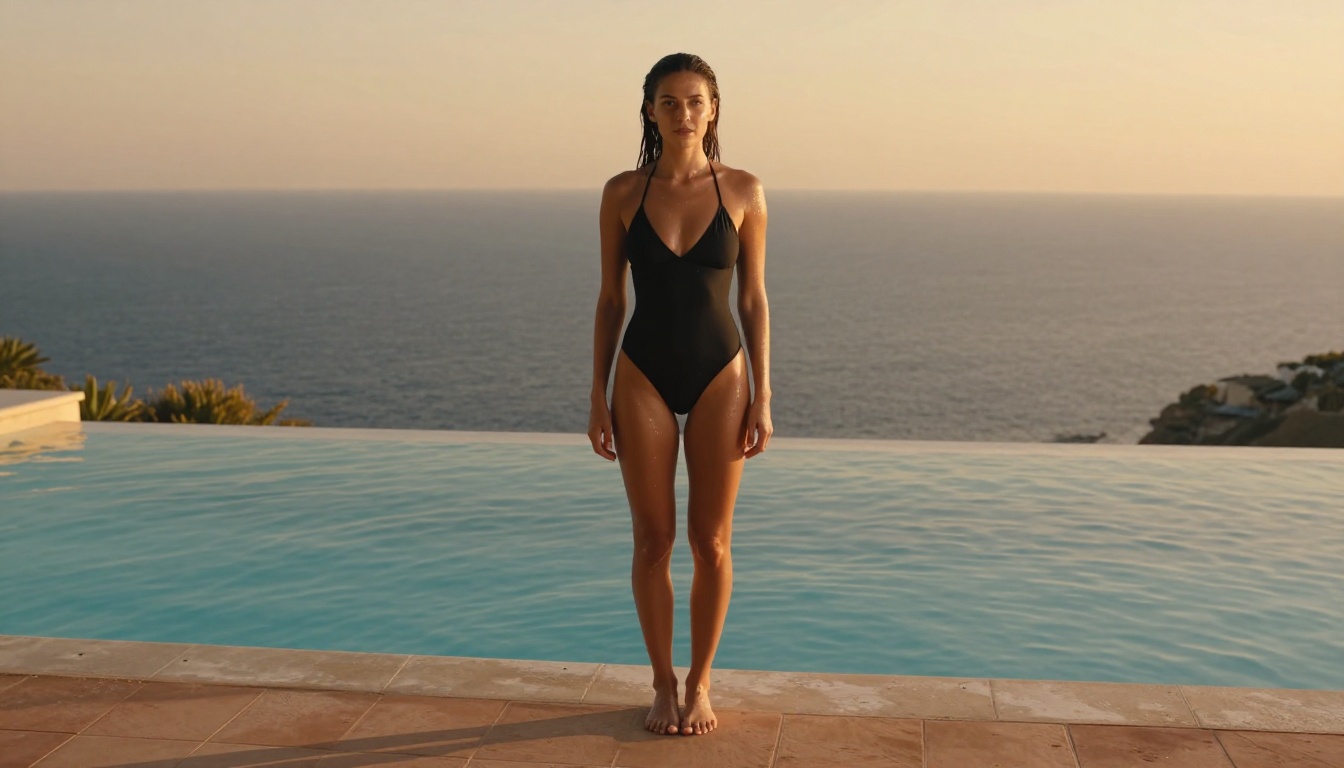
Seedream 4.5 Beats 5.0 for NSFW Work
This is the part most tutorials skip. The assumption is that newer equals better across every dimension. For uncensored creative work specifically, Seedream 4.5 is the stronger choice right now, and the reasons are concrete.
The Filter Problem on 5 Lite
Seedream 5 Lite's content moderation operates at inference time, which means the model rewrites or constrains prompts before processing them. The result is that the model doesn't refuse your prompt; it reinterprets it. A prompt describing an artistic figure in minimal clothing returns a fully dressed subject in a different environment. A boudoir scene becomes a bedroom interior with no subject at all.
This isn't a bug. It's an intentional design choice in the Lite version for broad platform deployment. Knowing this upfront saves hours of frustrating iteration on a model that simply won't produce what you're asking for.
What Seedream 4.5 Delivers
Seedream 4.5 operates with significantly more creative latitude. It outputs 4K resolution images with the photorealistic skin texture, accurate anatomy, and natural lighting response that the Seedream family is known for, without the heavy-handed filtering that defines the Lite version.
The practical difference is immediate. The same boudoir prompt that returns a furniture photo on 5 Lite produces exactly what you described on 4.5: the subject, the lighting, the styling, the composition. Prompt fidelity for adult content is dramatically higher.
| Feature | Seedream 5 Lite | Seedream 4.5 |
|---|
| Max resolution | 2K | 4K |
| NSFW content | Blocked | Allowed |
| Prompt fidelity (NSFW) | Very low | High |
| Anatomy accuracy | High | High |
| Generation speed | Faster | Standard |
The Earlier Versions Worth Knowing
Seedream 4 and Seedream 3 are both available on PicassoIA and both allow adult content. The image quality ceiling at 4K places 4.5 consistently above them. For fast drafts or prompt testing, Seedream 3 is useful because it generates quickly. For final output, 4.5 is the correct call every time.

How to Use Seedream 4.5 on PicassoIA
The process is direct once you know where to go.
Access the Model
Open Seedream 4.5 on PicassoIA directly. The first generation doesn't require a signup, though an account saves your generation history and settings. If you're doing iterative work across sessions, the account is worth creating.
Write Prompts That Produce Real Results
The most consistent mistake people make is under-prompting. Seedream 4.5 is a capable model, but short vague prompts produce generic average output. For adult or artistic work, specificity drives quality.
Weak prompt: "beautiful woman, lingerie, bedroom"
Strong prompt: "A woman in black silk lingerie reclining on white hotel bed linen, soft natural light from a sheer-curtained window to the right, shot with an 85mm f/1.4 lens, shallow depth of field, Kodak Portra 400 film grain, photorealistic skin texture with visible pore detail"
The strong prompt gives the model lighting direction, lens specifics, film aesthetic, texture notes, and a clear scene anchor. It produces consistent results across multiple generations because every element is specified rather than left to interpolation.
Control Your Settings
Within the Seedream 4.5 interface, three settings make the most difference:
- Aspect ratio: 16:9 for wide environmental scenes, 9:16 for vertical editorial portraits, 1:1 for studio-style square compositions
- Inference steps: More steps produce more refined detail at the cost of generation time. Standard is fine for drafts; increase it for final output
- Seed: Locking the seed while changing small prompt elements lets you isolate which words drive which visual changes, and is the fastest way to iterate toward a specific result
💡 Workflow tip: Generate a draft, note the seed, lock it, then change only one element of the prompt at a time. Within 5-10 variations you'll have exactly the composition you're after without rebuilding from scratch each time.
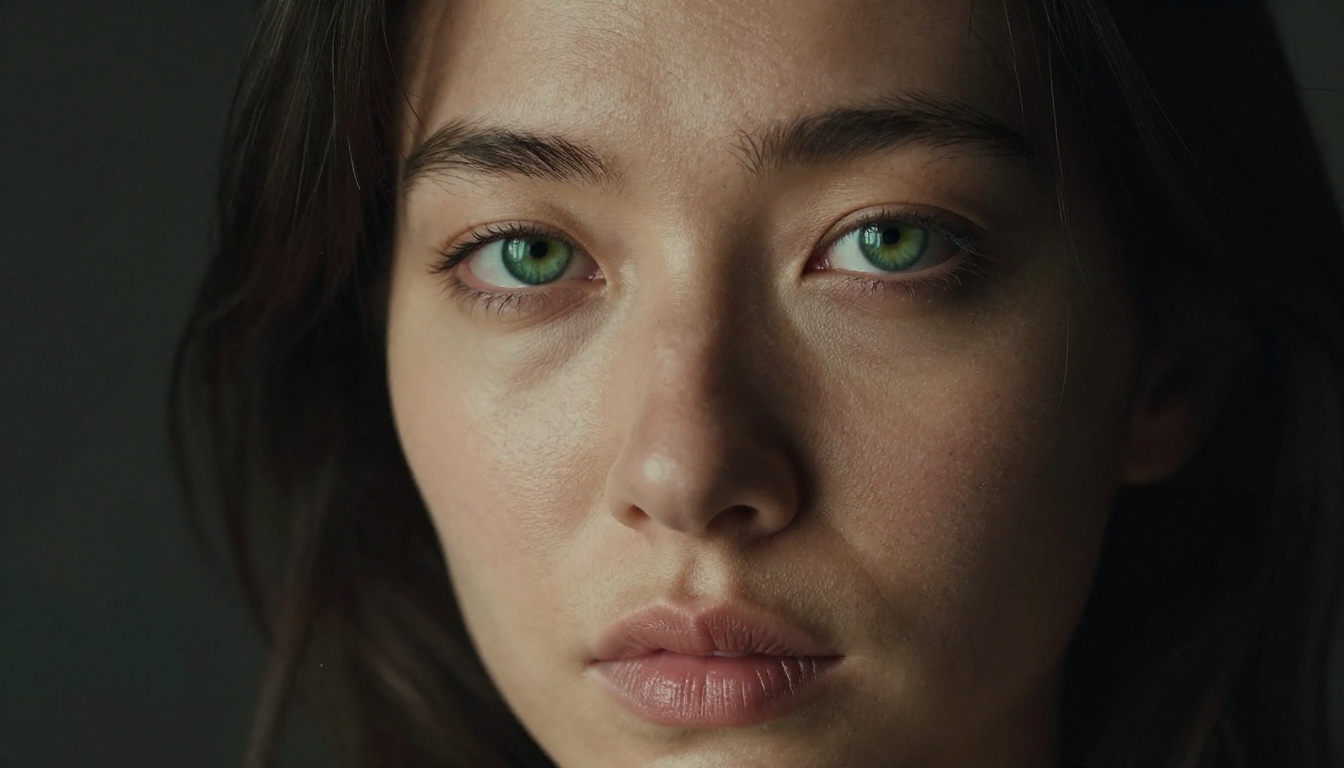
PicassoIA Image Editor Pro: Unlimited, Unrestricted
For anyone doing high-volume work, whether that's a large ongoing project, content requiring many iterations, or experimentation that burns through dozens of generations to reach a single result, PicassoIA Image Editor Pro changes the economics entirely.
No Credit Limits
Most AI image platforms apply credit limits or rate limiting to heavy users. Image Editor Pro operates on an unlimited generation model. When you're iterating toward a specific creative result, that matters practically. Reaching exactly the right expression, lighting, and composition in a complex scene might take 30 or 50 generations. With credit limits, that iteration gets expensive or impossible. Without them, it's just workflow.
Inpainting Changes What's Possible
The feature that separates Image Editor Pro from standard text-to-image tools is inpainting. After generating a base image, you can mask a specific region and regenerate only that area while everything else stays locked. This is how professional-level output actually gets produced.
Common uses: fixing anatomical issues in hands or feet, adjusting fabric positioning, refining facial expression, correcting lighting inconsistencies in one zone of a scene. Each of these would require a full re-prompt in a standard tool. In Image Editor Pro, they're targeted adjustments that take seconds.
Expanded Content Policy
Image Editor Pro runs on PicassoIA's own infrastructure with a broader content policy than third-party models like Seedream 5 Lite. Adult and suggestive content generates without the filtering interruptions that characterize more restricted models, making it the default choice when you need both creative freedom and editing precision in the same workflow.
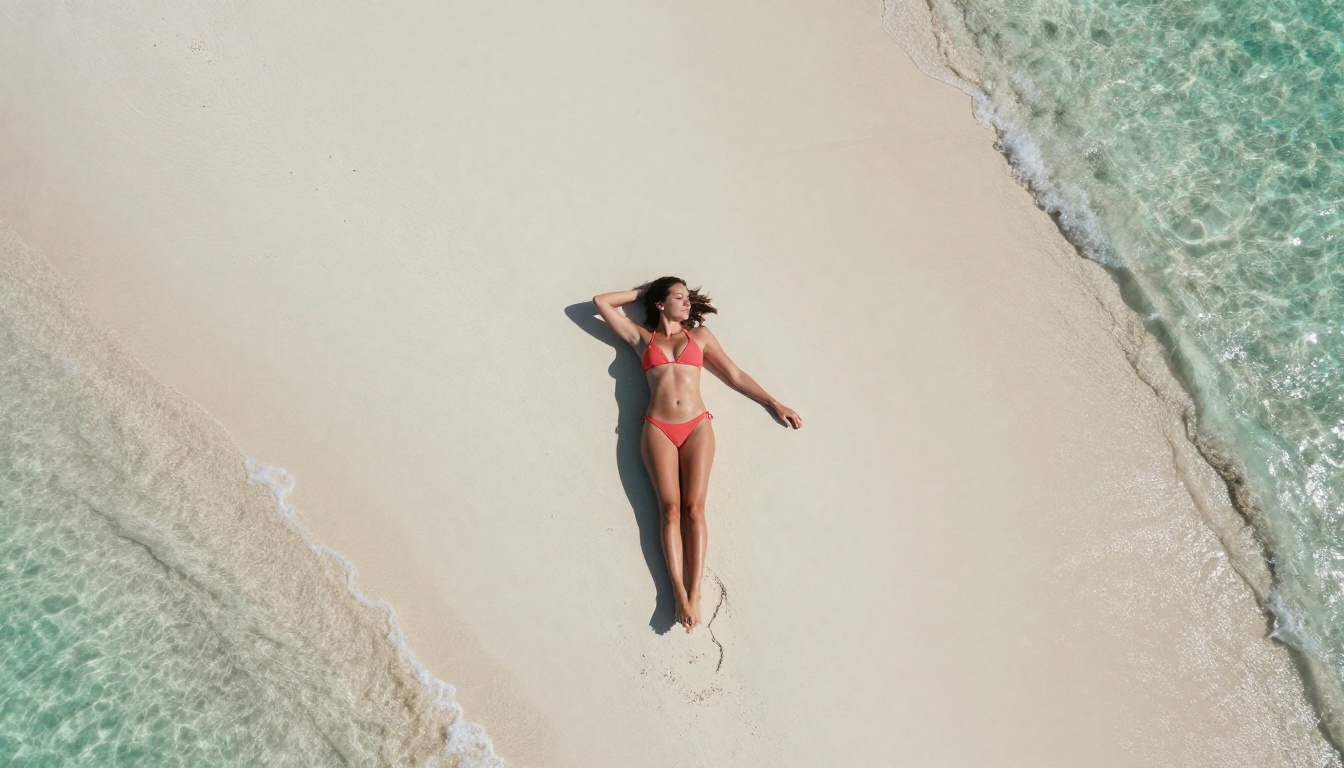
Other Models Worth Using for Uncensored Art
The catalog on PicassoIA is broader than most users realize. Beyond Seedream 4.5 and Image Editor Pro, several models add real value to an adult AI art workflow.
Realistic Vision v5.1
Realistic Vision v5.1 was trained specifically on photographic human subjects, and it shows. Skin texture, body proportions, and hair detail are its core strengths. For close-up portraits and artistic figure work, it produces results that outperform larger but less specialized models. It supports adult content and its narrowly trained focus means prompt fidelity for human subjects is consistently high, even on shorter prompts.
Flux Dev and Flux Pro
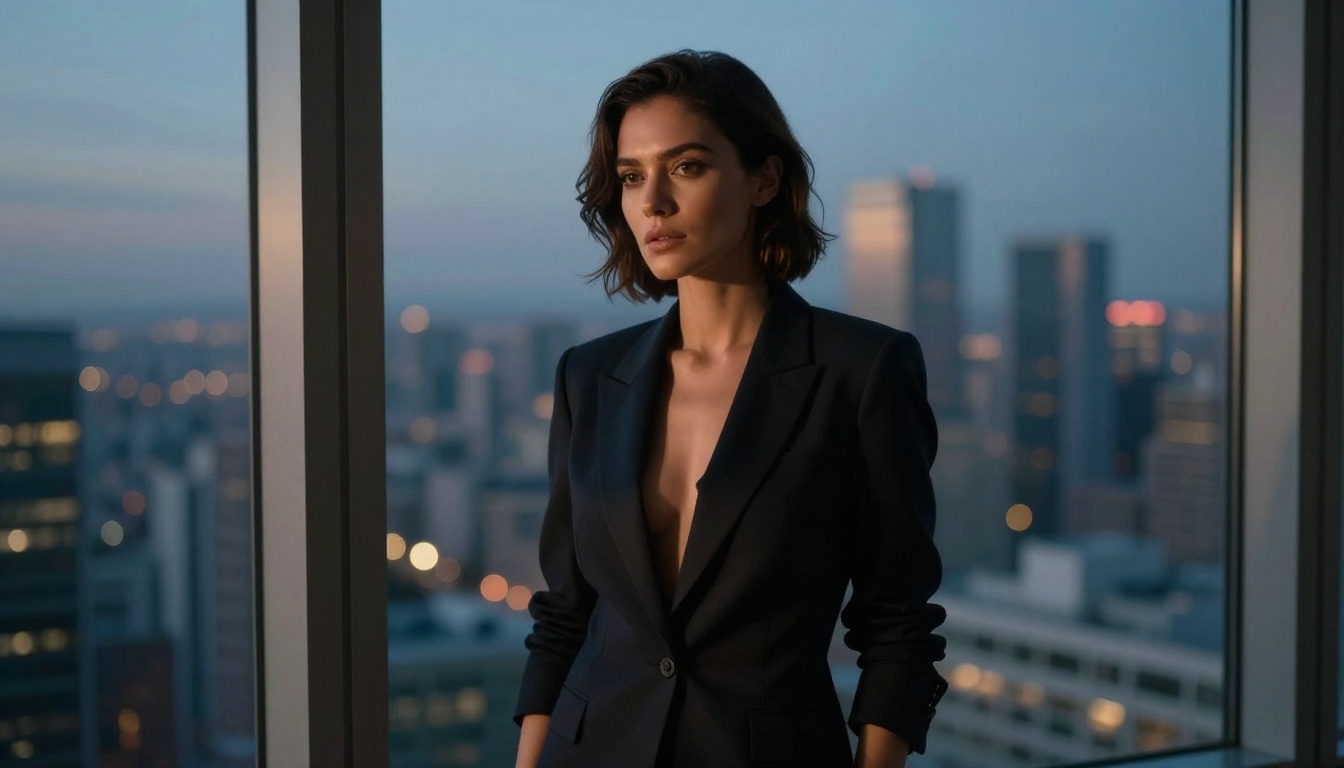
Flux Dev and Flux Pro handle complex scenes exceptionally well, especially when architectural detail, fabric texture, and environmental richness matter as much as the human subject. They're more conservative than Seedream 4.5 for explicit content but handle glamour, boudoir-adjacent, and artistic work without issues. Flux 1.1 Pro represents the highest quality option in that family for scenes requiring fine detail across the full frame.
Prompt Writing That Produces Real Results
Prompting for adult AI art has specific patterns that separate mediocre results from genuinely photorealistic output. These are the elements that matter.
What to Include in Every Prompt
Lighting direction and quality: This single element controls mood more than almost anything else. "Volumetric morning light from the left," "single softbox above and behind," "diffused window light from the right" all produce dramatically different results even with identical subjects and scenes. Lighting is where the mood lives.
Camera and lens specifics: "85mm f/1.4," "50mm f/1.2," "35mm wide angle," "medium format Hasselblad" anchor the model's compositional logic. Longer lenses produce compression and shallow depth of field. Wide lenses incorporate environment. These aren't decorative additions; they change the actual image structure.
Specific clothing descriptions: "Lingerie" is a category, not a visual description. "Black silk slip dress with thin spaghetti straps," "sheer lace bodysuit with floral detailing," "strappy coral bikini" give the model something concrete to work with. Specificity produces accuracy.
Film aesthetic anchors: "Kodak Portra 400 grain," "RAW photography aesthetic," "natural skin tones without digital retouching" push the model away from the artificial, glossy look that reads immediately as AI-generated. These phrases consistently produce more photographic results.
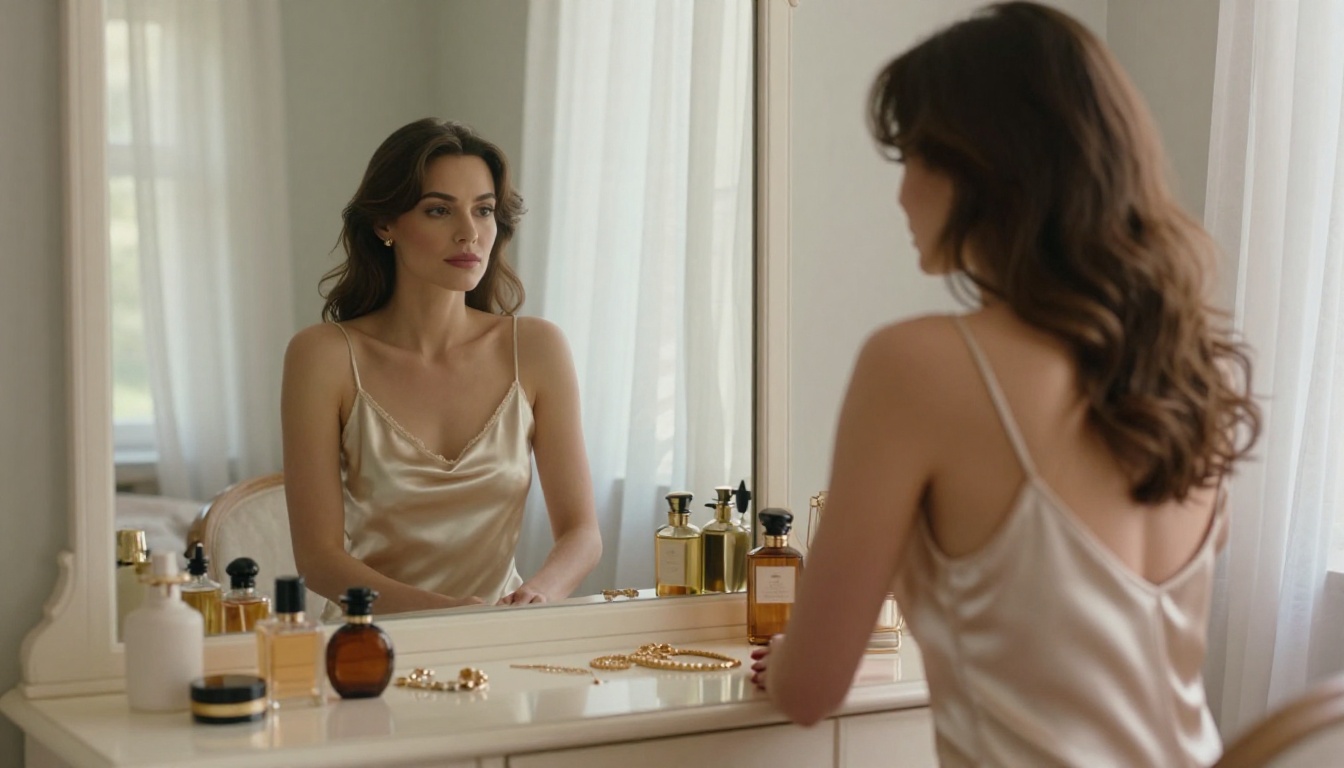
Environment specifics: "Minimalist hotel room with white walls and linen curtains," "artist's loft with exposed brick and wooden beams," "rocky coastal cliff at sunset" all give the scene a physical anchor. "Nice background" or "indoor setting" gives the model nothing to work from.
What to Avoid
Generic adjectives: Words like "beautiful," "gorgeous," "stunning" add nothing to visual output. The model doesn't have aesthetic preferences; it has absorbed associations from training data. Replace adjectives with descriptions: instead of "beautiful woman," write "woman with dark eyes and high cheekbones, natural makeup, loose dark hair."
Vague environment terms: "Indoor setting" or "nice room" gives the model nothing to anchor on. Describe the specific space with detail and the output reflects it.
Anatomy shortcuts: Writing "nude" or "naked" without photographic context produces inconsistent results. Describe the scene the way a photographer would brief an assistant: what's in frame, how the light falls, what the composition is, and what the subject is wearing or not wearing. Precision consistently outperforms shorthand.
Prompt Formula That Works
Use this structure consistently across models:
[Subject description + specific styling] + [environment and location] + [lighting direction and quality] + [camera and lens] + [film style or texture notes]
Portrait example:
"Dark-haired woman with natural makeup in a black lace bodysuit, standing against a white studio backdrop, single large softbox from the left creating soft shadow detail, shot with a 50mm f/1.2 lens, Kodak Portra 400 grain, photorealistic skin texture with visible pore detail"
Outdoor glamour:
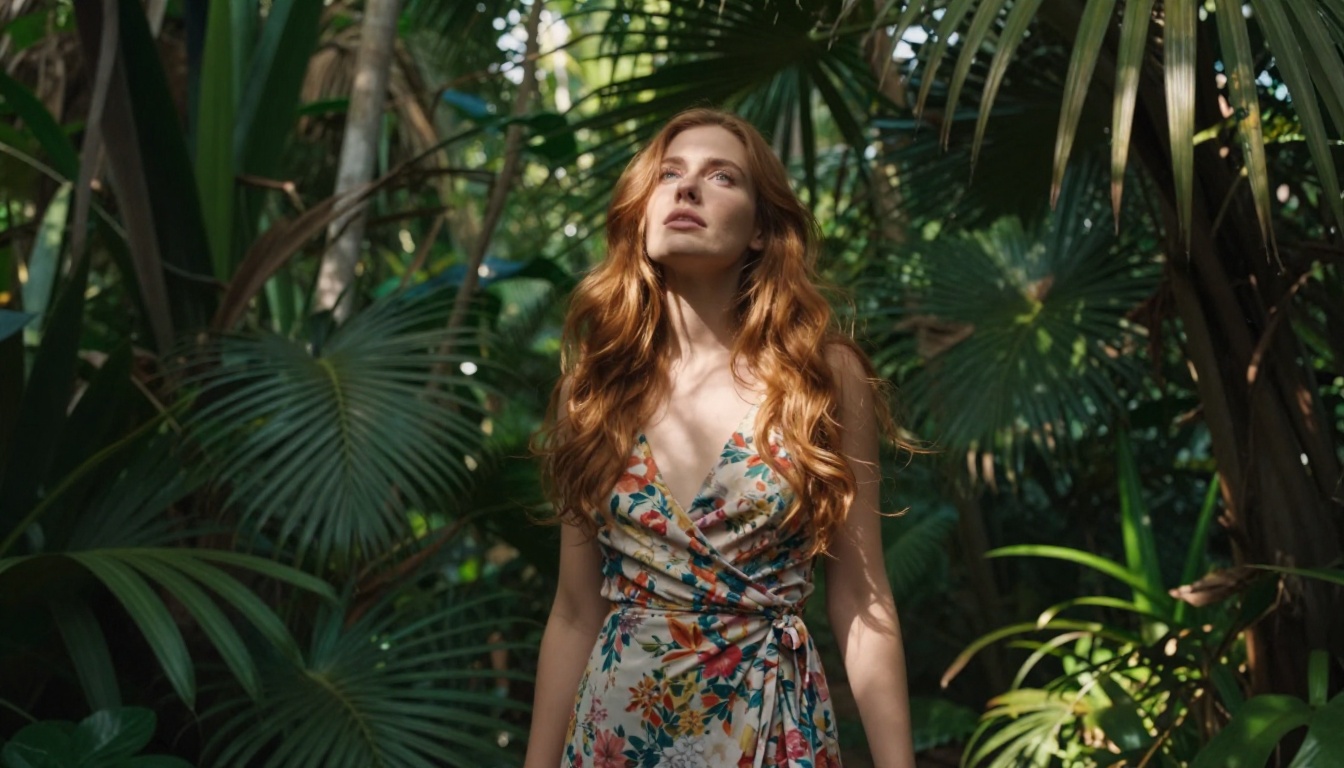
"Athletic woman in a strappy coral bikini at the edge of an infinity pool overlooking the Mediterranean, golden hour side light from the left, low angle from pool level, 35mm wide lens, turquoise water bokeh in background, film grain, photorealistic"
3 Mistakes That Waste Your Time
These come up consistently and each one is avoidable.
1. Using the wrong model for the content type. Attempting adult content on Seedream 5 Lite and concluding the whole Seedream family is restricted is the most frequent error. The model family varies significantly in content policy across versions. Switching from 5 Lite to Seedream 4.5 fixes the problem immediately.
2. Under-prompting on capable models. Seedream 4.5 can produce images that look indistinguishable from professional photography, but only when the prompt provides enough information. Treat it like briefing a photographer: lighting, lens, environment, styling, mood. Short prompts produce average results from an above-average model.
3. Full re-prompts instead of targeted inpainting. When one element of an otherwise good image is wrong, the instinct is to re-prompt the entire scene. That throws away every element that was working. PicassoIA Image Editor Pro solves this directly with inpainting: mask the specific problem area and regenerate only that region. It's faster, more precise, and preserves everything you got right.
The Seedream Version Map
Since the family spans multiple generations, here's where each sits for creative work:
| Version | Resolution | On PicassoIA | NSFW | Recommended For |
|---|
| Seedream 3 | 2K | Yes | Yes | Fast drafts, prompt testing |
| Seedream 4 | 4K | Yes | Yes | General purpose work |
| Seedream 4.5 | 4K | Yes | Yes | Primary choice for uncensored art |
| Seedream 5 Lite | 2K | Yes | No | SFW portraits and landscapes only |
The gap between Seedream 3 and 4.5 in image quality is substantial. The gap between 4.5 and 5 Lite in creative latitude is even more significant. Until a full Seedream 5 version (non-Lite) becomes available on PicassoIA, 4.5 holds the top position for uncensored photorealistic work.
💡 Summary: For uncensored AI art, the correct order is: Seedream 4.5 for photorealistic output, PicassoIA Image Editor Pro for unlimited iterations and inpainting, and Realistic Vision v5.1 when skin and body realism are the priority. Seedream 5 Lite is not recommended for this type of work.
Try It on PicassoIA
The models are ready to use now. Seedream 4.5 produces 4K photorealistic uncensored output with prompt fidelity that puts it ahead of most alternatives on any platform. PicassoIA Image Editor Pro adds unlimited generations and surgical inpainting for iterative refinement when a single generation isn't enough. Realistic Vision v5.1 fills the gap when skin realism and body accuracy are the specific priority.
Write a specific prompt using the formula above, select the right model, and generate. The full catalog of over 90 text-to-image models is at picassoia.com/en/all-models, with sample outputs for every model so you can see results before committing. The quality ceiling on PicassoIA today is genuinely high; the difference between average and excellent output comes down almost entirely to prompt specificity and model selection.