Making Adult Images with AI in 2027: What Actually Works
AI adult image generation in 2027 is more powerful and accessible than ever. This article breaks down the best models for creating beautiful, suggestive, and photorealistic adult imagery, with step-by-step prompt tips, editing workflows, and a full model comparison for platforms that don't restrict your creativity.
The rules changed in 2026. If you spent years hitting error messages and blurred outputs every time you tried generating anything remotely suggestive with AI, this year feels genuinely different. The models got sharper, the platforms got more honest about what they support, and the gap between "AI image" and "photograph" has narrowed to almost nothing when you know what you are doing.
Here is exactly what is working right now for making adult images with AI in 2027: which models actually deliver, how to write prompts that produce photorealistic results, and which platform gives you the most creative freedom without constantly fighting the system.
Why 2027 Is a Different Animal
Two things happened simultaneously that made this year a turning point in AI adult content creation.
The censorship gap finally opened
For years, dominant image models came pre-filtered with blanket restrictions that flagged bikini straps and movie-poster lighting as suspicious. Platforms were so cautious about regulation that anything with "skin" in the prompt got rejected before the GPU even warmed up.
That era is largely over. Not because regulations disappeared, but because the market bifurcated. There are now dedicated platforms built for adult and suggestive content that operate within clear legal frameworks, using base models fine-tuned specifically to handle it without hallucinating body parts or defaulting to cartoon aesthetics.
Model quality changed the ceiling
The second shift is pure quality. Models in 2024 produced images that looked like stock photos shot through a Vaseline-smeared lens. Skin was waxy. Hair was a solid mass. Eyes reflected nothing authentic.
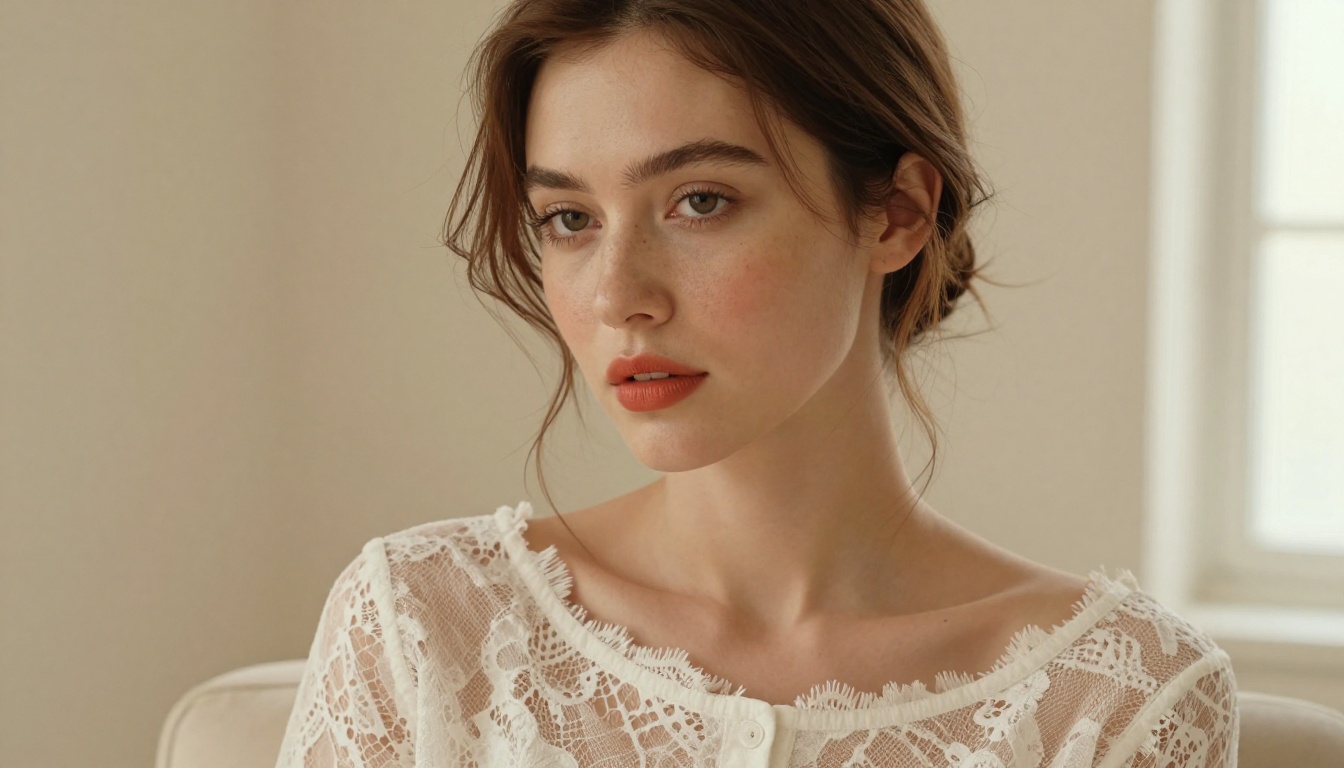
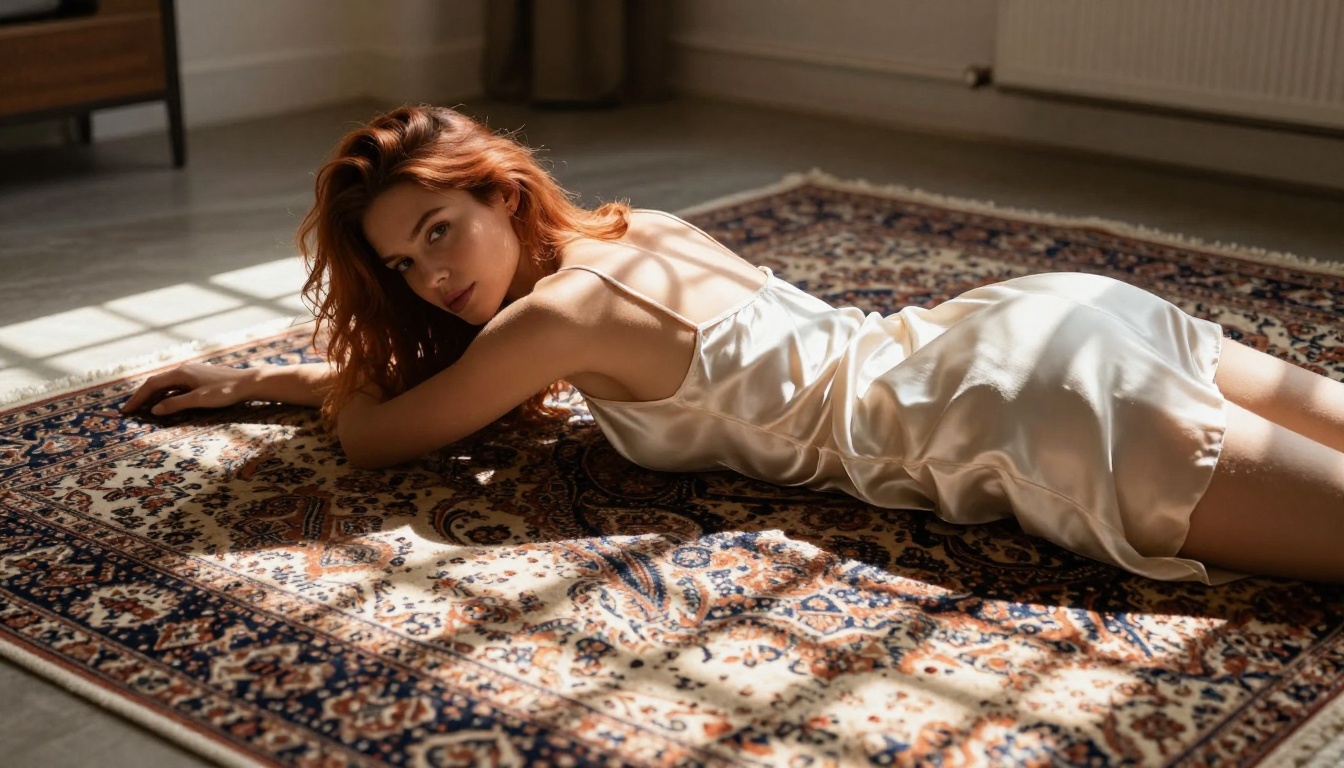
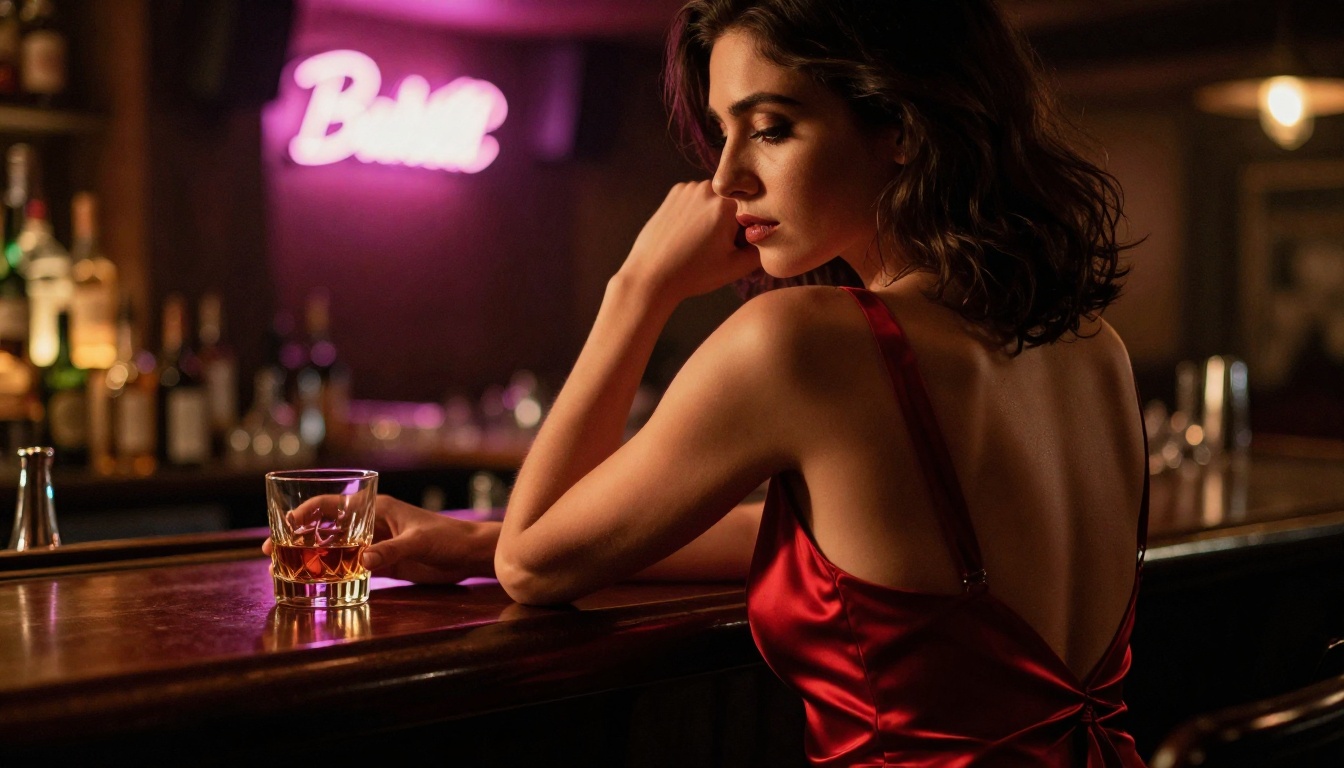
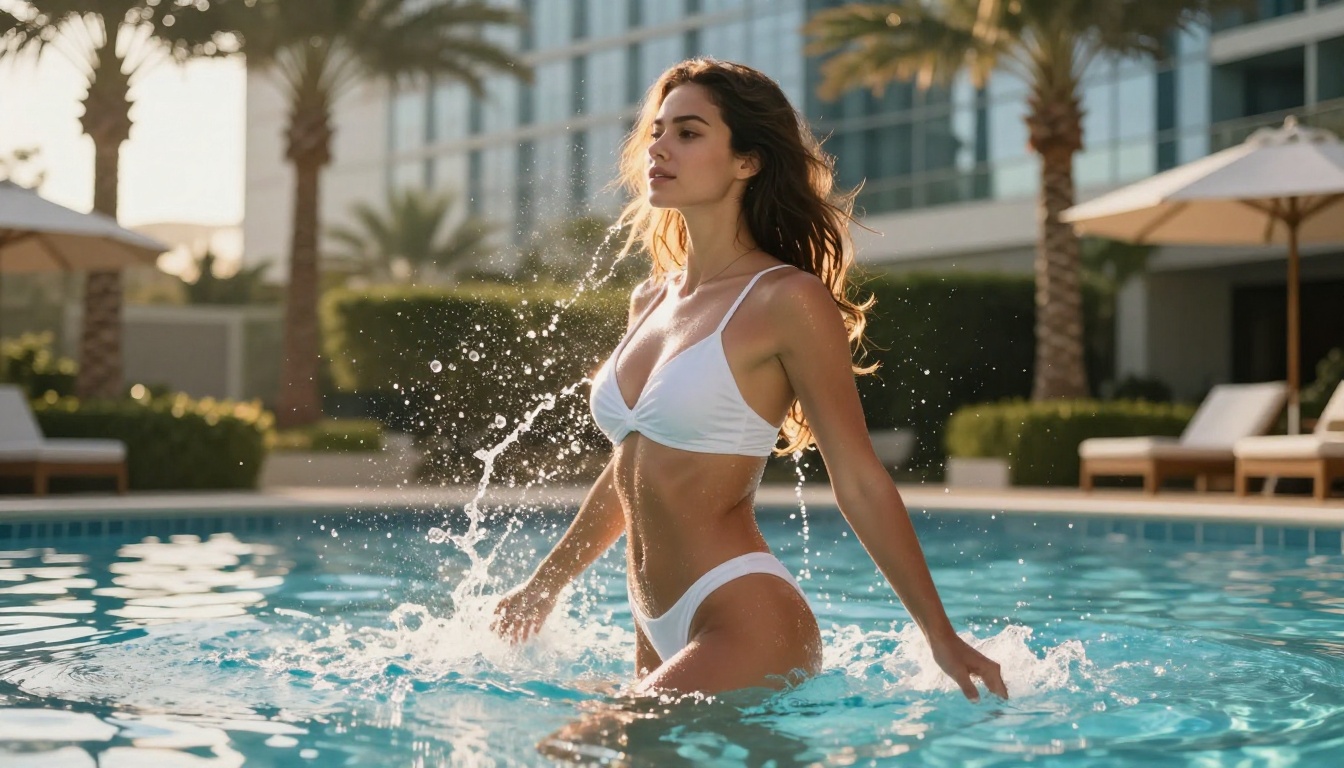
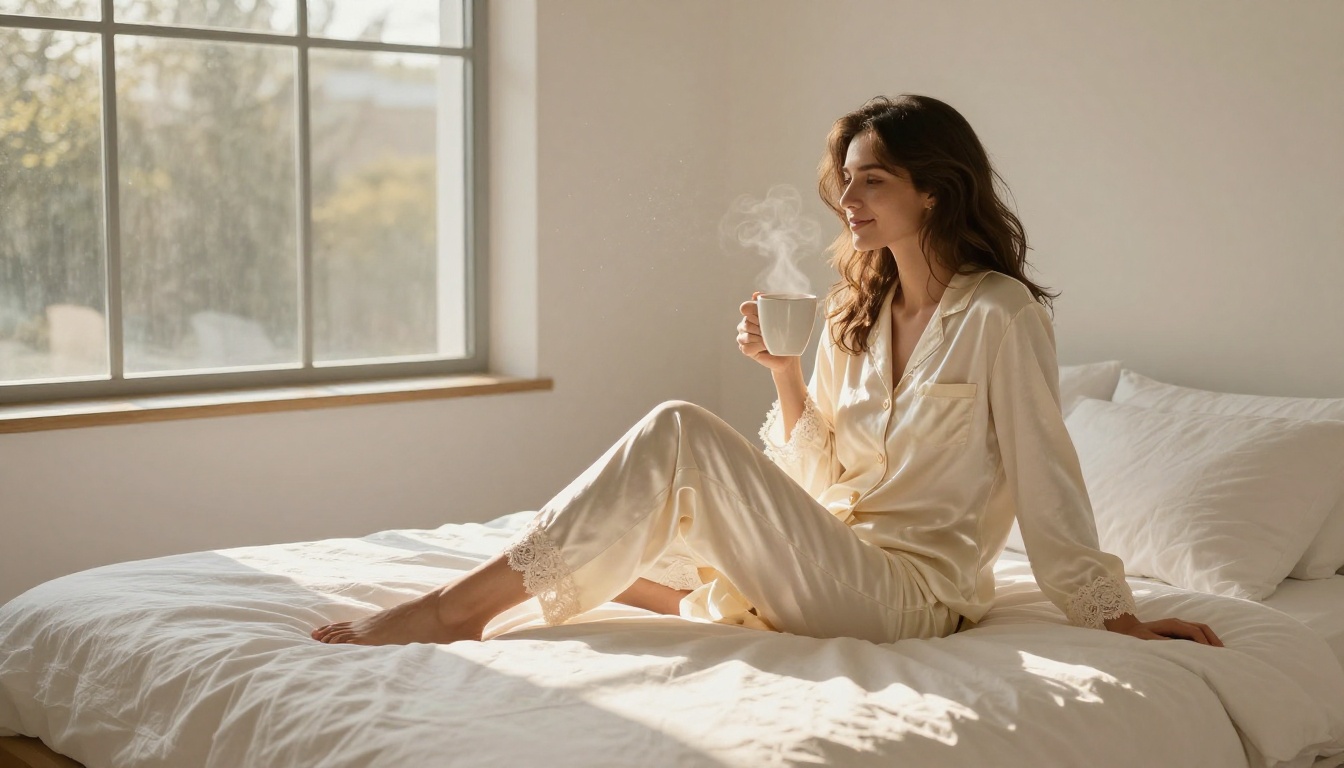
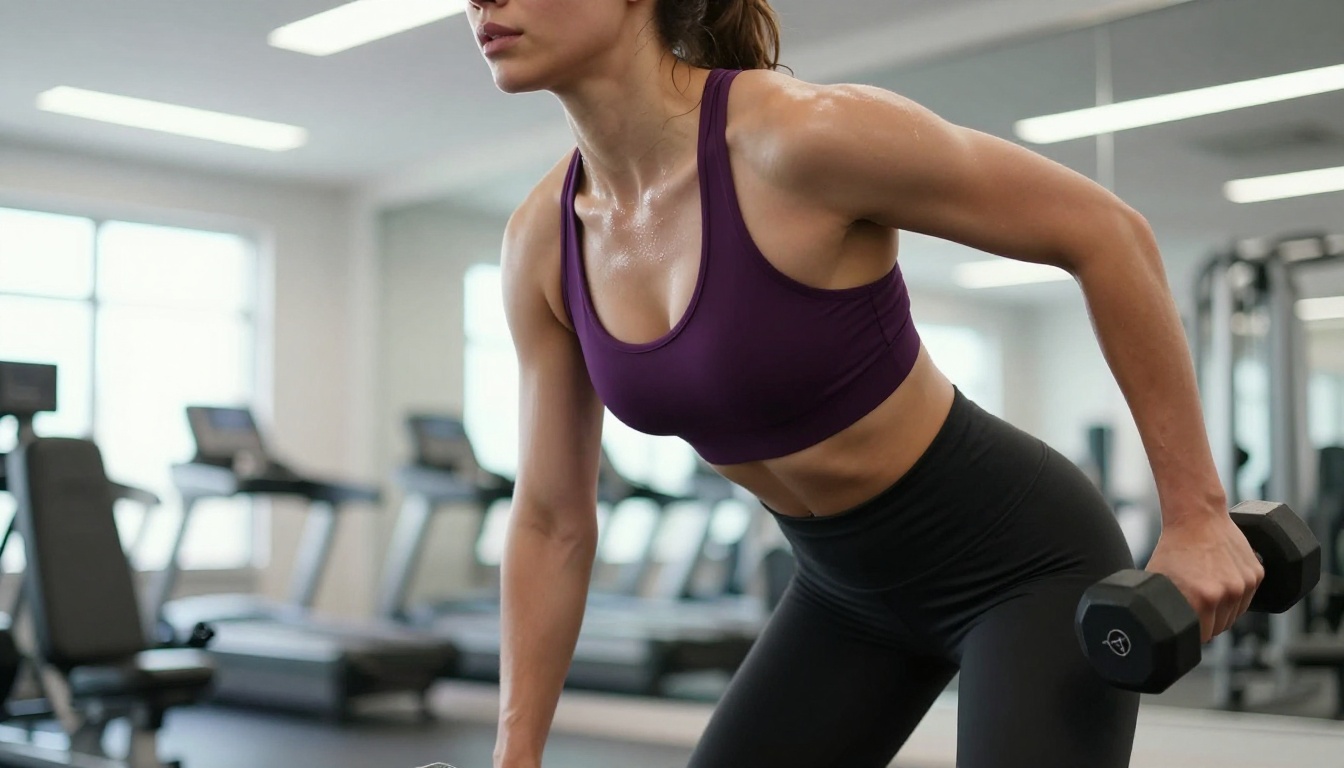
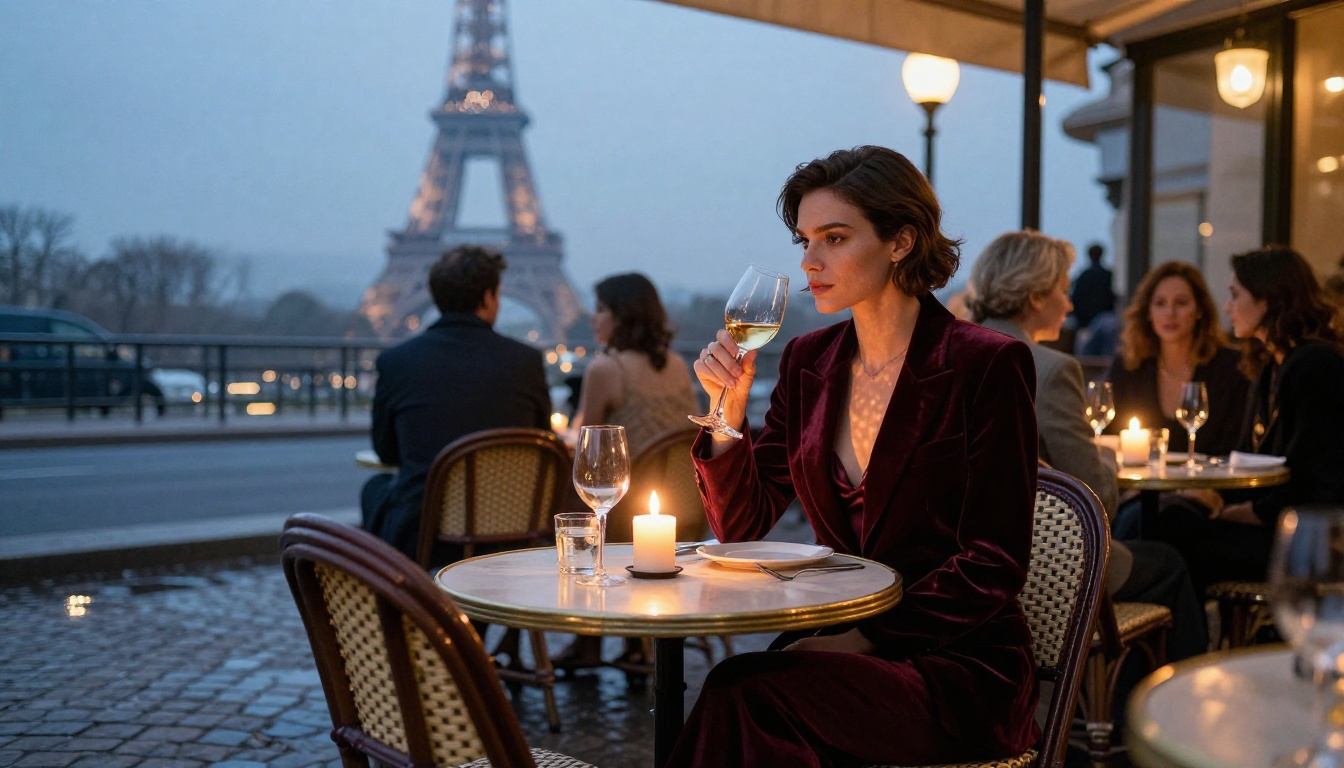
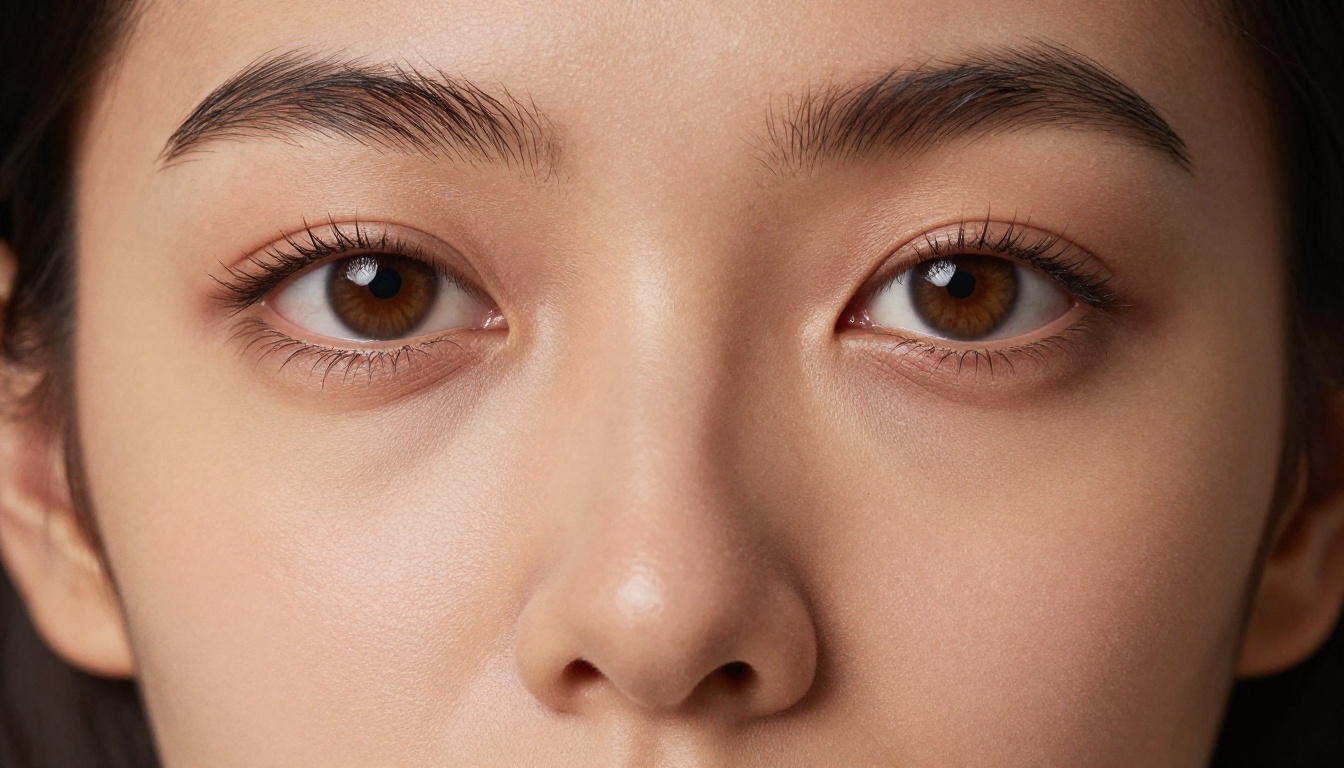
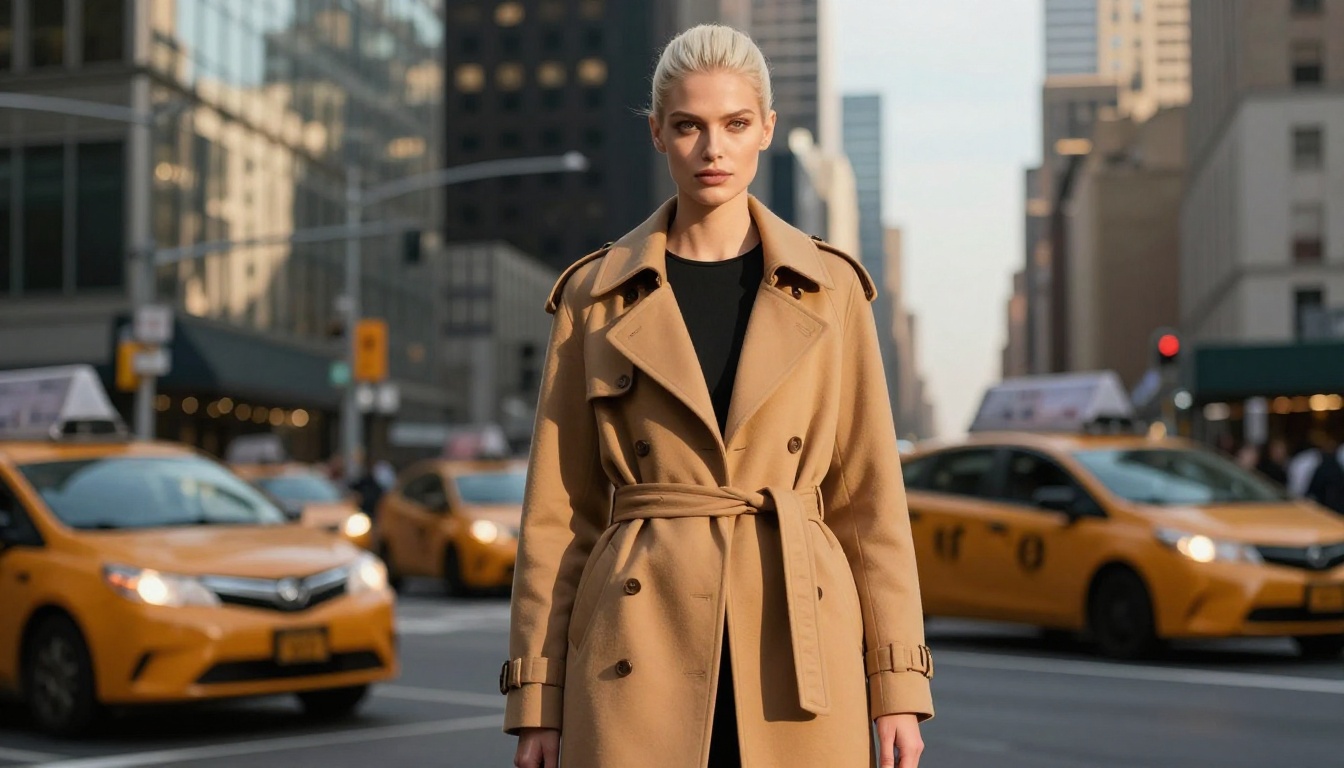
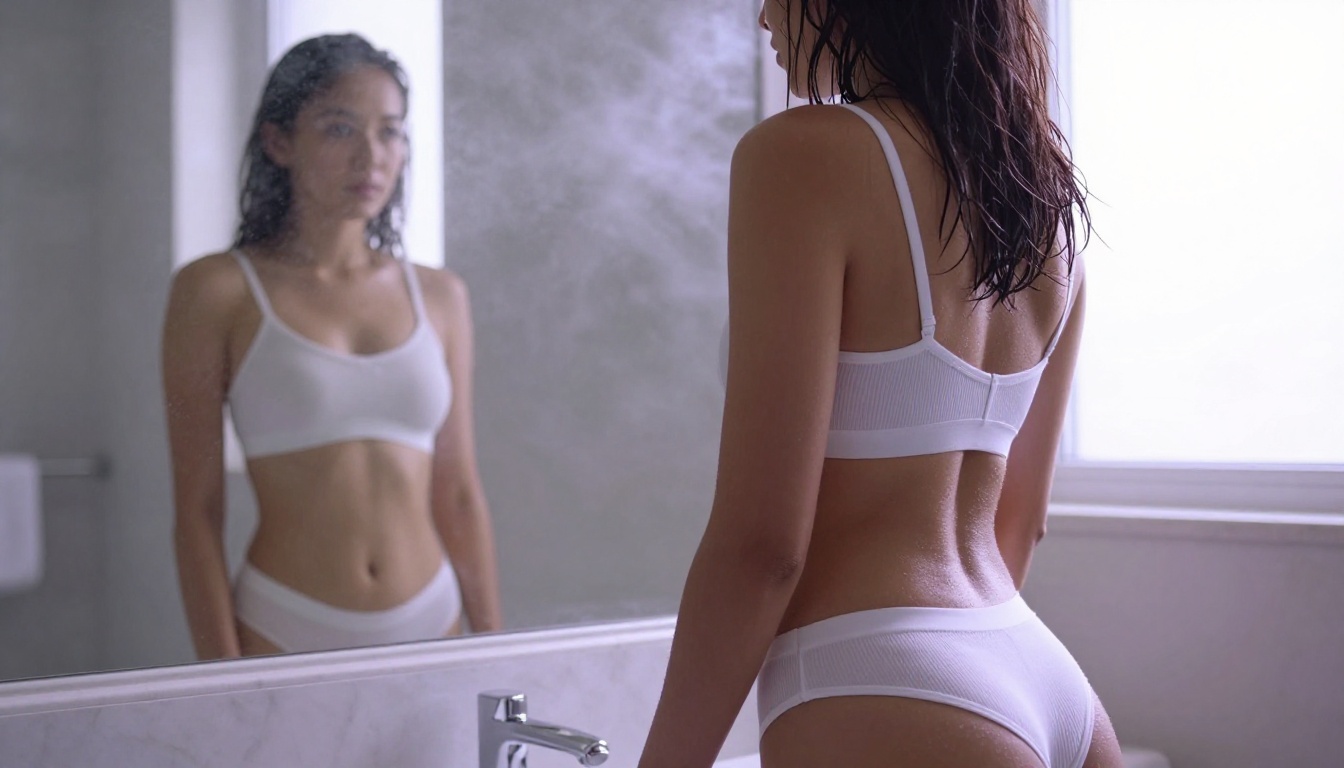
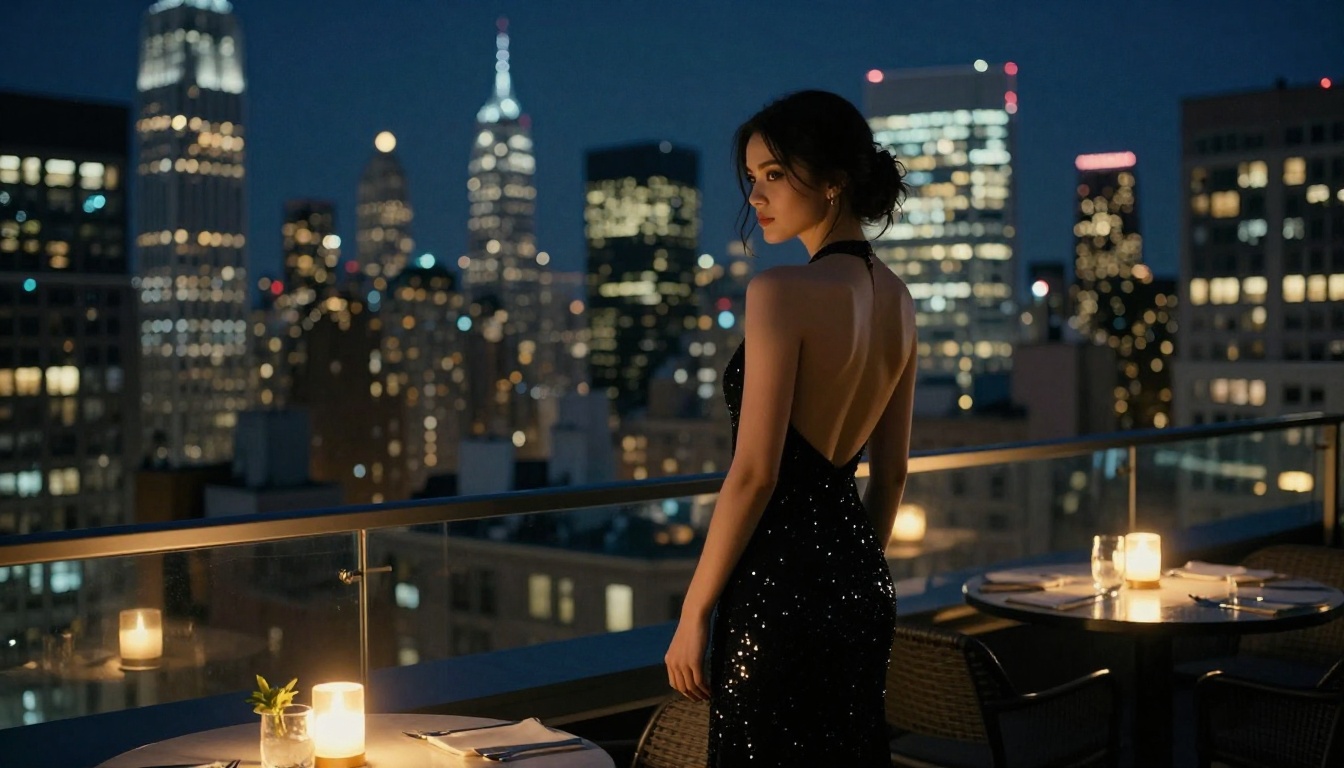
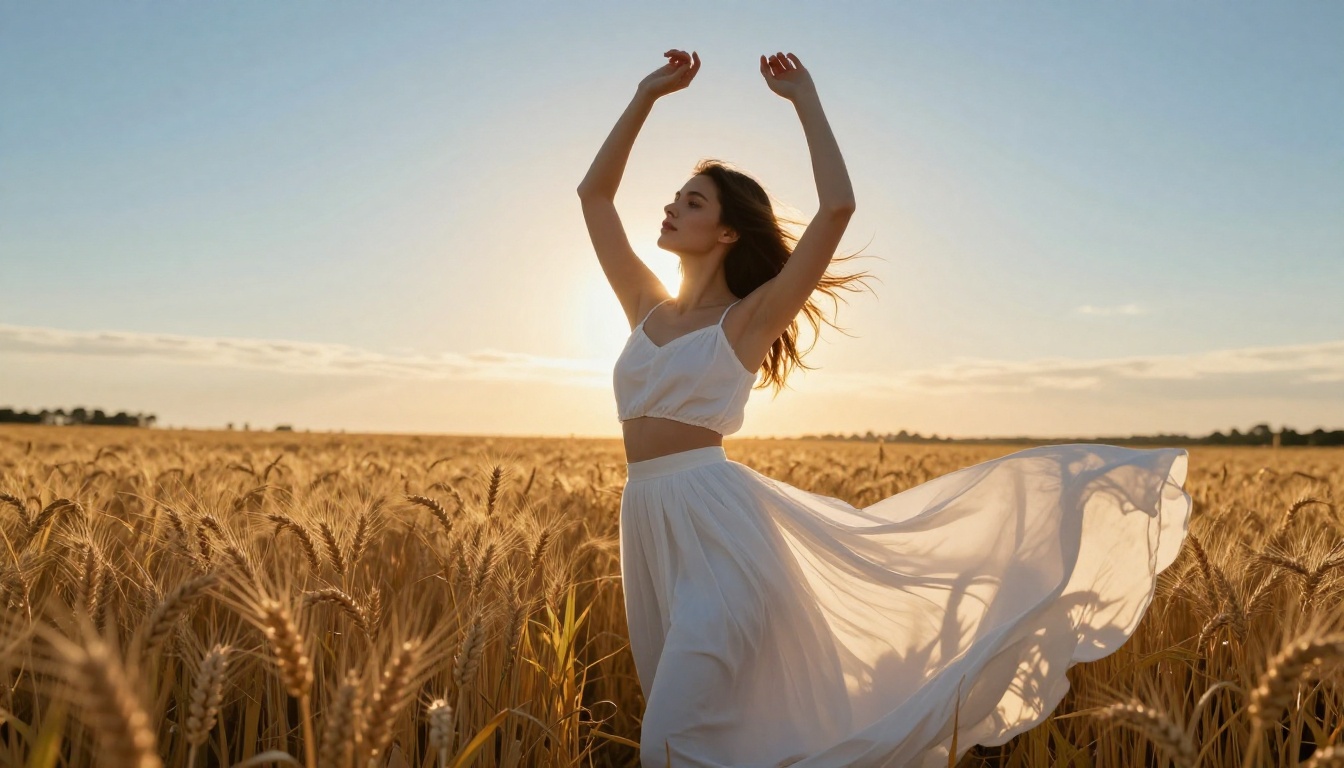
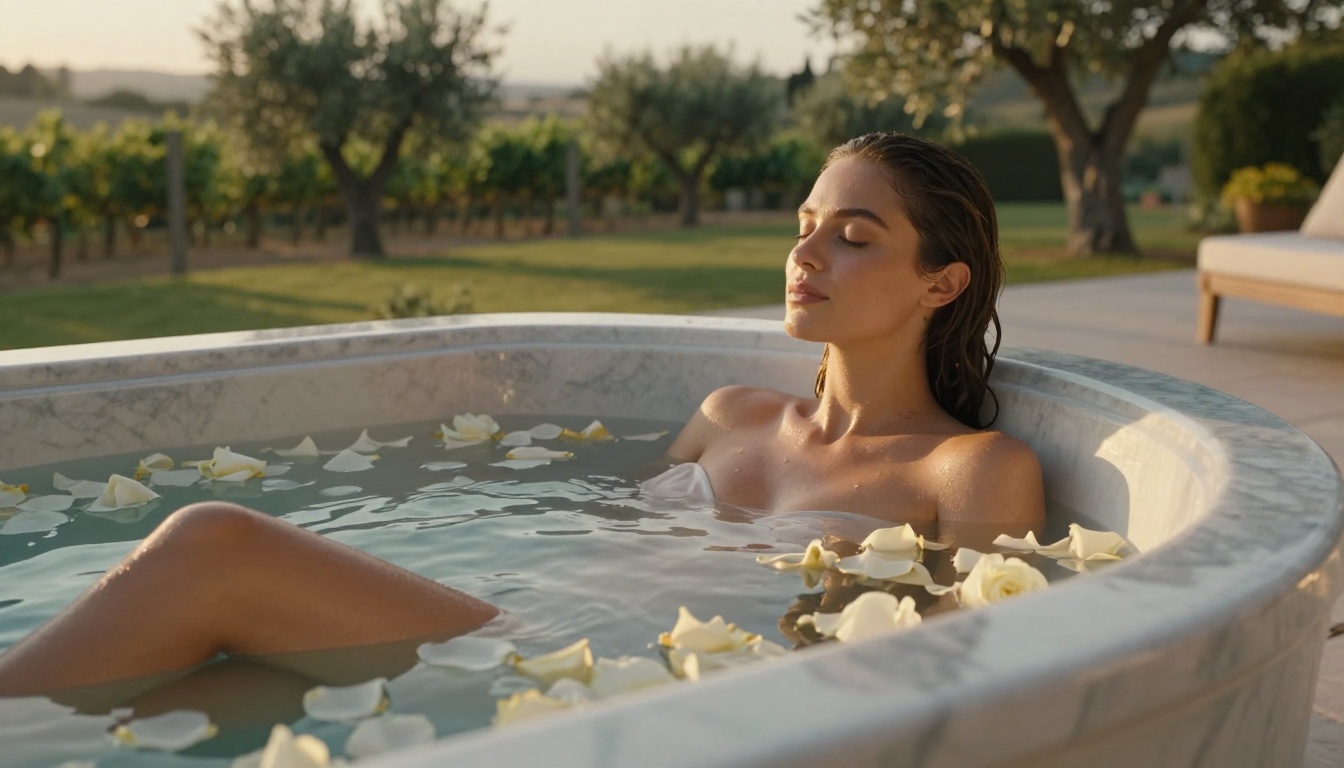
Seedream 4.5 changed that benchmark. It renders skin with visible pore texture, fabric with individual thread detail, and hair as thousands of distinct strands responding to directional light. You now need a careful eye to distinguish a well-prompted AI output from a professional photograph shot on a medium format camera.
💡 Quick stat: Users generating portrait-style images with Seedream 4.5 in 2026 report roughly 70% of outputs passing as photographic to untrained viewers on first look.
The Models That Actually Deliver
Not every model handles adult content equally. Some clip aggressively, others hallucinate anatomy, and a few produce genuinely stunning results with the right prompt. Here is the current ranking based on output quality, NSFW tolerance, and speed.
Seedream 4.5: Start Here for Adult Imagery
Seedream 4.5 is ByteDance's flagship image model and the best starting point for anyone working with suggestive or adult-adjacent content in 2027. It handles skin tones across every complexion with remarkable accuracy, preserves facial coherence across multiple generations, and responds to lighting descriptors in ways that rival dedicated photography simulation models.
What makes it stand out:
Renders fabric transparency (sheer lace, wet silk) without artifacting
Handles implied nudity and artistic near-nudity with photographic composure
Responds to camera lens specifications in prompts (85mm f/1.4, 50mm f/1.2, etc.)
Genuine 4K output detail, not upscaled blur
PicassoIA Image Editor Pro: Unlimited and No Throttle
For volume generation, PicassoIA Image Editor Pro is the practical workhorse. It sits on top of a permissive, photorealistic base and offers unlimited generations with no per-image cost gates. If you are iterating through prompt variations to find the perfect composition, this is where you spend most of your time.
It also supports in-image editing: you can regenerate just the lighting, adjust the outfit, or change the background while keeping the subject consistent. That workflow matters for adult content where consistency of character across multiple images is often the goal.
Flux Kontext Dev and Flux Pro Finetuned
Flux Kontext Dev is Black Forest Labs' context-aware editing model that lets you rewrite specific parts of an image using natural language. For adult image workflows, this means you can generate a clean base portrait and then progressively adjust clothing, setting, and pose without starting from scratch.
Flux Pro Finetuned builds on this with custom fine-tuned weights that can be trained to a specific face, body type, or aesthetic style. Once trained, it maintains that character across completely different scenarios with high consistency.
💡 Workflow tip: Use Flux Kontext Fast for rapid iteration, then finish with Flux Pro Finetuned when you have the composition you want.
⚠️ Note: GPT Image 2 and Gemini 2.5 Flash apply strict content filters. They are listed for completeness but are not recommended for NSFW or suggestive adult content workflows.
How to Use Seedream 4.5 on PicassoIA
The model is available directly at Seedream 4.5. Here is the exact workflow that produces consistently strong results.
Step 1: Anchor Your Subject With Physical Reality
Do not start your prompt with "a beautiful woman." Start with what is physically true in the scene. Where is she? What is the light source? What is she wearing and how does it behave in that light?
Bad: "A beautiful woman in a bikini on a beach"
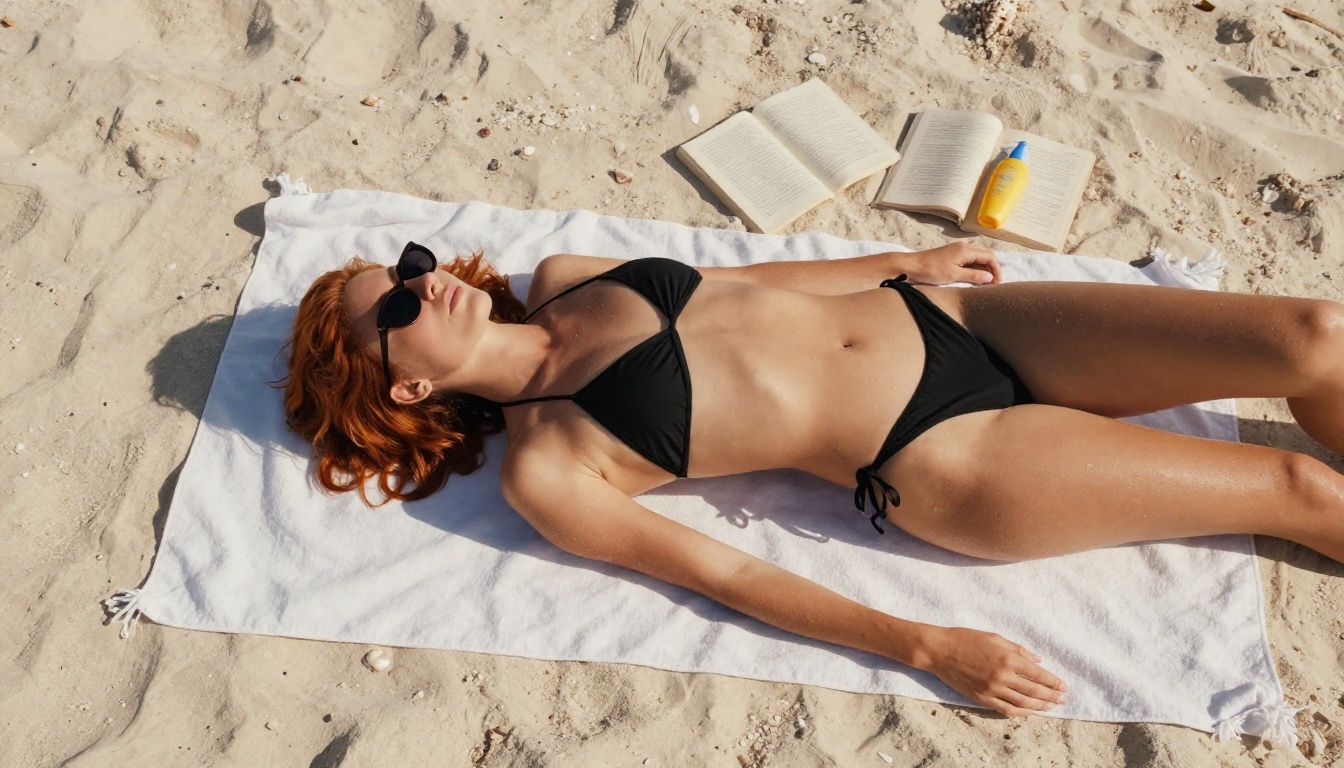
Good: "A woman in her late twenties sitting on a white linen beach towel, wearing a black string bikini, skin bronzed and slightly damp from the ocean, early afternoon sun from directly above casting zero shadow, Aegean coast in the background"
The more specific the physical reality, the more photographic the output.
Step 2: Specify the Camera, Not Just the Subject
Seedream 4.5 responds to photography vocabulary at a technical level. Adding lens specifications directly changes the depth of field, compression, and rendering style of the output.
Key technical terms that work:
Spec
Effect
85mm f/1.4
Tight portrait, creamy bokeh background
35mm f/2.8
Environmental context, moderate depth
100mm macro f/2.8
Extreme skin and texture close-up
24mm f/1.8
Wide establishing shot with environmental depth
200mm f/2.8
Compressed telephoto, isolated subject
Add Kodak Portra 400 or Fujifilm Pro 400H for film grain that breaks the "AI smooth" look that immediately gives away synthetic images.
Step 3: Iterate Fast With PicassoIA Image
Run your first pass through PicassoIA Image for speed, then take your best result into PicassoIA Image Editor Pro for targeted refinement. The editor lets you adjust specific zones, relight, or change clothing details while preserving everything else.
Prompt Writing That Produces Results
Most adult AI image prompts fail because they describe what is desirable rather than what is physically present. The model is simulating a camera, not imagining a fantasy.
The Anatomy of a Strong Adult Prompt
Every high-performing adult image prompt in 2027 follows this structure:
RAW 8K photography — anchors output to photographic rendering
authentic candid moment — breaks the stiff posed-AI aesthetic
--style raw — suppresses stylization across most models
What to Avoid in Prompts
Some terms consistently hurt adult image quality:
"Beautiful" alone tells the model nothing physical
"Sexy" triggers safety filters on many models without adding useful information
"Perfect body" is too abstract and often produces uncanny proportions
Stacking too many poses in one prompt creates compositional confusion
Vague setting descriptions like "nice background" produce generic results
Editing and Refining Adult Images
Generating a strong base image is step one. The real workflow involves targeted editing to bring the image to final quality.
Inpainting With Flux Fill Pro
Flux Fill Pro lets you mask specific regions of an image and regenerate just those areas with a new text prompt. For adult content work, this is essential for:
Adjusting clothing without regenerating the full image
Fixing facial features that came out slightly off
Changing the background environment while keeping the subject identical
Correcting hand anatomy, still the hardest element for any model in 2027
How to use it:
Upload your base generation to Flux Fill Pro
Draw a mask over the region you want to change
Write a new prompt describing only the masked area in full physical detail
Run at the same aspect ratio as your original
Upscaling and Skin Retouching
After inpainting, run your final image through Flux 1.1 Pro Ultra Finetuned for 4MP output at maximum sharpness, or use a dedicated super-resolution model to push it to print quality. For skin specifically, Stable Diffusion 3 can refine texture zones on existing images without disrupting overall composition.
What the Platform Allows
Non-Explicit vs. Explicit: Where the Line Is
PicassoIA's content policy follows a non-explicit NSFW framework. Suggestive, artistic, and glamour content is fully supported: editorial fashion photography, bikini and lingerie work, implied nudity in artistic contexts, and content you would find in mainstream fashion publications or high-end photography portfolios.
What is not supported: pornographic or explicitly sexual content. The platform draws the line at graphic sexual acts and content involving minors in any form. This aligns with the legal frameworks most responsible AI platforms operate under in 2027.
The practical result is substantial creative freedom for adult-adjacent content without blanket restrictions.
Why Tasteful NSFW Produces Better Images
There is a practical reason to work within artistic NSFW rather than pushing for explicit output even on platforms that technically allow it: the model quality is dramatically higher. The fine-tuned models that produce photorealistic skin, authentic expressions, and accurate fabric rendering are almost all trained on non-explicit datasets.
Explicit content generation in 2027 still tends toward anatomically inconsistent outputs. Artistic and suggestive content is where the technology actually performs at its ceiling.
Here is the complete pipeline for high-quality adult AI images in 2026:
1. Prompt drafting
Write a 60 to 80 word prompt using the structure above. Subject, clothing, environment, light source, camera, film stock. Be specific at every step.
2. First pass generation
Run 4 to 6 variations in PicassoIA Image. Look for the one with the best facial coherence and lighting accuracy. Ignore minor flaws at this stage.
3. Targeted editing
Take the winner into Flux Fill Pro for inpainting, or Flux Kontext Dev for full-image editing while keeping context intact.
4. Final quality pass
Apply super-resolution upscaling if needed. Run a skin refinement pass if the output is destined for print or high-resolution display.
Make Your First Image on PicassoIA
The entire catalog of models covered here is available at picassoia.com/en/all-models. Start with Seedream 4.5 for your first session. Write a detailed 70-word prompt, include a Kodak Portra film reference, specify your lens, and run four variations in parallel.
The jump from your first attempt to your fifth is usually dramatic. The prompt structure takes about 30 minutes to internalize, and once it clicks, you will be producing images that genuinely challenge the eye to identify them as AI-generated. For editing, iteration, and unlimited generation without cost walls, PicassoIA Image Editor Pro is the practical daily driver for adult content workflows.
Making adult images with AI in 2027 is no longer a workaround. It is a legitimate creative workflow with professional-grade output when you use the right models and write prompts that speak the language of photography rather than fantasy.