You typed "free" next to Midjourney and Adobe Firefly, and now you are staring at ten tabs that all disagree. One says Midjourney has a trial. Another says it died years ago. A third quotes a Firefly price that does not match the one on the official page. This article sorts the noise into one clear picture: what costs money, what does not, which prompts get the best results in each tool, and what to use when neither fits your budget.
A quick note on how to read the numbers below. Prices and credit counts for both tools change often, and third-party sites copy each other with errors. I researched current figures and rounded them. Treat every price here as a ballpark, and confirm on each company's own pricing page before you pay.
Quick Answer: Which One Wins?
If you want the short version, here it is.
| Question | Midjourney | Adobe Firefly |
|---|
| Free plan | No general free tier or trial reported in 2026 | Yes, a small monthly credit allowance |
| Cheapest paid plan | Around $10 per month | Single digits to low double digits per month, depending on plan and billing |
| Best at | Stylized, cinematic, highly artistic images | Commercial-friendly images, edits inside Adobe apps |
| Prompt style | Short, vivid, parameter-driven | Plain natural language |
| Editing tools | Inpainting, variations, upscaling | Generative Fill, Expand, and deep Photoshop links |
| Commercial comfort | Depends on plan and your own risk tolerance | Positioned as designed for commercial work |
The short version
Midjourney wins on raw visual taste. Its images often look like they came from a film set or a gallery wall. Adobe Firefly wins on workflow. If you already live in Photoshop or Illustrator, it removes a lot of friction. Neither one is a clear winner for everybody, and neither one is truly free in a way that lets you work all month without paying.
Is Midjourney Free?
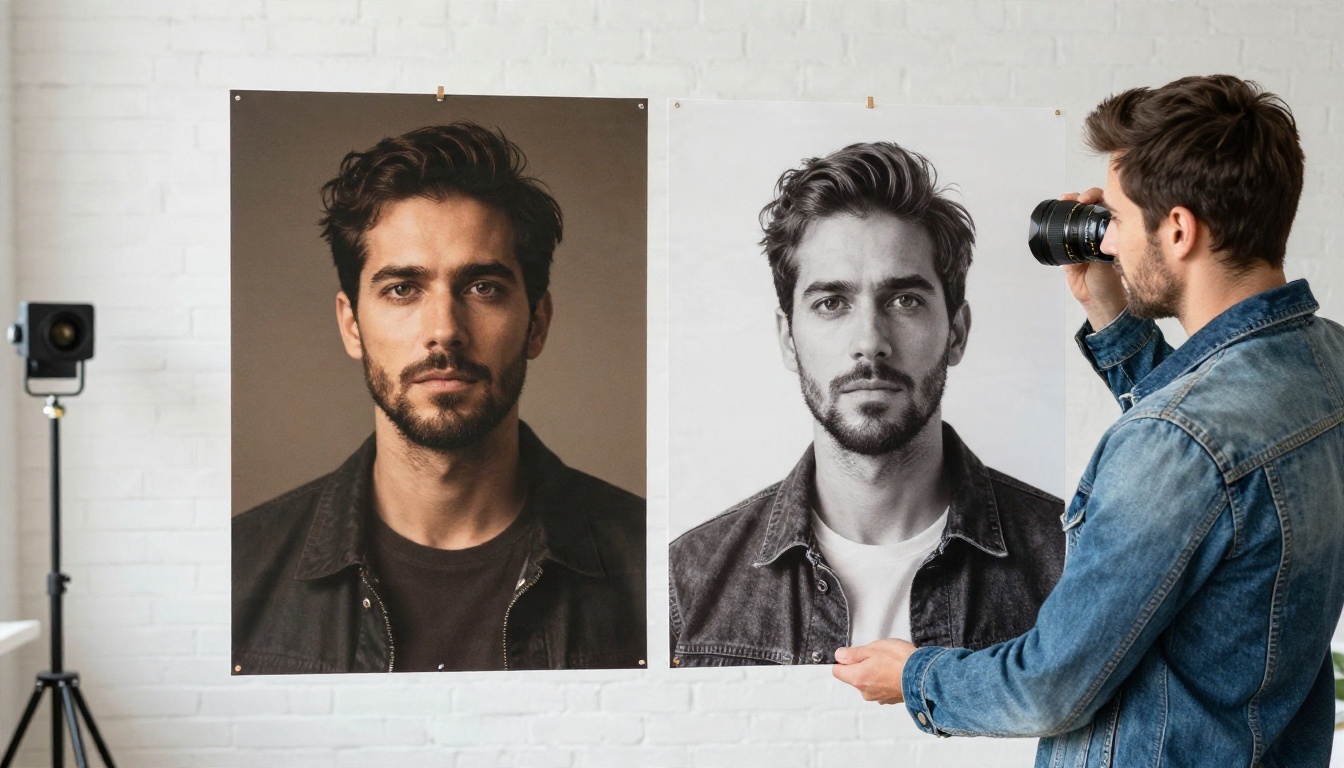
Short answer: not in the way most people hope. Midjourney ran open trials in its early Discord days, but those ended in 2023. Searching in 2026 turns up the same message from nearly every source: there is no general free tier, no free credits, and no open trial on the main service. The only exception people mention is a very small trial inside its separate anime-focused mobile app, reported at around 20 generations.
What happened to the free trial
The free trial was a victim of its own popularity. Huge waves of signups, plus abuse from throwaway accounts, pushed the company to a paid-only model. Occasionally a rumor goes around that trials are back for a weekend. Check the official site before you plan around one.
Cheapest ways in
If you want to try Midjourney without a big commitment, your options are simple:
- Basic plan, monthly. Roughly $10, with a limited amount of fast generation time.
- Basic plan, annual. Cheaper per month, but you pay up front.
- Borrow a friend's session. Not an official option, and I would not build a workflow on it.
💡 Tip: Fast generation time on the entry plan runs out faster than most beginners expect. One research source calculated that a basic allowance can vanish within a few hours of heavy prompting. Budget for experimentation, not just final images.
Is Adobe Firefly Free?
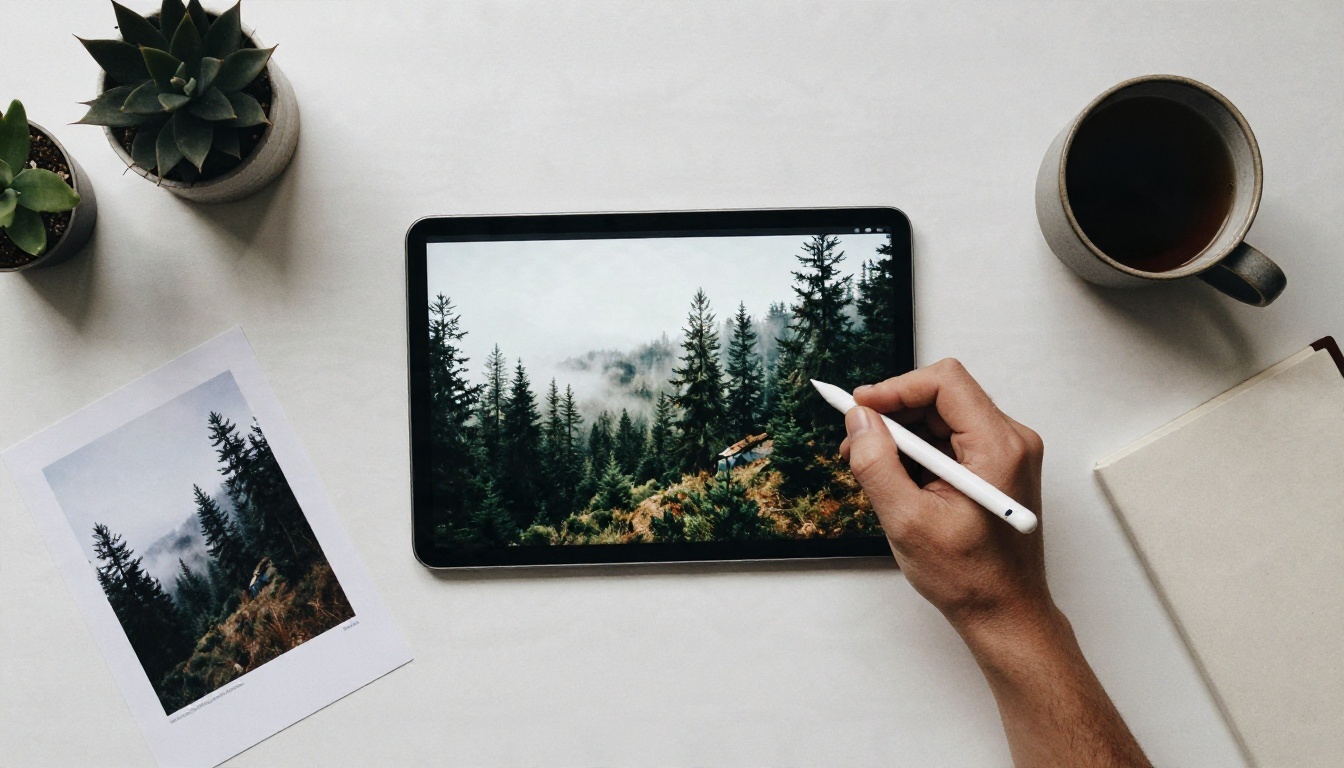
Yes, with limits. Adobe offers a free tier with a small monthly pool of generative credits, commonly reported at around 25. That is enough to test the tool and make a handful of images or short clips. It is not enough to run a client project.
What 25 credits actually buy
Credits are spent differently depending on the feature. Standard image generation costs little, while video, audio, and some partner-model features burn through credits much faster. A few things to know:
- Free credits reset monthly and do not usually roll over.
- Premium features such as video clips consume more credits per use.
- Output may carry restrictions on the free tier, so read the terms if you plan to publish.
Paid plans in plain terms
Adobe sells Firefly in tiers: a Standard tier with roughly 2,000 monthly credits, a Pro tier above it, and a Premium tier aimed at heavy users with credits in the tens of thousands. Reported prices range widely across sites because Adobe runs promotions and bundles Firefly into Creative Cloud plans. If you already pay for Creative Cloud, check how many credits are included before buying anything separately.
💡 Tip: Paid Firefly plans are often described as having unlimited use of standard image features, while video and audio features draw from the credit pool. That distinction matters more than the headline credit number.
Pricing Side by Side
Here is how the money compares for a typical solo creator.
| Plan level | Midjourney (approx.) | Adobe Firefly (approx.) |
|---|
| Free | None reported | About 25 credits per month |
| Entry | About $10 per month | Standard tier, roughly $5 to $10 per month |
| Mid | About $30 per month | Pro tier, roughly $20 to $30 per month |
| Heavy use | About $60 to $120 per month | Premium tier, around $200 per month |
| Billing | Monthly or annual discount | Monthly, annual, or bundled in Creative Cloud |
Cost per image reality
Sticker prices hide the real number. What matters is how many usable images you get. A tool that gives you four options per prompt is not four times cheaper if three of them miss the mark. Count your keepers, not your generations.

A rough way to compare: divide the monthly price by the number of images you actually publish or deliver. Many casual users find that a $10 plan used for ten final images costs a dollar per keeper, while a free tier used well can cost nothing per keeper. Heavy users flip the math completely, and unlimited plans become attractive.
The two tools reward different writing habits. This is where most beginners lose time.
Midjourney prompt formula
Midjourney responds to short, visual, evocative phrasing plus parameters at the end. A reliable structure:
- Subject: who or what is in the frame.
- Setting: where it is and what surrounds it.
- Light: direction and quality.
- Camera: lens and angle.
- Parameters: aspect ratio, style strength, and raw mode.
For example: a lighthouse keeper on a wet stone path at dawn, low fog, side light from the left, 35mm lens, film grain --ar 16:9 --style raw
Parameters like aspect ratio, stylize, and chaos control how literal or adventurous the result looks. Lower stylize values stay closer to your words. Higher values let the model add its own taste.

Firefly prompt formula
Firefly prefers plain, complete sentences. You describe the scene the way you would brief a photographer. It also leans on style and reference controls in the interface, so you do not have to cram everything into the text box.
For example: A candid photo of a baker pulling loaves from a stone oven in a small village bakery, warm morning light from a window on the left, shallow depth of field, natural skin texture.
Because Firefly is built into a larger editing suite, you can generate a base image and then refine specific regions with Generative Fill, Expand, or object removal. That edit-after-generate loop is its real strength.
Three prompts to copy
Use these as starting points in any text-to-image tool, adjusting wording to fit.
| Goal | Prompt |
|---|
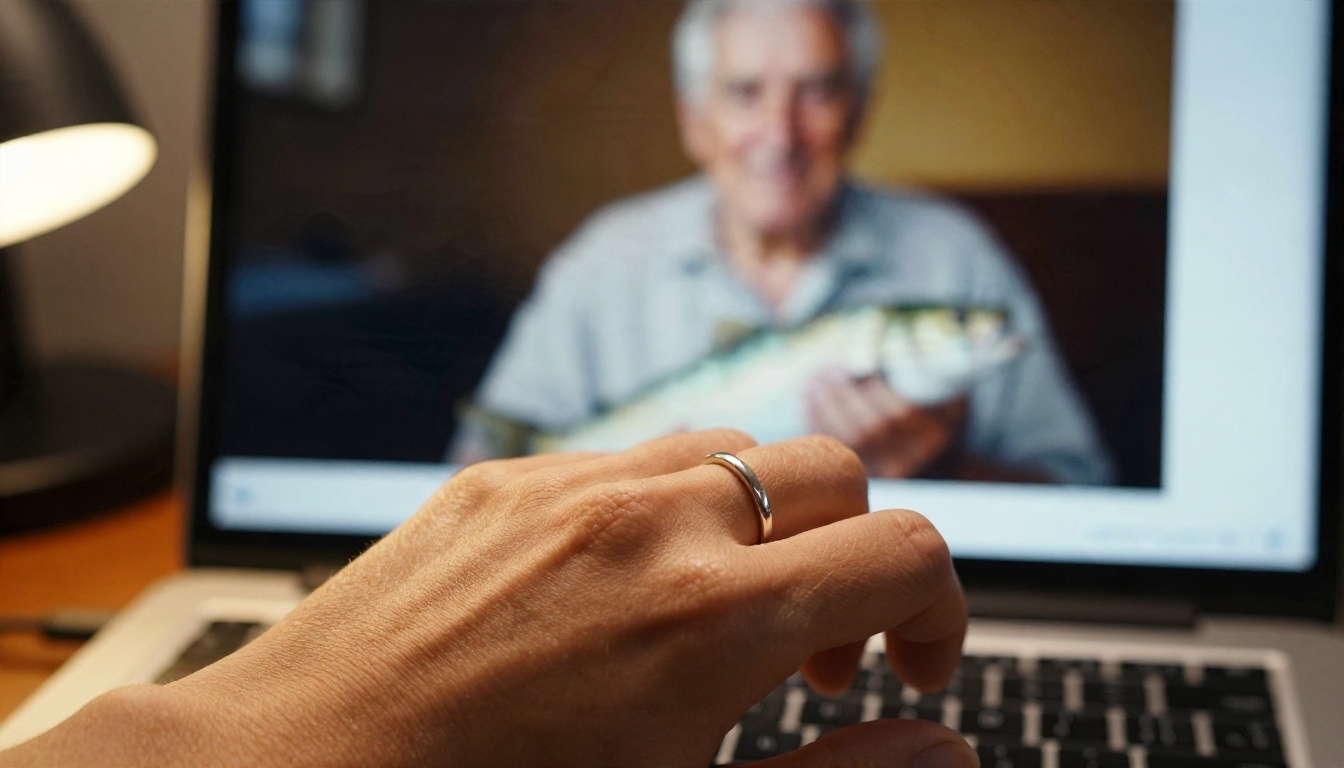
| Editorial portrait | A fisherman in his seventies mending a net on a harbor wall, overcast morning light, 85mm lens, deep skin texture, muted colors, film grain |
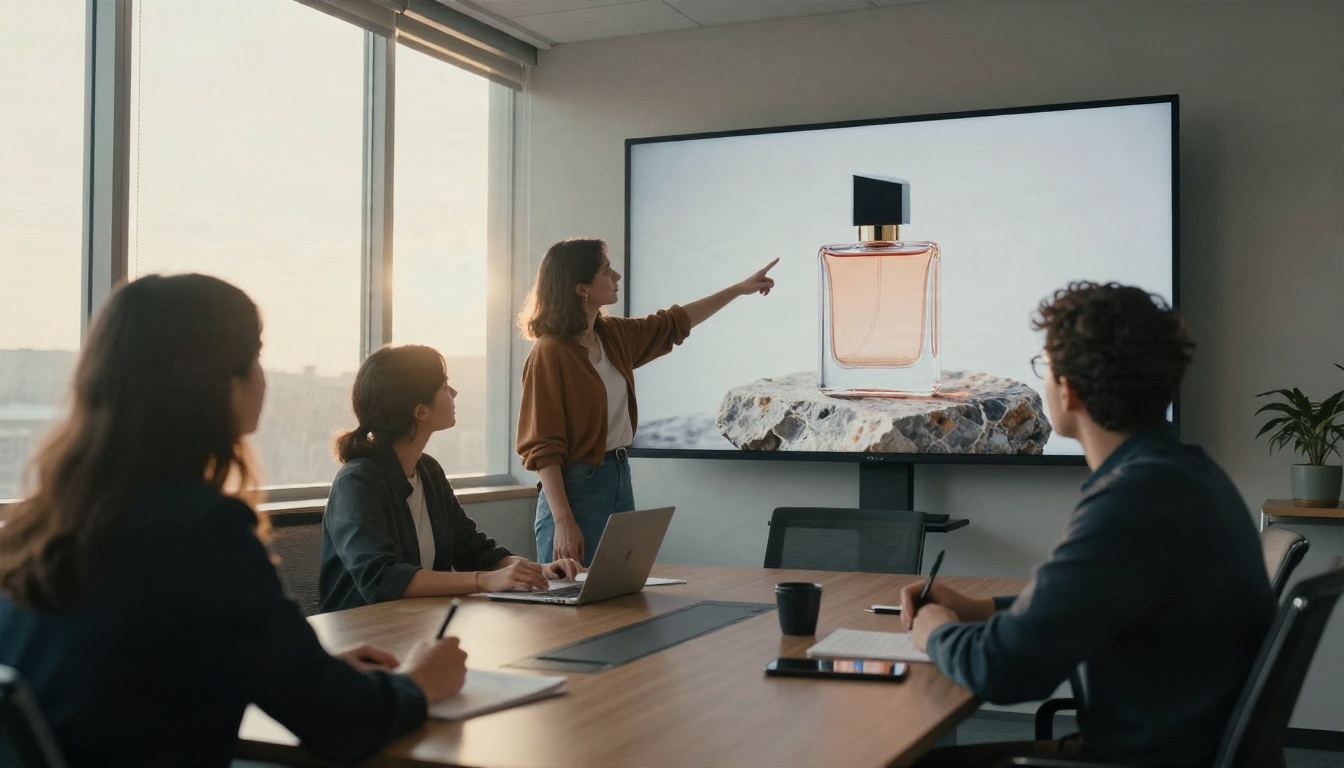
| Product photo | A glass perfume bottle on rough grey stone, soft window light from the right, shallow depth of field, clean reflections, minimal background |
| Travel scene | A narrow cobblestone street at golden hour, shop windows glowing warm, a cyclist passing in the distance, 35mm lens, natural haze |
💡 Tip: Name the light direction and the lens. Those two details do more for realism than any adjective like "stunning" or "beautiful."
Style, Control and Commercial Use
Look and feel
Midjourney tends to produce images with strong mood, dramatic contrast, and an almost painterly polish, even when you ask for photography. Firefly tends to produce cleaner, more neutral, stock-photo-adjacent images. That is not a flaw. For ad mockups, presentation visuals, and social posts, neutral is often exactly right.
If your priority is a signature look that makes people stop scrolling, Midjourney has the edge. If your priority is an image you can drop into a layout and tweak in the same afternoon, Firefly has the edge.
Licensing and safety
Adobe positions Firefly as designed for commercial work, citing licensed and Adobe Stock training material, and it offers extra protections on some business plans. Midjourney permits commercial use on paid plans, with extra conditions for larger companies. In both cases, read the current terms if you are making images for a client, a brand, or anything you plan to sell. Terms change, and a blog post is no substitute for the actual license.
Where each tool stumbles
- Midjourney: precise text inside images and exact layout control can be hit or miss.
- Firefly: it can feel conservative, and some prompts that work elsewhere get filtered or softened.
- Both: hands, small props, and crowded scenes still need rerolls.
Alternatives Worth Trying
Neither Midjourney nor Adobe Firefly is on PicassoIA, so you will not find either one there. If your reason for searching is cost or limits, these image models are on PicassoIA and are worth testing for similar results today.
Seedream 4.5 for sharp photorealism
Seedream 4.5 produces detailed images up to 4K and handles skin, fabric, and lighting very well. It is the closest match when you want that polished, cinematic look people associate with Midjourney.
Imagen 4 for clean, faithful output
Imagen 4 follows written prompts closely and produces clean, natural-looking results, which suits the neutral, commercial look people like in Firefly. For more fine detail, Imagen 4 Ultra pushes resolution and texture further, and Imagen 4 Fast trades a little detail for speed.
Nano Banana Pro for edits and iteration
Nano Banana Pro generates and edits in the same flow, which is the part of Firefly that many people miss when they leave Adobe. The standard Nano Banana is a lighter option for quick edits.
Flux 2 Klein and Ideogram for niche needs
Flux 2 Klein 9B Base LoRA is useful when you want styled results with LoRA-based control. Ideogram v4 Quality is a strong pick when your image needs short, readable text inside it.
How to Get Similar Results on PicassoIA
The best match for a Midjourney-like look is Seedream 4.5. Here is a simple workflow that gets good results fast.
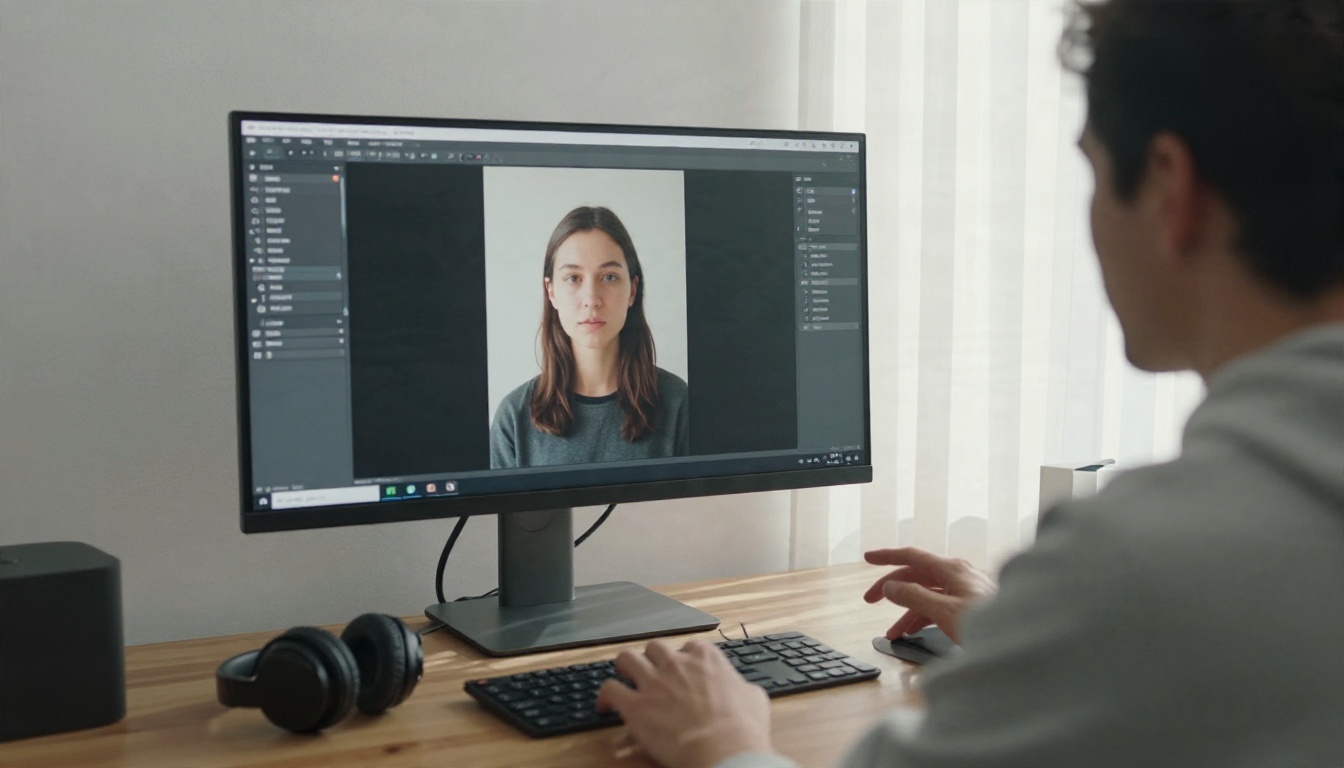
Step by step
- Open the model page. Go to Seedream 4.5 and open the generator.
- Write a scene, not a list. Start with the subject and action, then add the setting. One or two sentences is plenty.
- Add light and lens. Include direction ("soft window light from the left") and a lens ("85mm, shallow depth of field").
- Set the aspect ratio. Use 16:9 for banners and covers, 4:5 or 1:1 for social posts, and 9:16 for stories.
- Generate, then refine one thing. Change only one detail per attempt, such as the light or the camera angle, so you can see what actually moved the result.
- Pick your best version. If you need small edits afterward, move the image to Nano Banana Pro for targeted changes.
Parameter tips
- Be specific about materials. Words like "wool knit," "brushed steel," and "wet cobblestone" give the model texture to work with.
- Keep prompts under control. Overlong prompts with contradictory details tend to produce muddy results.
- Use the same seed idea. When you find a look you like, keep your wording stable and change only the subject.
- Add imperfections. "Fine freckles," "slightly creased linen," and "faint dust in the air" push images toward real photography.
💡 Tip: If your first image looks too smooth, add a line about film grain and natural skin texture. It is the quickest fix for the plastic look.
Which Should You Pick?
If you want a free start
Use Adobe Firefly's free tier for a few test images, then try a PicassoIA model for longer sessions. Midjourney does not offer a general free path, so you would be paying from the first image.
If you want the strongest artistic look
Midjourney is the tool most people choose for moody, stylized, gallery-like results, and it is worth the entry price if that look is your product. For similar polish without a subscription lock-in, try Seedream 4.5.
If you work inside Adobe apps
Firefly earns its place when your workflow already lives in Photoshop or Illustrator, because the edit tools sit one click away.

A quick checklist before you pay
- Count how many final images you need each month.
- Check whether you need commercial rights, and read the current license.
- Test the same three prompts in every tool you are considering.
- Compare keepers per dollar, not credits per dollar.
- Cancel anything you do not use within the first month.
Make Your Own Images Today
The honest takeaway is that no single tool is the right answer for everyone. Midjourney gives you taste, Adobe Firefly gives you workflow, and free credits only go so far. What matters is how quickly you can get from an idea to an image you are proud of.
So run your own test. Take the three prompts from this article, paste them into Seedream 4.5, Imagen 4, and Nano Banana Pro, and compare the results side by side. Then browse the full lineup at picassoia.com/en/all-models and pick the model that fits your style. Create your first image on Picasso IA today, change one detail at a time, and see how far a single good prompt can take you.


