The internet changed how we think about creative freedom, but Midjourney's content policy still catches thousands of artists off guard. If you've hit an error message mid-session because your prompt was flagged, you already know the frustration. The good news: there are powerful Midjourney alternatives that allow NSFW content, and some of them run better models than Midjourney itself.
This article breaks down exactly which platforms work, which models you need, and how to get the results you're actually after.
Why Midjourney Blocks What You Want to Create
Midjourney operates on Discord, which means it falls under Discord's community guidelines. Any content that could be flagged as explicit, suggestive, or mature gets filtered automatically, and appeals are nearly impossible. For most corporate clients and casual users, this is fine. For photographers, adult content creators, and digital artists working in mature genres, it's a dead end.
The Policy That Stops Most Creators
Midjourney uses a combination of keyword filters and image classifiers to block content before it's generated. The system is intentionally conservative, which means perfectly artistic prompts get rejected alongside genuinely explicit ones. Words like "bikini," "lingerie," or "intimate" can trigger the filter in certain contexts.
There's also no toggle for "adult mode" in the base plan. Even Midjourney Pro doesn't unlock full NSFW generation. Mature content stays off-limits in most contexts regardless of subscription tier.
What "NSFW" Actually Means for AI Tools
Not all NSFW content is the same, and understanding the spectrum matters when choosing a platform:
| Content Type | Examples | Status on Midjourney |
|---|
| Suggestive / Glamour | Bikini, lingerie, boudoir | Often blocked |
| Artistic Nudity | Fine art figure studies | Blocked |
| Explicit / Adult | Pornographic content | Always blocked |
| Dark / Violent Themes | Horror, gore | Partially blocked |
The alternatives covered below handle everything from glamour photography to explicit adult content, depending on the model and platform settings you choose.
What Actually Makes a Good NSFW AI Generator
Before jumping to any platform, it helps to understand what separates a good uncensored AI generator from a bad one. Most "NSFW AI tools" out there produce low-quality, obviously artificial results that no serious creator would use.

Photorealism vs. Artistic Style
For glamour, boudoir, and mature photography, photorealism is everything. A realistic image requires:
- Accurate skin texture: pores, fine hair, natural imperfections
- Believable lighting: directional light sources, proper shadows and highlights
- Anatomical consistency: proportions that hold up under close inspection
- Fabric and material rendering: realistic drape, reflectivity, and texture
Models trained on low-quality datasets produce plastic-looking skin and warped anatomy. The best NSFW AI generators use high-resolution datasets with proper anatomical training, which is why open-weight models like Flux and Stable Diffusion variants consistently outperform locked platforms.
Model Variety and Customization
A single model rarely does everything well. The best platforms give you access to multiple models so you can:
- Switch between photorealistic and semi-realistic styles
- Apply LoRA adapters for specific aesthetics
- Control resolution, aspect ratio, and inference steps
- Fine-tune with specific seed values for reproducible results
This is where platforms like PicassoIA have a significant advantage. Instead of locking you into one model, they give you access to dozens of specialized models across every category.
PicassoIA: One Platform, Many Models
PicassoIA is the most practical Midjourney alternative for creators who want flexibility without managing their own infrastructure. The platform hosts over 90 text-to-image models, including the most capable uncensored options available.
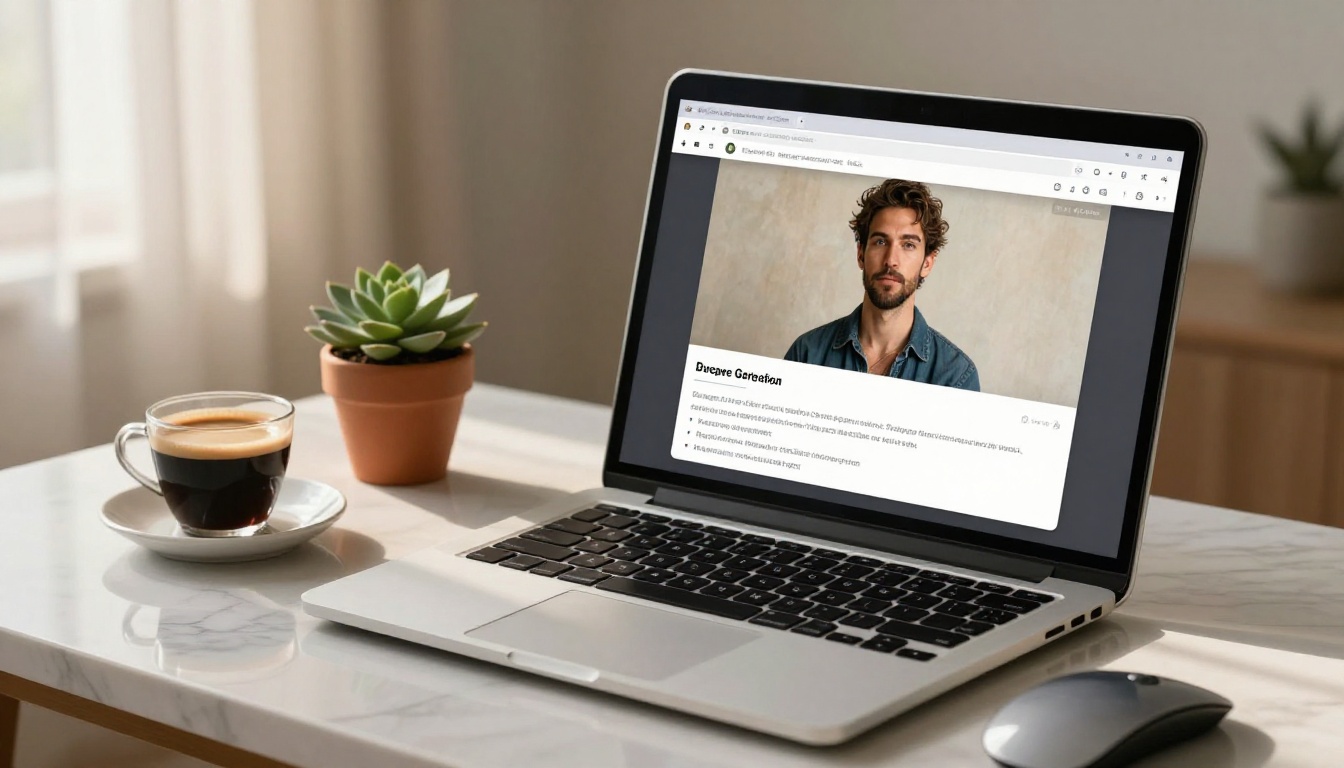
What makes PicassoIA stand out from the competition:
- No local setup required: everything runs in the browser, no GPU needed
- 91+ text-to-image models: from photorealistic portrait models to stylized art generators
- Private generations: no Discord, no public feed, no community moderation pressure
- Regular model updates: new models added as the open-source ecosystem evolves
The platform includes Flux Dev, Flux Pro, SDXL, Realistic Vision v5.1, and Luma Photon, among many others.
💡 Privacy note: PicassoIA doesn't require Discord or any social account. Your generations stay private, which matters for creators working with sensitive or mature content.
Other Platforms Worth Knowing
Beyond PicassoIA, a few other platforms have carved out space in this category:
| Platform | Model Type | Restriction Level | Best For |
|---|
| PicassoIA | Multi-model (Flux, SDXL, etc.) | Low | Professional creators |
| Civitai | Stable Diffusion variants | Low | Community fine-tunes |
| NightCafe | Various | Medium | Casual users |
| Runway | Video-focused | High | Video generation |
For pure image generation flexibility with no technical overhead, PicassoIA is the strongest choice in the current landscape.
Flux Dev and Flux Pro: The New Standard
If you've spent time in AI image generation communities recently, you've heard about Flux. Developed by Black Forest Labs (the team behind Stable Diffusion), Flux represents a significant leap in photorealistic human generation.
Why Flux Changed Everything
Flux Dev is an open-weight model released without hard content restrictions, which means the community has been able to fine-tune it extensively for photorealistic NSFW output. The base model alone produces dramatically better skin texture, hair detail, and anatomical accuracy than anything Midjourney offers.
Key Flux Dev advantages:
- Better prompt adherence: follows complex, detailed prompts more faithfully than competing models
- Superior anatomy: significantly fewer warped hands, faces, and body proportions
- Natural skin rendering: pores, texture, and subsurface scattering that reads as real
- High resolution: native 1024x1024 with clean upscaling to 4K
Flux Pro adds additional refinement and is the better choice when you need commercial-quality outputs. It's slower but produces noticeably sharper detail in hair, fabric, and facial features.
Flux Schnell for Speed
Flux Schnell is the speed-optimized version of Flux, generating images in 4 steps rather than the standard 20-30. For rapid prototyping and testing prompts before committing to a full generation, it's invaluable.
💡 Workflow tip: Use Flux Schnell to test your prompt and composition first. Once you're satisfied with the framing and subject, switch to Flux Dev or Flux Pro for the final high-quality output.
Flux model comparison:
| Model | Speed | Quality | Best Use |
|---|
| Flux Schnell | Fast (4 steps) | Good | Prompt testing and iteration |
| Flux Dev | Medium (20-30 steps) | Excellent | Primary generation work |
| Flux Pro | Slow | Best | Final commercial outputs |
Stable Diffusion Models That Still Deliver
Before Flux, Stable Diffusion was the go-to for uncensored AI image generation, and several SD-based models remain genuinely excellent for specific use cases.
SDXL: The Versatile Workhorse
SDXL (Stable Diffusion XL) is the 1024px native resolution update to the original SD architecture. It generates sharper images with better composition than earlier SD versions, and the open-weight nature means thousands of fine-tuned checkpoints exist for specific aesthetics.
SDXL works particularly well for:
- Stylized glamour photography with consistent aesthetic control
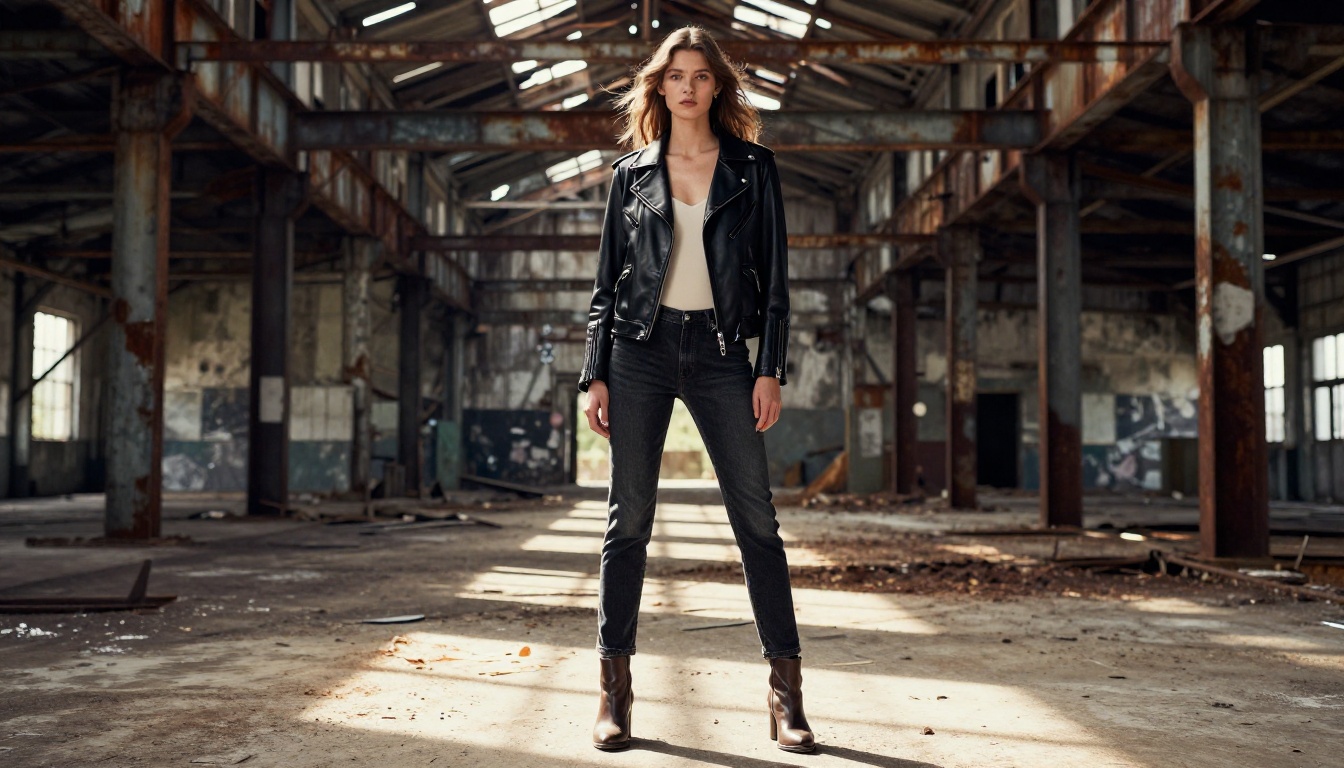
- Fashion-forward editorial looks with strong compositional framing
- Portrait work where you want more artistic interpretation over strict photorealism
- Batch generation where speed and cost matter more than peak quality
Realistic Vision v5.1
Realistic Vision v5.1 is a fine-tuned Stable Diffusion checkpoint specifically optimized for photorealistic human generation. It predates Flux but remains one of the best models for portrait work when you want a warmer, more film-like aesthetic.
Where Realistic Vision v5.1 shines:
- Film-grain aesthetics: produces natural Kodak Portra-style color grading automatically
- Consistent face generation: fewer artifacts in close-up portrait shots
- Softer lighting: better at recreating natural indoor and golden-hour light conditions
- Speed: faster generation times than Flux Pro at comparable quality levels
Luma Photon for Fast, Clean Results
Luma Photon is a newer entry that sits between SDXL and Flux in terms of quality and speed. It's particularly good at following stylistic prompts and produces clean outputs with minimal post-processing needed.
How to Use Flux Dev on PicassoIA
Since Flux Dev is available on PicassoIA and is the recommended model for photorealistic NSFW content, here's exactly how to use it.
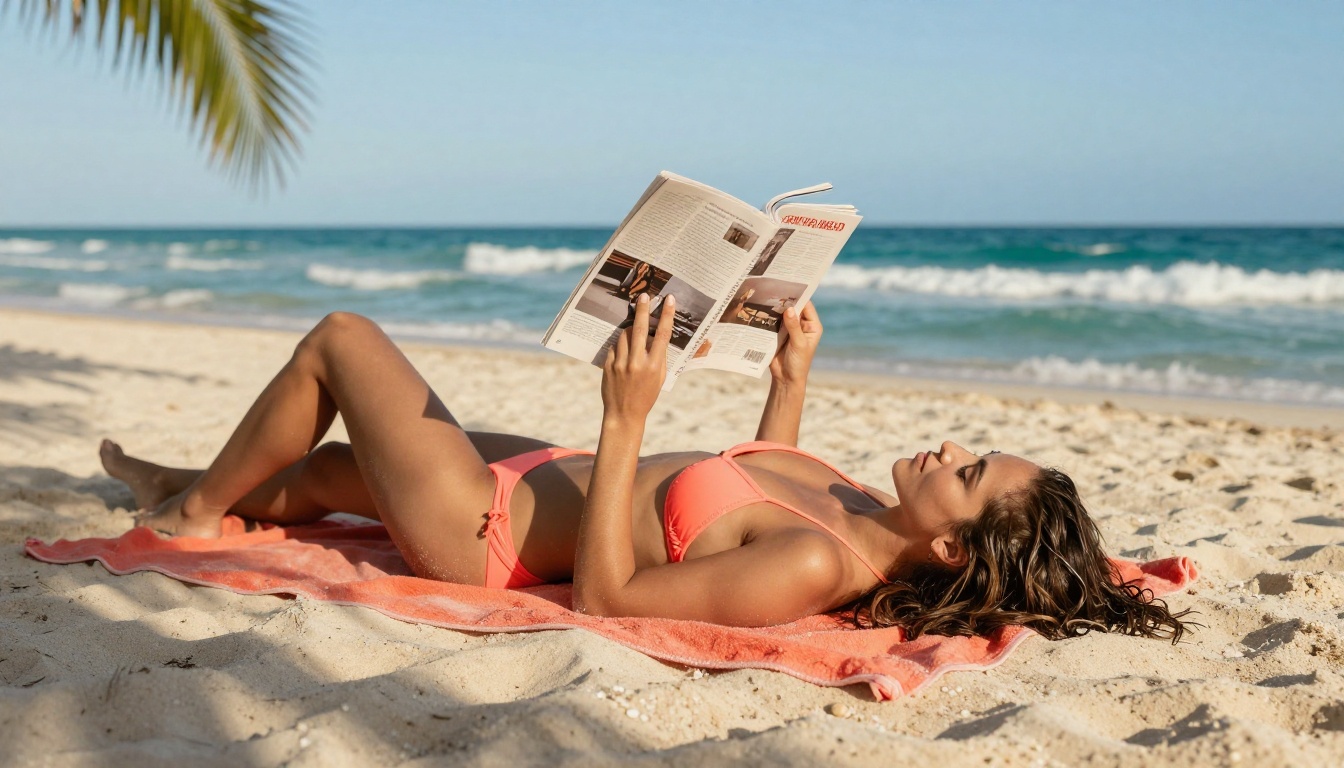
Step 1: Choose Your Model
Navigate to Flux Dev on PicassoIA. The interface shows:
- Prompt field: where you describe your image in detail
- Aspect ratio selector: choose 16:9 for widescreen, 1:1 for square, 9:16 for portrait
- Steps slider: more steps equals better quality but slower generation (20-30 is the standard range)
- Seed field: set a specific seed to reproduce an image, or leave blank for random variation
Step 2: Write a Strong Prompt
Flux Dev responds exceptionally well to detailed, descriptive prompts. The more specific you are, the better the output.
Weak prompt: "beautiful woman on the beach"
Strong prompt: "close-up portrait of a woman in her late twenties wearing a white bikini, lying on white sand, golden afternoon sunlight from the left, warm skin tones, individual grains of sand visible, 85mm f/1.8 lens, Kodak Portra 400 film grain, photorealistic 8K --ar 16:9"
Elements to include in every prompt:
- Subject description: apparent age, clothing, pose, and expression
- Environment: specific location with material and texture details
- Lighting: direction, color temperature, and quality (hard vs. soft)
- Camera: lens focal length, aperture, and camera body reference
- Style modifiers: film stock, color grading, and resolution targets
Step 3: Adjust Quality Settings
For NSFW photorealistic content on Flux Dev specifically:
- Steps: 25-35 for maximum detail (30 is the sweet spot for quality vs. speed)
- CFG Scale: 7-9 for good prompt adherence without over-saturation
- Resolution: 1024x1024 or higher when available
- Sampler: DPM++ 2M Karras or Euler A for smooth photorealistic results
💡 Tip: Enable prompt upsampling when available. Flux Dev uses an internal language model to expand your prompt before generation, which consistently improves anatomical accuracy and fine detail.
Prompts That Actually Work
These prompt structures have proven effective for photorealistic NSFW generation on Flux Dev:
- Boudoir: Subject + silk or lace garment + bedroom setting + candle or window light + 85mm lens + film grain
- Beach or Glamour: Subject + swimwear + natural outdoor setting + golden hour light + medium format aesthetic
- Editorial: Subject + fashion clothing + distinctive location + dramatic directional light + magazine photography style
Why Photorealism Always Wins
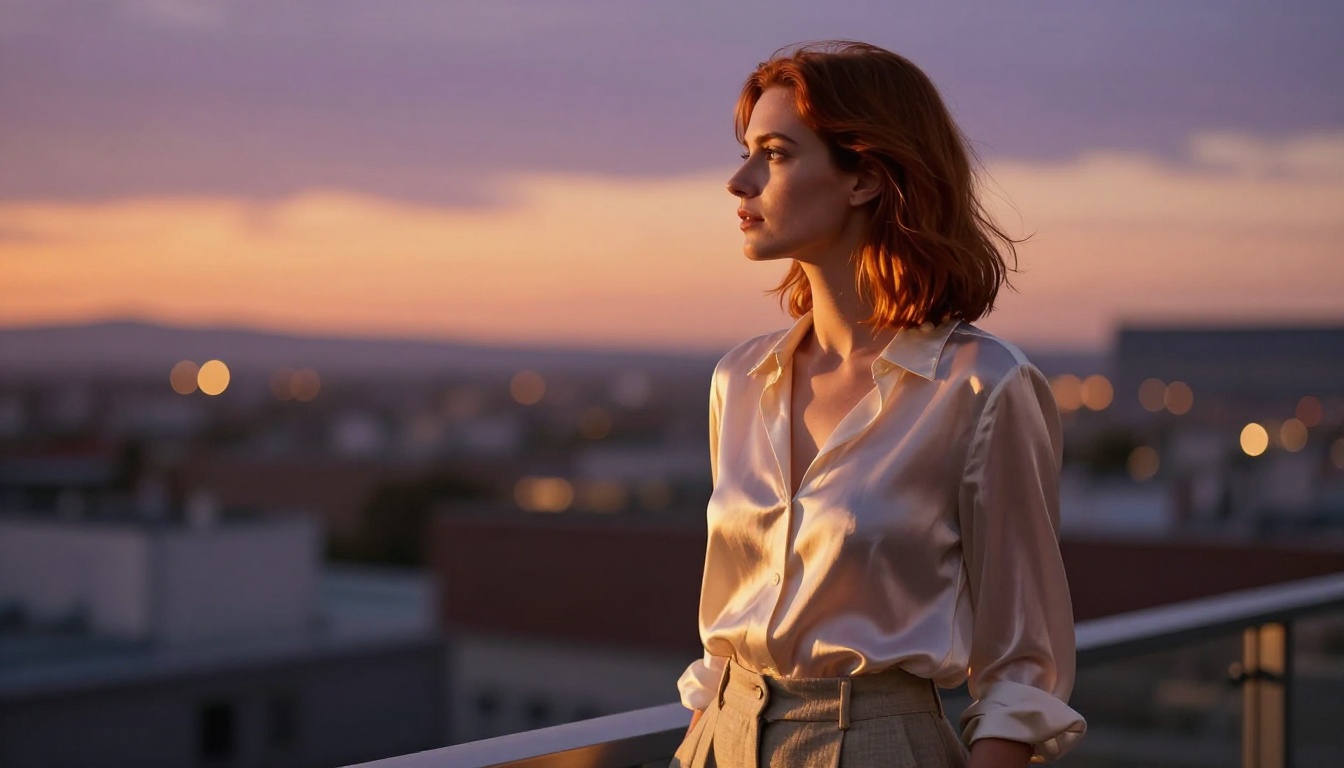
There's a persistent temptation to use "artistic" or "painterly" styles for NSFW content, partly because it feels less explicit. The problem: it also looks obviously artificial, which defeats the purpose for creators doing serious work.
RAW 8K photography prompting consistently produces better results for several reasons:
- Perceptual credibility: photorealistic images read as genuine photographs, not computer-generated art
- Technical quality: the model applies better anatomy and texture when anchored to photographic references
- Lighting accuracy: photography language (f/1.8, ISO 400, golden hour) gives the model precise lighting instructions
- Commercial usability: photorealistic outputs can be used in professional contexts where digital art often cannot
The best NSFW AI generators aren't the ones with the most permissive content policies. They're the ones that produce outputs you'd actually use.
The models that consistently win for this work are Flux Dev, Flux Pro, and Realistic Vision v5.1, all available on PicassoIA alongside dozens of others.
Midjourney vs. Real Alternatives
| Feature | Midjourney | PicassoIA with Flux Dev |
|---|
| NSFW Content | Blocked | Allowed (artistic/non-explicit) |
| Model Choice | Single model | 91+ models |
| Prompt Adherence | Good | Excellent |
| Photorealism | Good | Excellent |
| Privacy | Discord-based (public) | Private generations |
| Pricing | Subscription only | Flexible per-generation |
| Setup Required | Discord account | Browser only, no account needed |
Prompt Tips That Make a Real Difference
Most creators generating NSFW content hit a quality ceiling that has nothing to do with the platform. It's almost always a prompt problem. These specific strategies improve results across all models:
Use camera language: 85mm f/1.4, 35mm f/2.0, Canon EOS R5. This isn't decoration. It tells the model to render depth of field and perspective correctly.
Specify lighting direction: "Volumetric morning light from the left" produces dramatically better results than "good lighting" or "well lit."
Describe the background: Even if it's blurred, describe it. The model uses background context to set appropriate lighting and atmosphere for the whole scene.
Include texture words: "natural skin pores," "fine hair texture," "silk fabric draping," "sand grain detail." These prevent the smooth, plastic look that plagues low-effort generations.
Add film stock references: Kodak Portra 400, Fuji Superia 400, Ilford HP5. Each one carries specific color science and grain characteristics that the model recognizes and applies.
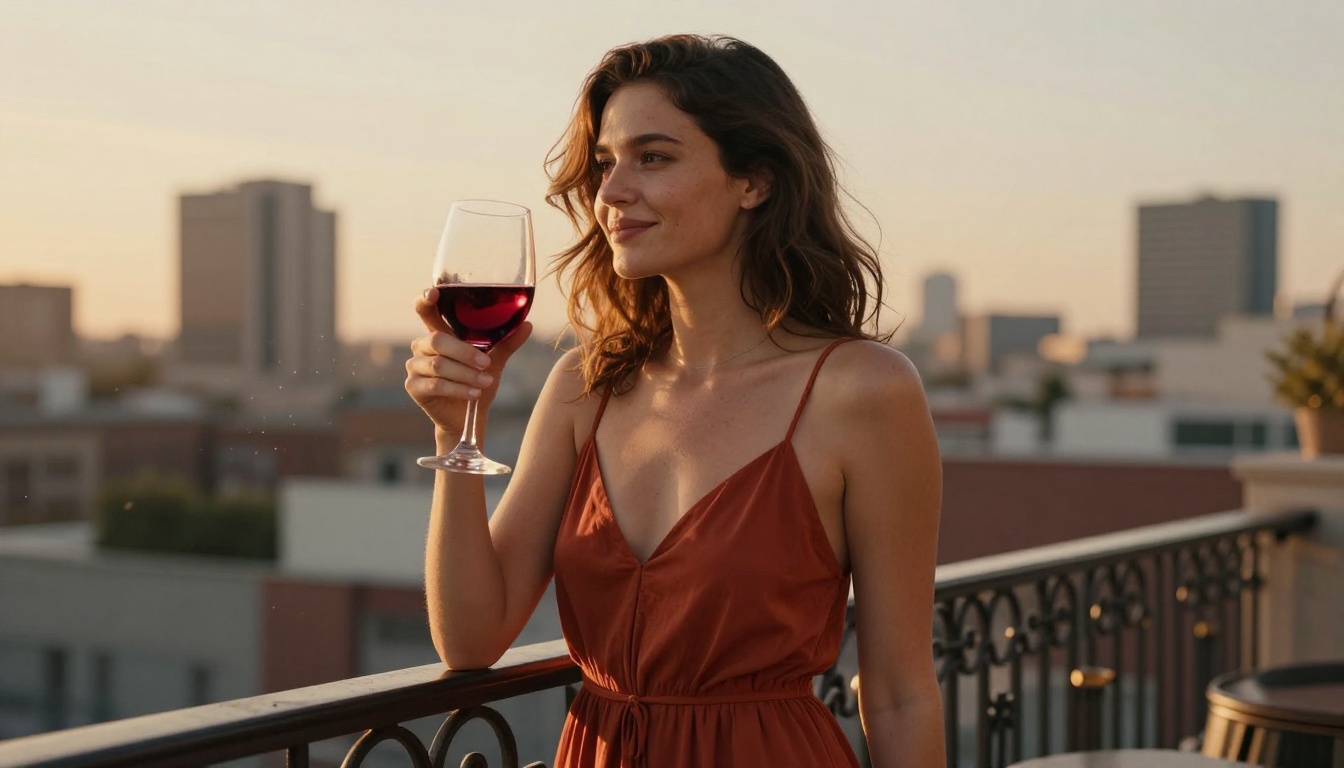
Negative prompting is equally important. On models that support it, always include: ugly, deformed, blurry, low quality, extra limbs, bad anatomy, watermark, text, logo.
A detailed negative prompt cuts generation failures by a significant margin and keeps the model focused on what you actually want.
Start Creating Your Own Images
Every tool covered in this article is available to try right now, without a Discord account, waitlist, or approval process. PicassoIA gives you access to Flux Dev, Flux Pro, Flux Schnell, SDXL, Realistic Vision v5.1, and Luma Photon in one browser-based platform.
The creative potential here is real. Whether you're building a portfolio of glamour photography, producing editorial content, or just experimenting with AI art that Midjourney won't touch, the models and platforms exist today. The only variable is your prompt.
Write something detailed, specify your lighting, reference a real camera lens, name a film stock, and click generate. You'll see immediately why serious creators have moved on from Midjourney.
Try Flux Dev on PicassoIA and see what you can create when the content filters aren't standing in the way.


