Midjourney is one of the most beautiful AI image generators ever built. The outputs are stunning, the community is passionate, and the aesthetic is unlike anything else on the market. But there is one glaring problem: Midjourney blocks NSFW content entirely, even on paid tiers, even in private servers, even when you have legitimate creative reasons for generating mature imagery.
If you are a glamour photographer looking to visualize concepts, a romance novelist building cover art references, or an adult content creator working in a legal and regulated space, Midjourney simply shuts the door on you. And with no appeals process and no reliable workaround, thousands of creators are actively searching for a Midjourney alternative that allows NSFW content without constant moderation friction and unpredictable bans.
This article is for those creators. We break down exactly why Midjourney's restrictions exist, what real alternatives actually offer, which AI models produce the most photorealistic and expressive NSFW results, and how you can start generating professional-quality images right now.
Why Midjourney Blocks NSFW
Midjourney operates primarily through Discord, a platform with strict community standards and a broad user base that includes minors. This means Midjourney's content policy defaults to the most conservative possible interpretation, banning anything that could be considered sexual or mature in nature, even artistically.
Even in private Discord servers with "adult content" mode enabled, Midjourney's filters remain aggressive. The system flags keywords, penalizes accounts, and in many cases bans users without warning or recourse. For professional creators, this unpredictability is more than an inconvenience. It is a fundamental incompatibility with how they need to work.
The core issue is structural. Midjourney built its platform on Discord's infrastructure, inheriting Discord's terms of service by default. Until Midjourney builds its own standalone platform with customizable content policies, this limitation will persist indefinitely.
💡 The real gap: Midjourney excels at artistic and conceptual imagery. What it cannot do is give adult creators the freedom to work with mature content professionally and consistently.
There is also a competitive dimension. As AI image quality has improved dramatically across all platforms, the content policy gap between Midjourney and its competitors has become a major market differentiator. Creators who previously tolerated the restrictions are now switching permanently to platforms that treat them as adults.
What Real NSFW Freedom Looks Like
Not all NSFW-friendly platforms are equal. Some allow mildly suggestive content but still flag anything more expressive. Others have no filters at all, which creates a different set of problems. The best platforms for professional creators occupy a specific middle ground:
- Artistic freedom: Glamour photography, implied nudity, suggestive poses, and romantic scenarios without heavy-handed filtering
- Photorealism: Outputs that look like photographs, not illustrations or anime, because professional use cases require believability
- Consistent moderation: Clear rules that apply predictably so creators are never surprised by sudden bans
- Model variety: Different models produce different aesthetics, and having access to multiple options matters enormously
- Privacy controls: Private generation with no public gallery exposure by default and clear data handling policies
- Prompt flexibility: A system that responds to descriptive photography language without rejecting prompts for vague policy violations
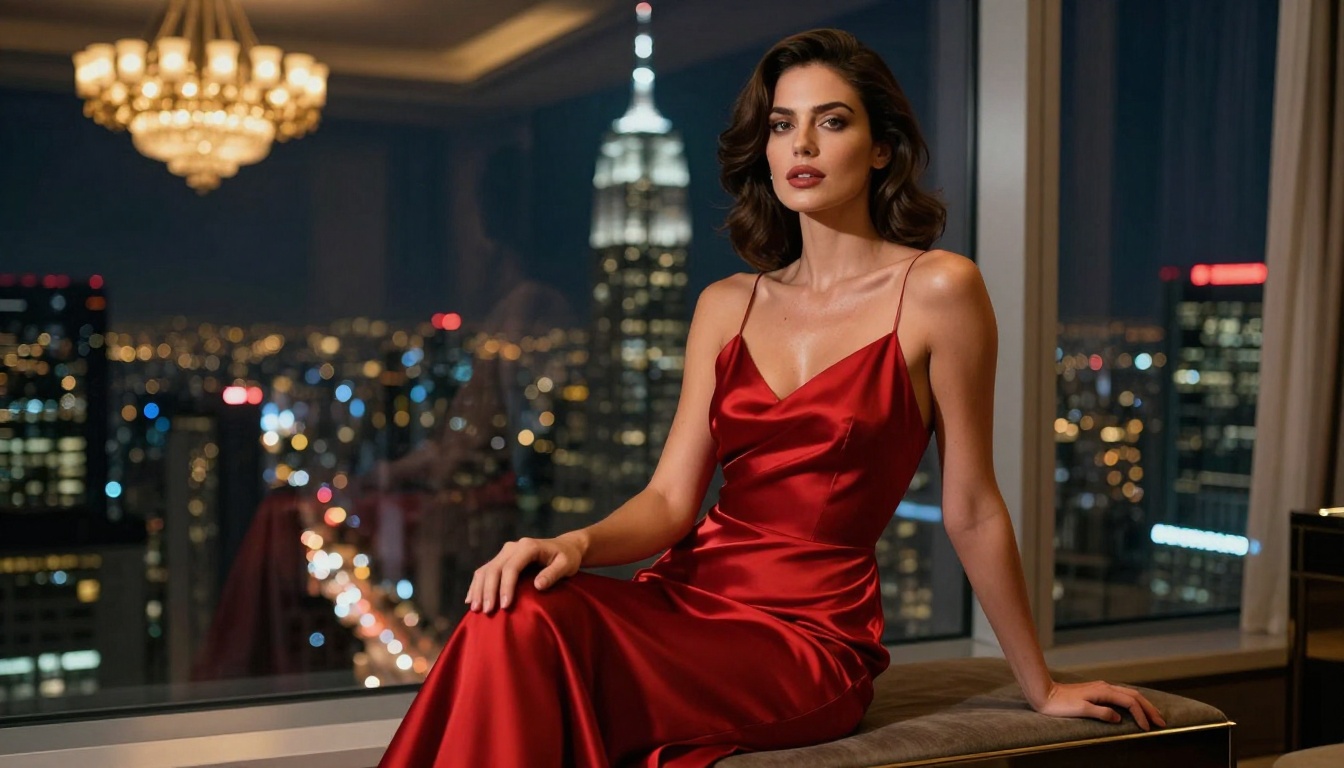
The Models That Actually Deliver
The quality of NSFW image generation comes down almost entirely to the base model you use. This is where the real differentiation happens between platforms that feel like toys and platforms that produce publication-ready work.
Flux Pro: The New Benchmark
Flux Pro from Black Forest Labs has become the dominant model for photorealistic image generation in 2025 and 2026. Its anatomical accuracy, lighting physics simulation, and fabric texture rendering are exceptional. When generating glamour or suggestive content, Flux Pro renders skin with a level of realism that makes outputs indistinguishable from professional photography at first glance.
Flux Dev is the open-weights version of the same architecture, giving you more flexibility with fine-tuning and prompt experimentation. Creators who want to push stylistic boundaries tend to reach for Flux Dev because it is more responsive to creative prompting without fighting you at every turn.
For sheer output quality, Flux 1.1 Pro represents the current benchmark. It handles complex lighting scenarios, multiple subjects, and detailed environments better than any previous version in the family. If you want the absolute ceiling of what text-to-image can produce today, this is the model to use.
Flux 1.1 Pro Ultra pushes even further, offering enhanced fine detail and higher native resolution output that is particularly noticeable in skin, hair, and textile rendering.
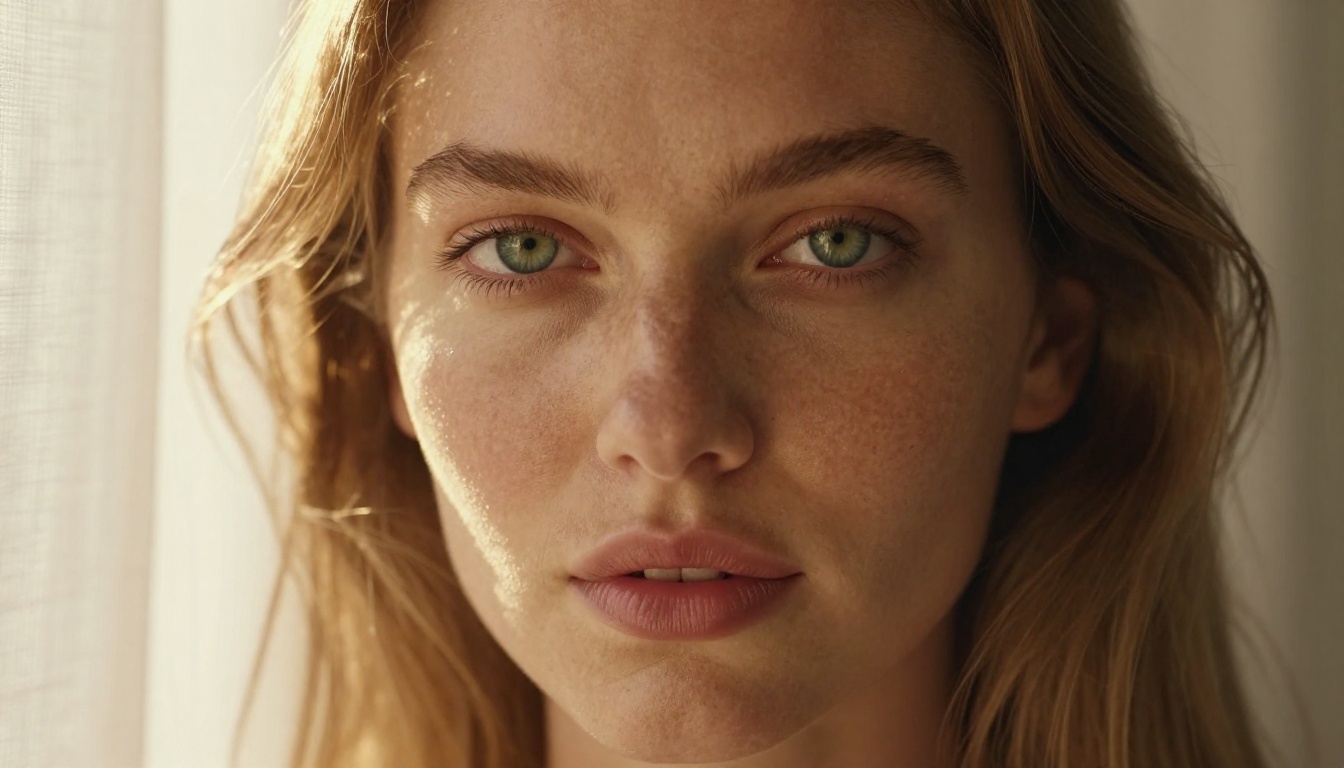
Stable Diffusion 3.5: The Fine-Tuning Powerhouse
Stability AI has taken a more permissive approach to content policies with their self-hosted and API-accessible models. Stable Diffusion 3.5 Large delivers dramatically improved anatomy and prompt adherence compared to previous versions in the SD lineage.
The main advantage of the Stable Diffusion ecosystem is the enormous community of fine-tuned models built on top of it. Specialized models for portraiture, fashion photography, and glamour work exist precisely because the base model allows the training data required. If you need a very specific aesthetic that the community has already solved, this ecosystem has it.
Stable Diffusion 3.5 Medium offers a faster, more cost-efficient option when you are iterating through concepts before committing to a final high-quality render.
Realistic Vision V5.1: Purpose-Built for Photorealism
Realistic Vision V5.1 was purpose-built for photorealistic human subjects. It consistently produces images that look like high-end DSLR photography, with correct skin tones, accurate depth of field simulation, and natural body proportions. For glamour and beauty work specifically, it remains a top model by most professional measures, particularly for close-up portraiture and beauty shots.
RealVisXL: SDXL Architecture at Higher Resolution
RealVisXL V3.0 Turbo brings the photorealism of Realistic Vision into the SDXL architecture, giving you higher native resolution outputs and better prompt adherence on complex scenes. The Turbo variant generates at speed without sacrificing the core quality that makes RealVis popular for professional work. For full-body shots and wider compositions, the SDXL base often outperforms SD 1.5-based models in anatomical consistency.
| Platform | NSFW Allowed | Photorealism | Model Access | Privacy Controls |
|---|
| Midjourney | No | Excellent | Limited | Public by default |
| DALL-E 3 | No | Good | API only | Microsoft policy |
| Adobe Firefly | No | Good | Limited | Adobe Terms |
| Stable Diffusion (local) | Yes | Excellent | Full control | 100% local |
| PicassoIA | Yes (artistic) | Excellent | 90+ models | Private by default |
| NightCafe | Partial | Moderate | Limited | Semi-public |
| Tensor.Art | Partial | Good | Wide range | Community rules |
The table above makes one thing clear: most mainstream platforms with polished interfaces default to maximum restriction. The platforms offering genuine creative freedom are either fully local, requiring expensive hardware and technical setup, or specialized web services built specifically for creators who need that freedom.
💡 What creators actually need: A polished web interface, access to multiple NSFW-capable models, private generation, and no random bans. That combination is far rarer than it should be.
How to Use Flux Pro on PicassoIA
PicassoIA gives you direct access to Flux Pro, Flux Dev, Realistic Vision V5.1, and RealVisXL through a clean web interface without needing local GPU hardware or technical setup. Here is how to get the best results for glamour and artistic photography.
Step 1: Pick the Right Model
Go to the text-to-image collection and select Flux 1.1 Pro for maximum realism, or Flux Dev if you want more stylistic flexibility. For portrait and beauty work specifically, Realistic Vision V5.1 is often the better starting point because it was trained specifically on photographic portraiture.
Step 2: Write a Structured Prompt
The difference between a good NSFW prompt and a great one comes down entirely to specificity. Structure your prompt like a photography brief:
- Subject: Describe the person, their pose, expression, and energy in detail
- Wardrobe: Specify fabrics, colors, and how they interact with the figure
- Environment: Location, time of day, and background elements
- Lighting: Direction, quality (hard vs. soft), and color temperature
- Camera: Lens focal length, aperture, and resulting depth of field
- Film stock: Kodak Portra 400 for warm skin tones, Fuji Provia for cooler editorial looks
Step 3: Optimize Your Settings
- Aspect ratio: 16:9 for editorial, 3:4 for portrait, 1:1 for social content
- Steps: Higher step counts (30-50) improve detail in skin and fabric textures significantly
- CFG Scale: 7-9 for Flux models gives the best balance of prompt adherence and natural variation
- Seed: Lock a seed when you find a strong result and iterate from that fixed point
Step 4: Refine with Inpainting
If the initial output is 90% perfect but a specific area needs adjustment, use the inpainting tool to regenerate only that region. This is how professional creators work: generate a strong base, then refine targeted details without regenerating the entire image from scratch and losing the overall composition.
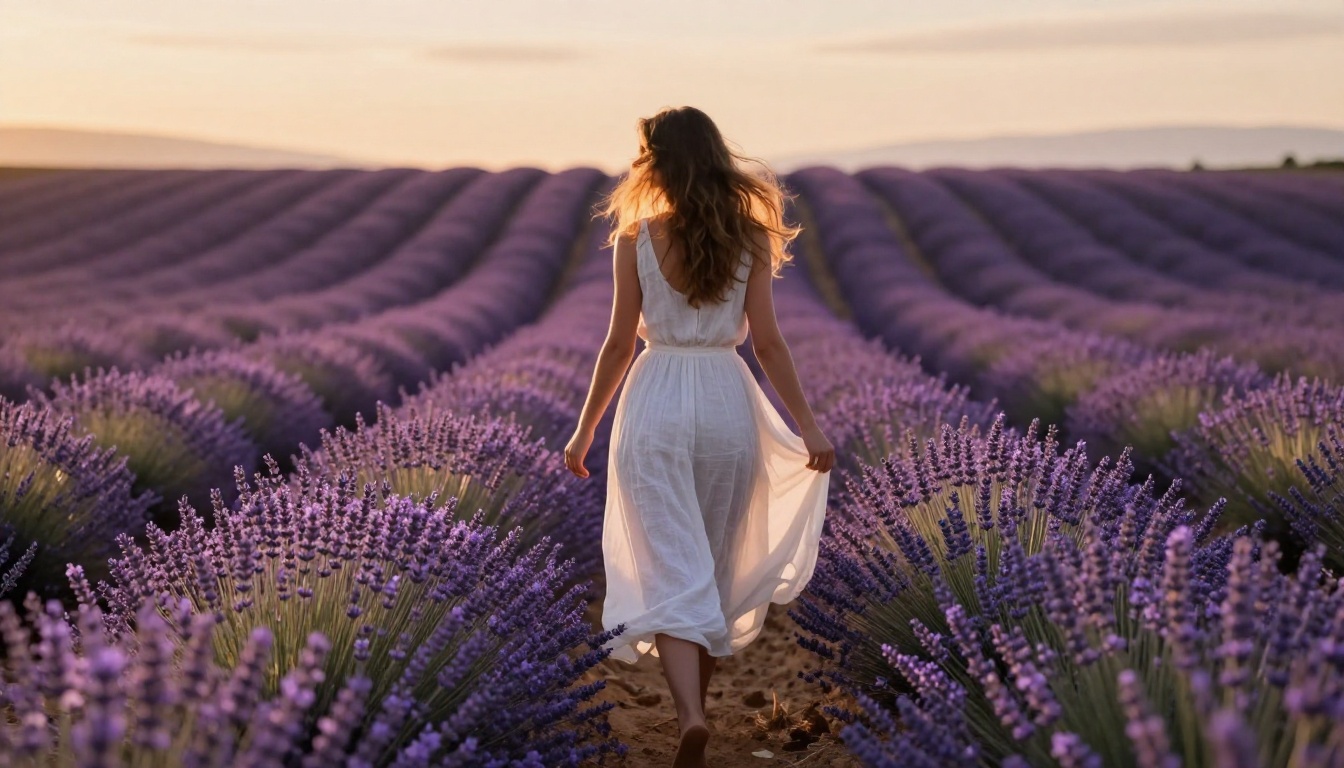
Prompting Strategies for Glamour AI Art
The single biggest differentiator between mediocre and professional AI glamour photography is prompt quality. These strategies work regardless of which model you use.
Use Photography Terminology
Midjourney trained heavily on Pinterest-style prompts and concept art language. Flux and Realistic Vision respond better to photography language. Instead of "beautiful woman at the beach," write "35mm editorial portrait, f/1.4 bokeh, golden hour backlight, Kodak Portra 400." The model's internal representation of photography-specific terms produces dramatically more realistic results.
Layer Your Lighting Descriptions
Lighting makes or breaks photorealism. Always specify:
- The primary light source: window, sun, studio key light, or practical lamp
- The direction: from camera left, from above, rim lighting from behind
- The quality: soft diffused, hard direct, volumetric, bounced
- The color temperature: warm golden hour amber, cool blue twilight, neutral white studio
A prompt with detailed lighting specification will outperform a vague prompt by an enormous margin, even with the same model and identical settings.
Control Skin Tone and Texture
Vague descriptions produce waxy, over-smoothed skin. Be specific: "visible skin pores, natural skin texture, slight sun-kissed warmth, no digital retouching, film grain." These modifiers force the model to render skin realistically rather than defaulting to idealized perfection. Phrases like "Kodak Portra 400 film emulation" work particularly well because they encode an entire aesthetic into a single reference.
Specify the Camera Angle
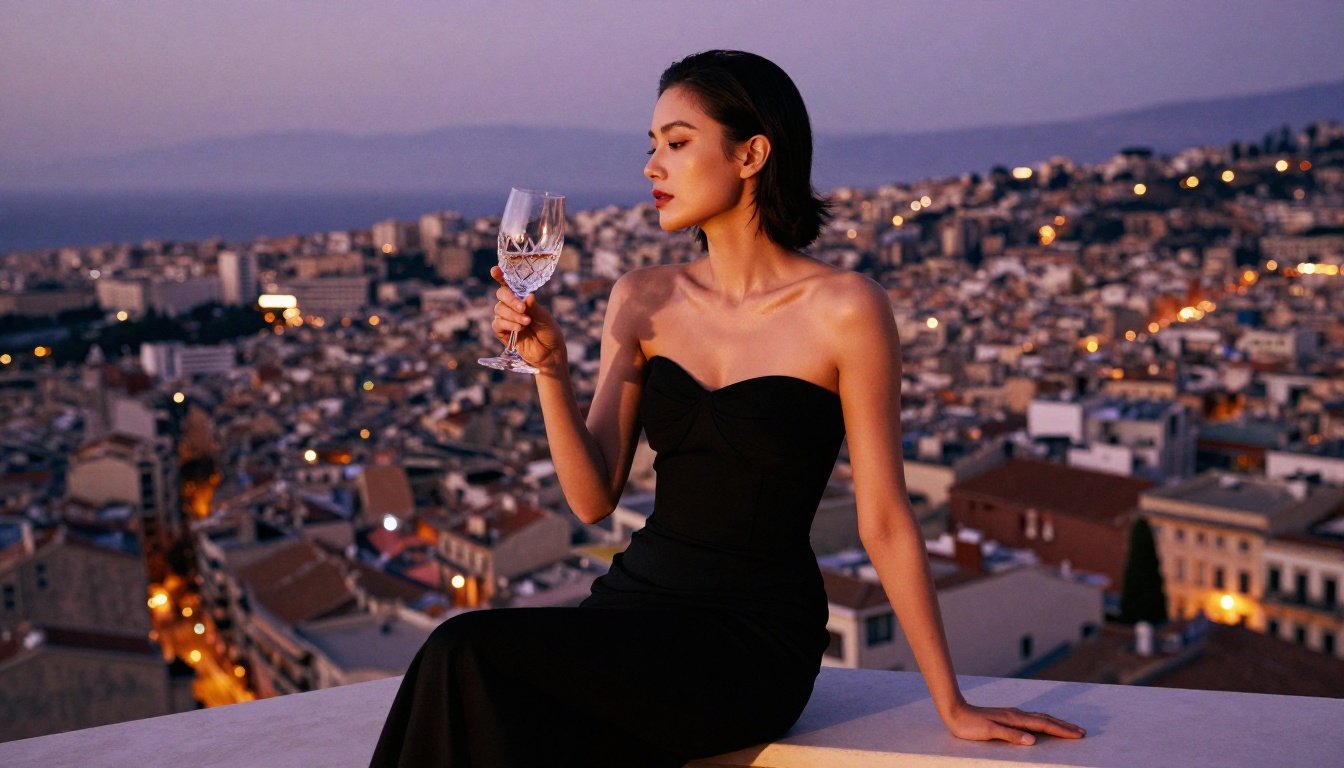
Low-angle shots create power and presence. Aerial overhead shots create a graphic, fashion-editorial feel. Eye-level shots feel intimate and documentary. Including "shot from slightly below at eye level, 85mm f/1.4" in your prompt is not just technical description. It is compositional direction that changes how the model frames the subject.
The Speed Question: Flux Schnell vs. Flux Pro
Professional creators often need to iterate rapidly through concepts before committing to a final direction. Flux Schnell generates at 4-10x the speed of Flux Pro with slightly reduced output quality. The practical two-stage workflow:
Stage 1: Rapid concept testing with Flux Schnell
Generate 10-20 variations quickly to find the composition, mood, and prompt language that produces the results you want. At this stage, speed matters more than perfection.
Stage 2: Final rendering with Flux Pro or Flux 1.1 Pro
Lock the seed from your best Schnell result and regenerate at maximum quality. Because both models share the same underlying architecture, the composition and lighting from your Schnell iterations translate reliably to the Pro quality level.
This workflow cuts generation costs and time by 60-80% while still delivering publication-ready final results.
Privacy and Safety for NSFW Creators
Working with NSFW AI content creates legitimate privacy considerations. These are the things every creator should think through before generating:
Platform data policies: Read them carefully. Some platforms store every prompt and output indefinitely and use them for model training. If you are generating content you want kept private, check exactly where it goes and whether it can be used to train future models.
Account separation: Many creators use dedicated accounts for NSFW work, separate from professional or personal identities. This is standard practice in the adult content industry.
Output watermarking: Several platforms embed invisible watermarks in all outputs. If you plan to publish AI-generated content, check whether your platform does this and how to handle it in your workflow.
Legal jurisdiction: In most countries, generating AI images of fictional adults in suggestive poses is entirely legal. Check your local laws, particularly if you are working across international markets.
💡 Privacy first: Always generate images in private mode when available. Never assume a "private" setting means complete platform invisibility. Read the actual terms of service before you start.
Super Resolution for Print-Ready Outputs
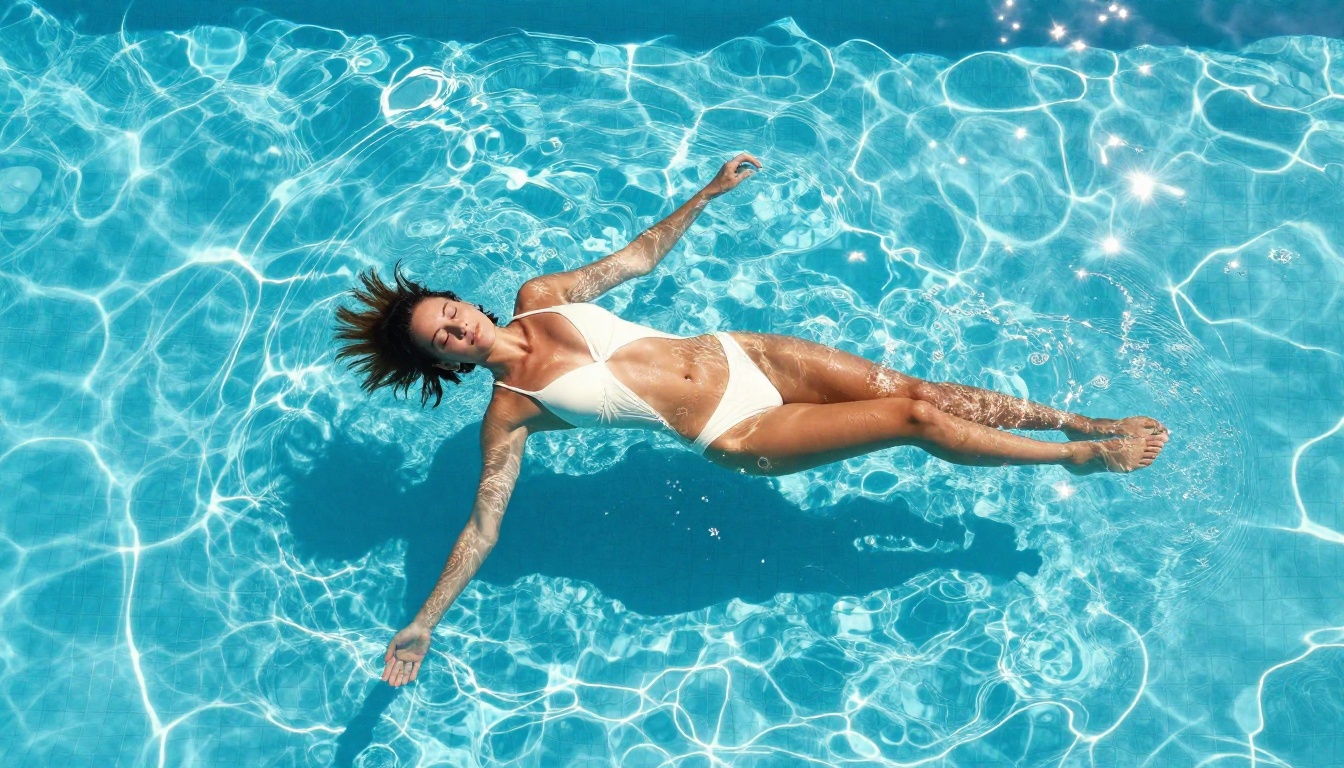
AI image generators typically output at 1024x1024 or 1024x576 pixels. For print use, professional photography clients, or high-resolution displays, you need significantly more. The super-resolution tools on PicassoIA upscale outputs 2x or 4x using AI that specifically processes photographic content, preserving skin texture and fabric detail rather than blurring them as traditional bicubic upscalers do.
For creators doing magazine-style editorial work, billboard-scale advertising, or large-format prints, this step is non-negotiable. A 1024x576 image becomes a 4096x2304 output at 4x upscale, which is more than sufficient for most print applications.
SDXL: Still Relevant for NSFW Work
SDXL has been largely superseded by Flux for photorealistic work, but it retains real advantages in specific scenarios. The SDXL fine-tuning ecosystem is enormous, with thousands of community-trained LoRA models targeting specific aesthetics, body types, artistic styles, and photographic looks. If you need a very particular visual signature that a community model has already solved, SDXL remains highly relevant.
For creators building custom workflows, SDXL Lightning 4-Step offers a speed profile similar to Flux Schnell, making it useful for rapid iteration cycles even if the quality ceiling is lower than Flux 1.1 Pro.
The SDXL ControlNet LoRA variant is worth noting for creators who need precise pose and composition control. ControlNet integration allows you to provide a reference pose or structure image that the model follows exactly, which is invaluable when you are replicating specific photography compositions or working with reference imagery from real shoots.
NSFW AI and the Creative Industry
The intersection of AI image generation and adult content is not a niche edge case. It is one of the primary use cases driving adoption of image generation tools among independent creators, adult entertainment professionals, romance publishers, and artistic photographers.
The platforms that acknowledge this reality, build appropriate tools, and maintain clear and consistent policies are serving a massive, underserved market. The platforms that pretend the use case does not exist are losing creators permanently to alternatives that do not make them feel like criminals for wanting to do legitimate creative work.
For creators, the practical implication is simple: stop fighting platforms that were not built for your work and start using platforms built specifically to support it.
💡 The creator advantage: Platforms built for NSFW creators typically have better privacy controls, more photorealistic models, and clearer content policies than mainstream tools with half-hearted restrictions.
Beyond Still Images: Video and Audio for Adult Creators
The content creation ecosystem extends well beyond still image generation. Platforms with serious support for mature content increasingly offer:
- Text-to-video: AI video generation for adult content creators working in motion formats
- Lipsync: Realistic audio-video synchronization for character-voiced content
- Voice generation: Natural-sounding text-to-speech for narration, character voicing, and audio-focused content
- AI music: Background tracks and mood-specific audio for video production without licensing concerns
These capabilities, once requiring entire production teams and serious budgets, are now accessible to individual creators who know where to find them. The same platforms offering the best NSFW image generation tend to also offer the most complete content creation ecosystem.
Comparing NSFW Output Quality by Use Case
Different creators have different requirements. Here is how the major models stack up across specific professional scenarios:
| Use Case | Best Model | Why |
|---|
| Glamour portraiture | Realistic Vision V5.1 | Trained specifically on photographic portraits |
| Full-body fashion | Flux 1.1 Pro | Superior anatomical accuracy and clothing texture |
| Rapid concept testing | Flux Schnell | 4-10x faster generation with acceptable quality |
| Custom aesthetic | SDXL with LoRA | Largest ecosystem of fine-tuned style models |
| Pose-controlled shots | SDXL ControlNet LoRA | Precise pose replication from reference images |
| Maximum output quality | Flux 1.1 Pro Ultra | Highest resolution and detail ceiling available |
| Natural outdoor scenes | Flux Dev | Excellent environment and natural lighting handling |
What to Try First
If you are new to the platform and coming from Midjourney frustration, start with this progression:
- Try Flux Dev to get a feel for what the Flux architecture produces with your prompts
- Use Realistic Vision V5.1 for beauty and portrait work specifically
- Use Flux Schnell to iterate rapidly through 20 prompt variations before committing to a final direction
- Upscale your best outputs with the super-resolution tool for print-ready or high-resolution display use
- Once your prompt language is dialed in, switch to Flux 1.1 Pro for final production-quality renders
The platform has 90+ text-to-image models, which can feel overwhelming at first. The models above handle the vast majority of professional use cases. Start there, build your prompt vocabulary, then branch into specialized models as you develop a clearer sense of what each one does best.
Your First Images Are Waiting
The creative freedom that Midjourney refuses to offer exists. It is not experimental, it is not difficult to access, and it is not a workaround. The models are production-ready, the platform is built, and the quality of outputs from Flux Pro and Realistic Vision V5.1 will genuinely surprise you the first time you see results that look like photographs rather than AI artifacts.
Stop working around platform restrictions that were never designed for your creative needs. The best Midjourney alternative that allows NSFW content is already built, already running, and ready for your first prompt.
Try Flux Dev on PicassoIA today and see what 90+ photorealistic AI models can produce when there is nothing holding them back.


