Type "Minimax NSFW LoRA" into a search bar and you get a pile of tool directories, affiliate blogs and half-answers. Some promise a free adult adapter for Minimax video models. Others bury the one useful fact under ten paragraphs of marketing. This article gives you the short, honest version: what a LoRA is in this context, which free routes seem to exist, what prompts and settings tend to work, and what to use if you want tasteful, uncensored glamour results today without hunting for adapters.
One thing up front. Minimax NSFW LoRA is not on PicassoIA, so there is no page to link and no button to press for it. Everything below that names a PicassoIA model is a real alternative with a real page. Everything about the LoRA itself comes from public research, and I flag what I could not verify.
💡 Scope note: all examples here stay suggestive and non-explicit: swimwear, boudoir styling, fashion glamour. That is also where current models give the cleanest, most photorealistic results.
What a Minimax NSFW LoRA Actually Is
LoRA in plain terms
A LoRA (low-rank adaptation) is a small add-on file that nudges a large base model toward a style, subject or content type without retraining the whole thing. Think of the base model as a skilled photographer and the LoRA as a short briefing on one specific look. The file is tiny compared with the base model, which is why communities share them so freely.
An "NSFW LoRA" is the same idea aimed at adult content: it steers the base model toward anatomy, clothing states and poses that the stock model was tuned to avoid. Most are community made, trained on unknown datasets, and shared with little documentation.
Which Minimax models people mean
Minimax is the company behind the Hailuo video family, and searchers usually mean one of two things: an adapter for a Minimax video model, or a hosted endpoint where a LoRA can be attached to a Minimax model. My research turned up a community adapter on Hugging Face for a newer Minimax video model, with a trigger word (HMNSFW), plus hosted LoRA endpoints on fal and muapi. I found no solid information on its licence, training data or quality, so treat it as unverified.
| Question | What the research shows |
|---|
| Is there a community NSFW adapter? | One appears on Hugging Face with a trigger word, details unclear |
| Are there hosted LoRA endpoints? | Yes, on third-party platforms, usually pay per generation |
| Does Minimax officially support it? | No primary source found confirming adult content is allowed |
| Is it on PicassoIA? | No |
Free Options That Exist Right Now
Free web tiers and their limits
The Hailuo web app has a free tier driven by daily or sign-up credits. Reviews I found describe watermarks on free exports, commercial rights reserved for paid plans, and resolution capped around 768p on several free routes. Those are secondhand claims from blogs, so check the current terms before you build anything on them.
The bigger catch: a free tier on an official app does not mean it will accept adult prompts. Mainstream apps filter hard. If a free route works for suggestive content one week, it can stop the next.
Community adapters and hosted endpoints
Open adapters are free to download but not free to run. You need a GPU, a compatible workflow and patience for setup, or you pay a host per generation. Some hosts give sign-up credits that act like a short free trial. The pattern is always the same: a few free runs, then a meter.
What "free" really costs
| Route | Money cost | Hidden cost |
|---|
| Official free tier | $0 | Watermarks, low resolution, content filters |
| Local adapter | $0 plus hardware | Setup time, VRAM limits, unclear licence |
| Hosted LoRA endpoint | Pay per run after credits | Variable quality, per-clip pricing |
| Unlimited image tools | Often subscription or credits | Different workflow (images first) |
💡 Reality check: for most people the cheapest path to attractive adult-styled content is an uncensored image model first, then animation only for the shots worth it.
Prompts That Work for Glamour Content
A prompt formula
Whether you use a LoRA or a modern image model, the structure that works is the same. Put the subject first, then the wardrobe, then the setting, then light, then the camera.
Formula: [adult subject + pose] + [wardrobe and fabric] + [location] + [light direction] + [lens and film look]
Be specific about light and lens. "Golden hour sun from camera left, 85mm f/1.8, Kodak Portra 400 grain" does more work than a paragraph of adjectives. If a LoRA has a trigger word, put it at the start of the prompt exactly as written.
Five prompts to copy
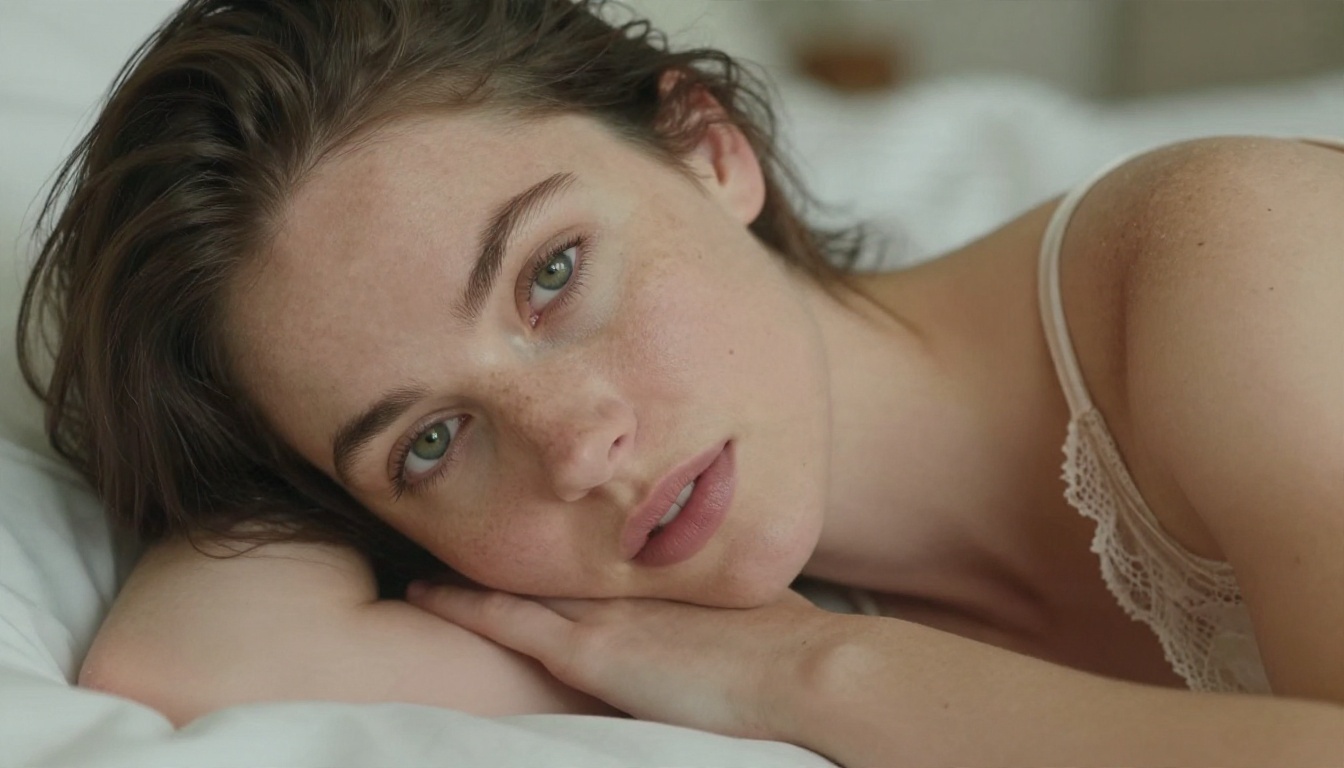
- Boudoir close-up: "Adult woman with green eyes in a lace-trimmed champagne satin camisole on rumpled white sheets, soft window light from the right, visible skin pores, 85mm f/1.4, warm film grain."
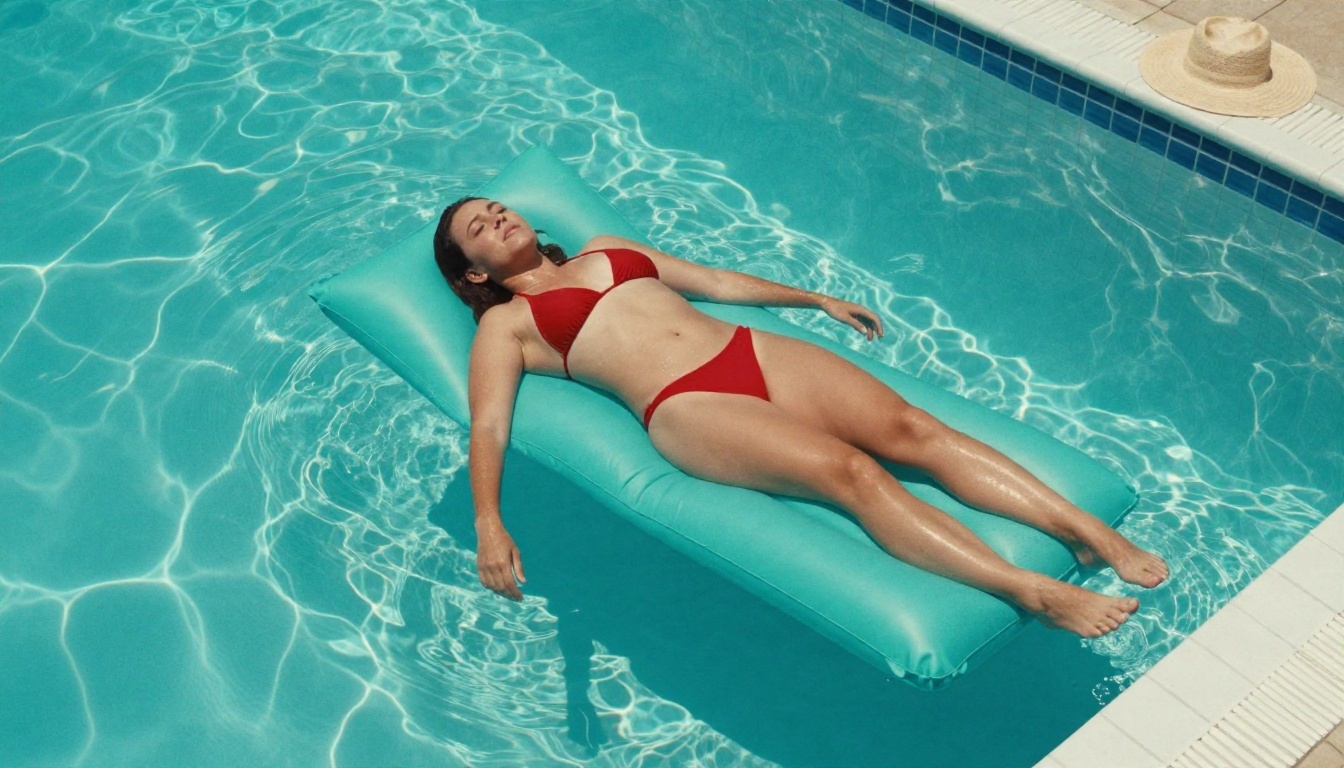
- Pool aerial: "Adult woman in a red bikini on a turquoise lounger, shot from above, rippling caustics on the pool floor, hard midday sun, 35mm lens."
- Beach sunrise: "Adult woman with a platinum bob, white bikini top, salt spray on skin, rim light from the rising sun, 100mm f/2."
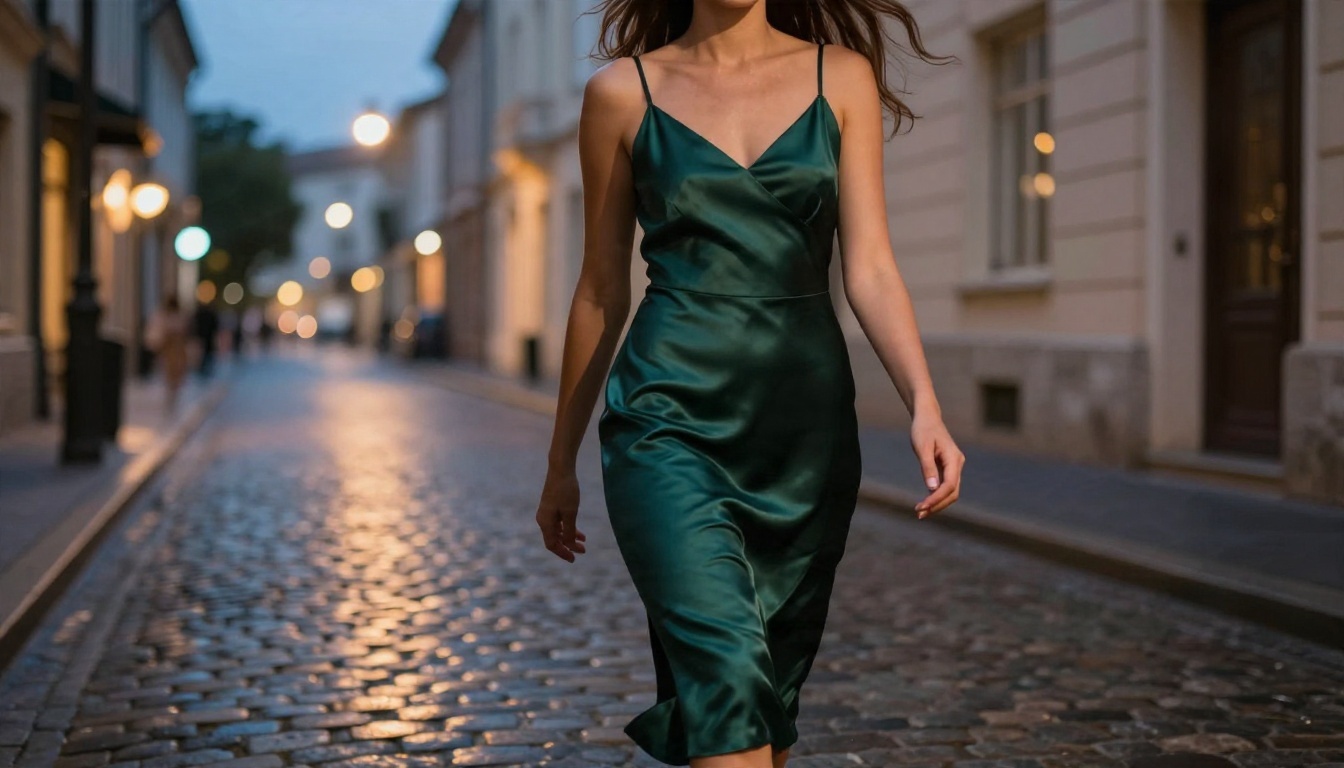
- Street at dusk: "Low angle, adult woman in an emerald satin slip dress on wet cobblestones, warm shop-window light, cool blue sky, 35mm f/1.8."
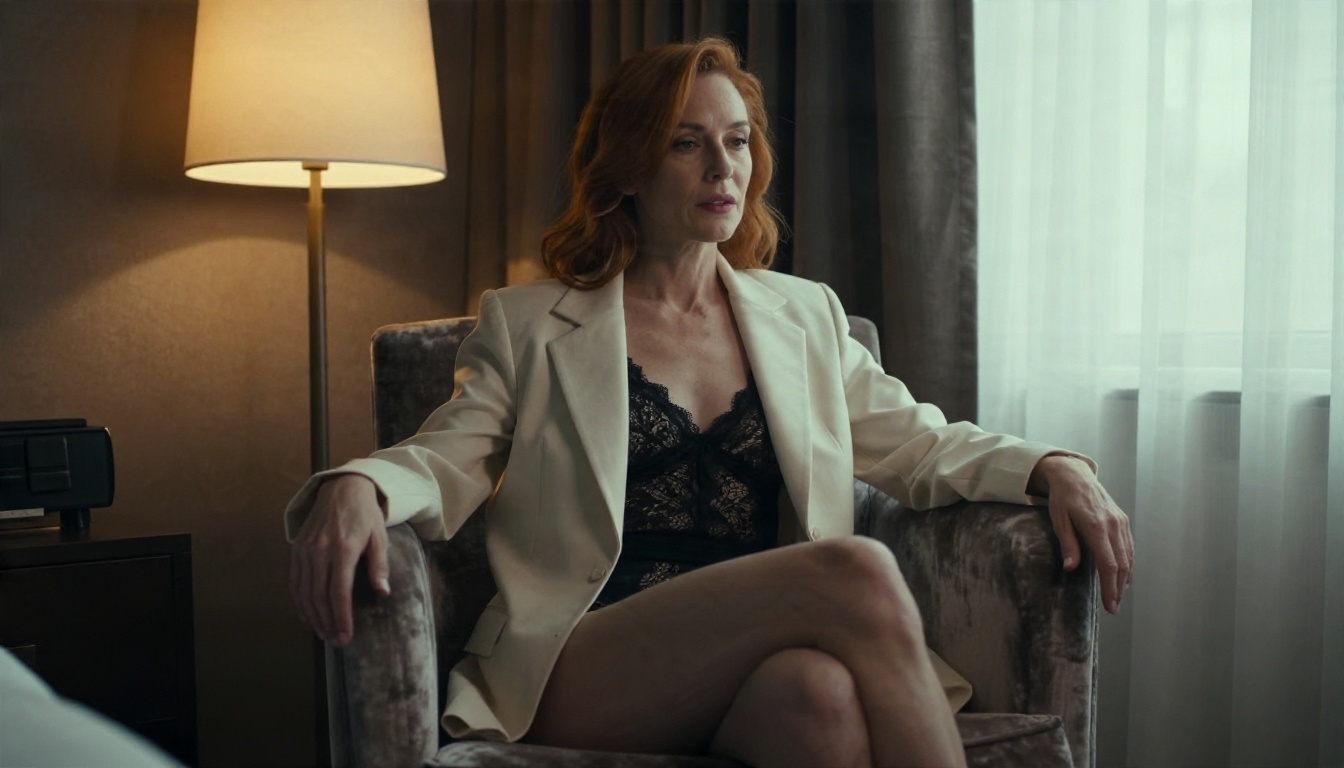
- Hotel editorial: "Adult woman in a black lace bodysuit under an oversized cream blazer, velvet armchair, lamp light and window light, 50mm f/1.4."
Habits to drop
- Piling on quality tags. "Masterpiece, ultra detailed, 8K" adds little to current models.
- Contradicting the light. Asking for "soft studio light" and "hard sunlight" in one prompt muddies both.
- Skipping the skin. Add "visible pores, fine hair strands, natural sheen" to avoid the plastic look.
- Forgetting that clips need motion cues. For video, describe what moves, not just how it looks.
Settings Worth Adjusting
LoRA strength and trigger words
If you do run an adapter, strength is the first dial. Most LoRA workflows start somewhere around 0.6 to 0.9. Too low and the effect disappears. Too high and faces warp, skin turns waxy and backgrounds repeat. Start at the lower end, raise in small steps, and keep the trigger word in place. These are common community starting points, not official numbers for any specific Minimax adapter.
Resolution, steps and seeds
| Setting | Starting point | Why |
|---|
| Resolution | 720p to 768p for clips, higher for stills | Matches what free tiers allow |
| Steps | Default first, then raise slowly | More steps help detail only up to a point |
| Seed | Fix it while testing | Lets you compare one change at a time |
| Aspect ratio | 16:9 for scenes, 9:16 for social | Choose before generating, not after |
| Clip length | Short, around 5 seconds | Faces drift on longer clips |
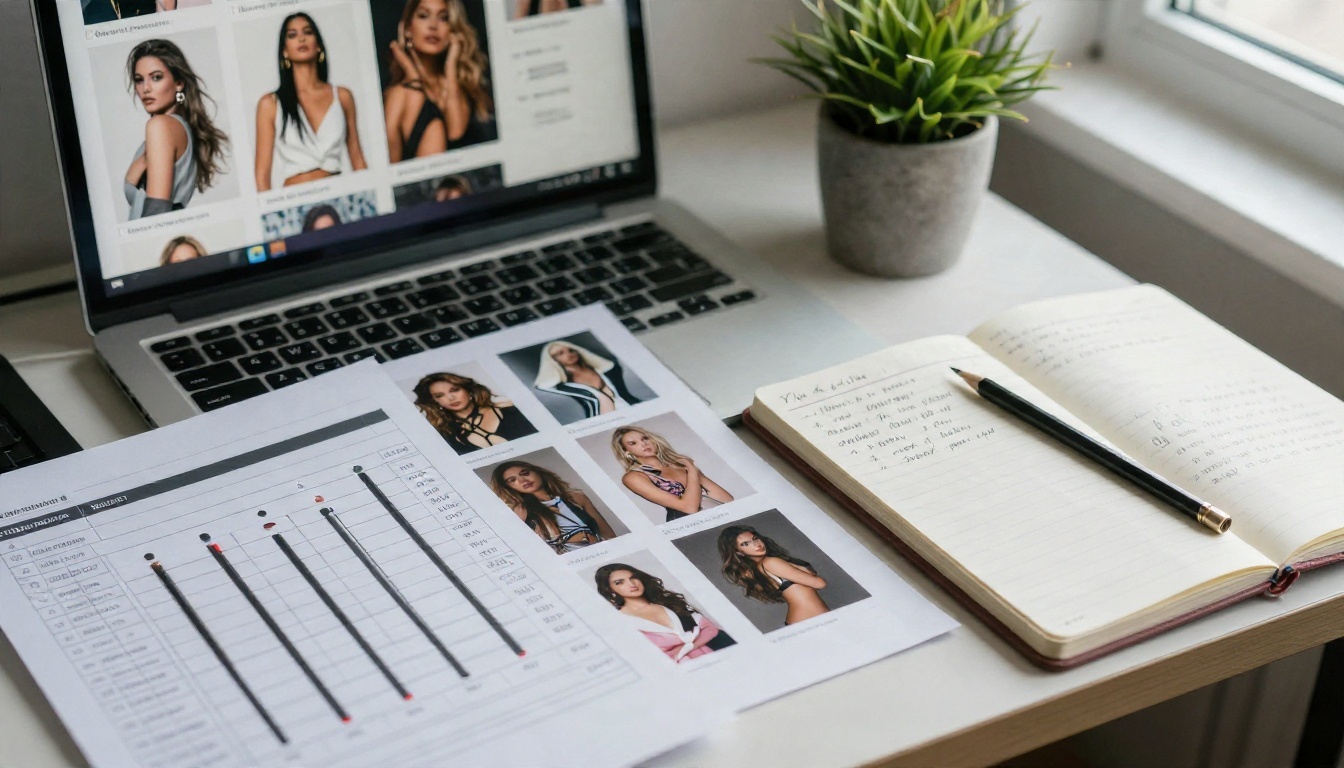
💡 Test method: change one setting per run. Write down the seed, the strength and the prompt. Ten minutes of notes saves an hour of guessing.
Alternatives You Can Use Today
Minimax NSFW LoRA is not on PicassoIA yet. For similar results today, these four models are, and they are ordered by how well they suit uncensored glamour work.
Seedream 4.5 first
Seedream 4.5 is the strongest starting point. It handles skin texture, fabric and lighting with very little prompting, and it does not need an adapter or a trigger word. For swimwear, boudoir and fashion looks, it produces sharp, photographic frames in seconds, which makes testing prompts cheap.
Image Editor Pro for unlimited runs
PicassoIA Image Editor Pro is the one to use when you want to iterate without watching a counter. Generations are unlimited, so you can run the same prompt twenty times, change outfits, swap locations and fix details on a frame you already like. For anyone who came looking for a "free" route, this is the closest practical answer.
Flux Dev LoRA and Z Image Turbo
If you specifically want the LoRA workflow, Flux Dev LoRA lets you pair a base image model with an adapter for a custom look. For raw speed, Z Image Turbo returns sharp images quickly, which is ideal for drafting dozens of prompt variations before you pick a favorite.
💡 Want motion too? Minimax's own video models are separate from the LoRA. Hailuo 02 and Hailuo 2.3 Fast are on PicassoIA and animate photos into short clips. They are standard models, not adult adapters, so keep prompts suggestive and tasteful.
How to Get Similar Results Today
This walkthrough uses Seedream 4.5, the first alternative above. It is not the Minimax LoRA, but it reaches the same goal: an attractive, photoreal, adult-styled frame.
- Open the model page. Go to Seedream 4.5 on PicassoIA.
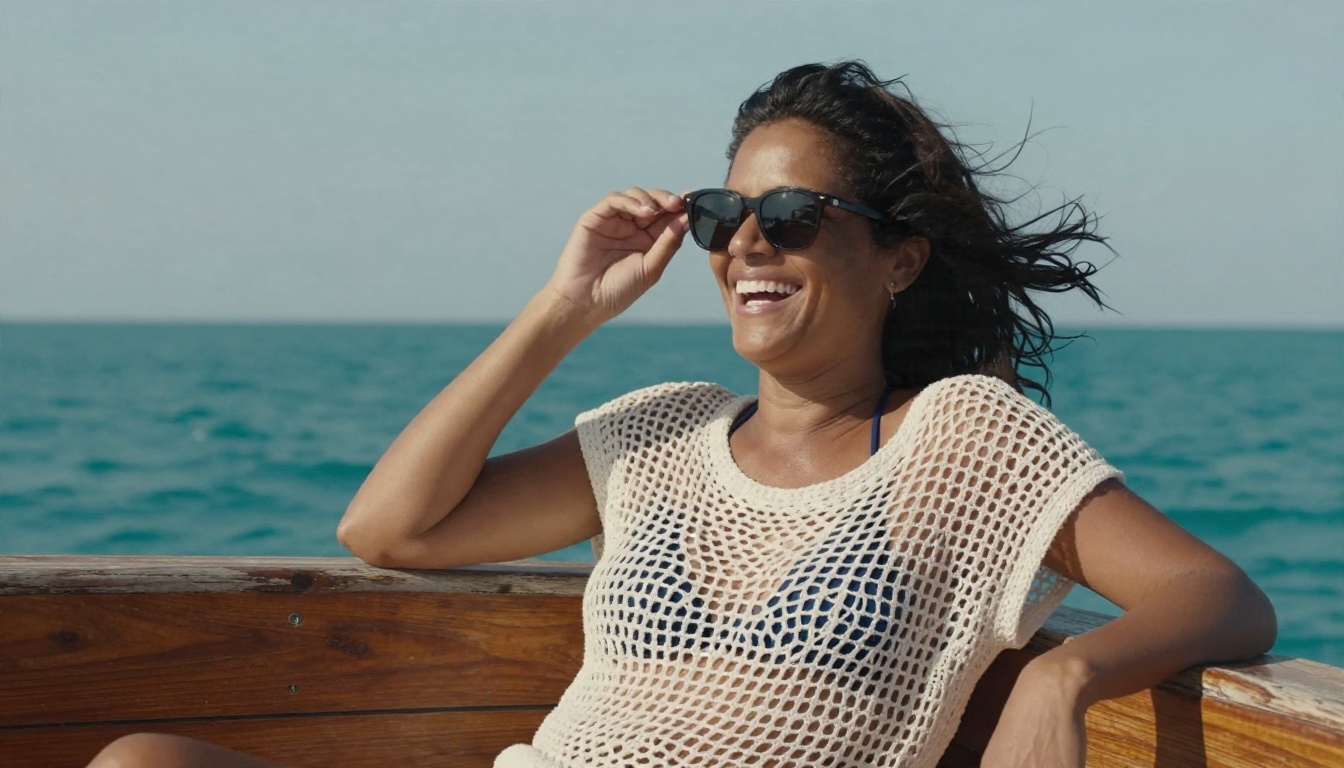
- Write the prompt with the formula. Subject, wardrobe, location, light, lens. Example: "Adult woman in a navy bikini and white crochet cover-up laughing on a wooden boat deck, afternoon sun from above right, 70mm f/2.8, Kodak Portra 400 grain."
- Set the ratio first. Choose 16:9 for scenes or 9:16 for social posts before you generate.
- Generate a small batch. Run three to four variations and pick the best composition.
- Refine in Image Editor Pro. Open the winner in PicassoIA Image Editor Pro to change outfit, background or small details without starting over.
- Repeat with one change. Alter only the light or only the wardrobe so you can see what each change does.
Parameter tips:
- Keep prompts under roughly 80 words. Long lists of adjectives dilute the main subject.
- Name the light direction. It is the single biggest realism lever.
- Add skin and fabric details ("fine pores", "satin sheen", "linen weave").
- Fix the seed while you test, release it when you want variety.
Common Mistakes to Avoid
Trusting every "free" claim. Directory sites list tools as free when they mean "free to sign up". Check watermark, resolution and credit rules before you invest time.
Downloading unknown adapters blindly. Community files can have unclear licences and unknown training data. Read the model card, and never use an adapter to depict a real person without their consent. Every example in this article is an invented adult subject, and yours should be too.
Chasing the LoRA when a base model is enough. Modern image models already produce glamour looks without adapters. A LoRA adds setup cost and instability. Use one only when you need a specific, repeatable style.
Over-animating. Long clips make faces drift. Keep motion short, and generate the still first so you know the frame is worth animating.
Ignoring age and consent rules. Keep all subjects clearly adult and fictional, stay within the platform terms of whatever tool you use, and keep content suggestive rather than explicit.
Try It Yourself Today
You do not need to wait on a Minimax NSFW LoRA to get polished, attractive results. Start with Seedream 4.5 for the first draft, move to PicassoIA Image Editor Pro for unlimited iterations, and bring in Flux Dev LoRA or Z Image Turbo when you want custom styles or quick drafts.
Pick one of the five prompts above, run it, then change a single detail and run it again. Within a handful of tries you will know what your look needs. When you are ready to see what else is available, browse every model at picassoia.com/en/all-models and build your own set of photoreal glamour images on Picasso IA.


