You searched for MotionBuilder vs Higgsfield because you want to animate something, and you want to know what it will cost before you commit. Fair question. The two names sit in completely different corners of the animation world. MotionBuilder is a professional 3D character animation and motion capture application with a price tag aimed at studios. Higgsfield is an AI video platform built around credits, presets and fast results. Comparing them is a bit like comparing a film crew to a very clever phone app, yet plenty of creators end up weighing both.
This article lays out what each one costs, what free options actually exist, where the pricing gets murky, and which simpler tools get you moving footage without a rig, a suit or a four-figure invoice. Pricing in this space changes often, so treat every figure below as a snapshot and confirm on the official pages before you pay.

💡 Quick answer: MotionBuilder is subscription-only and priced for professionals, with a 30-day trial and free educational access for eligible students. Higgsfield is cheaper per month but runs on credits, and its plan names and prices have shifted repeatedly. Neither is on PicassoIA, but several image-to-video models there cover the same creative ground with far less setup.
Before any dollar figures, it helps to be clear about what you are buying. A lot of confusion in this comparison comes from assuming both tools solve the same problem.
What MotionBuilder Actually Does
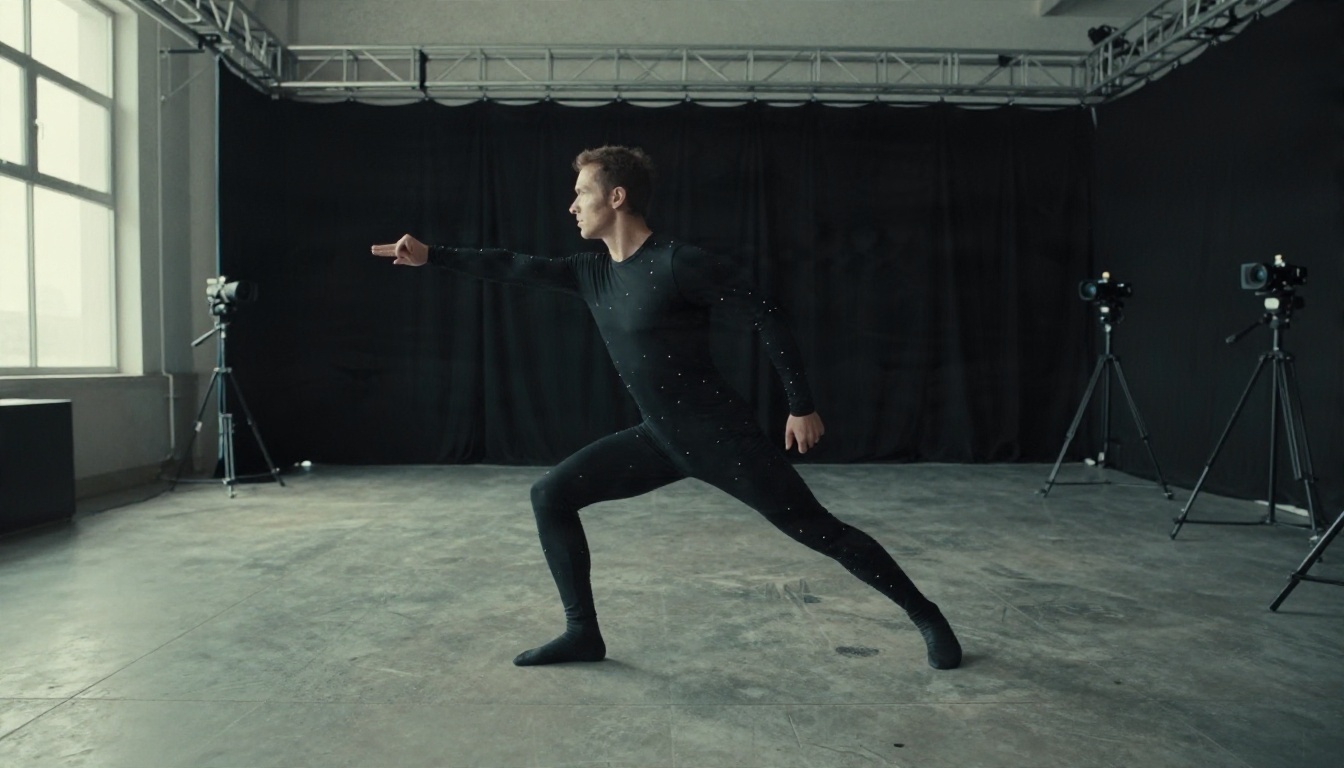
MotionBuilder, made by Autodesk, is a real-time 3D character animation tool. Its home turf is motion capture: you record a performer in a suit, clean up the data, retarget it onto a digital character and polish the result. Game studios, previs teams and film pipelines use it because it handles heavy skeletal data smoothly and plays animation back live while you work.
That power comes with a ramp-up. You need a 3D character, a skeleton, usually a capture source or a library of motion clips, and a fair amount of patience. It is a craft tool, and crafts take time.
What Higgsfield Actually Does
Higgsfield sits at the opposite end. It is a web platform for generating AI video and images, known for camera-motion presets and for bundling several generation models under one subscription. You type a prompt or upload an image, pick a motion style, spend credits and get a clip back in minutes. There is no skeleton, no timeline of pose data and no capture stage.
The trade is control. MotionBuilder lets you decide exactly how an elbow bends on frame 47. Higgsfield lets you describe the mood and accept what the model gives you.
| Feature | MotionBuilder | Higgsfield |
|---|
| Type | Desktop 3D animation and mocap software | Web based AI video generator |
| Input | 3D rigs, capture data, motion clips | Text prompts and still images |
| Output | Precise, editable character animation | Short generated clips |
| Skill needed | High | Low |
| Pricing model | Annual or multi-year subscription | Monthly credit plans |
| Best for | Studios, game teams, previs | Creators, ads, social video |
MotionBuilder Pricing Breakdown
Let's start with the expensive one, because the number surprises people.
Subscription Cost in Plain Numbers
MotionBuilder is sold by subscription only. Autodesk no longer offers perpetual licenses, so there is no "buy once and own it" option. In my research, Autodesk's own page lists annual and three-year plans, but the exact figures did not load reliably. A reseller listing for a 2026 single-seat annual subscription showed roughly $2,430 per year. Reseller prices are not the same as Autodesk's list price, so use that number as a ballpark rather than a quote.
A single subscription can be installed on up to three of your own devices, which is handy if you split time between a desktop and a laptop. Monthly billing and pay-as-you-go tokens also exist for people who only need the software for a short project, though the effective monthly rate usually runs higher than the annual plan.

The 30-Day Free Trial
Autodesk offers a 30-day free trial of MotionBuilder on its trial pages. Some third-party review sites claim there is no free trial, but the official trial page is the more reliable source, so check there first. Trials cannot be extended. If you need more time, the usual workaround is a monthly subscription with auto-renew switched off.
💡 Trial tip: Have your character model, rig and a few motion clips ready before you start the clock. Thirty days vanishes quickly if the first week goes to hunting for assets.
Student and Educator Access
Students and educators can get free one-year educational access to Autodesk products, renewable while you remain eligible. Eligibility is checked through a verification service, and the license is for educational use only. The moment you take paid client work, you are expected to move to a commercial plan.
If you are a student building a reel, this is the best deal on the table by a wide margin. If you are a freelancer who graduated last spring, it no longer applies.
Hidden Costs Beyond the License
The license is only the first line item. Realistic budgets for a MotionBuilder workflow also include:
- A capable workstation with a strong GPU and plenty of RAM
- Character models and rigs, either built in house or purchased
- Motion capture data, from a suit rental, a studio day or a purchased clip library
- Companion software for modeling, texturing and rendering, since MotionBuilder animates but does not do everything
- Your time, which is usually the biggest cost of all
For a solo creator who just wants a character to wave, run or dance in a short video, that stack is serious overkill.
Higgsfield Pricing and Free Options
Higgsfield is cheaper to enter, but its pricing is harder to pin down than you would expect.
Credits, Tiers and Shifting Names
Higgsfield charges through credit-based subscriptions. Each generation spends credits, and heavier models or longer clips spend more. When I checked, the sources disagreed in a few ways:
- The plans appear to have been renamed during 2026, from older names like Basic, Pro and Ultimate to newer ones like Starter, Plus, Ultra and Business.
- Entry plans were reported at about $9 to $19 per month depending on the source and date, with mid-range plans landing somewhere around $23 to $59 and top creator tiers climbing well above $100.
- Most quoted prices assume annual billing, and the site reportedly runs rolling promotional discounts that make list prices a moving target.
- Pricing may also differ by country.
In short, if you see one number online and a different number on the checkout page, that is normal. Always trust the checkout page over any blog post, including this one.

Is There a Real Free Plan?
This is where it gets fuzzy. Some sources say Higgsfield has a free tier, with little or no credit allowance. Others say they could not find a trial that avoids a card and an automatic conversion to a paid plan. Mentions of daily free credits circulate too, but at least one review noted they did not match the official pricing table.
The honest summary: you can probably try Higgsfield for very little, but you should not count on a generous, no-strings free plan. Read the sign-up screen carefully, check whether a card is required and set a calendar reminder before any trial converts.
💡 Watch the fine print: Features such as unlimited model access are often tied to specific plans and specific parts of the platform. If a promotion says "unlimited", find out exactly which models and which interface it applies to.
Side by Side Comparison
Here is how the two stack up on the things people actually ask about.
| Question | MotionBuilder | Higgsfield |
|---|
| Starting cost | Roughly $2,400 per year (reseller snapshot) | Roughly $9 to $19 per month on entry plans |
| Free trial | 30 days, per Autodesk | Unclear, check sign-up |
| Student discount | Free one-year educational access | Not a standard feature |
| Own the software | No, subscription only | Not applicable, web service |
| Time to first clip | Days to weeks | Minutes |
| Precision | Frame-level control | Prompt-level control |
| Hardware needed | Powerful workstation | Any browser |
Cost Per Finished Clip
Raw subscription prices can mislead. A better question is: what does one usable clip cost me?
With MotionBuilder, the first clip is brutally expensive in hours, but the hundredth is cheap because your rig, library and workflow are already built. It rewards sustained, repeatable production, like a series with the same characters.
With Higgsfield, every clip costs credits, and AI video rarely nails it on the first try. Budget two to four attempts per usable shot. That is cheap for one-off social content and gets pricey if you generate hundreds of clips a month.

Easier Alternatives for Animation
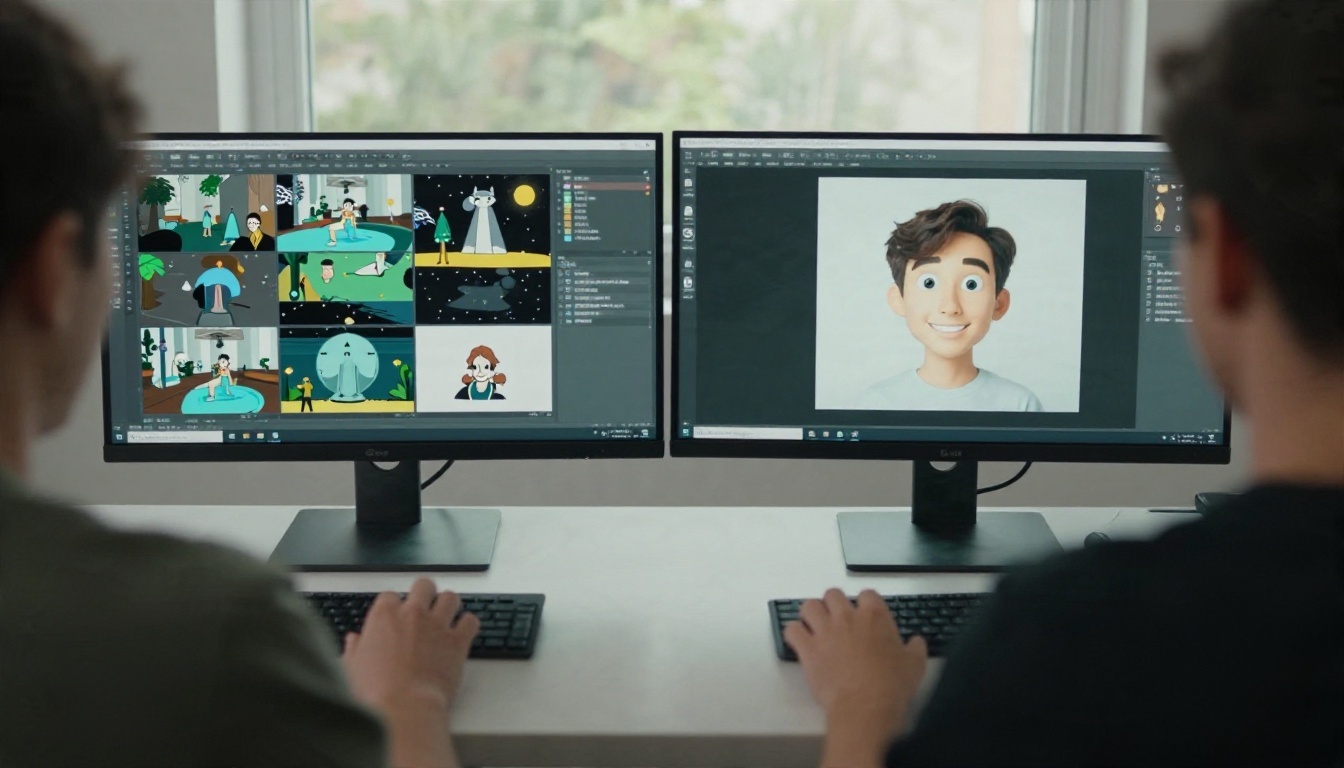
Neither tool is perfect for someone who simply wants a character to move convincingly without a capture rig or a monthly credit meter. Neither MotionBuilder nor Higgsfield has a page on PicassoIA, so I am not going to pretend you can use them there. What you can do is reach the same creative result with models that are on the platform, and a few of them make the animation step remarkably simple.
Kling v3 Motion Control
If your reason for looking at MotionBuilder is motion transfer, copying a real performance onto a character, Kling v3 Motion Control is the closest everyday equivalent. You upload one character image and one short reference video of someone moving. The model maps that movement onto your character and renders the clip in 720p or 1080p. No skeleton, no retargeting, no capture suit. A phone video of yourself dancing is a perfectly valid reference.

Seedance 2.5 Lite
If your reason for looking at Higgsfield is cheap, fast AI clips, try Seedance 2.5 Lite. It generates text-to-video and image-to-video clips of up to 10 seconds in 480p or 720p, and Elite and Infinite members can run it without a per-clip cost or a daily counter. That removes the credit anxiety that comes with Higgsfield-style plans. It also accepts an optional last frame, so you can set the opening and closing pose and let the model animate between them.
Wan 2.5 I2V Fast
Wan 2.5 I2V Fast is built for one job: take a still image and animate it quickly. It suits quick iteration, such as testing five camera moves on one product shot before picking a winner. If you want text-to-video instead, Wan 2.5 T2V and its fast variant are on the same shelf.
Veo 3.1 Fast
When you want a polished, cinematic look with synchronized audio, Veo 3.1 Fast delivers 1080p video from a text prompt. It is a strong pick for ads, trailers and mood pieces where the camera and atmosphere matter more than exact limb positions.
| Model | Best for | Input | Typical output |
|---|
| Kling v3 Motion Control | Copying real movement onto a character | Character image plus reference video | 720p or 1080p, up to 30 seconds |
| Seedance 2.5 Lite | High volume, quick clips | Text or image | 480p or 720p, up to 10 seconds |
| Wan 2.5 I2V Fast | Animating a single still fast | Image | Short image-to-video clips |
| Veo 3.1 Fast | Cinematic shots with audio | Text | 1080p video |
How to Get Similar Results on PicassoIA
MotionBuilder and Higgsfield are not available on PicassoIA, so here is the workflow for the nearest thing to MotionBuilder's character animation: Kling v3 Motion Control.
Step by Step
- Open the model page and sign in.
- Upload your character image. A clear, well-lit image with the full body visible works best. JPG or PNG, up to 10 MB, with an aspect ratio between 1:2.5 and 2.5:1.
- Upload a reference video. This is the performance you want to copy. MP4 or MOV, up to 100 MB, between 3 and 30 seconds depending on orientation.
- Choose a mode. Standard gives 720p and is the cost-conscious option. Professional gives 1080p for client-ready output.
- Pick the character orientation. Choose "image" to keep the character facing the way it does in your picture (up to 10 seconds). Choose "video" to follow the orientation in the reference clip (up to 30 seconds).
- Add an optional prompt to describe extra scene details or motion effects.
- Decide on audio. Keep the original sound from the reference video or mute it.
- Generate, review and adjust.

Parameter Tips
- Match the framing. If your reference video is a full-body shot, use a full-body character image. Mismatched framing is the most common source of odd results.
- Keep the reference simple. One person, steady camera, plain background. Busy footage gives the model more ways to guess wrong.
- Test in Standard first. Run the cheaper 720p mode until the motion looks right, then switch to Professional for the final render.
- Use the prompt sparingly. Short additions like "soft evening light" work better than long rewrites of the whole scene.
- Try a different seed-free retry. If a limb glitches, re-run with a slightly different reference clip rather than piling on prompt text.
💡 Pairing idea: Start with a still from an image model, animate it with Seedance 2.5 Lite to test the look, then switch to Kling v3 Motion Control when you want a specific performance on the same character.
Which Option Fits You
Here is the short version, based on who you are and what you are making.
- Studio or game team with a capture pipeline: MotionBuilder. Nothing else here matches frame-level control and live playback of heavy skeletal data.
- Student building a reel: Take the free educational MotionBuilder access, and use AI models alongside it for quick concept tests.
- Social creator posting several clips a week: Skip the heavy software. A credit plan or an unlimited-style option like Seedance 2.5 Lite fits your volume.
- Freelancer animating one character for a client: Kling v3 Motion Control. You film a reference, upload a character and get a clip the same afternoon.
- Marketer producing ads: Veo 3.1 Fast for cinematic scenes, Wan 2.5 I2V Fast for quick motion tests on product photos.
If you are still torn, ask one blunt question: do I need to control every frame, or do I need a good clip by tonight? The first answer points to MotionBuilder. The second points to an AI model.
Try It Yourself Today
You do not need a $2,400 license, a capture suit or a nervous eye on a credit counter to get a character moving. Open Kling v3 Motion Control on Picasso IA, upload a character and a ten-second reference clip, and see how close one afternoon of experimenting gets you. Then try the same character in Seedance 2.5 Lite for a looser, faster take, and compare the two.
Run the experiment before you commit to any subscription. A few test clips will tell you more about your own workflow than any pricing table, and the whole library of video models is waiting at picassoia.com/en/all-models.


