Every marketing team faces the same problem: you need visuals fast, the designer is swamped, and the client wants to see three mockup variations by tomorrow morning. Nano Banana 2 by Google is the AI image model that actually solves this. It generates high-quality product mockups, ad creatives, and brand visuals in seconds, not hours, and it runs right inside Picasso IA without requiring any software installation or design expertise.
This article breaks down what makes Nano Banana 2 different for marketing workflows, the exact prompting strategies that produce professional results, how to use it step by step on Picasso IA, and when to pair it with other models for even better output.
What Nano Banana 2 Actually Does
Nano Banana 2 is Google's latest fast text-to-image model, optimized for speed without sacrificing visual quality. It sits in a category of its own: nimble enough to iterate quickly through multiple creative directions, yet sharp enough to produce output you can actually use in a real marketing campaign.
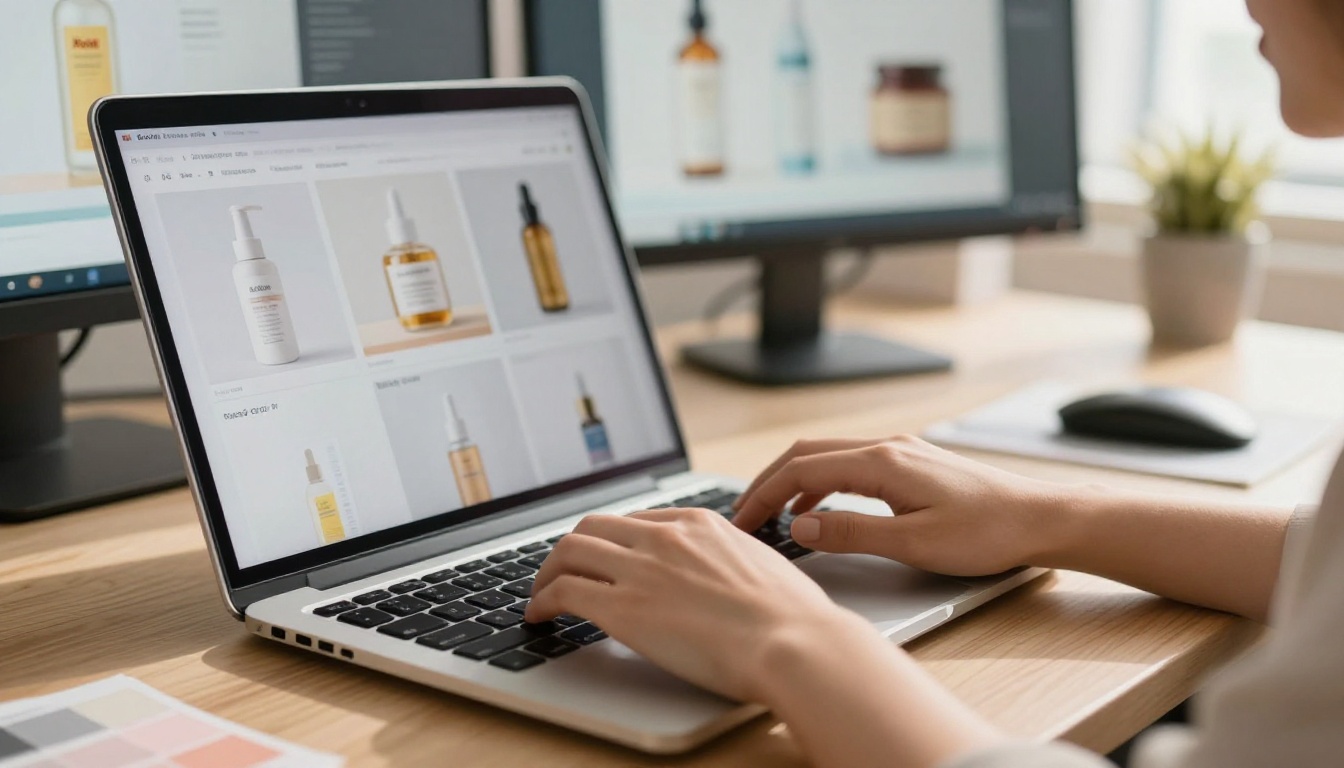
The model was built with two priorities: speed and instruction-following. When you describe a product mockup, it doesn't approximate what you asked for. It renders it. This precision is critical in marketing, where the difference between a placeholder visual and a production-ready asset is exactly what the client is paying attention to.
Speed That Changes Workflows
Traditional mockup workflows involve a photographer, a studio, props, post-production editing, and a designer who formats the final ad. That's a week minimum. With Nano Banana 2, you type a prompt and have a usable asset in seconds.
This isn't just convenience. It changes how creative teams plan campaigns. You can now test five visual directions before committing to a single production shoot. You can show a client three packaging options before the product even exists. The iteration cycle collapses from days to minutes.
Prompt-to-Mockup in Seconds
The model responds well to structured, specific prompts. Rather than vague directions like "make a nice product photo," you get far better results by describing the environment, the lighting, the surface, and the composition. This specificity is what separates a generic AI output from a real marketing asset.
💡 Prompt tip: Always describe the surface your product sits on, the lighting direction, the angle, and what surrounds it. Treat the prompt like a photography brief.
Why Marketers Are Using It
The adoption of Nano Banana 2 in marketing teams isn't accidental. It solves three real pain points that every brand team deals with regularly.
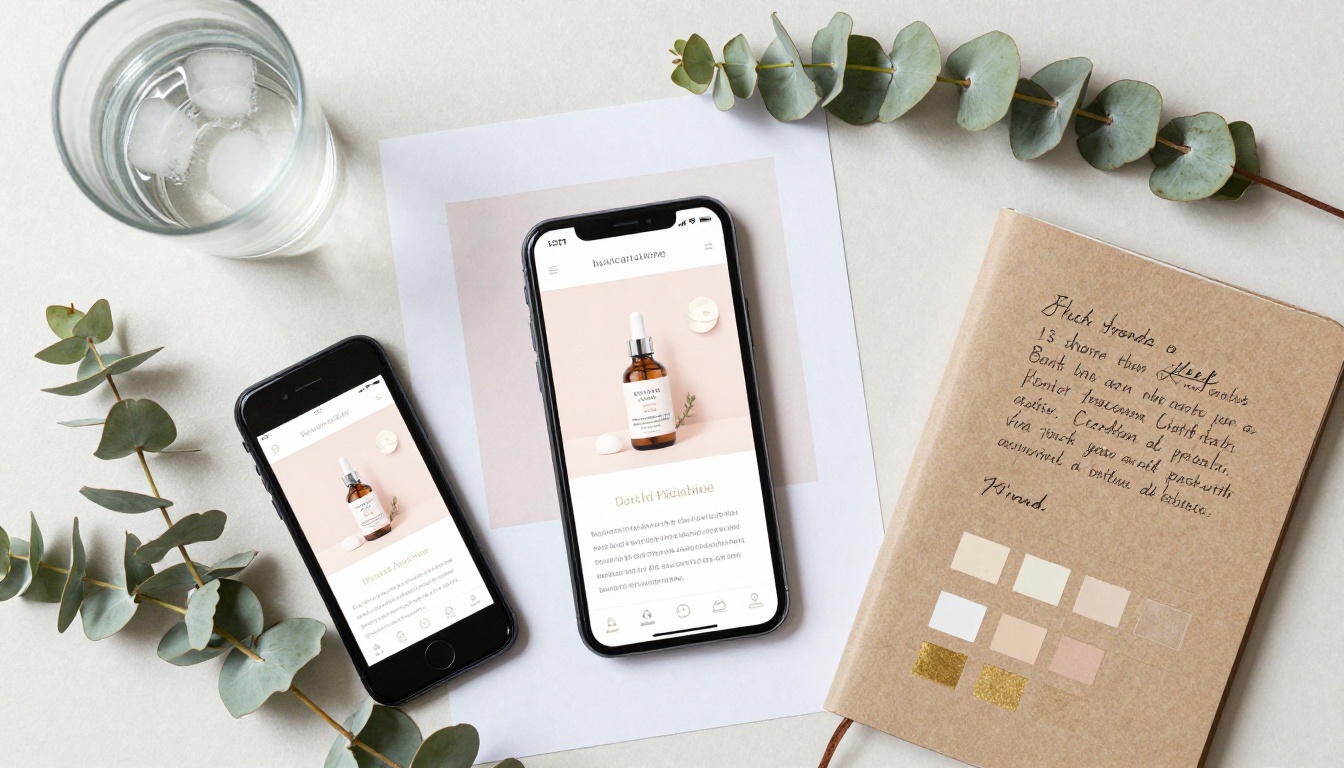
The cost problem. A professional product photography session costs anywhere from $500 to $5,000 per day, not including post-production. AI-generated mockups replace the majority of that spend for early-stage content, social media testing, and internal presentations.
The speed problem. Campaign calendars don't wait for studio availability. With Nano Banana 2, a social media manager can generate a week's worth of visual assets in an afternoon without touching Photoshop.
The dependency problem. When the designer is on vacation, most marketing teams freeze. With AI-generated mockups, non-designers can produce professional-looking visuals independently.
No Design Skills Required
This is where the real value lies for most marketing teams. You don't need to know composition, color theory, or typography to get good output. Nano Banana 2 handles the aesthetics. Your job is to describe what you want clearly, and the model executes.
That said, a basic familiarity with photography terms such as lighting direction, lens focal length, and depth of field dramatically improves results. Once you know the difference between an "85mm portrait lens" and a "wide angle," your prompts get noticeably better.
The Output Quality
For marketing purposes, Nano Banana 2 sits in the sweet spot: fast enough to iterate freely, detailed enough to use in actual campaigns. Skin textures are realistic, product surfaces reflect light naturally, and backgrounds read as genuine environments rather than AI-generated placeholders.
When you need maximum fidelity for hero images or print materials, models like flux-2-pro or flux-1.1-pro-ultra offer higher resolution output. But for the volume of content that digital marketing requires, Nano Banana 2's speed-to-quality ratio is unmatched.
Best Use Cases for Marketing
Not every marketing visual needs the same production value. Nano Banana 2 shines in specific situations where speed and visual quality need to coexist.
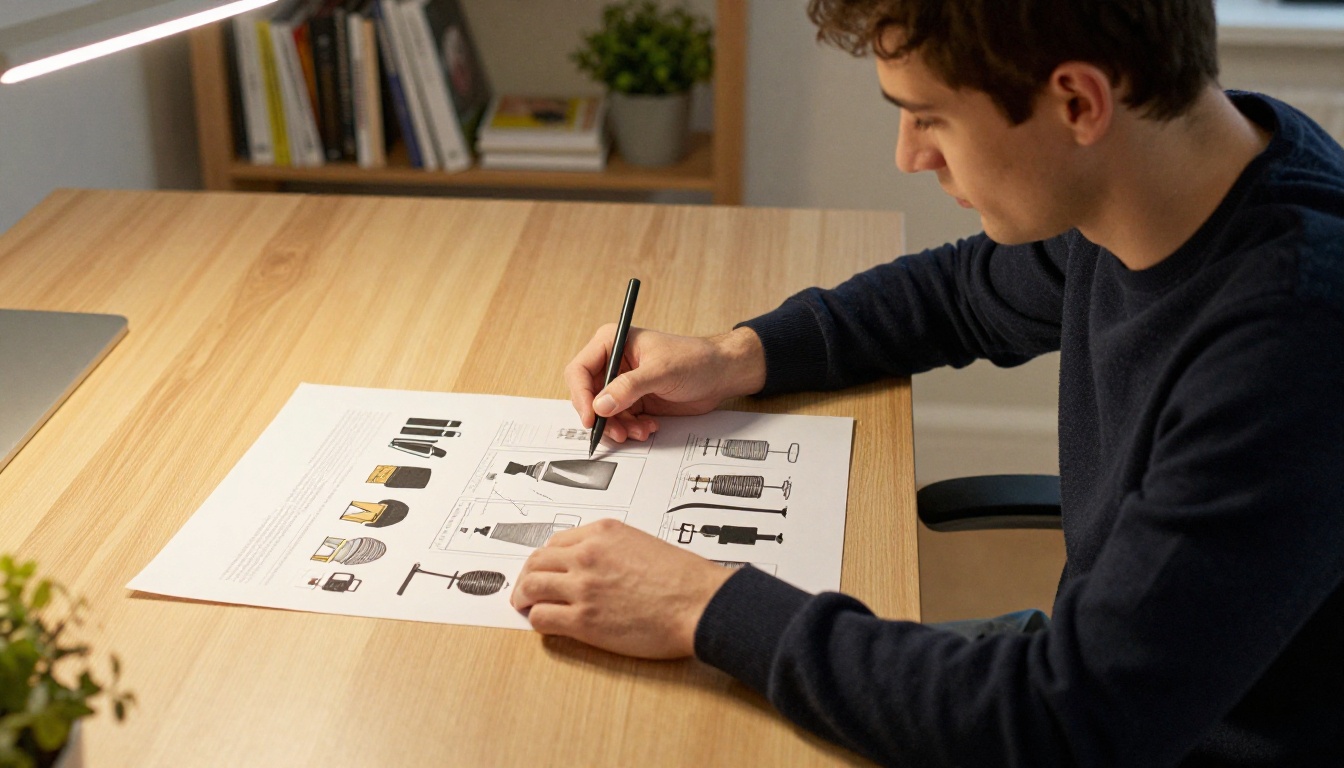
Social Media Campaigns
Social media content has an enormous appetite. A single active brand might need 20 to 30 new visuals per week across Instagram, Facebook, LinkedIn, and TikTok. Nano Banana 2 handles this volume without breaking a sweat.
The model excels at lifestyle mockups: products in real-world settings, people interacting naturally with branded items, and atmospheric scenes that support a campaign's mood. These are the images that perform best on social media because they feel authentic rather than staged.
High-performing social mockup types:
- Product on natural surfaces (marble, wood, linen)
- Lifestyle scenes with products in use
- Flat-lay arrangements with brand color accents
- Close-up texture shots for stories and reels
E-Commerce Product Shots
Product pages convert better when the visuals show the item from multiple angles and in real-world contexts. Nano Banana 2 can generate clean white-background shots, lifestyle contexts, and detail close-ups from a single product description, giving you a full e-commerce visual set without a studio.
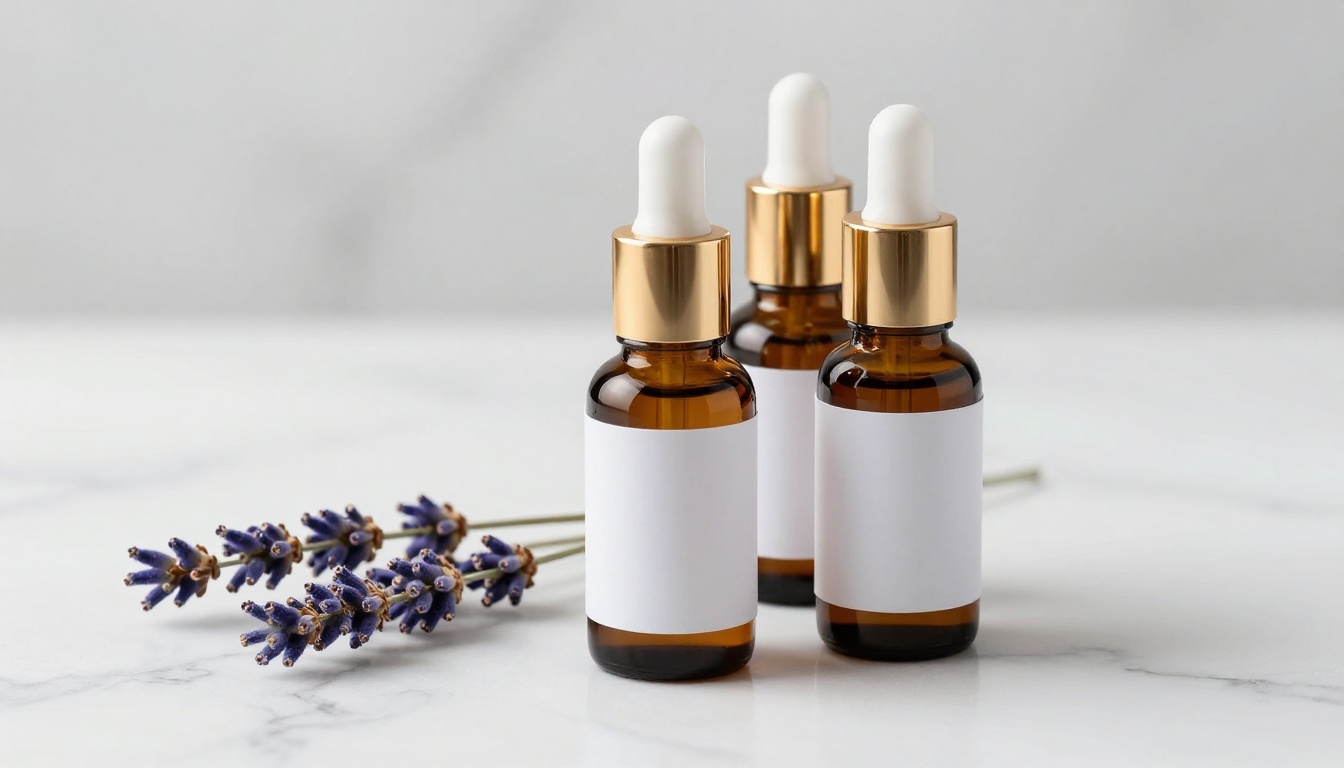
For e-commerce, structure your prompts around three things: the product itself, the surface it's on, and the lighting. A prompt like "amber glass serum bottle on white marble, soft studio light from the upper right, 90mm macro lens, Kodak Portra 400 film grain, photorealistic" produces genuinely usable product imagery.
Banner Ads and Promotional Graphics
Display advertising requires consistent volume across multiple sizes and visual themes. Nano Banana 2 produces the raw visual assets that your team formats into banners, without the bottleneck of commissioning custom photography for every campaign cycle.
| Ad Type | What Works Best |
|---|
| Instagram Feed | Lifestyle mockup, warm tones, 4:5 crop |
| Facebook Banner | Clean product on neutral surface, 16:9 |
| Display Ad Background | Atmospheric scene, soft focus |
| Story / Reel | Close-up texture, vertical composition |
| LinkedIn Post | Professional context, office environment |
Pre-Launch Product Visualization
One of the most valuable use cases: visualizing a product that doesn't exist yet. You can create convincing mockups of packaging, merchandise, and promotional materials from a product brief alone, then use those visuals in investor decks, client presentations, and pre-order pages before a single unit is manufactured.
How to Use Nano Banana 2 on Picasso IA
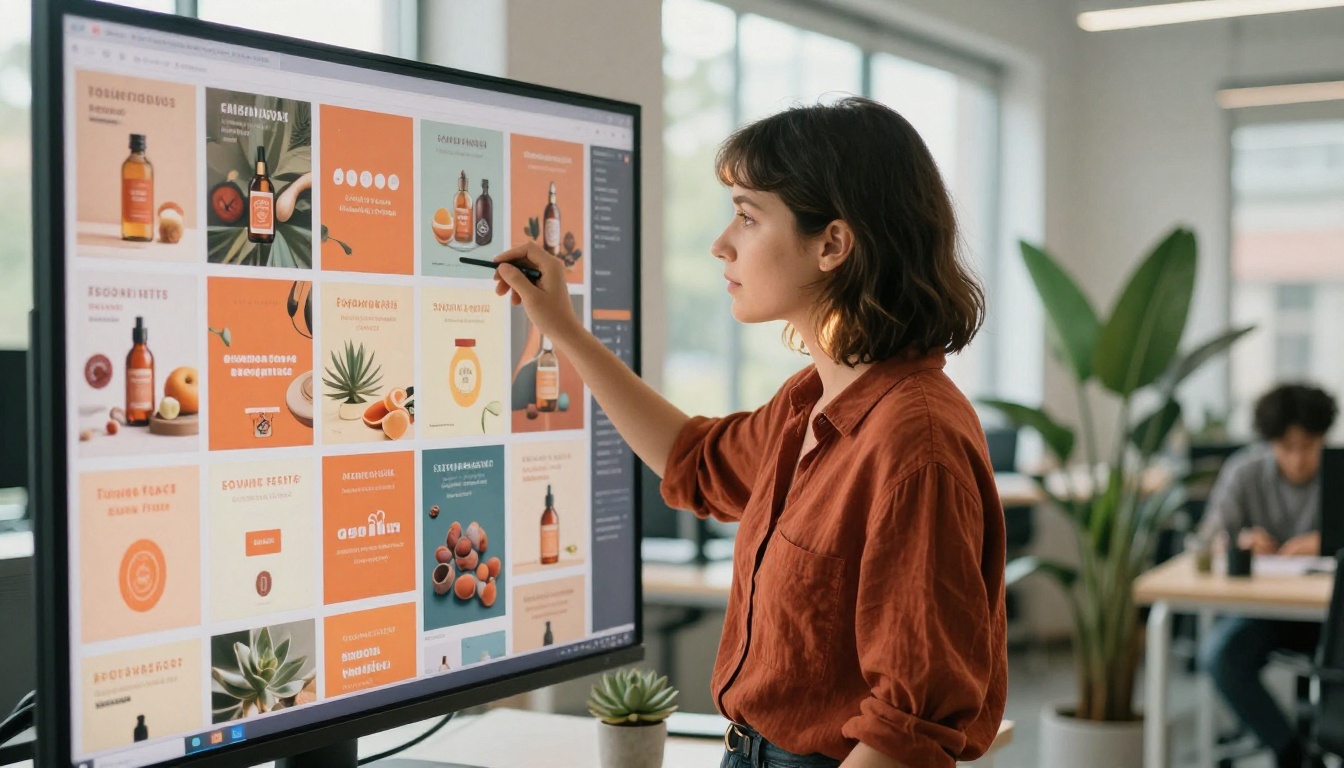
Nano Banana 2 is available directly on Picasso IA. Here's how to use it effectively from a blank screen to a finished marketing asset.
Step 1: Open the Model
Navigate to the Nano Banana 2 model page on Picasso IA. You'll see the prompt input field and basic generation settings. No installation, no API key, no local compute required.
Step 2: Write a Structured Prompt
The biggest mistake new users make is writing vague prompts. For marketing mockups, your prompt needs to function like a photography brief. Use this structure:
- Subject: What is the product, and what is it doing?
- Environment: What surface or setting is it in?
- Lighting: Direction, quality, and temperature of light
- Camera: Lens, angle, and depth of field
- Style: Film stock, texture notes, mood modifiers
Example prompt for a coffee brand mockup:
"Matte black coffee cup with clean label area sitting on a raw concrete surface, single espresso bean beside it, soft directional light from the upper left casting a shallow shadow, 85mm f/2 lens, Kodak Portra 400 film grain, photorealistic 8K"
Step 3: Set the Aspect Ratio
For social media ads, use 1:1 or 4:5. For banners and website headers, use 16:9. For stories and reels, use 9:16. Setting this before generating saves time in post-processing.
Step 4: Iterate Quickly
Generate 3 to 5 variations of the same concept by changing small elements in the prompt: surface material, lighting direction, or camera distance. You'll find what works faster than any traditional production process would allow.
💡 Speed tip: Keep your core prompt saved somewhere. Just swap the surface, lighting direction, or angle each time to generate a cohesive campaign set with visual variety.
Step 5: Download and Deploy
Once you have your assets, download them directly. For most social media platforms, Nano Banana 2's output is production-ready. For print or large-format use, consider running the output through flux-1.1-pro-ultra for additional resolution, or use Picasso IA's Super Resolution tools to upscale 2x to 4x.
Prompt Strategies That Actually Work
Getting professional results from Nano Banana 2 is 80% about prompt quality. These strategies separate generic AI output from a campaign-ready asset.
Mockup Prompts That Convert
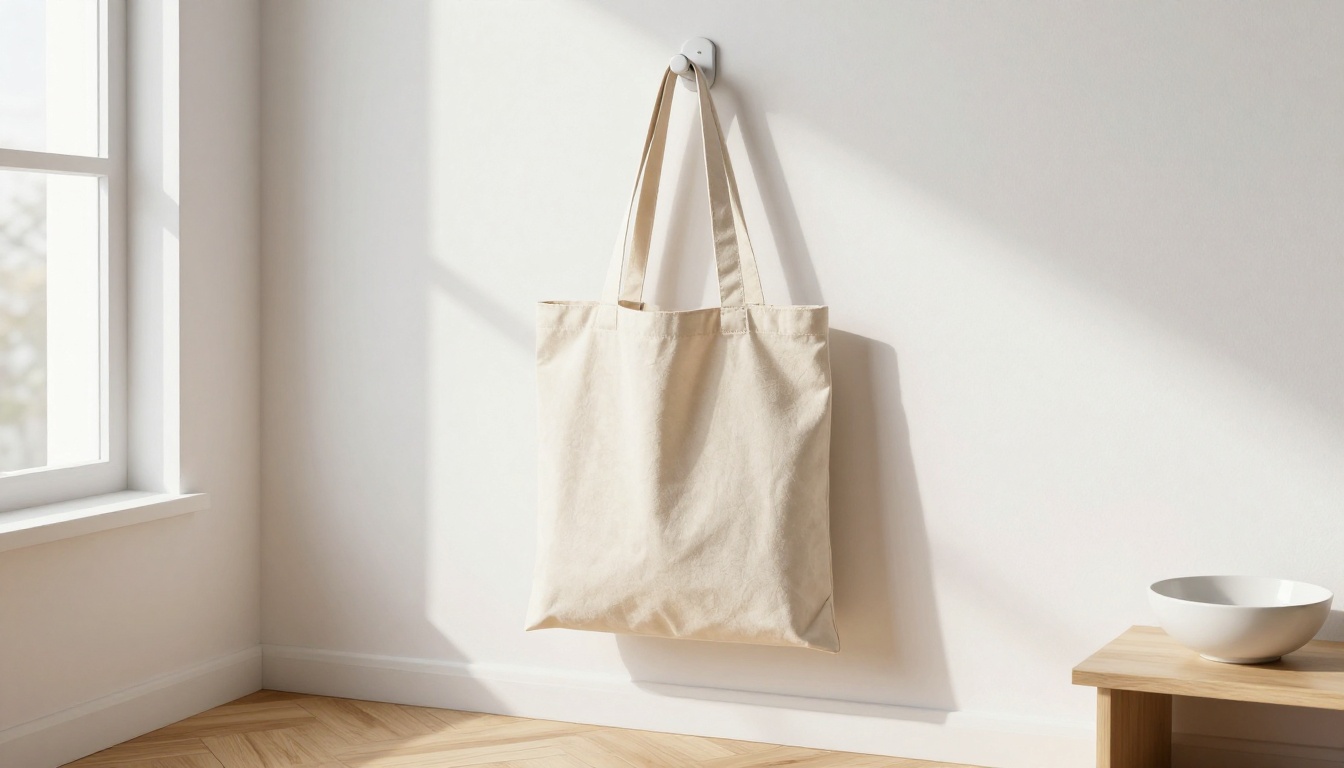
Surface-first approach: Start every product prompt by naming the surface. Marble, concrete, wood, linen, and acrylic all read differently and signal different brand tones. Marble says premium. Concrete says urban. Raw wood says natural and artisan.
Light before angle: Describe the lighting before the camera angle. Light is what makes a product look real. "Soft box from the upper right, 45 degrees" is information the model uses to build a believable product image.
Avoid color descriptions of labels: If you're making a mockup (blank label area for later design), say "clean white label area" or "unbranded surface." Describing a specific logo or text often produces distorted results.
The quality stack: End every prompt with a consistent quality stack. Something like "Kodak Portra 400 film grain, 8K, photorealistic, natural lighting, no CGI" signals the style register to the model and produces consistent results across a campaign set.
Working with Brand Color Palettes
When your brand has specific colors, you can guide the image's overall palette without referencing logos or text. Describe the surrounding elements in your brand colors: a linen cloth in dusty rose, a notebook in sage green, a background wall in warm ivory.
This approach lets you build branded visual environments without triggering the model's text-rendering limitations.
What to Avoid in Marketing Prompts
| Avoid This | Use This Instead |
|---|
| "Make it look professional" | Specific lighting and surface description |
| Brand logo in the image | Blank label area, brand color accents |
| "3D render style" | "Photorealistic, Kodak Portra 400" |
| "Make it pop" | Specific contrast and lighting instruction |
| "Include text" | Generate clean, then add text in your design tool |
Nano Banana 2 vs Other Models
Choosing the right model depends on your specific use case. Here's how Nano Banana 2 stacks up against other options available on Picasso IA.

Speed Comparison
Nano Banana 2 is significantly faster than high-end models like flux-2-pro or ideogram-v3-quality. This speed advantage makes it ideal for:
- High-volume social media content
- Rapid client presentation mockups
- A/B testing multiple visual directions
- Internal concept visualization
When to Use Nano Banana Pro Instead
Nano Banana Pro is the upgraded version of the same architecture. If you need maximum detail for a hero image or a shot that will appear in a large-scale context (billboard, print ad, packaging), Nano Banana Pro adds fidelity at a slight speed cost. For social media and digital display advertising, the speed of Nano Banana 2 wins every time.
When Text in Image Matters
If your ad requires readable text inside the image itself, ideogram-v3-quality handles typography inside generated images far better than most models. For campaigns where the headline lives inside the visual (not just layered on top), Ideogram is the more reliable choice.
Building a Real Marketing Workflow
The highest-impact use of Nano Banana 2 isn't generating single images in isolation. It's integrating it into a repeatable content production workflow.
The 4-Step Campaign Visual Workflow
1. Define the visual brief. Before touching a prompt, write down: product, surface, mood, brand colors, target platform, and number of variations needed.
2. Generate the visual set. Use Nano Banana 2 to produce 10 to 15 raw images from 3 to 4 core prompts. Vary angle, surface, and lighting across the set.
3. Select and refine. Pick the 5 to 6 strongest assets. For any that need improvement (background removal, color correction, resolution), use Picasso IA's integrated tools: Background Removal, Super Resolution (upscale 2x to 4x), or AI Image Restoration.
4. Design and deploy. Bring the cleaned assets into your design tool (Canva, Figma, Adobe Express), add copy, and format for each platform.
This workflow reduces a traditional 3 to 5 day production cycle to a single afternoon. A solo marketing manager can maintain a full social media presence for multiple products on this model alone.
Batch Content Production
For brands with high posting frequency, batch production is the approach. Set aside 2 to 3 hours once per week. Generate all visual assets for the upcoming week using a consistent prompt template. Maintain brand visual consistency by keeping your quality stack and surface choices the same across a campaign.
💡 Consistency tip: Save a "master prompt template" for each of your brand's product lines. Change only the product description and angle between generations to keep campaign visuals cohesive.
What You Can Build Today
If you've been relying on expensive shoots or waiting on designers for every visual request, the workflow in this article changes what's possible for your team.
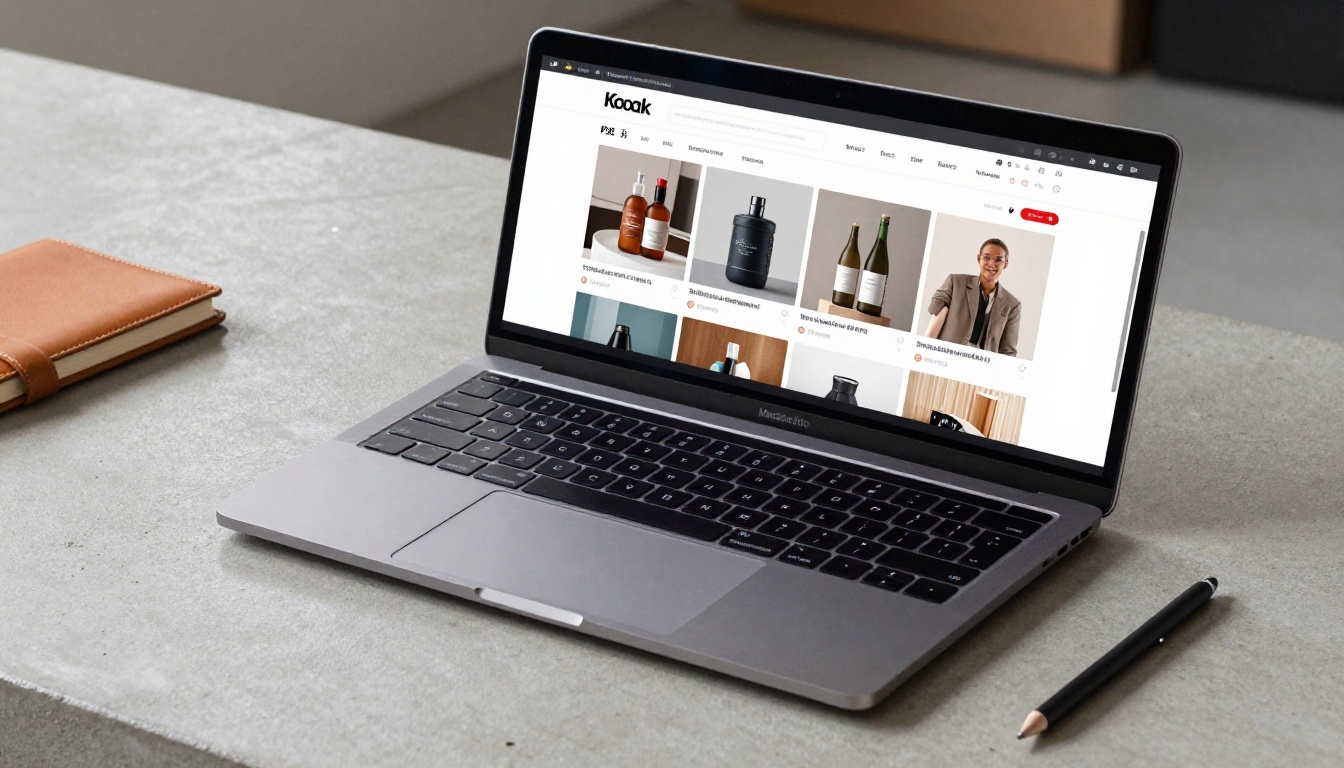
Nano Banana 2 on Picasso IA puts professional marketing mockups and ad visuals within reach of anyone who can write a clear description. No design software. No studio. No waiting.
Start with a single product mockup. Write a structured prompt: product, surface, lighting, lens, quality stack. Run five variations. Pick the best. Format it for your platform. That's the whole workflow, and you can have it done in under 20 minutes.
When you're ready to scale up, the tools are all in the same place: faster iterations with Nano Banana 2, higher fidelity finals with Nano Banana Pro or flux-2-pro, text-integrated ads with Ideogram V3, and super-resolution upscaling when you need print-ready output.
Open Nano Banana 2 on Picasso IA and build your first mockup. The next campaign visual doesn't need a studio appointment.


