The choice between free and paid often feels like a gamble. You sign up, hit a wall after two or three tries, then wonder if the premium tier is actually worth it or just the same thing with a bigger price tag. Nano Banana 2, Google's fast text-to-image model available on PicassoIA, plays it differently. The free plan is genuinely useful. The paid plan is genuinely better. Here is exactly what you get on each, with no vague promises.
What Nano Banana 2 Actually Is
Nano Banana 2 is a text-to-image model developed by Google, optimized for fast generation without sacrificing the visual quality that creative work demands. It sits in a sweet spot between raw speed and output fidelity, making it popular among designers, content creators, and anyone who needs volume without waiting minutes per image.
The "2" in the name matters. It improves on the original Nano Banana with sharper text rendering, more accurate prompt adherence, and better handling of complex scene compositions. It produces images that look intentional rather than accidental.
On PicassoIA, you can access it directly through the text-to-image collection, either as a free user with platform credits or as a subscriber with expanded generation capacity.
Speed and Output Quality
Speed is where Nano Banana 2 earns its reputation. Generation times are consistently fast, often delivering results in seconds rather than the 30-60 second waits common with heavier models. Output resolution, color accuracy, and compositional consistency all hold up across different types of prompts.

How It Fits Into the PicassoIA Ecosystem
PicassoIA hosts over 91 text-to-image models alongside tools for video editing, background removal, image upscaling, and more. Nano Banana 2 is one of the headline models in the text-to-image collection, positioned for users who want reliable, fast results rather than spending time fine-tuning complex parameter sets. The platform also offers face swap, lipsync, AI music generation, and speech-to-text tools, so Nano Banana 2 fits into a much larger creative workflow rather than existing in isolation.
The Free Plan, Broken Down
Free access on PicassoIA gives you a real look at what Nano Banana 2 can do. It is not a crippled demo. You can generate full, usable images from the moment you create an account.

Daily Credit Allocation
Free users receive a daily credit allowance that refreshes every 24 hours. Each generation of Nano Banana 2 costs credits, and the free tier gives you enough to test prompts, try different styles, and produce a handful of finished images per day.
The credit system is per-model, meaning generating with Nano Banana 2 costs different amounts than generating with heavier models like Flux 2 Pro or Imagen 4. Because Nano Banana 2 is optimized for speed, its credit cost is lower, which means your free daily allocation stretches further here than it would on premium-tier models.
💡 Tip: If you want to stretch your free credits as far as possible, Nano Banana 2 is one of the most credit-efficient models on the platform for realistic, fast outputs.
Output Resolution on Free Tier
Free plan outputs on Nano Banana 2 are generated at standard resolution, suitable for web use, social media posts, blog images, and personal projects. They are clean, finished images without intentionally degraded quality designed to push you toward paid.
What the Free Plan Leaves Out
Here is where the limits become clear:
- No commercial use license on free-tier outputs
- Watermark inclusion on some output types
- Limited batch generation (one image per prompt, no simultaneous variations)
- No API access for workflow integrations
- Lower daily credit cap means you hit the ceiling quickly on heavy production days
- No priority queue access (generation may wait during peak hours)
These are meaningful restrictions if you are doing client work, building a product, or need volume. For personal projects, testing, or casual creativity, the free plan holds up well.
The Paid Plan, Feature by Feature
Upgrading on PicassoIA removes the ceiling. The paid plan does not just give you more credits; it changes what the platform can do for your workflow.

More Credits, Fewer Limits
Paid subscribers receive significantly more monthly credits compared to the free daily allocation. The math matters here. If you generate 20-30 images per day for client work or content pipelines, the free tier runs dry fast. The paid pool is designed for production volume.
Credits on paid plans also roll over in part, meaning unused credits from one period do not simply disappear. This is useful if your workload varies week to week.
Higher Resolution Outputs
Paid access on Nano Banana 2 unlocks higher resolution outputs. For print work, large-format content, or any use case where pixel density matters, the difference is real. Where free outputs work for web, paid outputs hold up at larger sizes without the quality loss that comes from upscaling a lower-resolution base.
You can also use the platform's Super Resolution tools to push Nano Banana 2 outputs even further, taking a paid-tier output and reaching near-print quality in a second step.
No Watermarks, Full Commercial Rights
This is often the deciding factor for professional users. Paid plan outputs from Nano Banana 2 come watermark-free with commercial use rights included. You can use them in client deliverables, sell them as part of a product, or publish them commercially without restriction.
💡 Important: If you are generating images for any paid work or commercial project, the free plan's license restrictions make the paid tier non-optional from a legal standpoint.
Batch Generation and Variations
Paid users can generate multiple variations of a single prompt simultaneously. Instead of running a prompt, reviewing the result, adjusting, and running again, you get several options in one go. This cuts iteration time significantly when you are trying to land on the right composition or style.
Priority Processing
During peak usage hours, free users may experience queue delays. Paid subscribers skip the queue, which keeps generation times consistent regardless of platform load. For time-sensitive work, this matters more than it might seem on paper.
API Access
Paid tiers include API access, which allows Nano Banana 2 to integrate directly into your tools, scripts, or applications. Developers building creative apps, automating content pipelines, or embedding AI image generation into their products need this. Free users cannot access the API at all.
Free vs Paid at a Glance
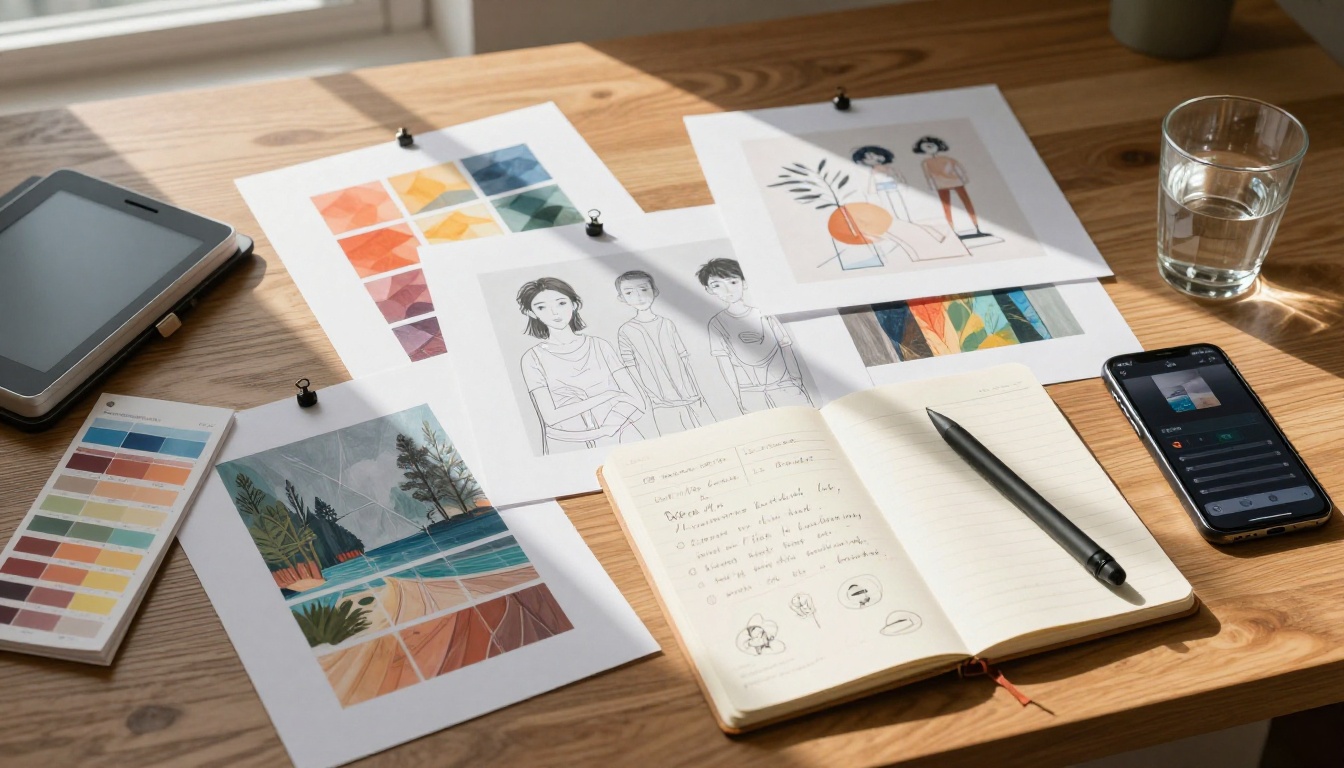
| Feature | Free Plan | Paid Plan |
|---|
| Daily/Monthly Credits | Limited daily cap | Large monthly pool |
| Output Resolution | Standard (web-ready) | High resolution |
| Watermark | Yes (some outputs) | No |
| Commercial Use | Not included | Included |
| Batch Generation | Single output | Multiple variations |
| API Access | No | Yes |
| Queue Priority | Standard | Priority |
| Credit Rollover | No | Partial |
| Model Access | Core selection | Full model library |
The table above shows the structural difference between plans. The paid tier is not just "more of the same." It changes the terms under which you work.
How to Use Nano Banana 2 on PicassoIA
Since Nano Banana 2 is available directly on PicassoIA, the process is straightforward whether you are on the free or paid plan.

Step 1: Open the Model Page
Go to Nano Banana 2 on PicassoIA. You will see the generation interface with a prompt input field and parameter controls visible on the right side.
Step 2: Write a Specific Prompt
Nano Banana 2 responds best to descriptive, specific prompts. Instead of writing "a woman on a beach," write something like "a woman in a white linen dress standing on a sunlit beach, golden hour light, shallow depth of field, photorealistic, 8k." The more specific you are about lighting, composition, and style, the closer the output matches your intent.
Avoid vague adjectives without context. "Beautiful" tells the model nothing useful. "Warm afternoon light catching the highlights in her hair, backlit silhouette" tells it exactly what you want.
Here are a few prompt structures that work well:
[Subject] + [Action/Pose] + [Environment] + [Lighting conditions] + [Camera details] + [Quality modifiers][Scene description] + [Specific texture details] + [Mood/atmosphere] + [photorealistic, 8k, high detail]
Step 3: Set Your Parameters
Within the interface, adjust settings like:
- Aspect ratio: 16:9 for wide compositions, 1:1 for social media, 9:16 for vertical formats
- Number of outputs: On paid plans, set this to 2-4 to get variations in a single run
- Seed: Fix a seed number to get reproducible results when iterating on a composition without it drifting
Step 4: Generate and Review
Hit generate. Nano Banana 2 is fast, so results arrive quickly. Review them critically. Pay attention to how well the model followed your prompt on details like lighting direction, subject position, and background content. If the result is close but not right, refine your prompt rather than regenerating identically.
💡 Prompt Tip: If the model is missing a specific detail, move that detail to the beginning of your prompt. Earlier tokens carry more weight in the generation process.
Step 5: Download or Continue Editing
Download your output directly, or pass it to other PicassoIA tools. You can upscale it with Super Resolution, use inpainting to fix specific areas, or strip the background with the Background Removal tool for product-style shots.
Which Plan Fits Your Situation
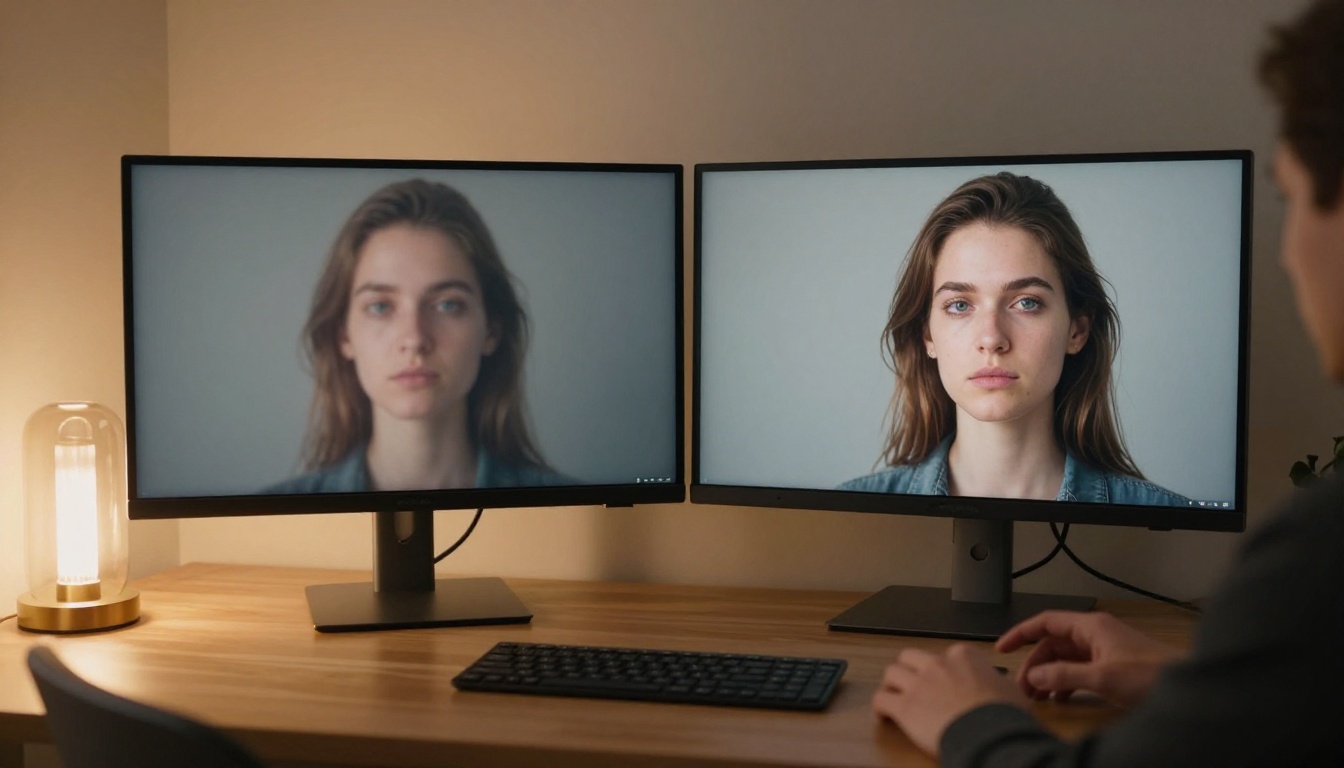
The right plan depends entirely on what you are doing with the images you generate.
Hobbyists and Personal Projects
If you are generating images for personal use, building a portfolio, practicing prompt writing, or simply experimenting, the free plan works well. The daily credit refresh keeps things moving. The output quality is real. The only friction is the commercial restriction and the daily cap.
Free is the right starting point here. You can upgrade later if your needs shift.
Freelancers and Content Professionals
If client work is involved in any way, paid is the only viable option. The commercial license alone justifies it. Beyond that, batch generation reduces the back-and-forth with clients because you can offer them three or four options instead of one. Priority processing keeps your timeline predictable.
Freelancers doing content production, social media management, or marketing asset creation will find the paid plan pays for itself quickly in time saved.
Developers and Power Users
If you are building something that uses AI image generation, whether a product, a tool, or an automated workflow, API access is essential and only available on paid plans. The credit volume also needs to match your integration's output requirements. Free plan credits would cap out within the first few API calls.
Other Models Worth Trying
Nano Banana 2 sits in a well-populated category. Depending on what you need, there are adjacent models worth knowing about.
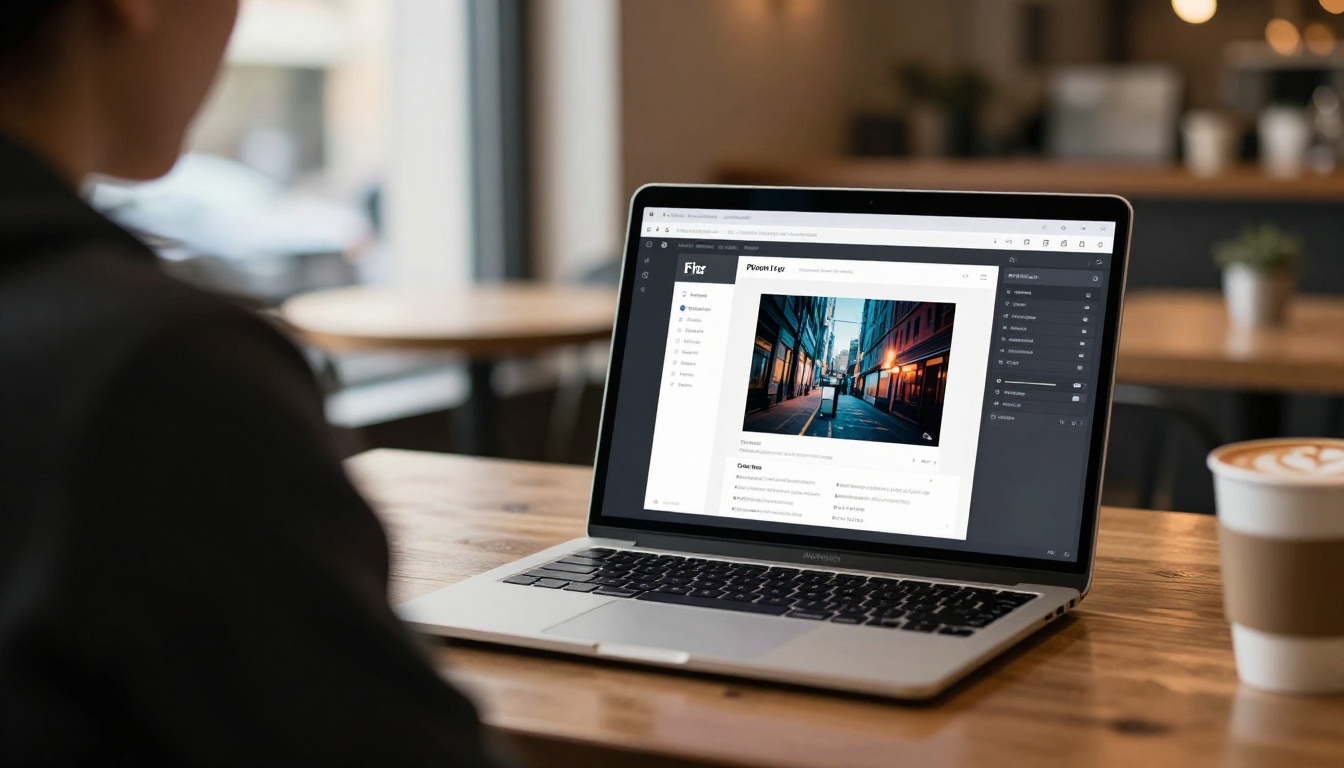
nano-banana-pro for Demanding Outputs
Nano Banana Pro is the higher-capability sibling to Nano Banana 2. It trades some generation speed for additional detail and fidelity in complex scenes. If Nano Banana 2 consistently almost gets what you need but falls short on intricate details, Pro is the natural next step.
Flux 2 Pro for Maximum Fidelity
Flux 2 Pro from Black Forest Labs sits on the opposite end of the speed-quality spectrum. Generation takes longer and uses more credits, but the outputs are among the highest fidelity available on the platform. For hero shots or any single image where quality is the entire point, Flux 2 Max and Flux 2 Pro deliver consistently.
Imagen 4 for Google-Quality Realism
Imagen 4 is Google's flagship text-to-image model, offering photorealistic outputs with strong scene coherence and accurate detail rendering. If you need the absolute best from Google's model family and have credits to spend, Imagen 4 sits above Nano Banana 2 in the quality hierarchy. For faster outputs from the same family, Imagen 4 Fast is also worth considering.
Seedream 4 for High-Resolution Work
Seedream 4 from ByteDance handles ultra-high-resolution generation natively, making it useful for print or large-format outputs that do not need post-generation upscaling.

The Real Tradeoffs
Most free-vs-paid comparisons frame the decision as "good enough vs great." With Nano Banana 2, the framing is more specific: the free plan is genuinely capable but limited by volume and licensing. The paid plan removes both limits and adds workflow features that compound over time.
If you generate images occasionally, the free plan covers your needs. If you generate images as part of how you work, whether for clients, content, or products, the paid plan is the more practical choice once you factor in commercial rights, batch efficiency, and priority access.
Neither plan is wrong. They serve different use cases, and Nano Banana 2 is strong enough that the difference between plans is a workflow question, not a quality question.
Try It and See for Yourself
The fastest way to find your answer is to actually use the model. Start with Nano Banana 2 on PicassoIA on the free plan, run a few prompts with the kind of images you actually need, and see where you hit friction. If the daily limit stops you before you are done, that tells you something. If you finish your work and still have credits left, that tells you something different.
PicassoIA's text-to-image collection gives you 91 models to work with alongside Nano Banana 2, from Flux 2 Dev and Recraft V4 Pro to Ideogram V3 Quality and Seedream 5 Lite. The right model for your specific output exists in there. Start generating and you will find it.