Nano Banana 2: Google's Fastest AI Image Generator Explained
Nano Banana 2 is Google's fastest text-to-image AI model, built from the ground up for speed. This article breaks down what it is, how it compares to Flux Schnell and Imagen models, its architecture, real use cases, and how to get the best results from it in practice.
If you've been watching the AI image generation space, one thing becomes obvious fast: the race to produce the most photorealistic output has mostly been won. The new battleground is speed. How quickly can a model take a text prompt and return something genuinely usable? That's where Nano Banana 2 enters the picture. Google's lightweight, optimized text-to-image model sits in a category designed entirely around rapid synthesis, and it's worth understanding exactly what it offers, where it fits in the broader ecosystem, and whether it lives up to its reputation.
What Exactly Is Nano Banana 2?
Nano Banana 2 is a text-to-image model developed by Google, positioned specifically in the fast-generation tier. Unlike Google's premium models like Imagen 4 Ultra, which prioritize the highest possible output fidelity, Nano Banana 2 is engineered to deliver visually coherent, usable images at dramatically reduced inference times.
The "nano" in the name isn't just branding. It reflects a genuine architectural philosophy: a smaller parameter count, optimized for speed without sacrificing the core visual quality that makes output practically useful.
The Name Behind the Speed
"Nano Banana" as a model family name may sound playful, but the lineage it sits in has serious technical roots. The original Nano Banana established the family's reputation for snappy generation. The second iteration, Nano Banana 2, refines that foundation with improved prompt adherence, better color accuracy, and tighter compositional control, all while maintaining the sub-second to few-second inference windows that define the fast-gen category.
The evolution between the two versions follows a familiar pattern in AI development: the first model proves a concept, and the second one actually makes it practical.
Google's Role in the AI Image Race
Google has been playing a deep game in generative AI. On one end, Imagen 4 and Imagen 4 Ultra represent the company's flagship quality tier, competing directly with the best models from OpenAI and Black Forest Labs. On the other end, models like Imagen 3 Fast and Imagen 4 Fast serve production use cases where throughput matters.
Nano Banana 2 occupies a distinct position: it's not just a "fast" version of a bigger model. It was built from the ground up with speed as the primary constraint, with quality following within those limits.
How Fast Is It Really?
Speed claims in the AI image generation space can be slippery. "Fast" for one model might mean 5 seconds; for another it means 500 milliseconds. Nano Banana 2 sits at the genuinely rapid end of the spectrum, with generation times that make it viable for interactive applications, rapid prototyping workflows, and batch generation pipelines.
Speed vs. Quality Trade-offs
There's an honest trade-off here, and it's worth naming directly. At its speed tier, Nano Banana 2 won't produce the same micro-detail richness you'd get from Imagen 4 Ultra or the high-fidelity output of Flux 2 Pro. What it does produce is visually clean, compositionally coherent imagery that's immediately usable for:
Rapid concept visualization in creative workflows
Content drafts that will be refined or replaced
High-volume generation where speed matters more than maximum quality
Interactive tools where users need near-instant feedback
💡 When to use Nano Banana 2: If your workflow requires seeing 20 variations in the time it takes a premium model to generate one, Nano Banana 2 is the right tool.
Benchmarks Worth Knowing
While official benchmarks vary by hardware and implementation, the pattern holds across independent tests: Nano Banana 2 generates images in a fraction of the time required by full-scale diffusion models. In comparative testing against models in similar speed tiers, it consistently holds up in terms of prompt fidelity and color reproduction, two areas where fast models often struggle most.
Understanding what's happening under the hood helps calibrate expectations and get better results.
The Architecture Behind It
Nano Banana 2 operates within the diffusion model paradigm but with significant optimizations at the architecture level. Rather than running a full denoising chain at full resolution from the start, it uses a combination of reduced step counts and lower-resolution latent space operations to achieve speed. This is conceptually similar to what models like SDXL Lightning do with step distillation, though Google's implementation is specific to its own model family and training pipeline.
The practical effect: you're not running fewer steps of a quality model. You're running a model that was explicitly trained to produce good results in fewer steps, which is architecturally different and generally produces cleaner output than simply truncating a standard model's inference process.
Training Data and Optimization
Google's model training practices, informed by their work across the Imagen family, bring several advantages to Nano Banana 2:
High-quality training data curation: Google's scale allows for rigorous filtering of training imagery, which tends to produce models with better average output quality
Prompt understanding: Leveraging Google's strengths in natural language processing, the model shows good adherence to descriptive text prompts
Safety tuning: Consistent with Google's deployment practices, the model includes guardrails that make it suitable for production use
💡 Practical tip: Nano Banana 2 responds well to descriptive, specific prompts. Rather than "a dog in a park," try "a golden retriever sitting in a sunlit park, autumn leaves, shallow depth of field." The model's prompt adherence rewards precision.
Nano Banana 2 vs. The Competition
The fast-generation tier is competitive. Several strong models occupy this space, each with distinct strengths.
Against Flux Schnell
Flux Schnell from Black Forest Labs is arguably the most well-known model in the fast-generation category. It produces clean, detailed output at speed, and has become a reference point for what fast generation can look like.
Nano Banana 2 holds its own here. In direct comparisons:
Nano Banana 2 tends to produce slightly warmer, more saturated color palettes
Flux Schnell often shows stronger detail resolution in fine texture areas
Both handle compositional prompts well, though Flux Schnell's larger training corpus gives it an edge on unusual subject combinations
Neither is definitively better. They're different tools with overlapping use cases.
Against Imagen 3 Fast
Imagen 3 Fast is Google's own offering in the speed-optimized tier, and the comparison here is illuminating. Imagen 3 Fast is a cut-down version of a quality-focused model. Nano Banana 2 is a speed-first design.
In practice, Imagen 3 Fast produces output that feels more "premium" in certain ways, particularly in photorealistic human faces, while Nano Banana 2 is faster and more versatile for abstract compositions, landscapes, and product-style imagery.
Comparing Output Quality
The honest assessment: Nano Banana 2 is not a premium model. It's an excellent fast model. Those are different things, and conflating them leads to frustration. When evaluated against its actual peers, it performs at or above expectations for its speed class, with particularly strong results in:
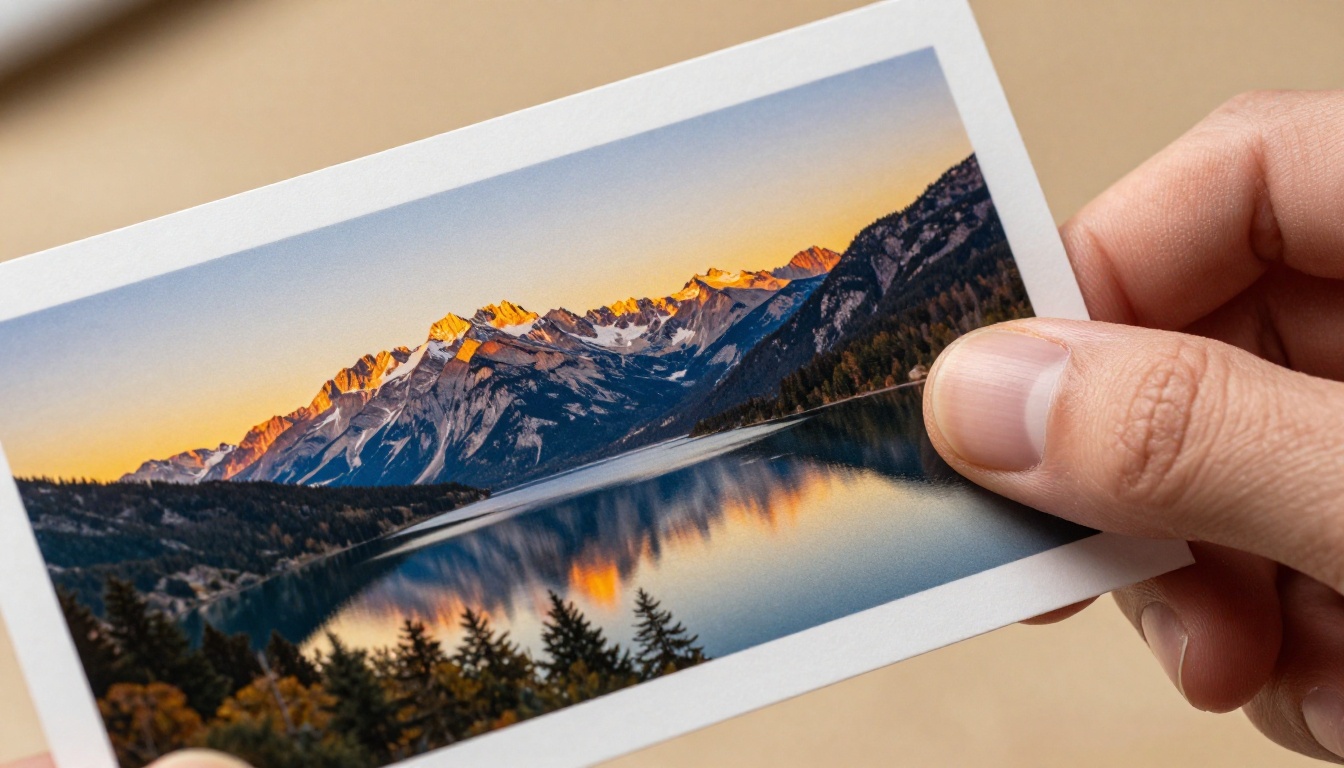
Landscape and environment generation
Product mockup imagery
Abstract and conceptual visuals
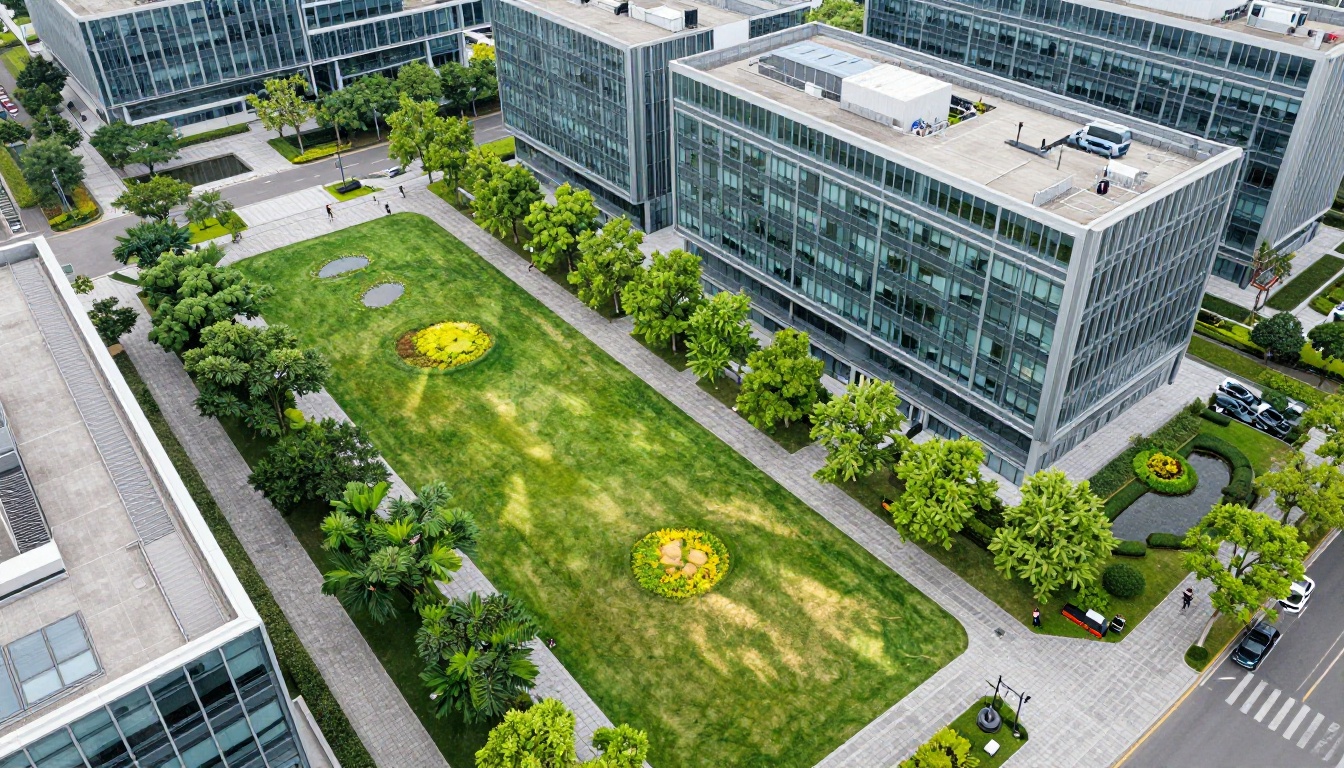
Architectural and interior scenes
Where it struggles relative to larger models: fine facial detail, hands and fingers, and highly complex multi-subject compositions.
What It's Good at (and What It Isn't)
A clear-eyed view of a model's strengths and limitations saves time and leads to better creative decisions.
Strengths That Stand Out
Speed, obviously. The generation time makes it viable for workflows where other models simply can't be used, particularly anything interactive or real-time adjacent.
Consistent visual coherence. One underrated strength of Nano Banana 2 is that it rarely produces obviously broken output. Many fast models at this tier will occasionally generate images with clear artifacts, warped geometry, or incoherent compositions. Nano Banana 2's failure modes are less dramatic, which matters in production.
Color and atmosphere. The model has a notably good sense of light and mood. Prompts specifying particular lighting conditions (golden hour, overcast diffused, harsh noon sun) tend to produce recognizable and attractive results.
Prompt responsiveness. For a fast model, it shows surprising fidelity to specific textual descriptions. Style prompts, environment specifications, and subject descriptions all translate well.
Where It Falls Short
Fine detail at high resolution. If you need photorealistic skin texture, individual strands of hair, or intricate fabric weave, you'll want Imagen 4 Ultra or Flux 2 Pro.
Complex multi-figure compositions. Managing spatial relationships between multiple subjects is harder for any fast model, and Nano Banana 2 is no exception.
Text in images. Like most diffusion-based models, rendering legible text within images is a weak point. For that, Recraft V4 Pro or Ideogram V3 Quality are better choices.
How to Use Nano Banana 2 on PicassoIA
Nano Banana 2 is available directly on the PicassoIA platform, alongside the rest of Google's model family. Here's how to get the most out of it:
Step 1: Access the Model
Navigate to the Nano Banana 2 model page on PicassoIA. The model is available in the text-to-image category and doesn't require any special account tier to use.
Step 2: Write an Effective Prompt
Nano Banana 2 rewards specificity. Use this structure for best results:
Example: "A ceramic coffee mug on a white marble surface, close-up, soft morning light from the left, minimal and clean, photorealistic"
💡 Prompting tip: Lead with the most important element. If the subject is a person, describe them first. If it's a landscape, start with the environment. The model processes early tokens with more weight.
Step 3: Adjust Settings
Aspect Ratio: 16:9 works well for editorial and web content. 1:1 for social media. 9:16 for mobile-first formats.
Seed: Set a specific seed if you want reproducible results. Leave it random when exploring.
Multiple Runs: Because generation is fast, running the same prompt 3-5 times and selecting the best result is a practical workflow. The speed makes this cost-effective.
Step 4: Iterate Fast
This is where Nano Banana 2's speed creates real value. Try a prompt, see the result in seconds, adjust, and run again. The iteration cycle that would take 10 minutes with a premium model takes 90 seconds with Nano Banana 2. Use that speed to explore before committing to a final generation.
💡 Workflow tip: Use Nano Banana 2 for exploration and direction-setting. Once you know exactly what you want, switch to Imagen 4 or Nano Banana Pro for the final high-quality render.
The Broader Google AI Image Ecosystem
Nano Banana 2 makes more sense when you see it as part of Google's layered approach to AI image generation. The company now offers a full spectrum of models, each tuned for a specific point on the speed-quality curve.
This progression is intentional. Google has built a model portfolio where you can move between tiers depending on where you are in your creative process. That's a sophisticated approach to AI tooling, and Nano Banana 2 is the entry point to that workflow.
Real Use Cases Where Nano Banana 2 Wins
Beyond abstract comparisons, here are concrete scenarios where Nano Banana 2's speed advantage translates to real value:
Content teams under deadline: When a writer needs 8 header images for an article due in an hour, Nano Banana 2 can produce a full set in minutes. The images won't be portfolio-quality, but they'll be professional enough for web publication.
App and UX prototyping: Product designers testing a visual direction can generate placeholder imagery at the pace of thinking. No waiting, no bottleneck.
Social media content calendars: High-volume social content production benefits enormously from fast generation. When you need 30 images a week, generation time compounds quickly.
Client presentations: Getting a visual concept in front of a client fast, before committing time to refinement, changes the creative review dynamic entirely.
Educational and research contexts: Students, researchers, and educators working with generative AI benefit from the model's accessibility and speed, especially in constrained time environments.
💡 For creatives: Treat Nano Banana 2 like a sketchbook, not a final canvas. Its value is in how quickly it can show you whether an idea has legs.
Why Speed Matters More Than You Think
There's a psychological dimension to generation speed that doesn't get discussed enough. When you're waiting 30-60 seconds for an image, you mentally commit to a prompt before you've tested it. You optimize for fewer runs. You become risk-averse with your prompts.
When generation takes 2-3 seconds, your behavior changes. You try wilder prompts. You explore more. You're willing to waste a generation to see what happens. That behavioral shift is where creative value is actually created.
Nano Banana 2's speed doesn't just save clock time. It changes how you interact with the generation process itself, making the whole workflow more exploratory, more experimental, and ultimately more productive.
This is the often-overlooked argument for fast models. It's not just about throughput. It's about changing the relationship between the creator and the tool. And that relationship change, from cautious to bold, from linear to iterative, can produce meaningfully better creative outcomes even if the per-image quality ceiling is lower.
The models that will shape how people actually work with AI images aren't necessarily the ones with the highest quality ceiling. They're the ones that fit into real workflows, real time budgets, and real creative processes. Nano Banana 2 fits.
Start Creating with Nano Banana 2
The best way to form an informed opinion about Nano Banana 2 is to use it. Theory and comparison tables only go so far. The feel of a model, how it responds to your specific prompts and creative vocabulary, only reveals itself through hands-on use.
PicassoIA gives you direct access to Nano Banana 2 alongside the full Google model family, including Nano Banana Pro, Imagen 4, and Imagen 4 Ultra. You can switch between them freely, comparing outputs side by side and building an intuition for when each model is the right tool.
If your current workflow involves waiting for images, try shifting some of that work to Nano Banana 2. Not to replace your quality-focused pipeline, but to accelerate the exploratory phase before it. The speed difference will change how you think about what's possible.
Try it. Run 10 prompts in the time you'd normally run two. See what happens when generation speed stops being a constraint.