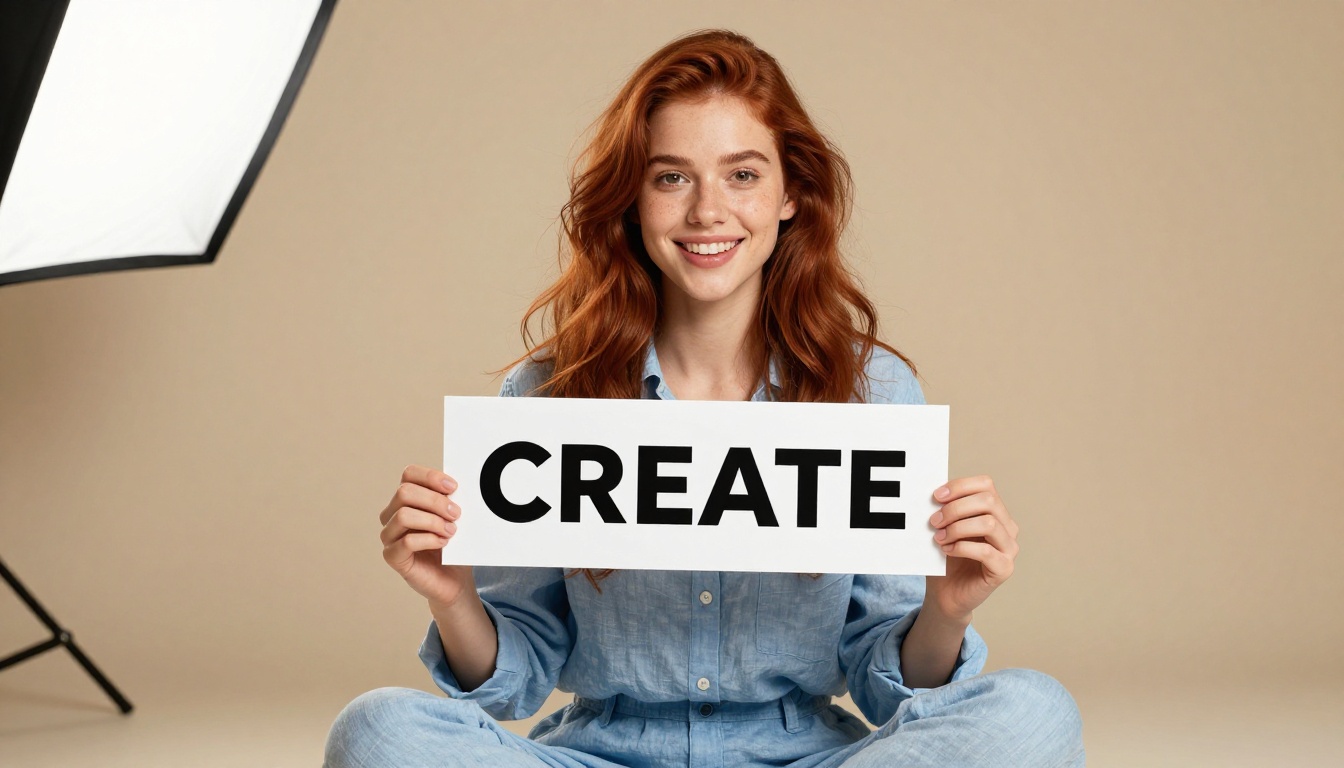
If you have ever asked an AI to generate an image with text in it and watched it produce something that looked like alphabet soup, you already know the pain. Words that should say "Grand Opening" come out as "Grnd Opennig." Signs that should read "Café du Monde" turn into decorative squiggles. For years, this was accepted as a quirk of how diffusion models work. That changed.
Nano Banana 2 by Google is one of the most capable text rendering models available right now, handling typography with a level of accuracy that makes real-world use cases finally viable. Whether you need a photorealistic product mockup, a social media poster, or a storefront sign with specific wording, this model produces clean, legible, correctly spelled text inside your images. This article walks through exactly how to use it, how to write prompts that work, and when to reach for it versus other tools.
Why Text Has Always Been Hard for AI
The Tokenization Problem
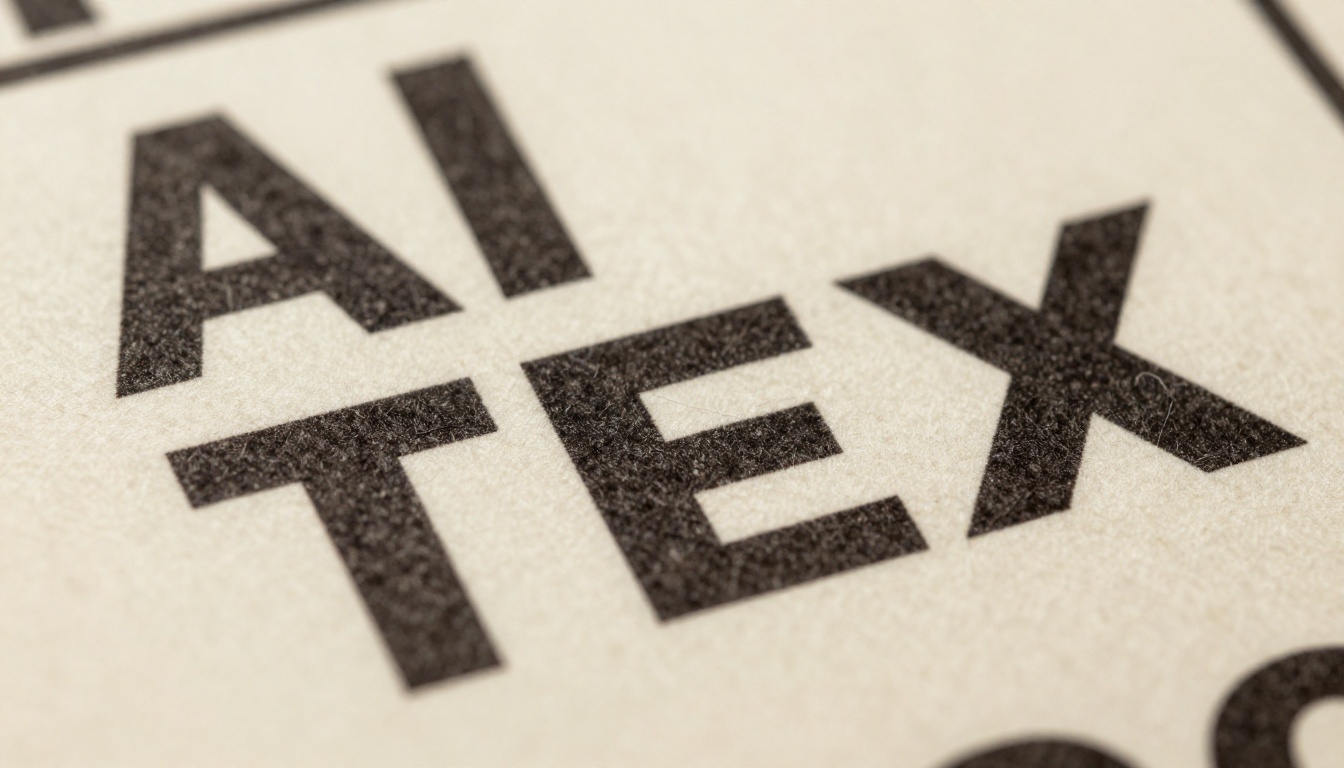
Standard diffusion models treat images as collections of visual patterns, not as semantic containers for language. They learn what text looks like at a pixel level rather than understanding what text means at a linguistic level. When you ask them to render the word "photography," they draw something that pattern-matches to squiggles resembling a long word, approximate shapes without committing to actual characters.
The root cause lives in how training data gets processed. Models not specifically trained for text accuracy tend to learn that text is just another visual texture, similar to fabric or wood grain. They approximate the shape without committing to the characters.
Why Most Models Still Fail
Even newer models struggle when you push them:
- Long strings of text (more than 4-5 words) almost always degrade in quality
- Unusual typefaces confuse the model's learned visual patterns
- Small text in busy backgrounds gets mangled because context competes with legibility
- Non-English scripts are especially unreliable in models trained primarily on English data
The result is an entire category of creative work that was out of reach for most AI image generators until very recently.
What Is Nano Banana 2?
Built by Google for Speed and Accuracy
Nano Banana 2 is Google's second-generation fast text-to-image model, optimized for speed combined with high-fidelity output including reliable text rendering. "Nano" refers to the model's efficient architecture that produces results quickly without the long wait times of larger parameter models.
What sets it apart is that text rendering is treated as a first-class output requirement rather than an afterthought. The training process incorporated specific attention to character-level accuracy, meaning the model does not just approximate word shapes. It actually attempts to produce the correct characters in the correct order.
💡 Key fact: Nano Banana 2 is built by Google, the same team behind the Imagen 4 lineup, which means its text rendering architecture benefits from deep research into multimodal models that understand both language and vision simultaneously.
How It Differs from the Original
The first Nano Banana was already fast, but Nano Banana 2 pushes the accuracy ceiling higher. Several improvements are immediately noticeable:
- Better character spacing: Letters no longer bleed or collide at the edges
- Improved short-string fidelity: Words of 1-5 characters are nearly perfect
- More stable multi-word rendering: Phrases of 5-8 words are usable in most compositions
- Stronger contextual integration: Text elements look physically embedded in the scene rather than stamped on top
If you are familiar with Nano Banana Pro for high-detail use cases, Nano Banana 2 sits below it in parameter count but above the original in text accuracy, making it the best balance of speed and reliability for everyday AI typography generation.
How to Use Nano Banana 2 on PicassoIA
The model is available directly through PicassoIA without any setup or API keys. Here is the exact workflow.
Step 1: Open the Model Page
Go to the Nano Banana 2 model page on PicassoIA. You will see the prompt input field and parameter controls in the right side panel. No account setup is required to experiment, but saving and exporting results requires being logged in.
Step 2: Write Your Prompt
This is where most people either win or lose. The structure of your prompt determines whether the text comes out clean. The short version: put any text you want rendered in quotation marks inside the prompt, and always describe the visual format of the text (sign, label, banner, poster, and so on).
Example prompt:
A rustic wooden storefront sign with the words "GRAND OPENING" carved in bold block letters, warm afternoon sunlight, photorealistic, 8K
Step 3: Set Your Parameters
| Parameter | Recommended Setting | Why |
|---|
| Aspect Ratio | 16:9 or 1:1 | Wider ratios give text more breathing room |
| Steps | Default (model-controlled) | Nano Banana 2 handles this automatically |
| Seed | Lock it once text is correct | Reproduce the exact same composition |
| Prompt Upsampling | Off for text prompts | Can rewrite text instructions unpredictably |
💡 Pro tip: Once you get a generation with correctly spelled text, immediately copy the seed number. Changing any other parameter with the same seed lets you iterate on composition, lighting, and style while preserving the text accuracy you already achieved.
Step 4: Generate and Iterate
Run the first generation. If the text comes out wrong:
- Check spelling in your prompt first (typos in the prompt become typos in the image)
- Simplify the phrase (try 2-3 words before attempting full sentences)
- Regenerate 2-3 times with the same prompt, since different seeds produce different character-level outputs
- Add "sharp legible text" as a quality modifier at the end of your prompt
Writing Prompts That Actually Work
Put Text in Quotes
This is the single most reliable thing you can do to improve text accuracy across virtually every model, including Nano Banana 2. Enclosing text in quotation marks signals to the model that this specific string must be reproduced exactly rather than interpreted loosely.
Without quotes (risky): A banner that says Happy Birthday
With quotes (better): A banner that says "Happy Birthday"
The model's attention mechanism treats quoted strings as high-priority reproduction targets rather than descriptive context, which is what makes the difference between readable text and decorative letter-shaped noise.
Describe the Visual Format
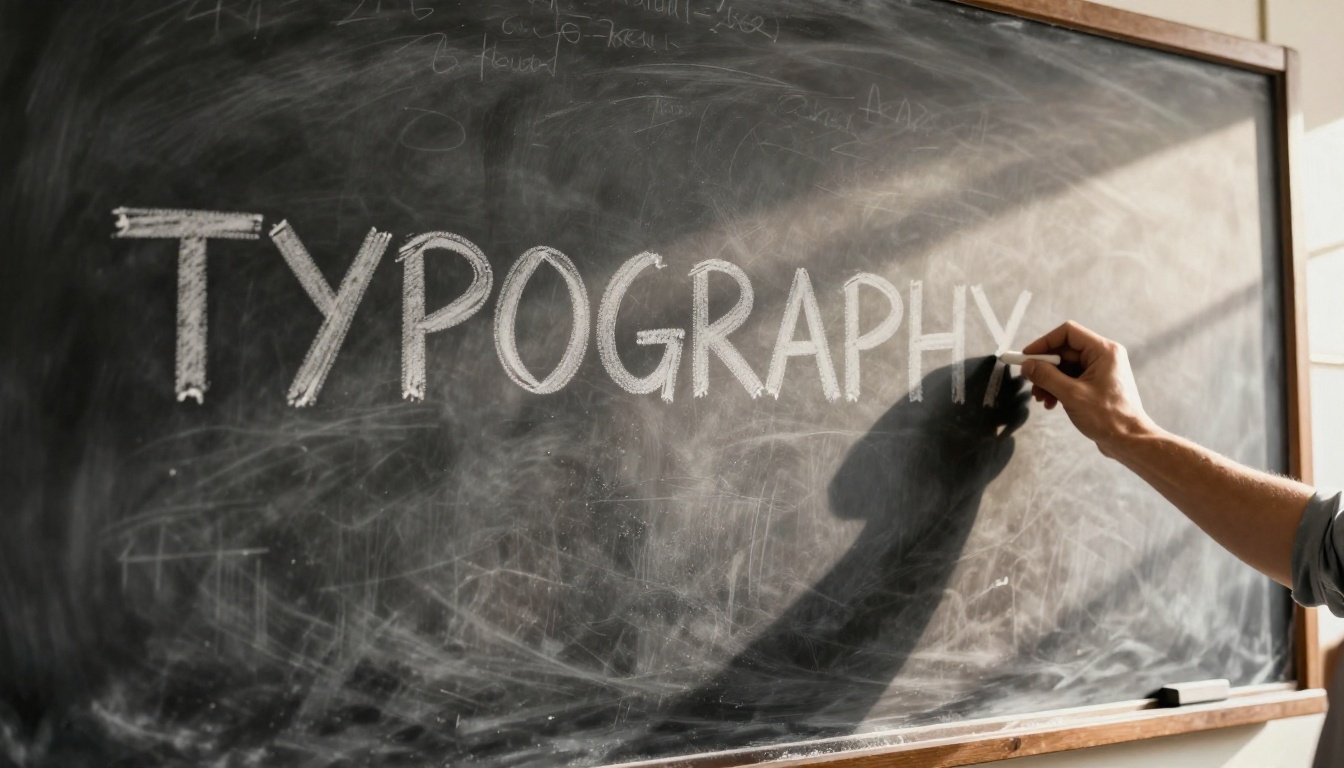
Tell the model how the text is displayed. "A sign," "a label," "carved into stone," "printed on paper," and "written in chalk on a blackboard" all give the model a physical reference for how to render the letterforms. Floating text with no physical context tends to produce unstable, poorly integrated results.
| Format Phrase | Best For |
|---|
"TEXT" carved in wood | Rustic, artisan compositions |
"TEXT" printed on a poster | Clean, flat graphic use cases |
"TEXT" written in chalk | Casual, handwritten aesthetic |
"TEXT" on a metal plate | Industrial, product label look |
"TEXT" on a painted storefront sign | Commercial, real-world signage |
"TEXT" embossed on leather | Premium, luxury product compositions |
Short Words Win
Every additional character is another opportunity for error. Where possible, use abbreviated or short versions:
- Instead of "Photography Exhibition," try "PHOTO SHOW"
- Instead of "Welcome to Our Store," try "WELCOME"
- Instead of a full sentence, use a punchy tagline or single concept word
If you must render a longer phrase, break it visually in your prompt: describe it as two lines of text, use a hierarchical layout description, or split it across multiple text elements within the composition.
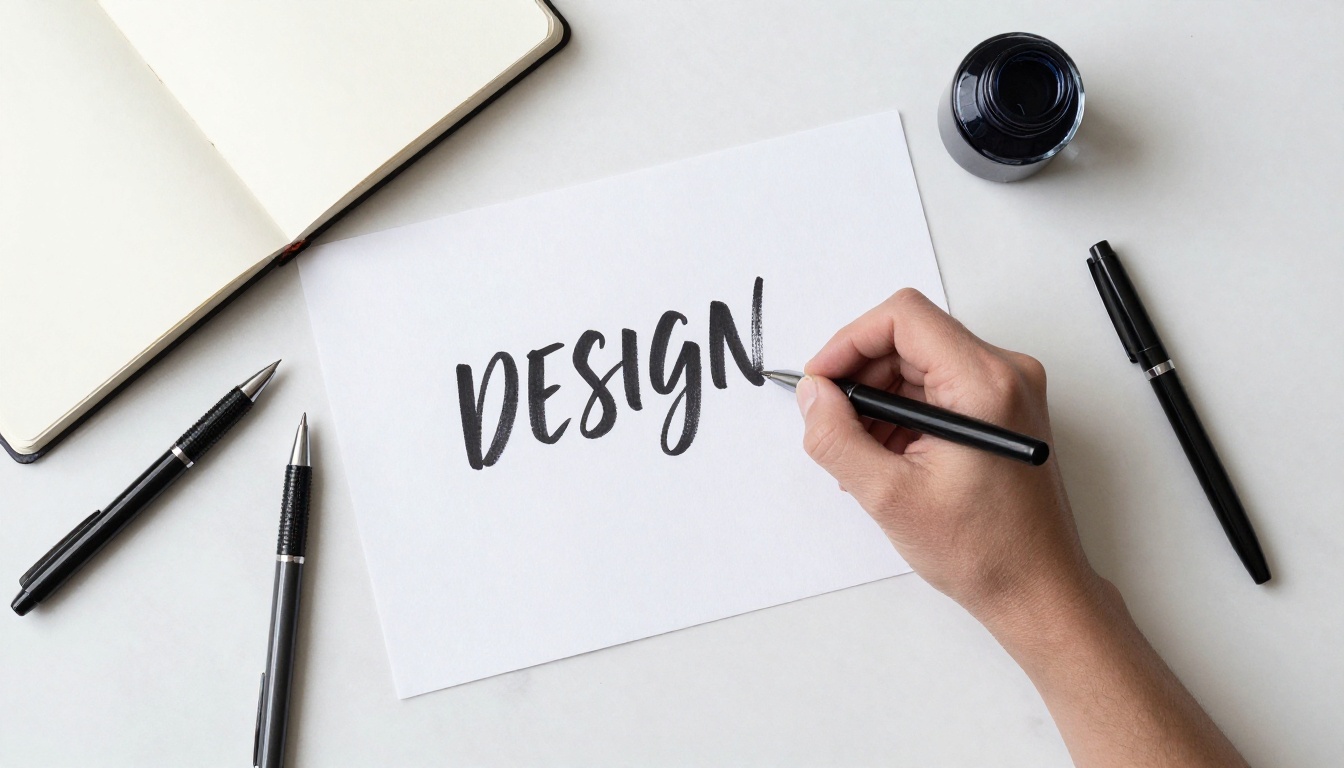
Nano Banana 2 vs Other Text Models
Text rendering quality varies significantly across models. Here is how Nano Banana 2 compares to the alternatives available on PicassoIA:
| Model | Text Accuracy | Speed | Best Use Case |
|---|
| Nano Banana 2 | Very High | Fast | Signs, labels, posters with 1-6 words |
| Nano Banana Pro | Excellent | Moderate | Long phrases, complex typographic layouts |
| Ideogram v3 Quality | Excellent | Moderate | Typography-heavy designs, logo work |
| Recraft V4 | High | Fast | Graphic design, clean vector-style text |
| GPT Image 1.5 | High | Moderate | Instruction-following text scenarios |
| Flux 2 Pro | Moderate | Fast | Photorealistic scenes where text is secondary |
| Seedream 4.5 | Moderate | Fast | Artistic compositions, multilingual scripts |
💡 When to choose Nano Banana 2: It hits the best balance of text reliability and generation speed for practical real-world use cases like social media graphics, product mockups, signage renders, and promotional material where time matters.
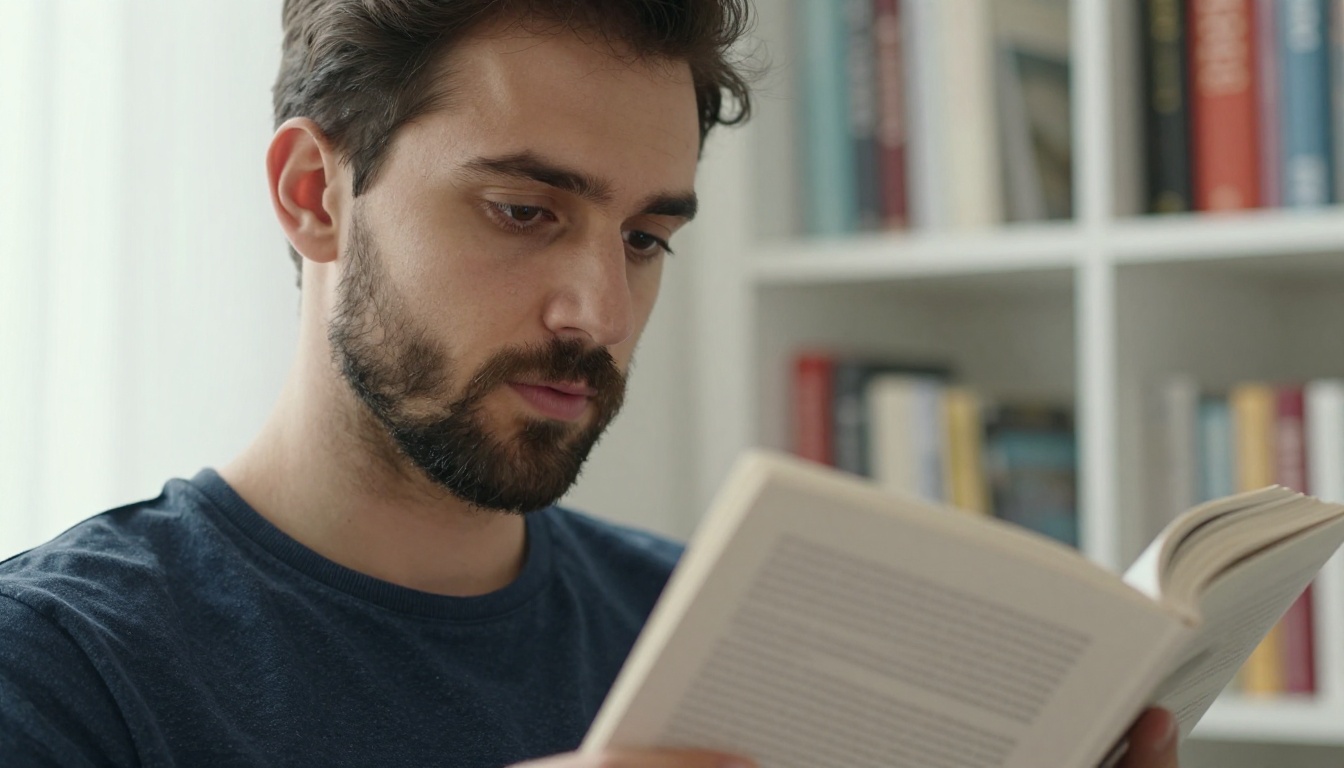
5 Common Text Errors and Their Fixes
Even with a strong model, text rendering can still produce errors. These are the five most common ones and exactly how to fix them.
1. Misspelled or Scrambled Letters
What it looks like: "OPEN" renders as "OPEM" or "OPNE"
Fix: Run 3-4 more generations with the same seed before changing anything. Letter-level errors are partially stochastic. If the error persists, simplify the word or try all-caps formatting.
2. Extra or Missing Characters
What it looks like: "SALE" renders as "SALEE" or "SAL"
Fix: Add the qualifier spelled correctly or exact letters after the quoted text in your prompt. Also try reducing visual complexity in the area around the text element.
3. Text Blends into the Background
What it looks like: Letters are present but invisible due to low contrast
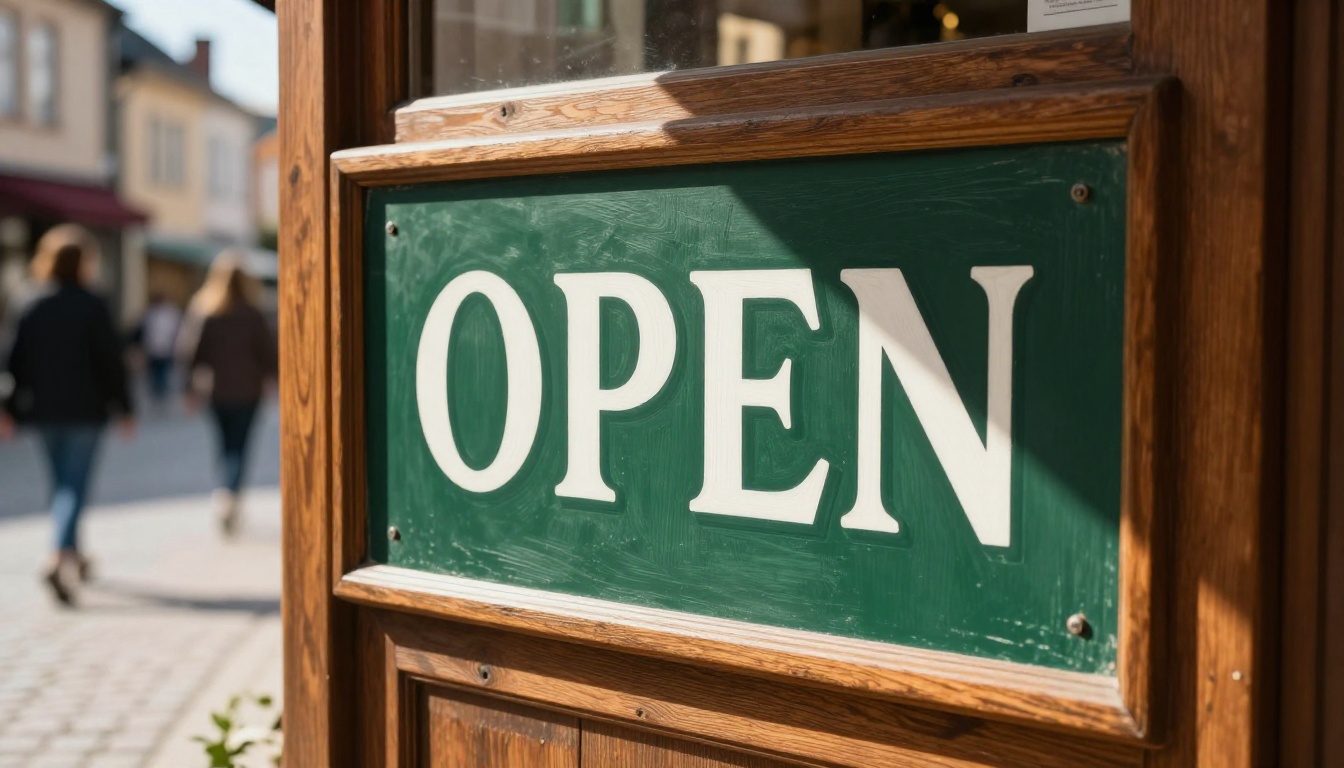
Fix: Specify the text color and background explicitly: "OPEN" in white bold letters on a dark green background. Contrast direction in the prompt forces the model to prioritize legibility.
4. Wrong Font Style
What it looks like: You wanted serif but got something that looks handwritten
Fix: Add a typeface descriptor directly to your prompt: bold sans-serif font, clean serif typeface, condensed display font, or elegant script. Be specific about what visual category the text belongs to.
5. Text Floats Instead of Integrating
What it looks like: Text looks pasted on top of the image rather than physically present in the scene
Fix: Describe the physical medium the text exists on: engraved into stone, painted on brick, stamped on metal, printed on paper. Physical substrates force the model to integrate lighting and texture with the letterforms.
Other Models That Handle Text Well
If Nano Banana 2 does not produce the result you need on the first pass, these alternatives are worth trying.
For logo and graphic design use cases, Recraft V4 is specifically built for design-oriented output. It excels at clean, vector-style typography on flat or graphic backgrounds where the text needs to look professionally typeset.
For complex, instruction-heavy text scenarios, GPT Image 1.5 responds well to natural language instructions. You can describe what you want in paragraph form and it will attempt to follow even nuanced typographic direction.
For the highest possible accuracy on difficult phrases, Nano Banana Pro and Ideogram v3 Quality are currently the ceiling for text rendering in AI images. If you are producing something commercial where spelling accuracy is non-negotiable, these are the models to reach for first.
For multilingual text, Seedream 4.5 from ByteDance has strong Chinese character support, making it the best option for bilingual signage or East Asian script rendering.

What You Can Actually Build With This
The practical applications of reliable AI text rendering are wide. Here are real use cases where Nano Banana 2 makes an immediate difference:
- Social media graphics: Generate photorealistic backgrounds with overlaid quotes or event details
- Product mockups: Place brand names, taglines, or product information on physical packaging, clothing, or signage
- Advertising concepts: Rapidly prototype billboard designs, banner ads, and print campaigns before involving a designer
- Real estate renders: Add address numbers, street names, or "FOR SALE" signage to property exterior shots
- Event materials: Generate invitation cards, posters, and flyers with specific dates, names, and venue information
- Book and magazine covers: Create editorial layouts with working titles and author names in typeset form
- Menu and retail boards: Design blackboard menus, price boards, and retail shelf tags with accurate item names and pricing
The model does not replace dedicated typesetting tools for final production work, but for rapid ideation, client presentations, and social-ready content, the output quality is high enough to use directly without additional editing.
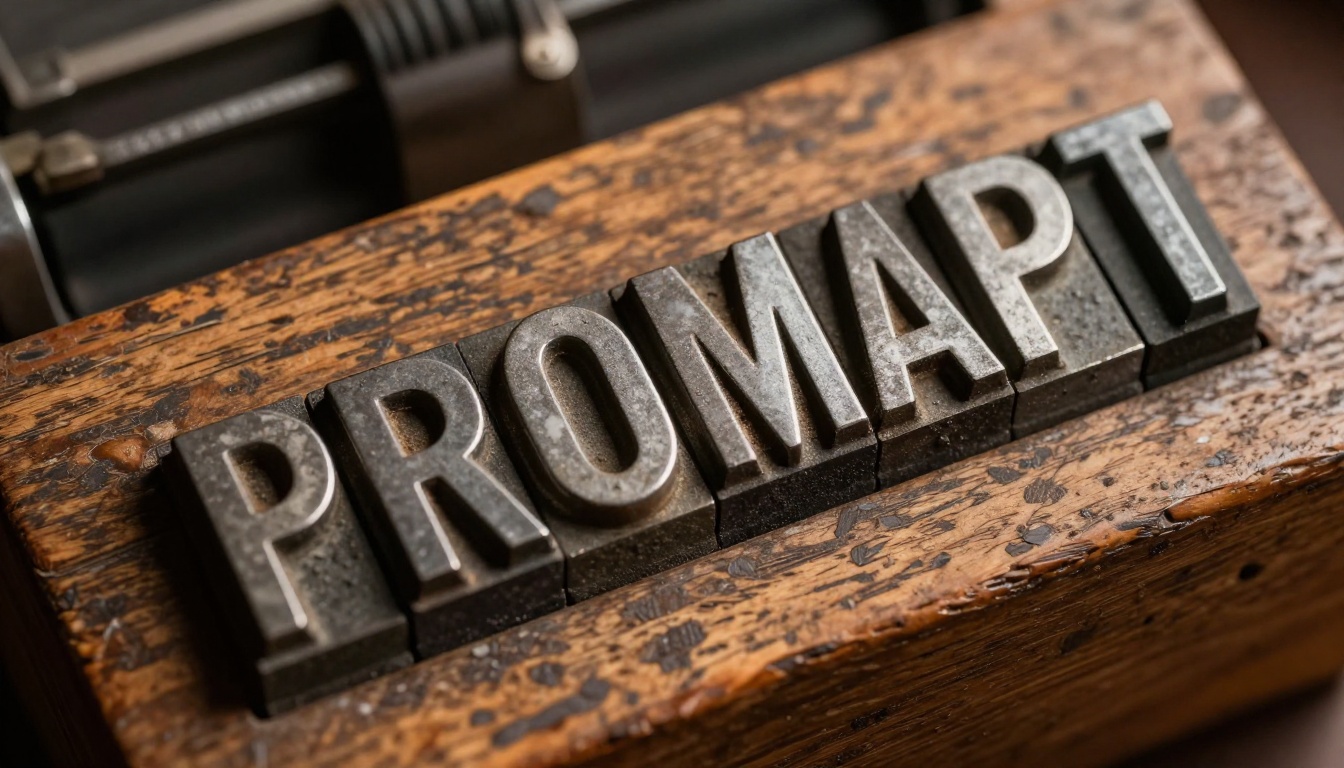
Try It Right Now
The fastest way to see what Nano Banana 2 can do is to run a prompt you have already been frustrated by on other models. Think of the sign, poster, or label that always came out wrong. Write the text in quotes, describe the physical format, and generate.
PicassoIA gives you access to Nano Banana 2 alongside over 90 other text-to-image models including Nano Banana Pro, Imagen 4, Ideogram v3 Quality, and Recraft V4, all in one place without switching between tools or managing API tokens.
If you want to push further, experiment with Flux 2 Pro for photorealistic scenes where text is a secondary element, or GPT Image 1.5 when you need to describe your visual with paragraph-length natural language instructions. And if you are chasing absolute perfection on a long phrase, Nano Banana Pro is waiting.
The days of "close enough" for AI text rendering are behind us. Your next image with perfect typography is one well-structured prompt away.