Nano Banana 2 Makes AI Images in Seconds: Here's How Fast It Really Is
Nano Banana 2 is Google's ultra-fast text-to-image model that produces photorealistic results in just a few seconds. This article breaks down how it works, what it can create, how it compares to other speed-focused models, and how to put it to work today on PicassoIA.
Speed is no longer a tradeoff. Nano Banana 2 changes what it means to generate an AI image, delivering sharp, photorealistic results in a fraction of the time most models take to warm up. If you've been watching the progress of fast text-to-image models, this one deserves a close look.
What Nano Banana 2 Actually Is
A Speed-First Architecture
Nano Banana 2 is Google's second-generation ultra-fast text-to-image model, built from the ground up with low-latency generation as its core design goal. Where heavier models like Flux 2 Pro spend more compute cycles on detail and composition at the cost of time, Nano Banana 2 takes a different bet: strip everything down to what matters for getting a usable, high-quality image output as fast as possible.
The result is a model that can produce images in under three seconds, consistently, across a wide range of prompts.
How It Differs from Nano Banana 1
The original Nano Banana introduced the lightweight architecture concept. Version 2 tightens the output quality significantly without adding meaningful generation time. The improvements are most visible in:
Portrait coherence: Faces have more consistent anatomy and lighting
Prompt fidelity: The model tracks multi-element prompts with more accuracy
Color accuracy: Saturations and skin tones are more natural
Edge detail: Fabric, hair, and surface textures render with finer resolution
💡 If you tried the original Nano Banana and weren't satisfied with face quality, version 2 is a noticeably different experience.
Why Speed Matters in AI Image Generation
The Real Bottleneck for Creators
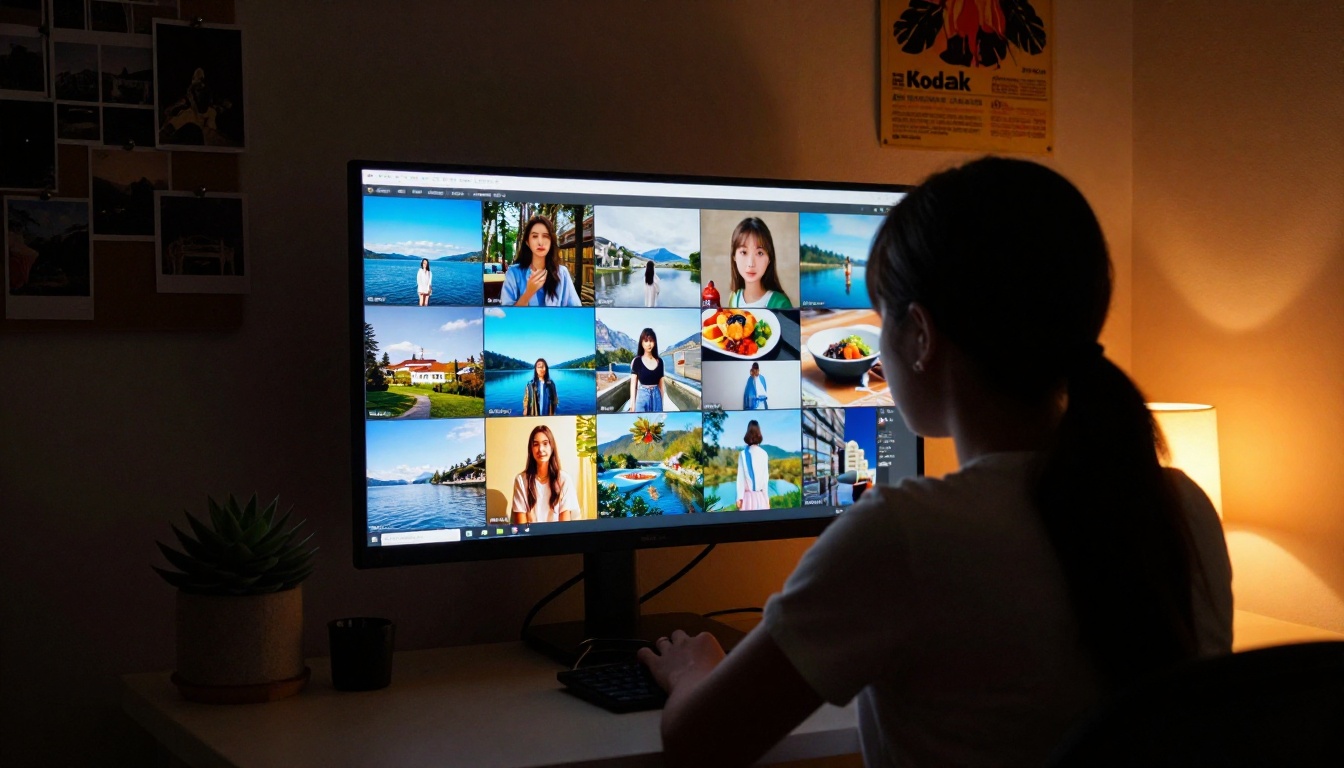
Most people think the hard part of AI image creation is writing a good prompt. It isn't. The hard part is iteration. When a model takes 30-45 seconds per image, you'll generate 5-6 variations before giving up. When it takes 2-3 seconds, you'll generate 40-50 and find exactly what you need.
Nano Banana 2 makes AI images in seconds, which fundamentally changes your creative workflow. You can:
Test 10 prompt variants in less than a minute
Adjust lighting descriptions in real time
Catch composition issues before committing to a final image
Prototype visual ideas before switching to a higher-quality model for final renders
Speed vs. Quality: Where Nano Banana 2 Lands
There's a genuine speed-quality spectrum in text-to-image models. Here's where the major players sit:
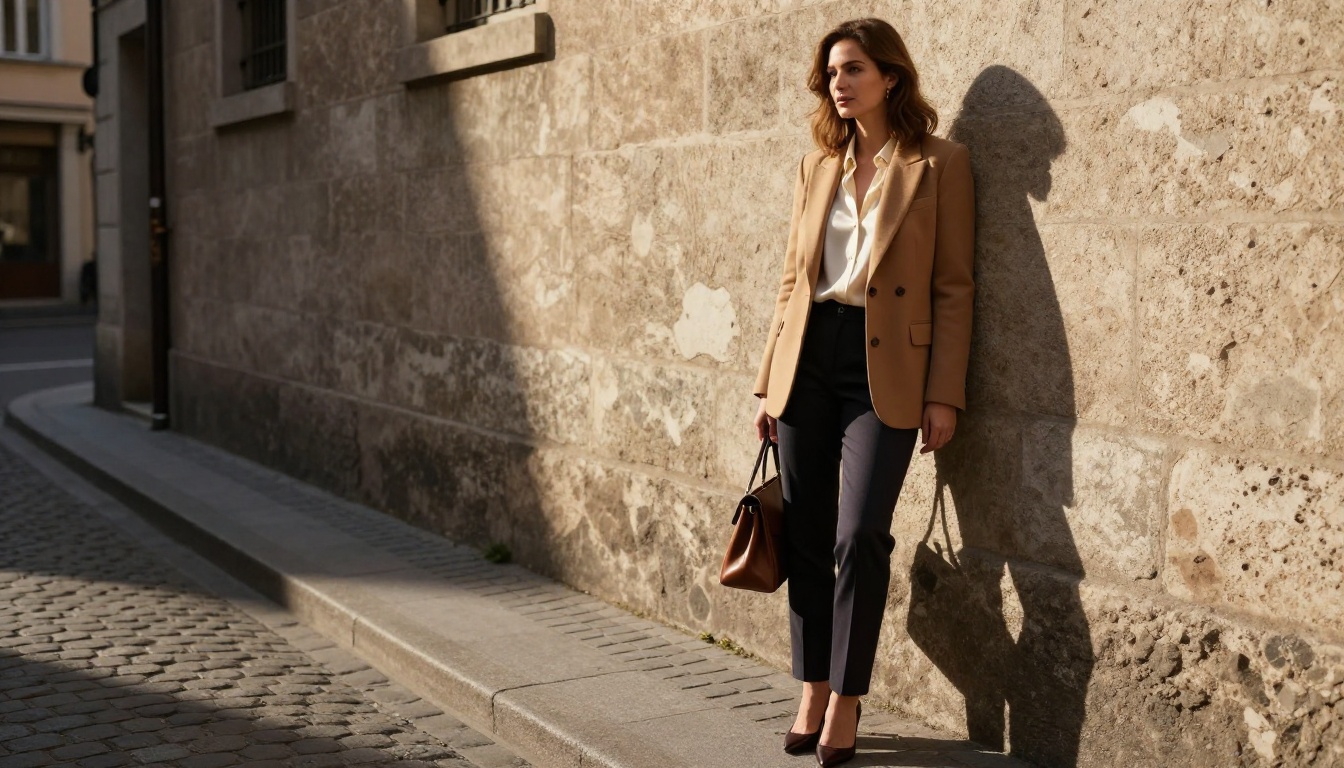
This is arguably Nano Banana 2's strongest category. The model has been optimized for human subjects, producing portraits with natural skin tones, believable hair rendering, and consistent eye detail. For fashion, beauty, and lifestyle photography prompts, results are consistently usable at first or second generation.
Prompt tips for portraits:
Specify lighting direction explicitly ("soft directional light from the left")
Include lens information ("85mm f/1.8 shallow depth of field")
Describe the subject's expression clearly
Add environment context even for tight crops
Outdoor and Natural Scenes
Landscapes, street photography, and nature imagery all render well within Nano Banana 2's speed window. The model handles:
Golden hour lighting with warm, realistic color grading
Water surfaces with believable reflections and movement
Urban environments with accurate architectural geometry
Natural textures like grass, sand, foliage, and stone
Fashion and Lifestyle Content
For brands, bloggers, and content teams generating visual assets at scale, Nano Banana 2 sits in a very useful position. You can generate dozens of fashion or lifestyle reference images in the time it would take to shoot a single photo. Paired with Nano Banana Pro for final polish, the two-step workflow is fast and cost-effective.
Where Nano Banana 2 Has Limits
Fine Detail in Complex Scenes
When a prompt includes many specific elements, such as five objects, three people, or a complex background, Nano Banana 2 will sometimes drop or simplify parts of the scene. This is the natural consequence of its speed-first architecture. For complex compositional prompts:
💡 Break your prompt into a primary subject and a secondary environment. Lead with the most important element. The model will weight early prompt tokens more heavily.
Typography and Text in Images
Like most diffusion models, Nano Banana 2 struggles with readable text rendered inside the image. If your output needs legible words or numbers, Ideogram V3 Quality is the better choice for that specific task.
Ultra-High Resolution Outputs
Nano Banana 2 excels within standard output dimensions. For images that need to be printed large-format or used in ultra-high resolution contexts, the output may benefit from a secondary pass through a super-resolution upscaler after generation.
How to Use Nano Banana 2 on PicassoIA
Step 1: Open the Model
Go directly to the Nano Banana 2 model page on PicassoIA. No complex setup required to start generating.
Step 2: Write Your Prompt
Structure your prompt in this order for best results:
Subject — who or what is in the scene
Action or Pose — what they're doing
Environment — where the scene takes place
Lighting — time of day, direction, quality of light
Camera specs — lens, aperture, shot angle
Style qualifier — "photorealistic, RAW photography, film grain"
Example prompt that works well:"A woman in her early thirties standing on a rooftop terrace at golden hour, leaning against a railing with the city skyline behind her, warm sidelight from the right, shot with a 50mm f/2.0 lens, photorealistic, Kodak Portra 400 grain"
Step 3: Adjust Aspect Ratio
For most social and blog content, 16:9 gives the most usable framing. For portrait orientation on Instagram or mobile, switch to 9:16. Nano Banana 2 handles both ratios without significant quality loss.
Step 4: Iterate Fast
This is the core advantage. Submit your first prompt, assess the result in 2-3 seconds, and modify one variable at a time:
Change the lighting description
Adjust the background environment
Modify the subject's pose or clothing
Shift the camera angle
💡 Keep a running notes document with your best-performing prompt structures. Nano Banana 2's speed means you can run 15-20 variants in a single sitting, building a personal prompt library rapidly.
Step 5: Upscale When Needed
Once you have the composition and look you want, pass the output through a super-resolution model to increase detail and output size for professional use. PicassoIA has dedicated super-resolution tools for this final step.
Comparing the Google Speed Models
Nano Banana 2 vs. Imagen 4 Fast
Both are Google models optimized for faster output. The practical difference:
Better at following multi-element compositional prompts
Longer generation but still in the "fast" tier
For a publish-ready single image, Imagen 4 Fast is the stronger pick. For generating 20 variants to find the right composition, Nano Banana 2 wins on pure throughput.
Nano Banana 2 vs. Sana Sprint
SANA Sprint from NVIDIA is another one-step diffusion model built for speed. It competes directly with Nano Banana 2 on generation time but uses a different architecture. Sana Sprint tends to produce slightly more stylized outputs, while Nano Banana 2 tracks closer to photorealistic photography aesthetics.
Prompt Formulas That Get Results
For People and Portraits
[Age/gender/distinctive trait] [clothing description] [specific pose/action] in [environment with detail], [lighting: direction, quality, time of day], shot with [camera] at [focal length] [aperture], [film stock name] grain, photorealistic, RAW 8K
For Environments and Architecture
[Wide/aerial/street-level] shot of [specific location type], [time of day], [weather/sky description], [foreground detail], [midground subject], [background elements], [camera lens and f-stop], natural lighting, photorealistic
For Products and Objects
[Product name/description] on [surface material] with [background context], [directional lighting source], shot with [macro/standard lens] at [f-stop] creating [bokeh description], [color temperature], commercial photography style, RAW 8K
💡 Always end with "photorealistic, RAW 8K photography, natural lighting" as a base qualifier. These tokens consistently improve output quality across prompt types on Nano Banana 2.
Real Use Cases for High-Volume Creators
Social Media Content Teams
Teams producing 50-100 visual assets per week can use Nano Banana 2 as a first-draft engine. Generate the initial batch fast, identify the top 10-15, then run those through Flux 2 Pro or Imagen 4 Ultra for final publication quality. The speed layer dramatically reduces time spent on dead-end concepts.
E-commerce and Product Imagery
Lifestyle photography for products typically requires scheduling shoots, booking locations, and extensive post-processing. With Nano Banana 2, you can generate contextual lifestyle images for product pages in minutes. The quality ceiling is more than sufficient for web use, and the speed makes A/B testing different visual contexts practical.
Bloggers and Independent Creators
For a solo creator producing regular written content, having a fast, reliable image generator means every article can have multiple original images without a large time investment. No stock photo licensing, no shoot scheduling, no waiting on renders.
What Makes the Speed Possible
Lightweight Diffusion Architecture
Traditional diffusion models perform many iterative denoising steps to produce a final image. Each step is a compute operation. Nano Banana 2 operates on a reduced-step architecture that compresses this process significantly, similar in principle to other fast models like Flux Schnell.
The tradeoff: fewer denoising steps means slightly less fine-grained detail control, but overall image quality remains high for the vast majority of practical applications.
Optimized for Modern Hardware
The model is designed to run efficiently on current GPU hardware, meaning the speed you see in a browser-based platform is consistent rather than dependent on specialized infrastructure. This makes it reliably fast across different times of day and varying traffic conditions.
Try It Now
Everything written here is faster to experience than to read about. Nano Banana 2 is available right now on PicassoIA with no complex setup required. Type a prompt, hit generate, and you'll have your first image in seconds.
Start with something simple: a portrait with specific lighting, an outdoor scene with a clear time of day, or a fashion-forward lifestyle shot. Then push the prompt further with each iteration. The speed removes every reason to hesitate before trying another variation.
If you need more firepower after prototyping, the full model library on PicassoIA includes Nano Banana Pro, Imagen 4, Flux 2 Pro, and dozens of other specialized models for every image type and quality level you need.
The fastest way to make better AI images is simply to make more of them. Nano Banana 2 makes that possible.