If you have 30 seconds and a text prompt, Nano Banana 2 will deliver photorealistic NSFW art before most other models even finish queuing your request. That is not a claim inflated by marketing copy. It is what the model does, consistently, across a wide range of prompt styles and subject matter.
Speed alone would not make it worth writing about. The real story is what it produces at that speed: suggestive, beautiful, aesthetically sophisticated images that most platforms refuse to generate at all. No watermarks. No vague refusals. No filtered-out subjects. Just results.

This is a practical breakdown of what Nano Banana 2 actually produces for NSFW content, how it compares to Seedream 4.5 (the current top recommendation for adult AI art on PicassoIA), which prompts work, and how to access unlimited generations without hitting an artificial ceiling after your tenth image of the day.
What Nano Banana 2 Actually Does
Most fast text-to-image models make a trade: they sacrifice detail for speed. Nano Banana 2 was built to avoid that trade-off. It retains photorealistic skin texture, accurate natural lighting response, and compositional coherence even at high generation velocity. The images read like RAW photography, not like renders.
The original Nano Banana model established the underlying architecture. Version 2 rebuilt the aesthetic output layer with a focus on three specific improvements: softer highlight behavior, deeper shadow rendering, and significantly more realism in figure and skin detail. The jump in output quality between versions is visible at a glance.
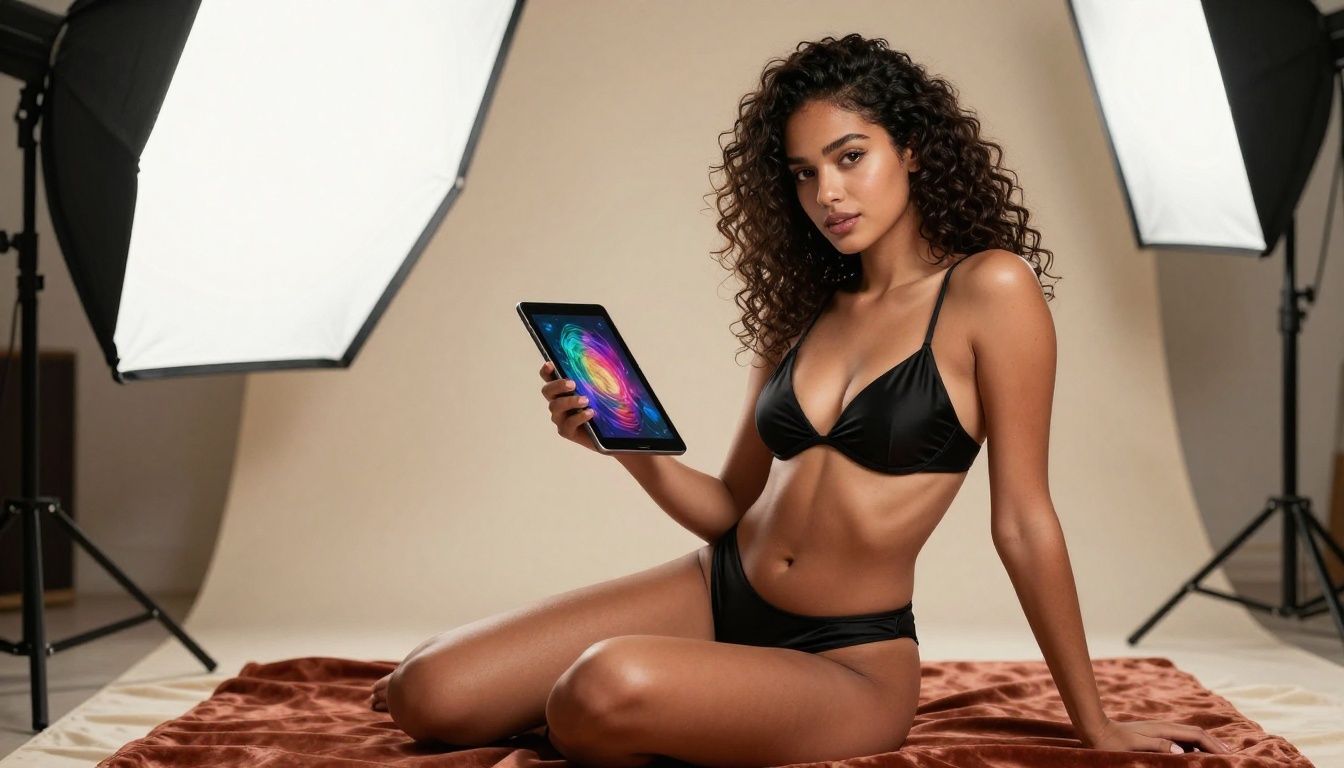
30 Seconds Is Real
The 30-second benchmark holds across standard prompt lengths and default parameter settings. Here is the actual timeline broken down:
| Stage | Average Time |
|---|
| Prompt processing | 2-4 seconds |
| Image generation | 8-15 seconds |
| Optional upscaling | 5-10 seconds |
| Upload and delivery | 2-4 seconds |
| Total (standard) | ~25-33 seconds |
At lower resolutions, generations consistently land under 25 seconds. At full resolution with upscaling enabled, you sit closer to 33-40 seconds. Either way, the iteration cycle is fast enough to run 10 variations in under six minutes, which completely changes how you approach prompt development.
The NSFW Capability Gap
Not every text-to-image model handles suggestive content the same way. The majority impose hard content filters that reject any prompt touching on adult themes, revealing clothing, intimate settings, or artistic nudity. Nano Banana 2 does not operate this way.
💡 What "NSFW-capable" means in practice: The model generates suggestive, glamour, and artistically nude imagery. Output stays on the aesthetic side of adult content, producing beautiful, non-explicit art rather than pornographic material. Think boudoir photography, sensual fashion editorials, and artistic figure studies with natural skin textures and lighting.
The difference is stark. A prompt describing a woman in sheer lingerie by candlelight will trigger an outright refusal on most mainstream platforms. On PicassoIA with Nano Banana 2, you receive a photorealistic result with accurate fabric translucency, natural skin tones, and cinematic lighting direction, delivered in under 30 seconds.
This is the gap that matters for anyone doing serious NSFW art work. The model does not water down the output.
Seedream 4.5 vs Nano Banana 2
If you are choosing a primary NSFW model on PicassoIA, these two are the serious options. Both are uncensored and capable of high-quality suggestive art. They differ in where they excel and what kind of workflow they fit.
Seedream 4.5 is the current lead recommendation for NSFW work on the platform. It produces higher-fidelity output at the top end, particularly for facial detail, complex multi-element compositions, and nuanced lighting scenarios. It is slower, but when you need the highest quality ceiling available, it delivers.
Nano Banana 2 is the speed-first choice. When you need iteration, volume, rapid concept validation, or fast production across multiple ideas, it wins without contest.

Output Quality Side by Side
| Feature | Seedream 4.5 | Nano Banana 2 |
|---|
| Generation speed | 45-90s | 25-35s |
| Facial realism | Excellent | Very Good |
| NSFW output quality | Outstanding | Very Good |
| Prompt adherence | High | High |
| Complex scene handling | Excellent | Good |
| Volume and iteration | Slow | Fast |
| Uncensored | Yes | Yes |
| Best use case | Hero shots | Rapid prototyping |
Which One for What
Use Seedream 4.5 when:
- You need a single, hero-quality final image
- Facial realism and expression accuracy are critical
- You are working on a final asset, not drafts
- The scene involves complex multi-figure compositions
Use Nano Banana 2 when:
- You need 5-15 variations in a single session
- You are developing and testing a new prompt style
- You want consistent quality at high throughput
- Speed matters more than absolute fidelity
💡 Two-pass approach: Use Nano Banana 2 to identify the right composition, pose, and prompt structure across 10-15 fast generations. Once you find the version that works, run the final prompt through Seedream 4.5 for maximum output quality. This approach cuts your total session time significantly while still producing a top-tier result.
How to Create NSFW Art on PicassoIA
The process is straightforward. A few specifics make a real difference in what you get back. Here is the actual workflow from start to output.
Step 1: Select Your Model
Navigate to PicassoIA and search for Nano Banana 2, or go directly to the Nano Banana 2 model page. The model card shows input fields, parameter controls, and example outputs so you can calibrate expectations before running your first generation.
No account is required for a trial. You can run generations immediately.
Step 2: Write a Structured Prompt
The model responds strongly to specific, layered prompts. Vague inputs produce vague outputs. Use this structure every time:
[Subject description + pose and expression] + [clothing and styling details] + [setting and environment] + [lighting direction and quality] + [camera angle and lens] + [atmosphere and mood]
Bad prompt: woman looking attractive
Good prompt: confident young woman with auburn hair and freckled skin, wearing a black silk chemise that drapes off one shoulder, seated at the edge of a white linen bed, soft morning light streaming from a window on the right casting long diagonal shadows across the sheets, 85mm f/1.4 portrait lens with shallow depth of field, intimate and calm atmosphere, Kodak Portra 400 film grain
The second prompt gives the model specific, actionable visual information at every compositional stage. The output reflects that specificity.
Step 3: Set Your Parameters
| Parameter | Recommended Setting | Why It Matters |
|---|
| Aspect ratio | 16:9 or 9:16 | Better for editorial and portrait formats |
| Steps | 28-35 | Balances quality against generation speed |
| CFG Scale | 7-8 | Strong prompt adherence without over-saturation |
| Seed | Random initially, save working ones | Allows exact reproduction of good results |
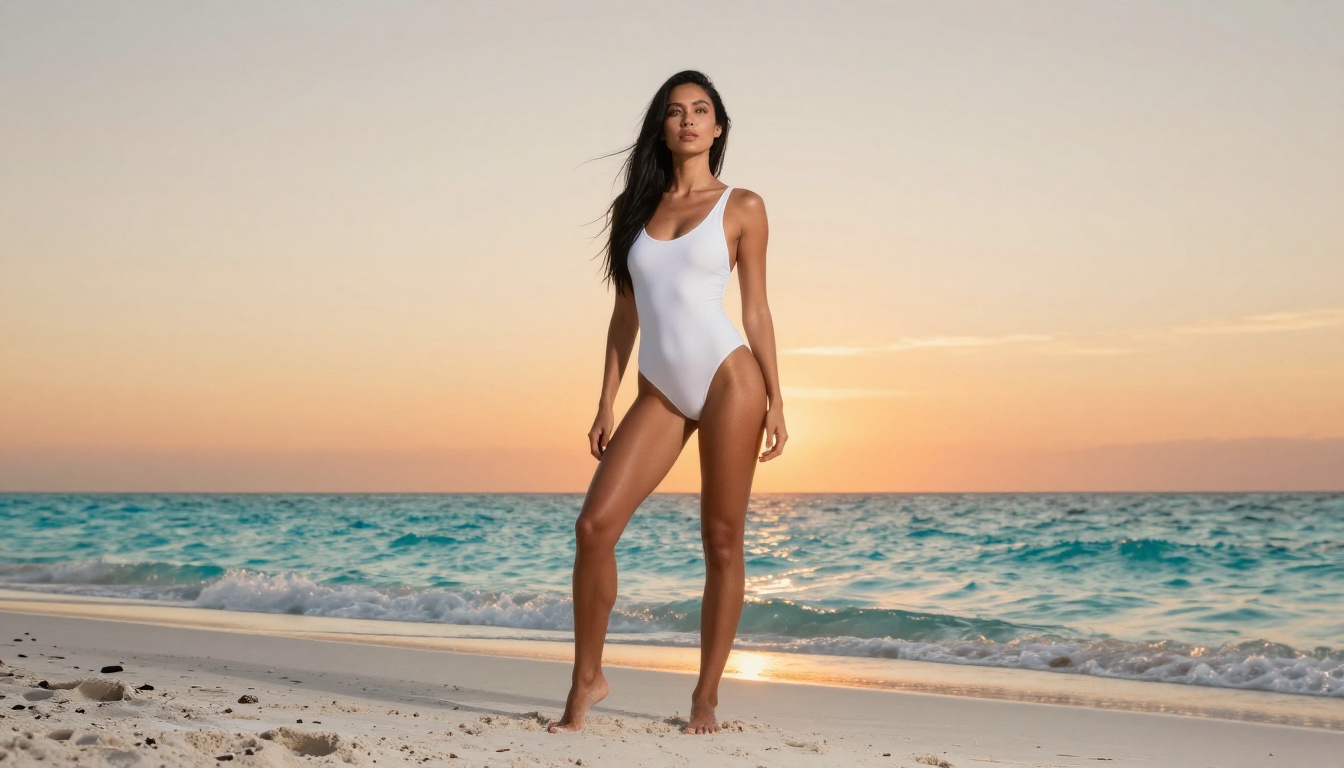
💡 Seed control changes everything: When you get a composition that works, save the seed number. You can then vary the prompt while keeping the same underlying compositional structure. This is particularly useful when developing a consistent character across multiple NSFW scenes without losing the look that was working.
Best NSFW Models on PicassoIA Right Now
The platform has a full roster of uncensored models for adult content. Here is how they rank across quality, speed, and output consistency for NSFW work specifically.
Current Top Picks
Important: Do not use Seedream 5 Lite for NSFW content. It includes active content filtering that blocks adult-themed prompts. Every model listed in the table above does not have this restriction.
Why Unlimited Generations Matter
Free tiers on most AI image platforms cap you at 10-25 images per day. That is not enough for serious NSFW art work, where prompt refinement across many iterations is the difference between an average result and an exceptional one.
PicassoIA's Image Editor Pro removes that constraint. With it active, you can run as many generations as needed across any model on the platform, including all five models in the table above. For anyone doing consistent volume NSFW art work, this changes the math entirely.
A single NSFW art project developing a specific scene, character, and lighting setup might require 40-60 generations to get everything right simultaneously. With a daily cap, that is a multi-day process. With unlimited access, it is an afternoon.
Prompt Writing That Actually Works
The difference between a mediocre image and a standout one from Nano Banana 2 is almost always the prompt. Here is what separates the two in practical terms.
The 3-Part Formula
Every strong NSFW prompt has three functional layers working together:
1. The Visual Subject
Be specific about hair color and texture, skin tone and quality, body type, facial expression, and exact pose. Do not assume the model will infer your intent. If you want her leaning against a stone wall with one hand raised above her head and her head turned slightly down, write exactly that. Every omission is a decision the model makes for you, often not the one you wanted.
2. The Environment
Describe the space in sensory terms: light temperature, surface textures, spatial depth. "A dimly lit boutique hotel room with warm amber table lamp light reflecting on polished herringbone oak floors, cream linen curtains partially drawn" produces a completely different result than "a hotel room." The specificity translates directly into output quality.
3. The Camera Voice
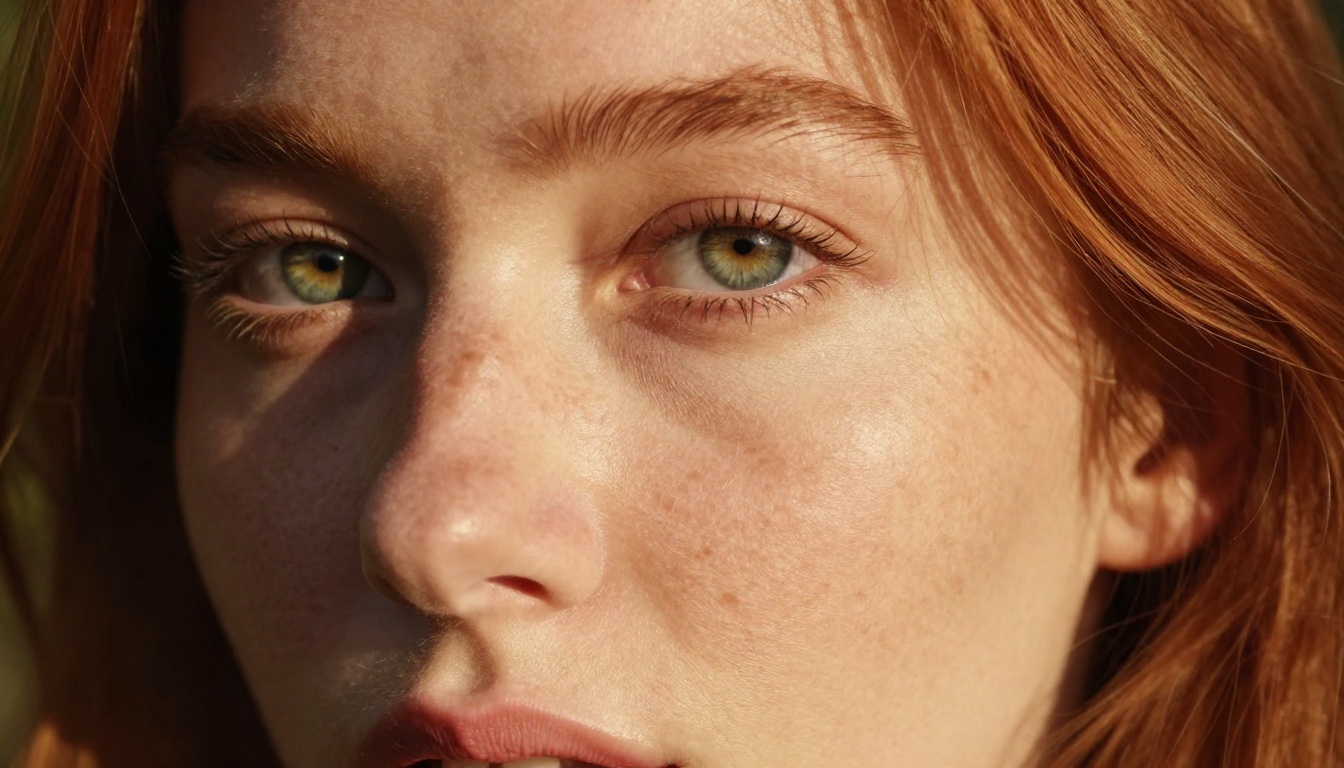
Specify the focal length, shooting angle, and depth of field behavior. "135mm telephoto portrait lens, slight low-angle perspective looking up at about 15 degrees, very shallow depth of field with the face in razor-sharp focus and the background falling to creamy bokeh" tells the model exactly how to frame and render the shot. Without this layer, composition is essentially random.
3 Common Mistakes
1. Describing outcomes instead of inputs
Writing "a beautiful, stunning, gorgeous woman" adds nothing the model does not already know. Describe the specifics that produce beauty: the angle of her jawline, the particular warmth of her skin tone, the exact way her hair catches the light. Outcome adjectives are empty. Input specifics are everything.
2. Skipping negative prompts
Most interfaces support negative prompts. Use them. Adding ugly, deformed, blurry, watermark, text overlay, extra limbs, artificial looking to the negative field measurably improves output quality on every generation.
3. Not saving seeds
A result you love is reproducible with the seed. A result you love without the seed is gone. Saving seeds takes two seconds. Make it automatic.
Words That Work in NSFW Prompts
Add these to your prompt vocabulary for figure and glamour art:
photorealistic RAW photographynatural skin texture, visible fine poresvolumetric directional side lightingcreamy background bokehKodak Portra 400 film grain85mm f/1.4 portrait lensintimate candlelit atmosphereeditorial fashion photography style
Avoid: 3D render, digital art, CGI, illustration, cartoon style. These push output away from photorealism and toward the aesthetic the model was designed to avoid.
Beyond the Basics
Once you are comfortable with single-image generation, PicassoIA opens up additional tools for working with the output you have already created.
Using the Image Editor
The platform's image editing tools let you refine generated art without starting over. Inpainting lets you redraw specific regions while keeping the rest of the image intact. For NSFW work, this is particularly useful when a composition is almost right but one element (a pose detail, a facial expression, a background inconsistency) needs correction.
Instead of regenerating the full image from scratch, you mask the specific area, write a prompt targeting only that region, and get the fix without losing what was already working in the rest of the frame. It saves generations and preserves successful compositions.
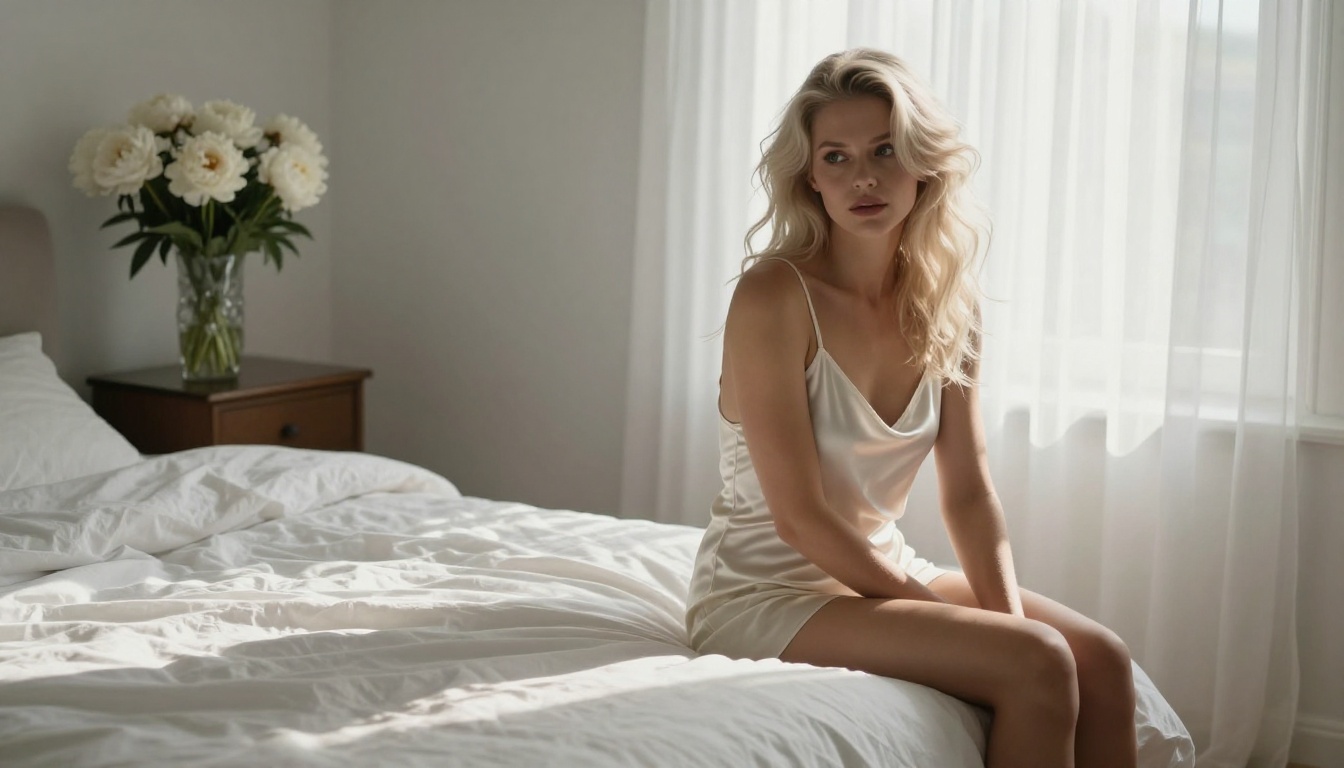
Outpainting extends the canvas in any direction. If you generated a portrait and now want to show more of the scene below the frame, outpainting fills that space with content that is visually consistent with the original in style, lighting, and texture.
Combining Models for the Best Results
No single model wins in every scenario. The most effective approach on PicassoIA is to use them intentionally in combination:
Nano Banana 2 Lite is worth keeping in the rotation for ultra-rapid concept validation. It is the fastest model in the family and useful for testing whether a prompt direction even works before investing in longer generations.
Face Swap and Super Resolution
If you want to upscale a generated NSFW image to poster quality, PicassoIA's Super Resolution tools handle 2x and 4x upscaling without the compression artifacts that come from simple resizing. The texture detail in the original is preserved and extended, not blurred and then sharpened.
Face Swap AI on the platform handles realistic face substitution on generated images, which opens up additional creative directions when working with NSFW figure art.
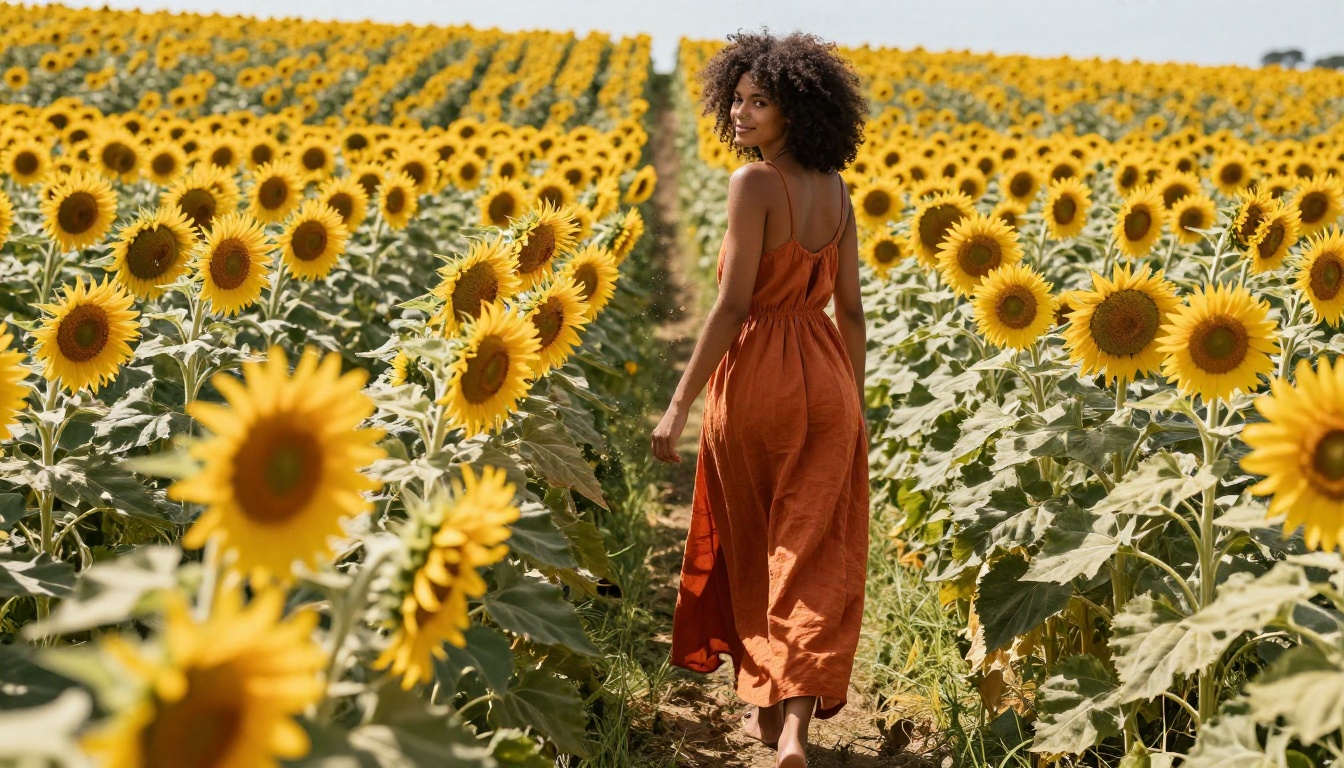
Create Your Own Art Right Now
The single biggest obstacle to getting good at AI-generated NSFW art is spending too long thinking before starting. You do not need a perfect prompt to begin. You need a first result to react to and improve from.
Pick a model (start with Nano Banana 2 for speed and iteration, or Seedream 4.5 if you want the highest quality ceiling from the first generation), write a structured prompt using the three-part formula above, and run it. In 30 seconds you have something to react to. From that point, iteration is fast, concrete, and genuinely productive.

The full roster of uncensored models, including options not covered in this article, is at picassoia.com/en/all-models. Browse by category, check the example outputs, and add the ones that fit your style to your regular workflow. The options are extensive, and the platform does not restrict what you create.
You have the model, the workflow, and the prompt structure. The next step is running it.


